Learn how to allow unrestricted access to unfiltered web content and explicit media by turning off all safe search filters on your iPhone and iPad.
How to turn off all safe search filters on iPhone or iPad
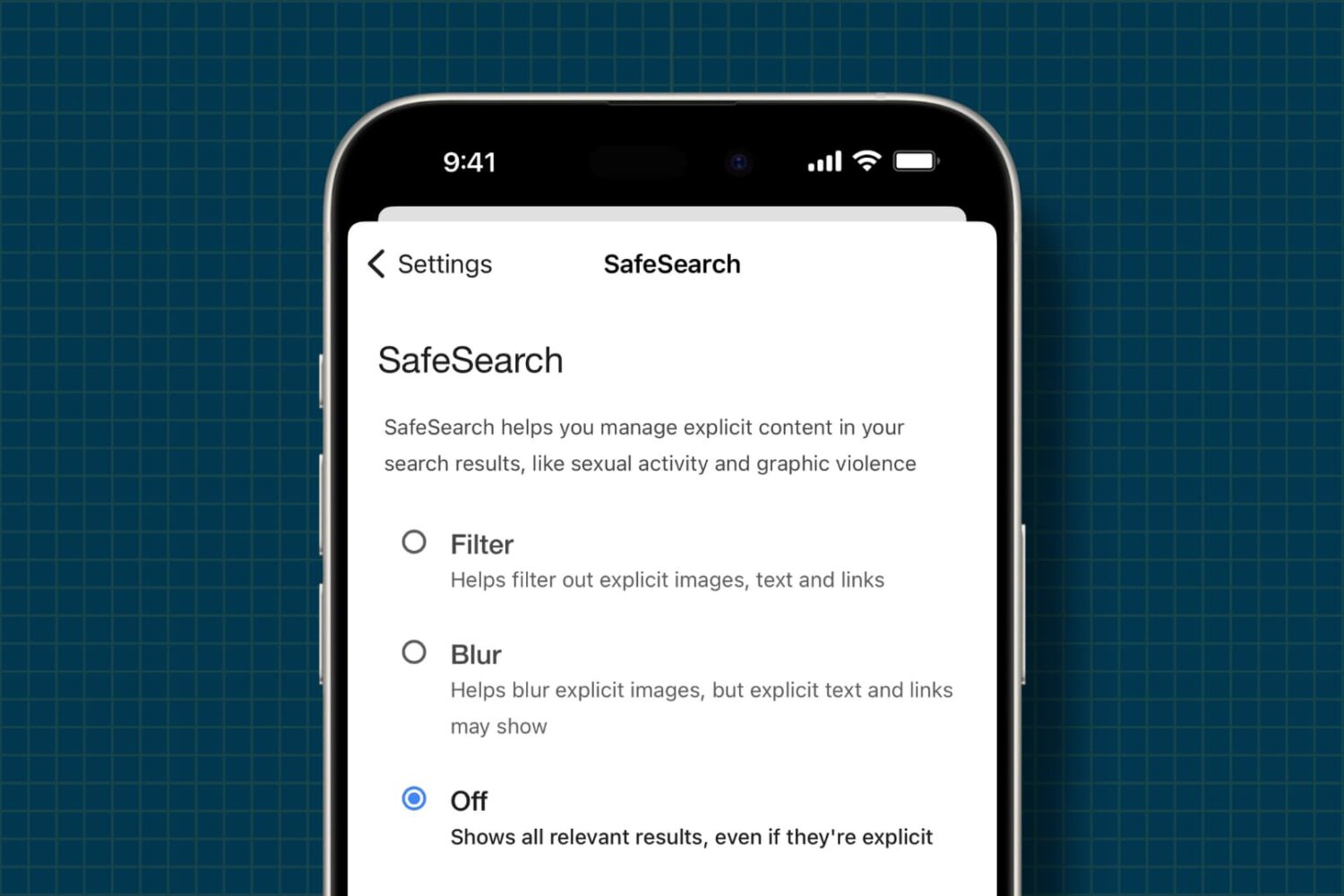
Learn how to allow unrestricted access to unfiltered web content and explicit media by turning off all safe search filters on your iPhone and iPad.
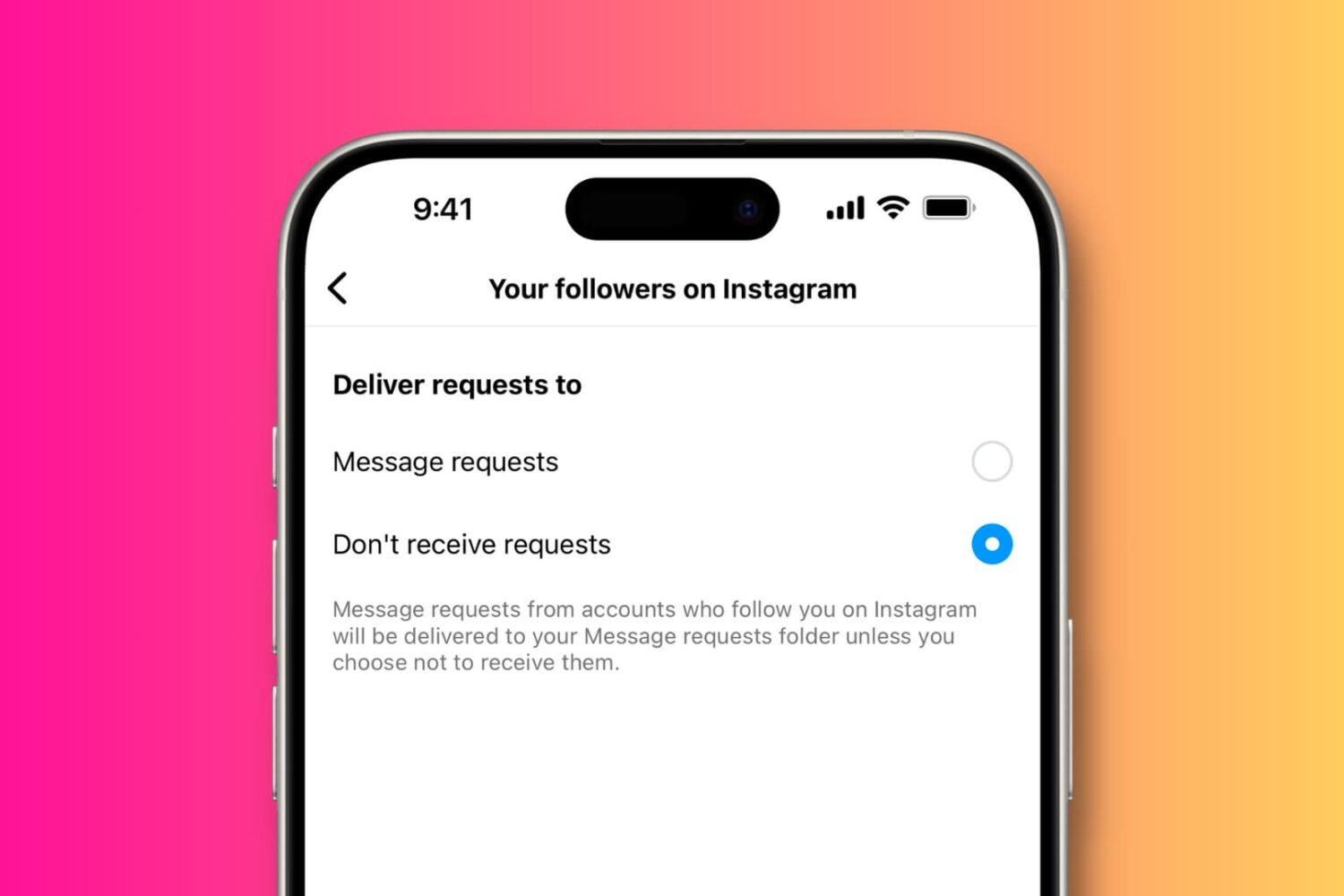
Learn how to stop receiving direct messages (DMs) from anyone on Instagram, including followers and strangers alike, for a bit more privacy on the platform.
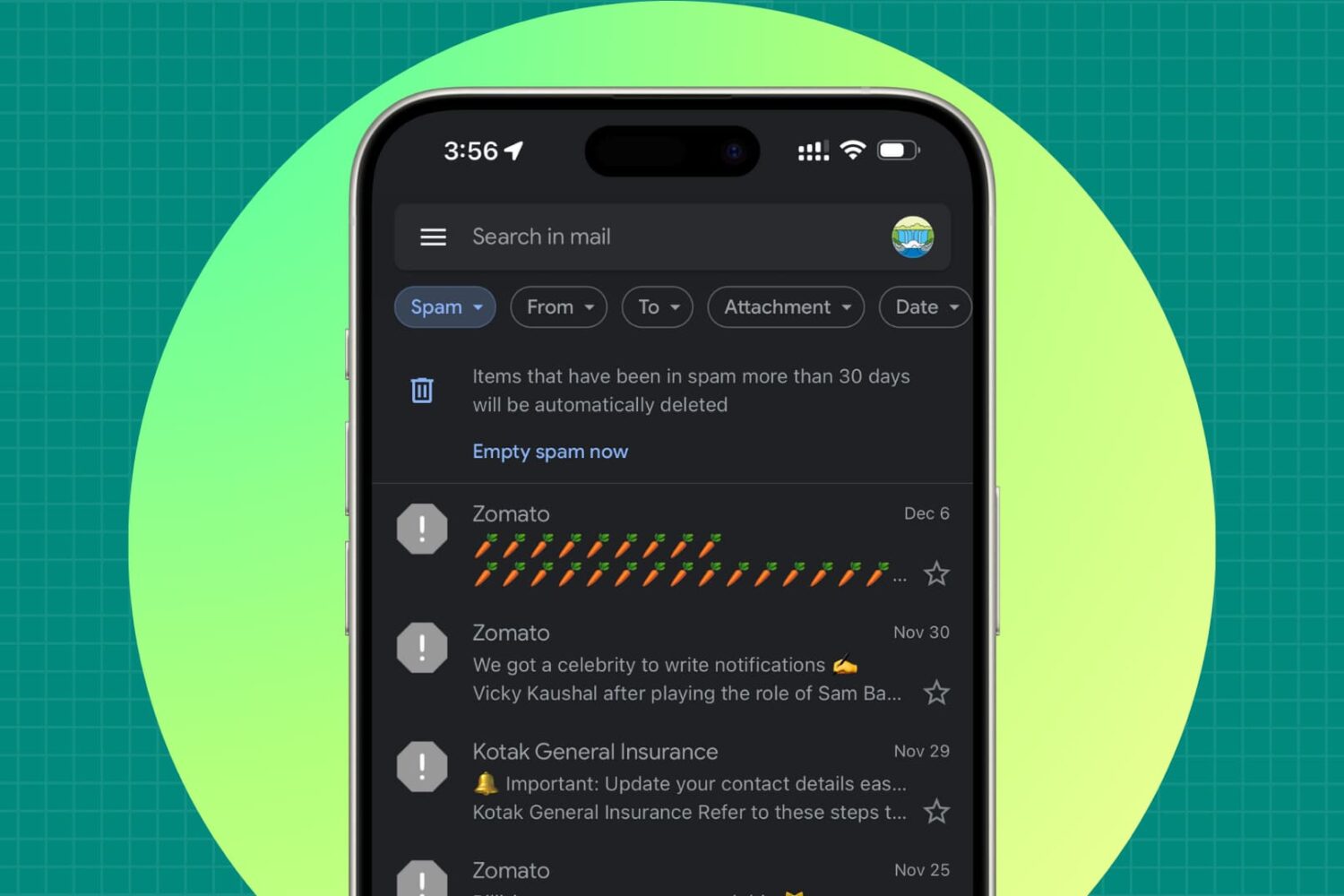
Follow these troubleshooting steps if important emails from people, companies, or other senders are classified as spam instead of reaching your primary inbox.
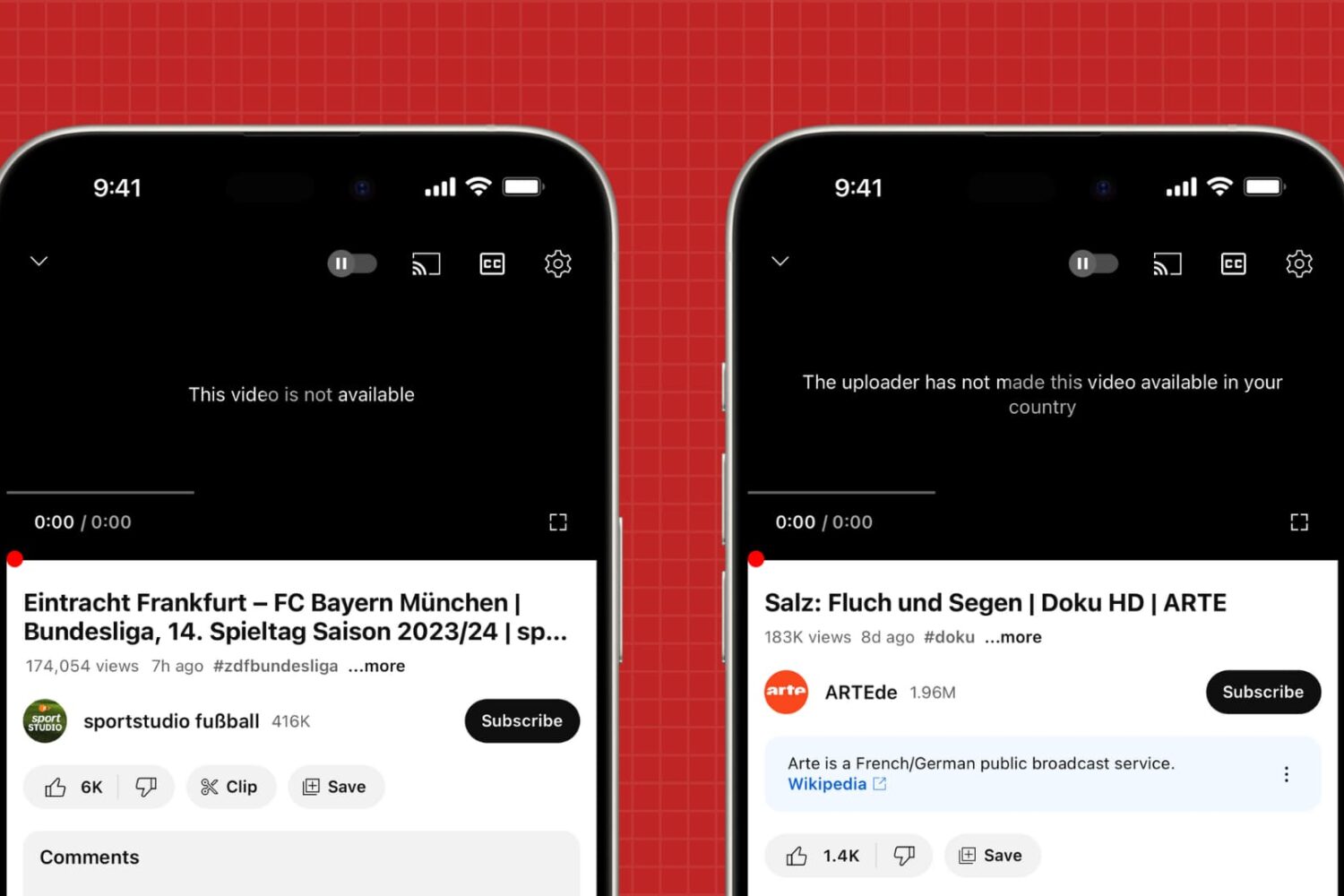
In this tutorial, we will share what to do if you try to play a YouTube video on your phone or computer, but all you get is an error message saying, “This video is not available,” “This video isn't available anymore. Go to Home,” “Video unavailable. This video is not available,” or “The uploader has not made this video available in your country.”
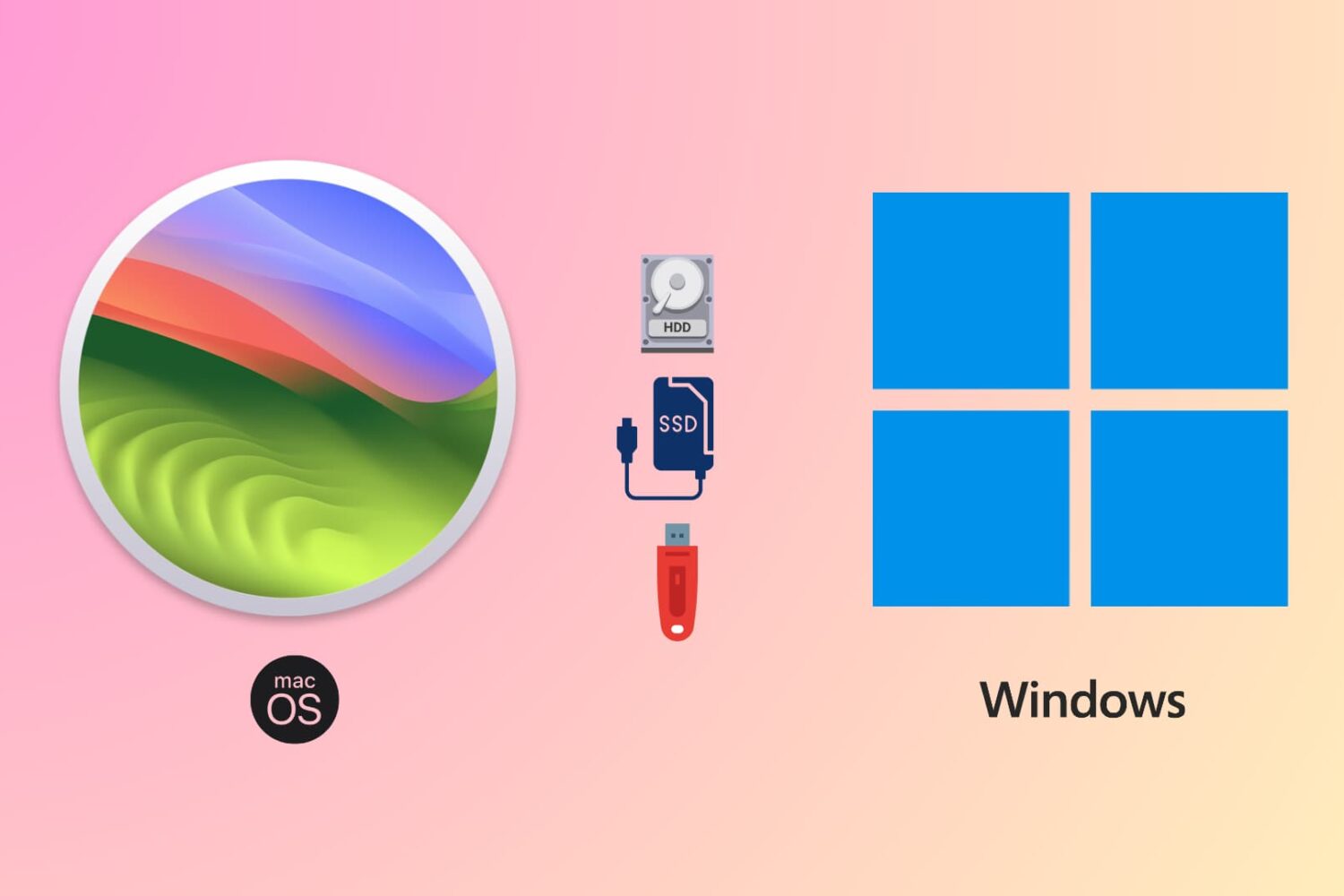
Learn how to use the same flash drive, thumb drive, SSD, hard drive, or other external storage devices on both Mac and Windows computers.
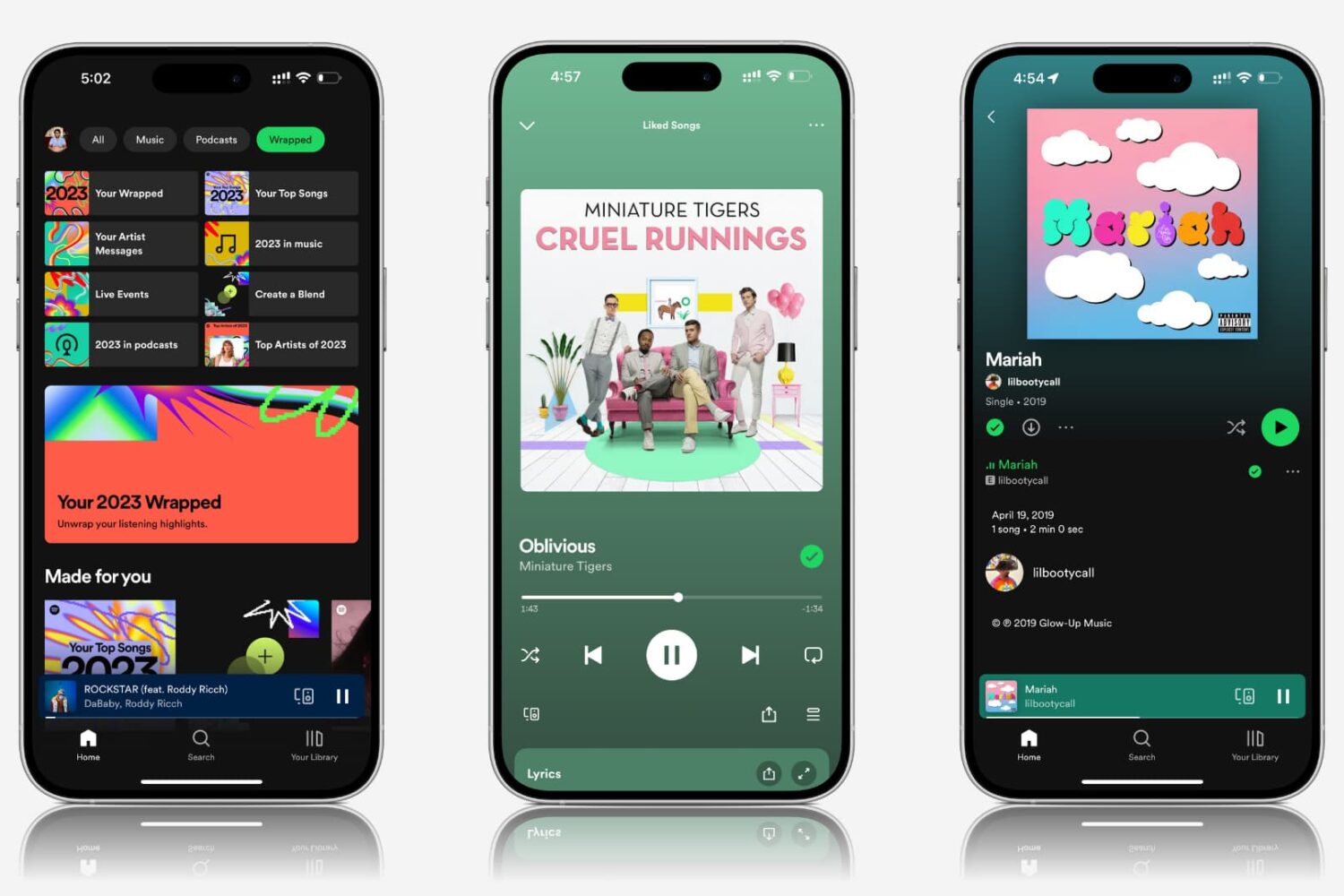
Explore practical solutions to resolve the issue of Spotify songs and podcasts playing at very low volume on your mobile device or computer.
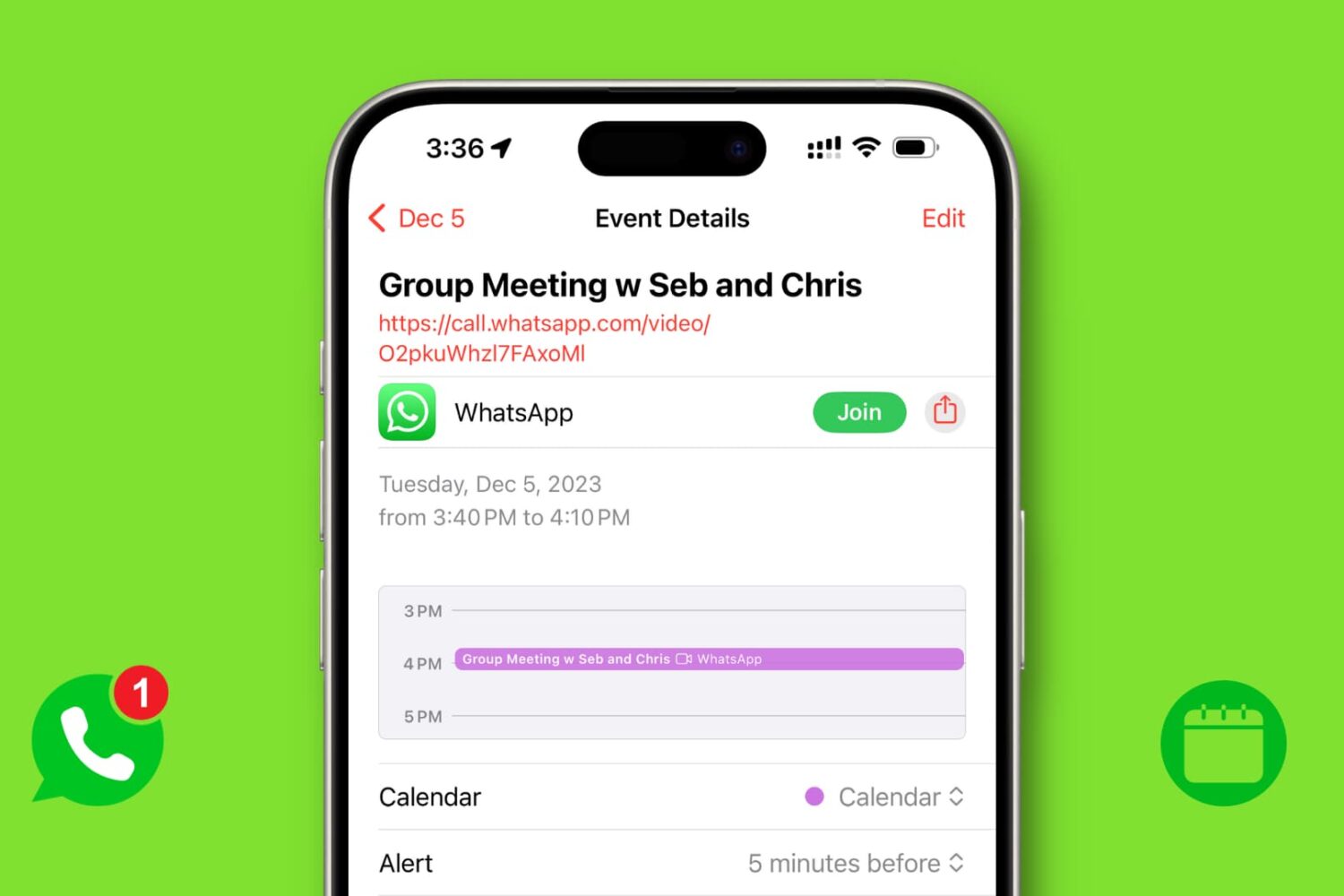
In this tutorial, we will share the simple steps to create a WhatsApp video or voice call link and add it to your phone's calendar so you can get reminded to make the call at the scheduled time.
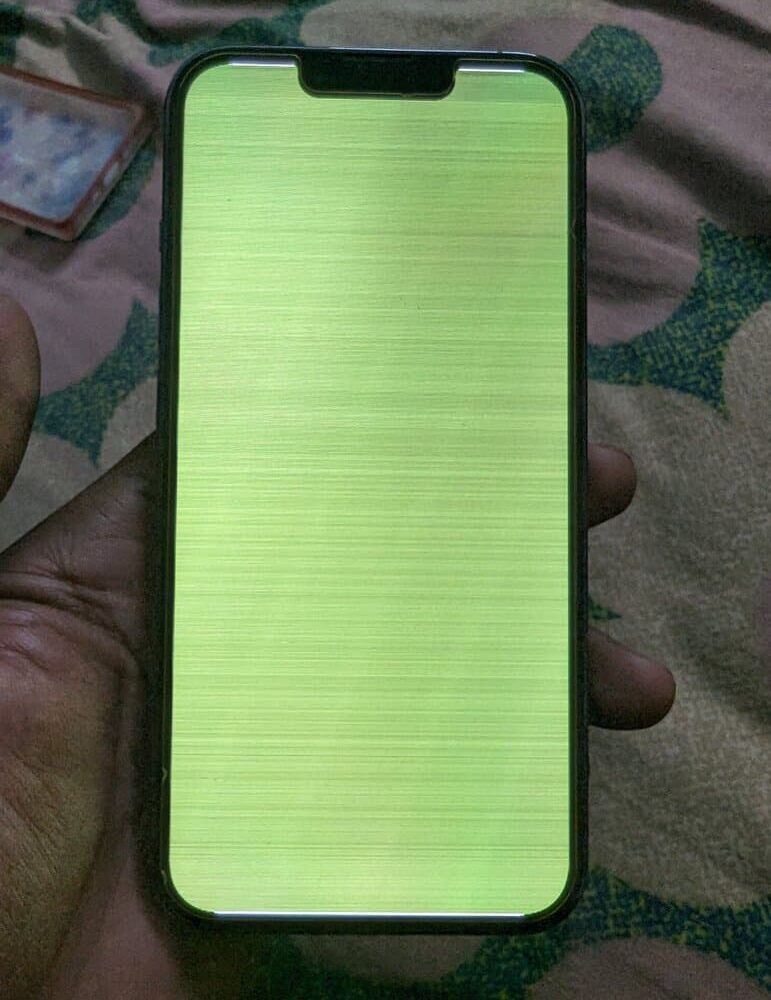
Follow this comprehensive troubleshooting guide to fix the green line or white screen issue on your iPhone.
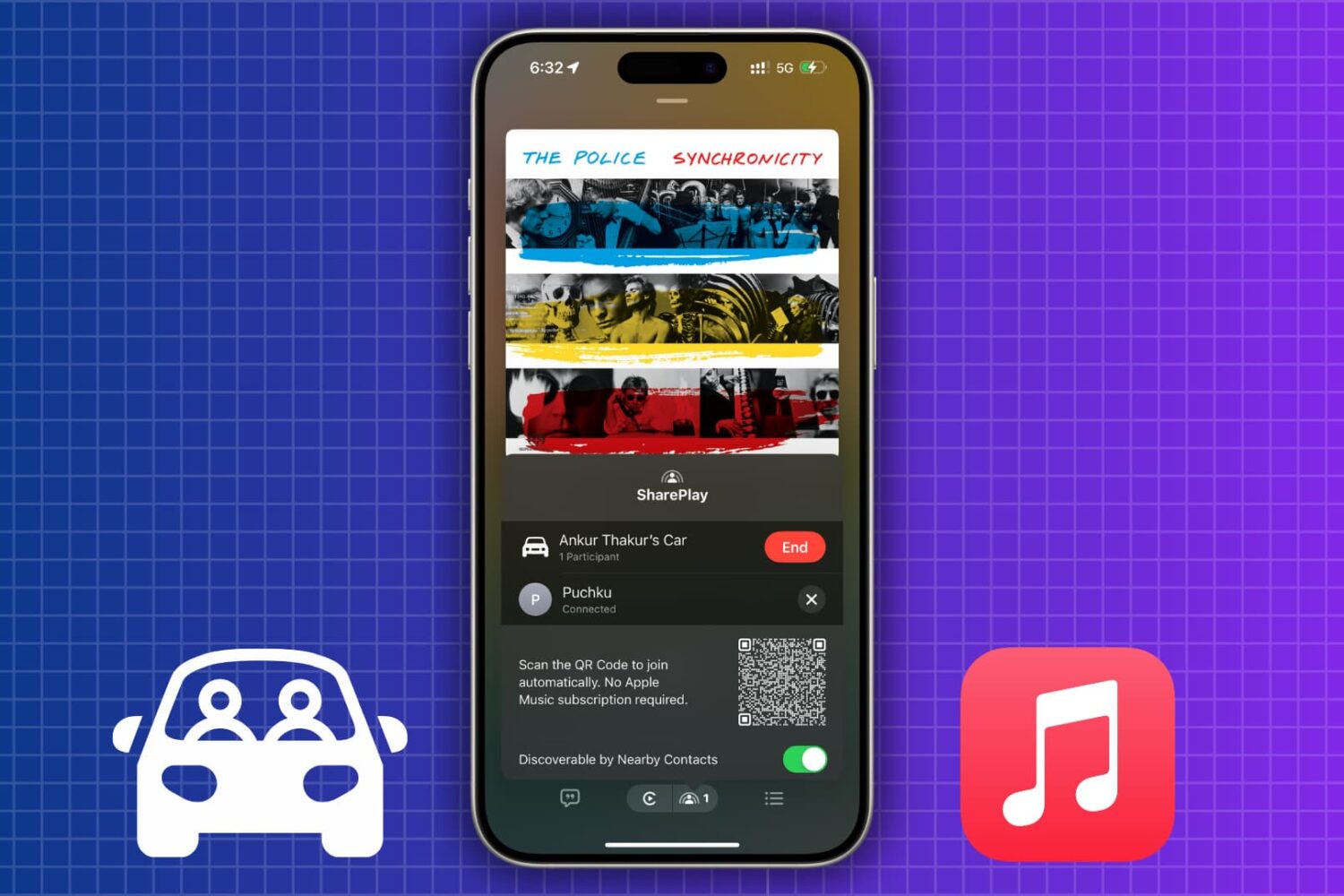
How to let passengers control music in your car via SharePlay, even if they don't have an Apple Music subscription
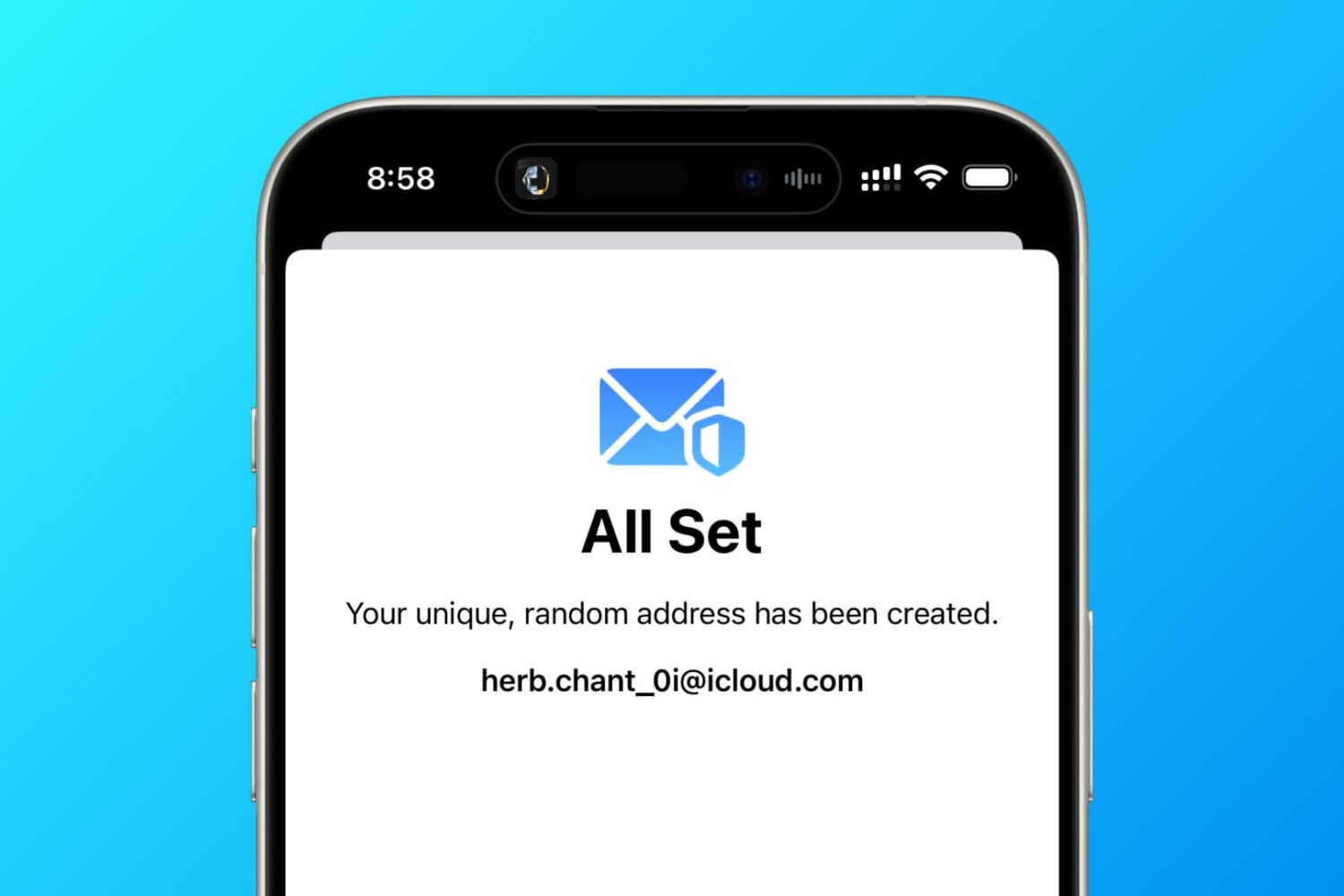
In this tutorial, we tell you about 10 easy ways to create a fake, anonymous, temporary, burner, or disposable email address on your phone or computer to protect your actual email address.
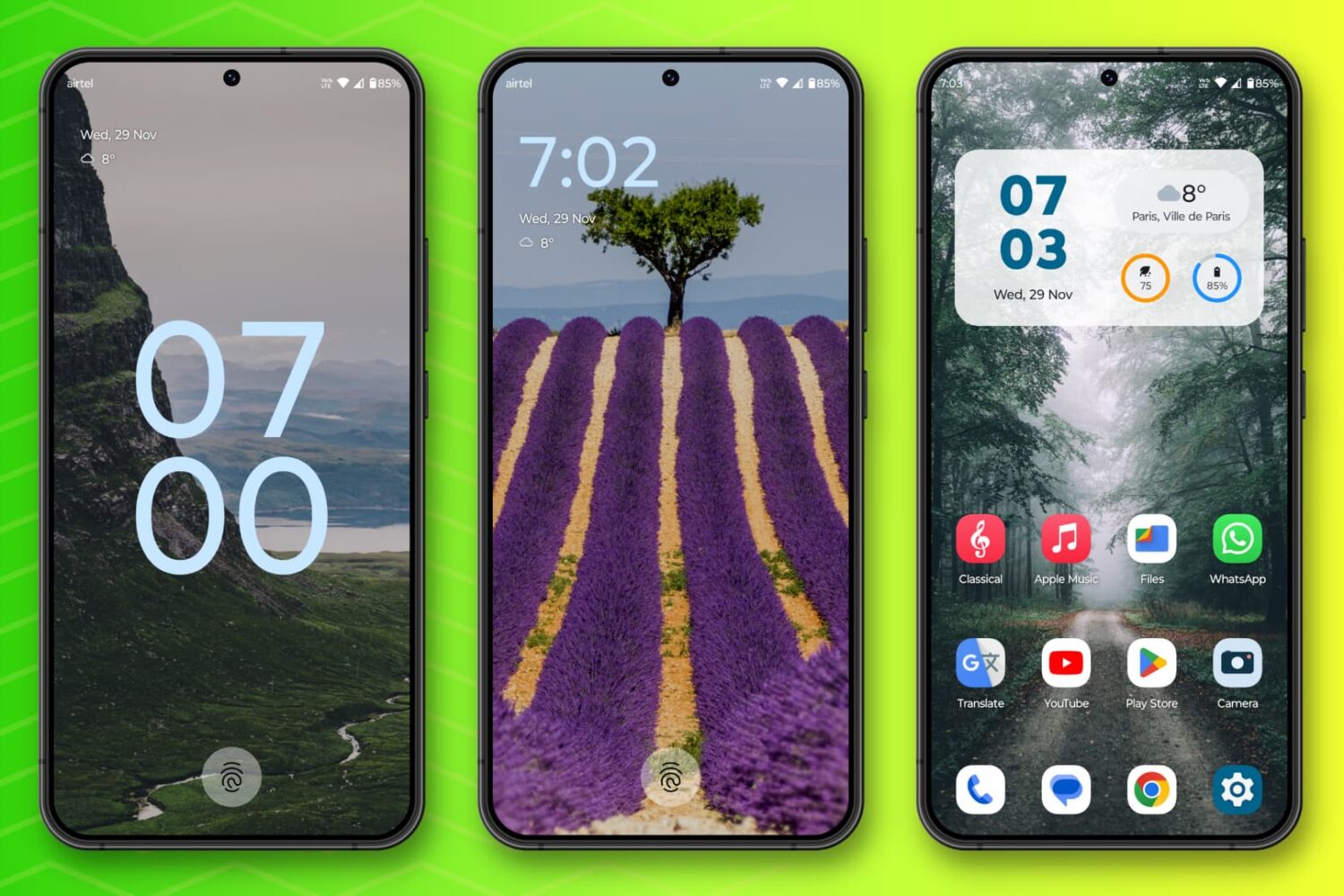
In this post, I talk about 10 Android features I miss on my iPhone and how their absence affects my experience.