Learn how to close or force quit an application on your Apple Vision Pro if the app has frozen or is not responding.
How to close or force quit apps on Apple Vision Pro

Learn how to close or force quit an application on your Apple Vision Pro if the app has frozen or is not responding.

In this tutorial, we will show you how to take a screenshot of the virtual view that appears in front of you when you're using the Apple Vision Pro headset.

Is your Apple spatial computer not working correctly or freezing periodically? Find out how to fix such issues by force restarting your Vision Pro.

In this tutorial, we will show you how to power on or power off your Apple Vision Pro.

This guide lists 13 signs that indicate it may be time to say goodbye to your current Mac and move to a new model. We will also list some tips along the way to help you continue using your Mac until you decide to upgrade.
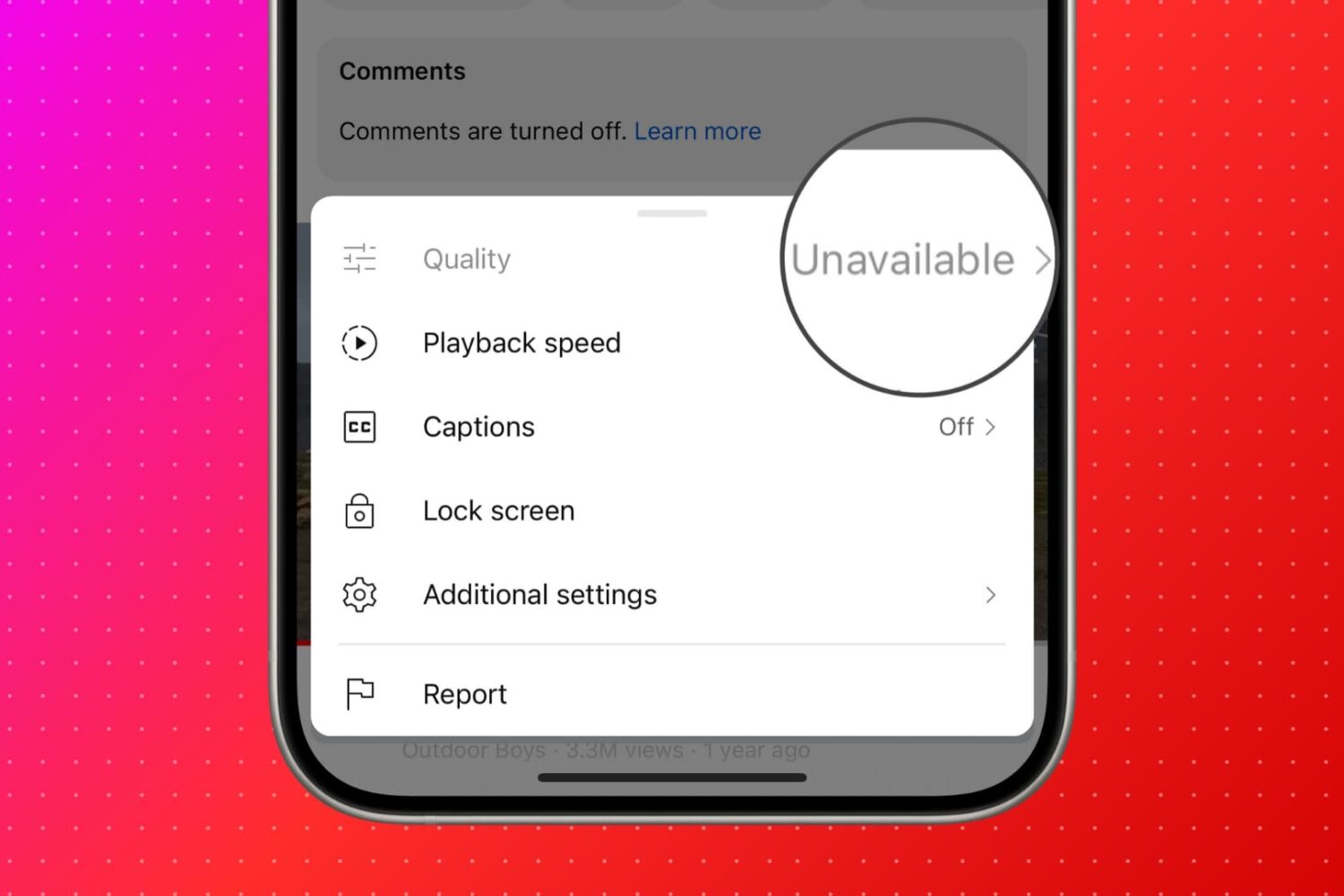
Find out what to do if you see "Quality Unavailable" in the YouTube app or website when you hit the gear icon to select the preferred video quality.

Learn how to cross-publish the same photo, video, or text post to both Twitter (X) and Mastodon in one go. The method outlined here will also work if you want to post to other social platforms like Facebook, LinkedIn, YouTube, Instagram, TikTok, or Pinterest at the same time.

Learn how to remove movies and TV shows from your Netflix and Amazon Prime Video watch history on your iPhone, iPad, Android phone, or computer.

Learn how to use Apple's SharePlay feature on an iPhone or iPad to watch YouTube clips together with friends and family during a FaceTime video call.

Learn how to manage and delete your YouTube history comprising the videos and shorts you've watched and searched for on your iPhone, iPad, Android phone, and computer.

In this tutorial, we will show you how to use WhatsApp to turn a photo into a sticker and send it in a chat or save this custom sticker for future use.

In this tutorial, we will explore some handy tips to organize your iPhone and iPad Photos app. These tips will ensure you do not have to struggle to find the desired pictures at the right time, even if your photo library has thousands of images and videos.