Stay up to date with your favorite artists’ latest releases on Apple Music and never miss a beat by receiving notifications for their new songs and albums.
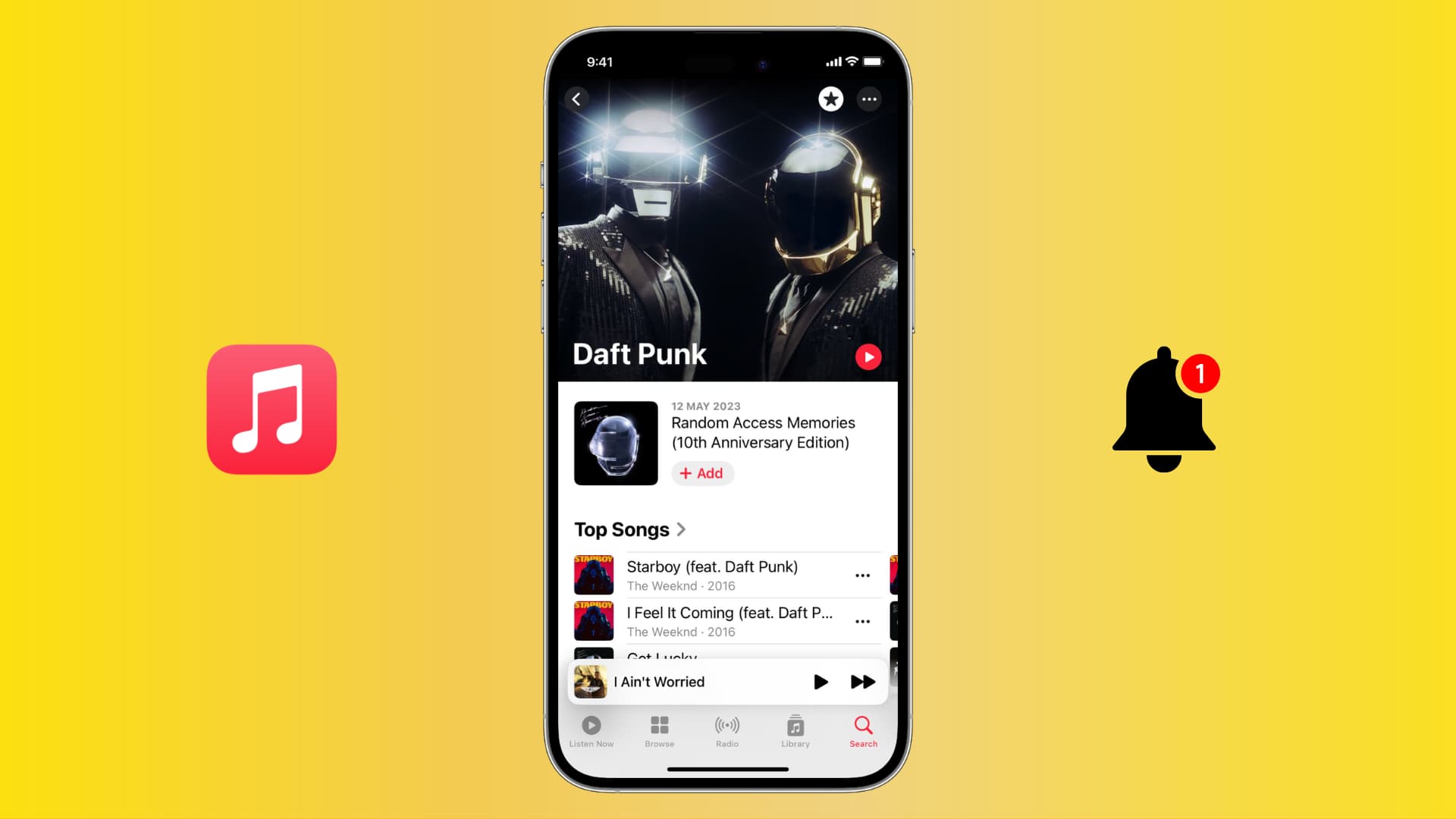
You might like browsing through the new releases in the Apple Music app. But what if you can receive notifications of new releases based on what’s in your library? Well, you can!
But to get notified of new releases, you must add that artist to your favorites first.
Mark an artist or band as a favorite in Apple Music
You can do this from any device where you use the same Apple Music account.
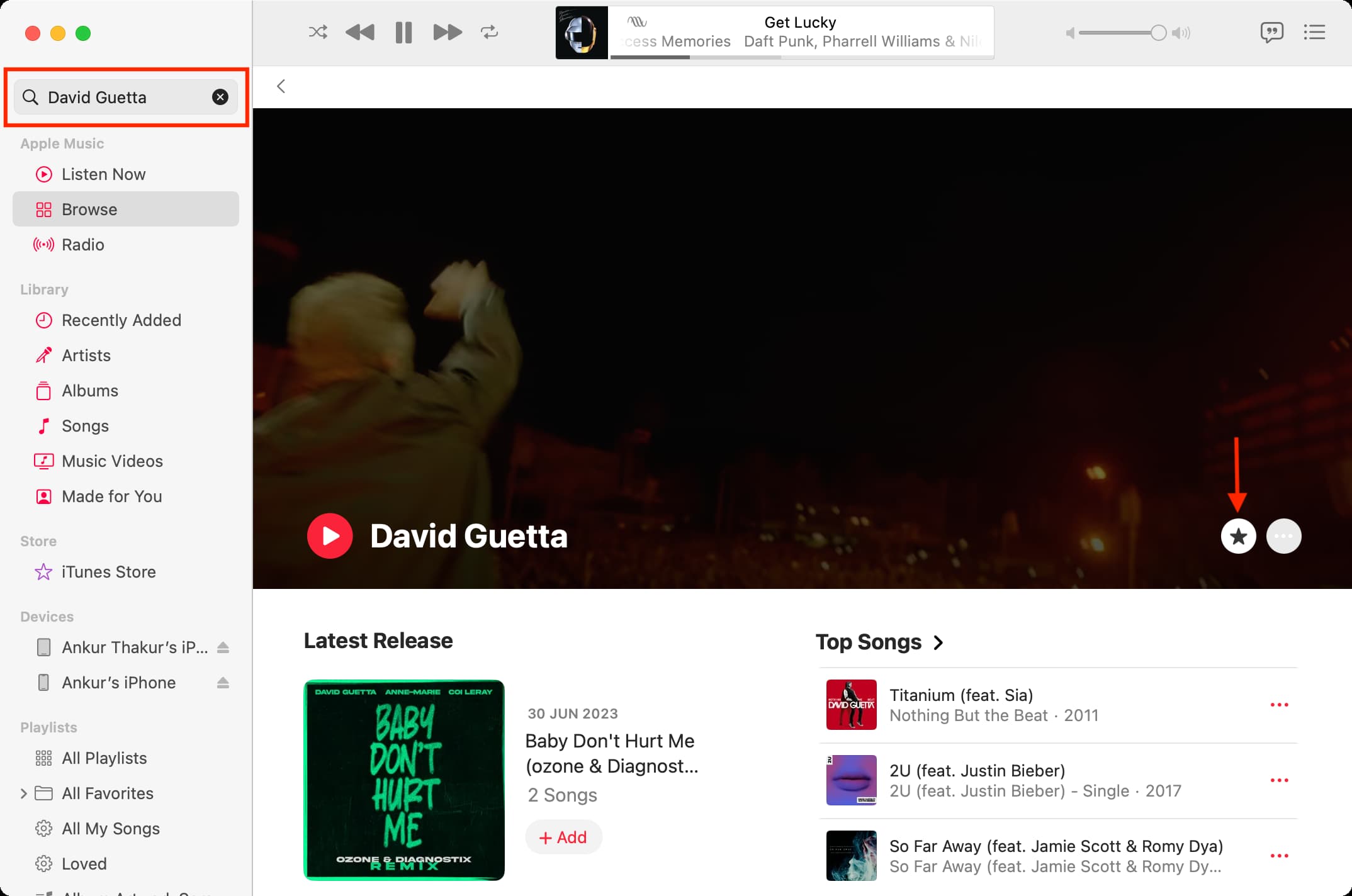
- Open the Music app, tap Search, type the name of your favorite artist or band, and click the Artist search result.
- Tap the star icon to mark this artist as your favorite.
- Follow the above steps to add more artists to your favorites.

Here’s how it looks on Mac:
Get new song release notifications on Apple Music
You can get notified of new releases by all your favorite artists on both iOS and macOS.
On iPhone and iPad
- Open the Music app on your iPhone or iPad, then tap your profile picture or icon located at the top right.
- Select Notifications.
- Turn on the toggle for New Music.

On Mac
- Open the Music app on your computer.
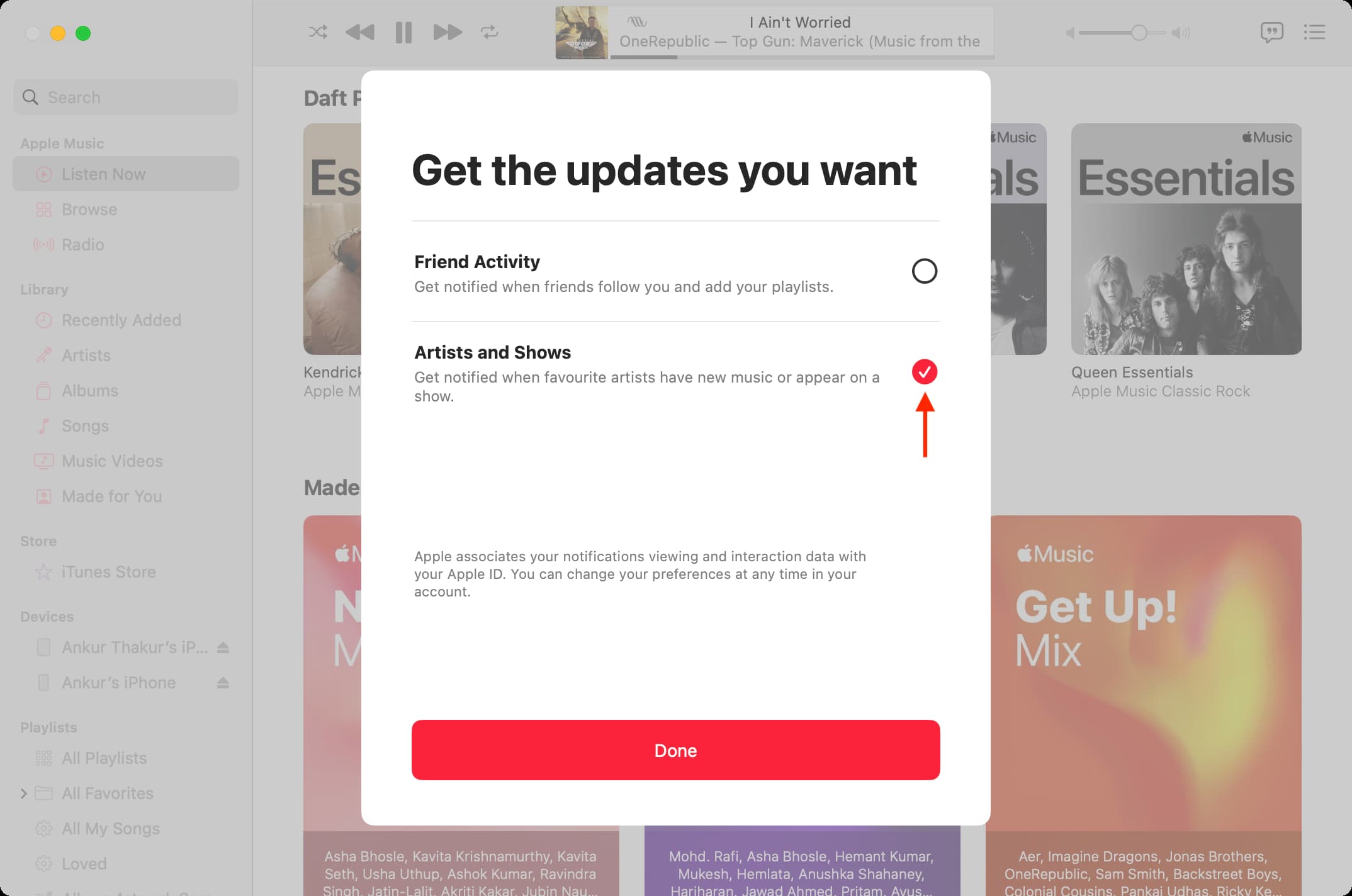
- Click Account > Notifications from the top menu bar.
- Check the box for Artists and Shows, and click Done.
And that’s all there is to it. Now you won’t miss new songs or albums by the artists you already enjoy listening to on Apple Music.
If you ever want to disable these notifications, follow the above steps and toggle them off. Alternatively, you can also go to Settings/System Settings > Notifications and stop the Music app from sending new alerts.
Do more with Music: