Learn how to post a Live Photo captured with your iPhone as a boomerang video in an Instagram story without using additional apps.
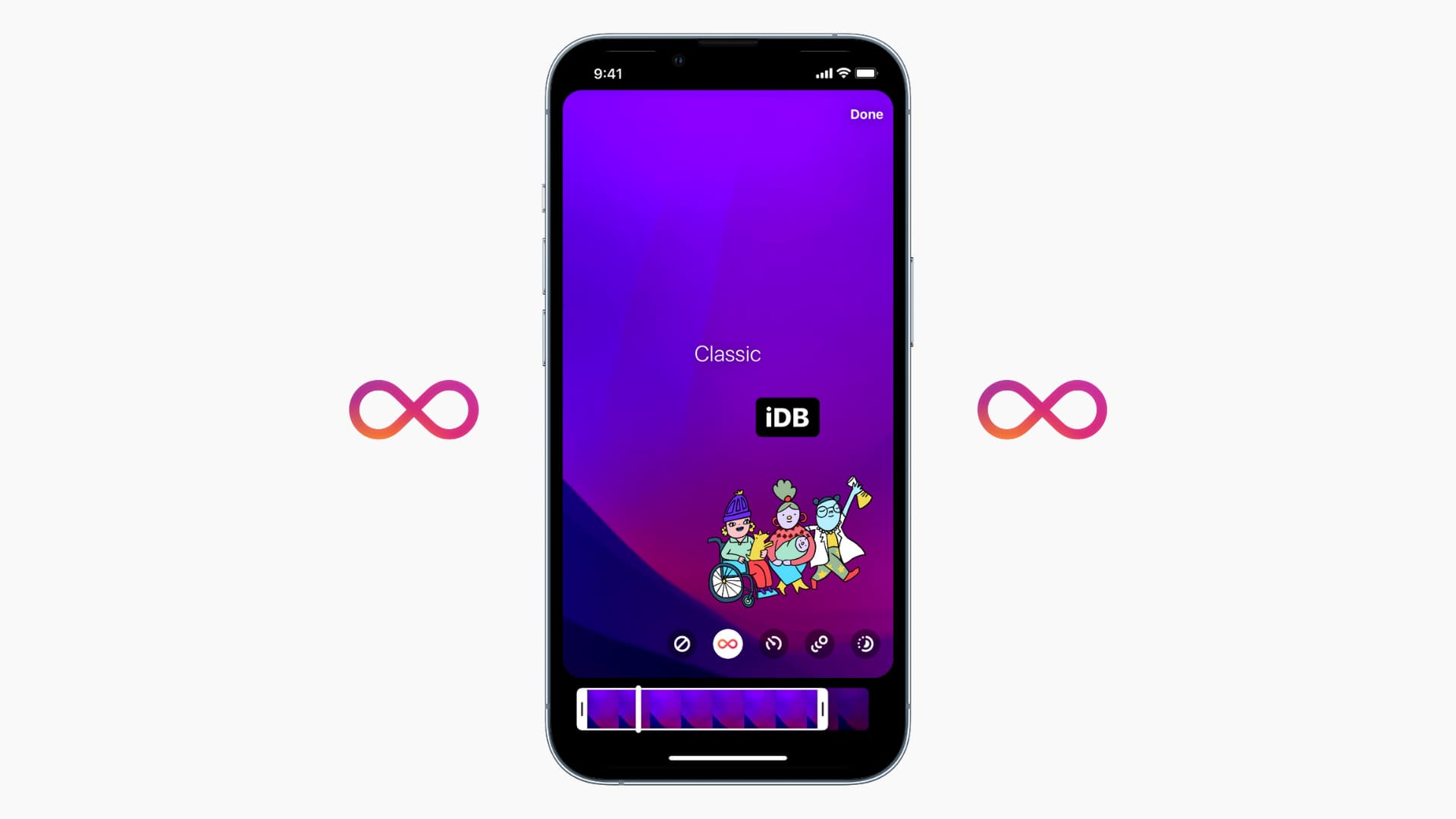
The Instagram app can turn a Live Photo into its Boomerang format. This lets you post a Live Photo to an Instagram story as a looping video without having to perform manual conversion.
However, publishing a Live Photo to your Instagram profile as a regular post will turn it into a still image.
Post Live Photos on Instagram
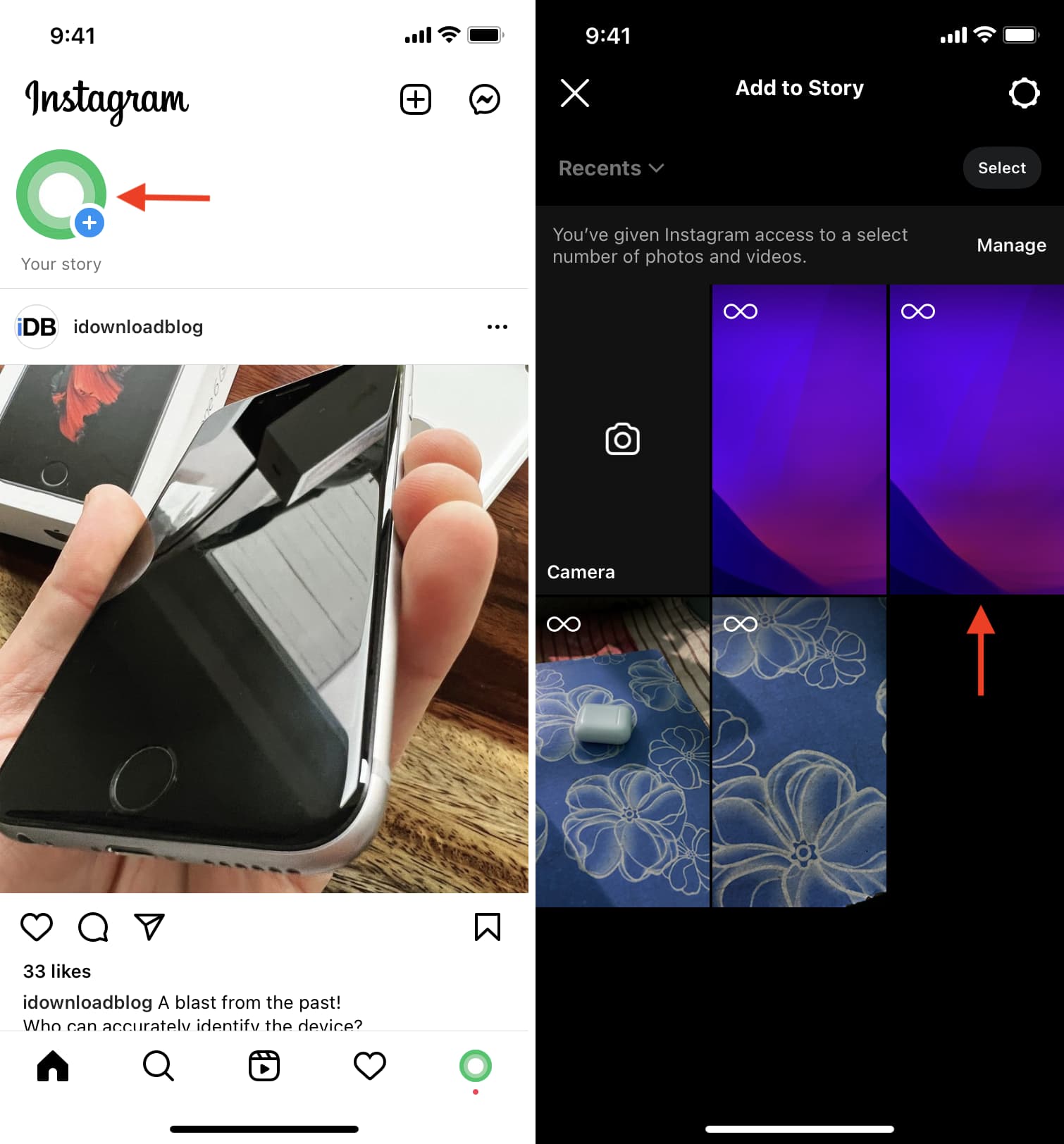
1) Open the Instagram app on your iPhone and tap Your story at the top to create a new story.
2) Pick a Live Photo from your Photos library. These photos have a Boomerang 8-like icon, as shown in the screenshot below.
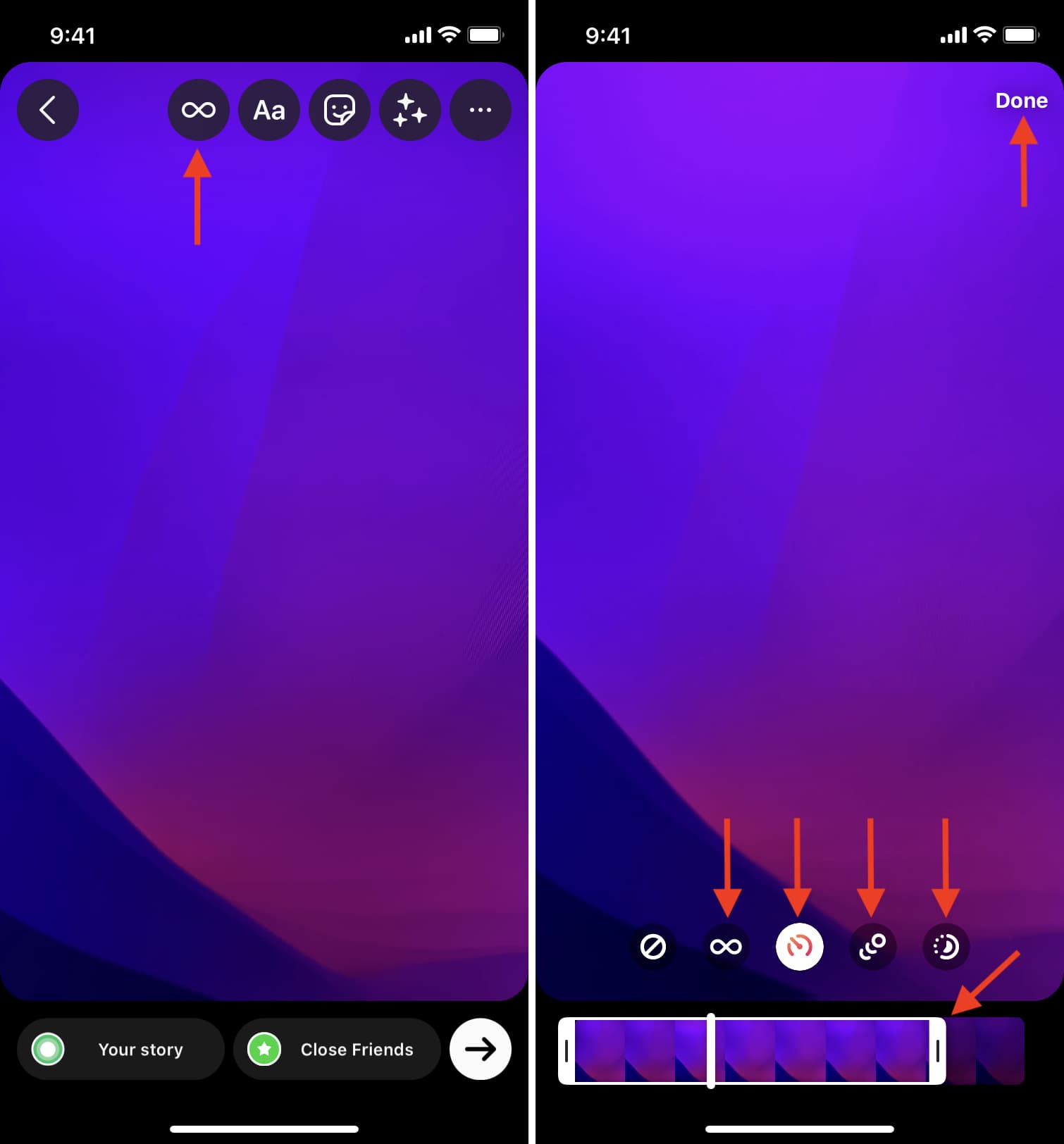
3) Tap the Boomerang icon and use options at the bottom of the screen to set your preferred looping style and adjust boomerang length. Then tap Done.
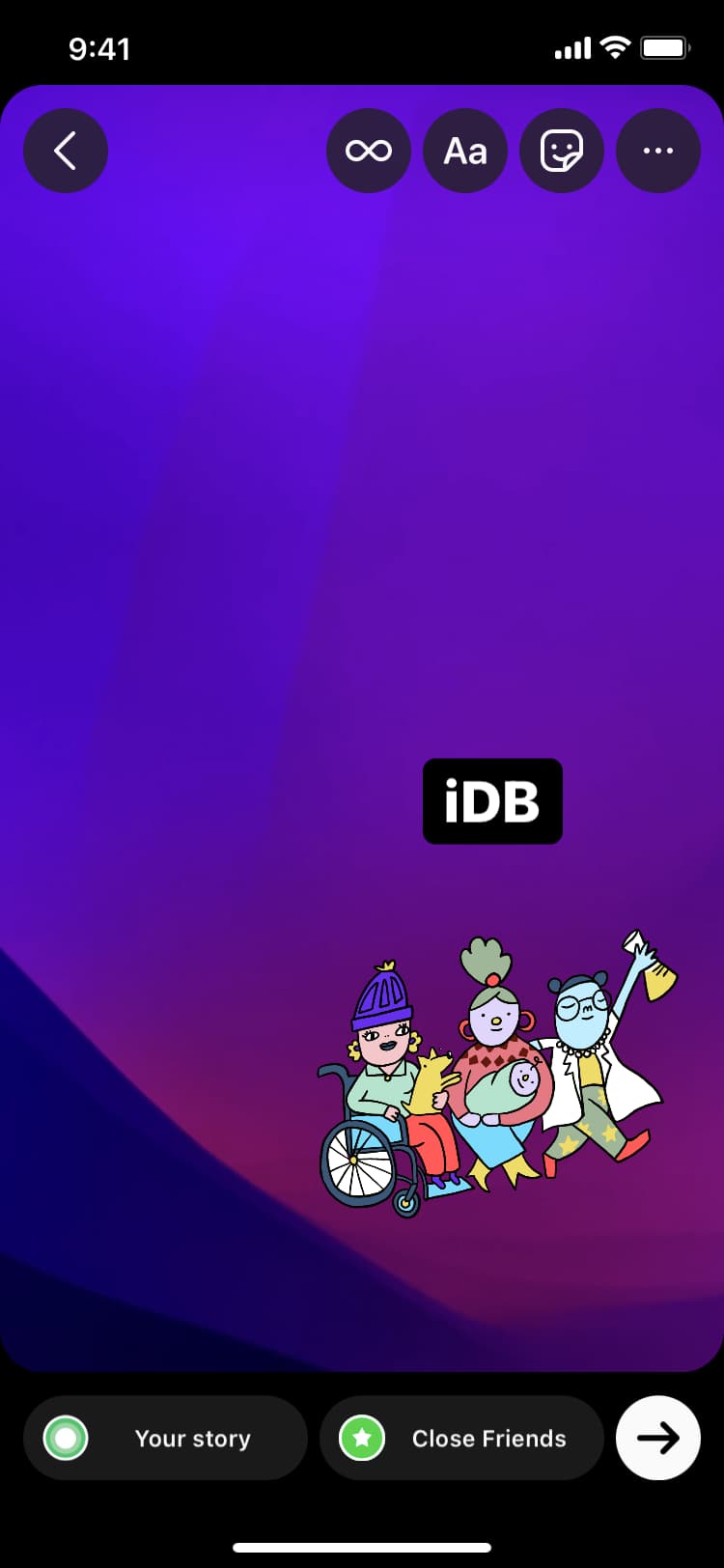
4) Instagram will turn your Live Photo into a boomerang, basically an animated GIF. Optionally annotate the video with text, stickers, and more, then tap Your story to publish your Live Photo to your Instagram story as a boomerang video.
Unfortunately, you cannot publish more than one Live Photo at a time across multiple Instagram stories. For that, you’ll need to repeat the steps above to manually publish each Live Photo as an individual Instagram story.
More on Live Photos: