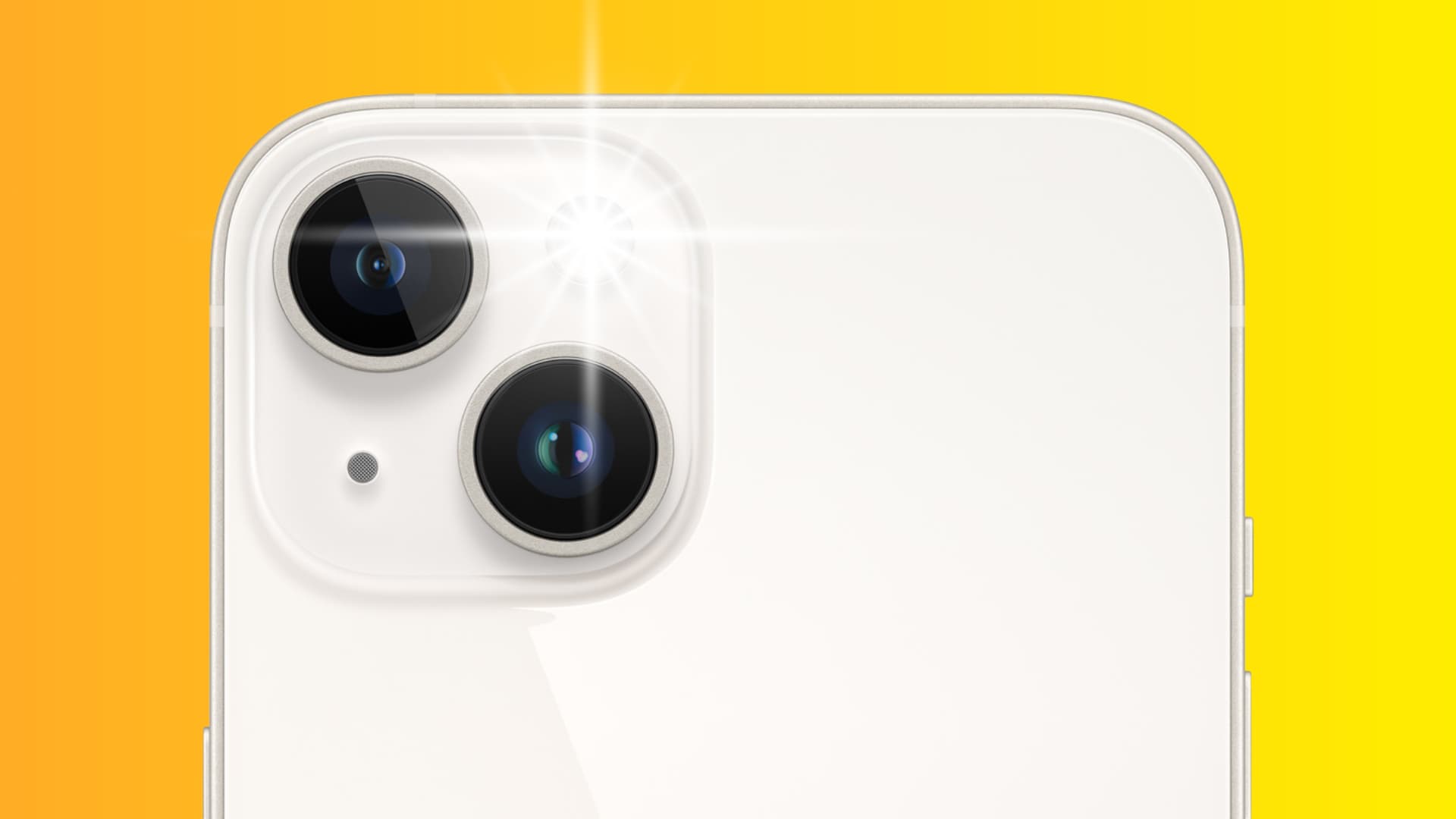
Learn how to ping the LED flashlight on your misplaced iPhone with your Apple Watch to find it in the dark if you lost it nearby.
To find a misplaced iPhone, just tap the Ping icon in Apple Watch Control Center to prompt it to emit a high-pitched sound.
Locating an iPhone via its paired Apple Watch has long been indispensable, especially since iPhones have an unnerving tendency to disappear under a pile of laundry or slide sneakily between couch cushions.
To find your iPhone faster, especially at night, you can set its LED flash to illuminate a few times when pinged from your wrist, and we show you how.
Make your iPhone LED blink via your Apple Watch
- Open Control Center on your Apple Watch.
- Touch and hold the Ping icon (not just tap). If your iPhone is within Bluetooth range and locked, its LED flash will blink a few times.

You can also see where the phone is and navigate to it using the Precision Finding feature. Leveraging Apple’s ultra-wideband chip in newer iPhones and Apple Watch models, Precision Finding visually indicates how far your iPhone is and which way to turn to locate it.
To ping your iPhone without its LED flash blinking, tap the Ping icon in the Control Center instead of holding it.
Did you know about this nifty Apple Watch trick?
Also, check out: