Month: January 2011

‘PageLock’ Puts Your iPhone on Lock Down

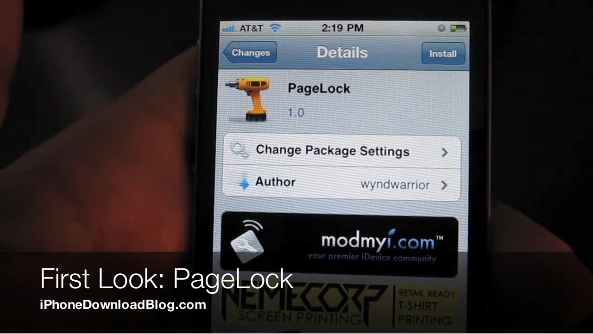
Lately, a slew of jailbreak tweaks have hit the Cydia store, and PageLock is one the more interesting ones in that bunch. PageLock is just that, interesting, but not necessarily useful, or even desirable for that matter.

The basic premise of PageLock is to lock your iPhone's Home screen to just one page. In essence, that means no swiping from page to page, whatsoever.

That can be kind of cool, especially mixed with other jailbreak tweaks like SpringJumps, but it certainly takes some of the "iPhone" out of the iPhone, if you know what I mean.

Page swiping is one of the iPhone's most essential features; it's on an iconic level. Getting rid of such a feature takes some of the fun out of using the iPhone, as you'll notice in this First Look video...
Microsoft Invites Geohot to Develop For Windows Phone 7

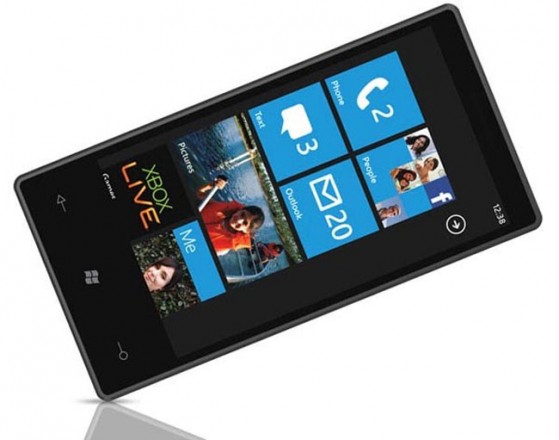
It looks like Microsoft is embracing the homebrew interest its new mobile phone platform is garnering. Already taking initiative by meeting with members of the team behind ChevronWP7 -- a jailbreak and unlock app for Windows Phone 7 -- Microsoft has extended an offer to one of the iPhone scene's finest.

Brandon Watson, the self described "Entrepreneur on loan to Microsoft," reached out to George Hotz, aka Geohot, offering him a free phone in an attempt to lure him into the WP7 arena.

To me this reeks of a calculated move to get more people talking about Microsoft's mobile offerings, as Apple continues to make headlines in the mobile landscape...

Microsoft Releases OneNote, a New App for the iPhone

Microsoft already has a few apps in Apple's App Store, such as, Bing and Windows Live Messenger. However, no Microsoft Office programs have made their way to the iOS platform - that is, until now. (Don't get your hopes up, there's still no Word app for iPhone.)

Microsoft has released its note-syncing app in the App Store, which will work with its Windows desktop counterpart. This move by Microsoft is an obvious attempt at further reaching out to the mobile worker and student. OneNote is packaged in the Mac bundle of the Microsoft Office suite, but Windows users will be happy to know they can now take their Office notes with them thanks to the beauty of cloud-sync technology...

Get Your James Bond on With ‘Stealth Cam’ For the iPhone

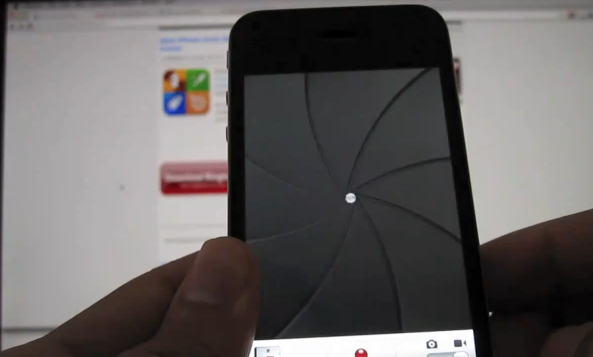
Have you ever wanted to shoot video or take pictures with your iPhone, while the screen appeared to be off? Me neither, but if you have, then Stealth Cam is the jailbreak tweak for you.

This almost reminds me of those little "spy" toys they used to sell back in the day; you know, things like periscopes, binoculars, etc. But, an iPhone equipped with Stealth Cam is on a whole 'nother level.

Not convinced? Check inside for the video that breaks down Stealth Cam in action...

Apple Posts Record First Quarter Results, Sells 16.24 Million iPhones

Hot off the news of Steve Job's 2nd medical leave in as many years, Apple has released its first quarter results, and unsurprisingly, the numbers are quite gaudy.

“We had a phenomenal holiday quarter with record Mac, iPhone and iPad sales,” said Steve Jobs, Apple’s CEO. “We are firing on all cylinders and we’ve got some exciting things in the pipeline for this year including iPhone 4 on Verizon which customers can’t wait to get their hands on.”

At 16.24 million sold, the iPhone's numbers represent an 86% growth over the same period last year. The numbers for Apple's other products, were just as impressive...

‘AirView’ Allows You to Stream Media Directly to Your iPhone

There's an old saying that goes like this: "There's more than one way to skin a cat." Maybe we should update that saying, and change it to: "There's more than one way to stream video with an iPhone."

The iPhone features no shortage of methods, workarounds, tweaks, and hacks, both official and unofficial, to stream media content from your computer to your iPhone. AirView is the latest such app that allows you to accomplish this ubiquitous task, but this time, Apple's very own AirPlay is the means by which it is accomplished.

Think of AirView as the exact opposite of what AirPlay was intended for. Instead of streaming content from your iPhone to your television, you can now stream content from your computer to your iPhone...

Will the White iPhone be Released on February 27th?

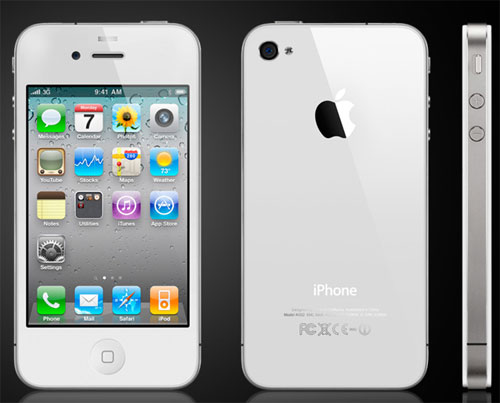
Take the following information with a nice dose of salt. We've all heard these rumors before, but MacRumors is reporting that the mythical white iPhone 4 could see a release as early as next month.

Originally scheduled to launch alongside the black iPhone 4 last summer, the white version has hit stumbling block, upon stumbling block, with still no clear-cut reason for the length of the delay.

Apple has reportedly experienced manufacturing issues with the all white iPhone 4, but it looks like those issues may have been ironed out. That's right, Best Buy's computers are showing the white iPhone 4 SKU, with a release date of February 27th, 2011...

‘VideoLock’ Keeps Streaming Video While Your iPhone is Locked

If an Apple TV happens to be among your possessions, then chances are you're a big proponent of AirPlay -- Apple's highly pushed streaming technology.

AirPlay allows you to stream audio or video from your iPhone directly to your Apple TV device. For example, if you're watching a movie on your iPhone and you get tired of the eyestrain from staring at the 3.5 inch screen, you can instantly stream that video directly to your TV if it's hooked up to an Apple TV.

A big problem with AirPlay in its current form is that the streaming is halted when you lock your iPhone. VideoLock is a jailbreak tweak that sets out to eliminate this pesky problem...

Create Wallpapers and Contact Photos for Your iPhone With ‘Ensoul’ for Mac

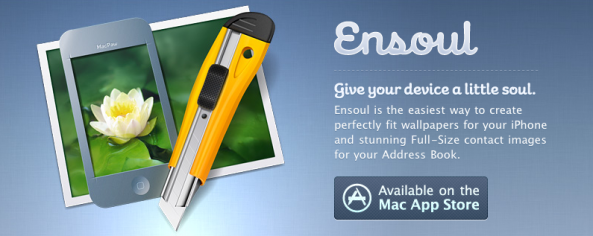
I love pretty iPhone wallpapers. The Mac App Store recently launched, and I've been looking for an app that will easily allow me to create iPhone-size wallpapers out of the hundreds of desktop wallpapers and hi-res photos I already have on my Mac. After a little searching, I found Ensoul by MacPaw software.

Ensoul is the perfect desktop companion for creating iPhone wallpaper and contact photos on the Mac. The app is incredibly well designed and focused. And, for a wallpaper addict, there's enough under the hood to make it worth the $9.99 price tag.

With Ensoul, you can easily crop and create iPhone-sized wallpapers out of your already existing wallpapers and photos on your Mac. But that's not all, Ensoul has more to offer than just wallpaper resizing...

How to Use Your iPhone as a Network Drive

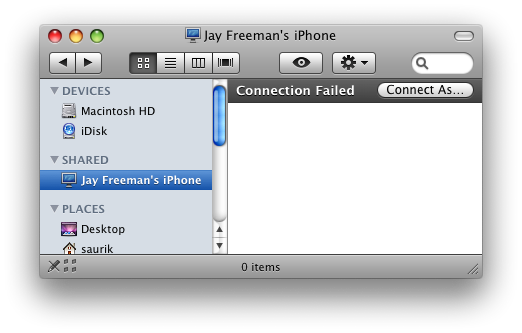
There are plenty of ways to access the files on your iPhone, whether through iTunes, SSH, SFTP, iFile, or a multitude of apps. However, adding automatic network sharing to your setup takes quite a few steps out of connecting to your device.

I tried these in an attempt to get my video game media center to read files on my iPhone from inside the network. If you'd like to turn your iPhone into a shared network drive for any reason, there are two particular Cydia packages that you should try today...

Where is Wi-Fi Sync 2.0 for iPhone?

Back in the fall of 2010, we were promised a beta of the new version of Wi-Fi Sync by December. Here we are in 2011, and still the awesome wireless iTunes syncing app is nowhere to be seen.

In a few recent tweets, the developer has announced that the app is still in development and should be available in two to three weeks. He also mentioned what some of these awesome features are, and from what I can tell, it will definitely be worth the wait...

Classic Retro Sierra Games Now Available for iPad, No Download Required!

Get ready to lose your entire weekend. Once you discover this new free feature by Sierra then you'll be hard pressed to not spend hours playing these classic favorites for days. These favorites include Police Quest, Space Quest 1 & 2, and Kings Quest, among others.

How do you get to all this goodness you ask? Simply point your iPad browser to http://ipad.sarien.net/ and choose the game you would like to play. You will then be instructed to add that bookmark to your home screen. After adding the bookmark, go back to your home screen where the icon appeared and launch the bookmark. This will begin the game. No download required! Amazing!

Comment below on which games you'll play and let us know how it goes!