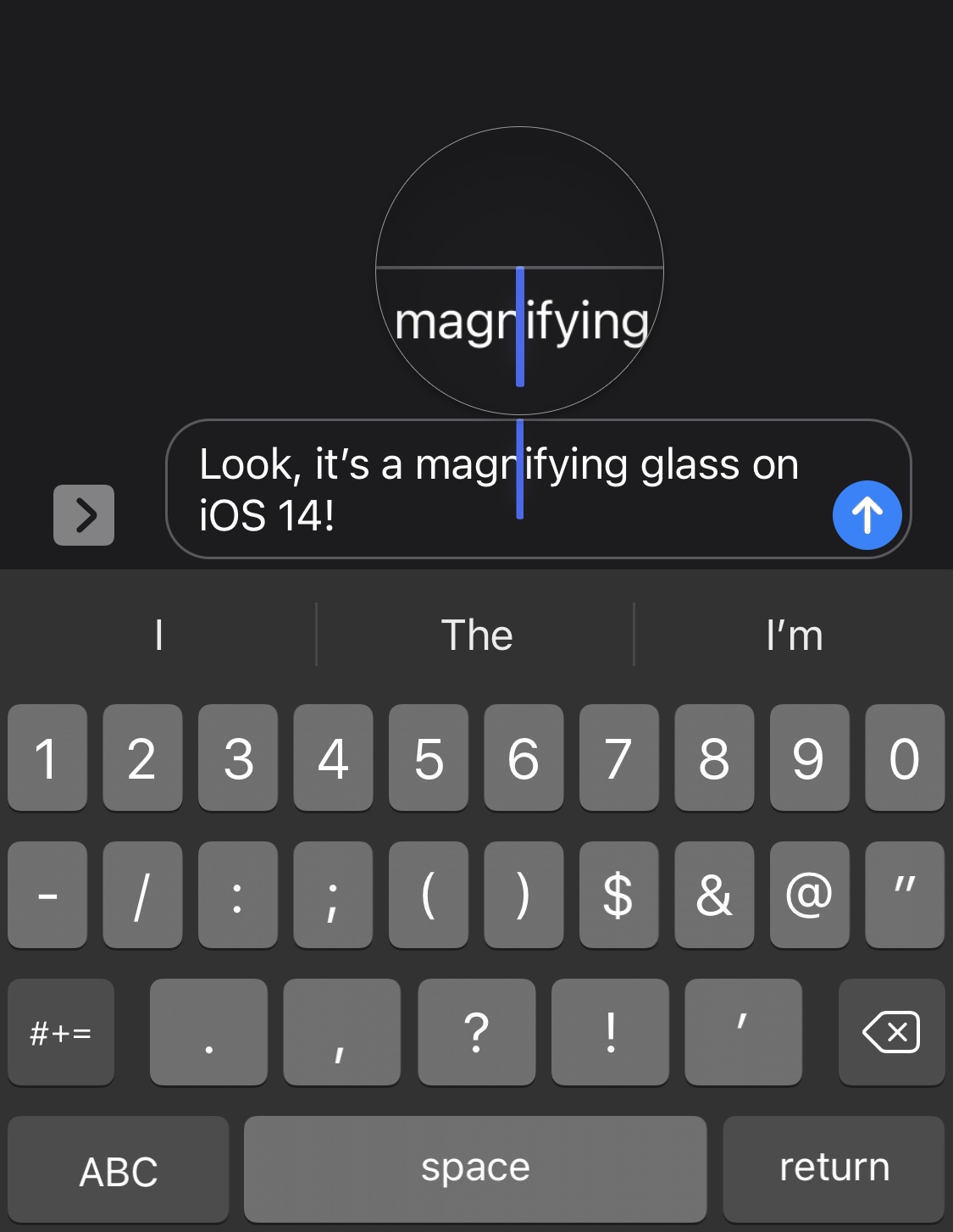
Loupe brings the magnifying glass back to iOS 14’s text editing experience

Anyone that does any capacity of text editing on their iPhone, whether it’s writing a document in Microsoft Word, modifying something drafted out in the Messages app’s text field, or some other form of the matter, may have noticed that the magnifying glass no longer appears when moving the cursor somewhere specific in the body of text.

Apple made this change because you can now pan the cursor across your body of text by tapping and dragging on the keyboard. But that hasn’t stopped a growing number of nostalgic iPhone users from wishing that the classic magnifying glass was still a thing. Said nostalgia is only amplified by the fact that the magnifying glass still exists on the iPad in the latest versions of iPadOS 14.
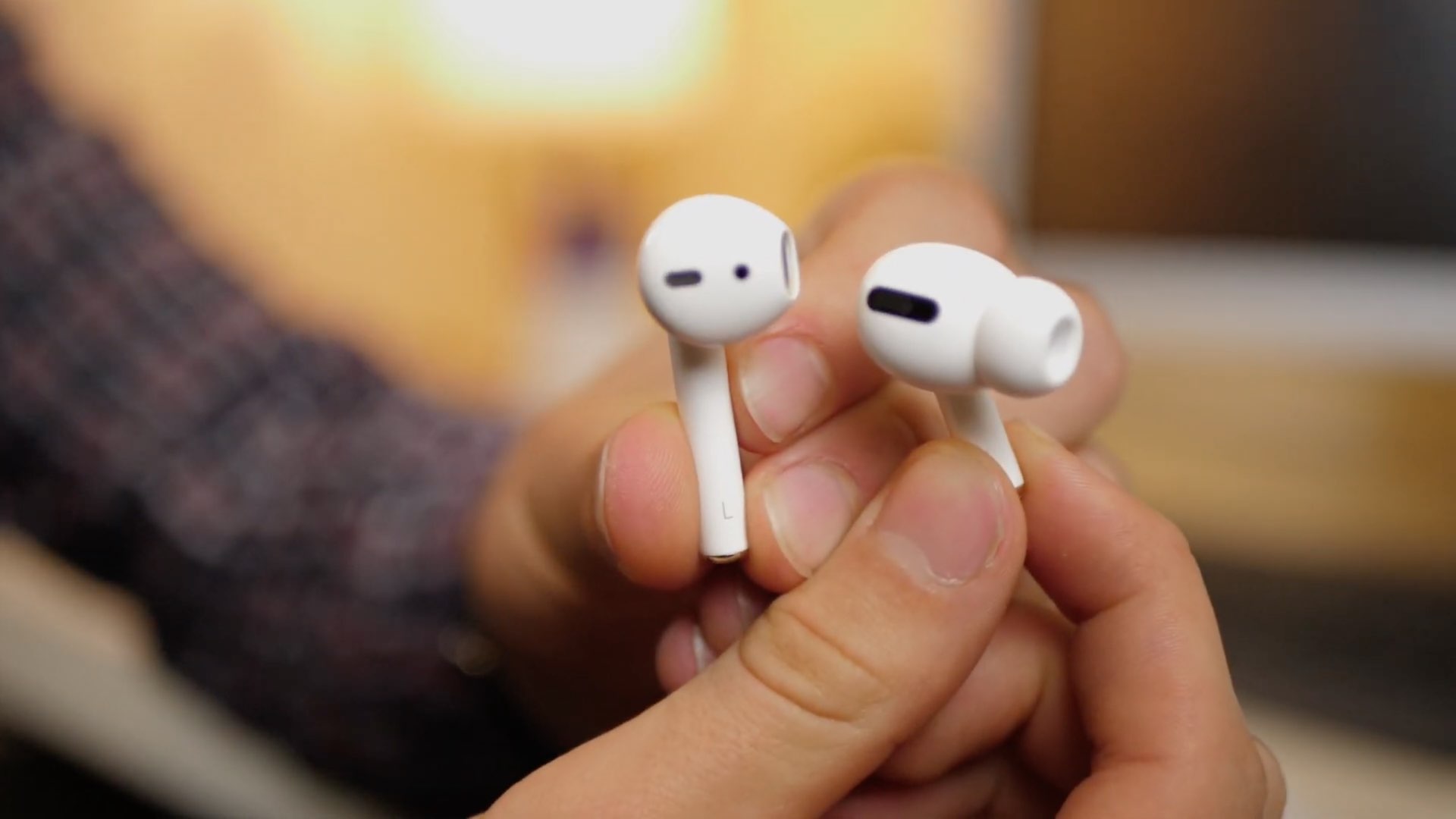
Do you live that dongle life?

Dongle. Dongles. It's one of those words that if you say it enough times, it starts to lose its meaning. And yet, for some companies looking to drum up a competitive spirit against Apple, those dongles are an important factor.

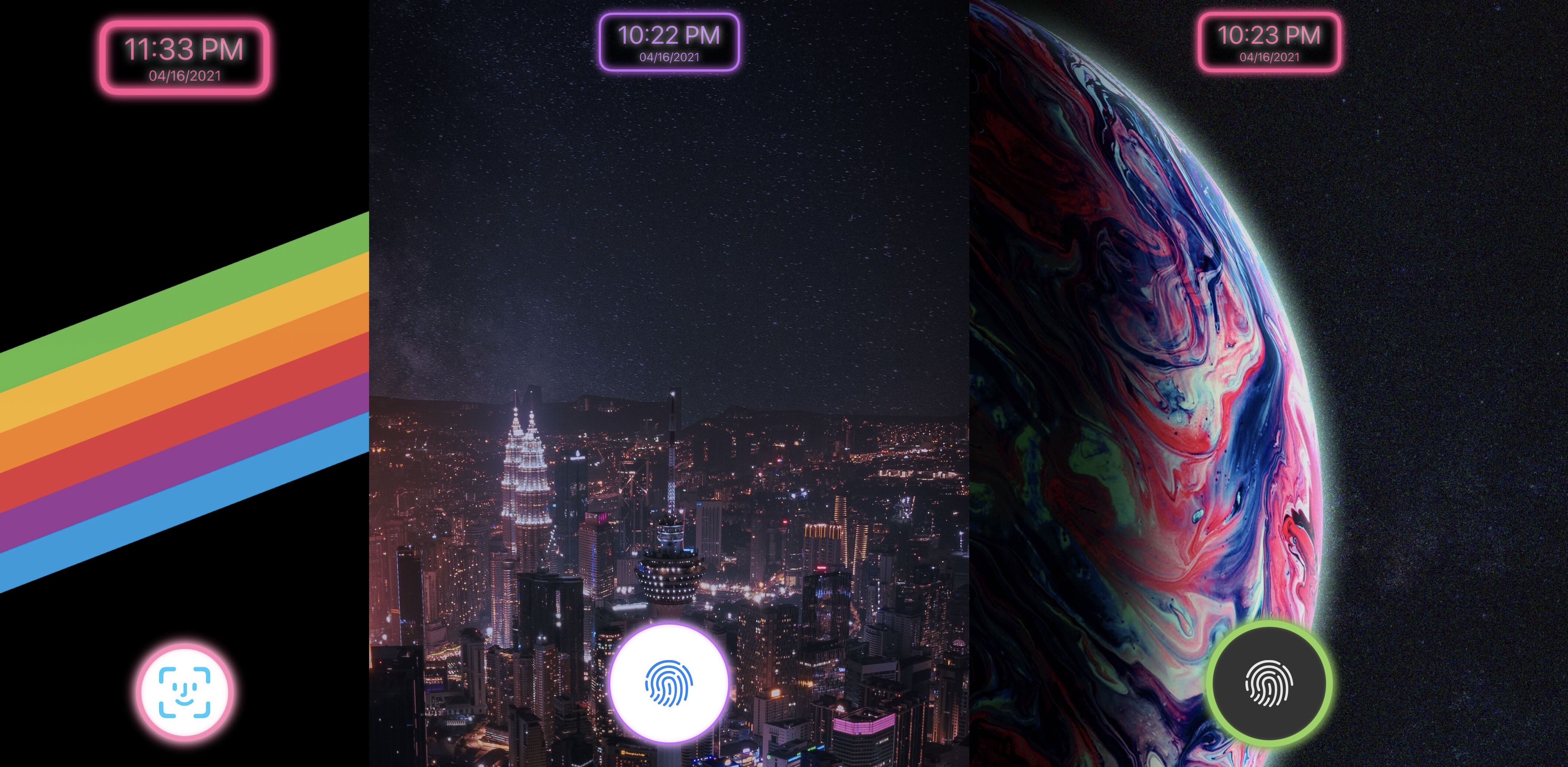
Give your Lock Screen neon-inspired aesthetics with Zinnia

Looking to add some novelty to your jailbroken iPhone or iPad? If so, then you may want to turn your attention to a newly released jailbreak tweak dubbed Zinnia by iOS developer Aspen.

Zinnia complements various elements of the Lock Screen on your iPhone or iPad with neon effects. Said effects will be applied to things like the Lock Screen’s clock and the newly-added unlock button, the latter of which replaces the native Home Bar.