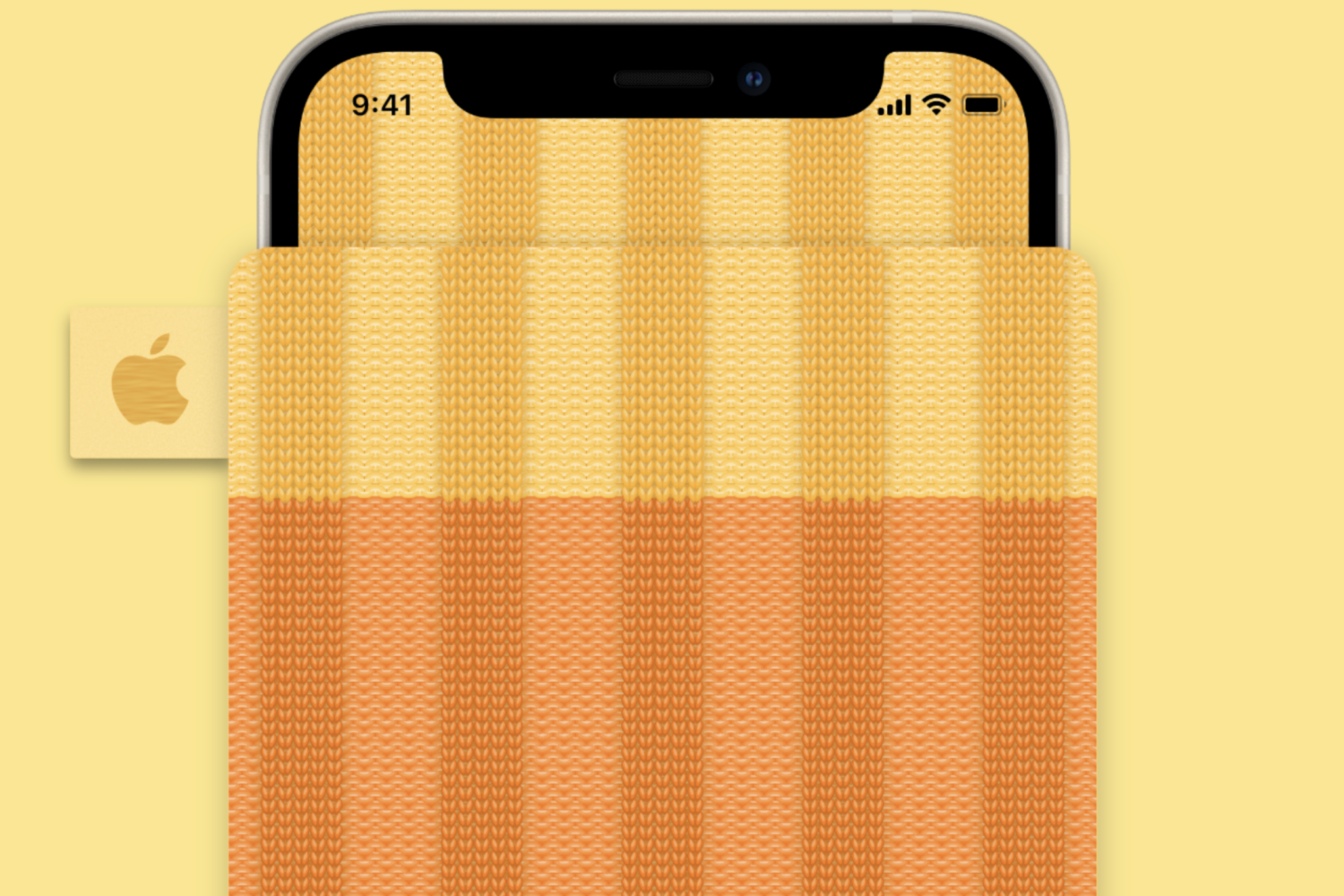
Wallpapers

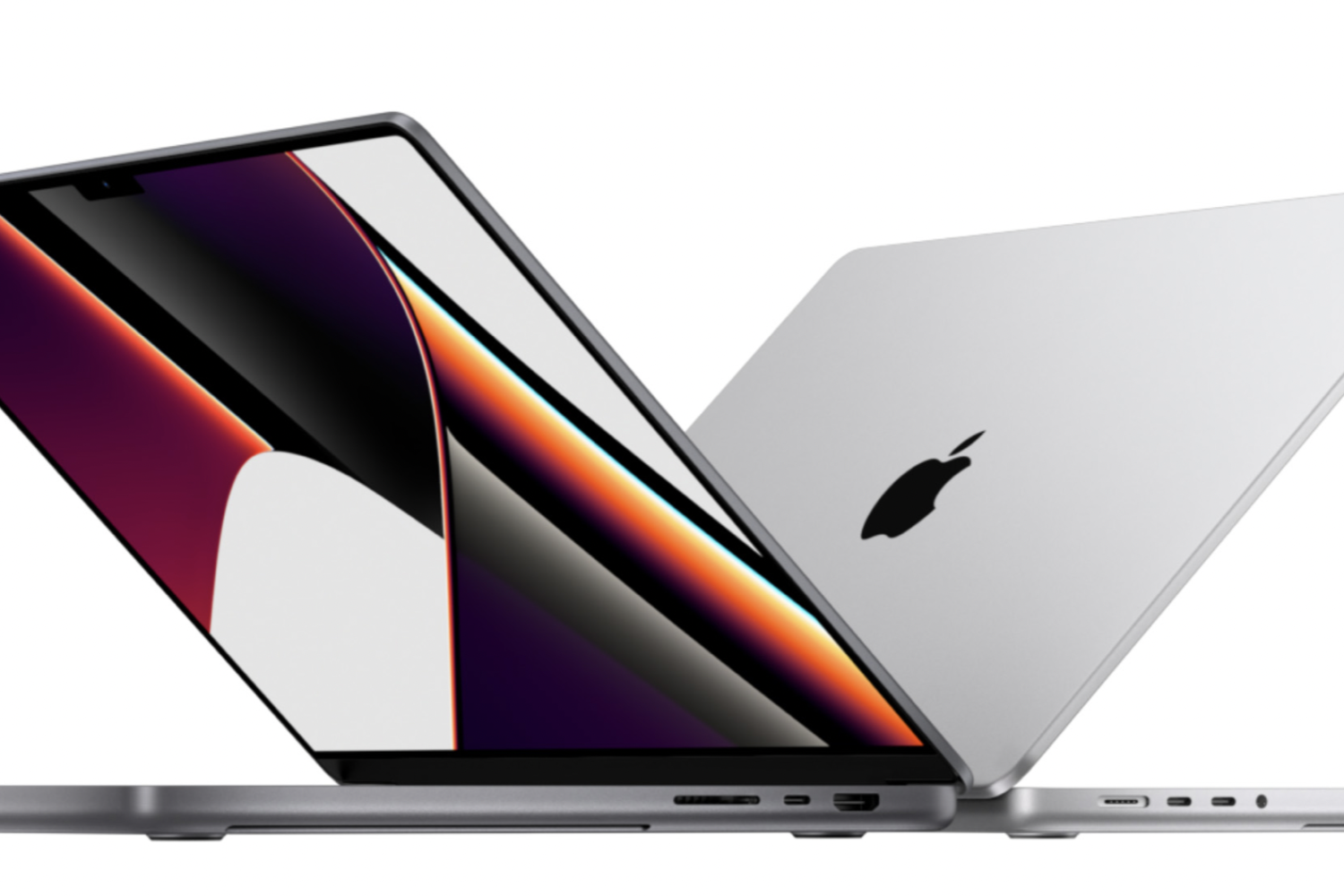
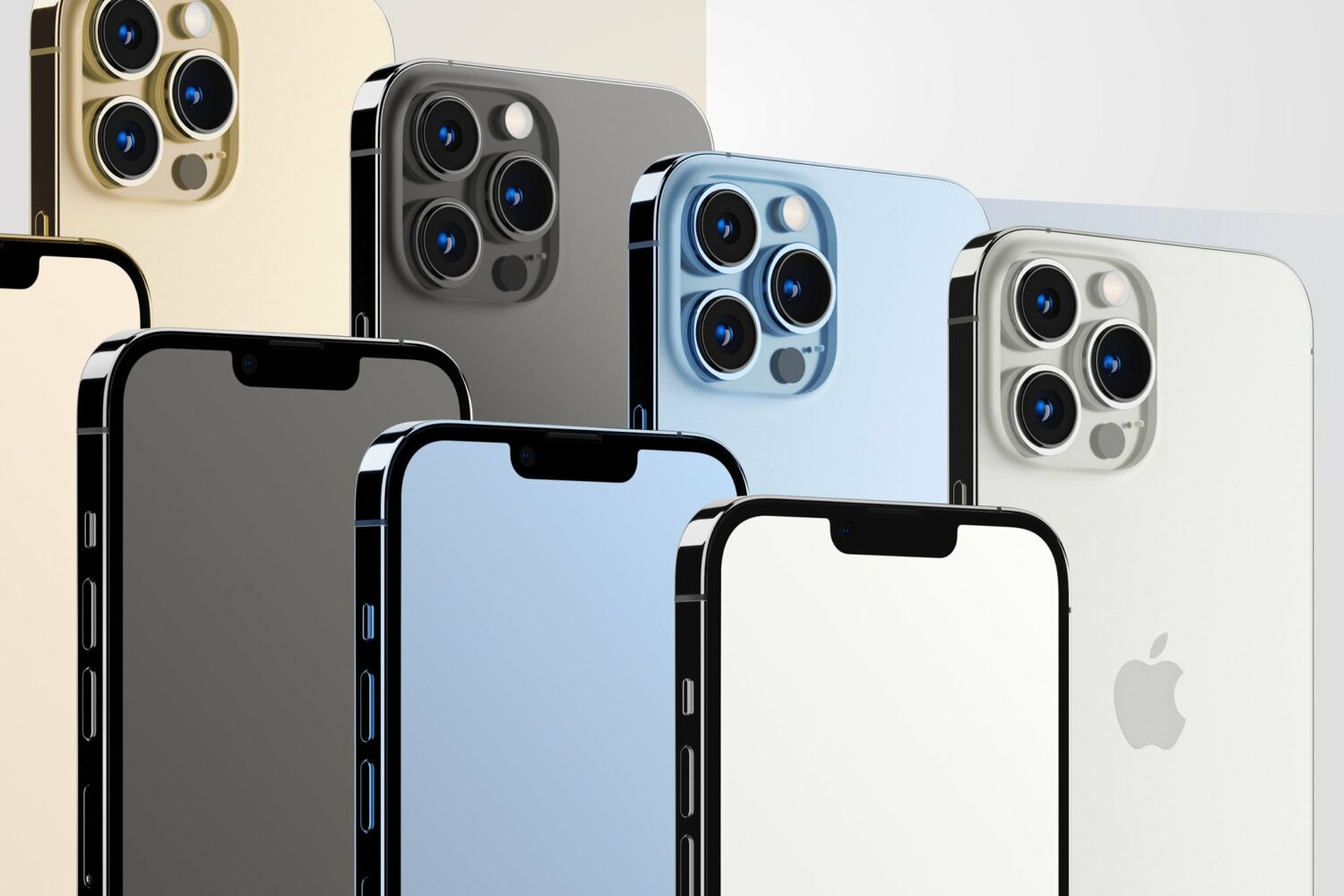
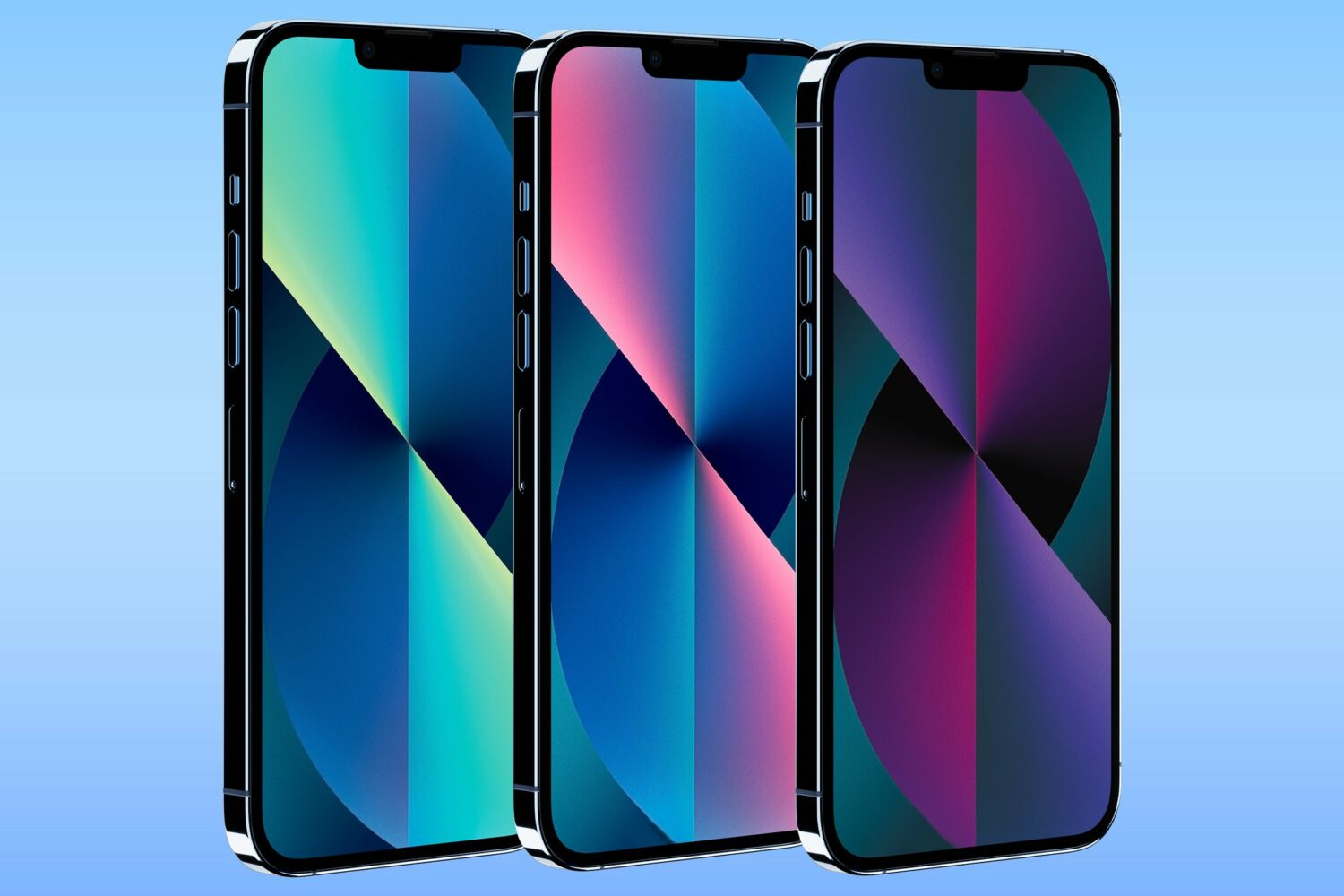
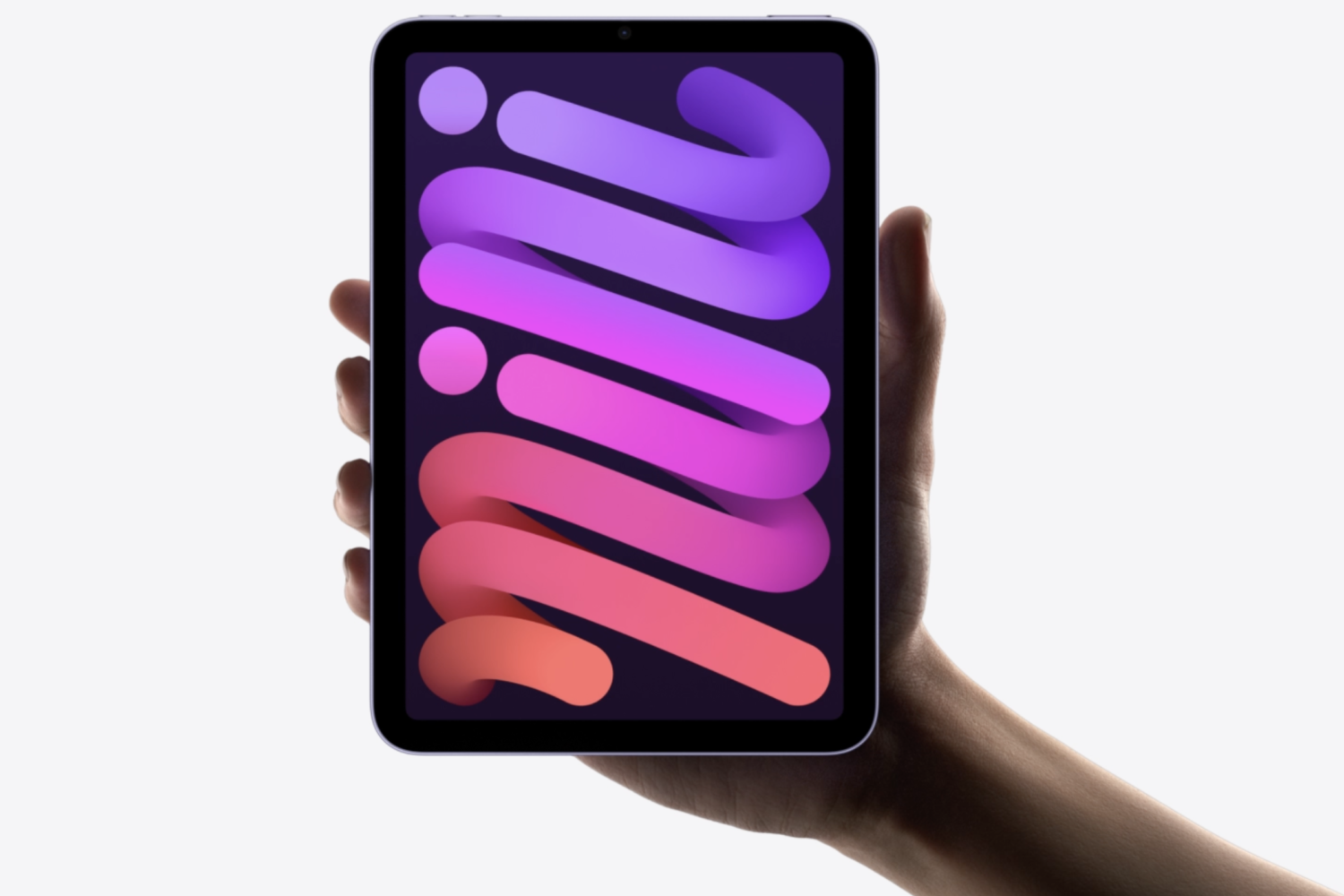
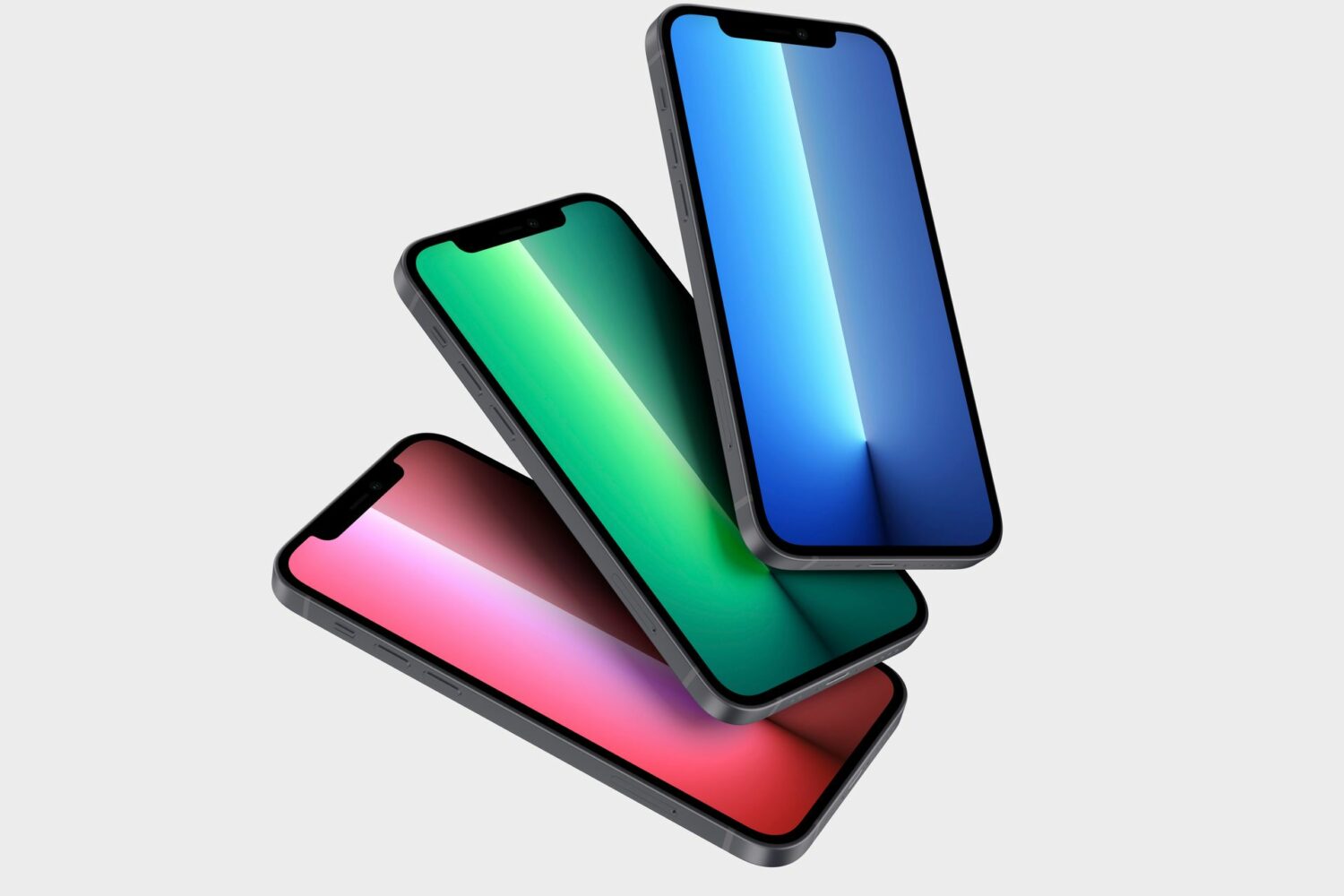
Wallpapers are a great way to personalize your iPhone and make it stand out. There are countless designs to choose from, including nature scenes, abstract patterns, and iconic imagery. Whether you prefer a bold and colorful look or something more subdued and minimalistic, there’s a wallpaper for every taste and style. With new options added regularly, you’ll never run out of options for customizing your iPhone.

Refine your search for the perfect background by selecting a category below, or simply browse our archive of thousands of images for free.

Apple ‘Spring Loaded’ event wallpapers

Earlier today, Apple confirmed an upcoming April 20th media event with 'Spring Loaded' invitations. With the invite comes a cryptic message hidden deep within the graphic design. This Apple Pencil stylized drawing seems to further indicate iPad devices may be a large feature of the announcement. Regardless, we have Apple event wallpapers inspired by the new invitations.

Abstract iPhone wallpaper “Warp” optimized for OLED

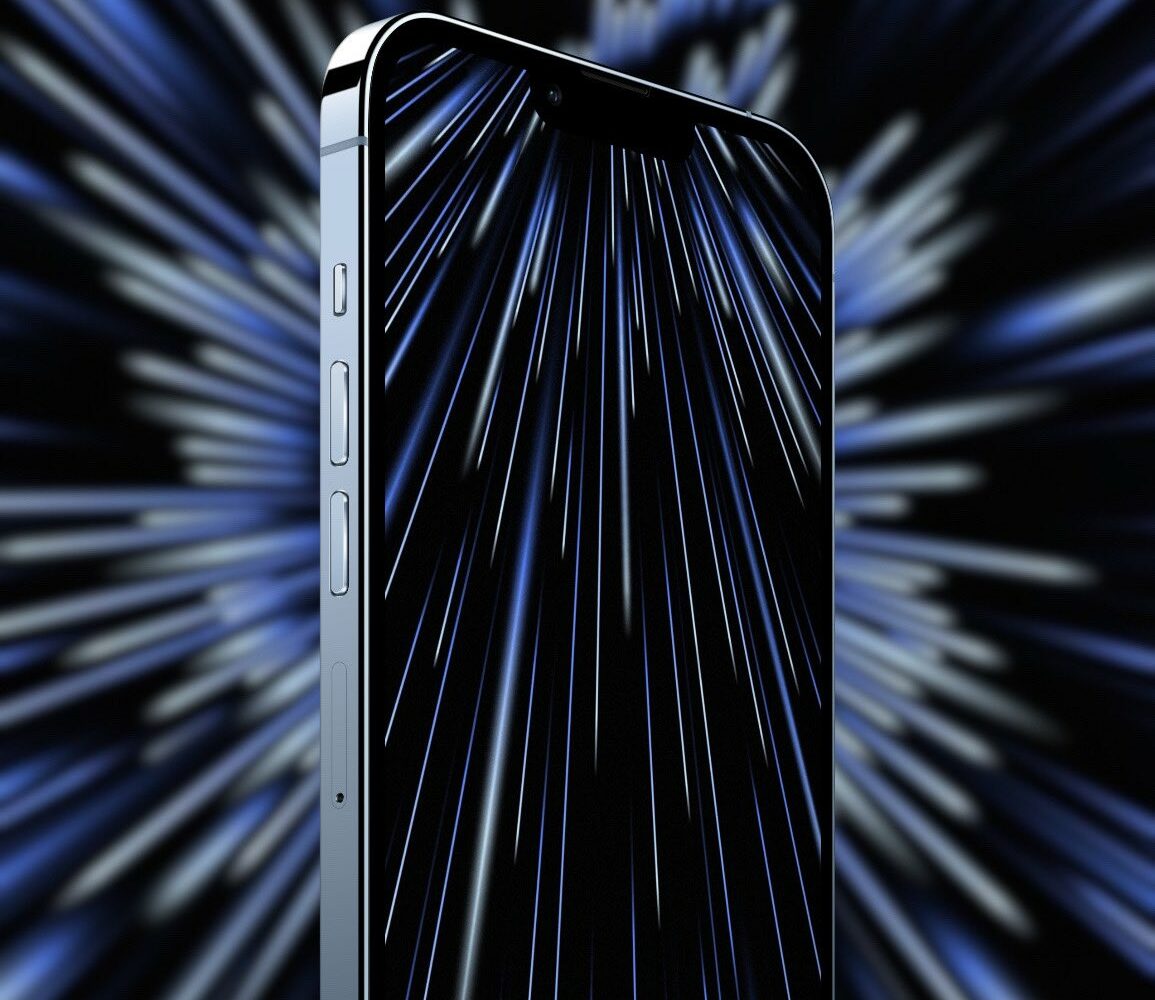
You have discerning taste! You love iPhones and customizing the look. You know that the iDownloadBlog Wallpapers of the Week is the best place to find curated backgrounds every single Sunday. Welcome back! This abstract iPhone wallpaper pack is an original creation with deep, rich colors and minimal design language for the perfect Home or Lock Screen.

This tweak gives the iPad a proportionate Control Center background blur

It’s no secret that the iPad’s Control Center user experience leaves a lot to be desired. In fact, we recently covered the release of a free jailbreak tweak called Yuna that makes better use of all the otherwise wasted and unused space.

When you open Control Center on the iPad, the entire display becomes blurred, yet the actual Control Center interface is contained to the right-most 1/3 if the display. Seems overkill, don’t you think?

Sunrise wallpapers for iPhone and iPad

Our iDownloadBlog Wallpapers of the Week collection updates with new, photo quality images every Sunday. Nothing beats the natural beauty of a sunrise. With the rich, dark purple and blue of night, juxtaposed with the bright orange, pink and crimson of the new days light, sunrise images mix an incredible array of color for impressive wallpapers. The pack is downloadable for iPad and iPhone.

Abstract gradient wallpapers for iPhone, iPad, and desktop

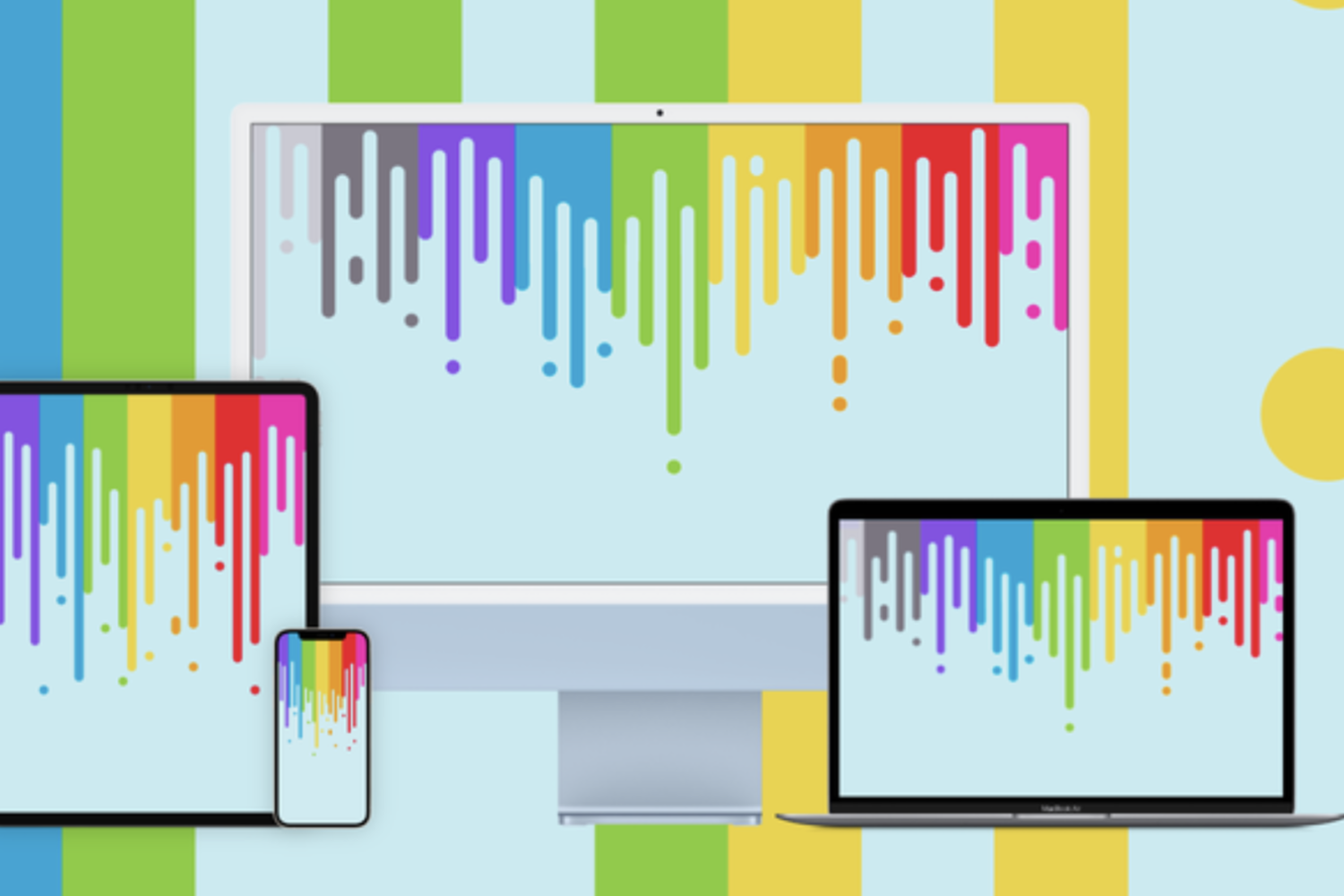
I love a great, simple, minimal gradient wallpaper. With the busy icon and widget-flooded Home screens on iOS 14, plain backgrounds are my preferred method of still spicing up and customizing my iPhone. These soft cotton candy flavored "Here Comes the Sun Wallpapers" are a fresh, springtime set of walls. With options from iPhone to 8K, you will find a perfect option for your weekly wallpaper refresh thanks to the iDB Wallpapers of the Week gallery.

Mars Perseverance wallpapers for iPhone

Space wallpapers are a popular theme on the iDB Wallpapers of the Week gallery. This week, we bring you images directly from the surface of Mars. Thanks to the NASA Mars 2020 Mission, the wallpapers in todays collection come directly from that Martian surface. These Mars Perseverance wallpapers showcase the red planet's rough surface and thick atmosphere.

San Francisco font symbols iPhone wallpapers

I love the colors Apple launches on their seasonal accessories. The wide color options for iPhone cases always tempt a purchase. Today's Wallpapers of the Week celebrate the iPhone 12 cases with colors that match both the leather and silicone color ways. Mixing this color scheme with official San Francisco system font symbols makes for an incredibly compelling wallpaper.

Fantasy cloud iPhone wallpapers from sunset to moonrise

iDownloadloadBlog's Wallpapers of the Week collection is updated every single Sunday. Rain or shine. Gathering up the best wallpapers from around social media and the net, you can find photo quality images for your iPhone, iPad, and Macs. Whenever possible, we feature original artists' work and today fits within that category. We have an original set of fantasy cloud iPhone wallpapers; from sunrise to midnight, these simplistic images make great backgrounds.

macOS Big Sur and iOS 14 wallpaper mods for iPhone

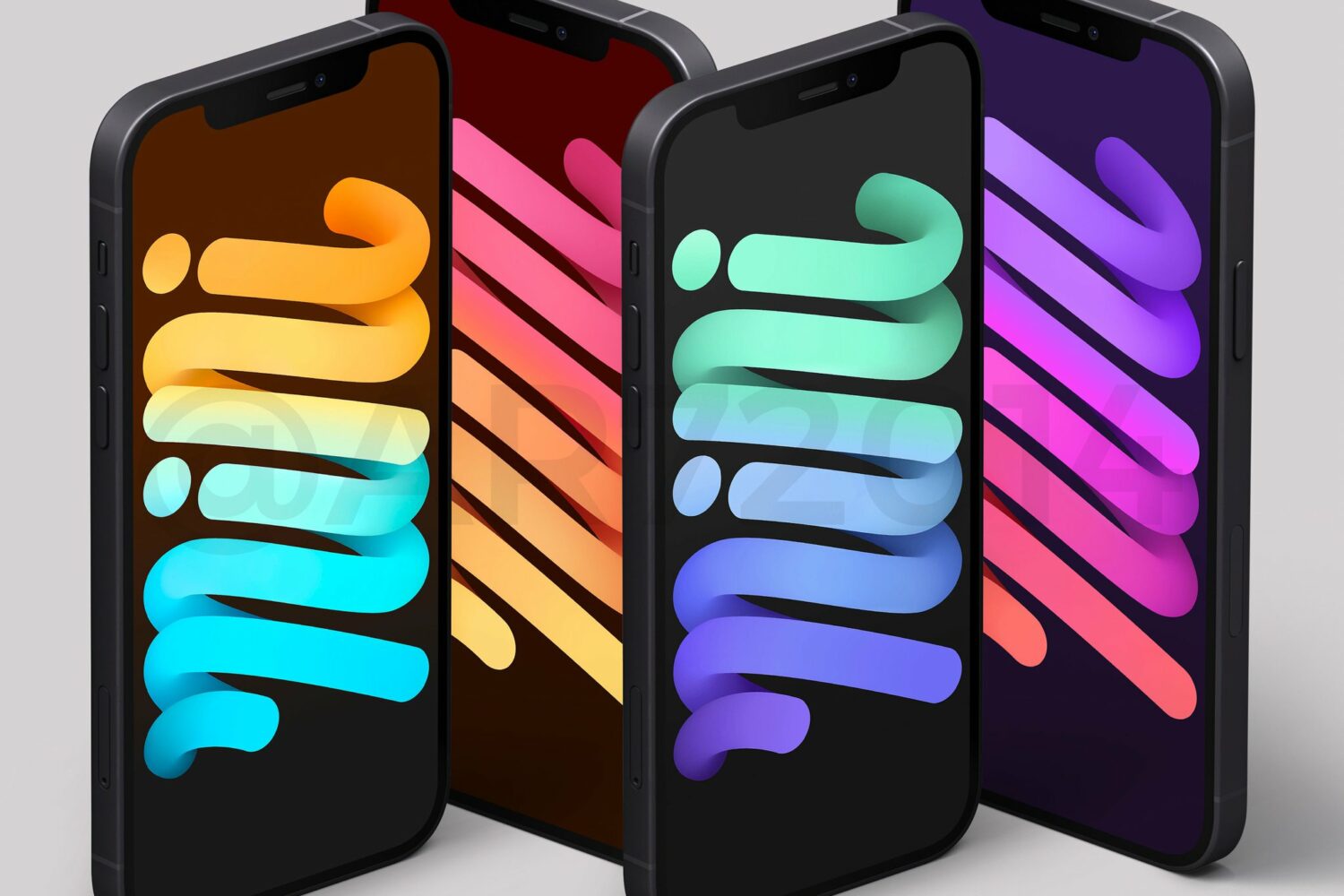
Since the launch of iOS Home Screen widgets and the ability to change app icons within native iOS 14, people are getting really creative with their setups. Pictured in the preview above, this @AR72014 wallpaper mod takes it a step farther with a creative way to enhance the look of the iPhone dock.

Astolfo lets jailbreakers apply custom backgrounds to Siri in iOS 14

I really like what Apple has done with the Siri interface in iOS & iPadOS 14 — especially when compared with iOS & iPadOS 13 and earlier. The new interface doesn’t take up as much space and has a more aesthetically pleasing interaction button, but in Apple’s typical fashion, even the new interface lacks user-driven customization.

Those looking to do more with the Siri interface are likely to give the nod of approval to a free jailbreak tweak called Astolfo, which was recently updated with iOS & iPadOS 14 in mind by iOS developer Litten. As some may remember, the tweak was originally worked on by Nepeta.

Trouble picking the perfect wallpaper for your pwned iPhone? DoABarrelWall can help

Selecting a wallpaper for your iPhone can be one of the most intimate manners of customization that you’ll get to experience, and that’s because it’s a personalized image that you’ll see every time you pick up your handset to start using it.

The primary concern with choosing a wallpaper, however, is that the quest to find the right one can be daunting. Whether you’re struggling to find one you like or you simply can’t make up your mind with regard to several that you like, choosing a wallpaper poses a unique set of challenges for the indecisive.

macOS gradient wallpapers for iPhone

I love a smooth gradient wallpaper for iPhone. In fact, a lot of my personal wallpaper collection consists of simple gradient color changing images. The reason gradients make such great iPhone wallpapers is the simplicity and color variety. One thing to consider when using gradients is how it plays with the icons on your Home Screen. You don't want a lot of color clash. The set today comes from the macOS Big Sur color palette. From hot pinks to rich, navy blues, this set is both dark and bright.