Ahead of November 1 launch of its video-streaming service, Apple yesterday at Regency Village Theatre in Westwood, California premiered its upcoming sci-fi drama "See".
Apple premieres sci-fi drama “See” ahead of its November 1 debut on Apple TV+

Ahead of November 1 launch of its video-streaming service, Apple yesterday at Regency Village Theatre in Westwood, California premiered its upcoming sci-fi drama "See".
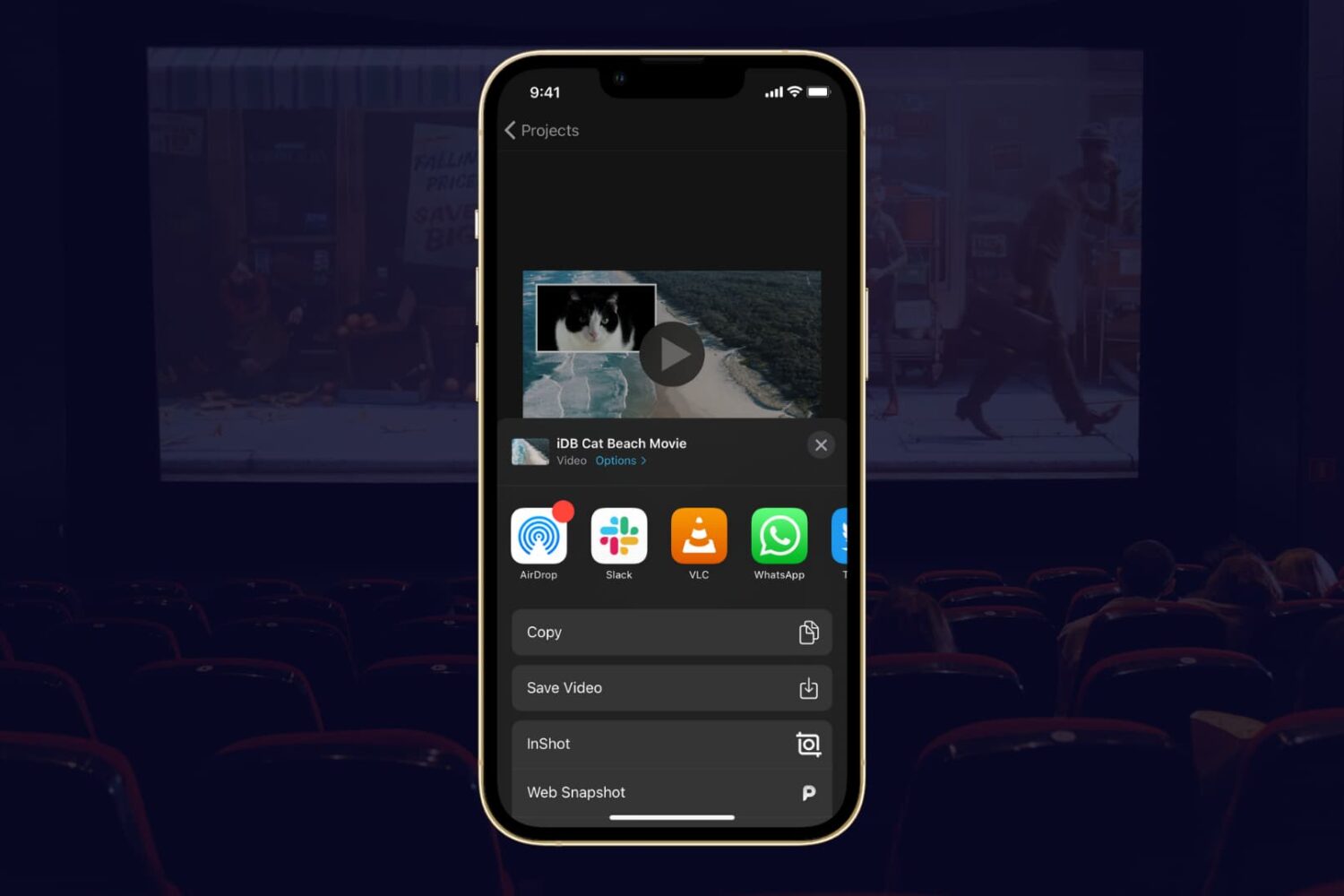
If you completed your movie magic in iMovie and want to share your creation, the app makes it easy. You have a few different options to export a movie directly or save it as a file to do with what you wish.
If you have a finished project that you’re ready to share, here’s how to export a movie in iMovie on Mac, iPad, and iPhone.
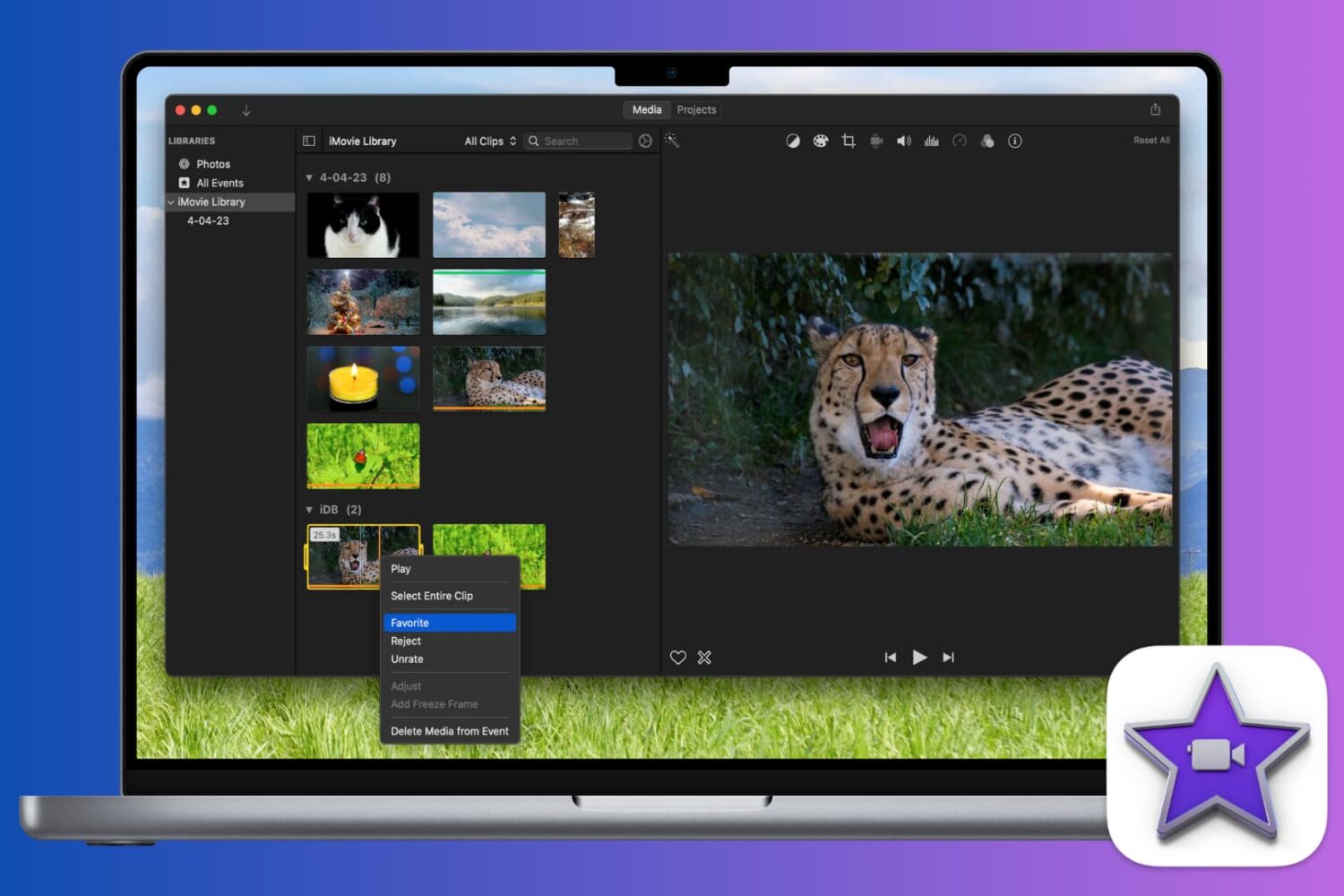
Learn how to mark a video as a favorite or reject it in iMovie when you’re reviewing your clips. This makes keeping and removing clips easy, so you can use the best ones.
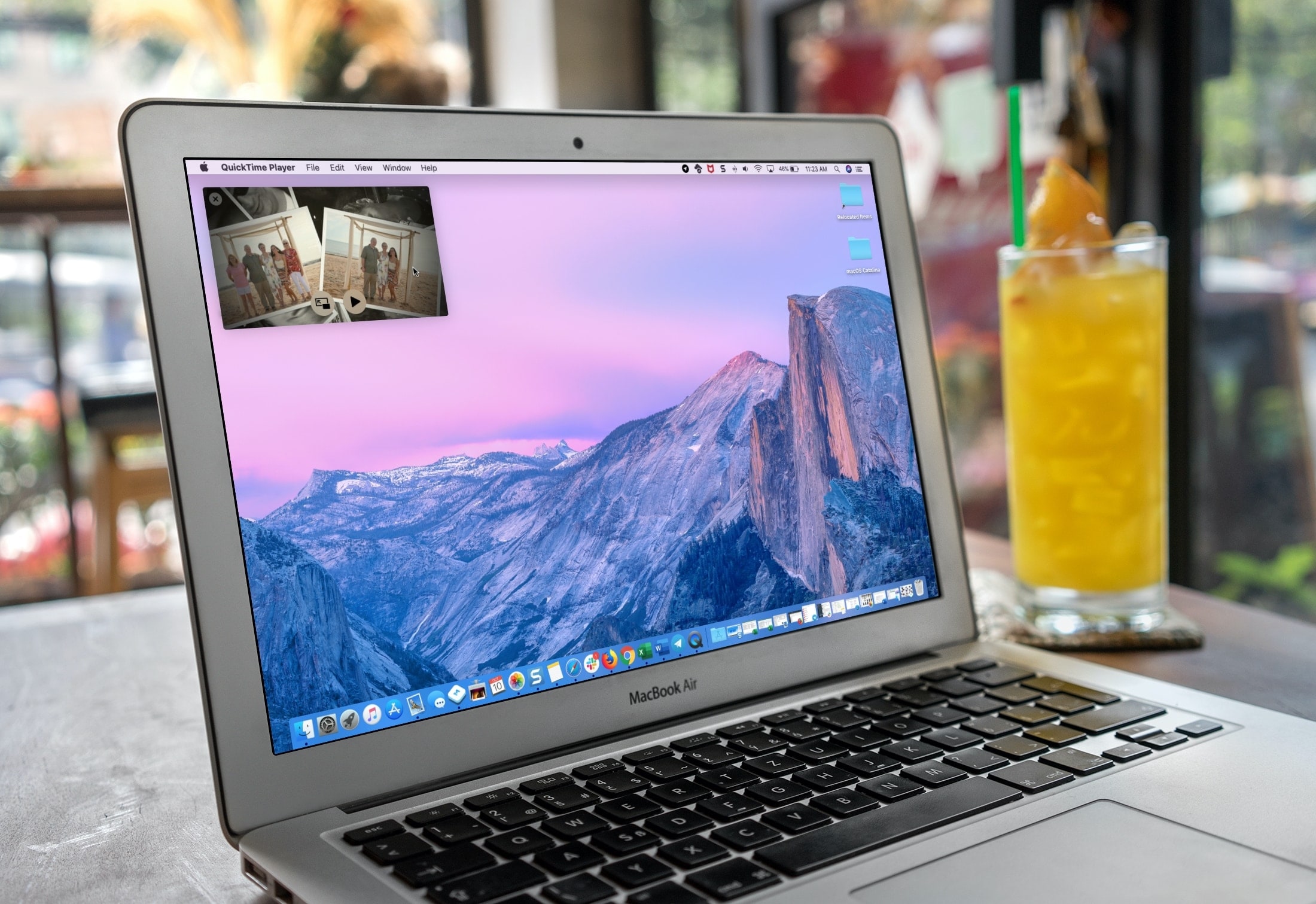
If you use QuickTime Player on your Mac to watch videos and movies, you’ll like its Picture-in-Picture (PiP) feature. It will convert the playing video into a small floating window, which you can resize and place anywhere on the screen.

“See”, a dystopian sci-fi thriller set 600 years in the future where people have lost sense of sight, will cost a whopping $15 million per episode and be as epic as HBO’s “Game of Thrones”.
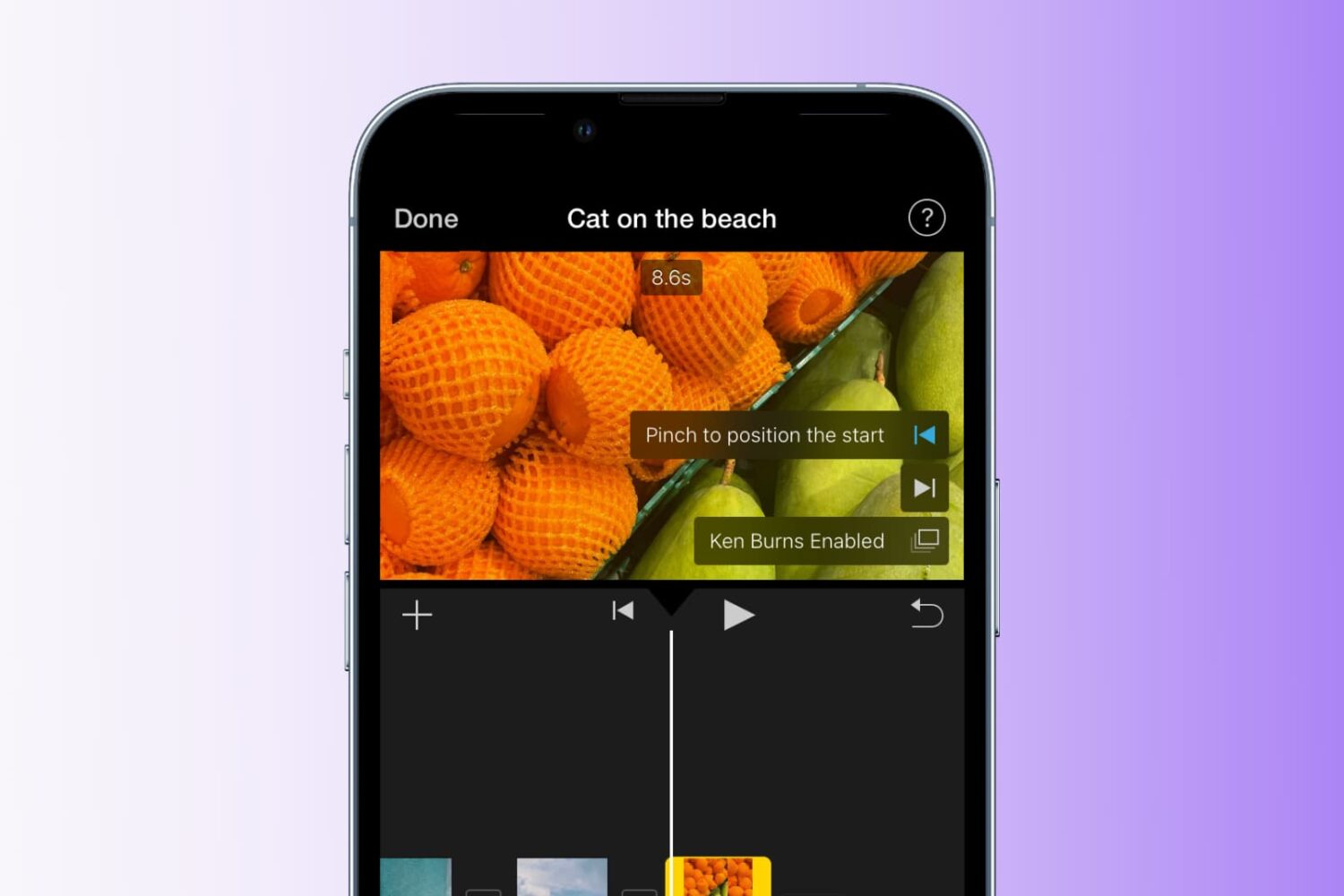
Learn how to add the Ken Burns effect to your images and video clips in iMovie to make them appear as though the camera is moving or zooming in and out, creating a beautiful cinematic effect.

We recently saw how the new features that Apple introduced in the iOS 13 and iPadOS softwares permit your iPhone and iPad to connect to not only external storage, web servers and USB thumb drives but also access files on forgotten peripherals like Iomega’s Zip drive.

Whenever you tap on a video in the mobile Safari web browser, such as on YouTube or otherwise, iOS displays that video in a familiar interface called the AVPlayer, which appears in the screenshot example above.
Like most video players, iOS’ native AVPlayer provides only the fundamental controls to and get things done, but with the help of a newly released and free jailbreak tweak called AVPlayerPlus by iOS developer Tr1fecta, you can enjoy several more luxury controls in the native AVPlayer interface that Apple never bothered to provide to you out of the box.

Apple Watch Series 5 is an evolution of the major redesign of the popular wearable device we got with last year's Series 4 refresh. Although a couple of light improvements in Series 5 may not warrant an upgrade for those who happen to own one of the previous models, they’re certainly enough to keep Apple Watch as the best smartwatch currently available.
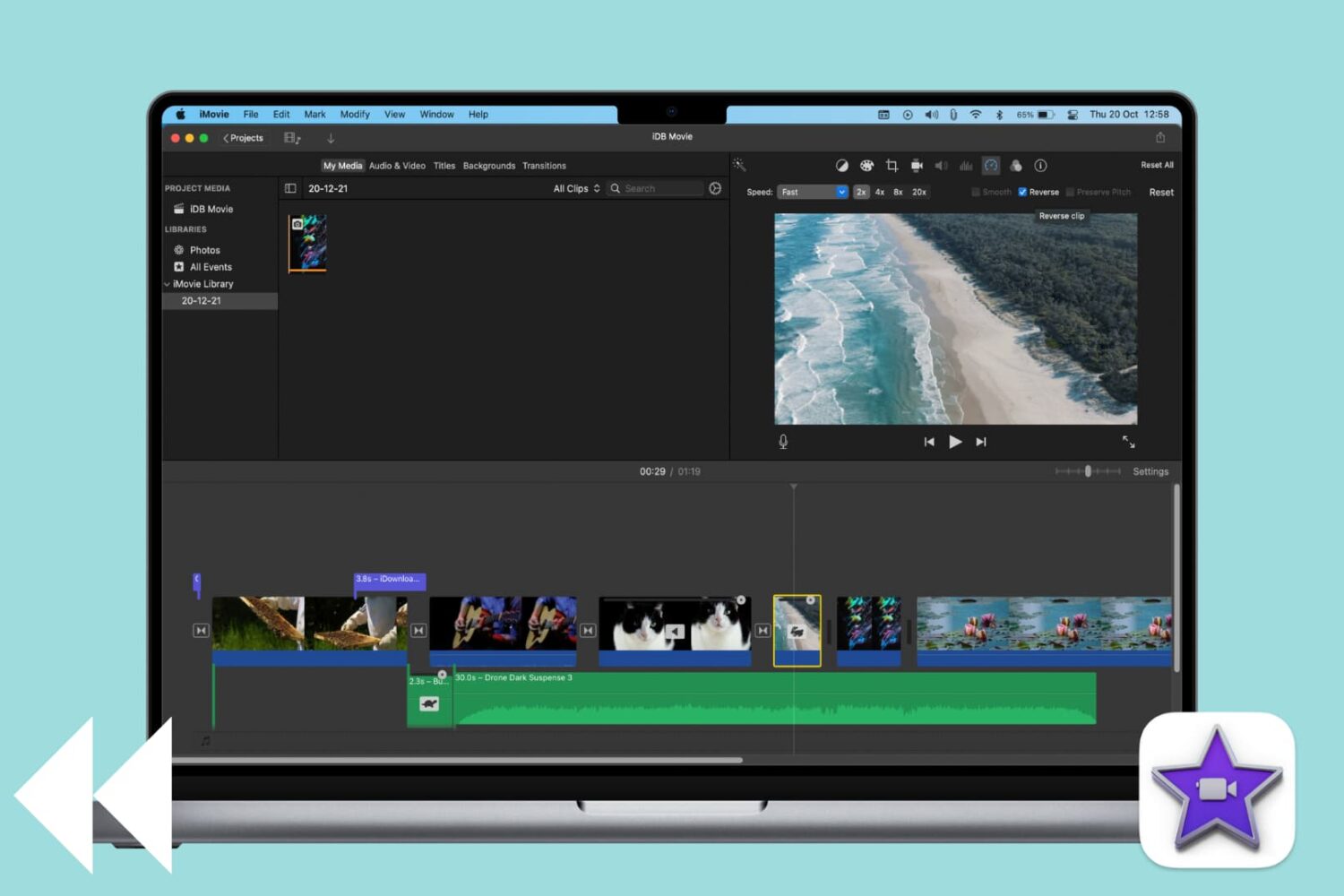
Learn how to reverse a video clip in iMovie on Mac to play it backward and add a cinematic effect to your project.
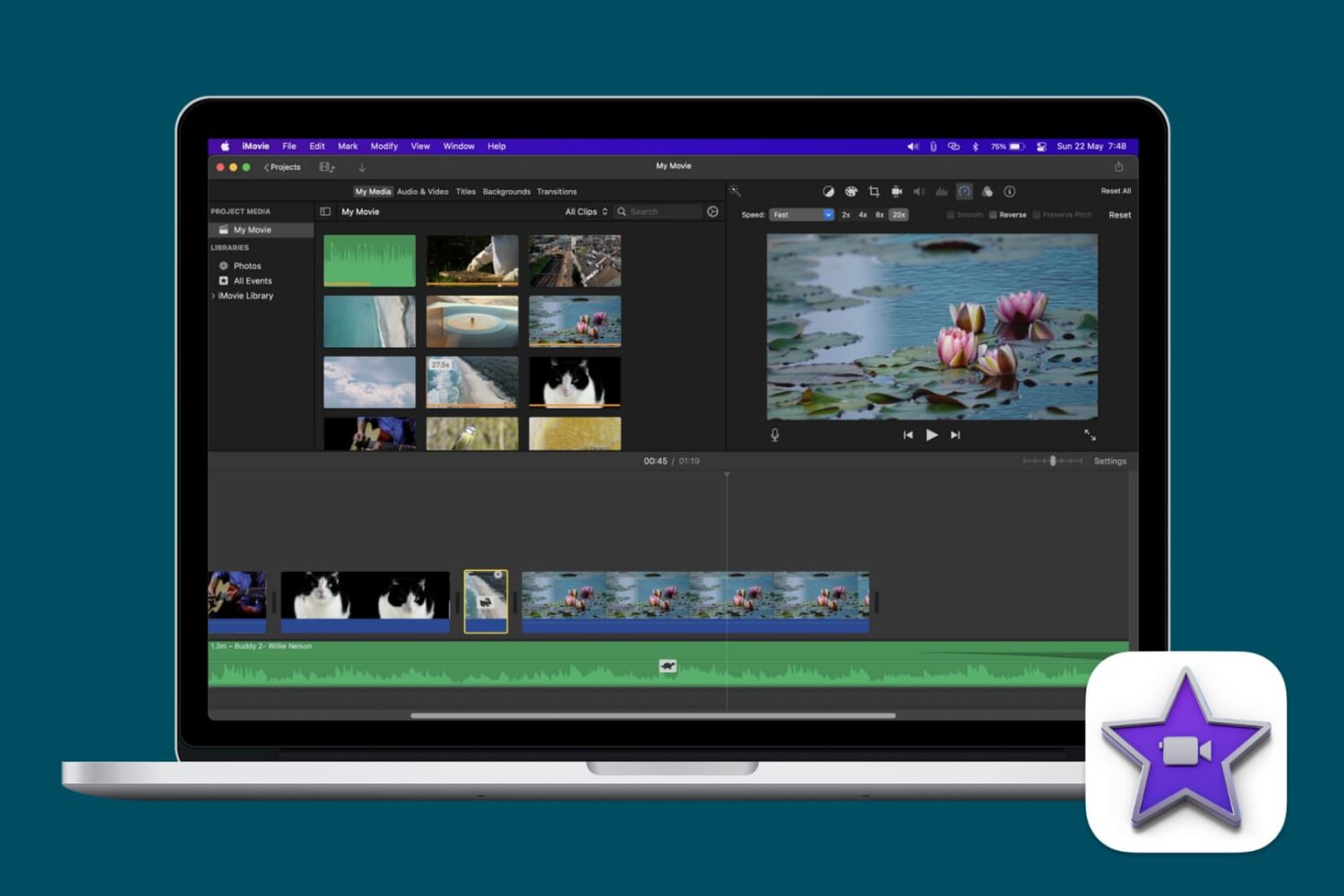
Learn how to speed up or slow down videos in iMovie on your iPhone, iPad, or Mac to highlight specific moments, create dramatic effects, or change their on-screen time.
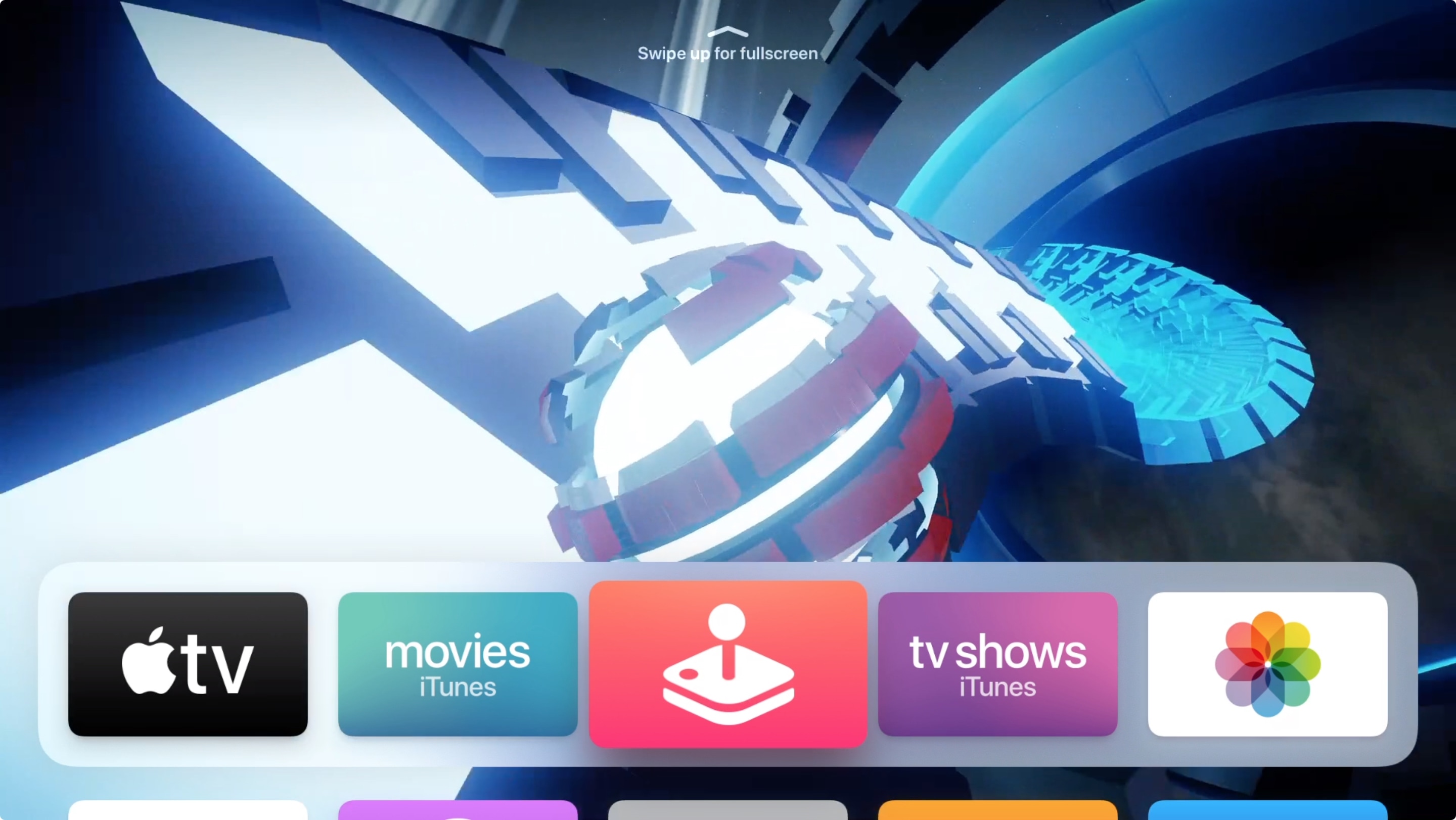
Learn how to turn off auto-play video previews on Apple TV and enjoy a more peaceful browsing experience in just a few simple steps.