Video

Apple iPad mini event now available for streaming

For the first time in more than 5 years, Apple offered up a live stream of this morning's media event to the public. So if you had an Apple TV, iPhone, or were at your computer, you could watch the event unfold live.

But if for some reason or another you didn't catch the live feed, we have some good news for you. Apple has just posted the video to its website and it's now available for playback. More details after the break...

iPad mini promo video

http://www.youtube.com/watch?feature=player_embedded&v=qL0UlqpfuQc

This is the iPad mini promo video that Apple played during today's event. While this video has been available all day on Apple's website, the company just published it on its YouTube channel. Enjoy!

Apple will also live stream today’s iPad mini event via its home page

Apple earlier today updated the Apple TV interface with a new Apple Events section which contains a link to a live stream of today's iPad mini press conference. The move prompting somewhat unusual speculation that the company will only provide a live stream as a courtesy to Apple TV owners. We provided some workaround solution at the bottom of this post and now Apple has made it official: you will be able to enjoy the live stream on either your Apple TV or by opening a page on Apple's web site using the Safari browser on your iPhone, iPod touch, iPad, Mac or Windows PC...

How to hide multiple app icons, no jailbreak required

A while ago we told you about StifleStand — an app for Windows or Mac that allows you to hide Newsstand without the need for a jailbreak.

Now there's another option for hiding Newsstand, along with a host of other default iOS apps. Again, like StifleStand, no jailbreak is needed for this method either.

In the following video walkthrough, we'll provide you with a demonstration of Rag3Hack, a new website dedicated to hiding stock iOS apps on any device, regardless of whether or not the device is jailbroken.

Microsoft films its own Surface RT drop test

http://www.youtube.com/watch?v=FDD6DVc0Mb8

For today's WTF moment, I present you this publicity stunt depicting the Surface RT falling from about 30 inches high and onto a hardwood floor, courtesy of Microsoft's Surface Reliability Lab and straight via the Surface team's official channel on YouTube. Unlike your ordinary drop test, this one has a twist to it, just watch. Spoiler: it survives the drop. Fortunately, Microsoft didn't go as far to credit the gizmo's vapor-deposited magnesium chassis for that.

Of course the clip is geeky - this is Microsoft, after all. The company is many things, but you can't blame them from exploiting social media on a Friday to spread the word about their iPad contender. The Surface RT runs an ARM-based chip, it looks snappy, and its tile-based interface introduces a fresh new approach to tablet computing. I've also included another video that shows off some of the features, right past the fold...

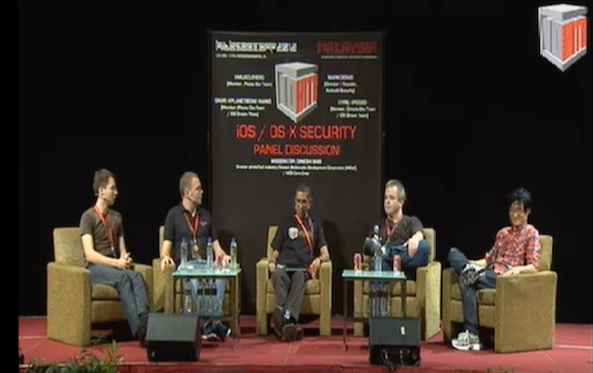
Watch pod2g, MuscleNerd and others in HITB iOS panel discussion

Earlier this month, we told you about an interesting panel discussion that was going to take place at the Hack in the Box conference in Kuala Lumpur, Malaysia. The panel consisted of MuscleNerd, pod2g, and other well known hackers. And they were going to be discussing iOS security.

But if you missed the live stream, never fear. The folks over at HITBSecConf have uploaded a video of the entire 30 minute long discussion and we've got it posted for you after the break. If you haven't seen it yet, it's really worth watching. There's a lot of interesting jailbreaking info...

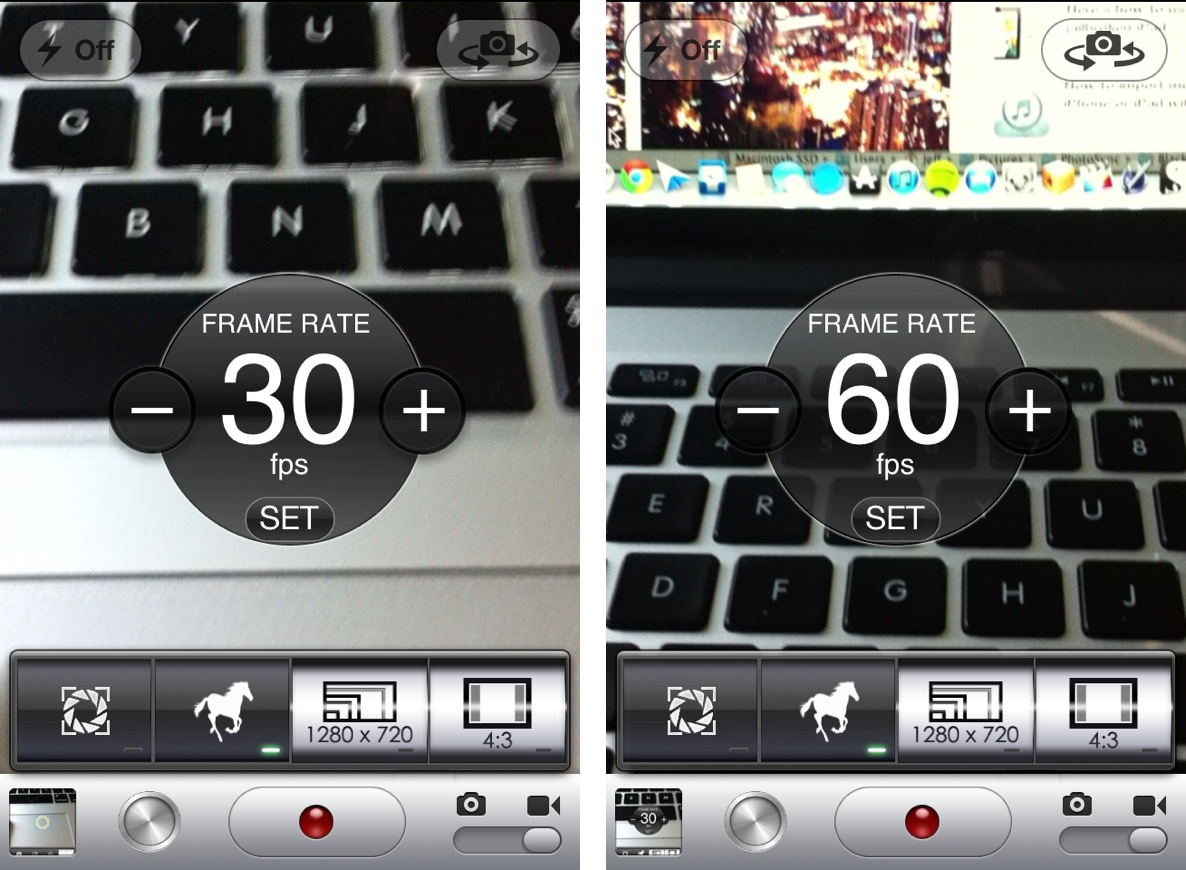
CameraTweak adds tons of useful options to the stock camera app

From a quality standpoint, the iPhone's built in camera has always been near the top of its respective class. But, admittedly, there are a few chinks in the armor when it comes to advanced camera features.

For instance, there's no countdown timer to be found inside the camera app. Also, more advanced features like independent reticles for exposure and focus are no where to be found. And what about a built in time lapse feature? That seems like only a mere dream at this point.

That is, of course, unless you are jailbroken.

Jailbreakers have the luxury of adding additional features to stock apps, and the Camera app is no exception. CameraTweak is a new jailbreak tweak that affords the ability to add all of the previously mentioned features into the stock Camera app, and then some. Take a look at our video walkthrough inside for the full details.

How to jailbreak iOS 5.1.1 on Pre-A5 devices using backup and restore

We've been stressing how many new features were packed into the new RedSn0w, and we weren't kidding. Another under the radar feature that's been added to the new RedSn0w is the ability to jailbreak iOS 5.1.1 untethered on Pre-A5 devices in A5 Non DFU style.

This is accomplished using the same method used for jailbreak tools like Absinthe, which utilizes backup and restore instead of the typical DFU ramdisk method. This is a great feature that speeds up the jailbreak process on Pre-A5 devices running iOS 5.1.1. Check inside as we give you a video demonstration and tutorial showing how it works.

Ostium adds a screen splitting effect to Notification Center

Ostium is a new jailbreak tweak that adds a screen splitting animation to Notification Center. The tweak works with a two finger pinch gesture, along with the more traditional slide from status bar gesture.

At first it appeared that the developer was only going to release Ostium for iPad, but iPod touch and iPhone support were added late in the game. I can definitely see the two finger pinch being more suited for the iPad's larger screen, but as you'll see, it works reasonable well on the small screen too.

How the Surface was engineered

Following up on today's Surface price list, pre-orders and a pretty nice commercial, Microsoft has also posted another interesting thingie which I think highlights how the engineering team went about designing  Microsoft's iPad contender. Make no mistake about it: with the Surface, the Windows maker has raised the water line on its platform’s functionality. This tablet's here to stay. It is at any rate refreshing to have a fresh approach to the tablet other than the boring iOS-Android duopoly. Microsoft also has a few other promo clips for the Surface, all included past the fold...

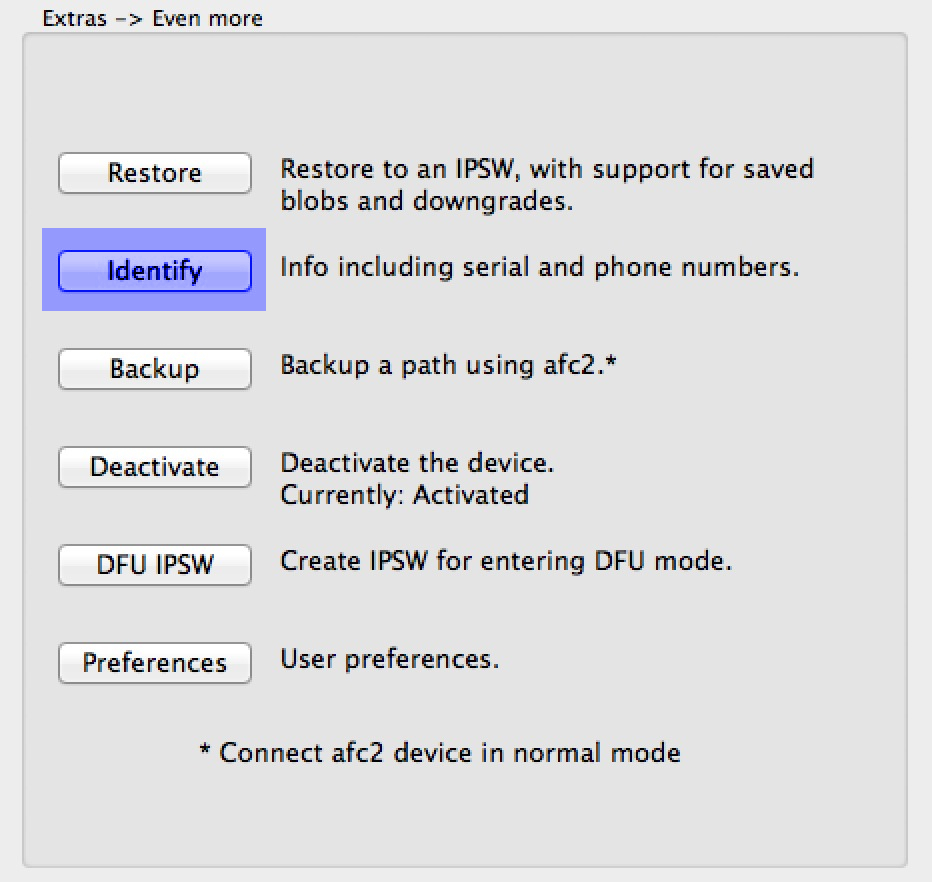
How to use RedSn0w’s new Identify feature

As you know, RedSn0w 0.9.15b1 was a pretty significant upgrade over its predecessor. One of the new features that has sort of flown under the radar is the new Identify feature, which is buried in the Extras > Even more options.

The purpose of this new feature is to provide a verbose output of all device info in an easy to read and exportable format. This nice thing about the Identify feature is that you don't even have to be jailbroken to use it, and it works on pretty much every iOS device, including the iPhone 5.

Have a look inside as we go hands on with the new feature and showcase how easy it is to use.

How to downgrade pre-A5 devices easily with RedSn0w

RedSn0w 0.9.15b1 was a gargantuan update. In fact, we're still trudging through all of the new features. One new addition that has us really excited is the new direct restore option for pre-A5 devices.

This new restore option allows you to downgrade your device without having to fool with host files, stitching, Pwned DFU, iTunes, or anything else that made downgrading so incredibly cumbersome in the past.

We've made a step-by-step tutorial that shows you how to use this new restore feature, along with getting by those pesky Mismatched APTicket errors. Check inside for the full tutorial.