Video

How to jailbreak iOS 6 with RedSn0w 0.9.15b1

As we reported a couple of days ago, RedSn0w 0.9.15b1 is now available to jailbreak A4 devices and below running iOS 6. This latest version is a pretty massive update with a lengthy change log, but the most important aspect about the update is the ability to jailbreak iOS 6 and install Cydia.

Previous iOS 6 jailbreaks required users to install Cydia manually, but the latest public version of RedSn0w works just as you might expect it would. Take a look inside for our full tutorial.

Saturday Night Live talks iPhone 5 complaints

For the most part, the iPhone 5 has been well-received by customers. Reviews of the handset have been very positive, with most folks saying it's well worth the upgrade for previous iPhone owners.

But in addition to all of the praise, we've also heard a lot of complaints regarding the smartphone. There's the iOS 6 Maps debacle and the scratching, and don't forget the camera's purple haze issue.

So last night, the folks over at Saturday Night Live decided to address these complaints as only it knows how. You have to watch this hilarious clip from SNL's new episode called "Tech Talk: iPhone 5..."

iPod touch 5th generation review

I never planned on purchasing a new iPod touch, but the impulse bug got me. I bought one last year for testing purposes. But despite that justification, I still had buyers remorse soon afterwards. That's how bad the iPod touch 4th generation was. It lacked power, had a terrible screen, and the design was, well, disgusting.

But when Apple showed off the new iPod touch hardware last month, my interest was piqued. Still reeling, though, from the 4th generation product, I kept myself from getting too excited about it.

Unfortunately (thankfully?) I struggle to control myself when it comes to Apple product purchases. But that lack of control allowed me to witness first hand a marvelous turnaround to the iPod touch line. Yes, the iPod touch 5th generation shares little with the previous generation hardware, and that's a good thing.

Indeed, the new iPod touch is — wow — it's actually good. I mean, it's really good. If you haven't yet seen it in person, you owe it to yourself to check out this review...


First Windows 8 ads leak ahead of October 26 release

As Microsoft gears up to launch Windows 8 later this month, arguably the most important software release in Redmond's history, first television commercials have surfaced, revealing how the company will communicate the benefits of its first touch-focused operating system to the general public.

Windows 8 has a new tile-based interface consistent with the Metro design language, can run both legacy apps and those optimized for the touch interface, includes a digital store akin to the Mac App Store, features a unified kernel and scales up from the tiniest to the biggest screens and much more.

True to its form, Microsoft plans to offer Windows 8 in a bunch of flavors, including ARM and x86-based tablet versions, Windows Phone 8 for smartphones and standard desktop and server versions. Three more ads are right below the fold...

Watch how the iPad helps spread hope

Project HOPE, a United States-based health care organization, explains in this heartwarming video how Apple's iPad helps Project HOPE volunteer and pediatric physician Dr. Dana Braner treat sick children around the world. Watch how the iPad "lights up their faces" as Dr. Dana discusses how the device  helps him treat young patients who now find regular medical check ups far less intimidating...

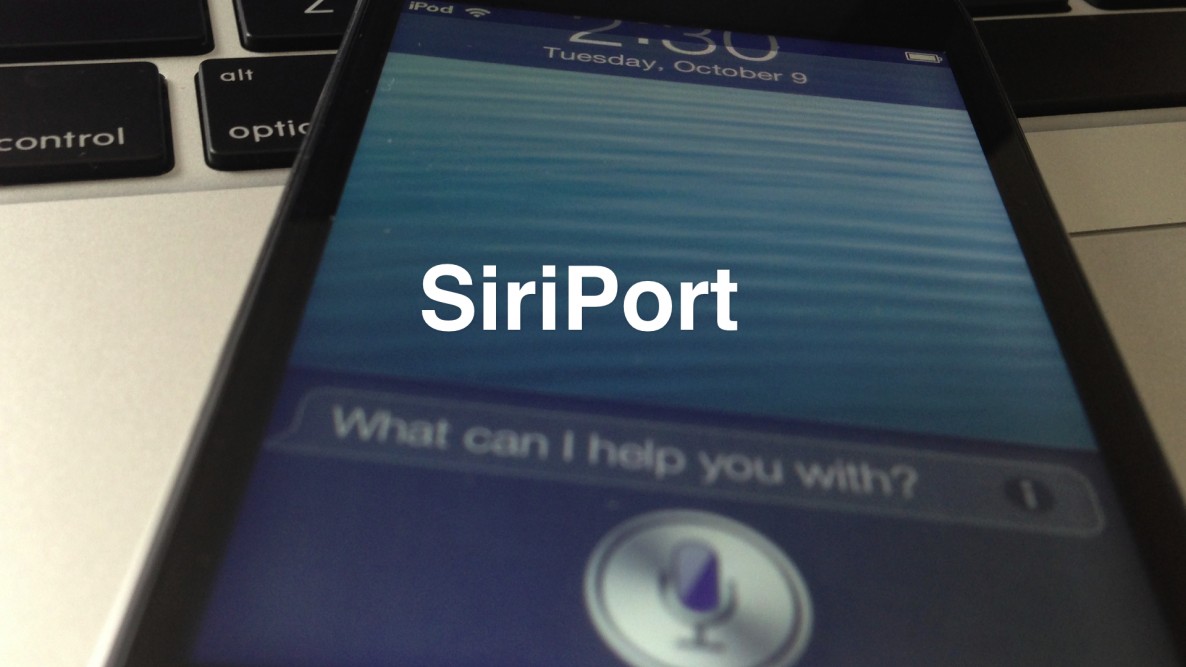
How to install Siri on iOS devices running iOS 6

Would you like to use Siri on your old iPod touch 4th generation or iPhone 4 running iOS 6? The first thing you need to do is jailbreak your device, and then install Cydia.

Once you've jailbroken your device and installed Cydia, you can then add the necessary Cydia repo to install the package needed to configure Siri on these devices.

Check inside for our full tutorial.

Sega announces it’s bringing Crazy Taxi to iOS

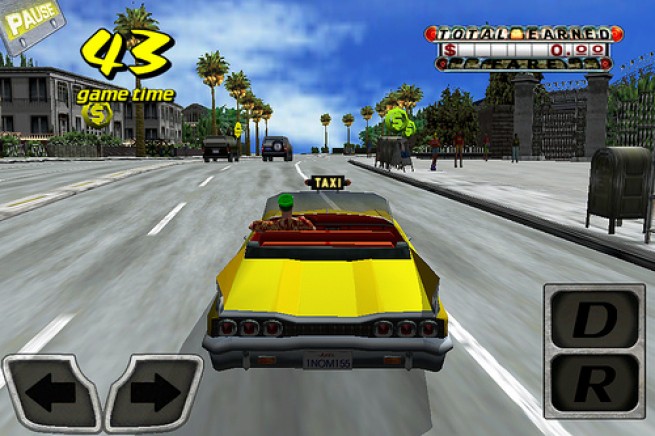
In a blog post yesterday, Sega announced that it was going to be bringing its popular Crazy Taxi game to iOS this month. The title, which was the first in the Crazy Taxi series, started out as an arcade game, and has since been ported to several different consoles.

In addition to the announcement, Sega also posted an [extremely] brief trailer that shows gameplay footage from the upcoming iOS version, along with the message "Relive the madness on iPhone, iPad and iPod touch. October 2012." Video teaser after the break...

How to hide Newsstand on the iPhone, iPad, and iPod touch, no jailbreak required

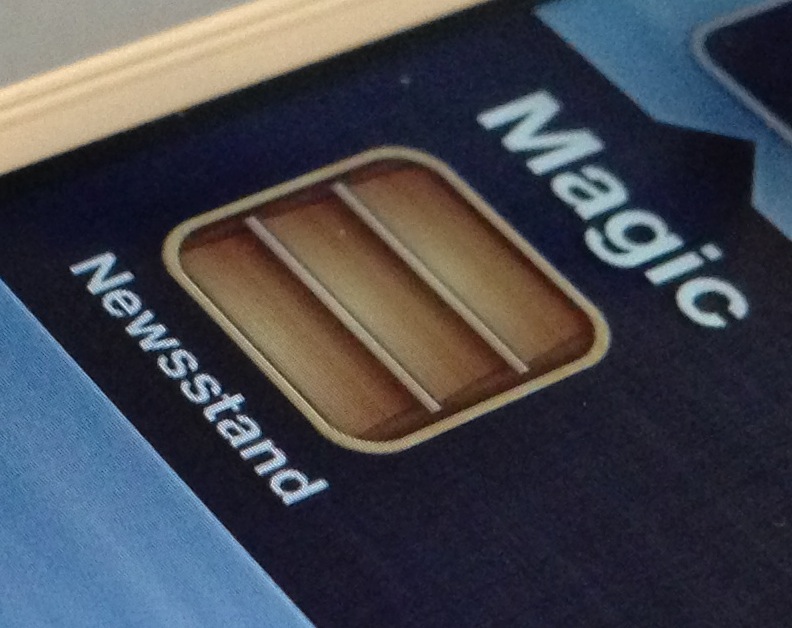
Although I occasionally use Newsstand, I can plainly see why many deem it to be worthless. Almost all of my friends have Newsstand apps that look just like the screenshot above — empty. With that in mind, wouldn't it be great if Apple didn't force the app upon you?

I mean, it's not even really an app after all, it's a folder, yet Apple forces you to keep it on your Home screen with no way to hide it. Most people who really hate the app, and don't have the luxury of a jailbreak, relegate Newsstand to the last page of their Home screen, but this latest Mac app one-ups that solution.

Like previous tricks that allowed you to place Newsstand in a folder, Filippo Bigarella's StifleStand does something similar. StifleStand, though, is much more easy to execute, because it doesn't require any special timing on your part.

The best thing about StifleStand is that it doesn't require a jailbreak, which makes it entirely possible to hide the Newsstand app on the iPhone 5, or any other iOS device for that matter. Take a look inside as I show off the easy to follow process on video...

How to quickly access Emoji characters via the iPhone’s stock keyboard

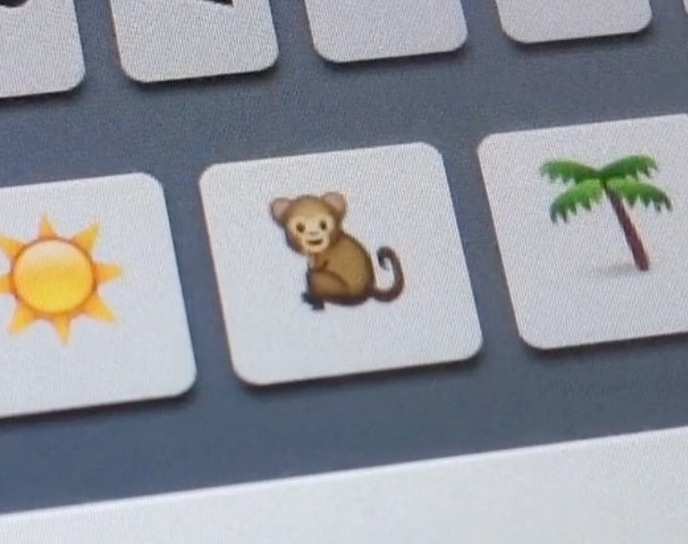
QuickEmoji is a brand new jailbreak tweak that allows you to quickly access Emoji characters using the stock iOS keyboard. Normally, you'd have to switch to a dedicated Emoji keyboard to use Emoji characters, but this tweak takes on a more practical approach.

Take a look on the inside, as we show you how to access your precious Emoji characters in a more efficient manner...

How to use a Nano SIM in the iPhone 4 or iPhone 4S

If you just purchased an iPhone 5, then you know first hand how much smaller the new Nano SIM is when compared to the already diminutive Micro SIM it replaces.

But what if you want to use the new Nano SIM in an older phone, like the iPhone 4, or the iPhone 4S? Obviously you can't just stick it in there.

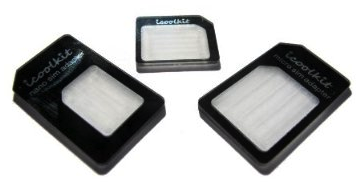
Your best option is to purchase an adapter that can be cheaply had on Amazon for $1.99. That's exactly what I did, and here's the video to prove it.

How to import media on your iPhone or iPad without iTunes

Bridge is a jailbreak app that allows you to import music from your iDevice directly into your media library. While it works best in cohesion with a download tool like Safari Download Manager, it can work independently as well.

Files can be accessed via a built in file browser, or you can paste the URL of a specific file directly into the app. Have a look at our brief video for more insight...