Video

iPad vs Surface: size and dimensions

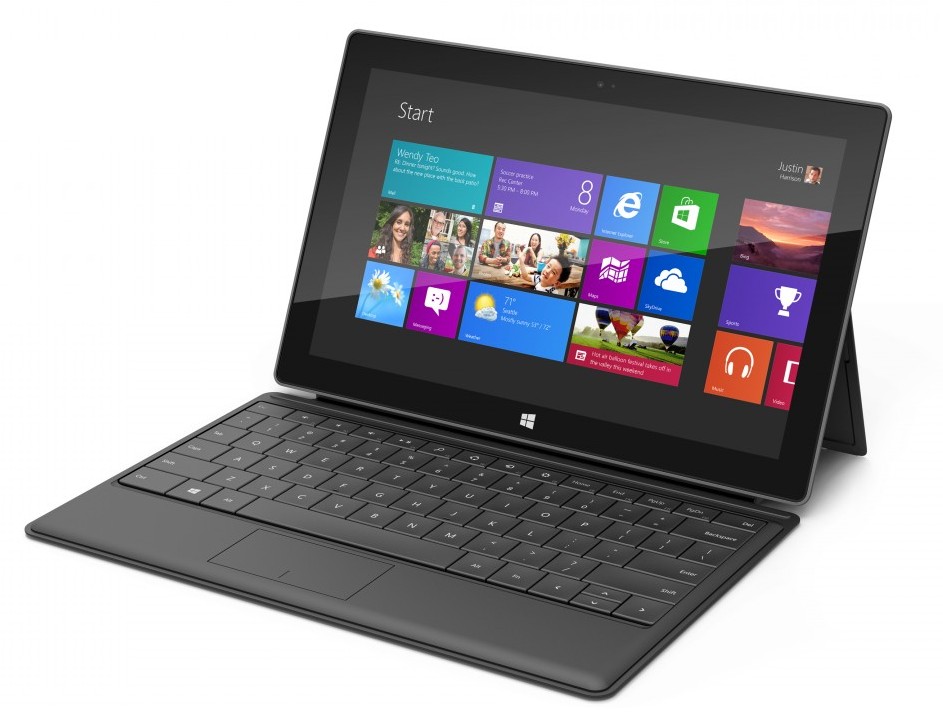
The Microsoft Surface launched today to quite a bit of fanfare. I just received my unit via FedEx a few hours ago. Although I've yet to actually power on the unit (such is the life of a tech blogger), I have thoroughly inspected its hardware.

In the following video, I compare the Surface's dimensions and weight to that of the iPad 3. It's an interesting look at two wildly different tablets on pretty much every level. Take a gander...

This jailbreak tweak lets you unlock your iPhone with a pinch

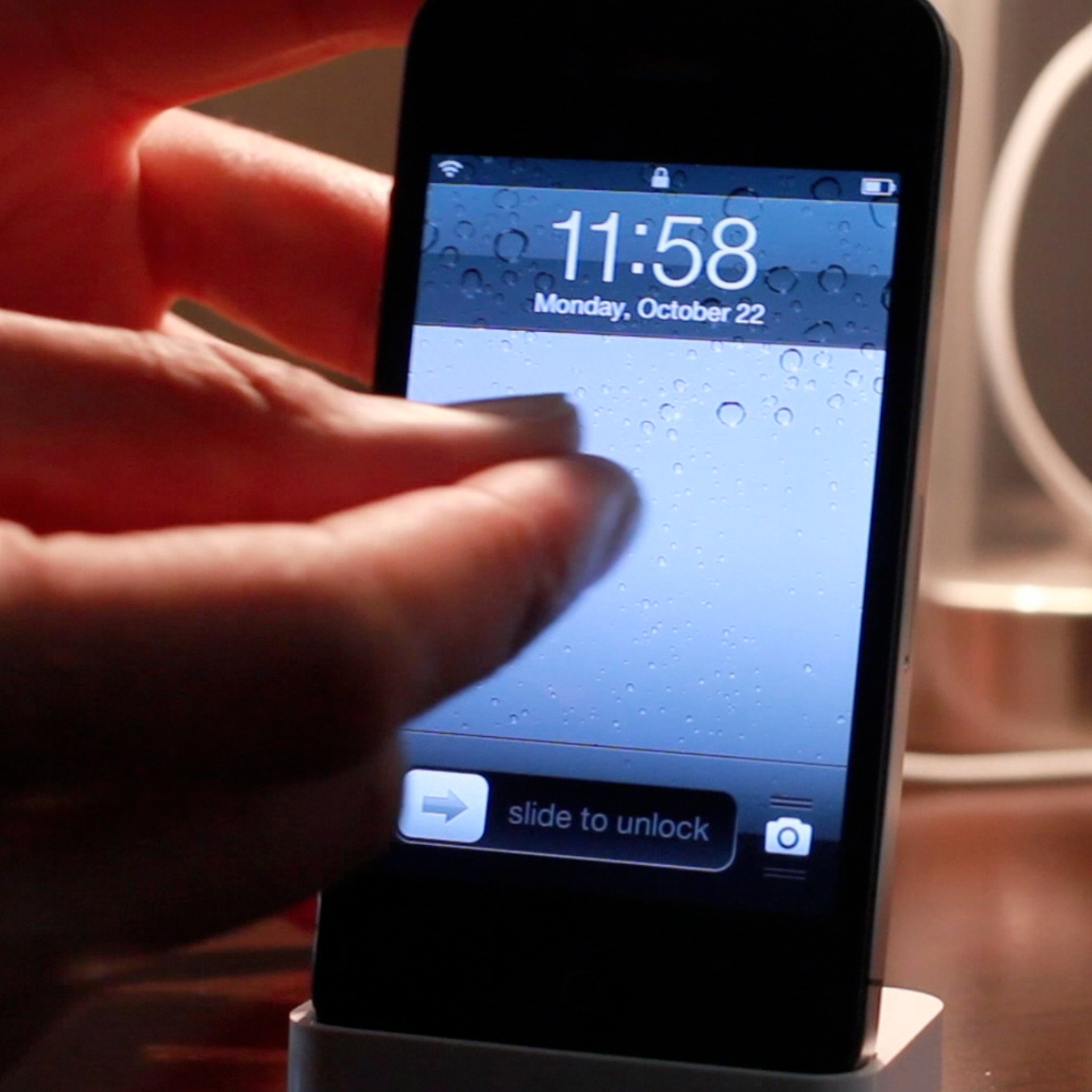
If you're looking for an alternative way to unlock your iOS device, there's no shortage of tweaks available on Cydia for you to do so. In fact, pinch to unlock is a recently released tweak that allows you to do just that. Instead of sliding to unlock, the tweak allows you to perform a two finger gesture as a means to unlock.

Interestingly, you don't have to actually perform a pinch gesture in order to unlock your device. Pinch to unlock readily accepts any two finger gesture on your Lock screen as a means to gain access to your device. Check inside for the full video...

How to kill all running apps with a swipe

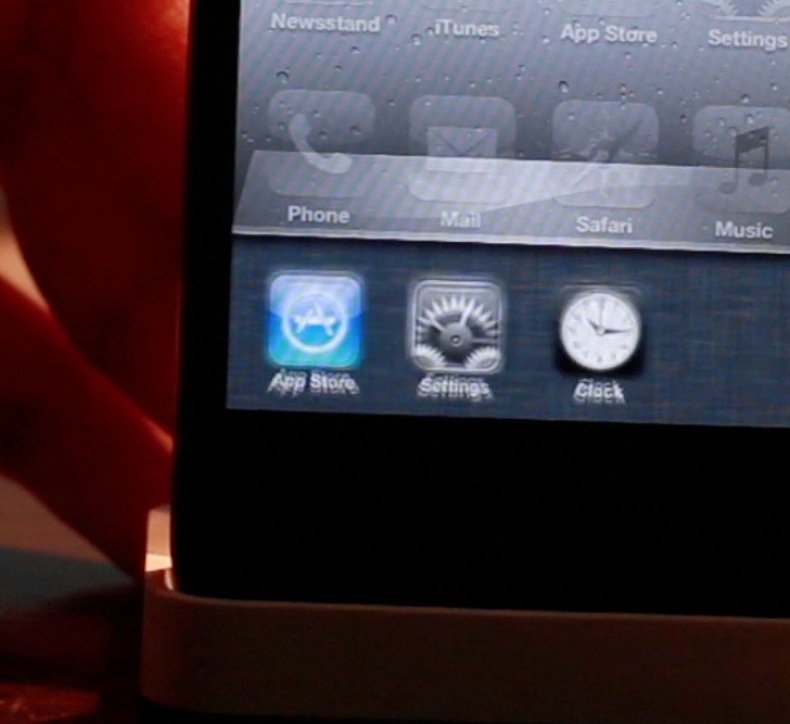
SwipeAway is a new jailbreak tweak that allows you to easily kill running apps with a simple swipe within iOS' App Switcher. The tweak includes two options in the Settings app: the ability to swipe up, or swipe down to invoke the killing measure.

This certainly isn't the first tweak that allows you to kill all running apps, but it's likely one of the more intuitive methods for doing so. Take a look at our full video walkthrough inside for all of the details.

How to create animations on your SpringBoard by shaking your device

Some jailbreak tweaks serve no purpose as far as productivity or utility is concerned. Some tweaks are simply made to show off to your friends and family. ShakeAnimation fits squarely into this category. This isn't a tweak that you purchase to gain additional functionality on your iOS device. Instead, it's a tweak that you install solely to show off what you can do with your device.

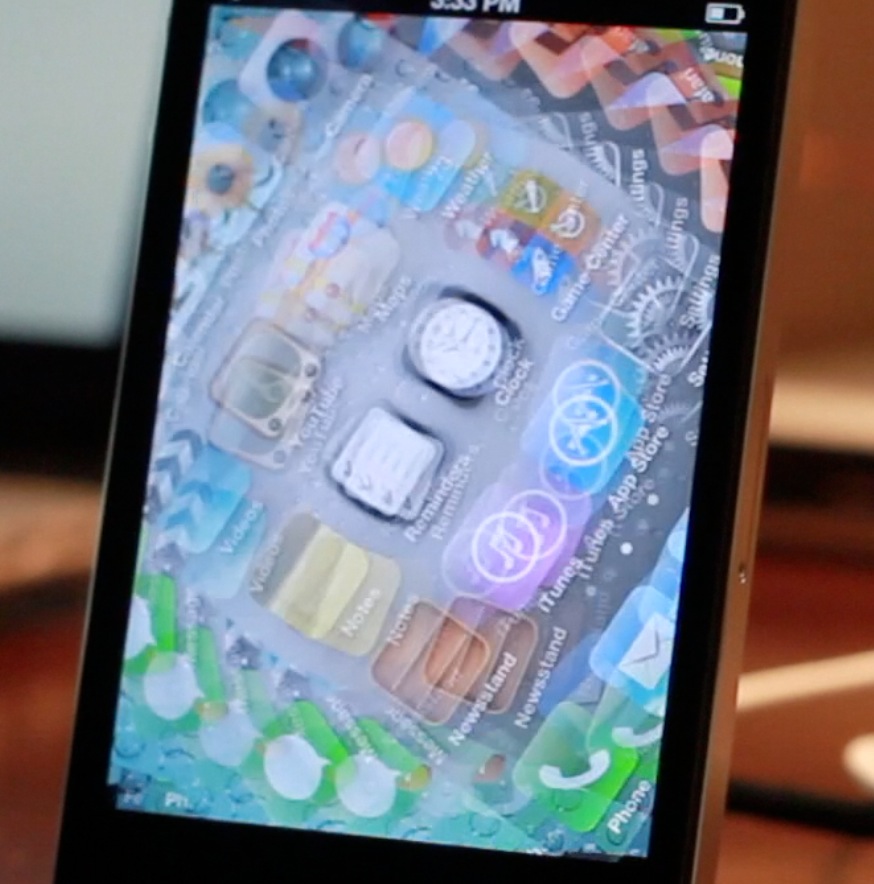
As its name states, ShakeAnimation allows you to gain several different animations on your device with a simple shake. There are quite a few animations contained within the settings, and you can invoke them in a variety of areas such as the Lock screen, or Home screen. Talking about it can only tell you show much. For a tweak like this you really need to visualize it to get the full gist of it. Take a look at our video inside for a full visualization of ShakeAnimation in action...

Conan O’Brien on iPad mini

http://www.youtube.com/watch?v=iJtS8201qNc

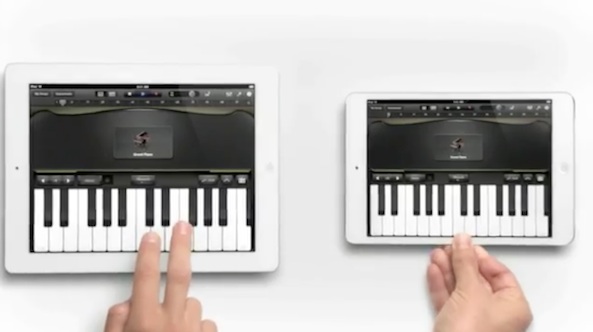
Always quick to exploit everything Apple as an inspiration for his late-night talk show, Conan O'Brien took Apple's charming piano commercial for the new iPad mini and made a sort of sarcastic musical out of it, just watch...

Shit Android fanatics say

http://www.youtube.com/watch?feature=player_embedded&v=7huae767Rxg

Last month we showed you two absolutely hilarious videos about shit Apple fanboys say (part 2). It looks like someone took a page from that book and came up with a similar version, this time targeting Android users.

Titled "shit Android fanatics say", this video isn't quite as funny as its Apple counterpart, but I still got a good laugh out of it, and I'm sure you will too.

New Lightning HDMI and VGA adapters, 12W USB charger now on sale

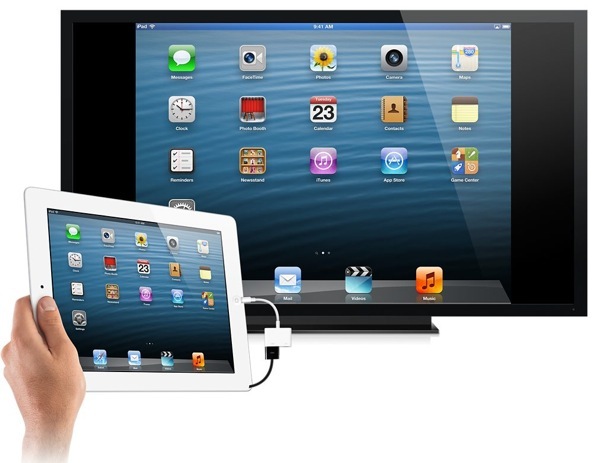
Per rumors, Apple yesterday alongside the iPad mini, a revamped iMac, refreshed Mac mini and the new 13-inch Retina MacBook Pro also took the wraps off some new Lightning accessories that will be of note to people who want to show off their presentations, apps, games and more on devices that accept HDMI or VGA input.

Each adapter commands a steep $49 price and is available now from the online Apple Store, with shipping estimates already slipped to a 2-3 week backorder. Apple also put on sale a more powerful USB iPad charger that now provides twelve watts of power instead of ten, helping with faster charge times...

iPad mini event keynote now available for download as a podcast from iTunes

In case you were not able to watch the iPad mini keynote live as it was happening yesterday, Apple made the video available for streaming on its website shortly after. But for those of you who don't want to be tied to a wifi network in order to watch the keynote, you'll be happy to learn that the whole iPad mini event is now available as a podcast download from iTunes...

First iPad mini ad hits YouTube

Remember that cool TV spot Apple played during its media event yesterday? The one that featured a full-sized iPad and an iPad mini playing a duet in piano apps? Well it hit YouTube just a little bit ago, and is now available for your viewing pleasure...

Apple posts iPad mini Smart Cover video to YouTube

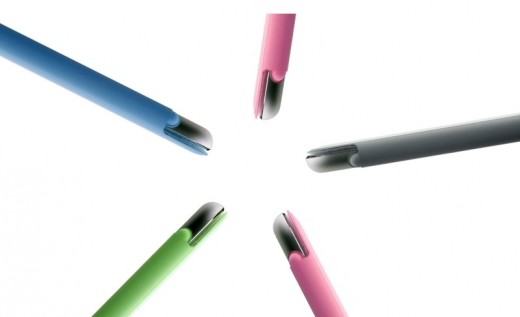
During its iPad mini event today, Apple introduced a new accessory: the iPad mini Smart Cover. It's essentially the same thing as the larger version, except there's no more metal hinge.

Alongside the announcement, Apple also showed off a rather well done TV commercial starring the new Covers. And a few moments ago, they published the spot to YouTube...

How Apple planned for the iPad mini with improved Multi-Touch in iOS 6

It's always good to think two or three steps ahead to prepare for any situation, and that's obviously what Apple's been doing when it comes to the iPad mini, and iOS 6.

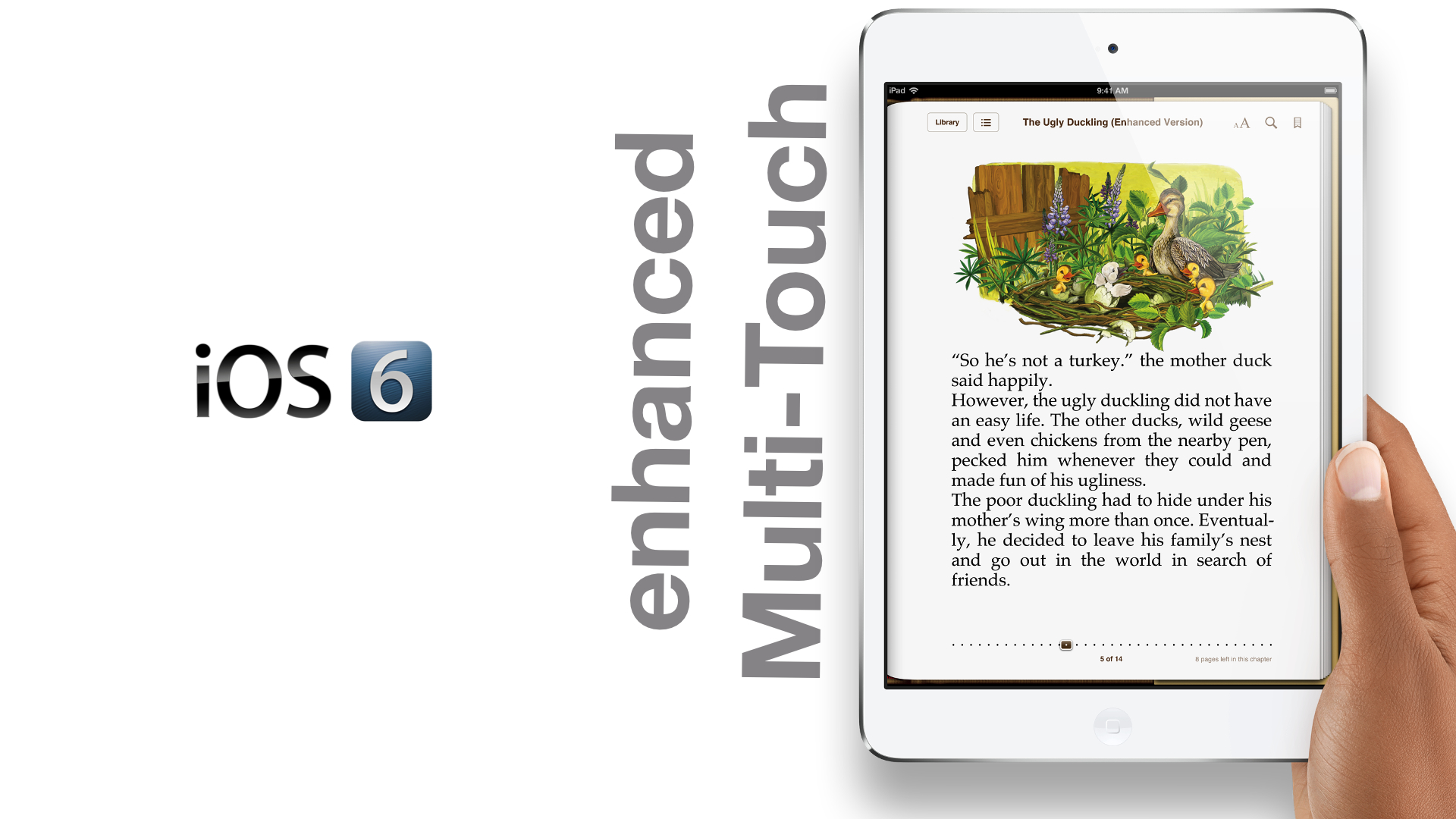
As we told you about earlier, improvements needed to be added to iOS' Multi-Touch in order to accommodate the smaller bezel of the iPad mini. With the mini, you no longer have the luxury of a half-inch bezel wrapping around the screen like the bigger iPad models.

That means that fingers and thumbs will now rest on the actual screen of the device instead of the bezel, and this would in turn result in a litany of false positive finger inputs. If the iPad mini shipped with iOS 5, such an issue would be a major problem.

Fortunately, as iPhoneinCanada points out, Apple planned well ahead in advance for such a scenario. As it turns out, the iPhone and iPod touch versions of iOS 6 shipped with improved Multi-Touch out of the gate. Take a look inside as we compare iOS 5's Multi-Touch detection, with the improved and iPad mini ready iOS 6.
The iPad mini keynote in less than 4 minutes

http://www.youtube.com/watch?v=yU3JXHbDT-Q

If you dont have time to devote an hour and twelve minutes to watch Apple's iPad mini keynote, then get a load of this. We've compiled most of the crucial information in an easily consumable nugget that's less than 4 minutes.

What's your favorite part of the keynote?