Video

FlipLaunch: Application shortcut toggles for the FlipSwitch framework

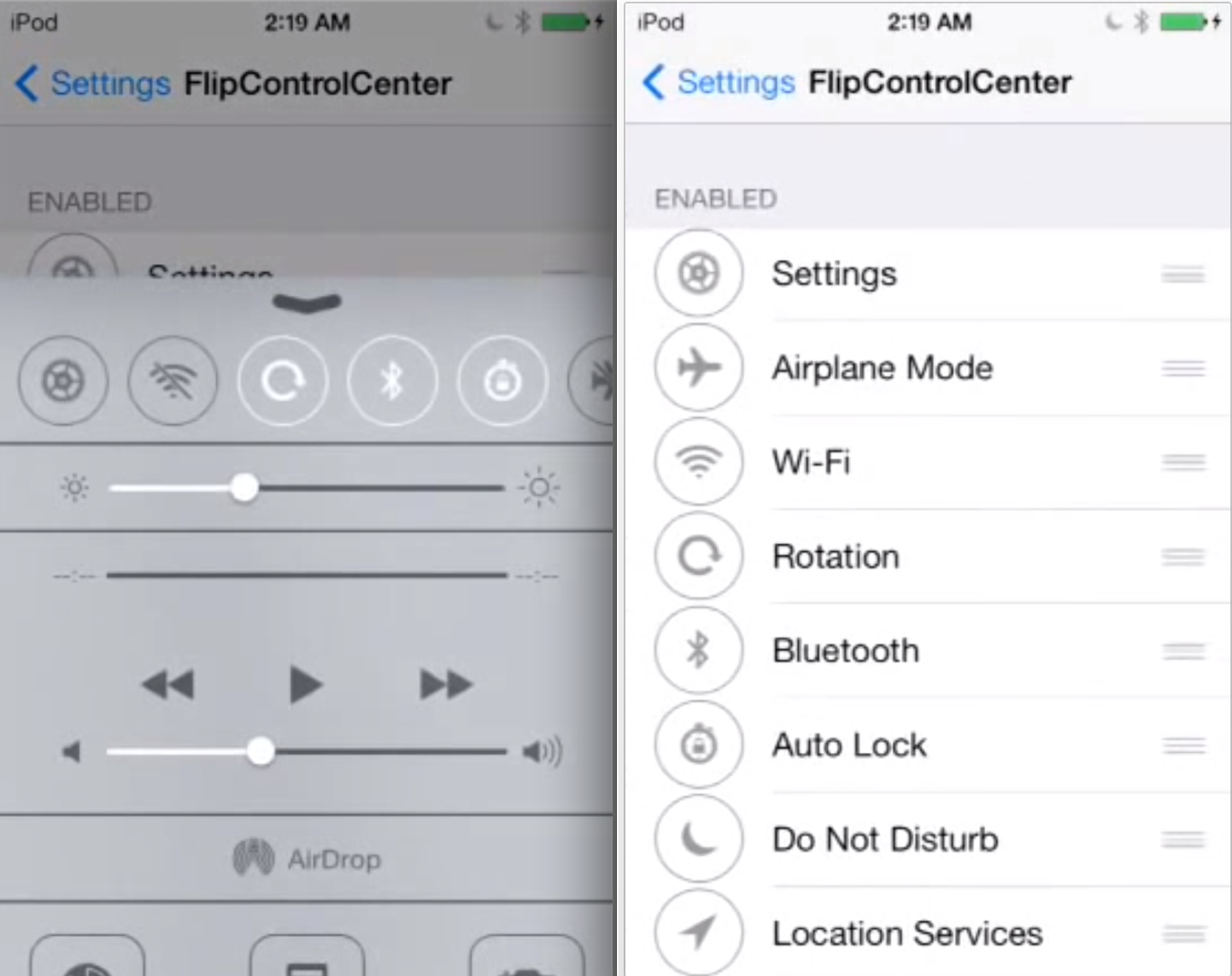
FlipSwitch is a framework for adding quick toggles to apps and tweaks. We explained what the framework does and how it works in this post. In fact, FlipControlCenter, a tweak that we just reviewed, uses the FlipSwitch framework to incorporate customized toggles into iOS 7's Control Center. Needless to say, FlipSwitch is an extremely handy tool for developers, because it gets rid of the redundancy of creating shortcut toggles from scratch with every app or tweak.

A new add-on to FlipSwitch has been released called FlipLaunch. It allows users to incorporate app shortcuts directly into releases that support FlipSwitch. This means that one can easily add a shortcut to any app installed on device to any tweak or app that supports the FlipSwitch framework. And because the add-on uses a special two-letter naming system, you're ensured that the application launch toggles will always look good and never out of place.

I've tested out FlipLaunch with the FlipControlCenter tweak that we just reviewed. Have a look inside to see how it works via our hands-on video walkthrough.
FlipControlCenter is the obvious iOS 7 tweak that we’ve all been waiting for

It's been a busy day to me, so I was admittedly late to get to FlipControlCenter after its release earlier today. When I first saw Cody's post, I knew that this tweak would be a part of my nightly recap before heading off to bed. Well, I just tried FlipControlCenter for myself, and I can tell you that it works like a dream, even in its beta state, and even with the underlying issues with Mobile Substrate.

Ryan Petrich is simply the king when it comes to tweaks of this type—or any tweak or app for that matter. FlipControlCenter might seem like the obvious answer to Apple's lack of customization options for Control Center, and for the most part it is. But the tweak delivers on its simplicity and "just works" design. Full video walkthrough inside.

Ryan Petrich releases beta of new FlipControlCenter tweak

Earlier this week, Ryan Petrich showed off a couple of his jailbreak tweak projects he's been working on for iOS 7. One was Display Recorder, a utility that has been around for quite a while, and the other was a new tweak called FlipControlCenter.

For those that missed the clip, FlipControlCenter allows you to customize the Control Center in iOS 7 by adding new toggles to the menu, and rearranging them. And now you can try it yourself because Petrich has released a free beta of the tweak...

Updated Evasi0n 7.x Untether package brings Evasi0n 1.0.1 updates to all users

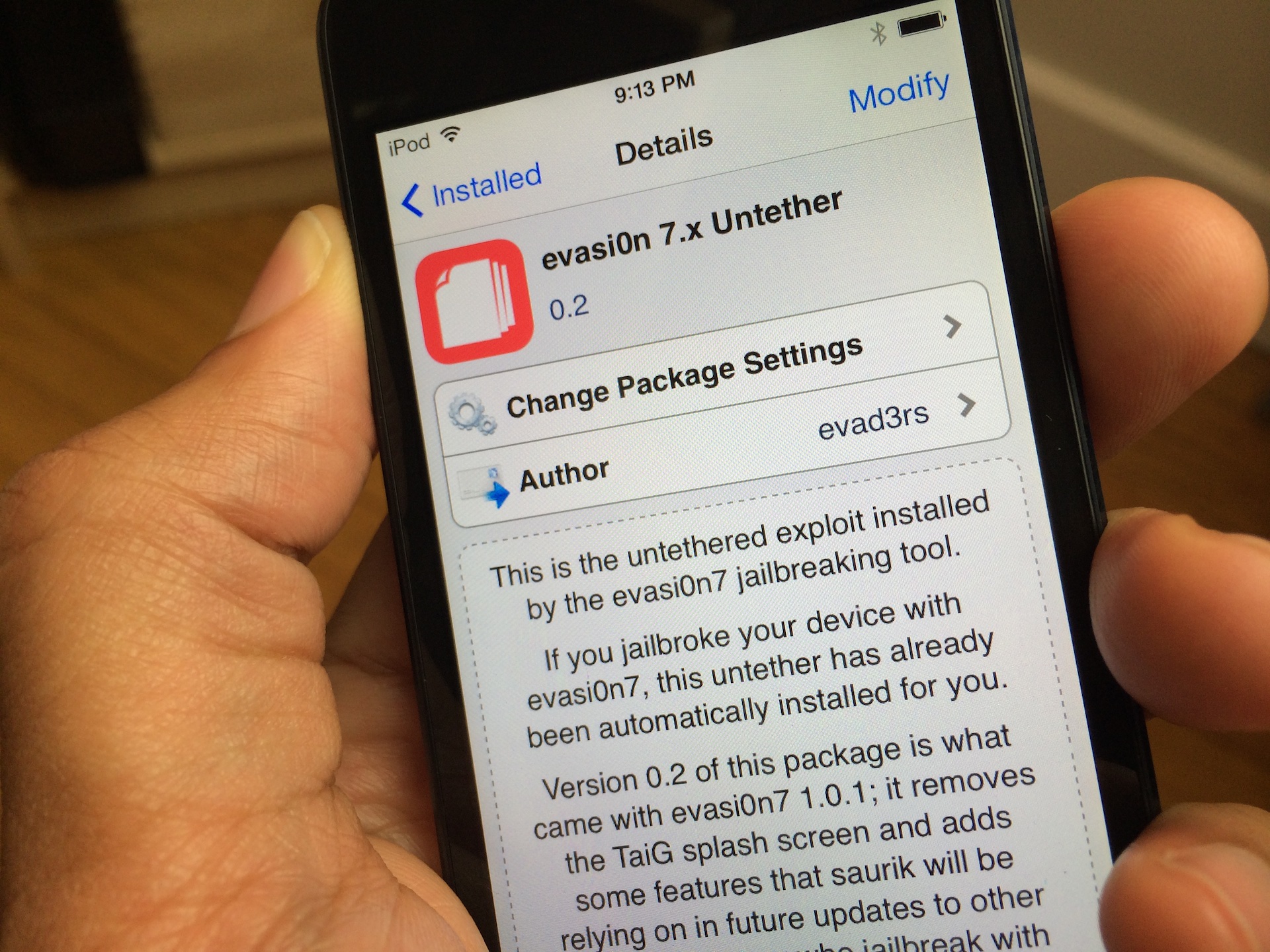
A few days ago the Evad3rs released version 1.0.1 of their Evasi0n7 jailbreak tool. The update's big feature was its removal of the controversial TaiG, which we explained in this post.

Previously, if you wished to take advantage of the latest 1.0.1 update, you had to re-jailbreak your device with Evasi0n 1.0.1. Obviously, that's quite inconvenient for most users, so the Evaders have released an easy to use Cydia package update to facilitate the changes and make them available to those who jailbroke their devices with Evasi0n 1.0.0.

The package is called evasi0n 7.x Untether, and its 0.2 update is available right now via Cydia's default Telesphoreo repo. Check inside for more details.

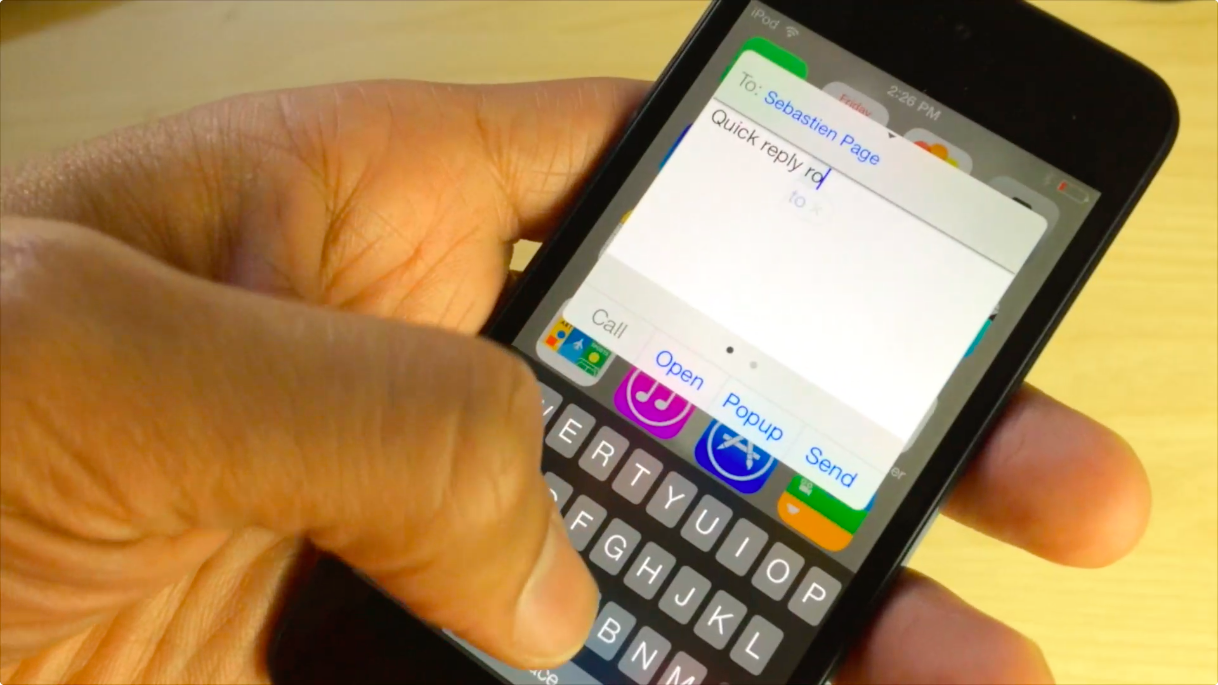
Here’s what biteSMS running on iOS 7 looks like on video

biteSMS is without a doubt one of the biggest jailbreak apps of all time. I mean, even Sebastien raves about it, and we all know how picky he is when it comes to installing things on his iPhone.

As Joe pointed out earlier, biteSMS 8.0 beta is here for you to test out with your jailbroken iOS 7 device. Although it is a bit buggy—which it should be considering it's a beta—I couldn't wait. I've installed it, and I recorded a short video showing off how beautiful the app looks on iOS 7. Take a look inside to see what I mean.

Jailbreak developer Elias Limneos teases upcoming Touch ID tweak

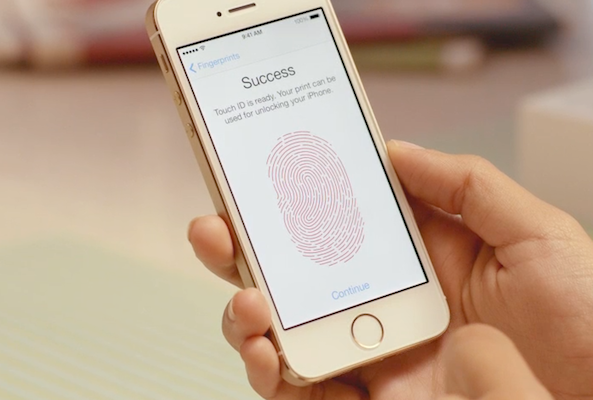
Jailbreak developer Elias Limneos—best known for his work on popular tweaks like SBRotator and CallBar—just answered the question a lot of folks have had on their minds since they found out a jailbreak was out for iOS 7 and the iPhone 5s: will there be Touch ID tweaks?

And the answer is yes. Limneos tweeted out a link to a new YouTube video this morning that teases an upcoming tweak for the iPhone 5s. Not much can be gleaned from the short clip, but it looks like it allows you to protect individual apps with Touch ID authentication...

‘RadiSpot’ brings “Open in Spotify” support to Pandora

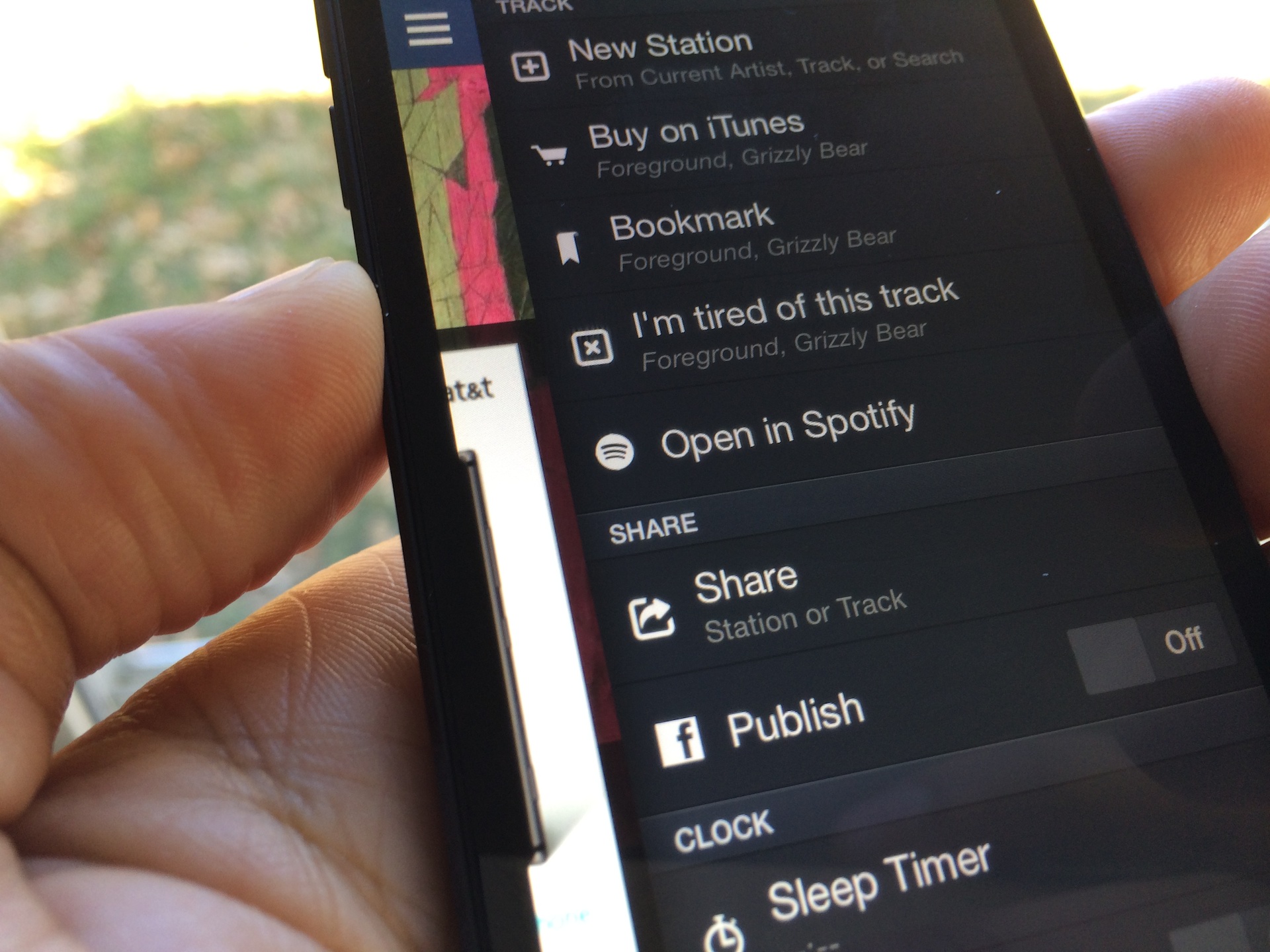
Pandora is great, but there are times when you don't feel like being told what to listen to, and you know exactly what you want to hear. For times like these, Spotify is best suited for your needs. The point is, both apps have strong points—Pandora is best for music discovery, while Spotify is best for playing exactly what you want to hear.

Wouldn't it be great if these two apps could join forces and take on the evilness that is silence? Indeed! That's what Hashbang productions had in mind when it created this new tweak. Have a look inside to see how RadiSpot works.

A look back at some of Apple’s old Christmas commercials

Apple's been causing a lot of commotion lately with its latest iPhone 5s commercial 'Misunderstood.' The ad, for those who haven't seen it, depicts a teenager with his head buried in his smartphone while the family participates in holiday activities, and has a delightful twist.

But Apple hasn't always been so sentimental around the holidays. In fact, it's been making Christmas-themed spots for over two decades now, and many of them tended to err on the side of humor. Don't believe me? Check out some of these Apple ads from the last 20 years...

How to access Apple’s secret internal SpringBoard settings menu on iOS 7

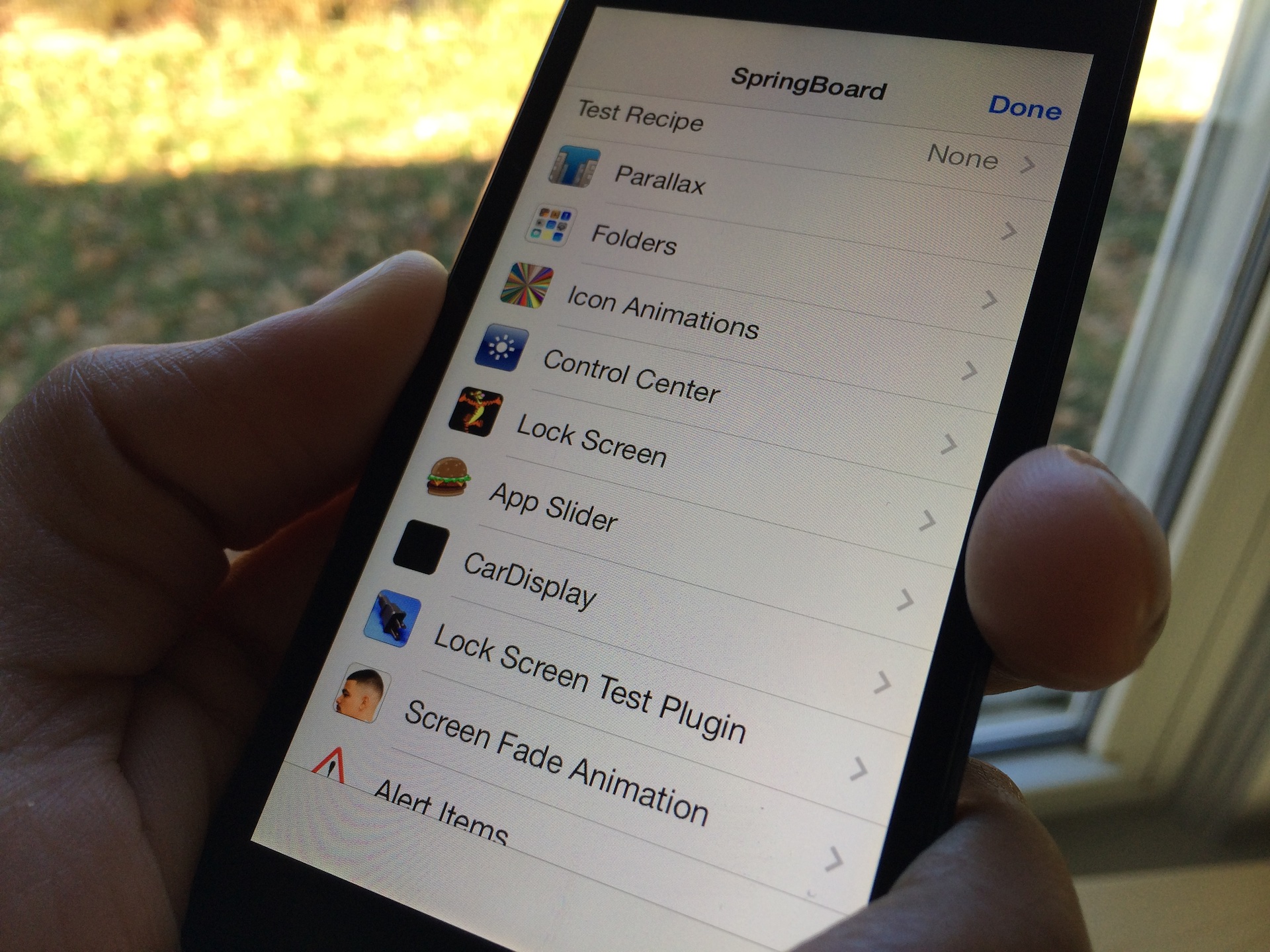
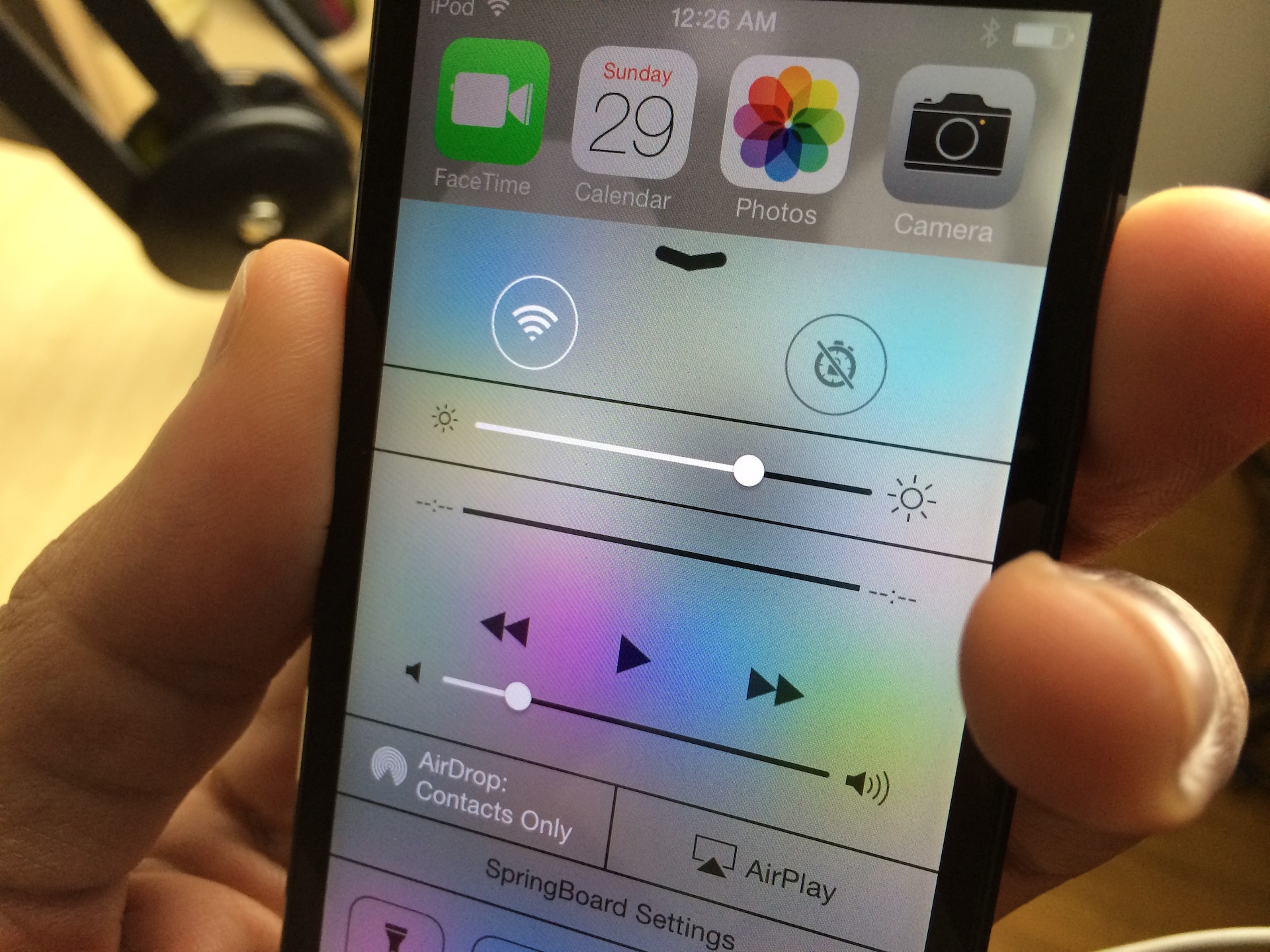
As predicted, the flood of new tweaks has started to pour in. The latest tweak, one called HiddenSettings7, allows users to access Apple's hidden internal SpringBoard settings menu. This menu, which contains a plethora of settings to garner fine grained control over the look and feel of your device's SpringBoard, is accessible via a shortcut found in Control Center.

We've taken the liberty to film a high level overview of HiddenSettings7 for you to enjoy. Have a look inside to see where to get the tweak and how to access a wealth of new settings.

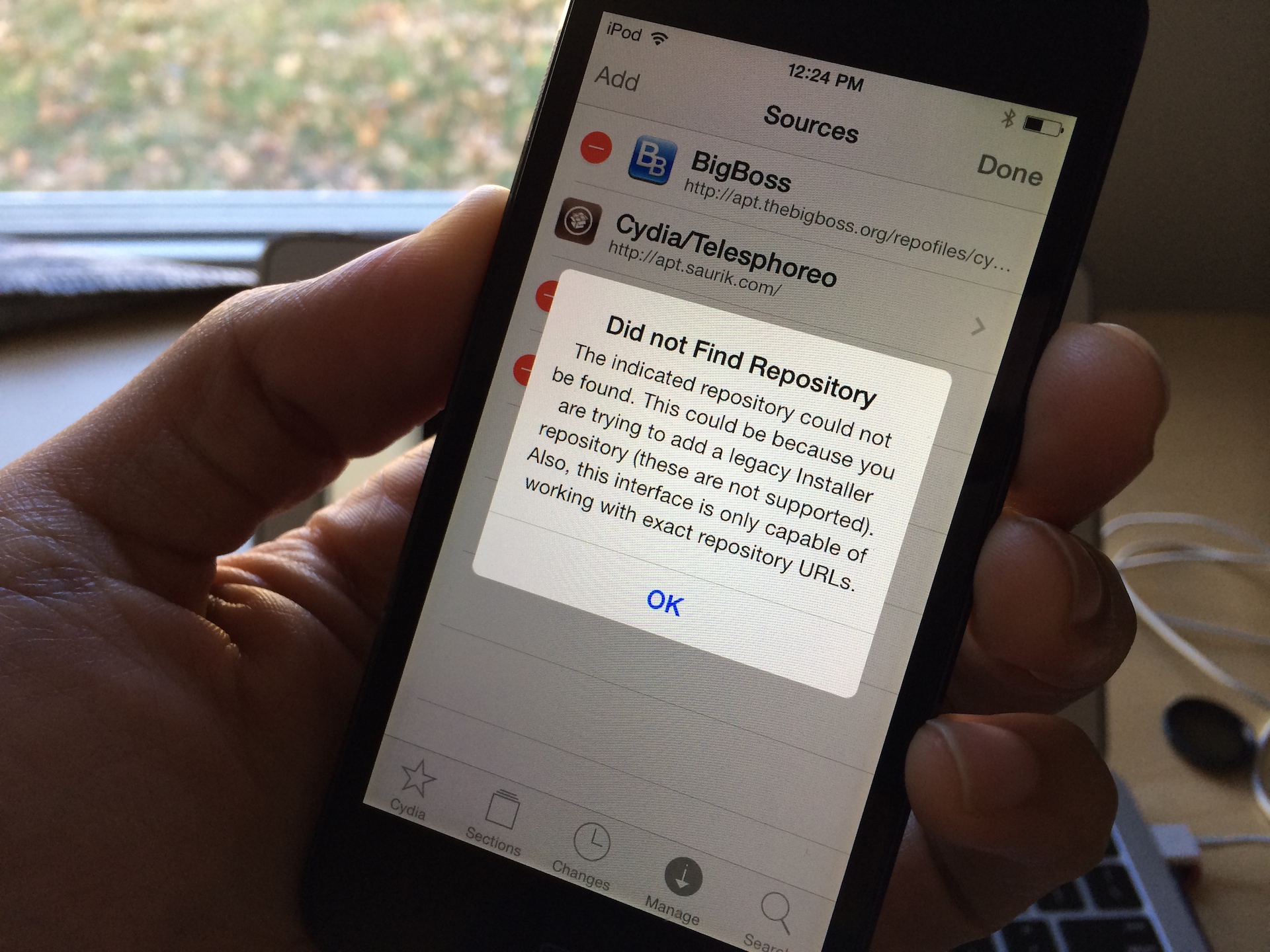
How to fix Cydia “failed to fetch” errors by removing the UltraSn0w repo

One of the more common error messages that new Cydia users will come across is the error that says Failed to fetch [...] HTTP/1.1 404 Not Found. This is a typical 404 message that you get when you visit a webpage location that no longer exists. Normally, this wouldn't be a big deal, but it causes an error message to appear in Cydia each time you refresh your list of packages and it attempts to pull data from the non-existent UltraSn0w repo.

You'll receive an error that states: Some index files failed to download, they have been ignored, or old ones used instead. Yeah, so no big deal, but it's still a huge annoyance, because this interrupts the stream of refreshing the list of Cydia packages. The fact is that you'll probably never need to use UltraSn0w, and even if you did, you can always add the repo back to Cydia manually.

Castro updated to support non-iTunes subscriptions

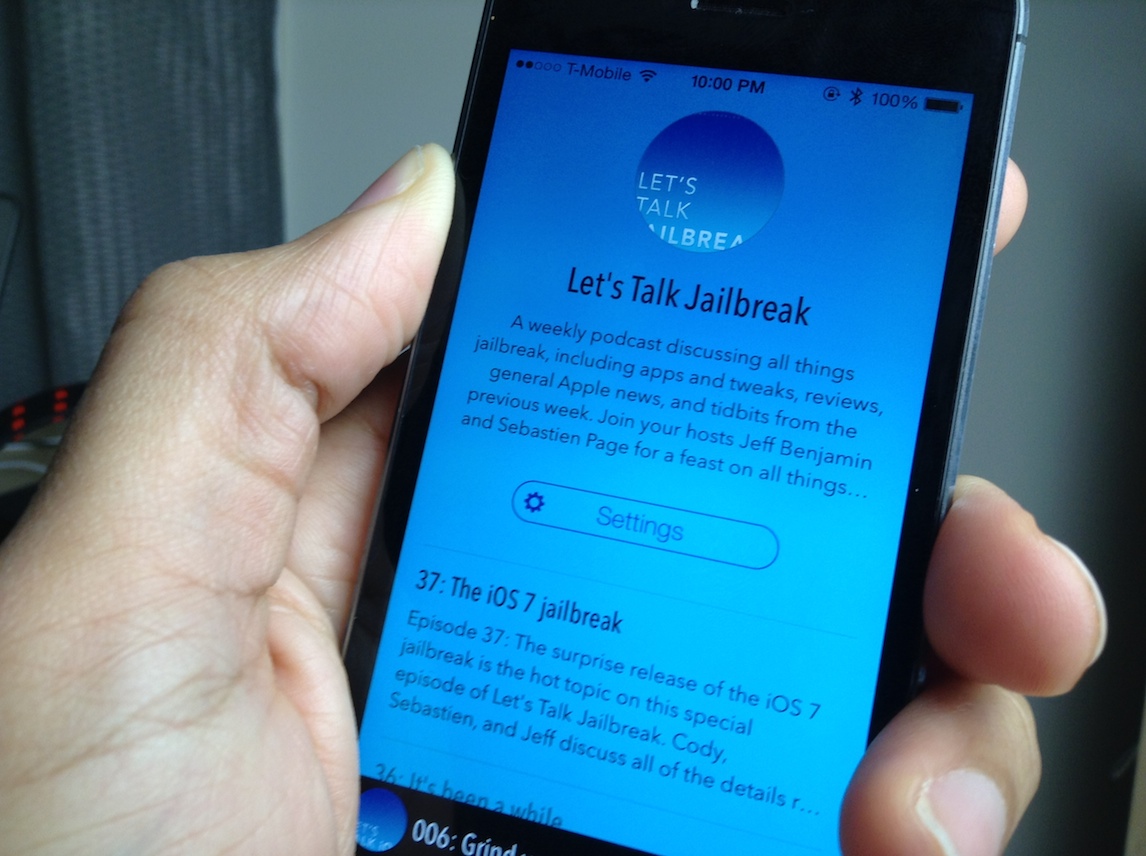
We loved the new Castro podcasting app in our recent review, but our main beef with the app was with the lack of non-iTunes subscription support. In previous versions of Castro, there was no way to manually add feed URLs from podcasts that aren't listed in iTunes. This meant that shows like Let's Talk Jailbreak, which are not on iTunes, couldn't be played via Castro.

The good news is that Supertop, the developers behind Castro, didn't let this glaring omission go on for too long. The team has just pushed Castro version 1.0.2 to the App Store, and with it comes the ability to subscribe to podcasts directly from URLs. The update includes quite a few more additions to the app as well; check inside for the full change log.

Apple posts slides, videos from iOS 7 Tech Talk tour

Every year, Apple hosts a series of Tech Talk developer sessions around the globe. They're very similar to the sessions held at Apple's annual World Wide Developer Conference in June, but obviously on a much broader scale.

This year's iOS 7 Tech Talks ran from October through December, in various cities like London, New York and Shanghai. And for those that couldn't make it in person, Apple's just posted slides and videos from the sessions online...