Video

CCControls: one of the best Control Center tweaks for iOS 7

Control Center, as expected, has been the subject of quite a few new jailbreak tweaks ever since the iOS 7 jailbreak was released. But one of the best tweaks for Control Center, and one of the best tweaks that I've ever tested in some regards, is CCControls.

CCControls is a new jailbreak tweak that takes Control Center toggle customization to the next level. Have a look at our full video walkthrough, which appears after the fold, to see what I mean.

Virtual Home: an amazing Touch ID jailbreak tweak

Prior to the iOS 7 jailbreak being released, I think pretty much everyone imagined some of the cool things that would be able to be accomplished by tweaking the iPhone 5s' Touch ID sensor. As of today, we no longer have to imagine any more.

Virtual Home is one of the first Touch ID based jailbreak tweaks available on the iPhone 5s, and it's awesome. See our full video walkthrough inside.

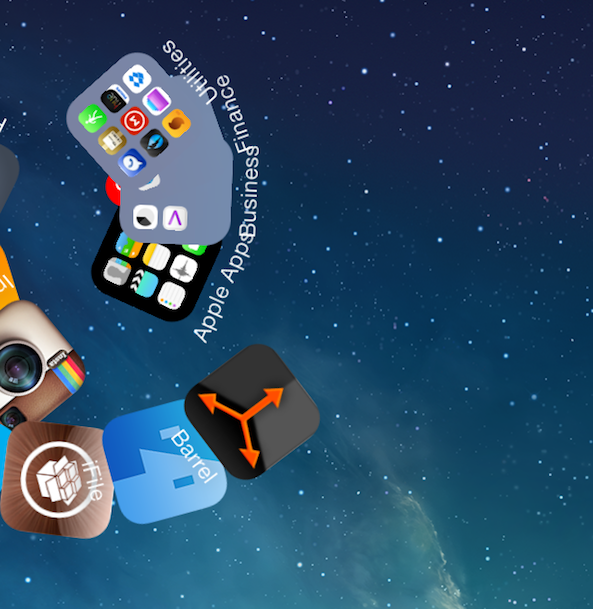
Barrel, the flagship jailbreak tweak has been updated for iOS 7

If you've been around jailbreaking for any measurable amount of time, the name "Barrel" has a significant meaning for you. It's the tweak that I, and many others, view as the flagship jailbreak tweak. It's the tweak that represents jailbreaking as a whole.

Barrel is the type of tweak that you use to convince skeptical friends that they should jailbreak, and often the end result is that they do. No, Barrel isn't a tweak that will improve the usability of your device, such as biteSMS' quick reply. It's not a practical release like iFile, or Safari Download Manager. But it's still one of the first tweaks that come to mind when a new jailbreak arrives.

I'm happy to say that Barrel has been updated to support iOS 7. In fact, it works beautifully on my iPhone 5s. If you're new to jailbreaking and don't know what Barrel is, then I invite you to step inside and enjoy the visual roller coaster.

How to make the volume HUD transparent on iOS 7

The little heads up display that appears when you adjust the volume on the iPad or iPhone is often the subject of tweaking when it comes to the jailbreak community. The latest tweak to alter the look of the volume HUD is called TransparentVolume—a jailbreak tweak that adds transparency to the HUD's background.

Once installed, a new preference panel for TransparentVolume is placed in the stock Settings app. From here, you can use a slider to adjust the background transparency. Have a look at our video walkthrough inside to see how it works.

Having issues with Cydia Substrate? Try this

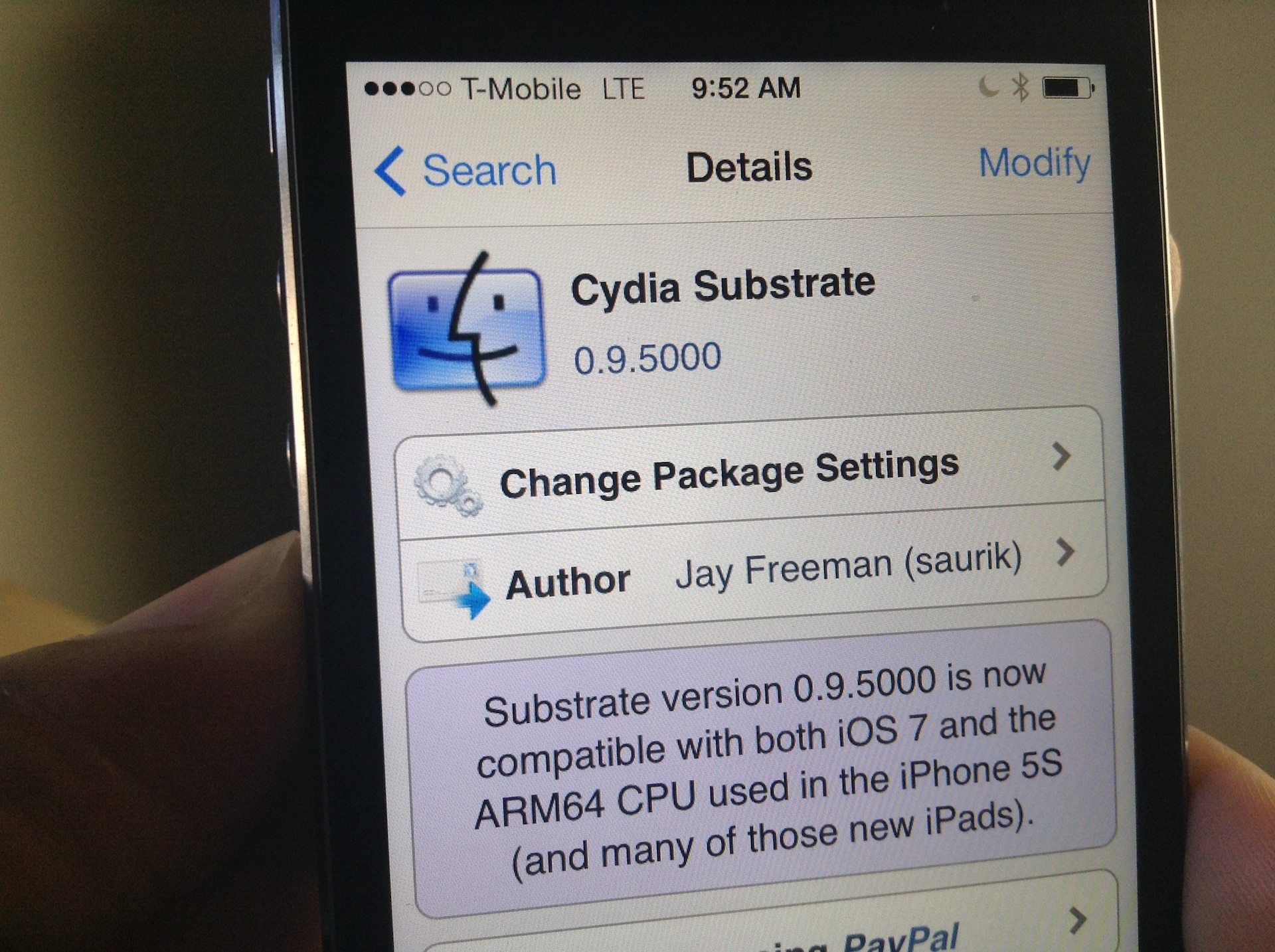
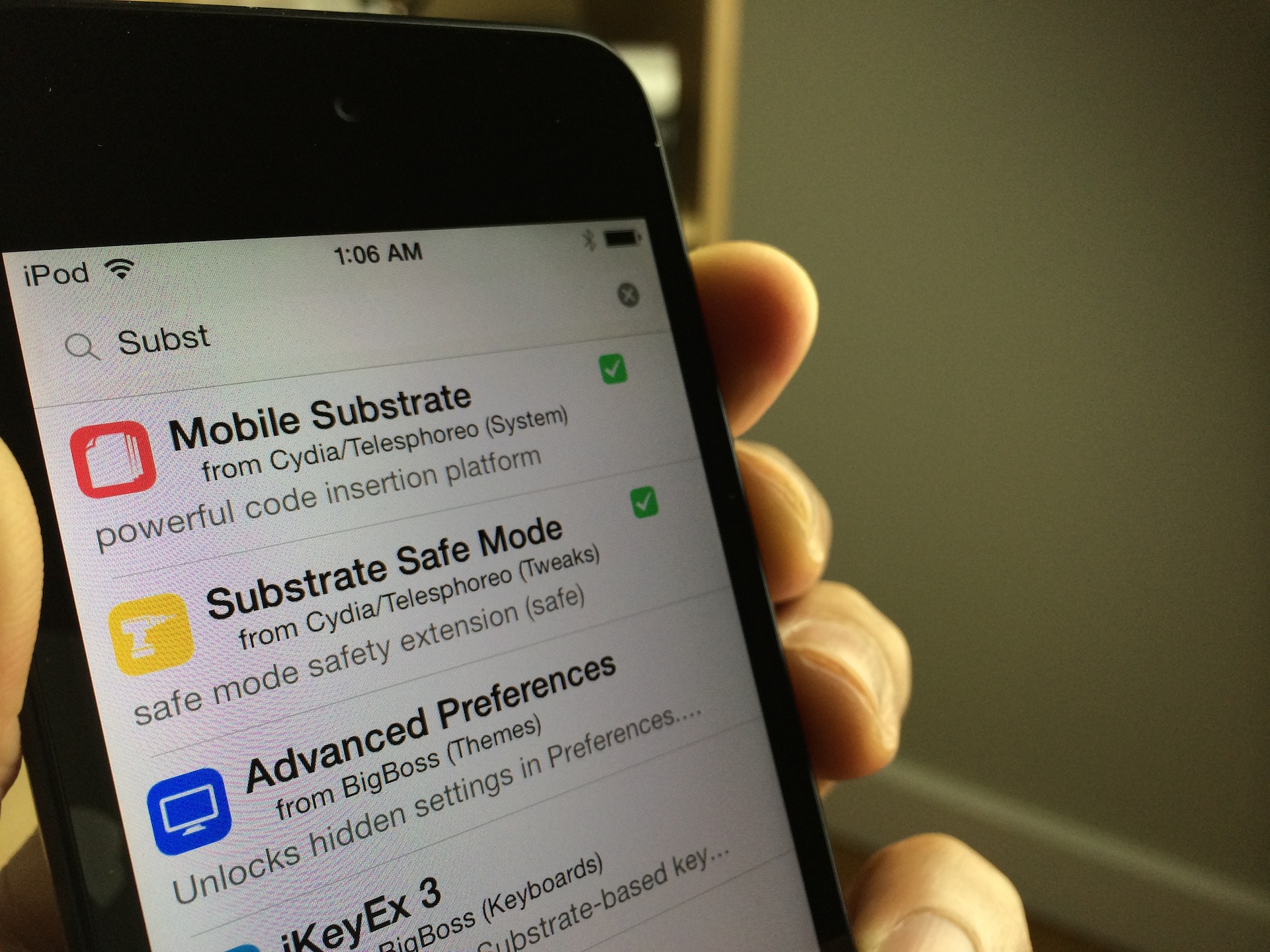
I woke up this morning to a pleasant surprise: Mobile Substrate had been updated to support iOS 7 on ARM64 CPUs, making it compatible with all of the latest Apple devices like the iPhone 5s, iPad Air, and iPad mini with Retina Display. As you can imagine, I rushed to the office without even brushing my teeth (I know, gross) and installed the new Cydia Substrate package that appeared on Cydia.

Unfortunately for me, none of the tweaks and apps that I had installed began to work after Cydia Substrate was updated. I think it may, and I'm just grasping at straws here, have to do with the fact that I was impatient, and already had a bunch of stuff installed that didn't work in the first place. To fix this issue, I took a fairly logical approach; I completely uninstalled Substrate and reinstalled it from scratch. Have a look inside for more details.

Mobile Substrate updated with support for iOS 7 and ARM64

Great news for jailbroken folks on newer iPhones and iPads this morning. Saurik just announced that a new version of Mobile Substrate is out with support for iOS 7 and ARM64. The update will allow developers to update their jailbreak tweaks to work with the newer hardware and software.

This is a huge deal because up until now, those of us on devices like the iPhone 5s or the Retina iPad mini have been extremely limited as to what we could do after jailbreaking—I don't currently have a single tweak installed. But now that this new Substrate is out, that should begin to change...

Getting stuck with Evasi0n 7 at Configuring System 2/2? Try this

I'm a bit embarrassed to admit it, but I never got around to posting a Windows jailbreak video tutorial for Evasi0n 7. Usually, I'm on such a tutorial like white on rice, and I take pride in helping our faithful readers through the entire jailbreak process, regardless of their platform of choice. This time, however, things were a bit different.

Although we were able to post our Mac video tutorial in a short turnaround time, the Windows video tutorial was nowhere to be found. Why? Well, to be frank, it's because I couldn't get it working.

I could start the jailbreak perfectly fine, and I never ran into any error messages, but I just could not for the life of me get past the Configuring System 2/2 step during Evasi0n's jailbreak process. It's like everything would just come to a screeching halt as soon as it got to this step.

As you've probably figured out by now, I was finally able to work past this issue. The headline kind of gives it away, but the solution isn't something I can take credit for at all. The solution is actually thanks, at least in part, to someone very close to Saurik. Check inside for my explanation and video walkthrough showcasing how to jailbreak iOS 7 on Windows.

How to supercharge Control Center with CCQuick

When Control Center was initially unveiled at the iOS 7 event, I quickly identified it as being one of the key areas that jailbreak developers would hone in on. It didn't take much rocket science to make such an obvious prediction, but I'm glad to see that I was right.

CCQuick is the latest jailbreak tweak to hit the wire offering an enhanced Control Center experience, and it works very well. Inside, I'll break down each of its features in our hands-on video walkthrough.

Speed up iOS 7 animations with NoSlowAnimations

One of the primary complaints that I hear about iOS 7, outside of the obvious beef with the app icons, is the slow animation speed. iOS 7 uses animations to add a sense of depth to the interface, and I'm a big fan of the effect. Unfortunately, the effect does add some perceptual slowness to the experience, whether the slowness actually exists or not.

NoSlowAnimations is a brand new jailbreak tweak that significantly speeds up the animations found in iOS 7. Watch our full video walkthrough after the break...

iFile is updated for iOS 7 and it runs on the iPhone 5s and looks great

iFile is far and away one of my favorite apps for iOS. It's basically the Finder on iOS, so it allows you to browse the entire root directory structure of your device. iFile is useful for pretty much all the reasons that the Finder or Windows Explorer is useful for desktops. With it you can view file attributes, install apps, delete files, save images to the camera roll and much, much more.

iFile has, and always has been one of my must-have jailbreak apps for any jailbroken device. And now, it's available with a full iOS 7 redesign, and it even works with the iPhone 5s (and other 64-bit devices) right now. Have a look inside as I showcase the new iFile 2.0 on video.

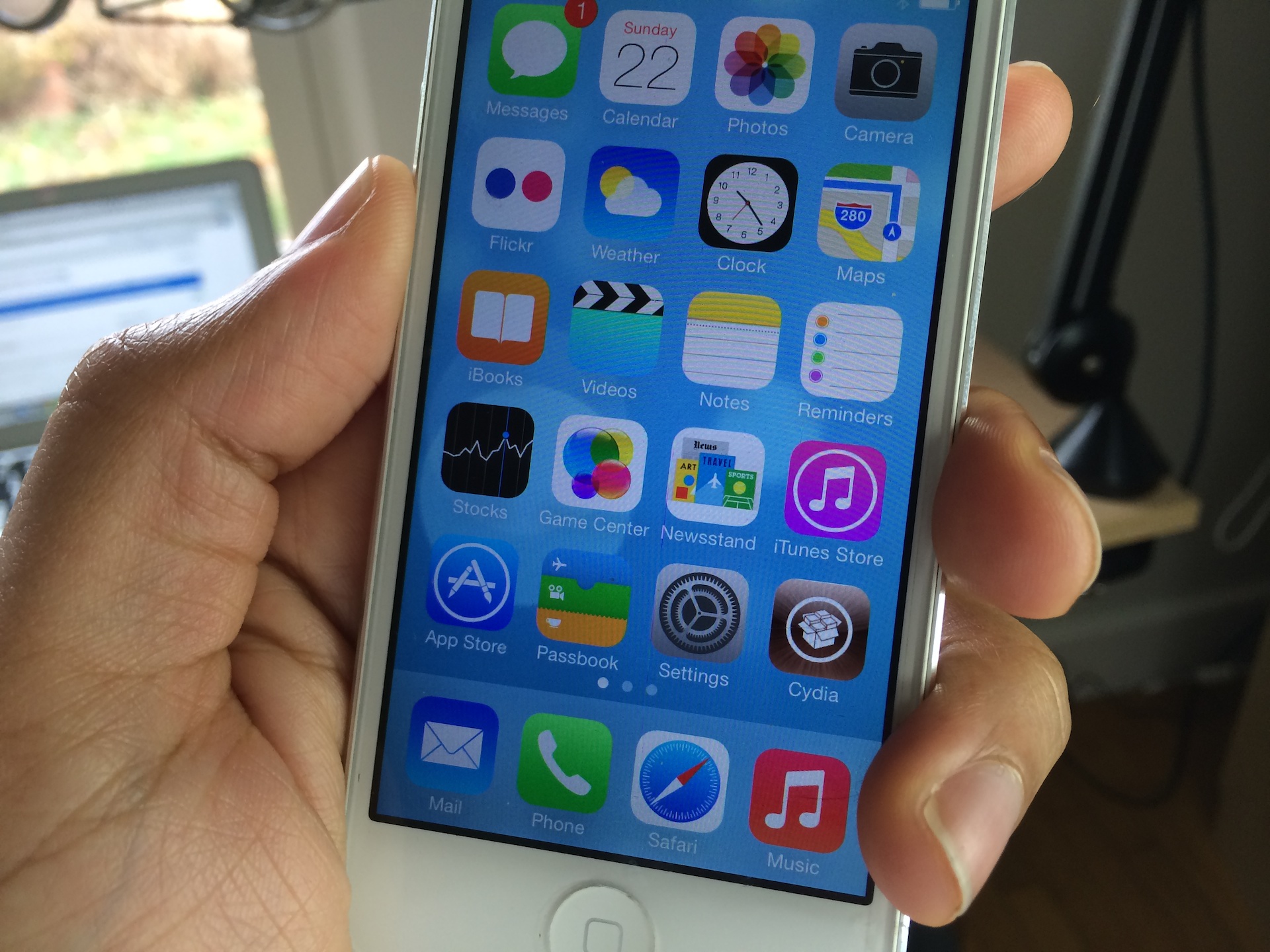
How to make the stock iOS 7 app icons look like iOS 6

A new jailbreak theme package was just released on Cydia, and it allows users who install it to regain the app icons featured in iOS 6 and below. The theme, which is entitled iOS 6 Theme for iOS 7, is a WinterBoard release that replaces the stock iOS 7 app icons with those from earlier firmware. Take a gander at our full video walkthrough inside to see how it looks.

How to make most tweaks and apps work with iOS 7 on pre-A7 devices

Are you jailbroken on iOS 7? Are the apps and tweaks installed via Cydia not showing up on your device? If you're running into this problem, you're not alone. I've received numerous questions about this problem over the last few days; so many, that I thought it would good to make a post and video on it for those that need help.

The short answer to the question is Mobile Substrate. Most of the apps and tweaks that you install from Cydia rely on Mobile Substrate, and Mobile Substrate has not been updated for the latest iOS 7 jailbreak as of yet. An update has been promised to come soon, but Saurik, its developer, is no doubt inundated with about a thousand and one different tasks related to the just released jailbreak.

Let's give Saurik the time he needs to get a properly updated working release of Mobile Substrate in our hands. In the meantime, if you're running a non-64-bit device, you can take the following steps to make your favorite apps and tweaks work.