Video

How to emulate the iPhone’s Sleep button with the proximity sensor

SleekSleep is a recently released jailbreak tweak that allows you to emulate a press of the sleep button by means of the iPhone's proximity sensor. This basically means that you can sleep or wake your iPhone using a wave or swiping motion in front of the device.

As we always like to do here at iDB, we've taken the liberty to record a walkthrough of SleekSleep so that you can see exactly how it works. Take a look past the break to see this interesting tweak in action.

How to build on suggested search queries in Safari

One of the worst things about Safari's autocomplete for search is that you can't build on a query like you can do with Google Chrome. Once you select a suggested query in Safari's omni-box, it auto submits the search.

While suggested queries are definitely a helpful service, the way that Safari goes about the implementation isn't very efficient. A recently revamped jailbreak tweak called Platinum seeks to improve Safari's search capabilities. Have a look at our full video walkthrough inside to see what I mean.

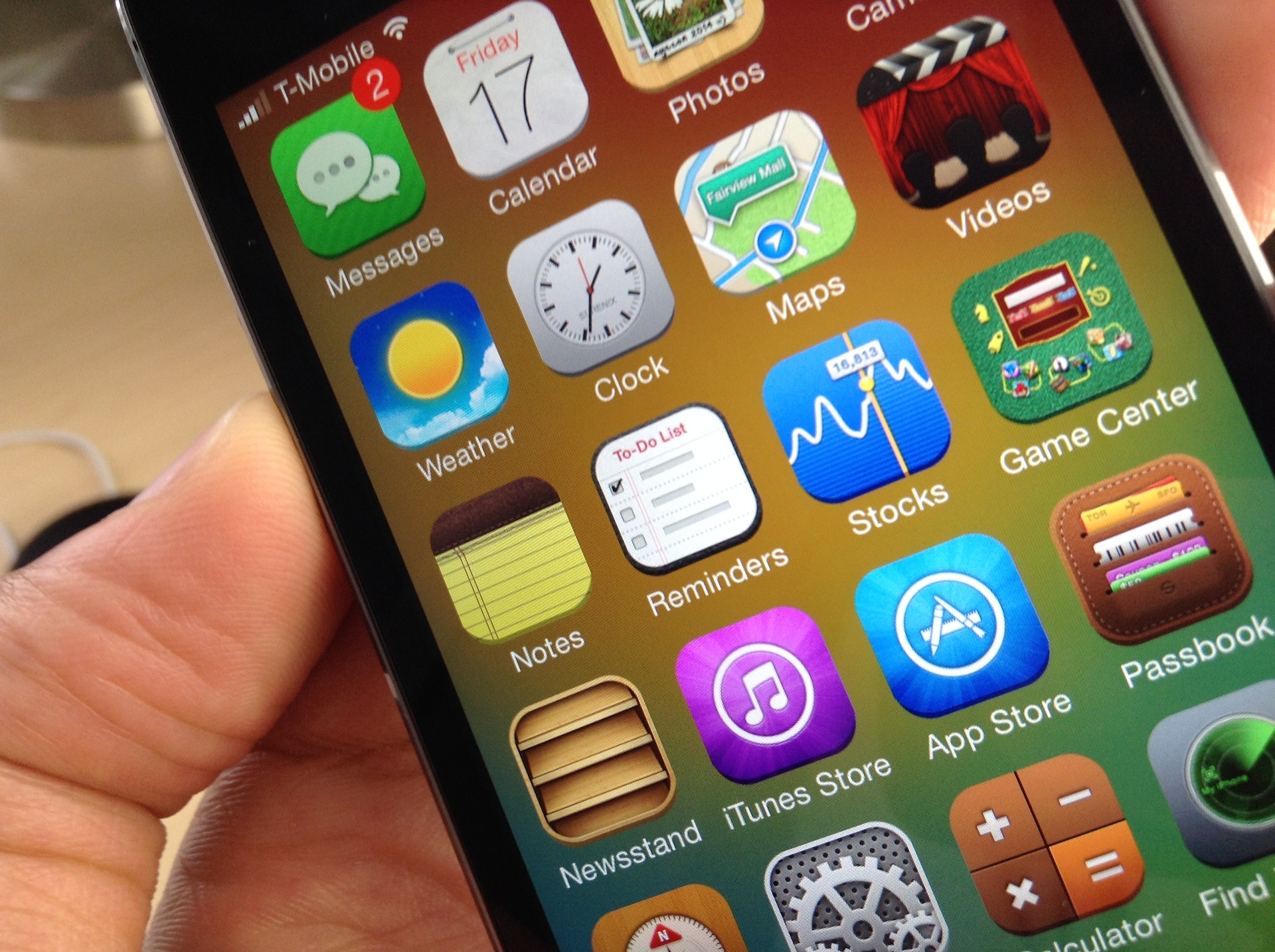
Ayecon for iOS 7: a must have theme, even if you don’t like skeuomorphism

If you've been jailbreaking for any decent amount of time, you've surely heard of the legendary Ayecon theme. This is a theme that set the standard for detail when Retina displays were still a relatively new feat in the mobile device industry.

A lot has changed since Ayecon first came riding over that hill on its white horse, reinvigorating the stagnant theming space in the process (I know some people will debate Ayecon's design, but they simply can't deny its influence.)

Flat is in, skeuomorphism is hated (and dead). So where does Ayecon fit in with this wave of change? Will Surenix, its designer, abandon the style that made Ayecon a success in the name of staying with the trend? Or, will he instead, stick to what made Ayecon work? Check inside for the full scoop along with the detailed video walkthrough.

How to bring back the unlock sound in iOS 7

iOS 7 ushered in a whole new look and feel to the iOS we all knew. Its been a polarizing release to say the least, but I think that many of the naysayers are finally beginning to get used to the way things are.

But some things that Apple changed in iOS 7 never made sense to me. I can see getting rid of skeuomorphism, but I never quite understood why they ditched the unlock sound in iOS 7. It's especially odd when you consider that the lock sound is still there.

UnlockSound7 is a new jailbreak tweak that allows users to regain the iPhone's iconic unlock sound that occurs when unlocking the device. Take a look at our video walkthrough to see how it works.

QuickActivator: Add customized Activator shortcuts to Control Center

QuickActivator is a recently released jailbreak tweak that allows users to add customizable Activator shortcuts to the quick launch section of iOS 7's Control Center overlay. The tweak works with any valid Activator action, including launching an app, opening a menu, toggling a switch, composing tweets and Facebook status updates, etc.

Existing quick launch shortcuts found in Control Center—Flashlight, Timer, Calculator, and Camera–can be customized with custom glyphs and tap and hold gestures. Brand new quick launch shortcuts can be added as well, and users can select from well over 70 glyphs, and mate them with any of the actions available via Activator.

QuickActivator is a tweak that you shouldn't overlook if you're searching for a way to add customized functionality to Control Center. Have a look at our full video walkthrough after the jump for more information.

How to make Cydia purchases the easy way

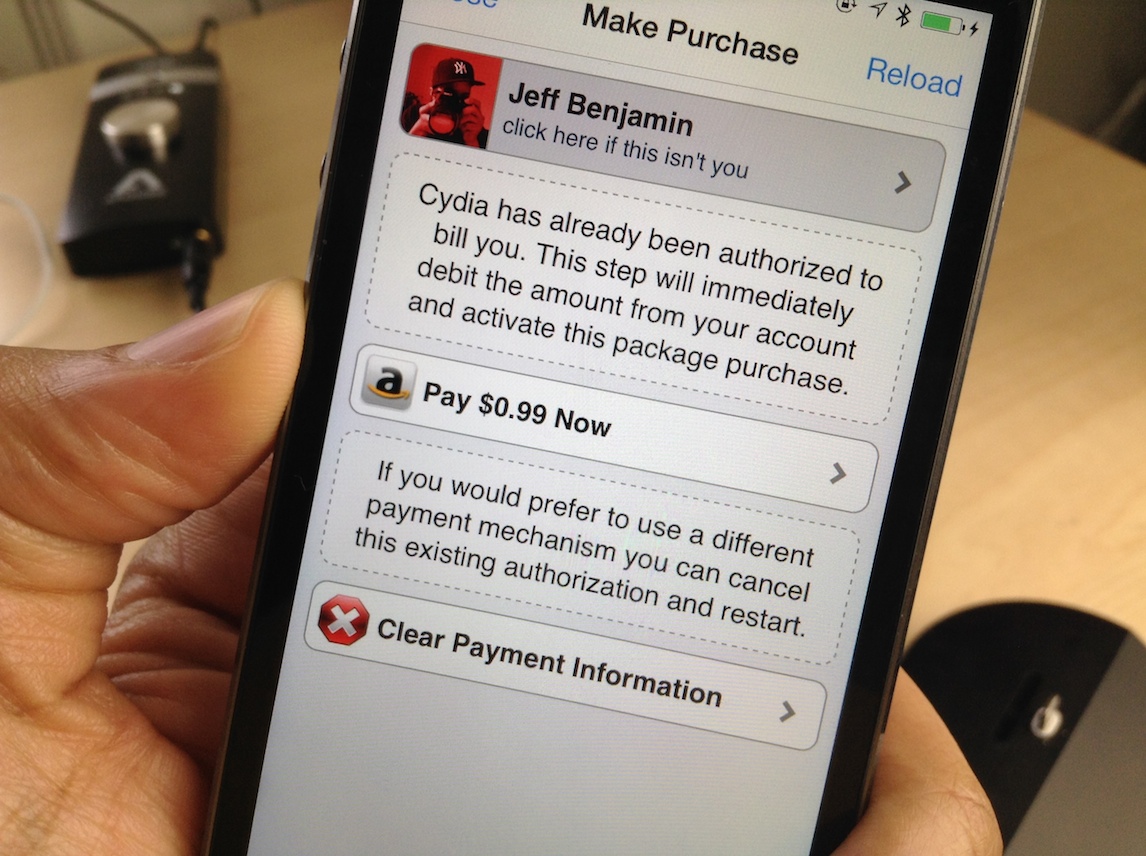
On episode 40 of Let's Talk Jailbreak, Sebastien, Cody and I had a pretty heated debate about Cydia purchases. There seems to be a misconception about Cydia purchases in general, and a lot of mixed information. Some users seem to think that the Cydia purchase process is this arcane and cumbersome gauntlet that makes buying tweaks and apps undesirable.

It's true; Cydia purchases can be more difficult than the average App Store purchase, but they don't necessarily have to be. Inside, I'm going to show you how to use Amazon Payments to make Cydia purchases as easy as pie.

Apptray lets you launch apps directly from Notification Center

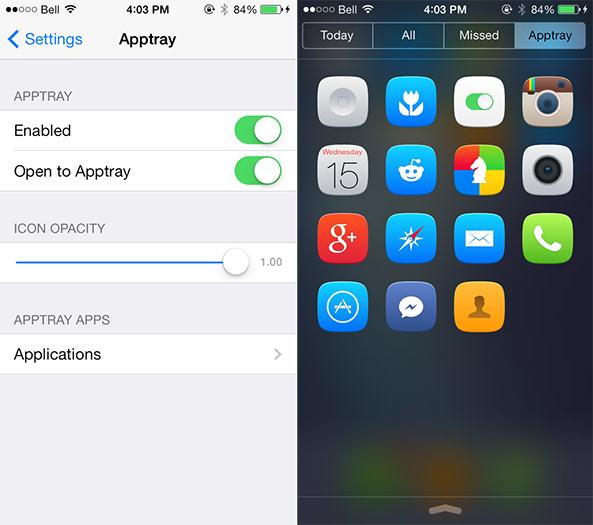
There have been a handful of jailbreak tweaks released for Notification Center in the past few weeks, but perhaps none more visually appealing than Apptray, by software engineer Joshua Lee Tucker.

The tweak, compatible with all iPhone, iPad and iPod touch devices, adds a fourth tab alongside Today, All and Missed in Notification Center for opening apps directly from the notifications pulldown. An unlimited number of apps can be added to Apptray, configurable from the tweak's dedicated menu in the Settings app… 

Tim Cook goes on television to hype ‘watershed’ iPhone deal with China Mobile

Adamant to tell the world about his company's landmark iPhone deal with the world's top carrier, China Mobile, Apple CEO Tim Cook did a rare move Wednesday by sitting down with CNBC to talk the specifics of the agreement in a high-profile television appearance.

Even better, Cook shared the spotlight with China Mobile Chairman Xi Guohua, who revealed that the carrier had netted 1.2 million total preorders for the iPhone 5s and iPhone 5c as of January 13, ahead of the impending launch this coming Friday. That's 60,000 iPhones per day on average since December 25, 2013.

Your video follows right after the jump...

SwipeSelection Pro: one of the best jailbreak tweaks of all time just got better

SwipeSelection is one of those tweaks that everyone can benefit from, and for that reason, it's one of my top 5 jailbreak tweaks of all time. Seriously, I'm not using hyperbole here; SwipeSelection is incredible.

Everyone can benefit from SwipeSelection's extremely improved cursor management when compared to stock iOS. I apologize in advance to Kyle Howells, developer of SwipeSelection, but this is one of those tweaks that I wish Apple would straight-up steal; it's just that good.

Kyle has updated the original SwipeSelection for iOS 7, a free download on Cydia's BigBoss repo, but he has also blessed us with a new and improved Pro version, and he's rightfully charging $1.99 for the release. The Pro version includes cool new features like disable-in-app, swipe sensitivity, cursor speed, and more. Plus, it gives us all the opportunity to reward the developer for such an awesome and innovative jailbreak tweak.

We've put together a full video walkthrough of SwipeSelection Pro. Have a look inside to see it in action.
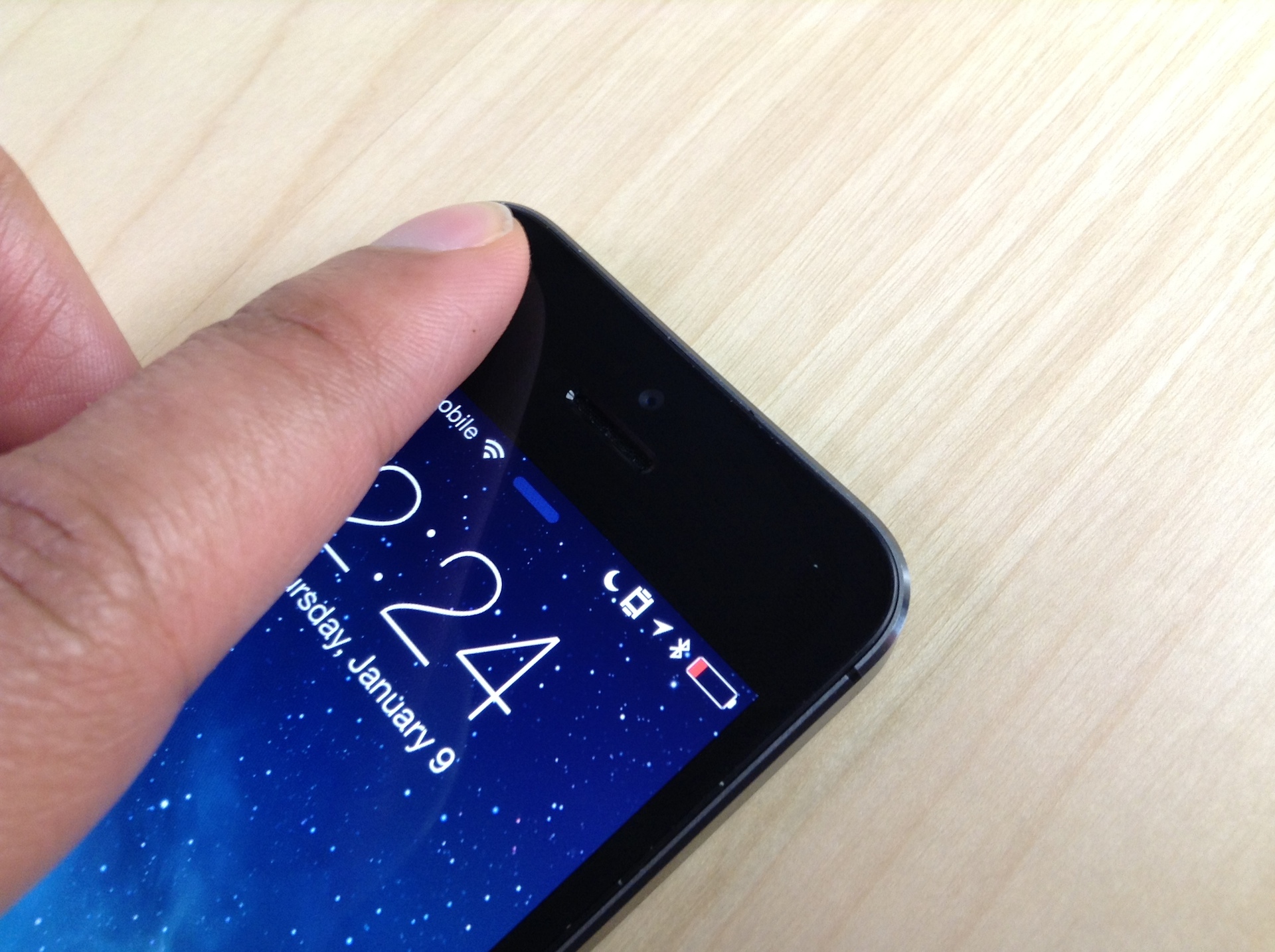
Horizon cures vertical video syndrome

By now, most people have heard of the terrible affliction that affects mobile camera phone video subjects and viewers. While the majority of iPhone users have learned of this widespread disease and have successfully broken the Vertical Video Syndrome (VVS) cycle in their lives, not everyone is so lucky.

Horizon is a video app that makes it impossible for you to record vertical videos, even if you are holding your iPhone in portrait mode. So, your loved one who just can’t seem to understand what the big deal is will stop sending you those clips of kittens with ugly black bars on either side.

iTouchSecure: an amazing Touch ID security app for autofilling passwords

After a few days of intense testing, I can now recommend iTouchSecure for iOS. iTouchSecure is a recently released jailbreak tweak that allows you to autofill every password in any app using Touch ID. It's what we all imagined Touch ID evolving into after Apple had some time to perfect the technology. But you don't have to wait for the evolution. All you need is a jailbroken iPhone 5s and 5 bucks.

iTouchSecure is one of those jailbreak tweaks that convinces people on the fence that they need to jailbreak. It can speed up your workflow when using apps that require you to enter a password, and it's about as secure as one could hope a tweak like this to be.

The iPhone 5s' Touch ID sensor is pretty remarkable in itself, but when combined with a tweak like iTouchSecure, it goes from remarkable to downright amazing. We've got a full video walkthrough showcasing iTouchSecure's features inside. Have a look and see why this must have jailbreak tweak should be installed on your iPhone 5s.

1Pal: a new jailbreak tweak for saving 1Password’s master password to the Keychain [updated]

I know, I know. It's very stupid to use any tweaks with something as crucial as 1Password. I know, I know, it's identity theft waiting to happen.

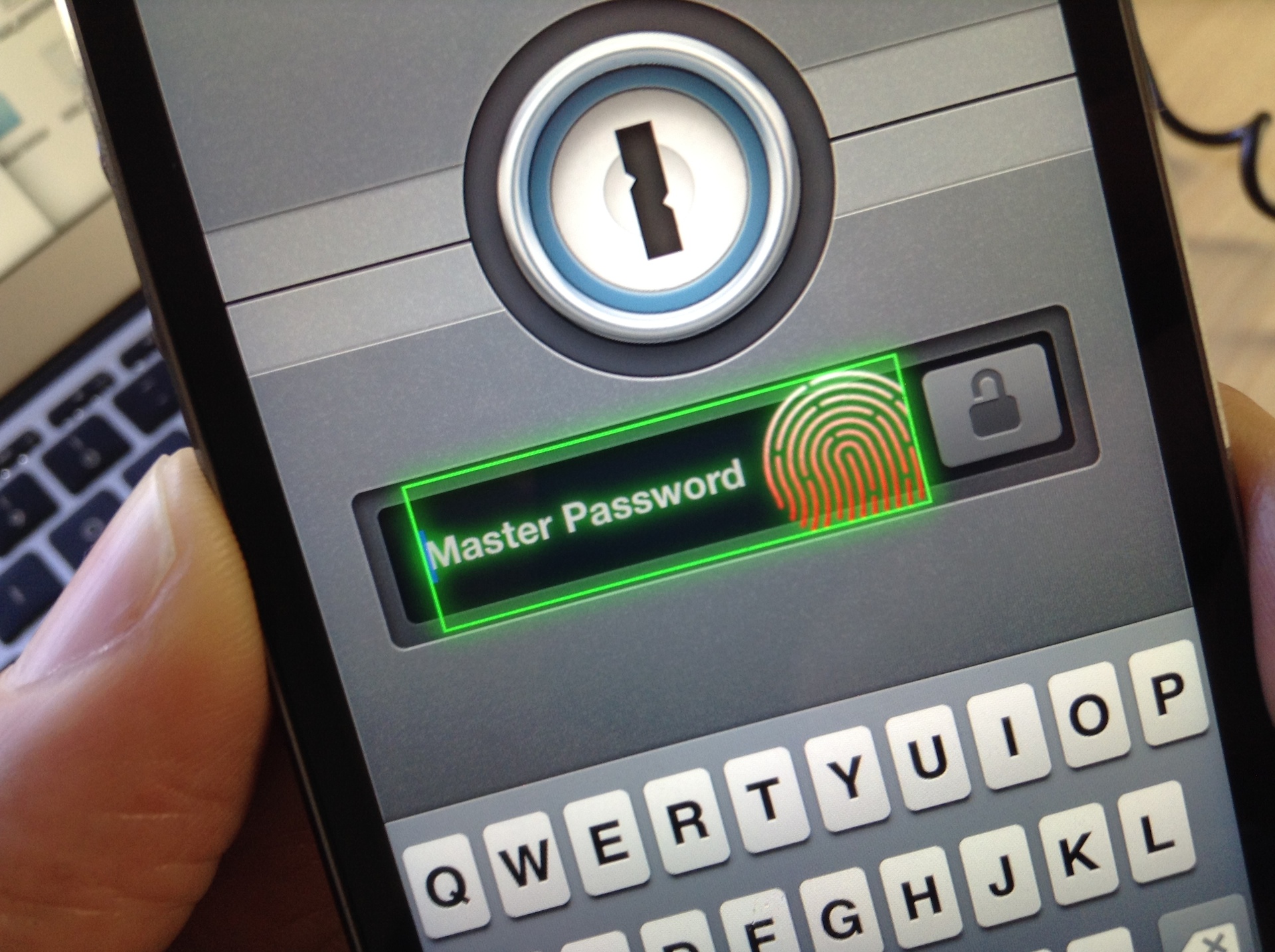
Not exactly. 1Pal is a new jailbreak tweak that works in tandem with existing Touch ID tweaks like BioLockdown. It allows you to save the Master Password to iOS' keychain for quick logins. Since the 1Password app itself is protected with Touch ID, the process is innately secure. The only real way this poses a security issue is if someone gains access to your fingerprint. Not impossible, but not exactly likely either.

At the end of the day, 1Pal is an awesome tweak for 1Password users. If you're like me and you use 1Password each and every day, you'll find 1Pal to be a real time saver.

Remember, you must have a Touch ID enabled device for this to work. Right now, only the iPhone 5s features Touch ID. Have a look at our video walkthrough inside as I showcase how it works.