Video

How to make “slide to unlock” appear immediately on the iPhone 5s

NoDelay64 is a recently released jailbreak tweak for iPhone 5s owners. It's a tweak that removes the delay from the appearance of the "slide to unlock" on Touch ID enabled devices.

Apple adds a delay to the famous "slide to unlock" text, because it assumes that most iPhone 5s users with Touch ID enabled will be using Touch ID instead. This new tweak gets rid of that delay with a simple Cydia install. Have a look past the jump to see how it works on video.

ClipShot: improved screenshot management in iOS

ClipShot is a jailbreak tweak that was just released today. It allows you to save screenshots to your iPhone's camera roll, clipboard, or both.

If you're anything like me, and you take tons of screenshots every single day, then ClipShot may be worth investigating. It's not perfect at this point, as it does have some bugs, but it also shows loads of promise. Take a look at our video walkthrough inside for more information.

How to invoke Siri from the Pebble Smartwatch

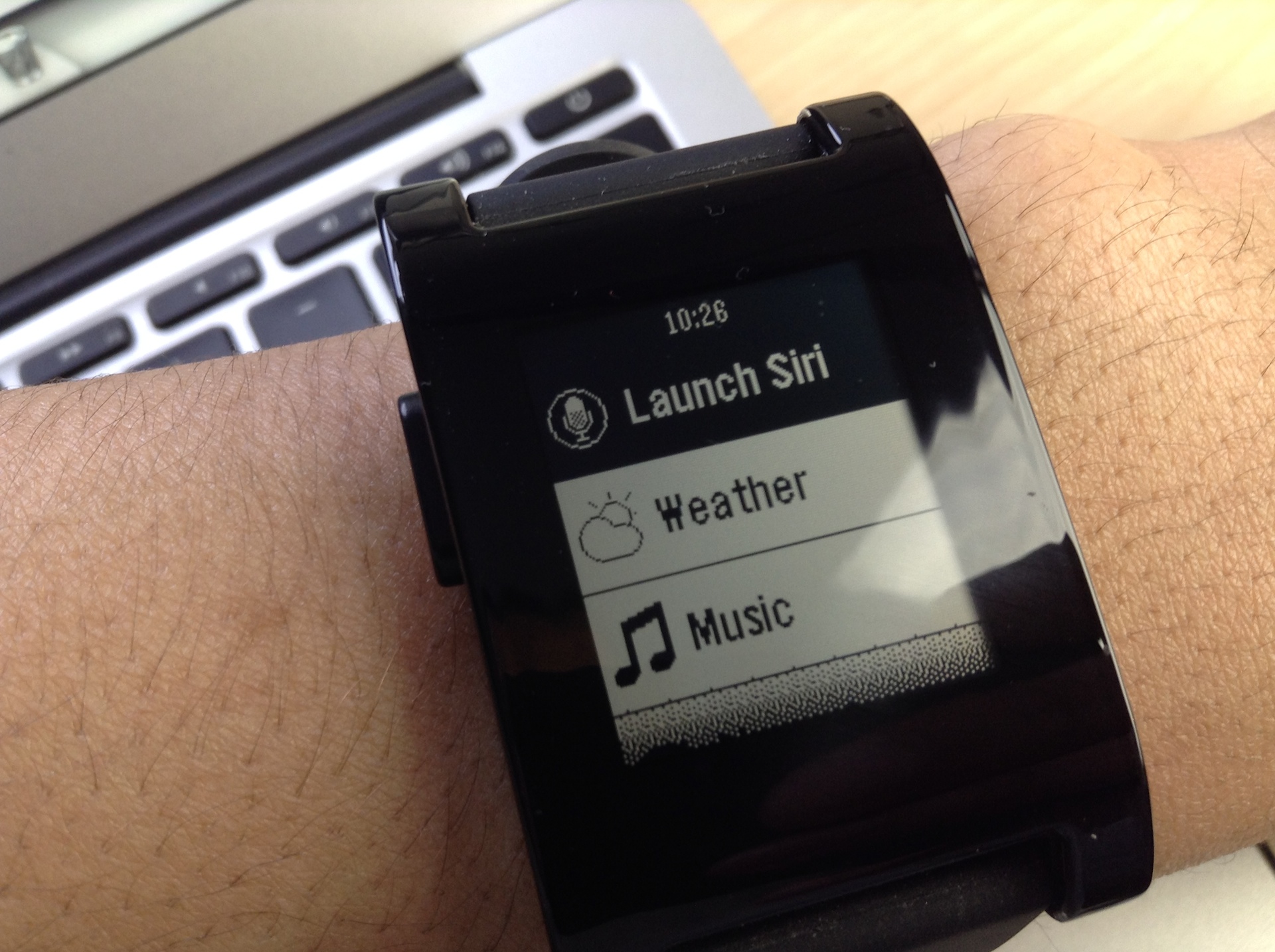
Great news for all of your Pebble Smartwatch owners: PebbleSiri and the Smartwatch+ jailbreak app has been updated to work with iOS 7. This means that you can now invoke Siri from your Pebble Smartwatch without touching your iPhone.

iPhone plugged into an outlet across the room, but want to set an alarm? No problem, just press the Siri button on your Pebble Smartwatch to invoke Siri and start dictating your commands. PebbleSiri is an absolute must have jailbreak tweak for Pebble Smartwatch owners, because it lessens the friction between the end user and Siri.

How to remove Yahoo branding from Notification Center

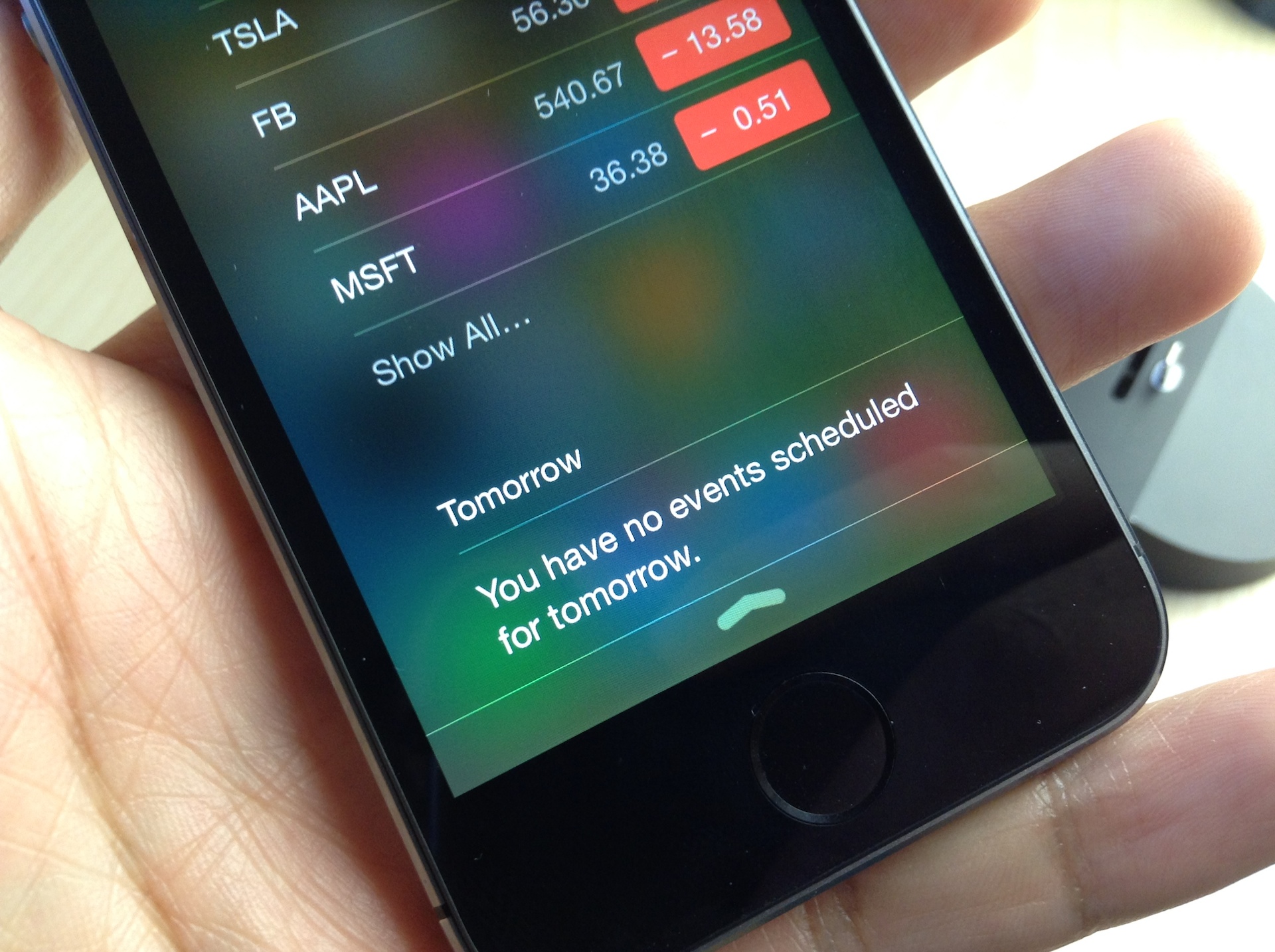
NC Cleaner is a brand new jailbreak tweak that does one thing, and one thing only: It allows you to remove the Yahoo branding that appears in the bottom of Notification Center's Today view in iOS 7.

If you have a special hatred for the Yahoo branding, then this is one of the tweaks that you can use to get rid of it. We've got a before and after comparison video inside for you to check out.

Pebble Profiles: suppress Pebble notifications while your iPhone is unlocked

If you're a Pebble Smartwatch wearer, then you are probably already quite familiar with the device's idiosyncrasies. As I stated in my review of the device, I like my Pebble, but it's definitely got a few opportunities for improvement.

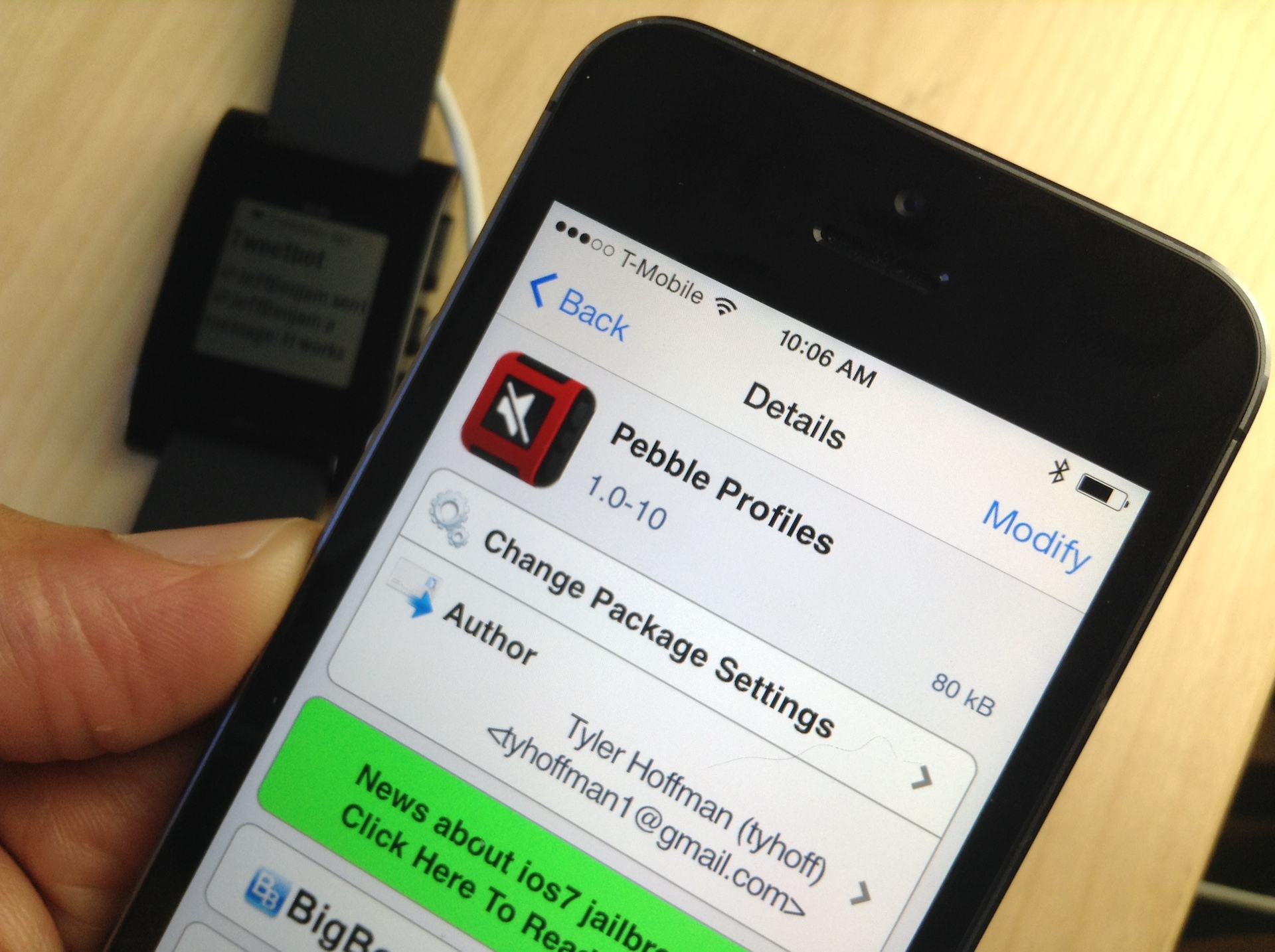
One of the more glaring issues is solved by a recently released jailbreak tweak dubbed Pebble Profiles. This tweak suppresses notifications on the Pebble when your iPhone is unlocked. The end result is a great reduction of duplicate, and hence redundant, notifications. Take a look at our video inside for a demonstration of how it works.

How to control Philips Hue lights from Control Center

I have a special fascination with home automation, and I'm usually up for trying anything new in this space. For that very reason, I was super excited to try out the Philips Hue lighting kit when it first launched, and I picked one up on day one. You can watch my Philips Hue unboxing and review here.

Philips has a decent, if not a bit cumbersome to use, app available that allows you to control the Hue lights. I was always a big fan of the hardware, but I thought the software left a lot to be desired.

One of the biggest gripes for me is just having to launch a separate app in the first place. Wouldn't it be awesome if you could turn your lights on and off directly from native iOS? Wouldn't it be even more awesome if you could control your lighting directly from iOS 7's Control Center?

And that's exactly what this recently released jailbreak tweak, entitled HueHueHue, does. It allows you to control your Philips Hue lights from native iOS, including Control Center, and a whole lot more. Take a look inside as I walkthrough this jailbreak tweak's features on video.

SlideForUsage: swipe down on the pages in the app switcher for usage info

The app switcher in iOS 7 allows you to swipe up on the pages listed there to kill the apps using a simple gesture. Swiping down on the app pages results in a simple rubber banding animation that has no effect on the application associated with the page.

Wouldn't it be cool if you could garner some extra functionality from swiping down on pages within the app switcher? That's the basic premise behind SlideForUsage; it allows you to view basic usage statistics for the apps listed in the app switcher. Have a look at our video walkthrough inside.

ColorFlow: colorize the stock Music app based on album artwork

ColorFlow is a recently released jailbreak tweak that colorizes the look of the stock Music app. The colors impact nearly every facet of the stock Music app, from the buttons, to the sliders; even the backgrounds aren't spared.

The colors are inspired and derived from the currently playing album artwork. ColorFlow is a gorgeous looking tweak that's a must try for iOS 7 jailbreakers. Have a look at our full video walkthrough after the jump.

Fancy is now available on Cydia

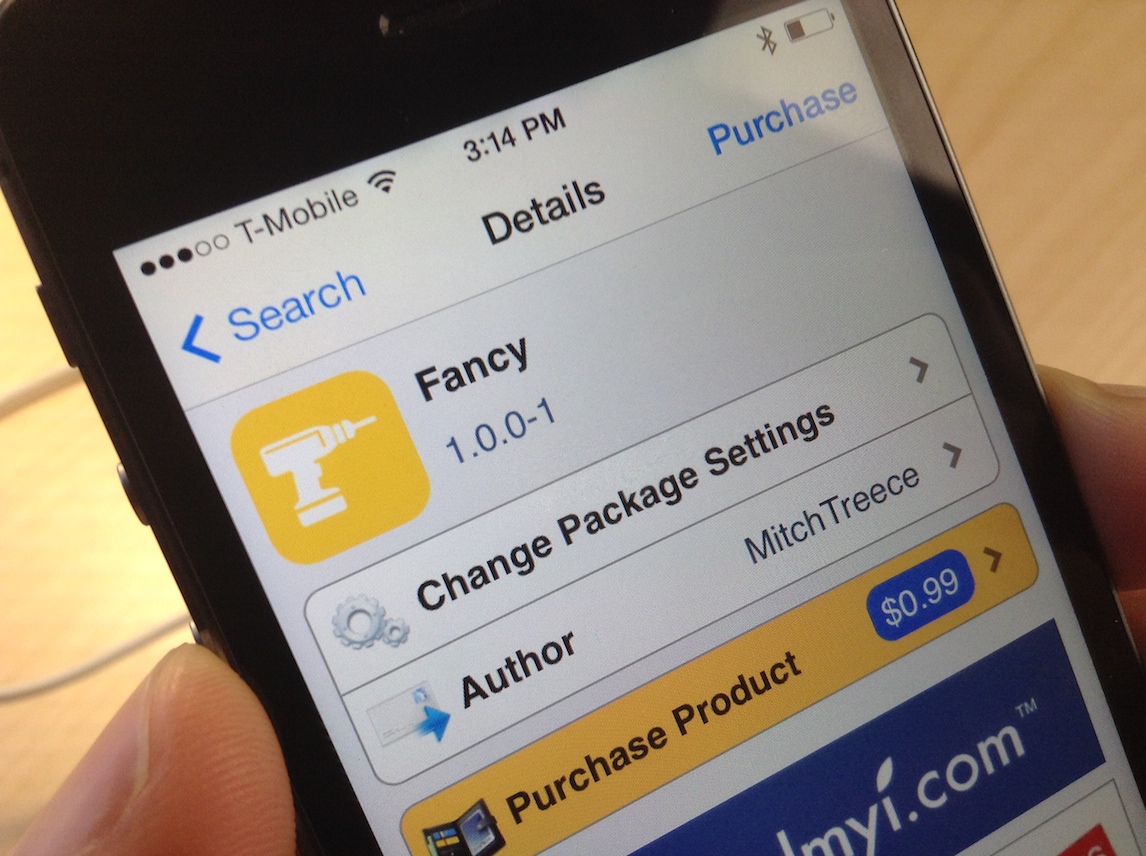
Fancy, the awesome jailbreak tweak that colorizes iOS 7, is now available for download on Cydia's ModMyi repo for $0.99. The tweak, which has been highly anticipated for a couple of weeks, is from Mitch Treece, the same developer that brought us the Touch ID enabled tweak called Touchy.

Treece labels Fancy as "the simplest way to colorize iOS 7's incredibly dull UI." I tend to agree. Watch our video walkthrough inside, and let me know what you think about it in the comments.

Animer7: add animations to banner notifications and the app switcher in iOS 7

Animer7 is brand new release that just appeared in Cydia's BigBoss repo a few minutes ago. It's a tweak that allows you to customize the way animations work for banner notifications and the app switcher.

As denoted by the digit in its name, Animer7 is the sequel of sorts to the original Animer; it's been updated to work with iOS 7. And there's some good news for users who purchased the previous version of the tweak: Animer7 is available as a free upgrade. For more information on how Animer7 works, be sure to have a look at our full video walkthrough after the jump.

How to relocate the close button for tabs in Safari

RightX is a jailbreak tweak for Safari that allows you to reposition the close button for Safari tabs. Once installed, it moves the 'x' button used for closing tabs from the upper left-hand corner of the tab to the upper right-hand corner. RightX is handy if you're left handed and tend to use the iPhone single-handed with your dominant hand.

Of course, there may be other usage benefits to RightX depending on the way you hold your iPhone. Have a look at our full video walkthrough inside for further details on the tweak.

Controllers for All: a must have tweak that brings PS3 controller compatibility to iOS

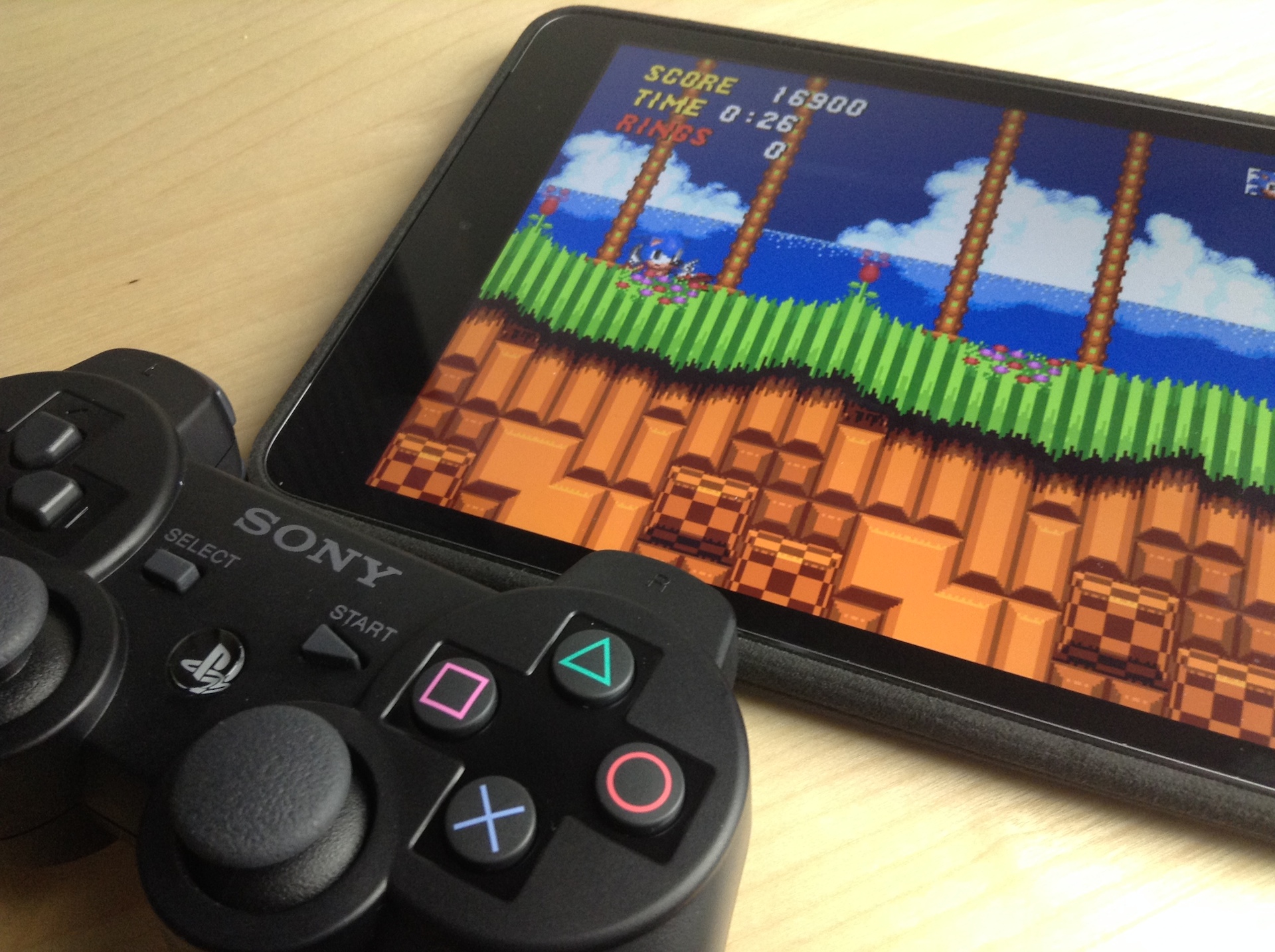
Ladies and gentlemen, the moment that every jailbroken iOS gamer has been waiting for: the ability to use the Sony PS3 Dual Shock 3 with games enabled for controller support. This means that any game that supports a MFi (Made for iPhone) controller in iOS 7, is now fully playable with the Dual Shock 3, no cumbersome configuration required.

Controllers for All really is a game changing tweak for gamers, no pun intended. It also means that you no longer have to shell out your hard earned dough to support the half-baked hardware controller efforts we've seen thus far.

Folks, seriously; this tweak is reason enough alone to jailbreak. It basically turns your iPad, iPhone, or iPod touch into a full-fledged legitimate gaming console. And this is just the beginning, as its developer, Ori Kadosh, promises that even more controllers, like the Dual Shock 4, will be supported in future updates.

We've got the full hands-on video walkthrough inside. Check it out, you don't want to miss this.