Video

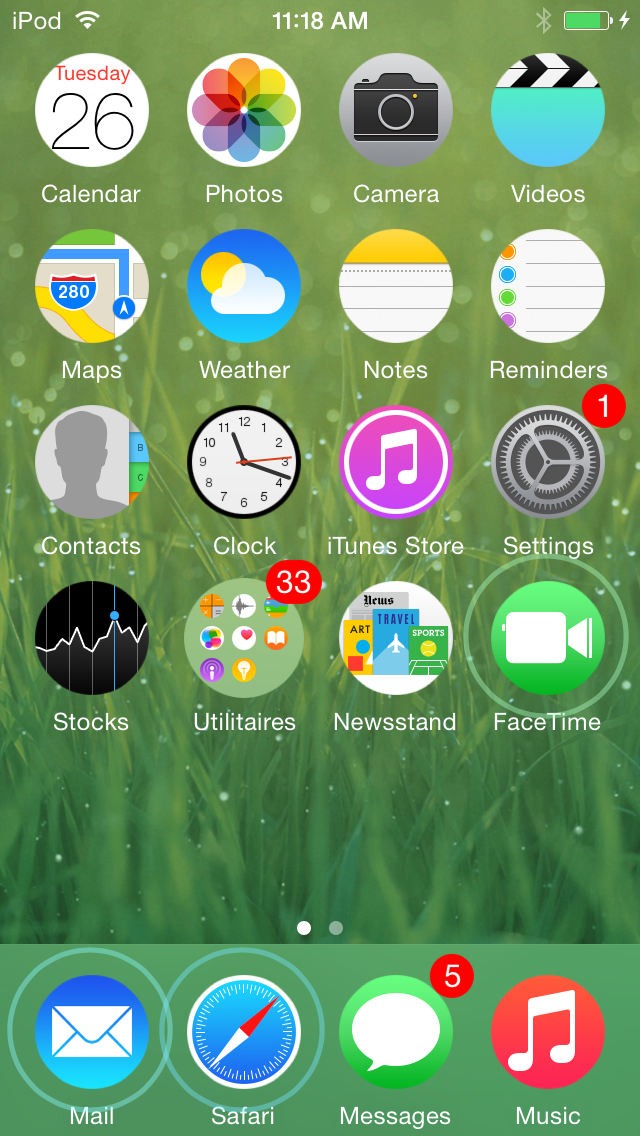
BlurryLaunch: remix the iOS app-launching animation

BlurryLaunch is a simple new jailbreak tweak that adds a a smooth blur effect to the app-launching animation. The tweak, which is available for download free of charge from Cydia, includes several blur themes to add custom colors to the launch animation as well. Watch our video walkthrough to see how it works in action.

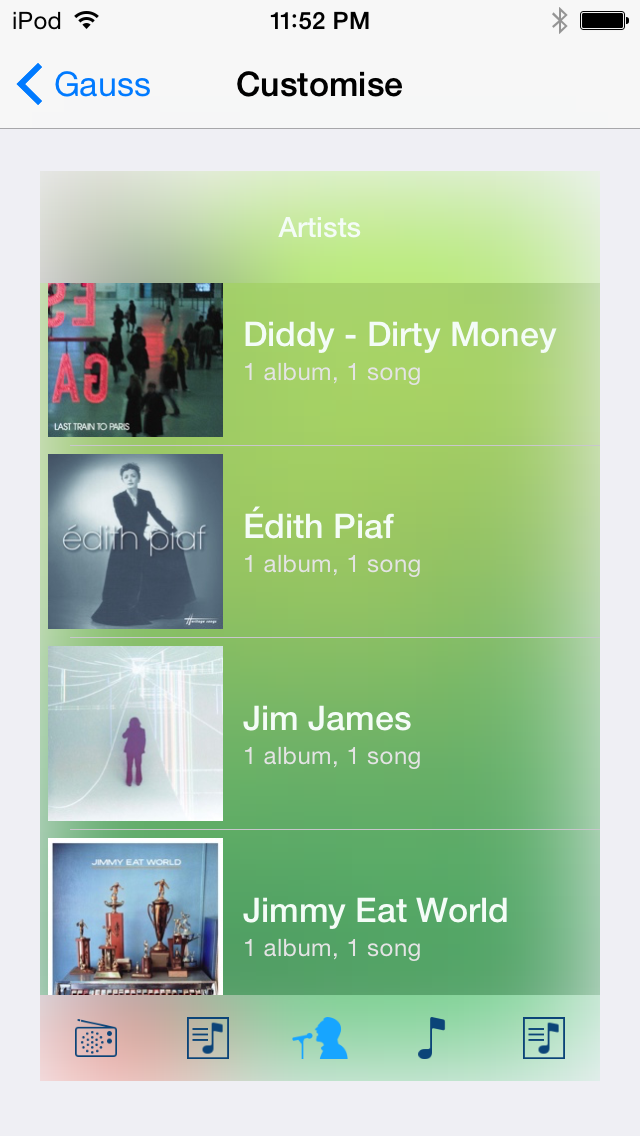
‘Gauss’ spices up the Music app with impressive blur effects

Gauss—which is named after German mathematician Karl Gauss, from which the Gaussian Blur derives its name—is a jailbreak tweak that adds blur, tint color, and text color effects to the stock Music app. Gauss lets you change up the blur radius, saturation, and more. You can even preview the look of the changes via the tweak's preferences.

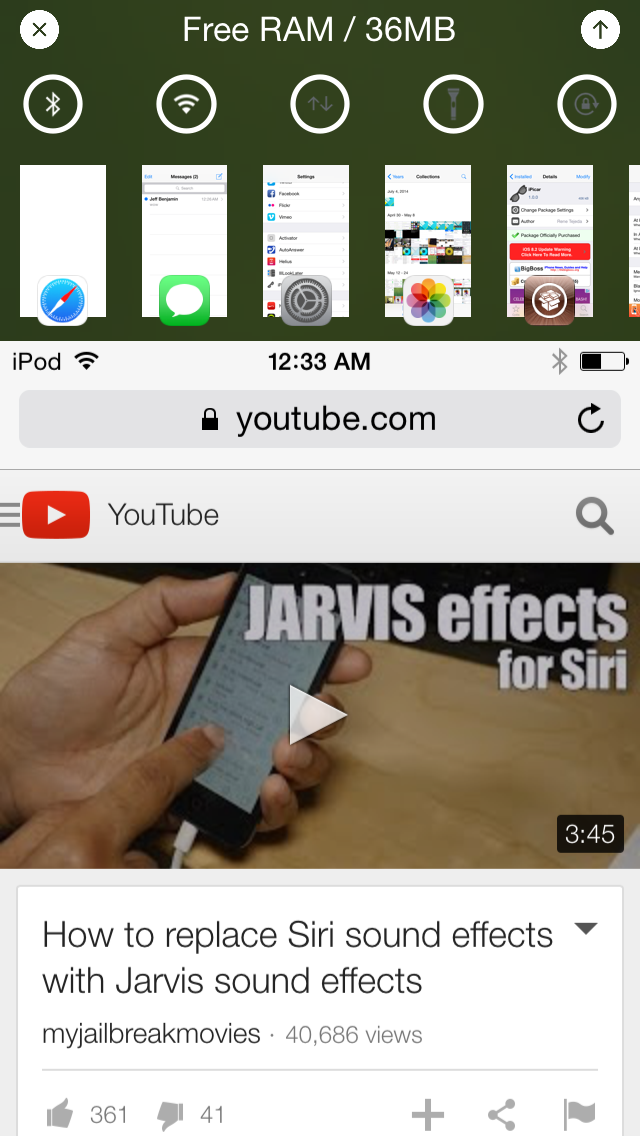
StopAutoDelete stops the iOS cursor from deleting entire words

When you hold the delete button on the iOS keyboard, eventually the cursor will start to delete entire words in an effort to speed up the deletion process. While at times, this comes in handy from a speed perspective, I often find it more of a nuisance; it seems to always delete words that I had no intention of removing.

StopAutoDelete is a jailbreak tweak that slows down deleting on iOS, placing a sort of limiter on deleting and preventing whole words from being delete at once. Have a look at our video walkthrough for a full explanation.

Recents is a jailbreak tweak for viewing recent calls in Notification Center

Recents is a new jailbreak tweak that allows you to view recent phone calls and FaceTime calls directly in Notification Center. With the $1.49 package, which comes with a free trial, you can make calls directly from Notification Center, even if your device is locked.

By adding a tab next to the Today and Notifications tabs in Notification Center, Recents lets you view incoming, outgoing and missed calls with ease. It also lets you delete individual calls, all calls, and it works with a variety of other jailbreak tweaks such as Copic and LockInfo.

RippleBoard: add ripple effects to the iOS Home screen

RippleBoard is a new tweak that brings tap indicators to the iOS Home screen. Whenever you tap the screen, or launch an app, you get a cool little ripple effect on the Home screen.

But RippleBoard isn't just limited to on screen taps. As you'll see from the tweak's preferences, there are other things that you can do with RippleBoard, including customizing the range and duration of the ripple effects.

Aeuria LS is a beautiful Lock screen tweak for iOS

Great standout tweaks seem to be few and far between as of late, but the developer of Aeuria LS obviously has other thoughts about the matter. Aeuria LS is an original and wonderful-looking Lock screen tweak for jailbroken devices, that presents the current time in a unique manner.

Conceptualized by Zach Williams and programmed by Bryce Pauken, Aeuria LS is one of the best looking jailbreak tweaks that I've seen in a while. It brings a Lock screen clock interface to the iPhone that features customizations by clock type, time format, clock face font, color, blur, and more.

It's a simple looking tweak that you'll find to be incredibly deep, and a technical work of art once you delve into its preferences. Have a look at our video overview of Aeuria LS for more details.

IllLookLater: prevent iPhone screen wake when receiving notifications

Do you find that many of your incoming notifications don't warrant the awakening of the Lock screen on your iPhone? Perhaps you think that waking up your iPhone every time you receive a notification is a waste of precious battery.

If you feel that way, then you may want to look into IllLookLater, a recent jailbreak tweak that's available on Cydia's BigBoss repo free of charge. IllLookLater makes it so that you can limit the amount of apps that wake the Lock screen when receiving a notification. In other words, it lets you pick and choose the apps that you deem worthy.

Color Convos: assign colors to Messages app conversations

Color Convos is a jailbreak tweak that serves as a Messages app addon. It lets you quickly assign different colors to the outgoing message bubbles in a Messages app conversation.

Why is this useful? The developer presents an interesting use case scenario. He suggests that Color Convos will make it easier to discern who you are sending a message to, ensuring that you are sending messages to the correct contact, lending peace of mind.

Does Color Convos work as expected? Have a look at our walkthrough to find out.

Alternatum brings an app switcher and toggles to Reachability

Alternatum is yet another jailbreak tweak that piggybacks on the Reachability feature introduced with the iPhone 6 and iPhone 6 Plus. It allows you to add a host of new features to the Reachability view such as an app switcher, toggles and more.

Unfortunately, I don't currently own any jailbroken devices that feature Reachability, but Alternatum does bring the ability to use a simple Activator gesture to mimic Reachability. Does it work well?

Photos and video of Apple Watch Edition being unboxed

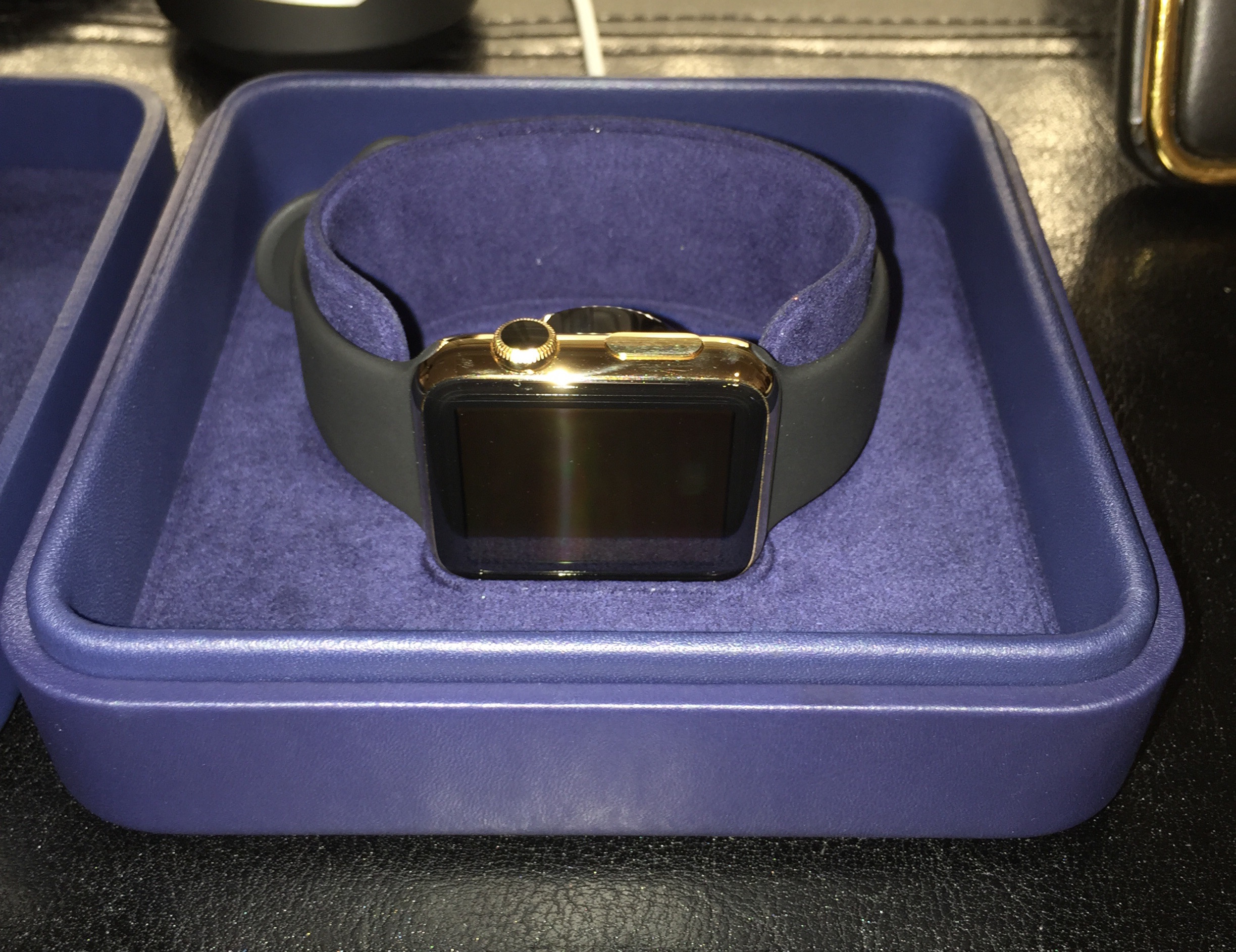
Units of the staggeringly-expensive Apple Watch Edition began shipping this week, and some customers have already started receiving their orders. Yesterday, a user over in this MacRumors forum thread posted a series of photos showing his new golden wearable.

The photos are of a 42mm Yellow Gold Edition with black Sports band. The box looks similar to that of the Stainless Steel Apple Watch, but is dark blue (almost purple) in color and includes a matching cleaning cloth. Check out the images below to see more differences.

Review: Asus ZenFone 2 from an iPhone user’s perspective

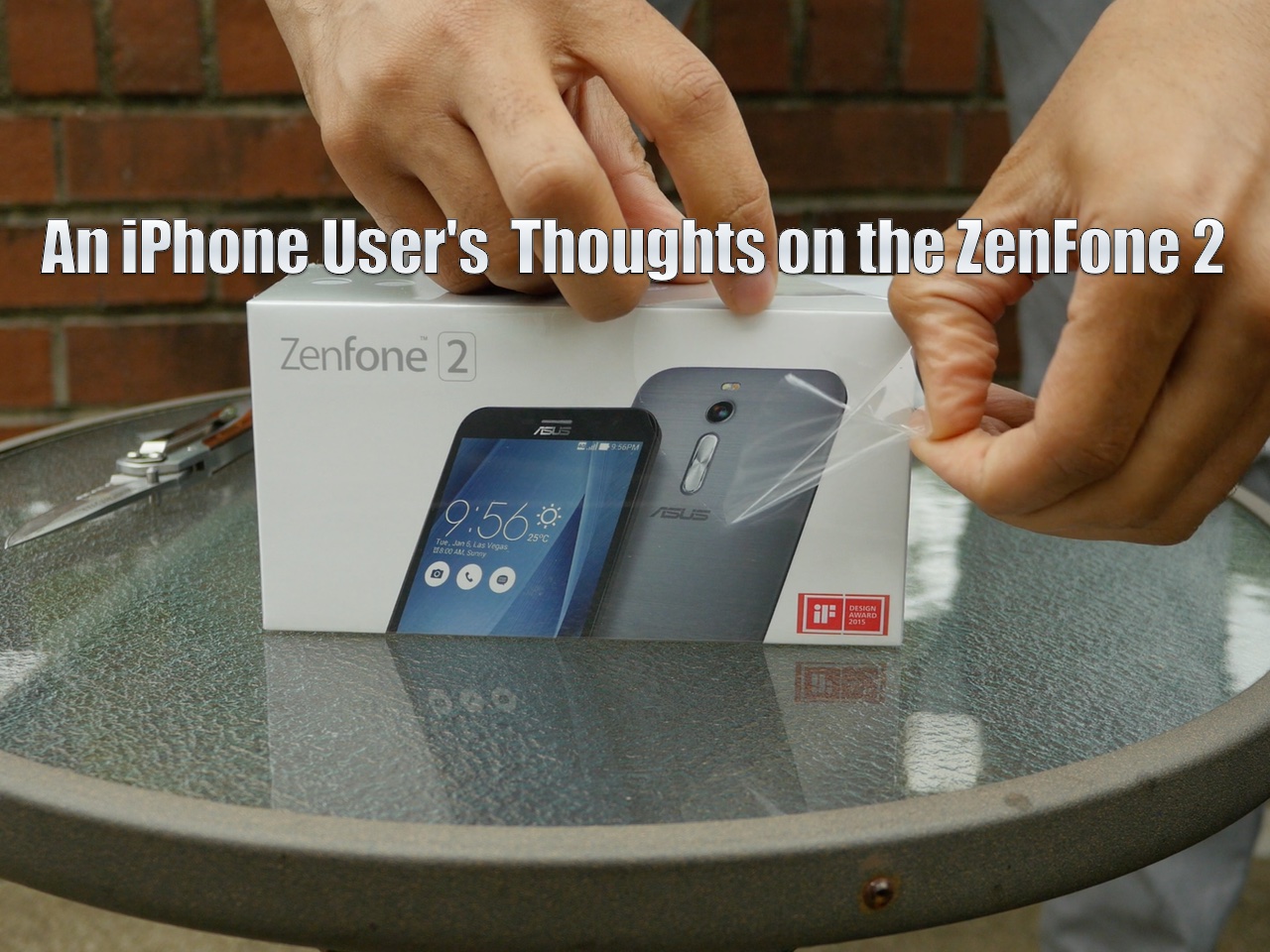
Today, I picked up the ZenFone 2 from Asus. It's a mid-tier Android phone with flagship specifications.

This phone is actually quite good from a pure specs perspective. It features 4GB of RAM, and it's one of the first phones to do so. It also packs in a 64-bit quad-core 2.3 Ghz Intel Atom processor, and 64GB of flash storage, expandable up to 128GB.

The screen is 5.5 inches, and it's roughly the same size as the iPhone 6 Plus, though a bit thicker. Needless to say, this ZenFone is firmly in the realm of the "phablet" and although it's selling at mid-tier prices at $299, it's got some decent specs.

In this review, which won't be your typical review where I spout off statistics and benchmarks, I look at 5 things that this phone does right, and 5 things that it does wrong—all fed through my iPhone-tinted glasses.