UI

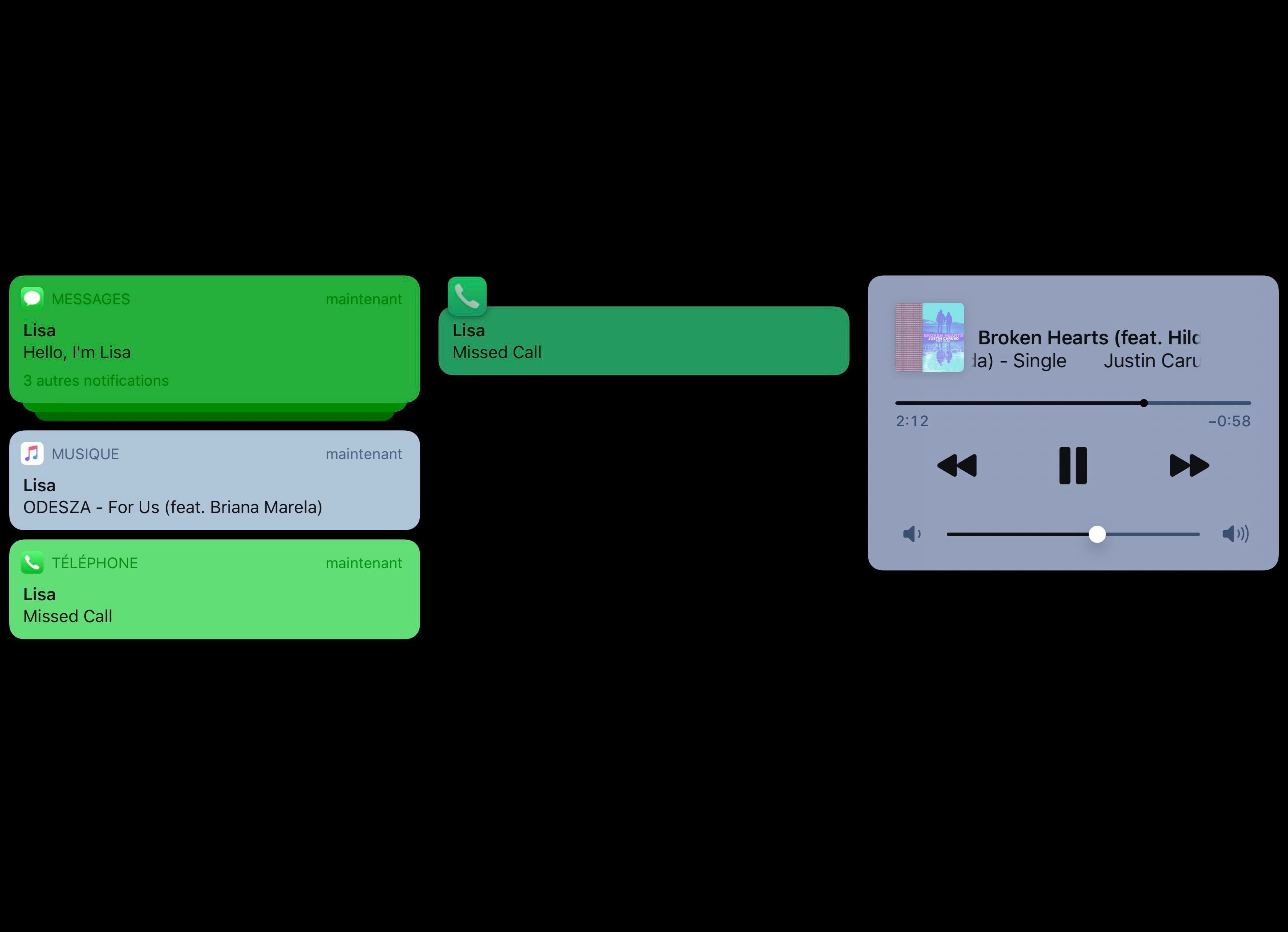
Lisa brings OLED display-friendly notifications to jailbroken iPhones

Apple made the right decision when switching from traditional LCD display panels to higher-end OLED display panels in its flagship smartphones, but one can’t help but question why iOS doesn’t take better advantage of the deeper black color tones made possible with OLED display technology.

If you have a jailbroken OLED display-equipped iPhone at your disposal and you’ve been asking yourself the aforementioned question since the day you first picked up the device, then we think you’re likely to enjoy a free jailbreak tweak dubbed Lisa by iOS developers Litten and Esquilli.

Grabbi makes it easier to discern the time or battery level in full-screen apps

The Status Bar is a persistent element that presents itself in the vast majority of iOS apps and user interfaces. The lone exception to this rule of thumb would of course be full-screen apps such as mobile games, video playback, and a small number of other exceptions.

Despite being hidden from the aforementioned interfaces, iPhone users can open Notification Center to view the Status Bar by swiping down from the top of the display to reveal a grabber and then tugging down on the grabber. Unfortunately, this is a multi-step process and rather cumbersome, and that’s the chief reason why a new jailbreak tweak called Grabbi by iOS developer Arielgavrielov exists.

FullPlay gives jailbreakers an iOS 14-style full-screen Music app experience

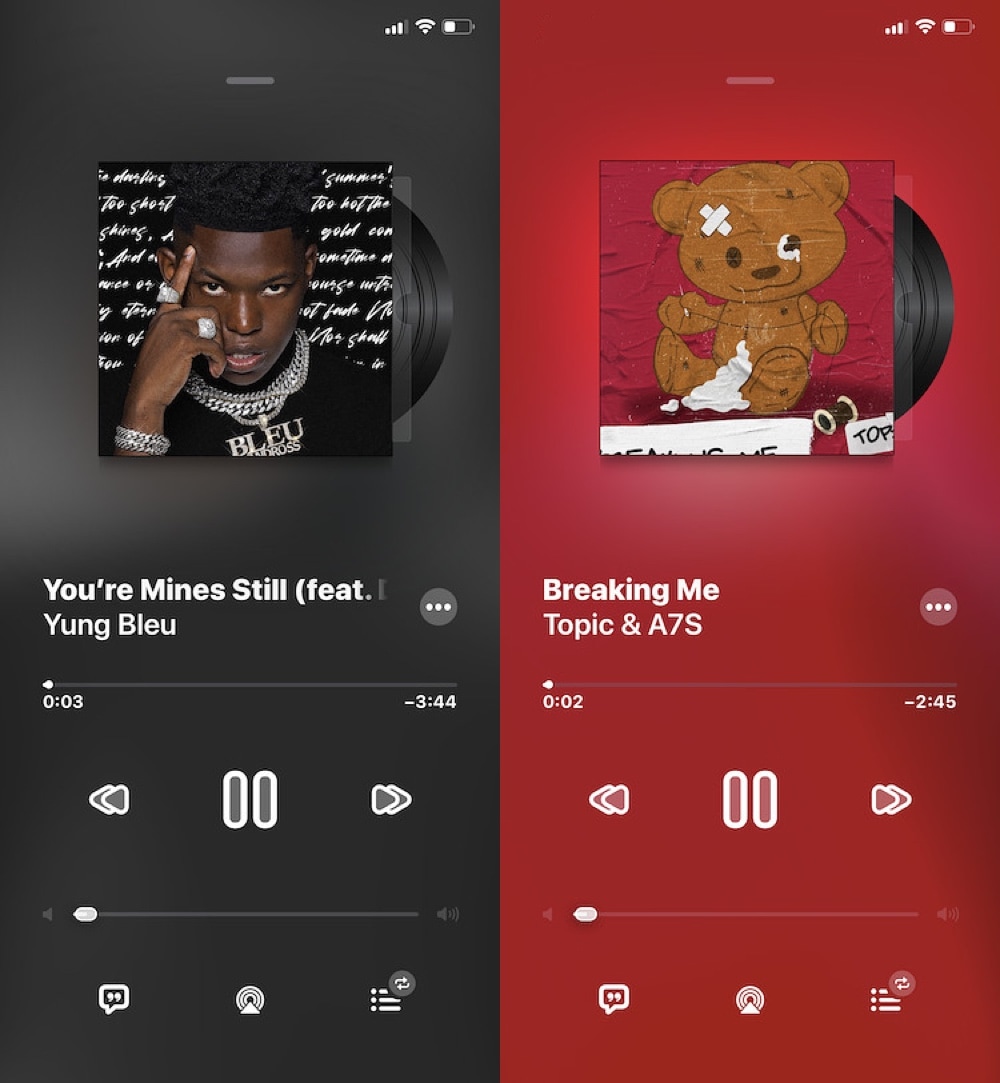
Apple Music is one of the best ways to enjoy music streaming on an iPhone or iPad, but if you’re using iOS 13, then you might be scratching your head as to why Apple made some of the design choices they did; namely with regard to the card-style Now Playing interface. This topic becomes even more relevant when you stop to consider the fact that iOS 14 will make the app look more how it should have looked from the very beginning.

If you have a jailbroken iOS 13 device at your disposal and you have no plans to upgrade to iOS 14 when it launches this Fall, then you might be excited to learn that a new and free jailbreak tweak dubbed FullPlay by iOS developer Ethan Whited can bring the iOS 14 Music app’s more pleasant aesthetics to pwned iOS 13 devices.

Manaar lets you operate your iPhone’s LED flashlight with the sleep button

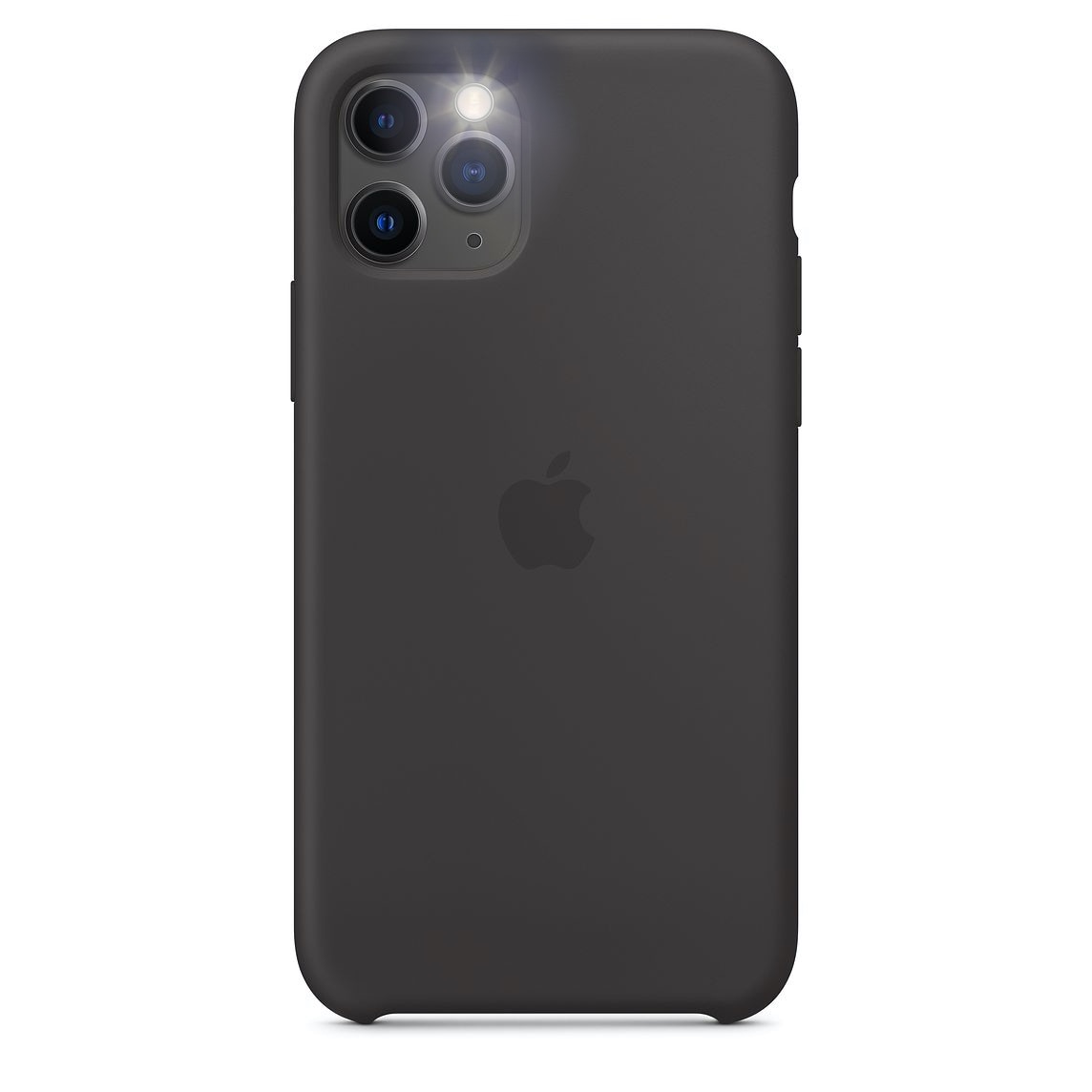
First and foremost, your iPhone is an internet-based communications device, but that doesn’t mean you can’t use it for other things. The handset’s rear-facing LED flash, for example, doubles as a convenient multi-stage flashlight when you’re stuck in the dark.

Stock iPhone users are limited to using the Lock Screen’s flashlight quick action button or using Control Center’s toggle button from anywhere else in iOS. But in those awkward slick-fingered situations where using a touch screen simply isn’t a viable option, a new and free jailbreak tweak dubbed Manaar by iOS developer Plat-Ykor could come in handy.

Give your iPhone a better notification system with SmartNotifications

Apple took great care to make the iOS notification system both effective and easy to use, but one negative side effect of implementing simplicity in this department is that it tends to be somewhat lackluster in features, especially where it counts.

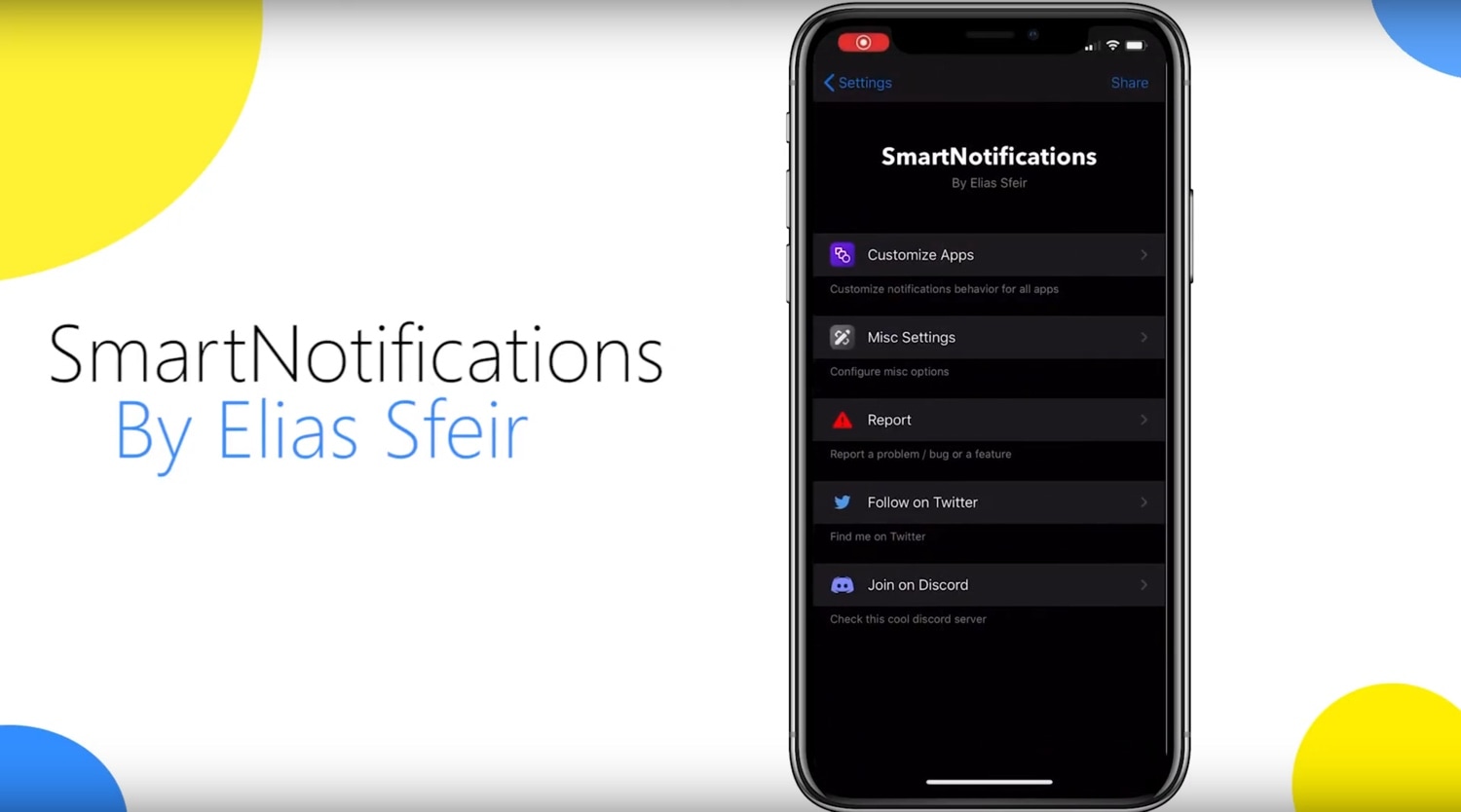
SmartNotifications is a newly released jailbreak tweak by iOS developer Elias Sfeir that fills the aforementioned void by providing users with a bevy of additional options pertaining to iPhone notifications on a per-app basis.

Coeus augments the Control Center interface with app and Activator shortcuts

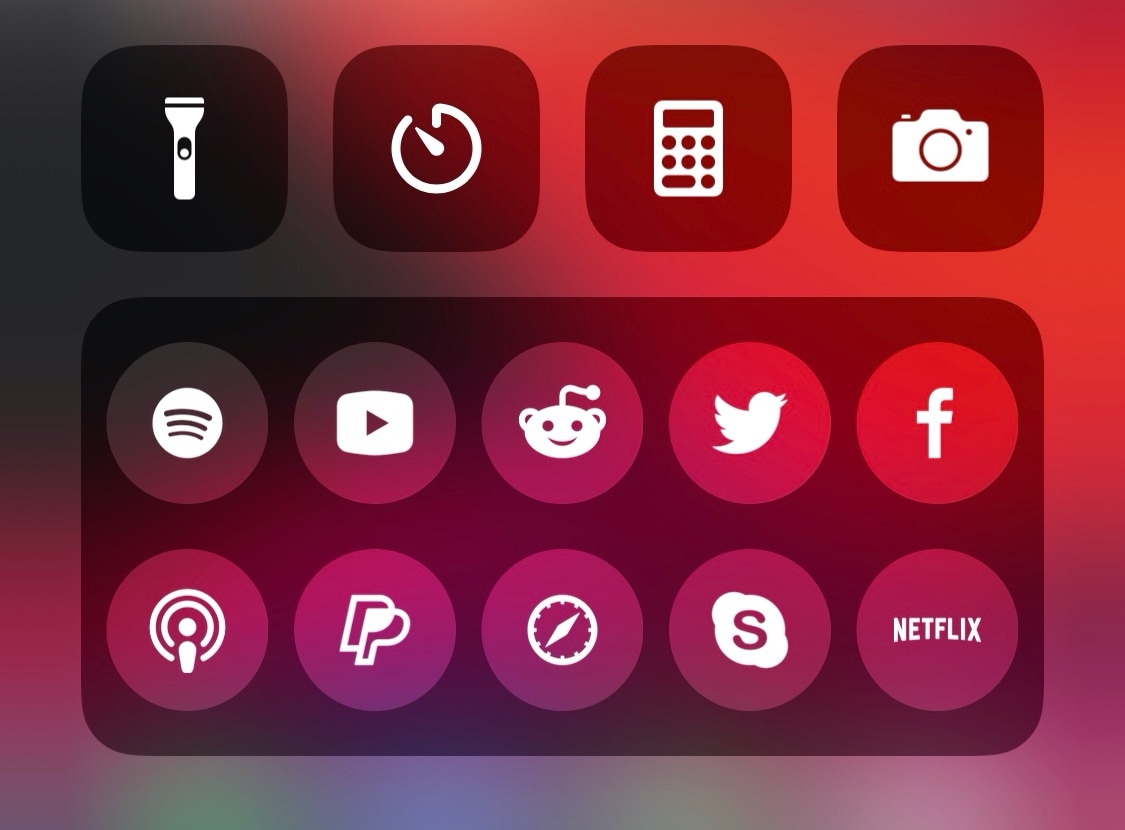
Apple created iOS’ Control Center interface to be an all-in-one hub for shortcuts and toggles, but for whatever reason, the company limits the shortcut selection to a small number of native apps without so much as the seemingly necessary option to configure custom app shortcuts of the end user’s choice.

If, like me, you despise Apple’s systematic disregard for user configuration, then there’s no doubt in my mind that you’ll enjoy the likes of a newly released and free jailbreak tweak called Coeus by iOS developer Azzou.

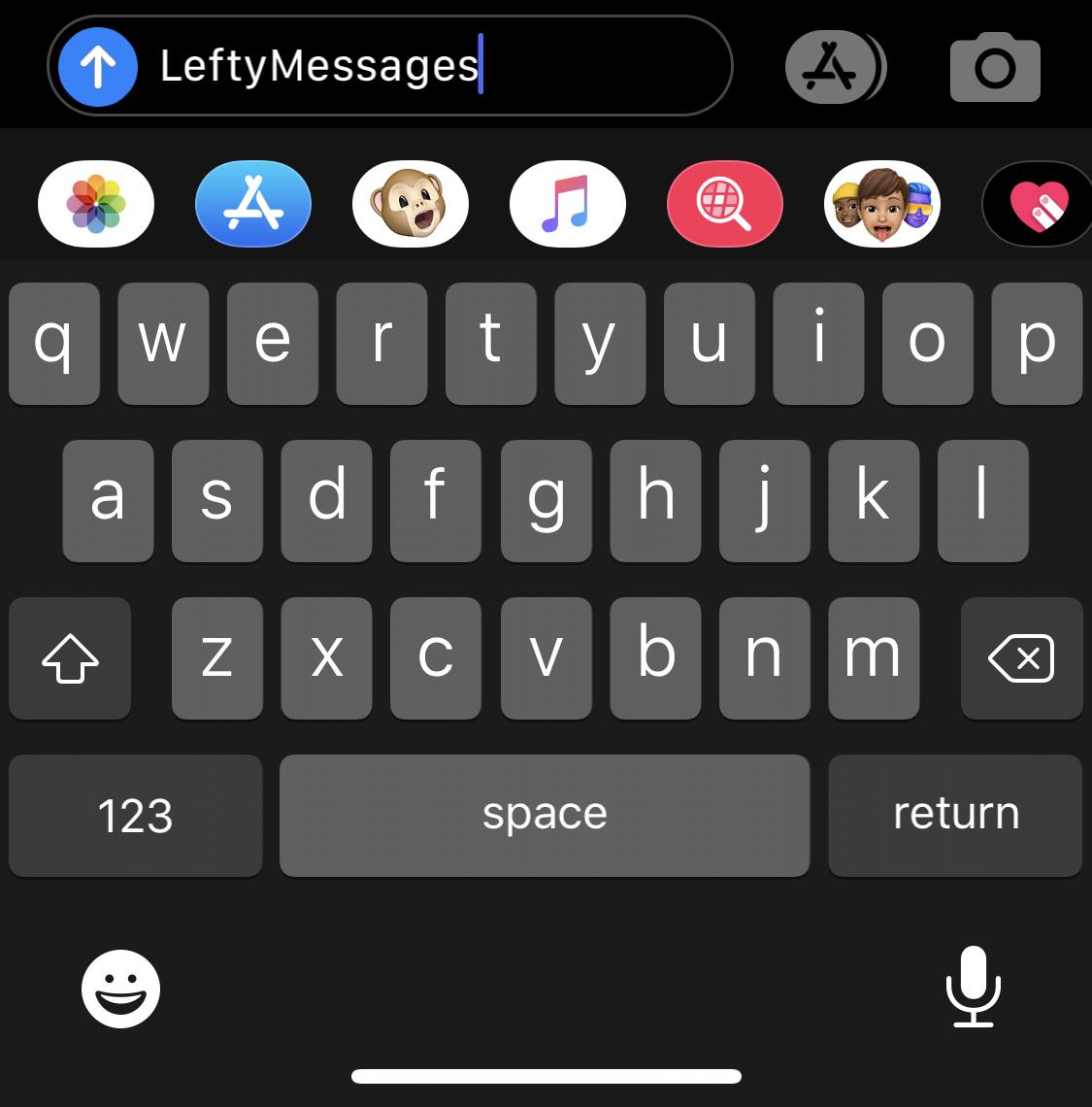
LeftyMessages makes iOS’ Messages app easier for left-handed people to use

The iPhone’s Messages app is a particularly well-planned application with a simple user interface that most people have no trouble using, but if you’re of the sinistral variety (left-handed), then you might have a tendency to disagree with that sentiment. Fortunately, the jailbreak community is here to help.

LeftyMessages is a newly released and free jailbreak tweak by iOS developer Paperman369 that tries to make the Messages app easier for left-handed people to use with one hand by moving certain frequently used controls over to the left side of the display.

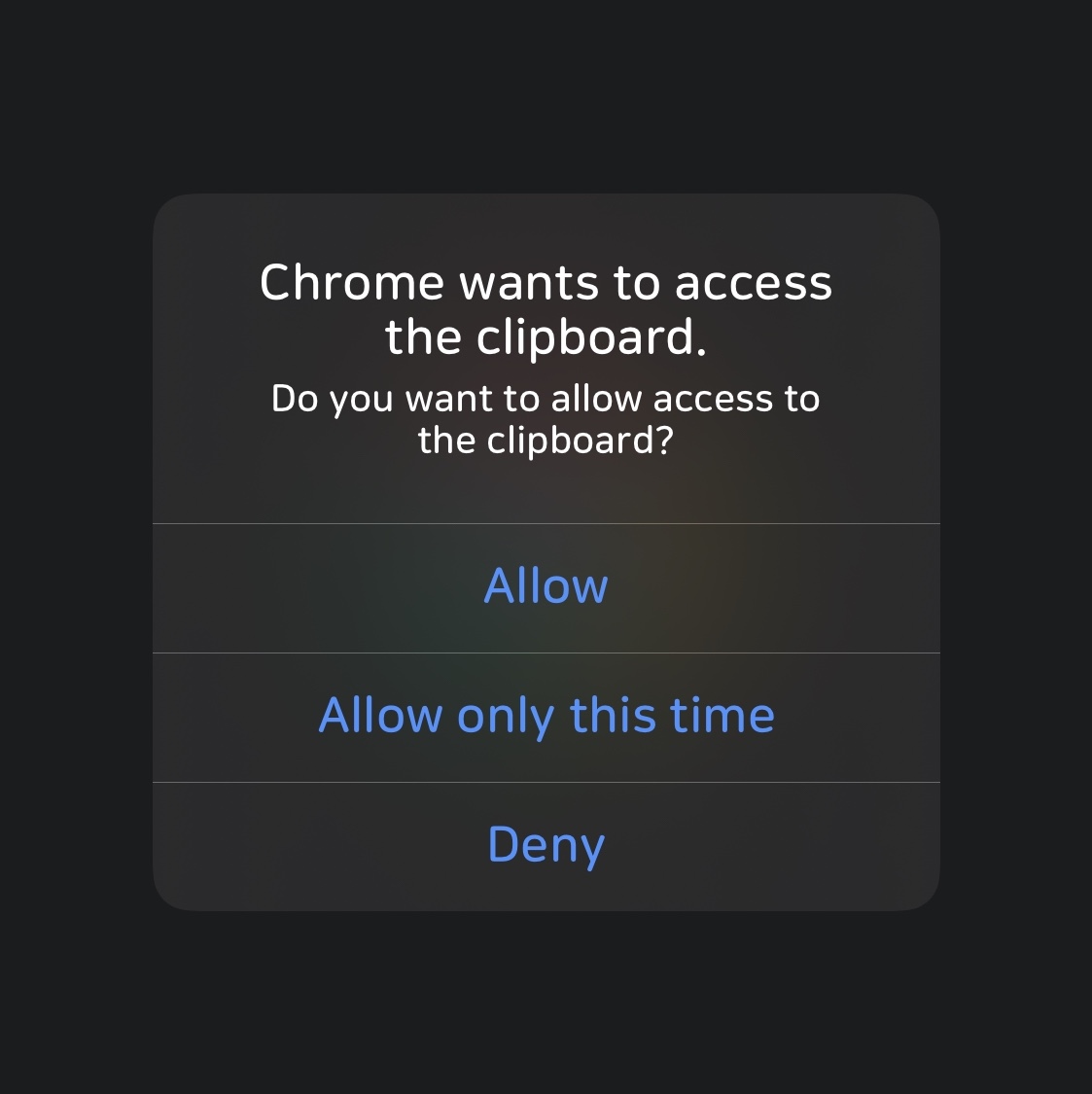
ConfirmPasteboard enhances pasteboard privacy on jailbroken iPhones & iPads

Privacy is a growing concern these days as seemingly more and more apps try to harvest our personal data for the sake of monetary gain. What we learn from this is actually quite simple: people generally don’t like being tracked and prefer to enjoy their right to privacy.

Smartphone-centric privacy breaches happen a number of different ways, including location tracking, camera or microphone spying, and/or Photo Library snooping. But the pasteboard, which may sometimes store sensitive information if you do any copying and pasting on your iPhone or iPad, is another thing that often slips under the radar.

Get desktop-style banner notifications on your jailbroken iPad with iustum

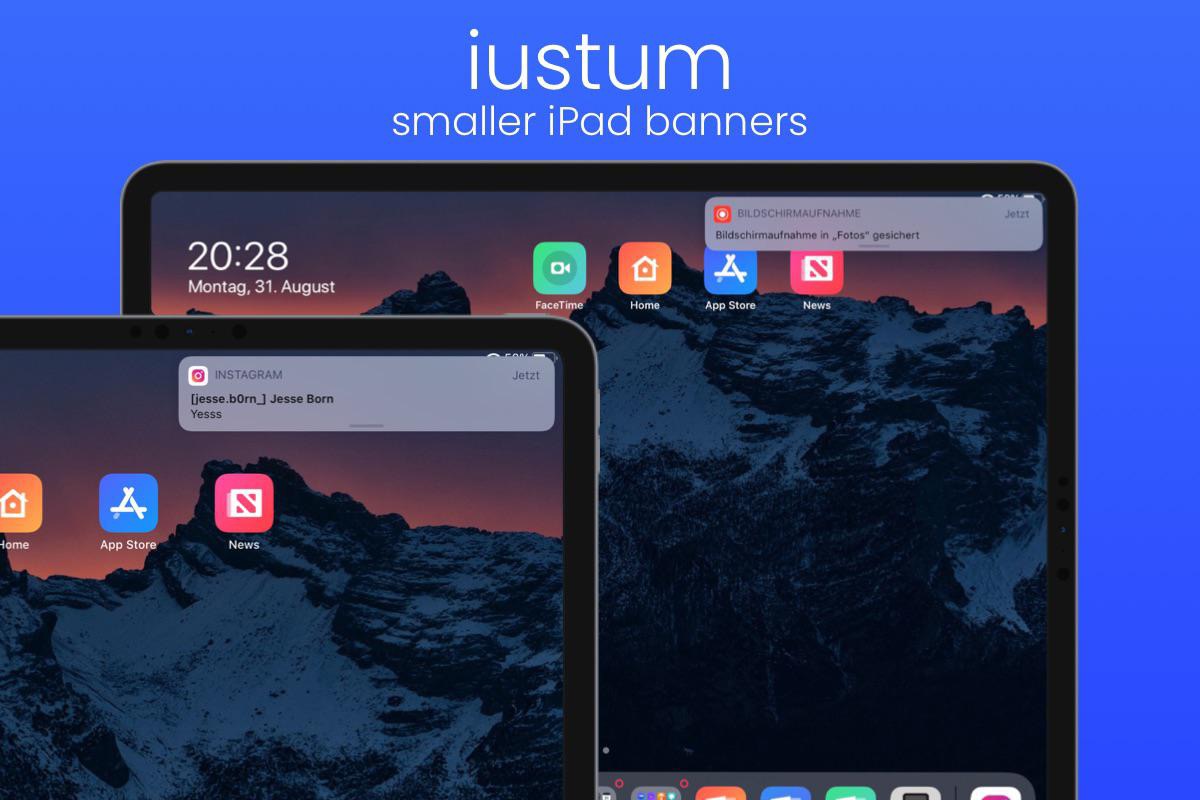
It was only last week that we showed you a new jailbreak tweak called Destra, which brought a macOS-inspired banner notification experience to the iPad and iPhone. Part form minor changes to the banner notification aesthetics, perhaps one of the other eye-catching aspects about the tweak was that it made banner notifications on the iPad feel more desktop-like by moving them over to the top-right of the display rather than displaying them in the center.

If you liked the idea of right-aligned banner notifications on your iPad, but didn’t like the price tag that Destra demanded, then you might take a liking to a newly released and free jailbreak tweak called iustum by iOS developer jesseb0rn, as it brings this notification banner-centric feature in particular to pwned iPads at no charge to the end user.

Melody brings Now Playing album art to more parts of iOS

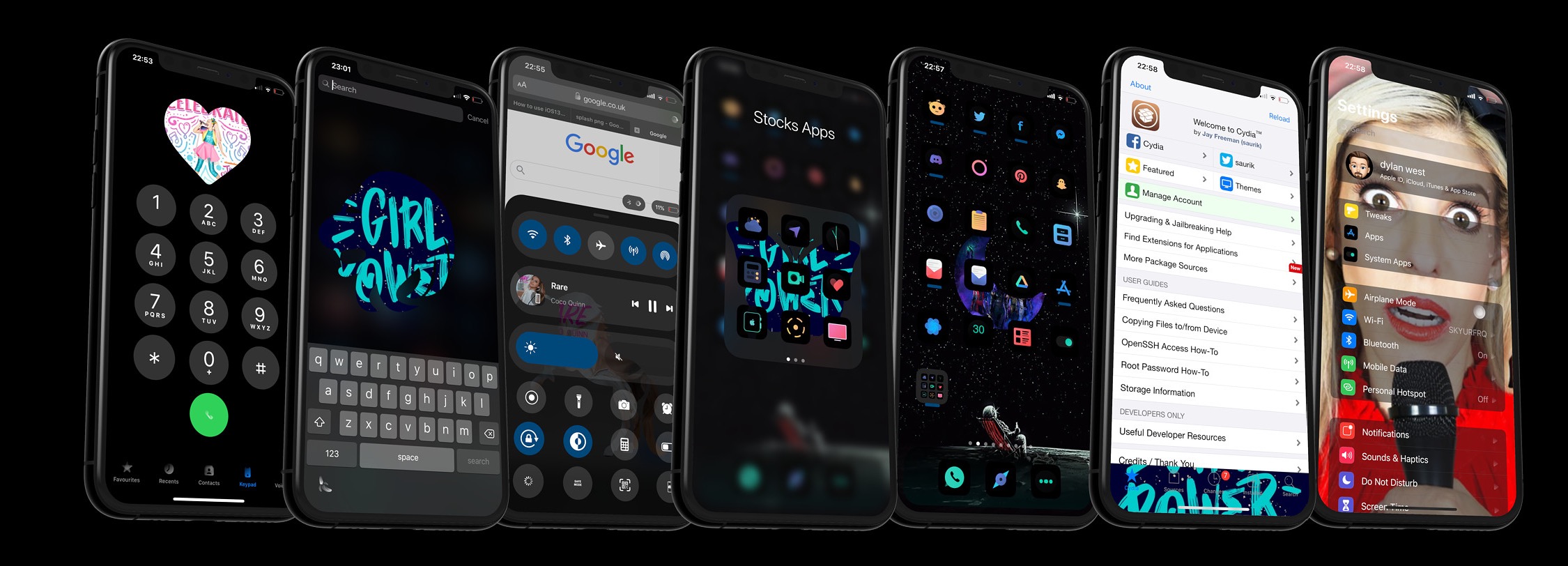
Those who use their iPhones to listen to their favorite music day in and day out are more likely to recognize the finer details of the music consumption experience than those who just listen to a song here and there. With that in mind, iOS developer Dylan West (iOSthemem0d) has released a new jailbreak tweak called Melody that tries to make the user experience even more enjoyable for hardcore music consumers.

Melody works by bringing the Now Playing track’s album artwork to more places in iOS. As depicted in the screenshot examples above, “more places” refers to quite a few different areas, including but not limited to:

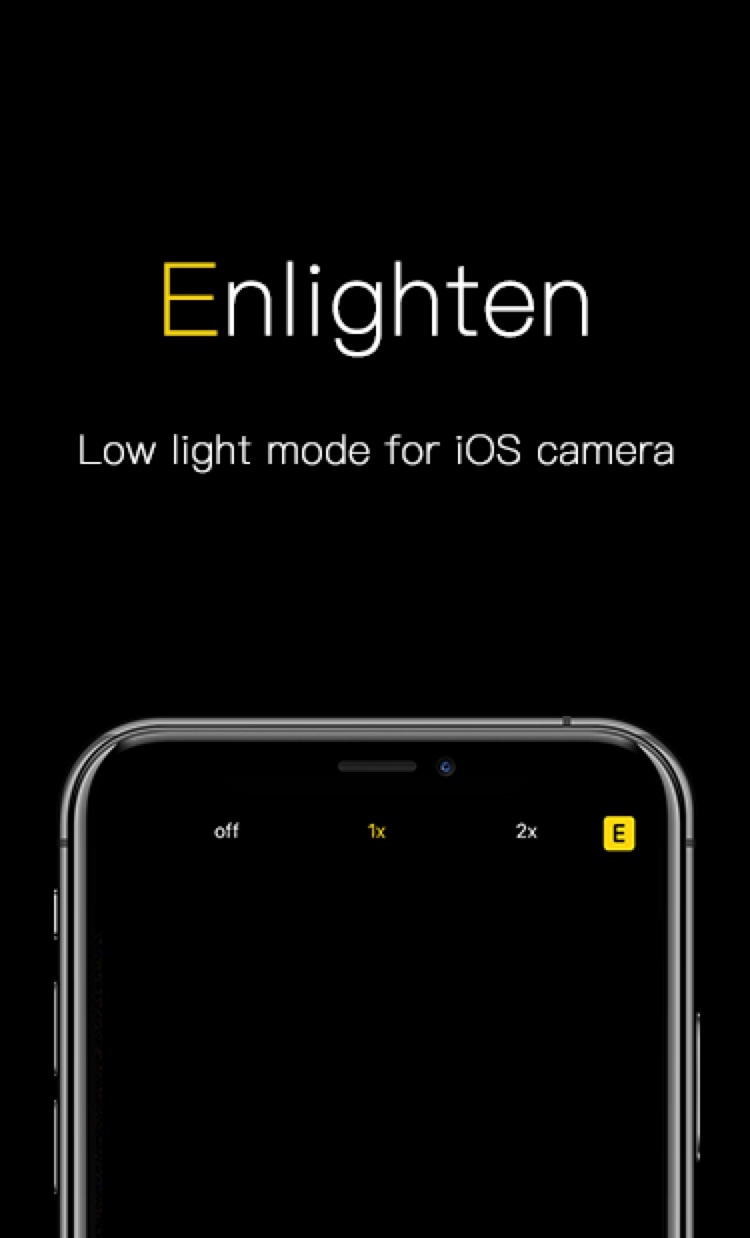
Enlighten improves the low light camera performance of jailbroken iPhones

Every year when Apple announces a new flagship iPhone, you can bet that the company has poured tons of money into research and development to improve the photo quality of the rear-facing camera. While it doesn’t always come by way of more megapixels, the company’s software-centric photo processing can be top notch – except when it’s not.

iOS developer XCXiao recognized that something needed to be done about the iPhone’s somewhat dismal low-light photography performance, and consequently created a new jailbreak tweak called Enlighten to improve this particular aspect of iPhone photography. Examples of the tweak at work, compared against Apple’s existing Night Mode feature, are depicted below.

Choose your favorite iPhone keyboard UI for every situation with Keyboard Controller

As many smartphone users already know, one of the major advantages to using a software-based keyboard as opposed to a hardware-based keyboard is that the interface can dynamically change depending on what you might be doing on your device. For example, a web browser’s keyboard might display more URL-centric input methods while a number input interface’s keyboard might display only numbers rather than the full alphabet.

iOS developer Tomasz Poliszuk knew that some of these keyboard interfaces could be helpful in more places than one, and unfortunately, Apple doesn’t provide users with any way of choosing which dynamic keyboard interface appears where. With that in mind, a newly released and free jailbreak tweak dubbed Keyboard Controller was conceived.