UI

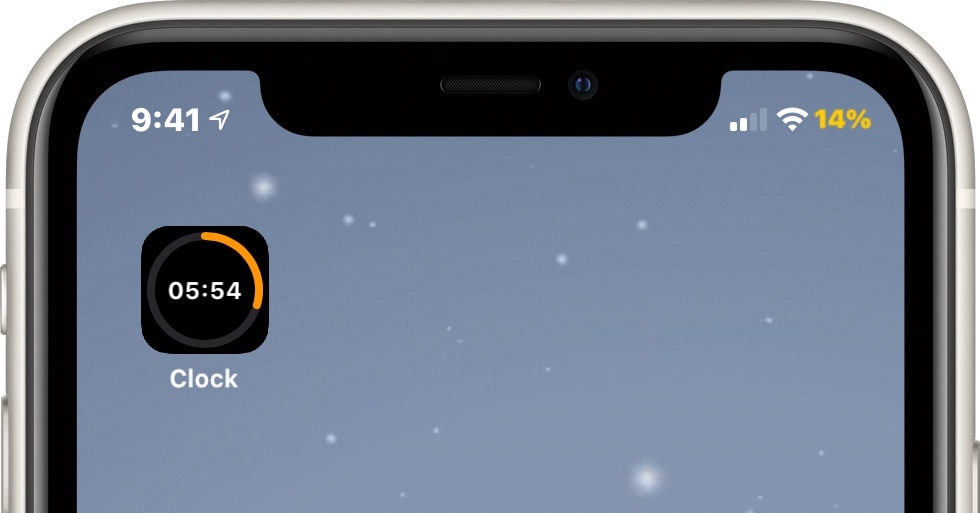
TimerIcon gives the Clock app an animated timer countdown icon

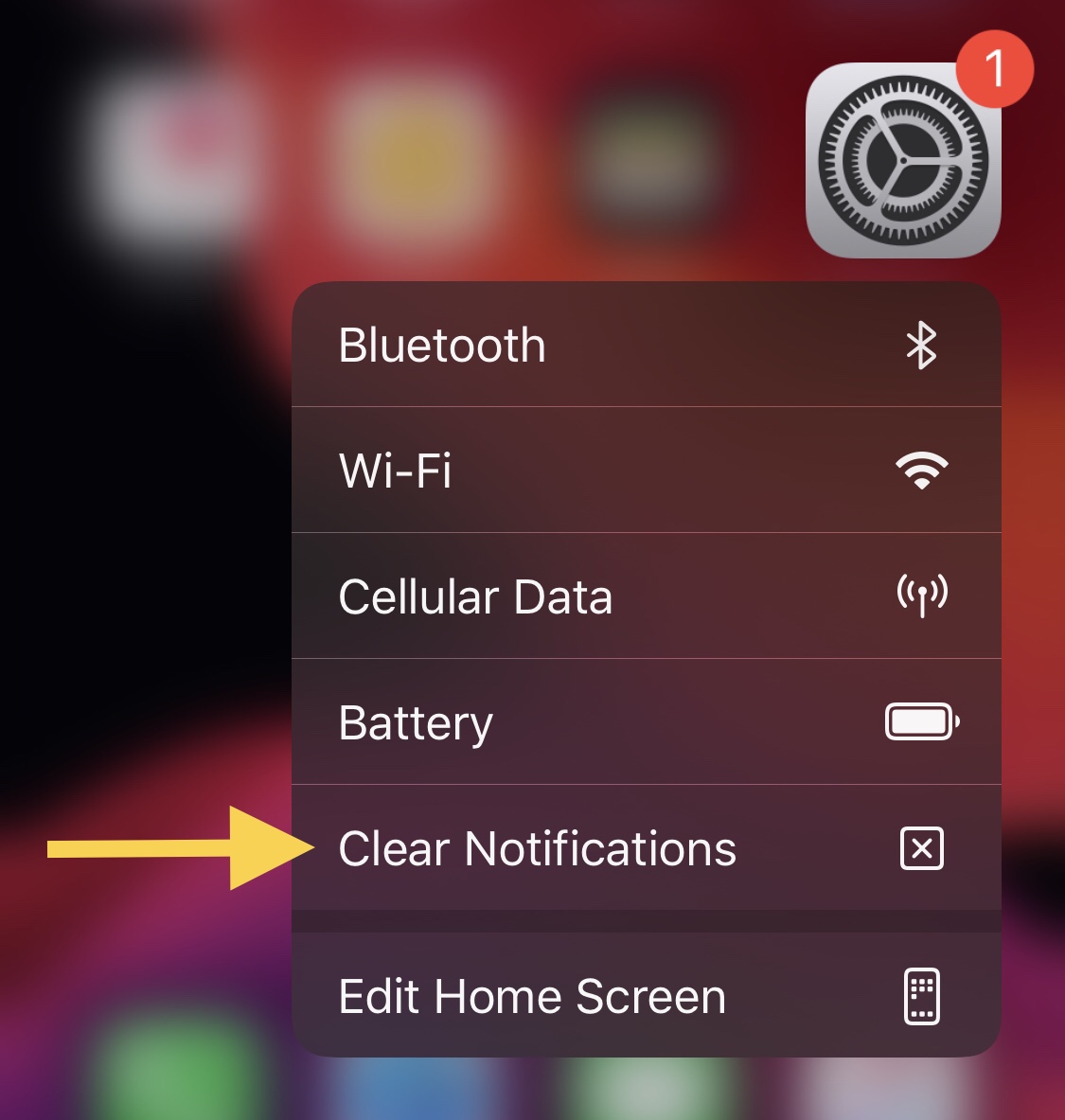
It was only yesterday that we showed you a jailbreak tweak dubbed Gears, which animated the Settings app icon on the Home Screen such that the gears depicted inside the icon actually rotated, much like one used by the OTA software update mechanism from the days of iOS 7.

Today, we look at an entirely different type of animated Home Screen icon – one that impacts the likes of the Clock app to depict the current state of any active timers you might have counting down in the background. Such an icon is brought to us by way of a new jailbreak tweak called TimerIcon by iOS developer Idefix0202.
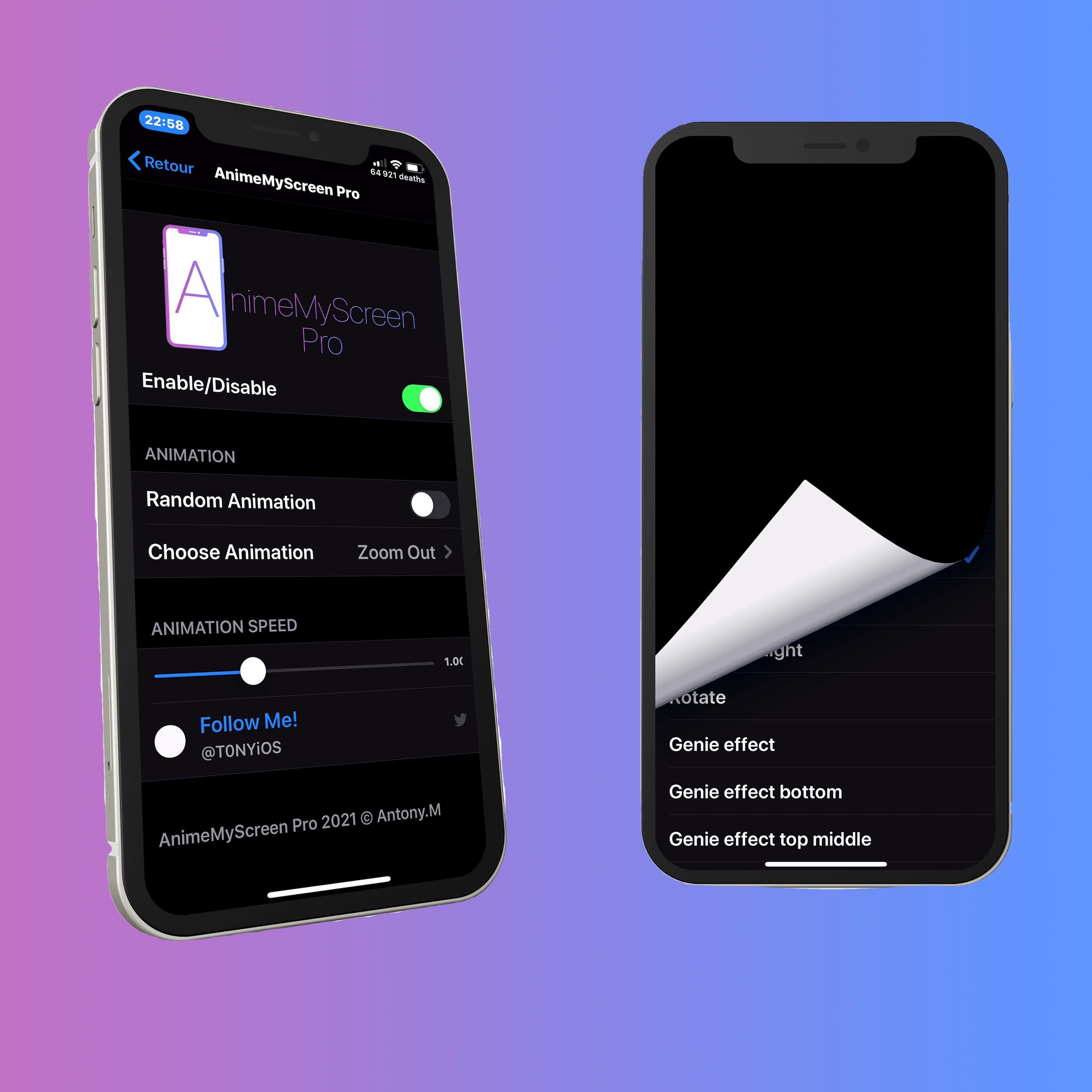
Customize your jailbroken iPhone’s locking animation with AnimeMyScreen Pro

Many jailbreakers are deeply familiar with the concept of customizing their handset’s user interface and its animations. While there’s certainly no shortage of jailbreak tweaks available for facilitating this task, we’re excited to show you one of the latest releases dubbed AnimeMyScreen Pro by iOS developer Antony M.

You may recall a similarly named jailbreak tweak called AnimeMyBadges that was released approximately one month ago, and while that tweak focused primarily on the animations of notification badges, AnimeMyScreen Pro is instead used to customize the animation you’d see when locking your handset.

Gears animates the Home Screen’s Settings icon on jailbroken handsets

When glancing at my iPhone’s Home Screen, two of the icons I often pay the most attention to are those belonging to the Calendar and Clock apps since they offer something more than just a static visual, including a live date display and a live time display.

I’ve often caught myself wondering why Apple doesn’t animate more of the Home Screen’s app icons, as this would offer a slew of eye-catching aesthetics that would compel users to spend more time appreciating the time and effort invested in making the interface look presentable.

Restriction brings guest and user accounts to jailbroken iPhones

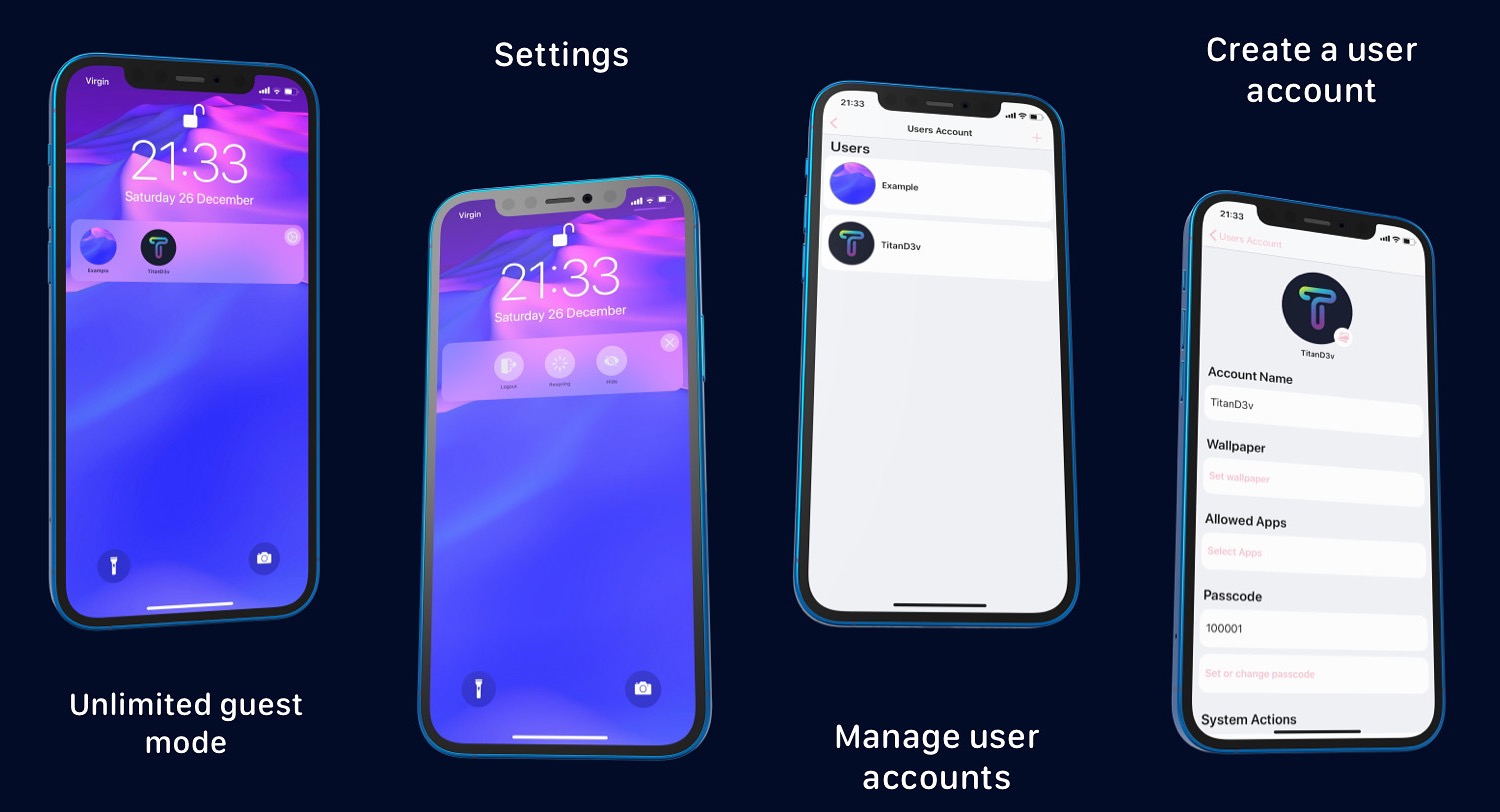
The iOS and iPadOS platforms offer one heck of a user experience, so long as the device is intended for just one user. One thing that’s obviously missing, however, is a guest mode or multi-user experience, much like the ones you’d come to expect on any Mac or Windows PC.

The concept of a guest mode-style user experience for iPhones and iPads isn’t new, and has manifested itself in the form of various jailbreak tweak releases over the years, but one of the latest attempts to create this type of user experience stems from a new release dubbed Restriction by iOS developers SouthernGirlWhoCode and MeBlackHatof the TitanD3v team.

SmartVolumeControl3 provides alternative volume HUD interfaces & customizable behavior

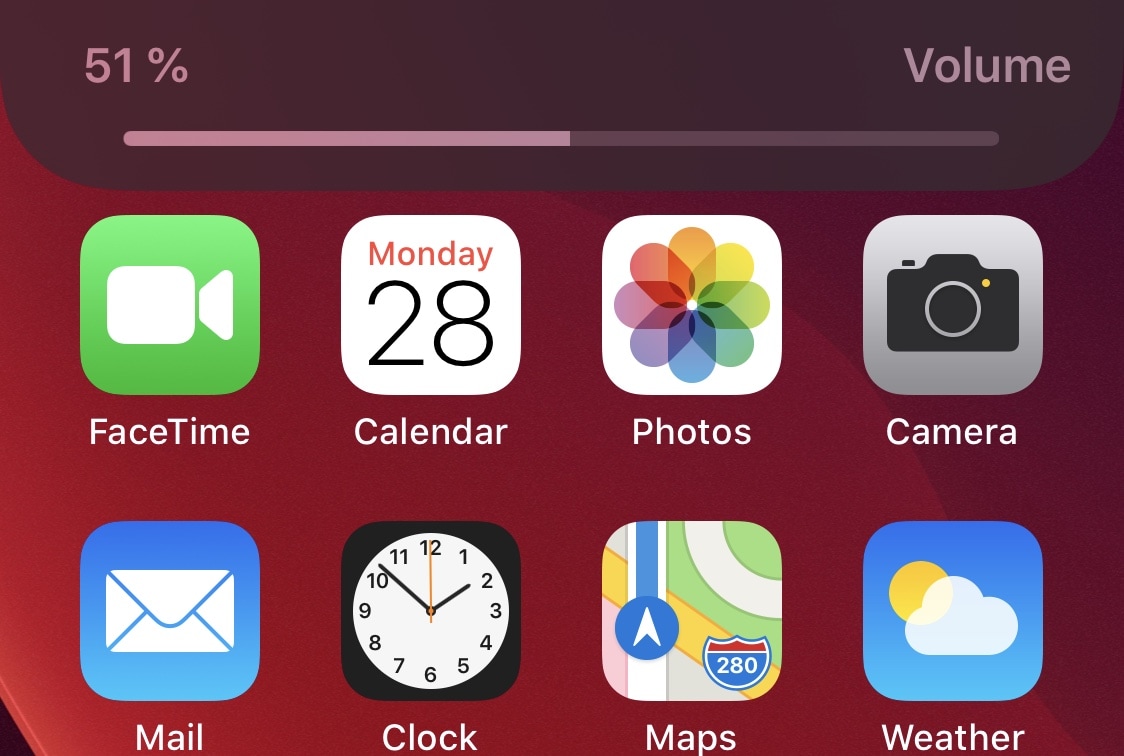
As many veteran iPhone and iPad owners may remember, last year’s iOS & iPadOS 13 release introduced an overhauled volume HUD interface that removed the repulsive mid-screen monstrosity that we were plagued with for countless years. The newer volume HUD materializes off to the side of the display, precluding it from getting in the way as you try to read, watch a video, or peek at photos.

But let’s say that even the newer iOS & iPadOS 13 volume HUD doesn’t do it for you… what then? If you’re not jailbroken, then we can’t offer much of a remedy, but if you are, then we think you’ll probably enjoy a newly released jailbreak tweak dubbed SmartVolumeControl3 by iOS developer midkin due to the myriad of alternative volume HUD interfaces it brings to the table.

Customize your handset’s folder backgrounds with FolderArtwork

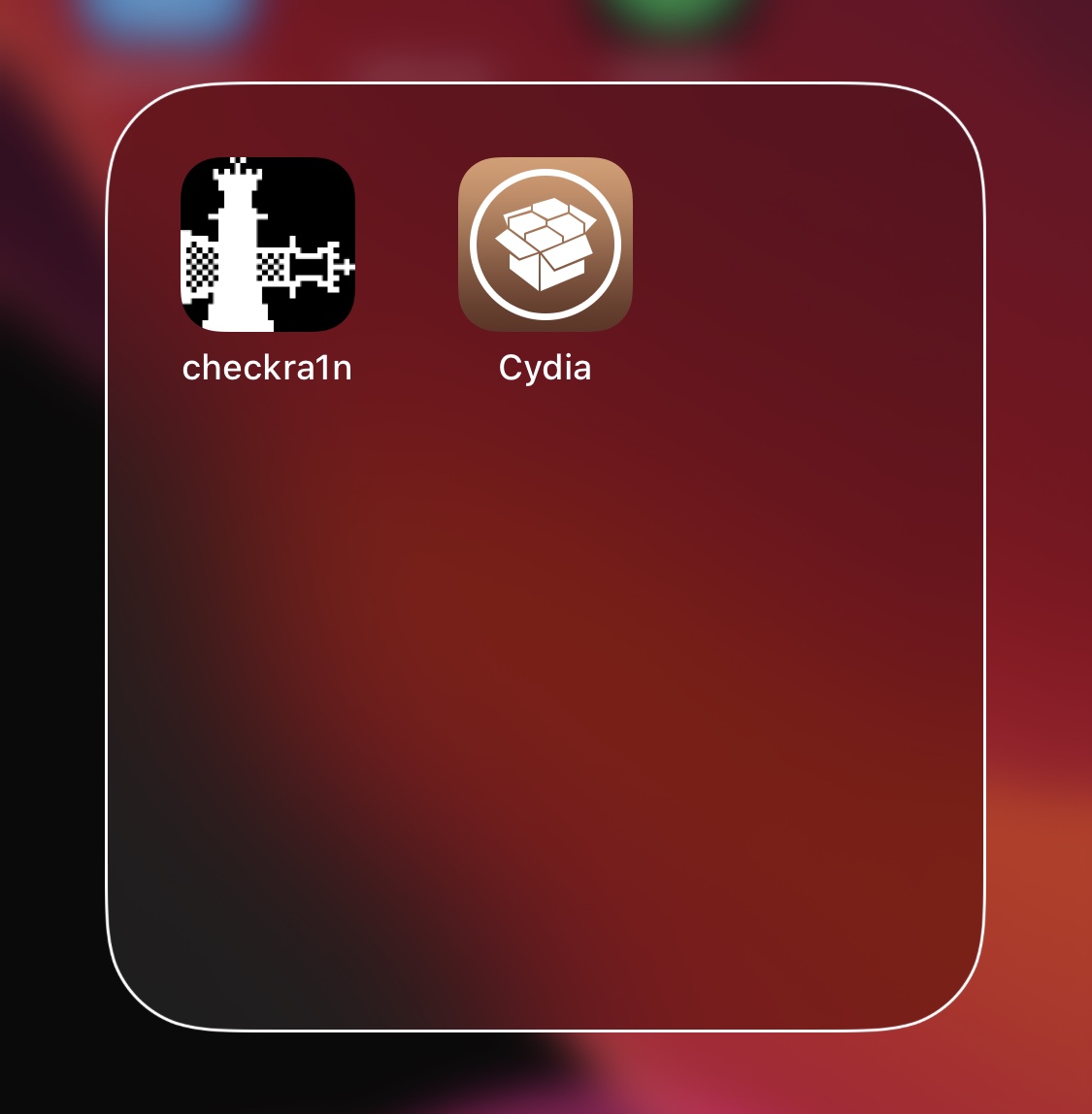
If your Home Screen is riddled with more apps than you can count with the fingers on your hands and the toes on your feet, then you might use folders to help organize the superfluous clutter. As useful as they are for this purpose, however, they could definitely do with a bit more customization.

FolderArtwork is a newly released and free jailbreak tweak by iOS developer Dcsyhi that offers several means of customizing your Home Screen’s folders, ranging from user-selected background artwork to custom borders and colors.

Animate your Home Screen’s notification badges with AnimeMyBadges Pro

Jailbreakers may recall earlier this month when we showed you a new jailbreak tweak dubbed AnimeMyBadges by iOS developer Antony M that provided a rather interesting breathing animation for your Home Screen’s notification badges. It was simple, short, and sweet, but if you were looking for a different notification badge animation, then you would have found yourself out of luck.

That changed this week with the release of AnimeMyBadges Pro, a paid upgrade from the aforementioned free release that offers nearly a dozen different badge animation styles to choose from.

Juin brings the Spotify app’s Now Playing interface to the Lock Screen

Spotify is one of the most popular music streaming services on the iPhone besides Apple Music, and it’s easy to see why. Not only does Spotify offer a compelling music database to choose from, but it even pre-dated Apple Music to become one of the most successful music streaming services on the iOS platform and was one of the first music streaming apps to sport a dark app interface that went along nicely with iOS 13’s Dark Mode feature.

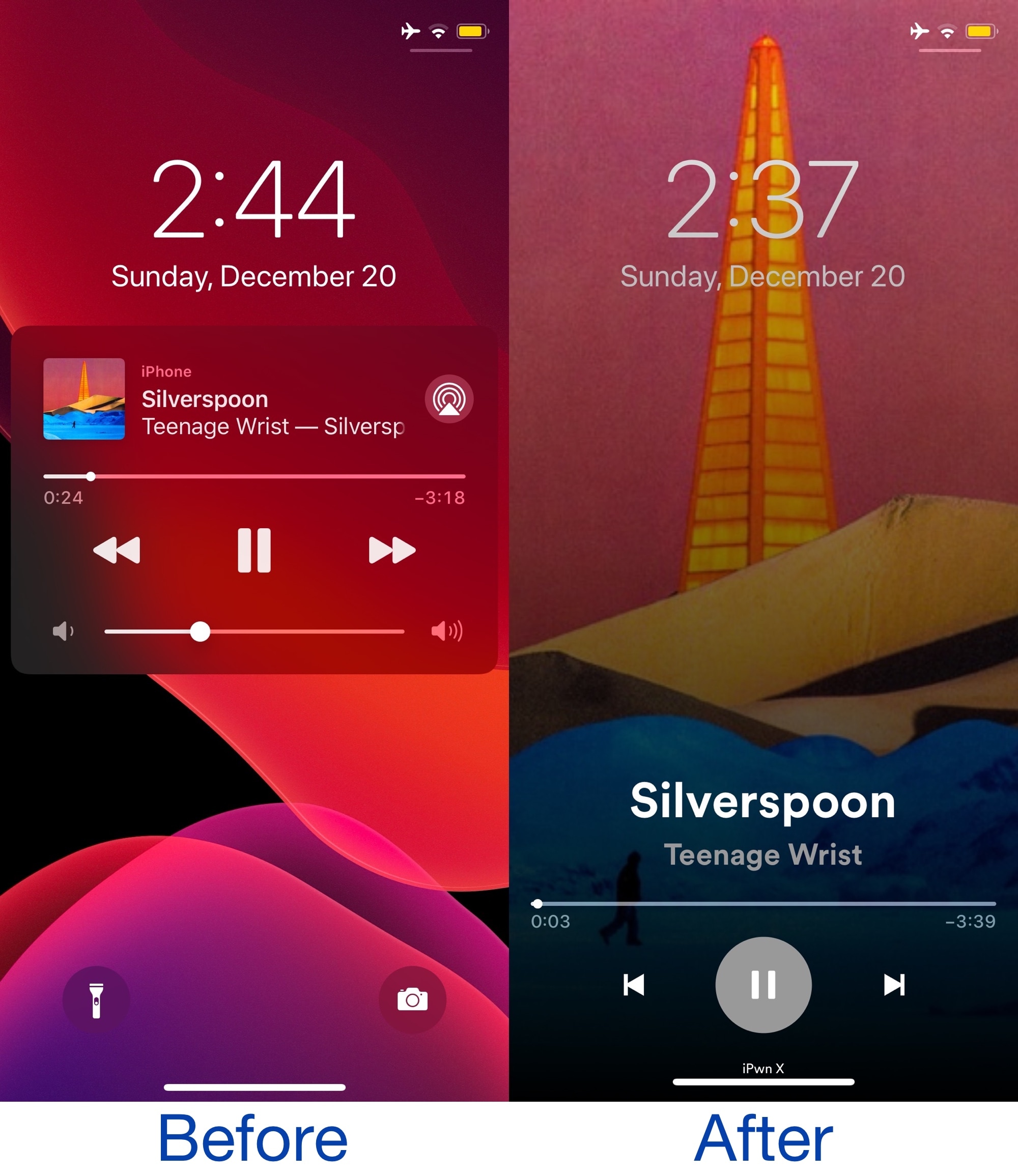
Another thing that stands out to a lot of Spotify app users is the Now Playing interface, which features a large central play and pause button and a beautiful full-screen album artwork display. Spotify’s Now Playing interface is unique to the Spotify Music app itself, but with the help of a new and free jailbreak tweak dubbed Juin by iOS developer Litten, you can now go ahead and enjoy it on the Lock Screen too.

Give your Camera app a Sci-Fi-inspired makeover with FuturistiCam

Jailbreakers who open their favorite package manager and refresh their sources this weekend will likely happen upon a peculiar and newly released jailbreak tweak dubbed FuturistiCam by iOS developer PlatYkor.

At first glance, FuturistiCam makes iOS’ native Camera app user interface look like something right out of a science fiction movie. It appears to bring custom aesthetics and sound effects to the Camera app so that it’s both fun to use for the end user and attention piquing to anyone who might be around you.

Social Composer lets jailbreakers update social media and share messages from anywhere in iOS

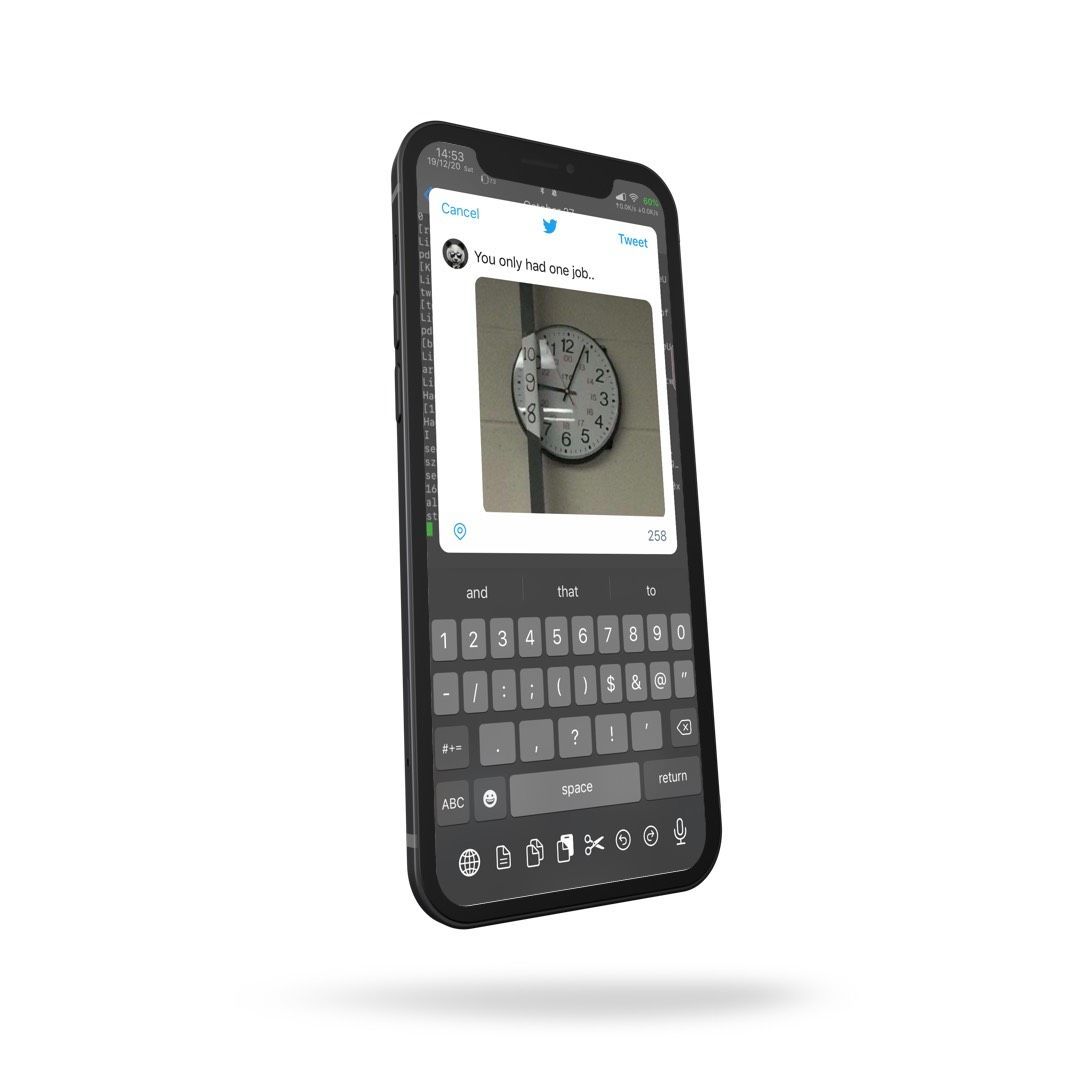
Social media has become such an integral part of peoples’ day to day lives that you’d be hard-pressed to find anyone without an app from this category on their smartphone or tablet. Be it Facebook, Instagram, Snapchat, Twitter, or something else not listed here, the simple fact is many make use of these online tools in an effort to keep in touch with one another when they’re otherwise out of touch.

Klean gives jailbreakers a more interesting date and time display

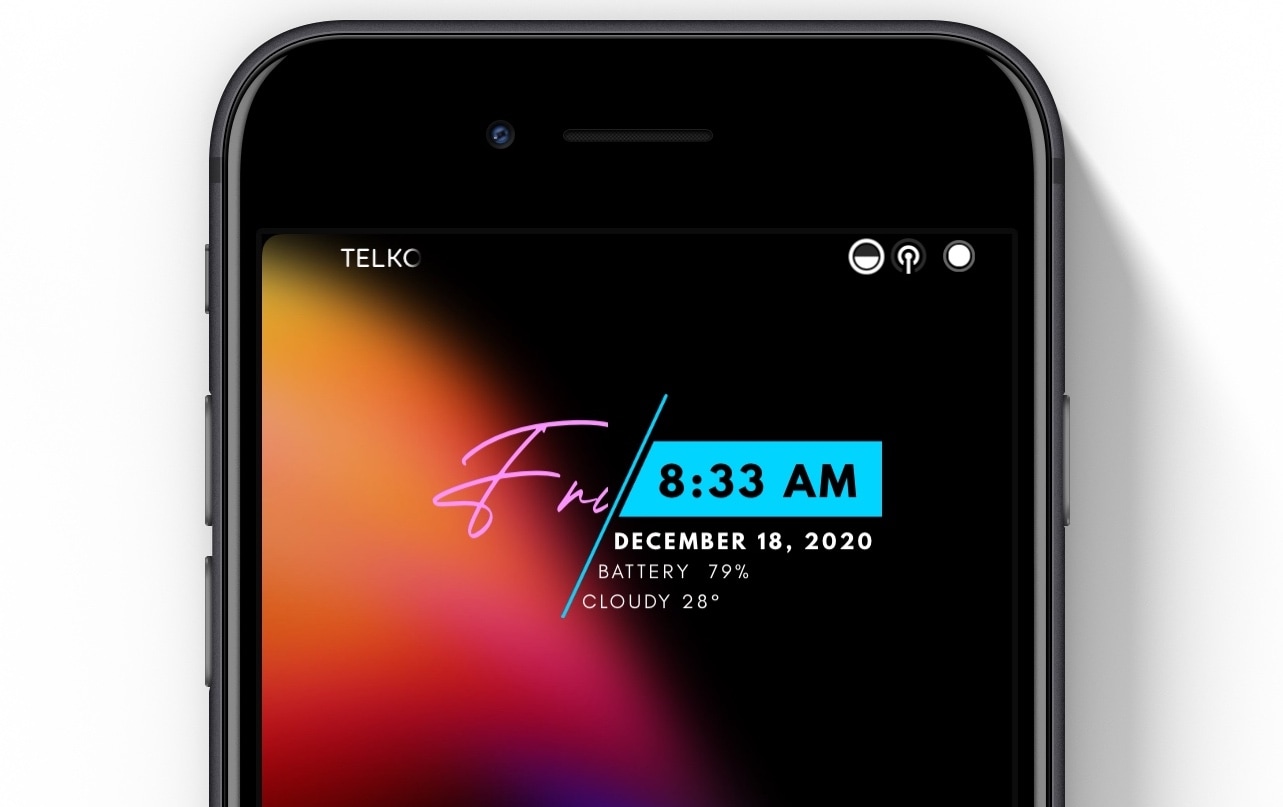
When you find yourself a bit curious as to what time it is, you might take a quick glance at your iPhone’s Lock Screen to take advantage of the massive time display iOS shows within the top half of the screen. It works, but we wouldn’t go out of our way to say it’s particularly beautiful.

If you’re interested in something a bit more eye-catching, and perhaps even more functional by way of the kind of information that gets displayed, then we’d advise checking out a newly released and free jailbreak tweak dubbed Klean by iOS developer Ali Maulana.