One thing that gets me super excited about having a jailbreak is that I can use jailbreak tweaks to enhance the animations for the things I do most.
Cask 3 lends custom scrolling animations to some of your favorite apps

One thing that gets me super excited about having a jailbreak is that I can use jailbreak tweaks to enhance the animations for the things I do most.
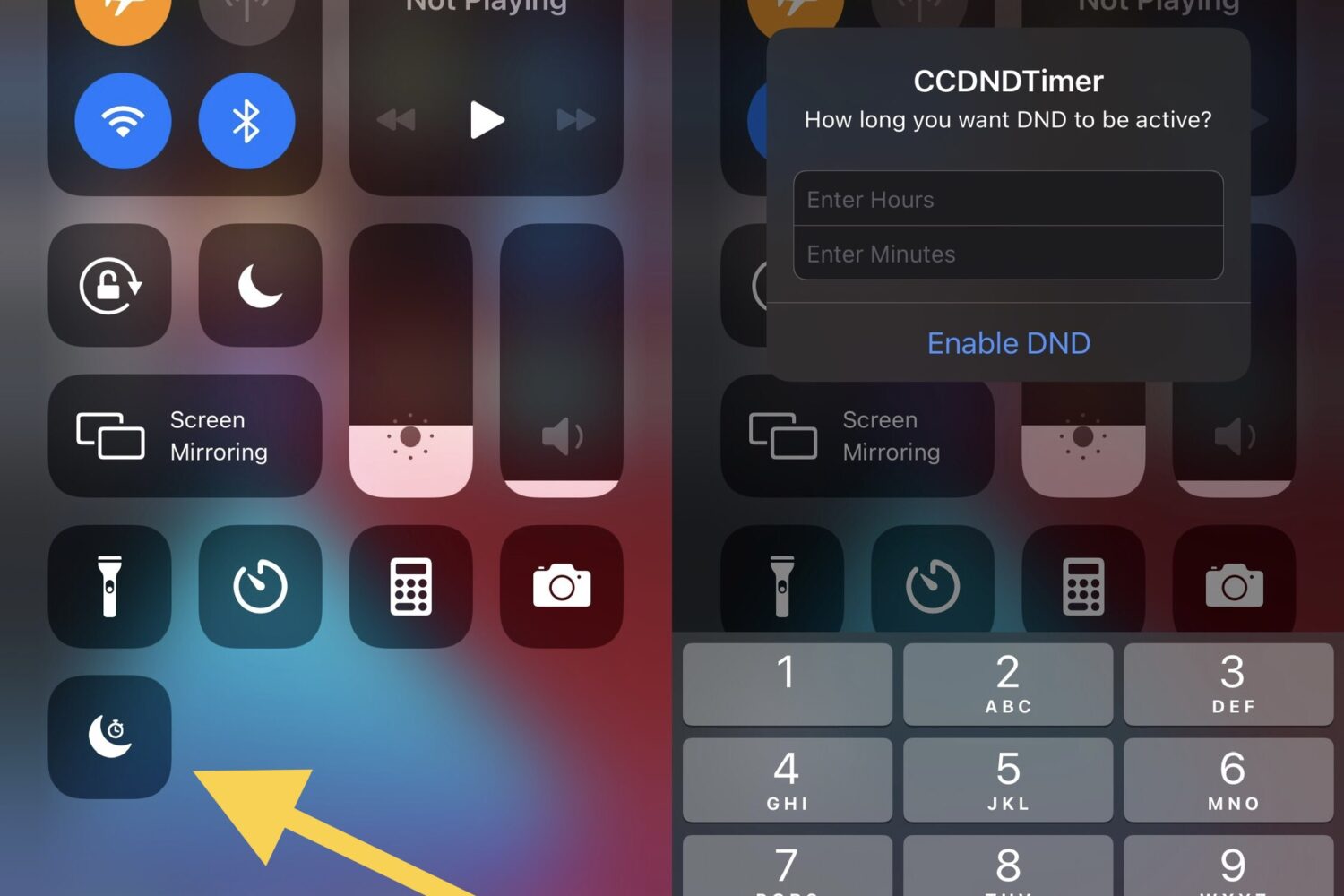
Do Not Disturb is one of my most-used features when it comes to my iPhone and iPad. That’s because sometimes I just want to watch a movie, play a game, or get productive without an app pinging me with notifications that would otherwise break my concentration.

When you begin watching a video in the YouTube app, it first starts playing in the constrained upper-1/3 of ths display in portrait mode. You can then move to a fuller-screen experience in landscape mode by rotating your device.
One of the things that I like about iOS is how it automatically brightens the display when showing a coupon or pass from the native Wallet app. While the intent behind this feature was to make scanning bar or QR codes easier, there are other apps where auto display brightness adjustments could be useful.
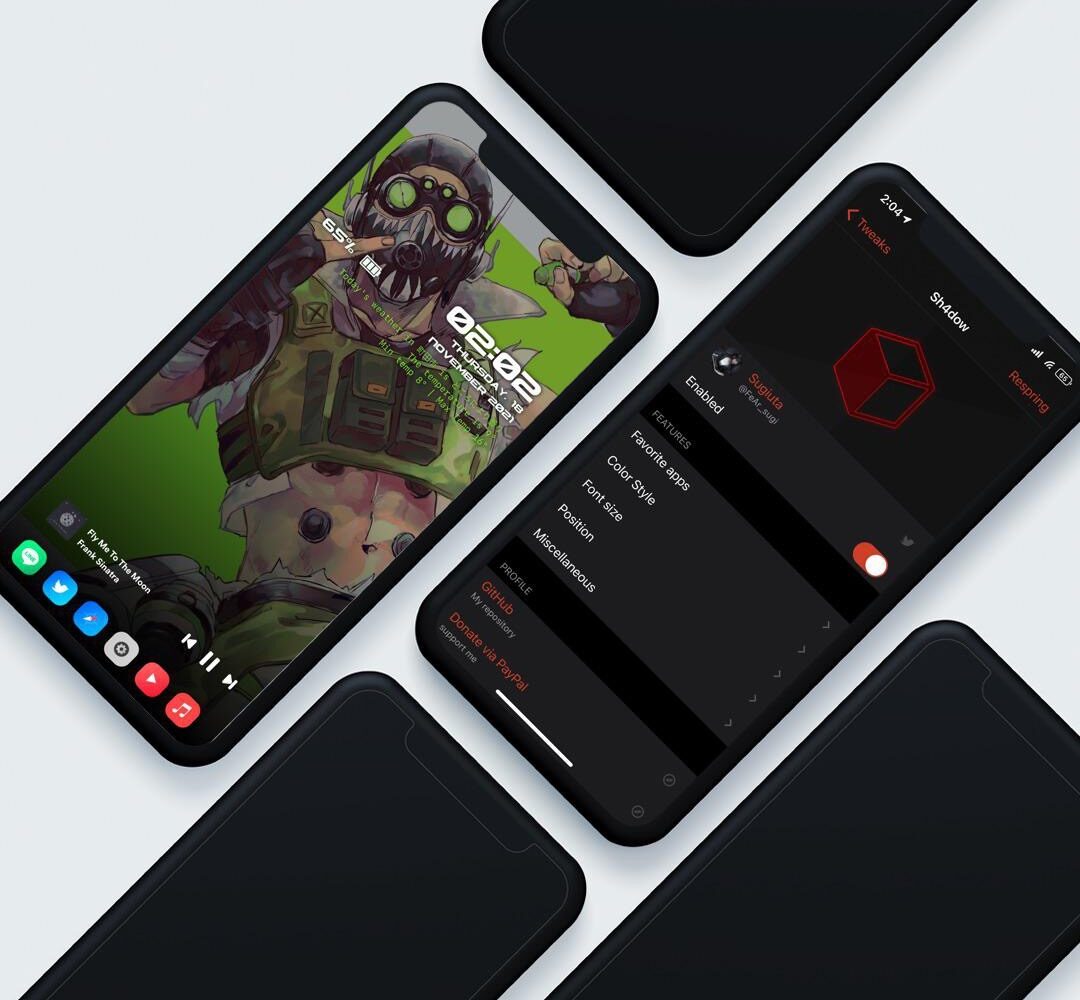
Apple hasn’t done all that much to make the iPhone’s Lock Screen any different in the past several iterations of iOS. Having said that, anyone feeling even slightly thirsty for something different might find a newly released jailbreak tweak dubbed Sh4dow by iOS developer sugiuta to be refreshing sight.

It was only around two weeks ago that we showed you a jailbreak called dubbed Axe that upgraded the Status Bar’s battery level indicator with a slow-shifting color based on the percentage of your battery.
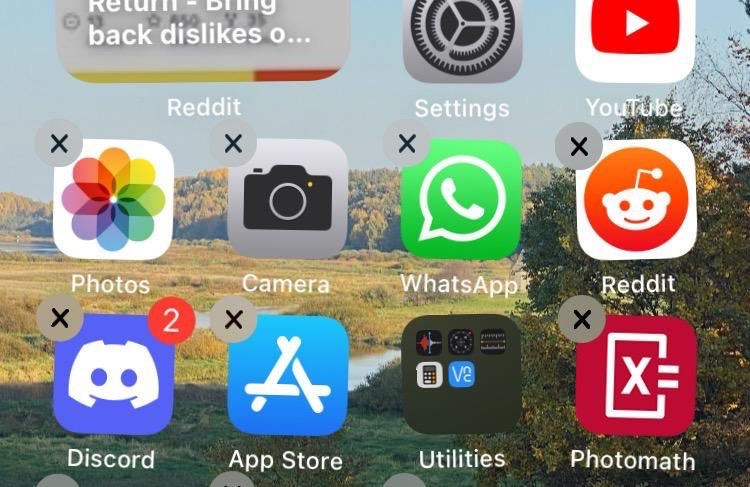
The process of deleting apps from your iPhone or iPad’s Home Screen has changed slightly over the years, as the user must now navigate a Haptic Touch menu before entering ‘jiggle’ mode to reveal the app deletion buttons.
You might’ve caught wind recently about YouTube changing how the Dislike button works on its platform. In fact, the changes are already live for users.
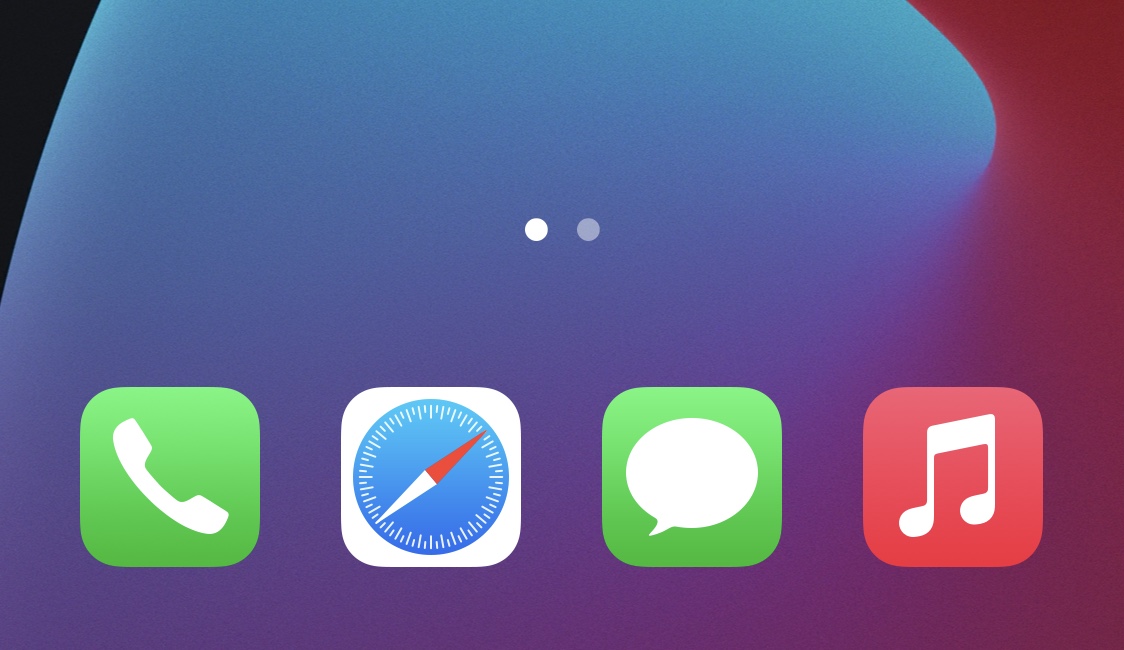
While I’ve always enjoyed having a background behind my iPhone’s Home Screen Dock, the fact remains that there are a substantial number of jailbreakers that partake in even more extreme forms of minimalism than me.
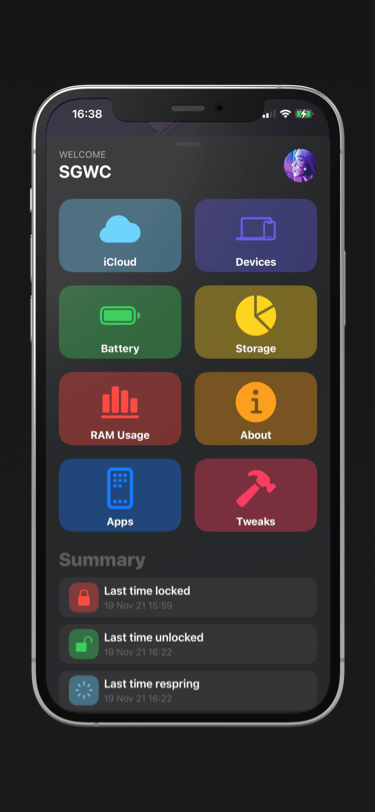
You can find most types of information specific to your iPhone or iPad in the native Settings app, but some tidbits of information are expressly hidden from users because Apple simply thinks it’s better that way.
One thing I’ve always liked about jailbreaking is that I could improve the accessibility of outdoor weather condition information. Popular tweaks I’ve used in the past include Forecast and Meteor, but newer iterations of iOS most certainly call for newer solutions.
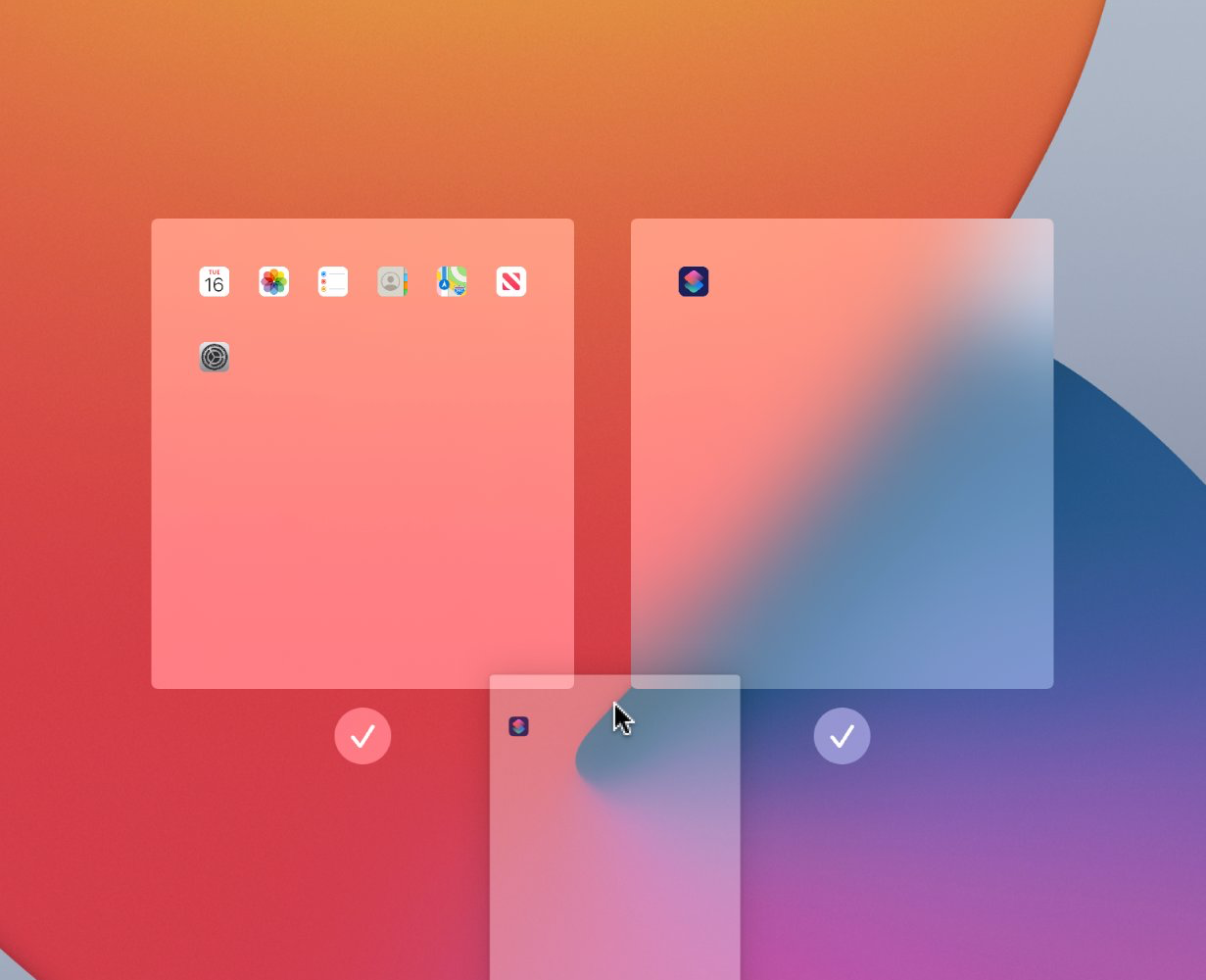
Starting with iPadOS 15, iPad users can do a whole lot more with their Home Screens than they could in iPadOS 14. That’s because Apple provided users with a more advanced Home Screen editing interface.