UI

Augment the Spotify Music app with Improvify

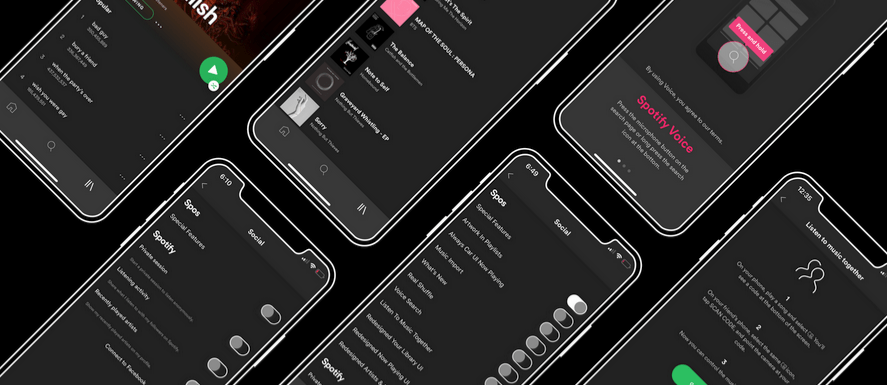
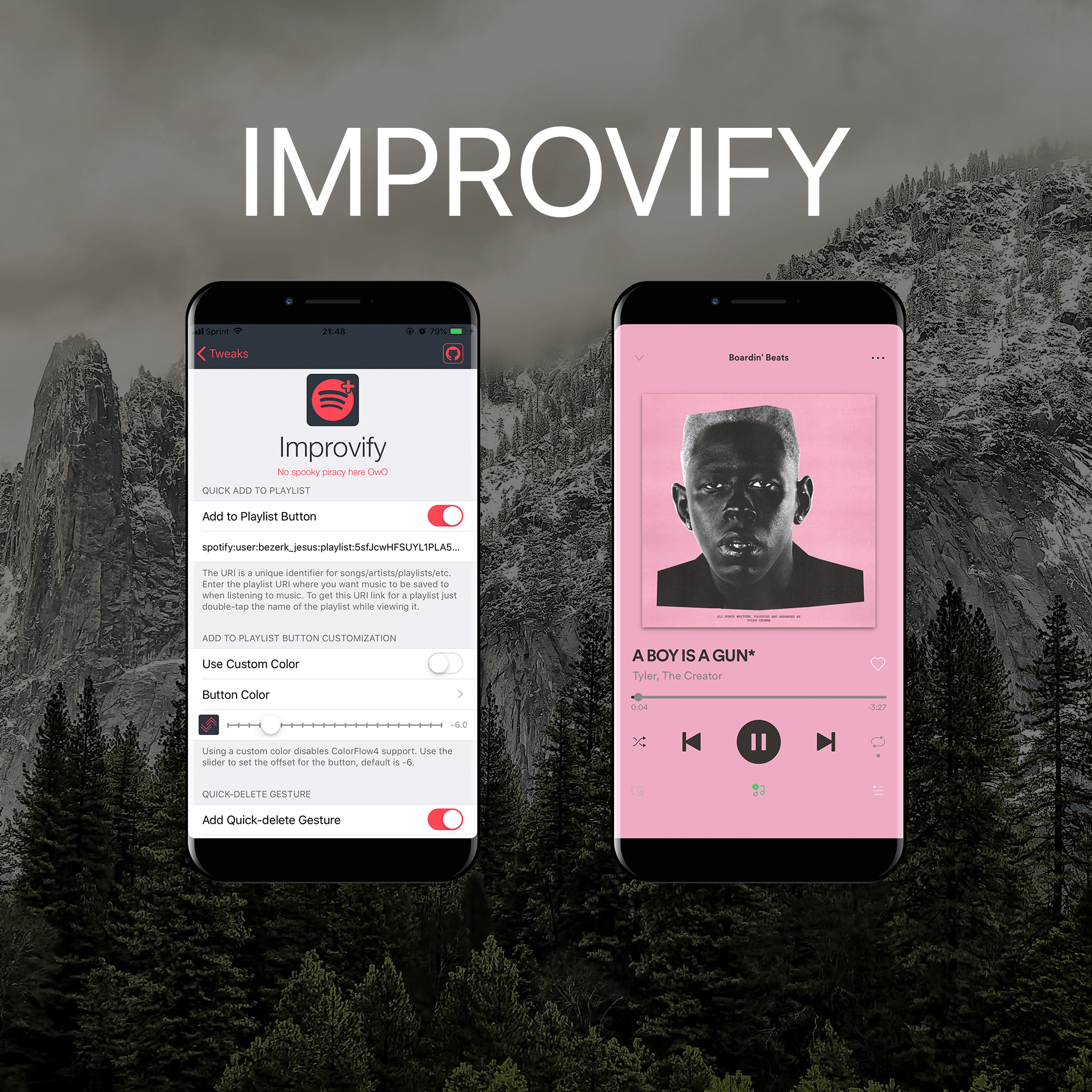
I like to use Spotify more than Apple Music, and for jailbreakers who are in the same boat as I am, it’s always exciting when new jailbreak tweaks get released with a primary focus of improving the Spotify app experience.

It was only yesterday that we showed you a jailbreak tweak along these lines called Spos, but today, we’ll be looking at a newly-released tweak called Improvify tweak by iOS developer LacertosusDeus.
Customize Control Center in new and exciting ways with Sareth

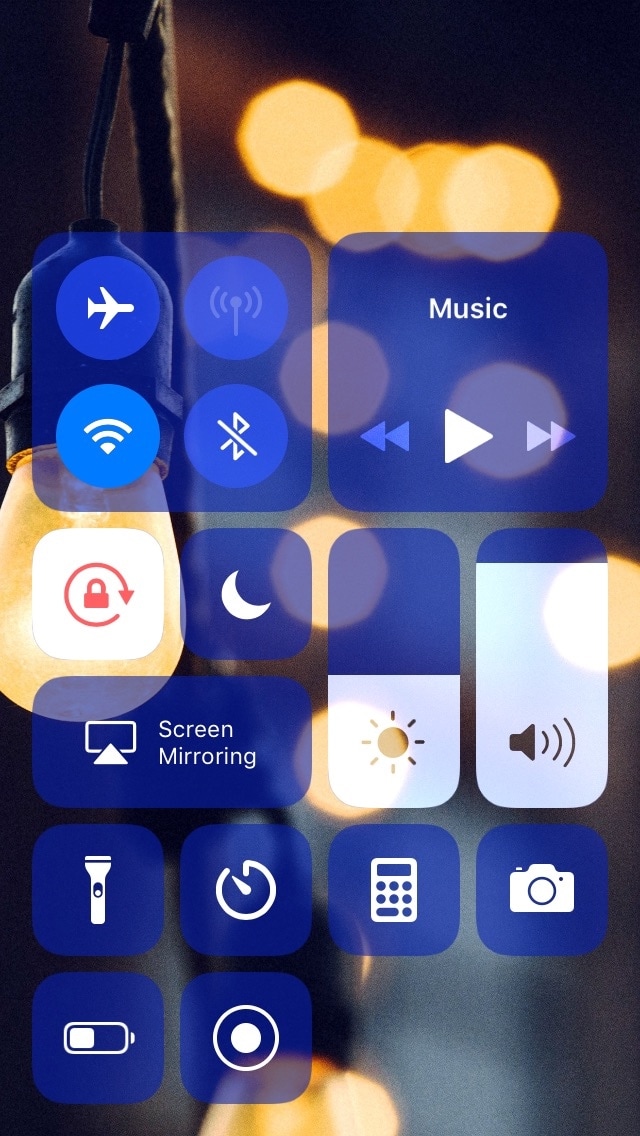
Apart from selecting the toggles and shortcuts you use the most, Apple doesn’t provide a whole lot of customization for iOS’ Control Center interface out of the box. This is a particularly good example of how having a jailbreak can pay off.

A newly-released and free jailbreak tweak called Sareth by iOS developer iKilledAppl3 now allows users to colorize Control Center‘s module groups and configure a custom background image for the interface.

Make certain Camera controls easier to reach with CamControls X

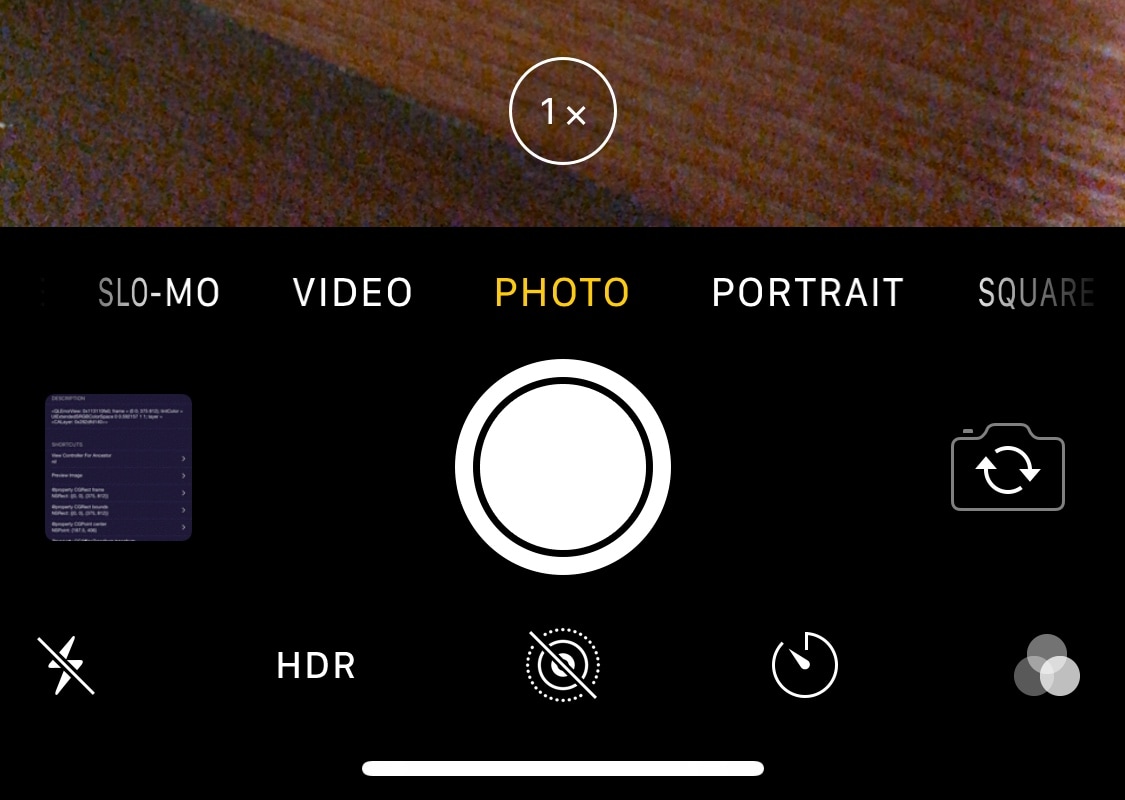
Notched iPhones, including the iPhone X, XR, XS, and XS Max, sport incredibly tall displays when compared with traditional non-notched handsets. Perhaps unsurprisingly, this can make accessing some of the handset’s features slightly uncomfortable when they appear near the top of the screen.

Apple provides a feature called Reachability to help with this problem, but many people leave it disabled because it’s easy to invoke by accident. With that in mind, if you’d like to make using the Camera app easier on notched handsets, then you just might come to appreciate a new free jailbreak tweak called CamControls X by iOS developer FoxfortMobile.

Take control of your Spotify Music app with Spos

If you use Spotify Music instead of Apple Music like I do and you have a jailbroken handset at your disposal, then you just might come to appreciate all the attention that Spotify gets from the jailbreak community.

A newly-released and free jailbreak tweak called Spos by iOS developer aesthyrica brings a plethora of new features and improvements to the official Spotify application, including but not limited to:

Chameleon lets you colorize different aspects of iOS to your liking

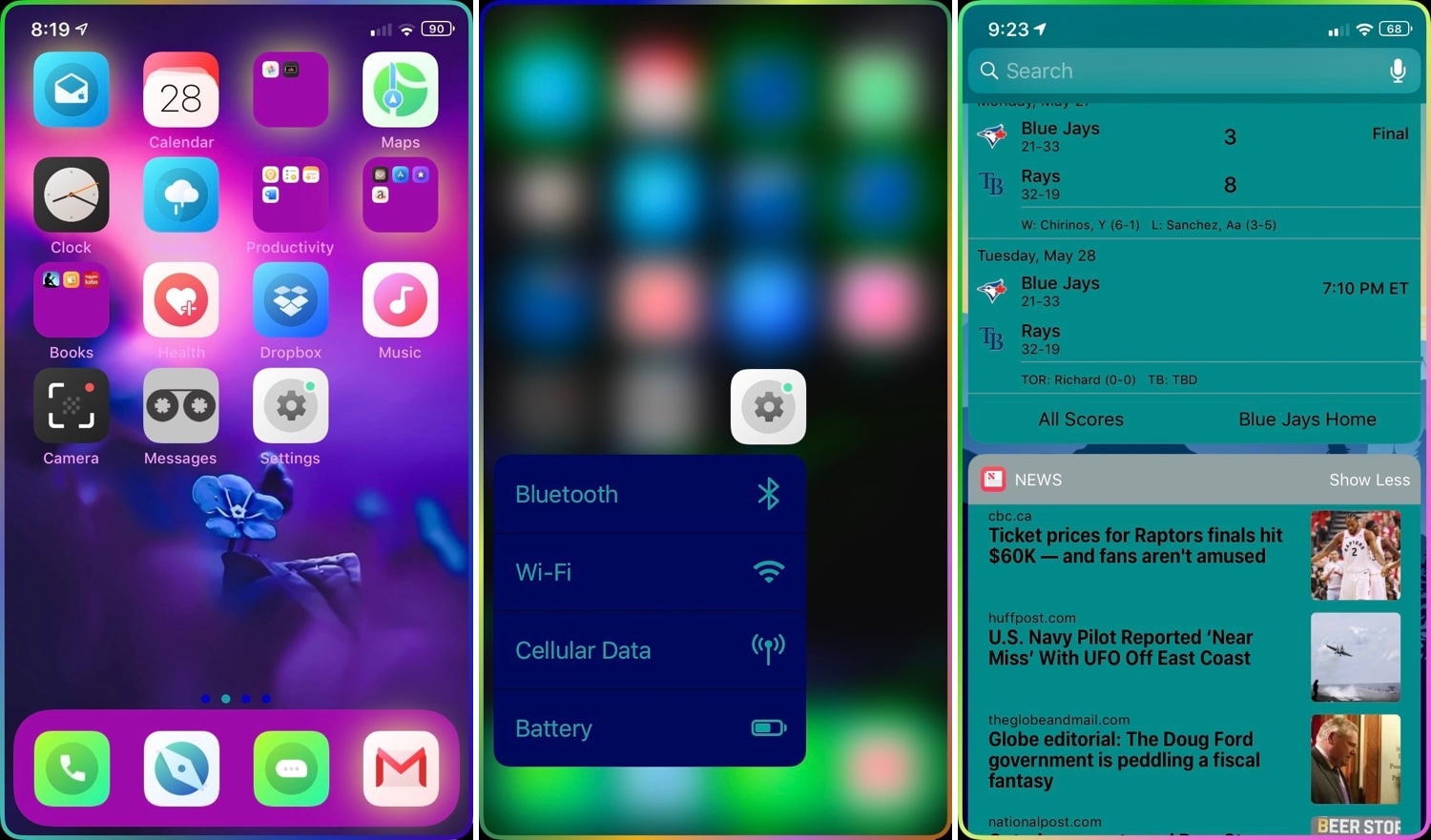
If you’re looking to add an extra splash of color to your jailbroken handset, then you just might enjoy using a newly-released jailbreak tweak called Chameleon by iOS developer Sean Caissie.

At its heart, Chameleon is a full-fledged system colorization tweak for your iOS device. With it, you can colorize a plethora of different elements found in your handset’s operating system, including but not limited to:

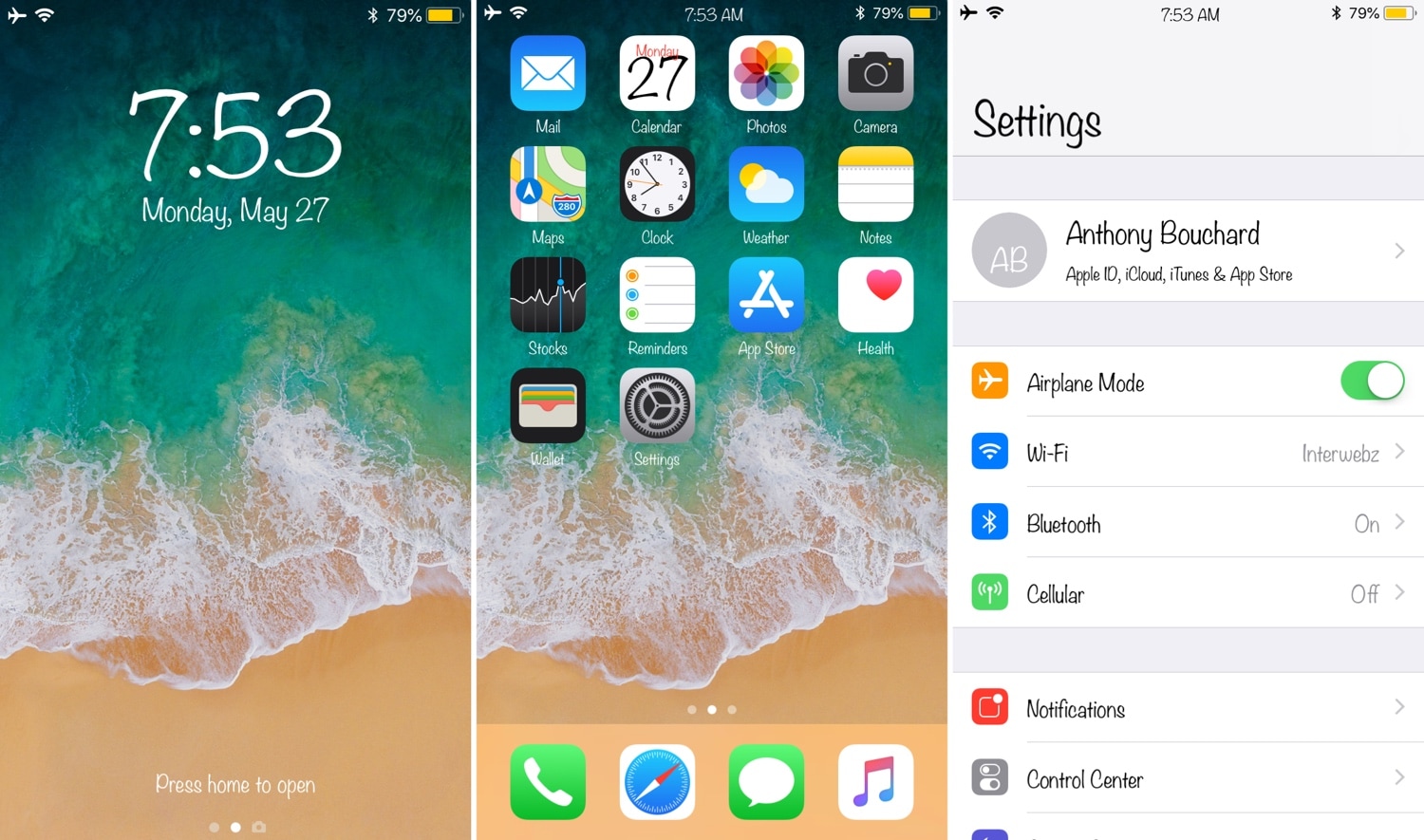
This tweak lets you return to the first page of your Settings app with less effort

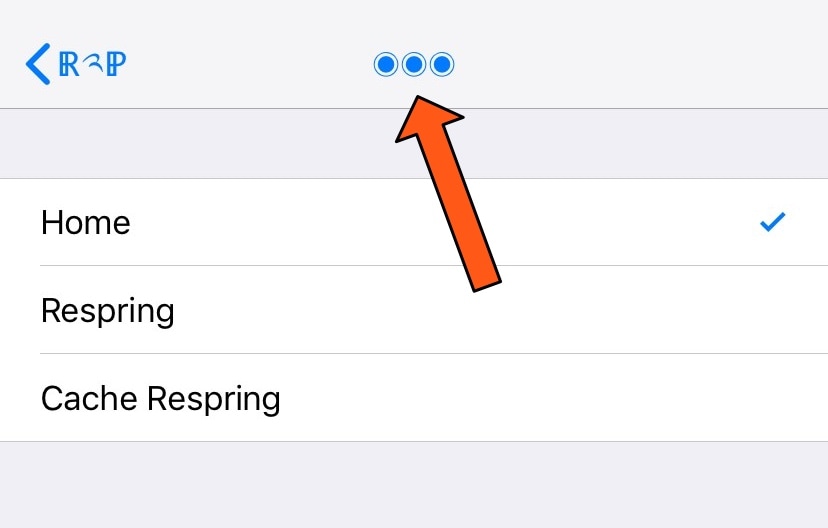
Diving deep into your Settings app can be an easy thing to do, especially if you venture into your handset’s Accessibility options. But jailbreakers often install jailbreak tweaks with extensive preference panes, which can sometimes make backing out to the primary Settings page a chore.

If you find yourself in the latter category more often than you’d like to admit, then you just might come to appreciate a newly-released free jailbreak tweak called Return2Prefs by iOS developer thazsar, as it puts a convenient shortcut in the Settings app’s Navigation Bar that makes returning to the original page a breeze.

A-Font: A font-customization tweak with support for A12(X) devices

One of the coolest things you can do with a jailbroken device is to change the system font to something a bit more exotic than what you’d typically observe on a stock handset. But not all font-swapping tweaks support Apple’s latest A12(X) handset varieties.

Here to help with the dilemma above is a new free jailbreak tweak release called A-Font by iOS developer Baw Apple.

BinaryPasscode replaces your passcode buttons with binary-centric dots

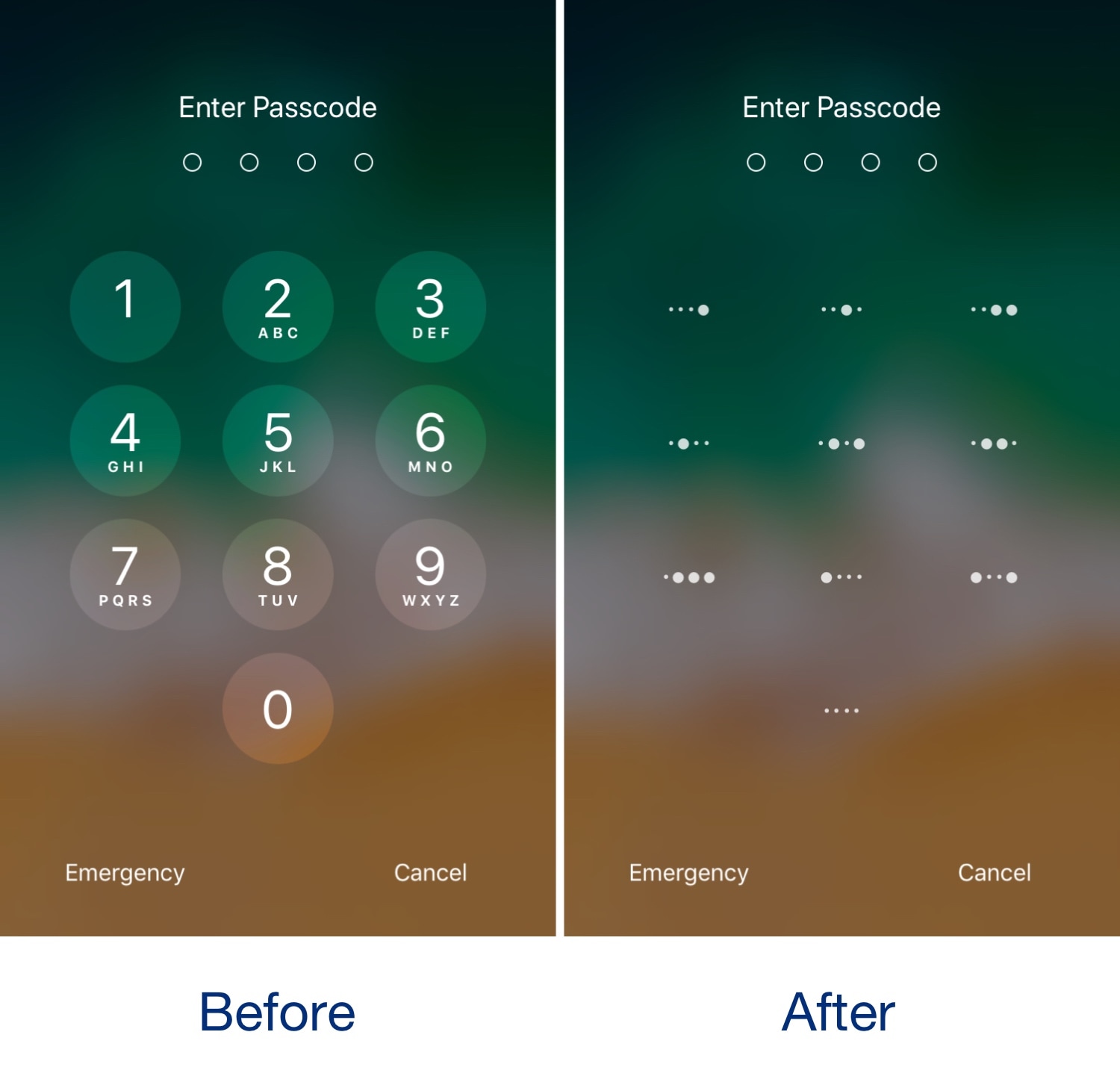
It was only yesterday that we showed you a free jailbreak tweak called CodeScrambler 12, which randomized the positions of the number keys on your Lock screen’s passcode entry screen. But while we’re on the topic of obfuscating the passcode entry screen, why not check out a new free release dubbed BinaryPasscode by iOS developer eskimo_dev?

As shown in the before and after screenshot examples above, BinaryPasscode replaces the typical numbers that appear inside each of the passcode entry buttons with binary-centric dot patterns. BinaryPasscode should look familiar if you’ve ever used a similar tweak such as BinaryKeypad before.

This tweak randomizes the position of your passcode buttons

As you interact with the Lock screen’s passcode entry interface, you’ll notice that the number keys are always in the same place. This makes entering passcodes easier, but it also makes it effortless for nosy folks to glance over your shoulder and watch the numbers you dial in to unlock your device.

Here to help with this problem is a free jailbreak tweak called CodeScramber 12 by iOS developer eskimo_dev. As you might’ve already deduced from the tweak’s name, CodeScrambler 12 randomizes the locations of the passcode’s numeric keys every time you try to unlock your handset, as shown above.

Nereid offers a pleasant upgrade for the Lock screen’s Now Playing interface

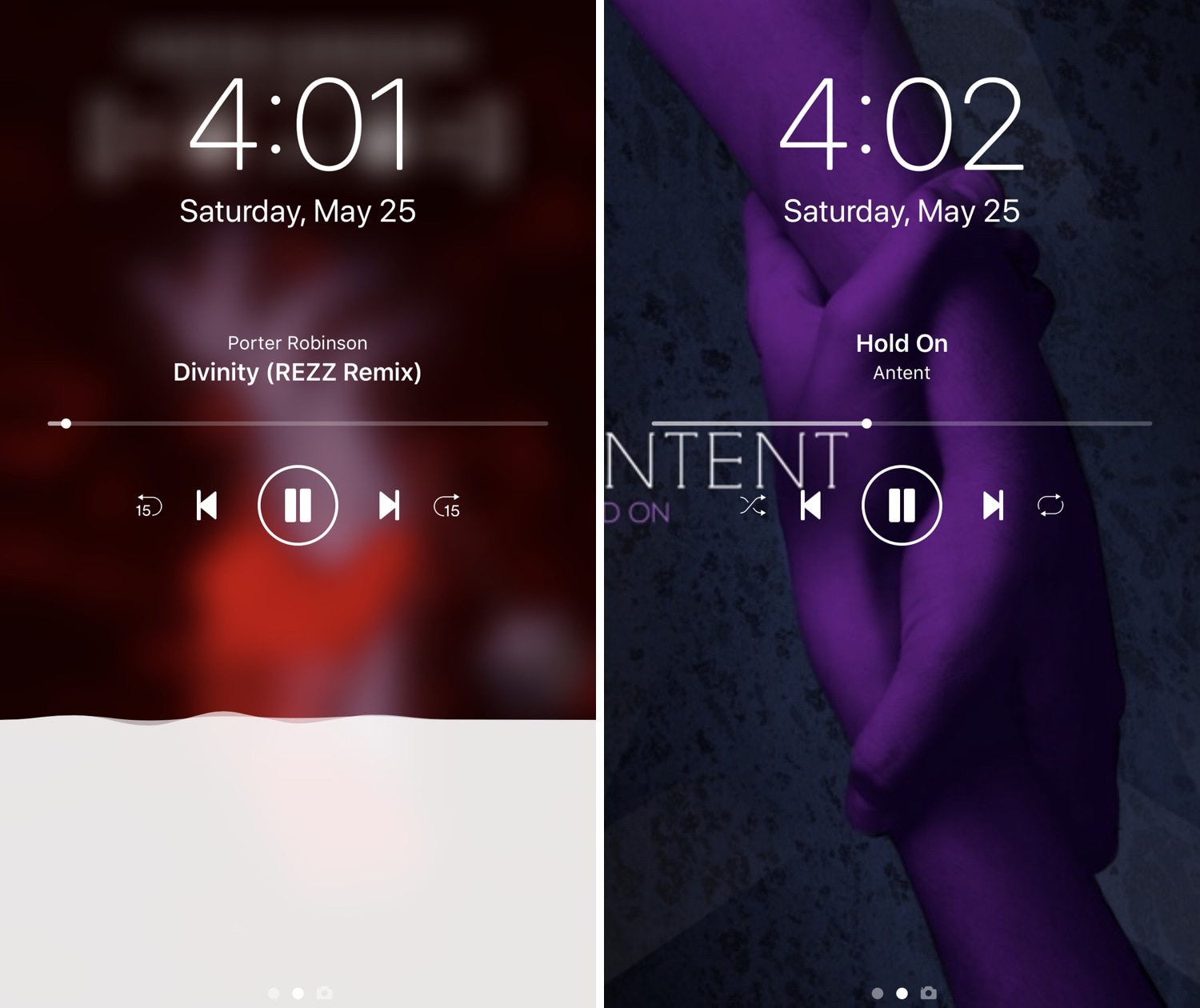
iOS’ native Now Playing interface is good enough for most people, but if you demand more out of your user experience than the average Joe and have a jailbroken iPhone or iPad in your possession, then you may want to feast your eyes on a newly-released jailbreak tweak called Nereid by iOS developer Nepeta.

From what we can gather, Nereid brings an improved Now Playing interface to your handset’s Lock screen as you listen to your music. It can set your wallpaper as the Now Playing track’s album artwork, permit color and control customizations, and much more.

Pagebar lets you customize how your Home screen’s page indicator looks

The Home screen is best known for its humble duty of serving your application icons to your fingertips on demand, but one element of it that often get overlooked in Apple’s software redesigns is the page indicator just above the Dock.

If you’re ready to give your Home screen’s page indicator a sexy new makeover, then you just might want to try a newly-released jailbreak tweak called Pagebar by iOS developer CalicoCat. This tweak lets you theme and customize the Home screen’s standard page indicator, making breathtaking new aesthetics like those depicted in the animated GIF below possible: