UI

Buzz lets jailbroken iPhone users colorize the native Phone app

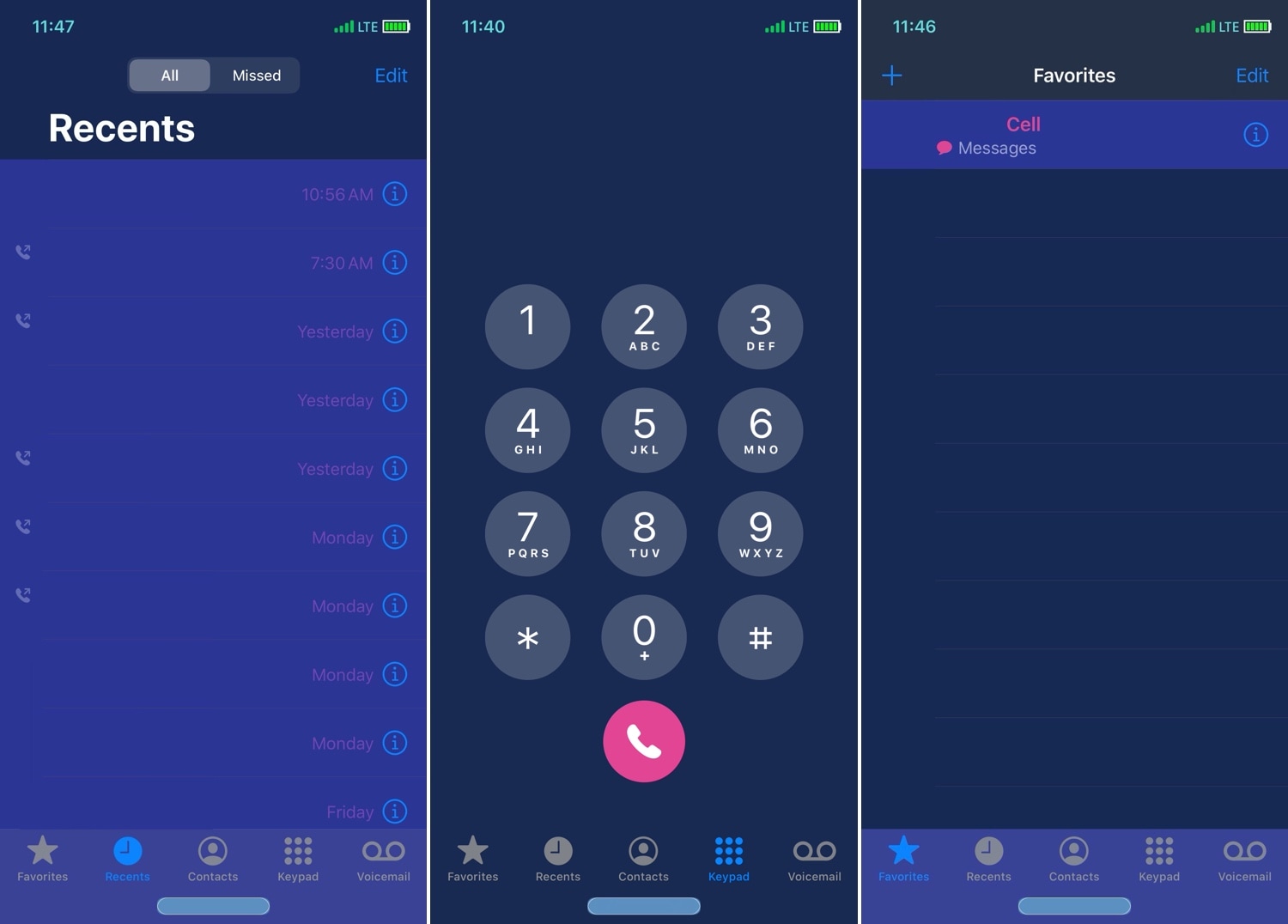
Owners of jailbroken iPhones who are looking for ways to customize the aesthetics of their native Phone app can now call upon the help of a newly released and free jailbreak tweak called Buzz by iOS developer Sirius24 to do just that.

As shown in the screenshot examples above, Buzz lets you colorize a plethora of Phone app user interface elements, including those appearing in the Favorites tab, the Recents tab, the Keypad tab, the Contacts tab, and more.
Magma Evo lets you personalize the Control Center interface

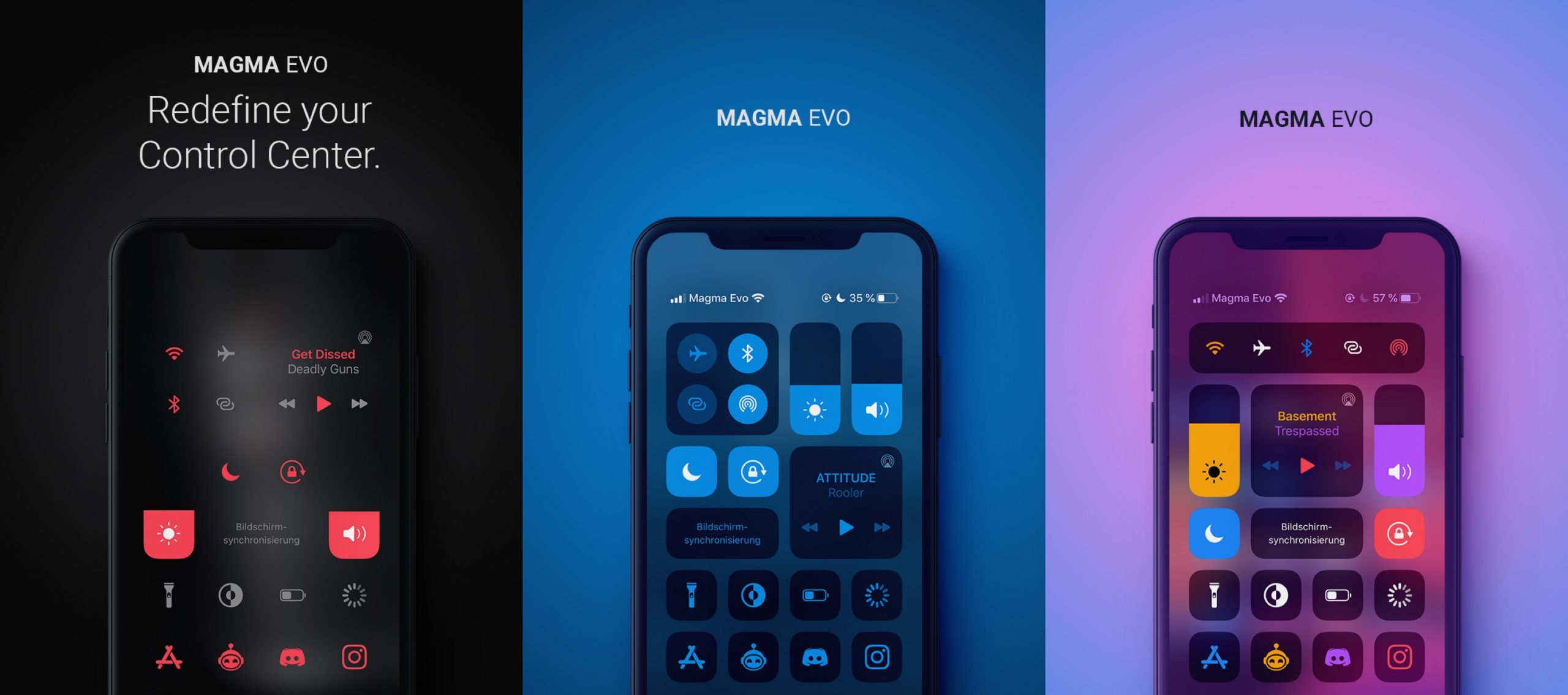
If you’re in the market to customize the way your jailbroken iPhone’s Control Center interface looks, then you probably won’t want to miss out a newly released jailbreak tweak called Magma Evo by iOS developer NoisyFlake.

As shown in the screenshot examples above, Magma Evo can be used to colorize and personalize your Control Center interface in more ways than one, and it integrates a plethora of options for doing so.

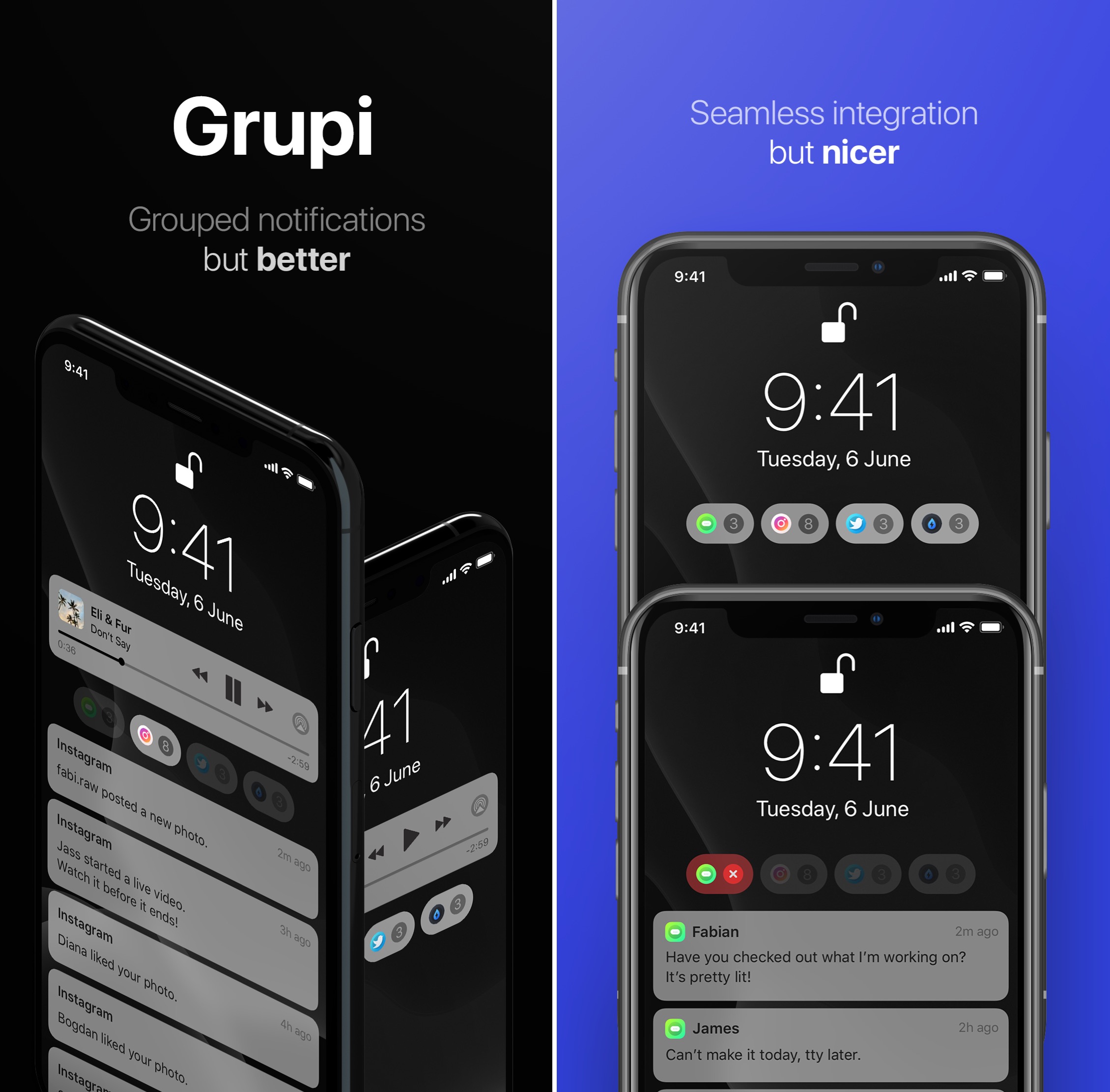
Grupi organizes missed notifications by app on the Lock screen

iOS’ notification system is long overdue for a visual overhaul, and it remains to be seen if Apple is working on any sort of first-party solution to this popular grievance among iOS device users.

Fortunately for jailbreakers, a newly released jailbreak tweak called Grupi by iOS developers Soongyu Kwon and Timeloop spearheads an effort to make iOS’ notification experience a whole lot better without needing to wait for an official solution from Apple.

Configure iPhone volume on a per-app basis and more with Volumizer

Depending on how you use your iPhone, you might prefer to crank up the volume in certain apps and leave others at a lower volume level. Apple doesn’t provide volume-tuning of this magnitude in iOS out of the box, but with a jailbreak tweak called Volumizer by iOS developer SynnyG, you can have your cake and eat it too.

Volumizer brings beaucoup improvements to the iOS volume level experience, including per-app volume settings, improvements for landscape orientation, and more.

Banana brings automatic ANC and Transparency mode switching to AirPods Pro

AirPods Pro

If you’re lucky enough to own a pair of Apple’s new AirPods Pro, then you already know just how great their active noise cancellation is in terms of augmenting your audio’s sound quality. On the other hand, we can think of a few different ways that the implementation in iOS could be improved in daily usage.

Enter Banana, a new and free jailbreak tweak by iOS developer LaughingQuoll that makes the AirPods Pro’s transition from active noise cancellation mode to transparency mode an automatic process, depending on what the user is doing.

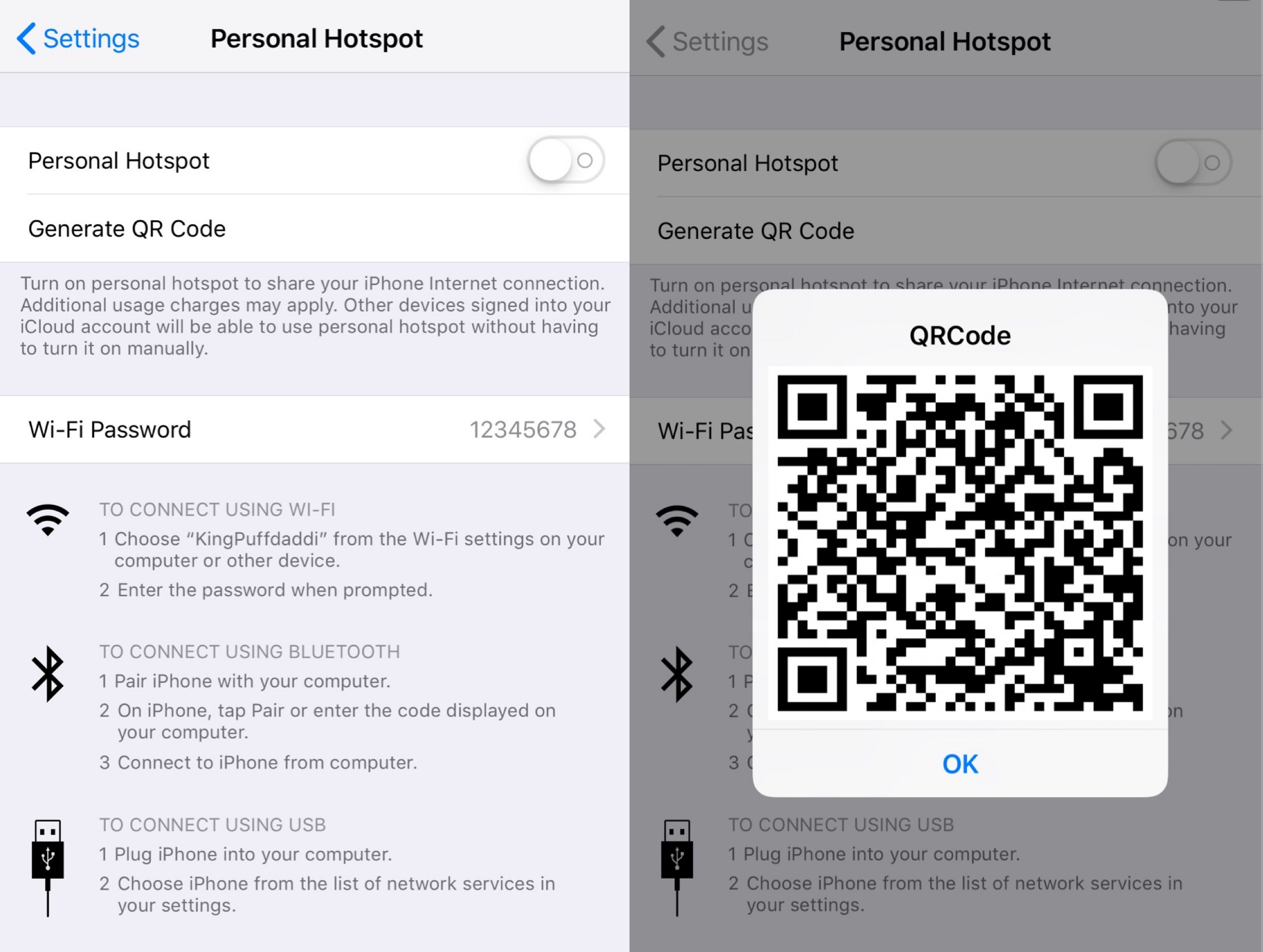
This tweak generates a QR code for your iPhone’s Personal Hotspot

Personal Hotspot is an indispensable feature of my iPhone that I use virtually every day as I move out of range of Wi-Fi, and while Apple has made it super easy to pair other iOS devices with the tap of a button, the same can’t be said about non-iOS devices, which often necessitate that you enter the hotspot’s password manually.

If you’re lazy like me and hate having to take the aforementioned steps when you or a friend attempts to connect a new device, then you just might come to appreciate a new and free jailbreak tweak called HotspotQR by iOS developer KingPuffdaddi.

Assistability13 augments iOS 13’s Reachability interface with shortcuts

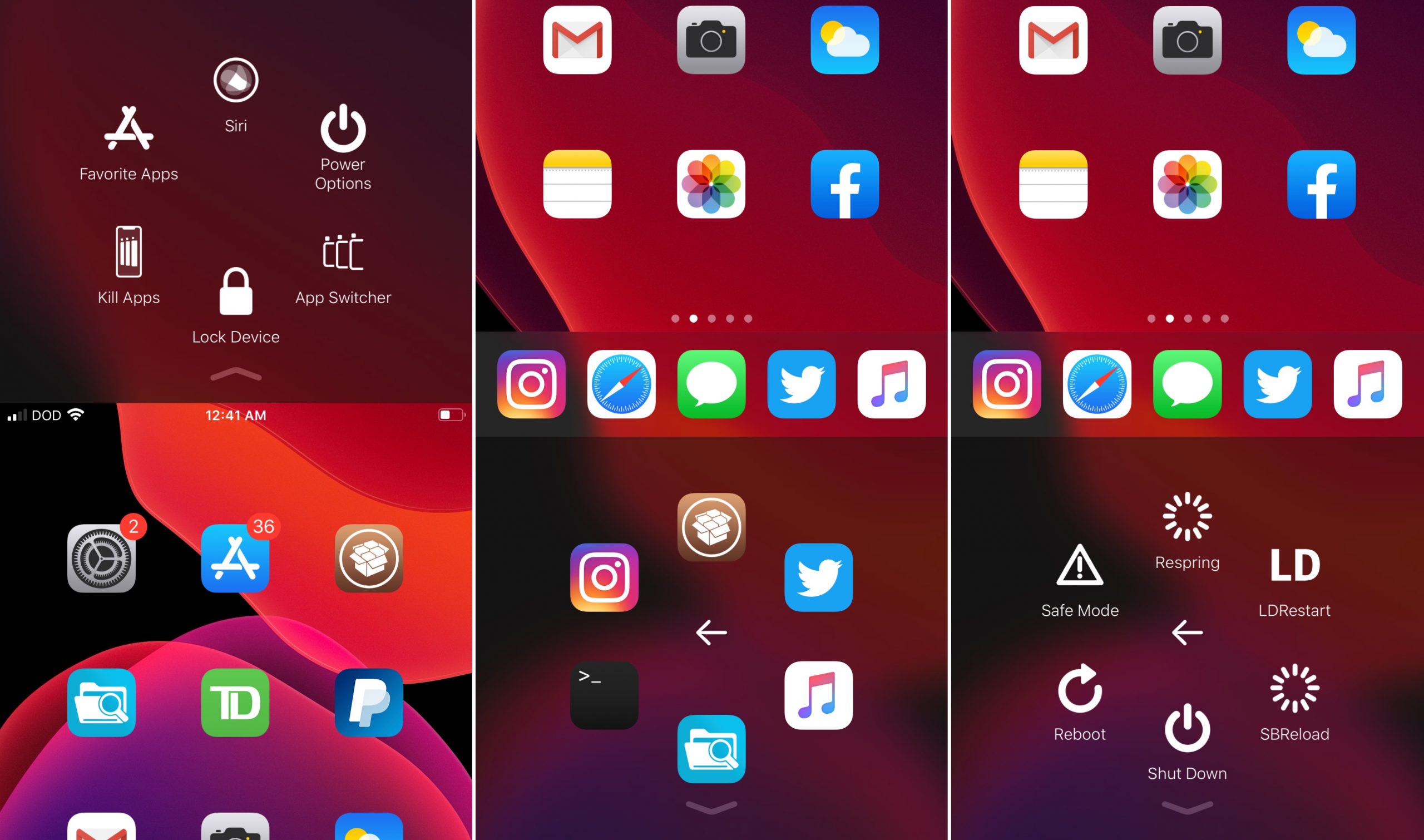
When it comes to the features people use most on their iPhones, Reachability is somewhat of a moot point, especially for those with hands large enough to finagle with Apple’s largest handsets. Apple provides a way to disable Reachability if you never use it, but wouldn’t it make sense to repurpose the interface instead of disabling it entirely?

Playing on this train of thought is a newly released jailbreak tweak called Assistability13 by iOS developer DODGraphics, which implements an AssistiveTouch-inspired shortcut palette into iOS’ native Reachability interface.

Personalize your Home screen and Lock screen with Kage

When it comes to installing jailbreak tweaks on a pwned handset, my motto has always been that it’s best to install an all-in-one tweak instead of a plethora of one-off add-ons. Not only can this be beneficial from a performance standpoint, but it also keeps your installed tweak list nice and tidy in any package manager that you might be using.

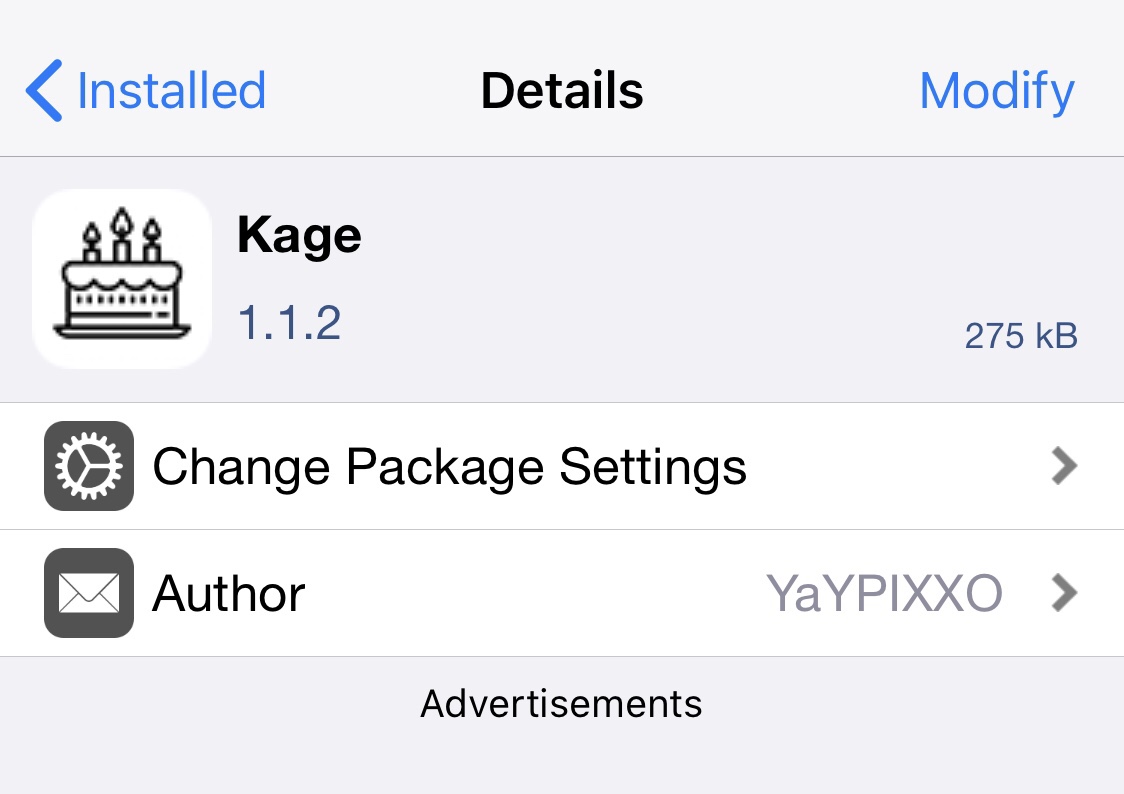
Depending on what your needs are as a jailbreaker, finding the best all-in-one tweak can be a challenge. While there have been some notable releases in the past, many cost money of some sort. Fortunately, a new release called Kage by iOS developer YaYPIXXO brings a slew of customization options to both the Home screen and Lock screen at no extra cost to you.

DeadRinger makes iOS 13’s ringer/silent UI even better

iOS 13 brought with it a slew of improvements that, despite a few kinks, made it exponentially better than Apple’s preceding mobile operating system for iPhones and iPads alike. One of my favorite upgrades was to the ringer/silent UI, which now displays a substantially less intrusive pop-up at the top of the display as opposed to a massive pop-up in the center.

While many give Apple props for finally making this change after years’ worth of dissatisfaction with iOS’ native UI, some continue to believe that the iOS 13-based ringer/silent UI could do with some improvement. To that end, a free jailbreak tweak called DeadRinger by iOS developer Kritanta was conceived.

LightsOut uses ambient light to switch between iOS’ dark and light modes

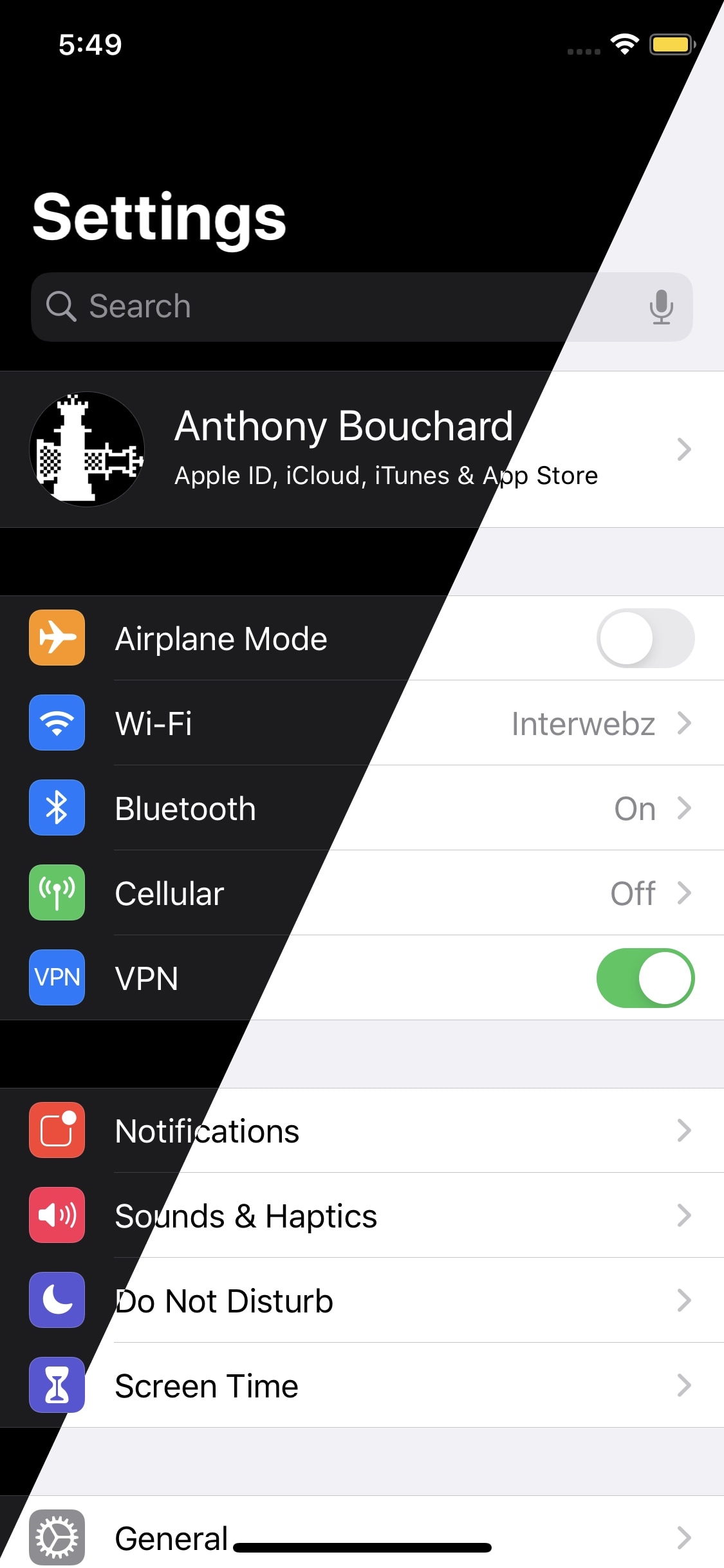
If you’re jailbroken and you enjoy using dark mode to reduce eyestrain at night but prefer the standard light mode during the day for visibility, then you just might come to appreciate the convenience of a newly released and free jailbreak tweak called LightsOut by iOS developer Skitty.

iOS 13 can be configured to automatically switch between dark and light mode based on the time of day, but this unfortunately doesn’t compensate for unusual situations, such as walking into a dark room during the day. LightsOut effectively solves this problem by automatically switching your device between dark and light mode depending on the brightness level around you.

Colorize your pwned iPhone’s Messages app with Courier

One of the interfaces iPhone users spend most of their time in is the Messages app, and with that in mind, it doesn’t come as much of a surprise that jailbreak tweak developers are creating ways to make customizing the Messages app possible.

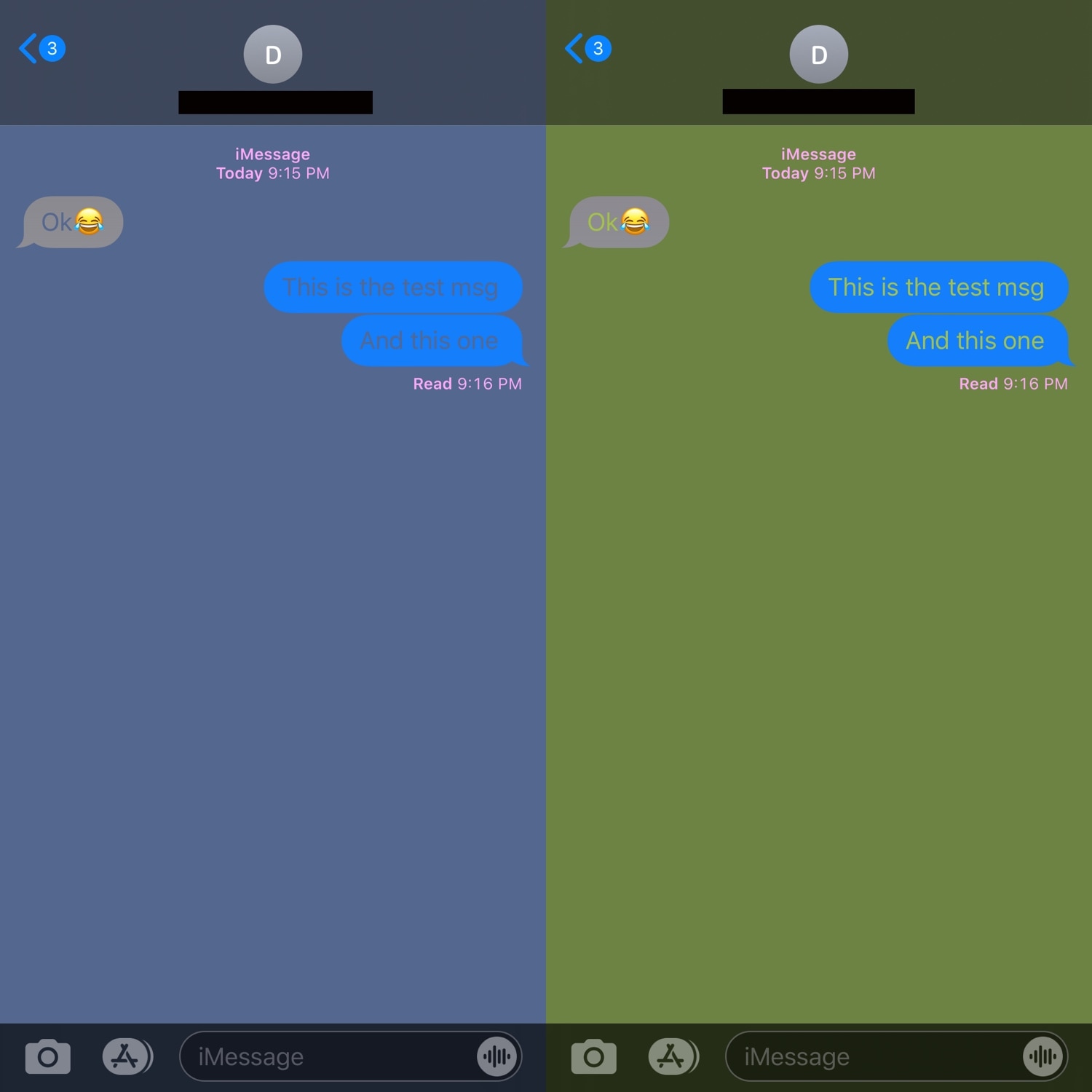
With the launch of a new tweak called Courier by iOS developer Sirius24, you can colorize several elements of the Messages app’s user interface just about any way you want. Some examples of the tweak at work are depicted in the screenshot samples above.

Customize various SpringBoard elements for free with Artemis

If you’re one to enjoy all-in-one jailbreak tweaks that incorporate a plethora of options for customizing your pwned handsets, then we genuinely believe you’re going to love a new and free release called Artemis by iOS developer Joey GM.

Artemis isn’t quite as thorough as some of the staple tweaks like Springtomize that we’ve all come to know and love, but the fact that it costs absolutely nothing and offers a substantial number of some attention-grabbing customization features is sure to help it stand out from the crowd, especially for those looking to enhance their iOS experience without breaking the bank.