UI

Get the iPhone X screenshot gesture on older iPhones with this tweak

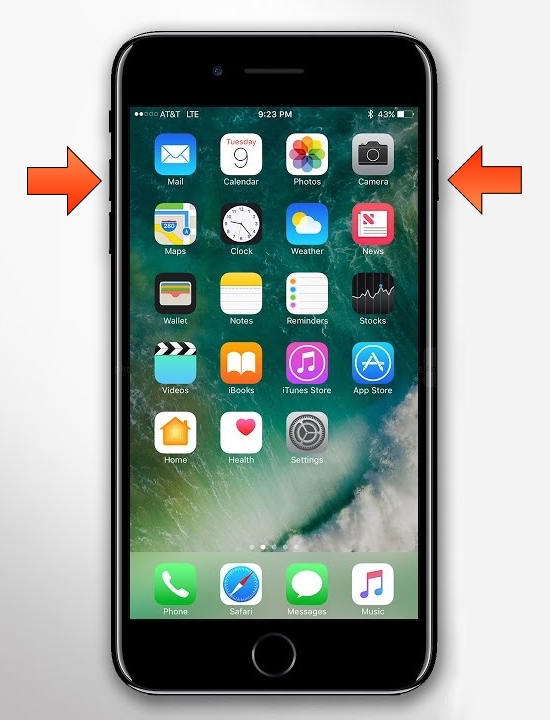
The removal of the Home button from Apple’s notched handset lineup compelled the company to adopt a new button sequence for snapping screenshots on those devices. I’ve gotten accustomed to the new button sequence since adopting notched iPhones as my daily drivers since the iPhone X debuted, and I’ve found it somewhat challenging to remember to use the old screenshot button sequence on Home button-equipped devices.

If you’re like me and wish Apple would simply update iOS to make the screenshot button sequence the same across all devices for consistency’s sake, then you might appreciate a newly released and free jailbreak tweak dubbed Shot Pro by iOS developer Arablag, as that’s exactly what this add-on does for older handsets.
This tweak darkens the iPhone’s screenshot flash in dark environments

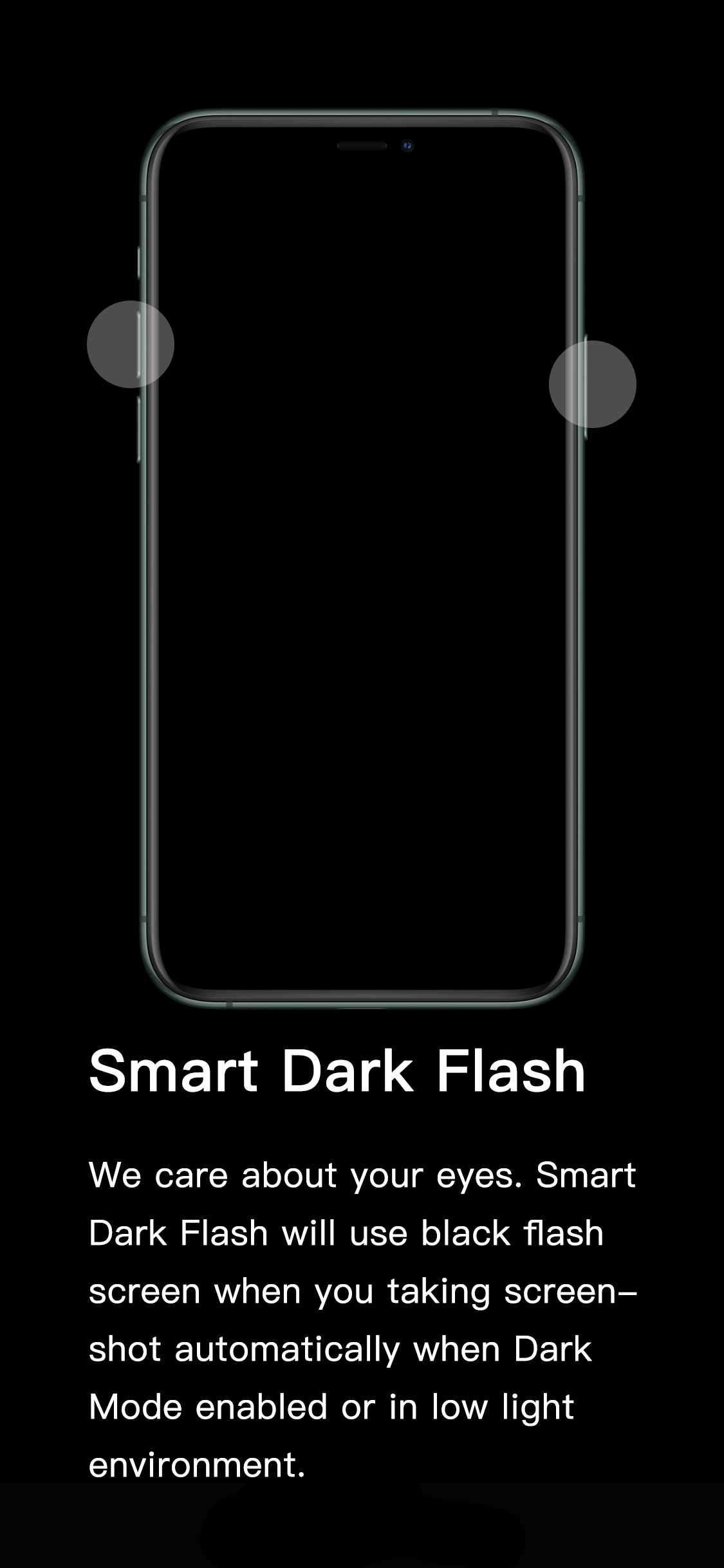
If you’ve ever wanted to show someone something from the display of your device without being in physical contact with them, then you might choose to capture a screenshot and send the resulting image to that person of choice. All iPhones and iPads support screenshot-taking, and if you’re familiar with the process, you should already know that iOS generates a bright white flash when the screenshot button sequence is invoked to simulate a camera flash.

It’s a nice touch to make the screenshot experience seem more realistic, but if you’re ever in a dark environment, such as peering at your phone while in bed, the bright white flash can be tear-jerkingly blinding. That’s why iOS developer XCXiao has released a new jailbreak tweak dubbed Smart Dark Flash.

Tint various aspects of the iOS UI with Accent

One of the subtle treats Apple provides to macOS users is the ability to set a custom accent color. This is the color that appears when selecting options in Menus, be it from the Menu Bar or when alt-clicking on items in Finder.

It’s clear that users have taken a liking to this minuscule customization-centric olive branch extended by Apple. That said, wouldn’t it make sense to have similar options in iOS? If you agree with that notion, then you might take a liking to a newly released jailbreak tweak called Accent by iOS developer Ivan Cristina.

Sakal displays upcoming alarms on the Lock screen

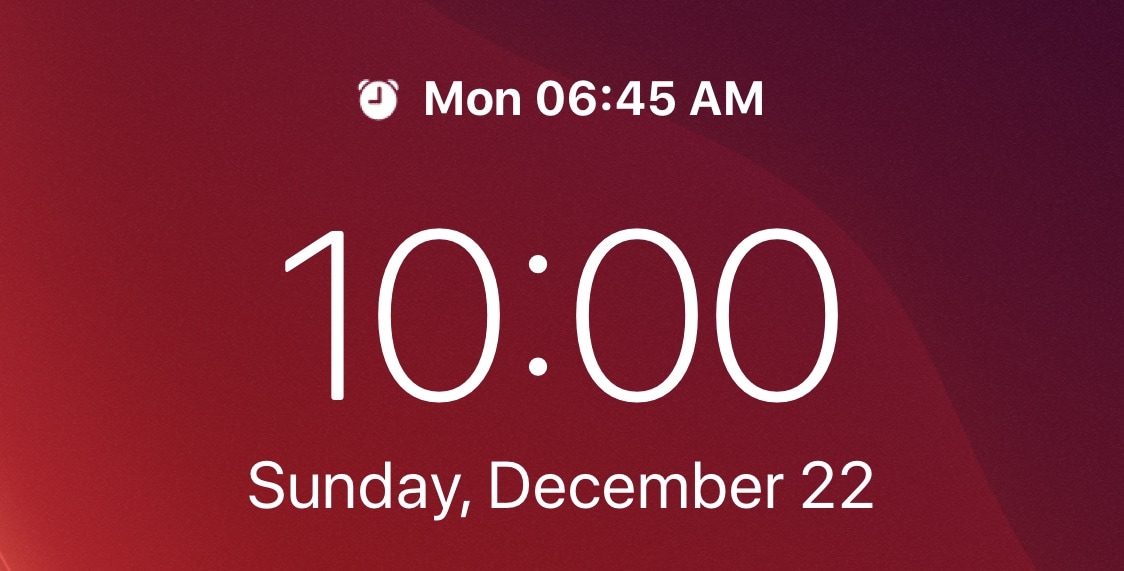
If you’re anything like me, then you probably set a morning alarm each day of the week to ensure you wake up at the proper time to prepare for work in the morning. But wouldn’t it be nice if iOS gave you somewhat of a heads-up when an alarm was set to go off the following day?

A newly released and free jailbreak tweak called Sakal by iOS developer P2KDev does exactly that, and it does this in a very aesthetically pleasing manner.

Give iOS’ notifications a facelift with ColorMeNotifs

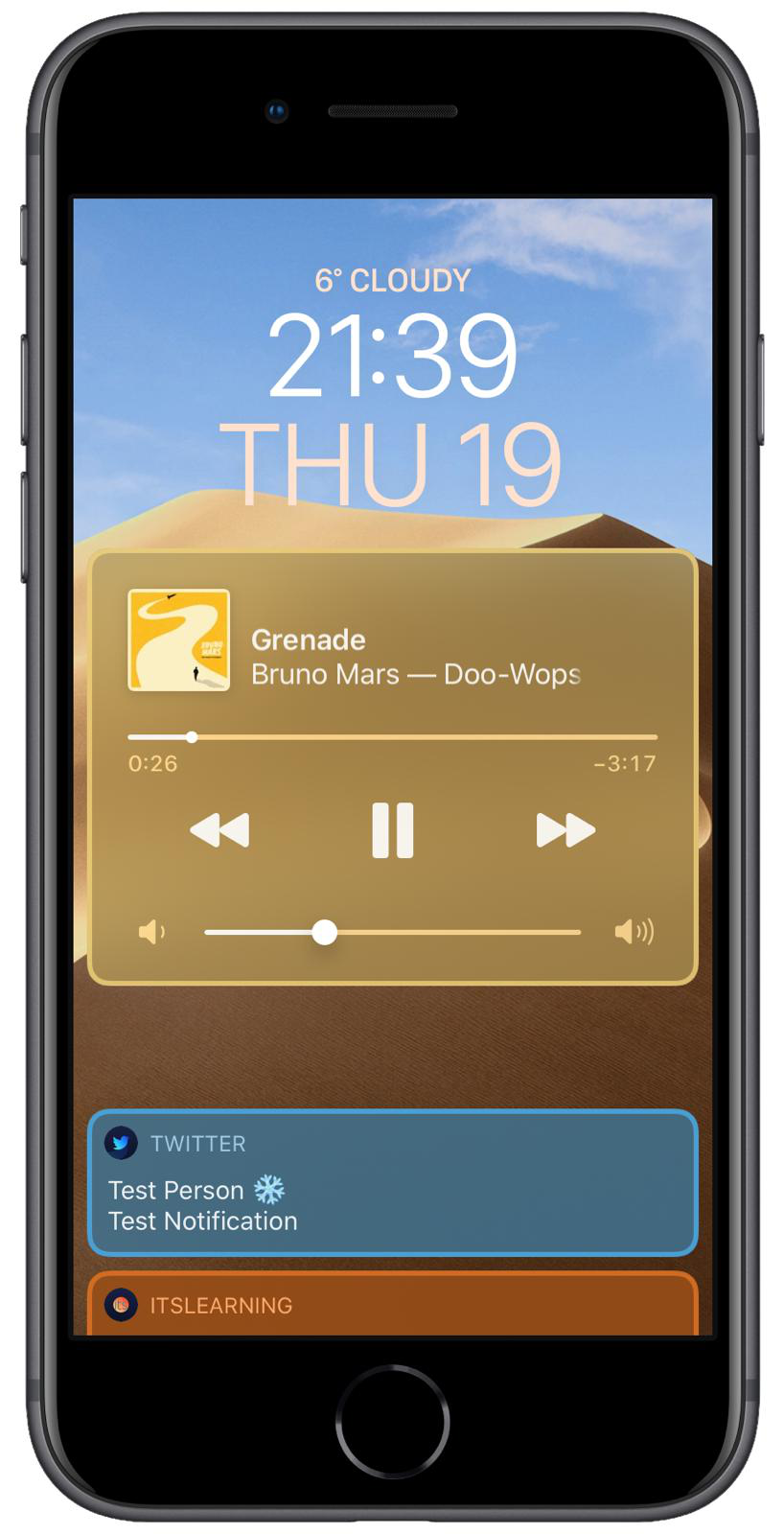
Jailbreakers in the market for customizing the appearance and behavior of their incoming notification system without breaking the bank just might take a liking to a newly released and free jailbreak tweak dubbed ColorMeNotifs by iOS developer MrGcGamer.

Just as the name implies, this tweak offers a plethora of settings for colorizing banners that appear on your Lock screen, including that of the notification variety, widgets, and the native Now Playing music player.

LetMeDecline makes it easier to decline calls when your iPhone is locked

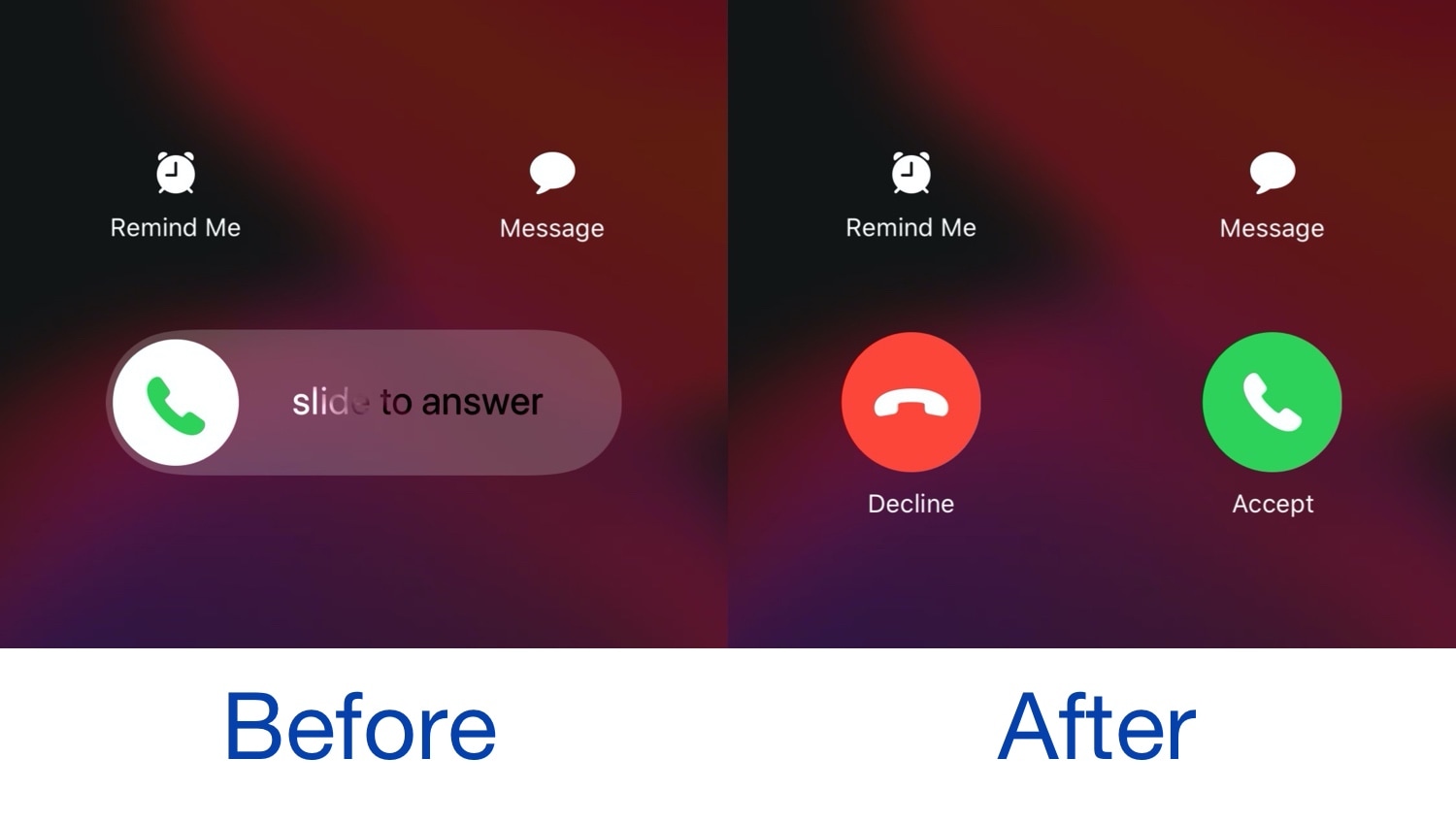
When you receive a phone call from your locked iPhone, iOS automatically directs you to a ‘slide to answer’ interface with no obvious way of dismissing the phone call. You can press the side button a couple of times to dismiss the call, but not everyone knows this, and it this seems like a user interface shortcoming on Apple’s part.

Given the circumstances described above, we’re especially pleased to see the release of a new jailbreak tweak called LetMeDecline by iOS developer P2Kdev. As depicted in the before and after screenshot examples above, this tweak replaces the ‘slide to answer’ bar with dedicated Decline and Answer buttons, making it easier to get the annoying full-screen incoming call interface out of your way.

Colorize your iPhone’s notification badges for free with Pastel

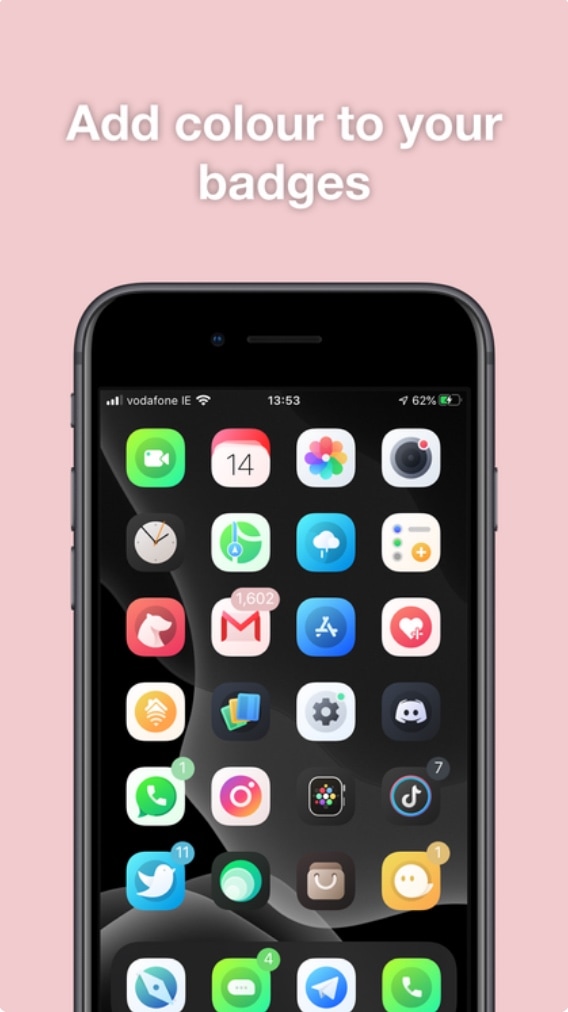
Albeit true that Apple’s native badge notification system leaves a lot to be desired in terms of color customization, the jailbreak community has long offered solutions to this communal grievance. Unfortunately for our wallets, many of those solutions cost the end user money in some way, shape, or form.

Here to shake things up a bit is a newly released jailbreak tweak called Pastel by iOS developer ConorTheDev, which lacks a price tag of any kind. With that in mind, you can now customize the color of your jailbroken iPhone’s notification badges without paying a cent out of pocket.

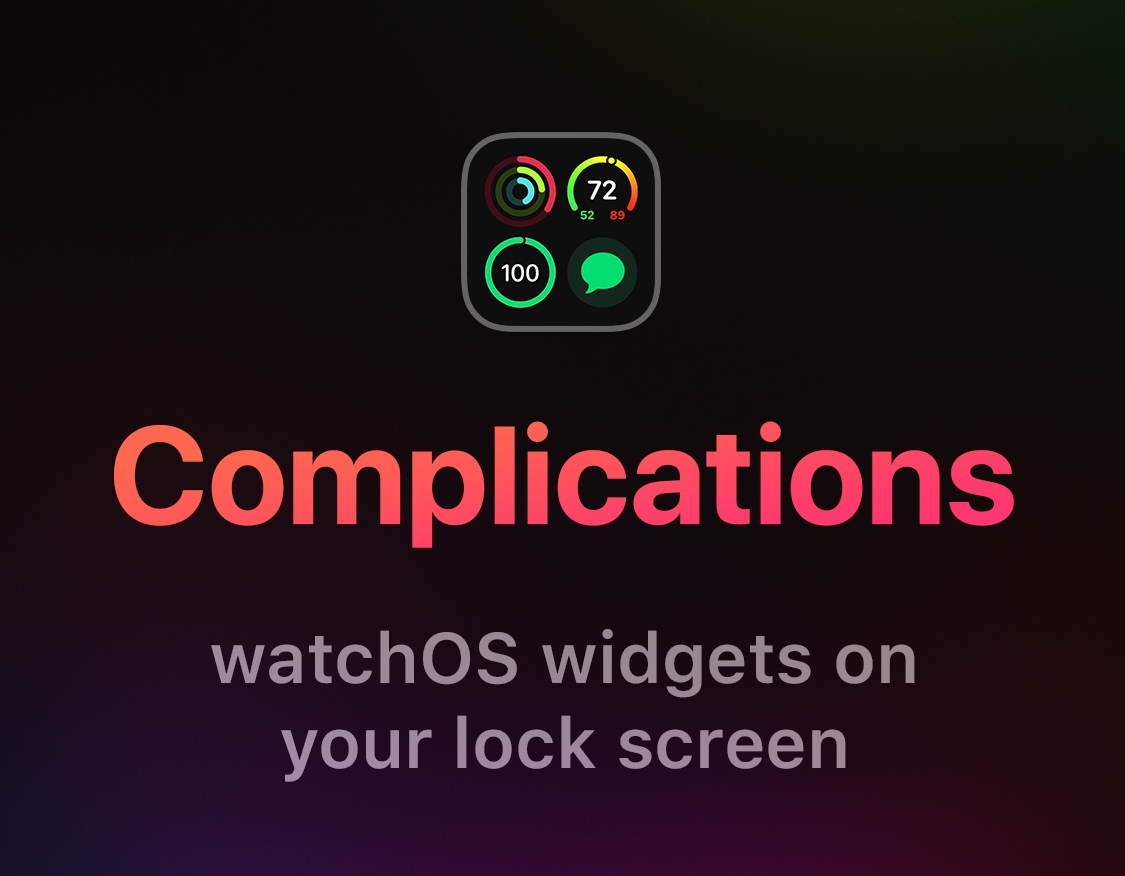
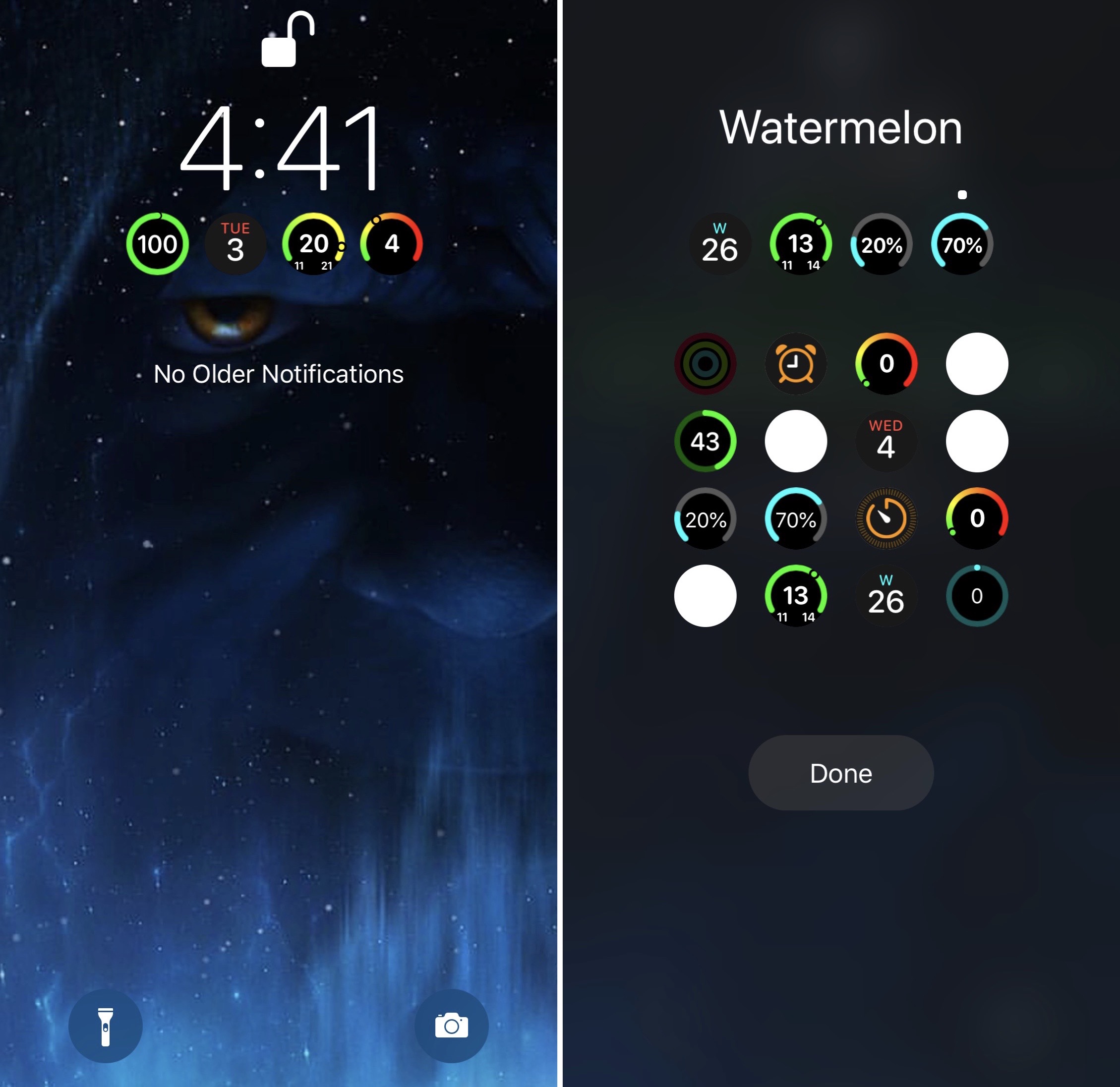
This tweak enables Apple Watch Complications on your iPhone’s Lock screen

The Apple Watch incorporates a plethora of useful wrist widgets that Apple likes to call Complications, and they permit your smartwatch to display useful information from your favorite apps directly on the watch face of your choosing. Complications are both compact and concise, and for those who’d like their iPhone to display similar data on the Lock screen, there’s a jailbreak tweak for that.

Watermelon by iOS developer LaughingQuoll was the first tweak to bring this functionality to the iOS platform just over a week ago, but with a good idea comes competition, and that’s where a new release dubbed Complications by iOS developer Ben Giannis comes into play.

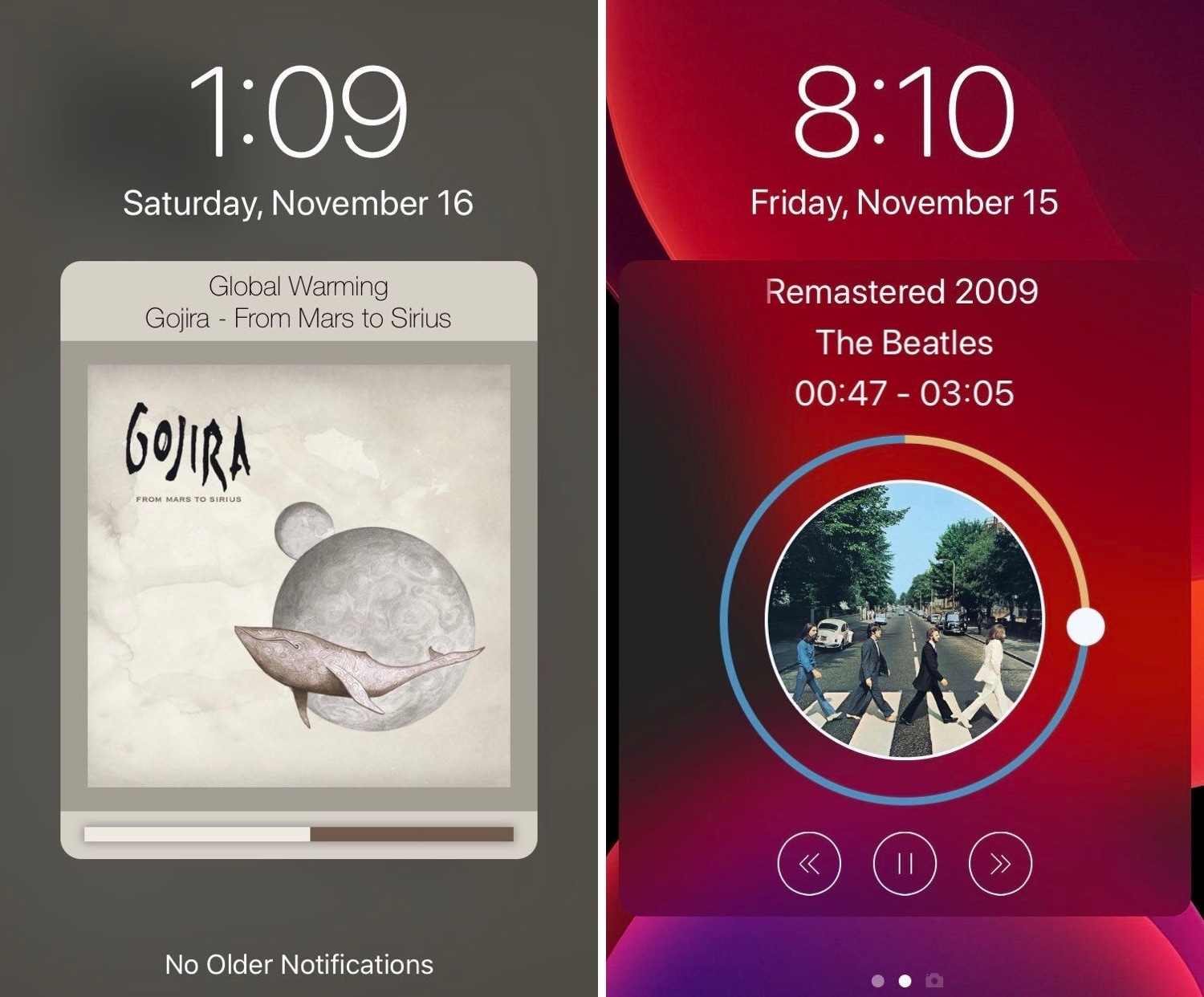
Tune provides a sexier Now Playing interface for pwned iPhones

Those who listen to a lot of music on their iPhones are probably accustomed to looking at what seems like the same Now Playing interface Apple has provided for years. But if you’re like me and you’re looking for something a bit more eccentric, then you might enjoy using a newly released jailbreak tweak called Tune by iOS developer s1ris.

As depicted in the screenshot examples above, Tune can replace the traditional Now Playing interface with something a lot more aesthetically pleasing. At this time, the tweak supports two different styles, including Helius (left) and Spin (right).

Juice introduces limitless battery icon customization to jailbroken iPhones

If you’re freshly jailbroken on iOS 13 by way of checkra1n, then you may want to do yourself a favor and follow a project called Juice, a new public beta jailbreak tweak by iOS developer SparkDev that permits users to customize the appearance of the Status Bar’s battery indicator in a satisfying way.

The concept of customizing iOS’ native battery indicator certainly isn’t new, but Juice is in a league of its own. An intuitive interface coupled with seemingly endless options spells out a user experience that seems unparalleled by anything else we’ve seen to date.

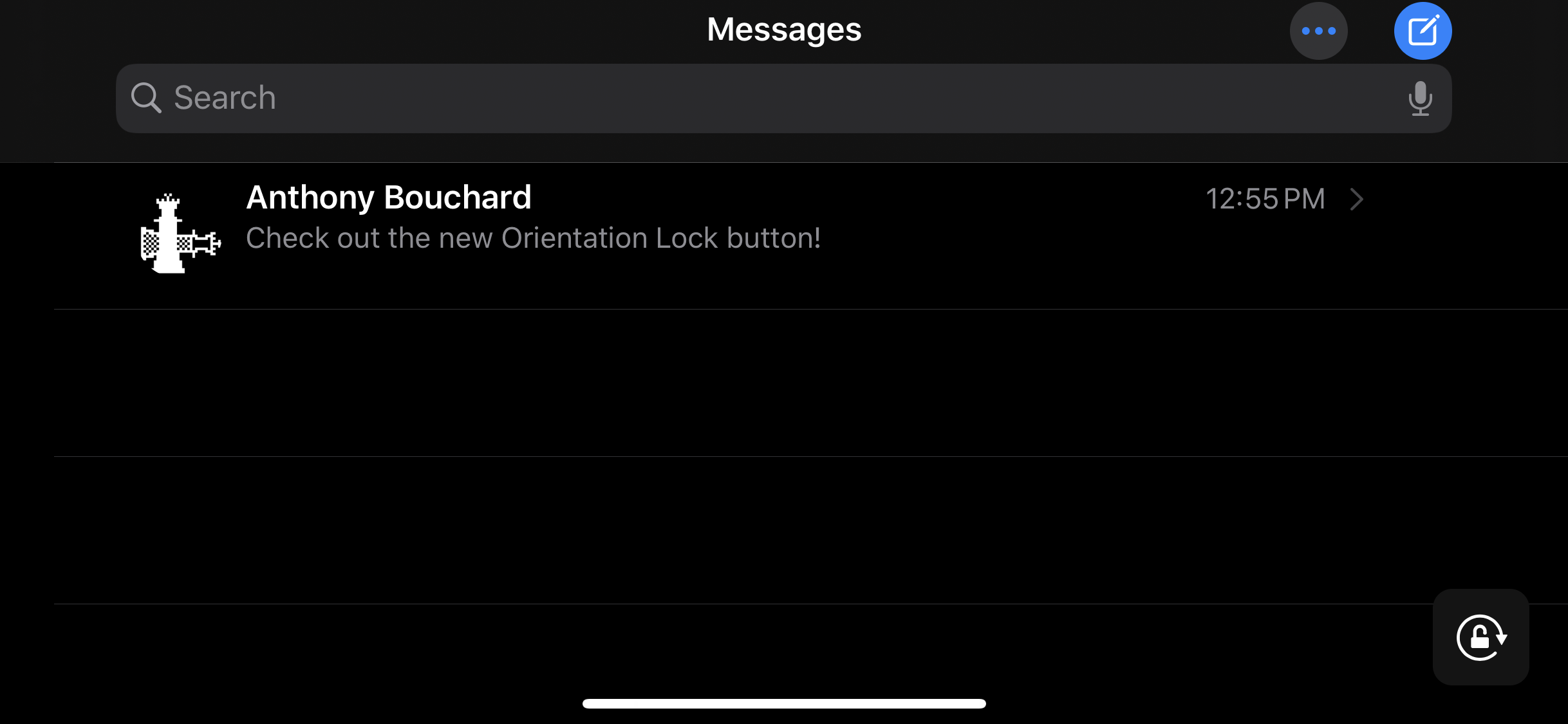
Make iOS’ Rotation Lock less cumbersome with Oriental

The ability to switch between landscape and portrait orientation on the iPhone can be godsend in certain situations, but in certain situations, it can be a real pain in the (redacted) — especially when in bed and your iPhone thinks laying on your side means that you want landscape orientation.

Apple combats this problem with iOS’ optional Rotation Lock feature, but this necessitates an additional step on the user’s part. For that reason, iOS developer Ubik has made a new and free jailbreak tweak called Oriental, which aims to make display rotation smarter for the iOS platform in general.

Watermelon brings Apple Watch Complications to iOS

One of the reasons I love my Apple Watch so much is having the ability to glance at my wrist to see information from Complications. On the other hand, I spend most of my time using  my iPhone as opposed to my Apple Watch, and it’d be nice to have watchOS-like Complications present on my iOS devices.

If you’re thinking along the same lines I am, then you might be interested in a newly released jailbreak tweak called Watermelon by iOS developer LaughingQuoll.