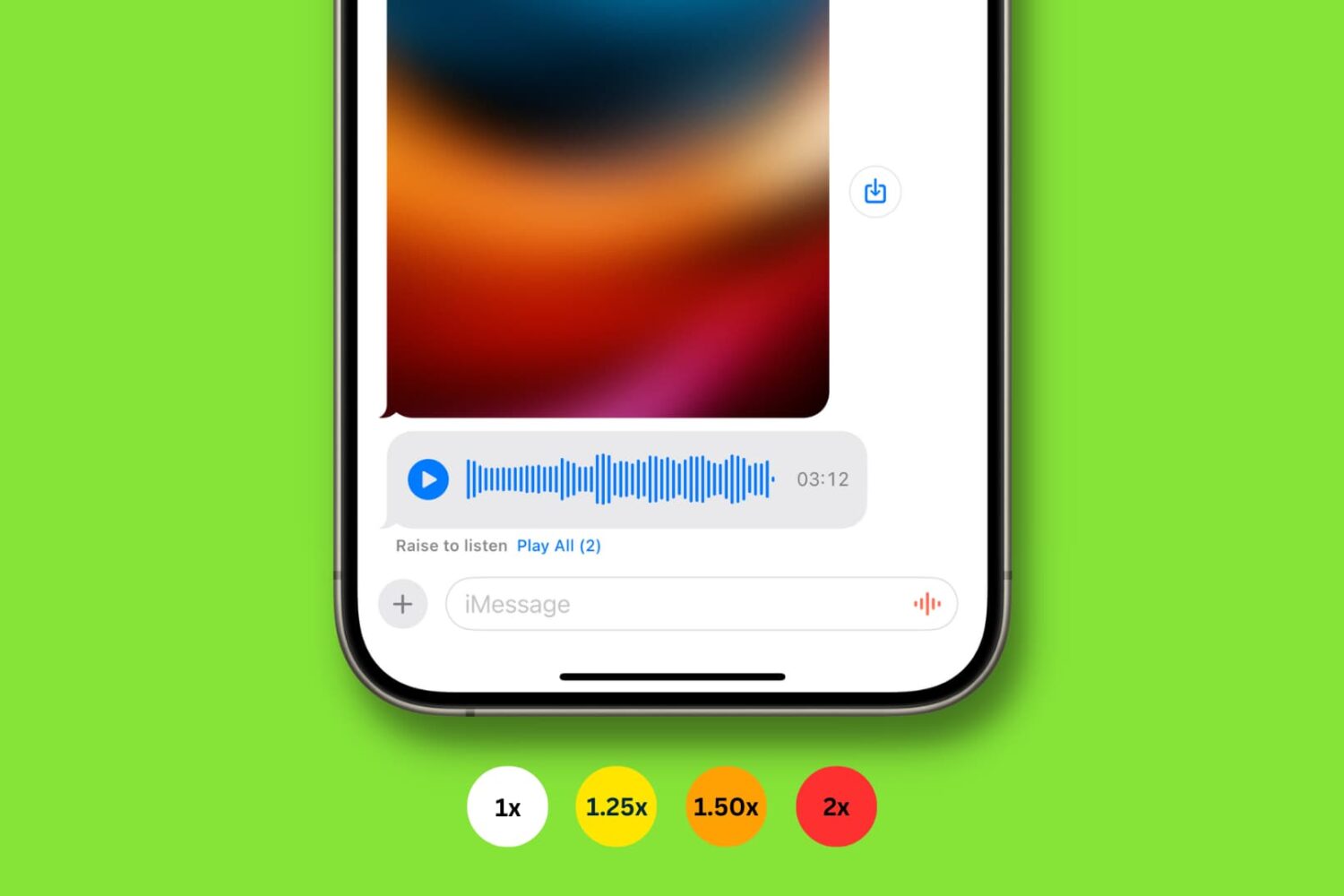
iOS 17 brings several new features and improvements for your iPhone, and in this guide, we've listed the most important ones you should know about.
Top iOS 17 features for iPhone

Learn how to master your Apple devices with our comprehensive tutorials. From iPhone and iPad to Mac, Apple Watch, AirPods, and more, our expert guides will help you unlock the full potential of your Apple products. Discover new features, tips, and tricks each day to enhance your user experience.
iOS 17 brings several new features and improvements for your iPhone, and in this guide, we've listed the most important ones you should know about.
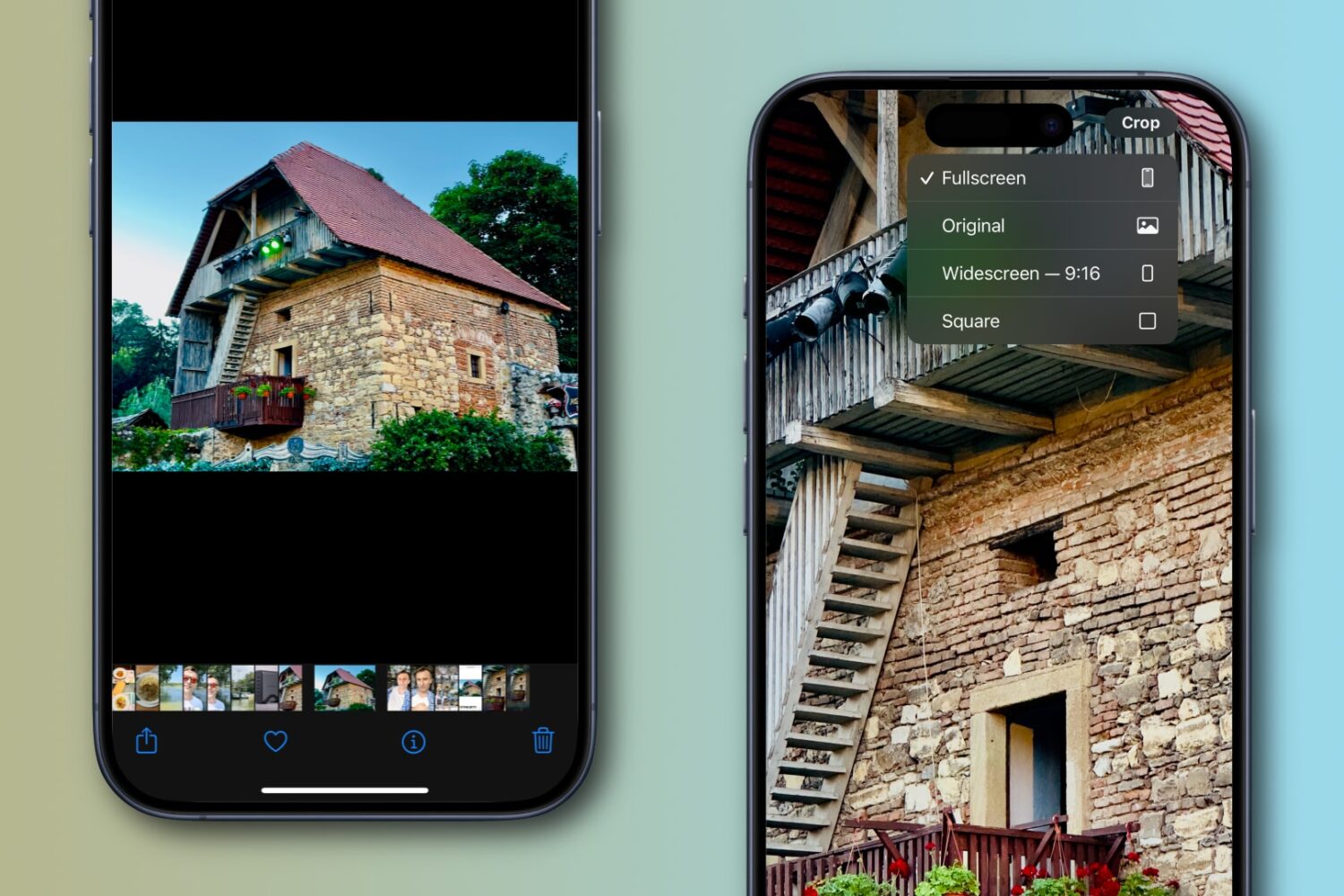
Apple’s Photos app on the iPhone or iPad lets you quickly crop an image while pinch-zooming without entering editing mode first, and we show you how.
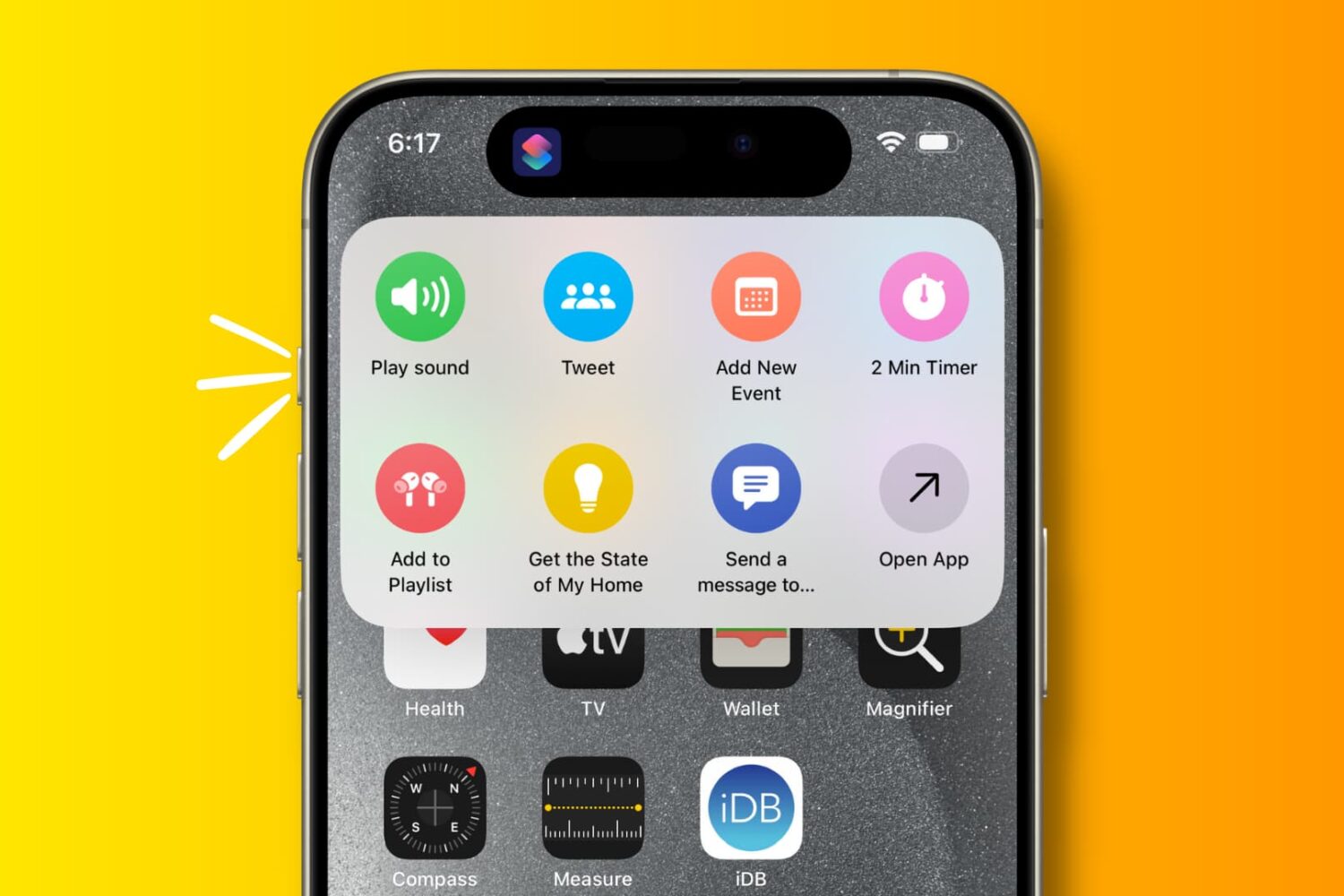
Explore these 29 useful things you can do with the Action button on your iPhone 15 Pro and iPhone 15 Pro Max.

Learn about all of the productive things you can do with the built-in USB-C port on the iPhone 15, 16, and 17 models.
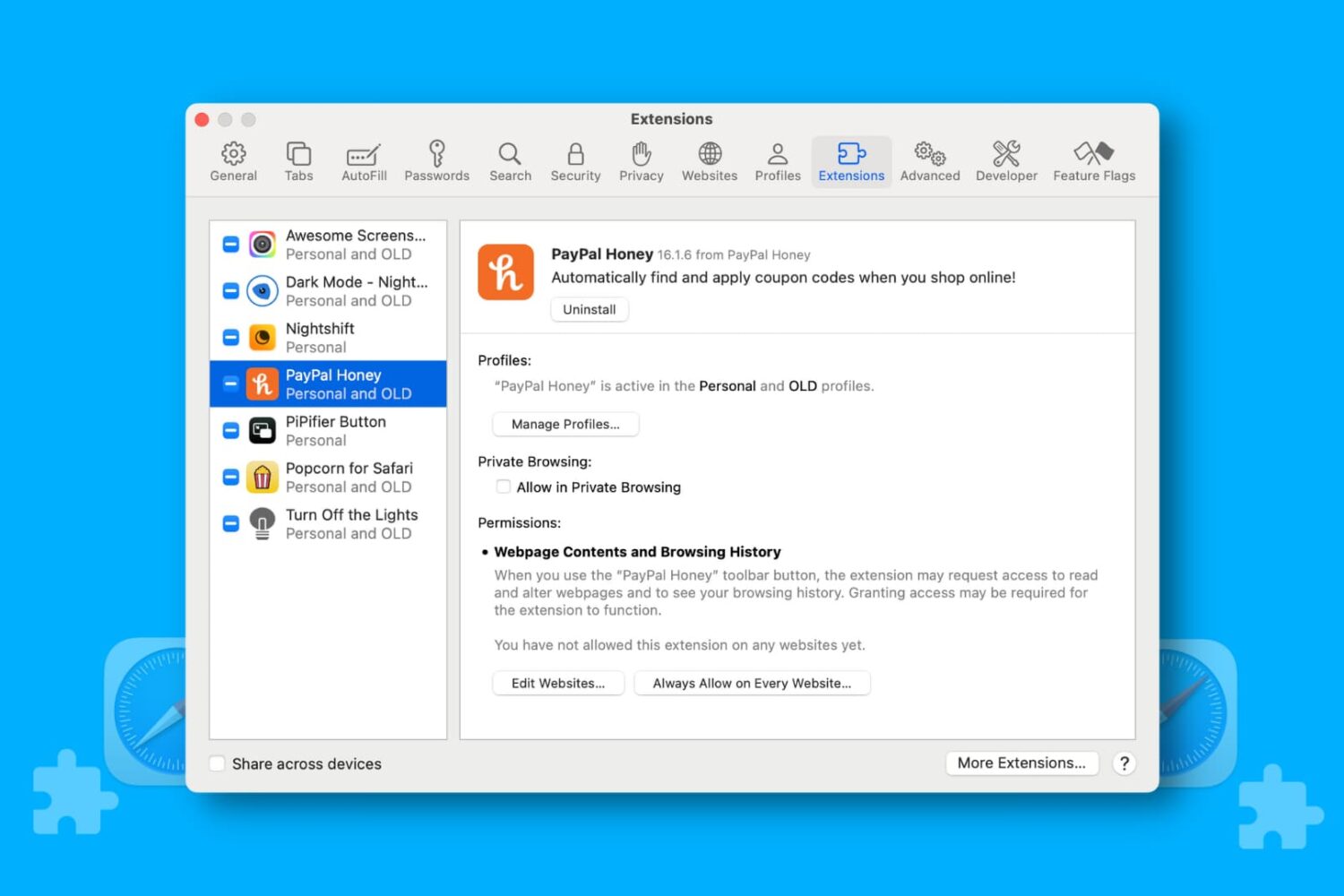
Learn how to manage Safari extensions for each website separately to allow or block an extension for specific sites on your iPhone, iPad, or Mac.
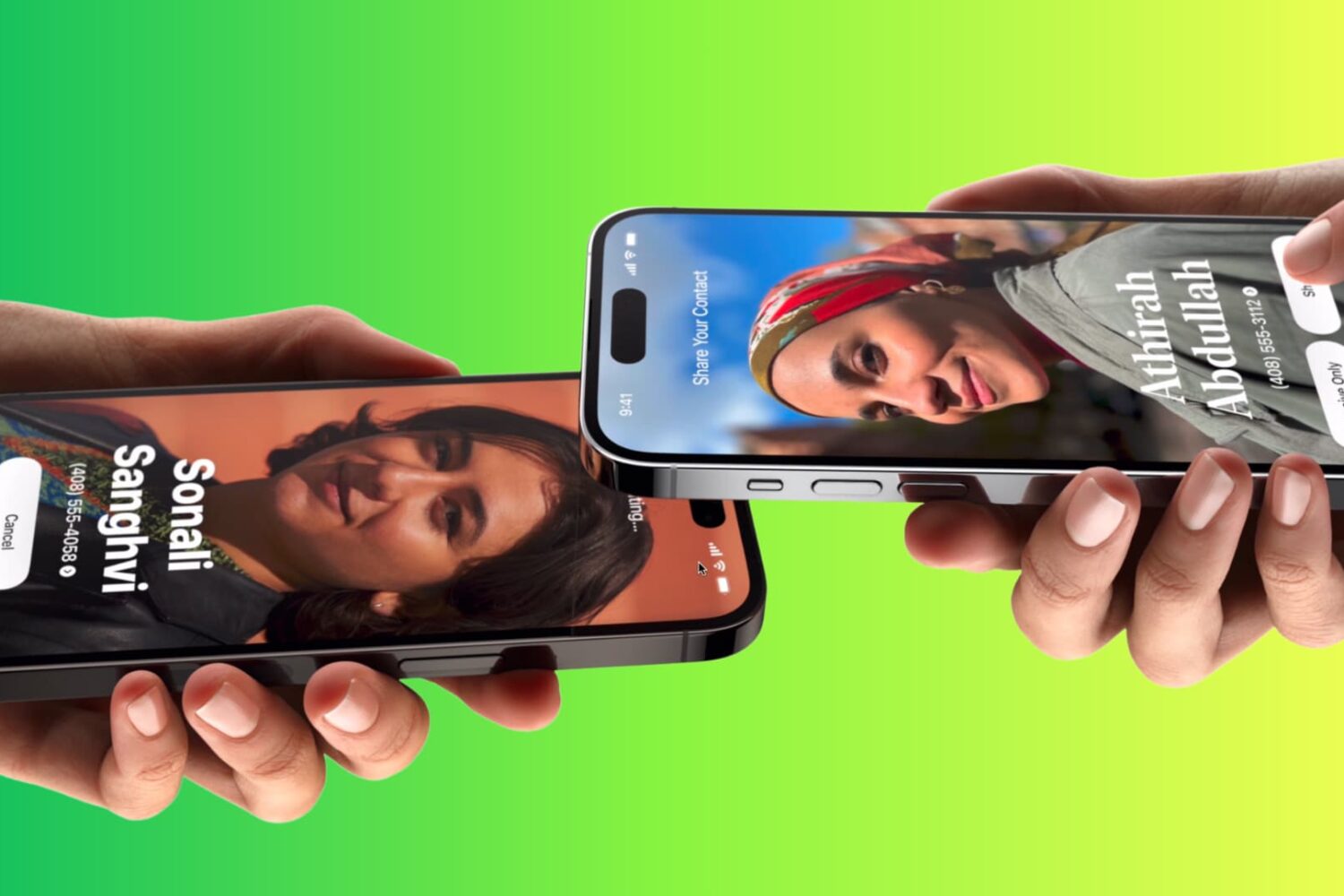
Learn how to use Apple’s NameDrop feature to send and receive contact information like phone numbers and email addresses between two iPhones.
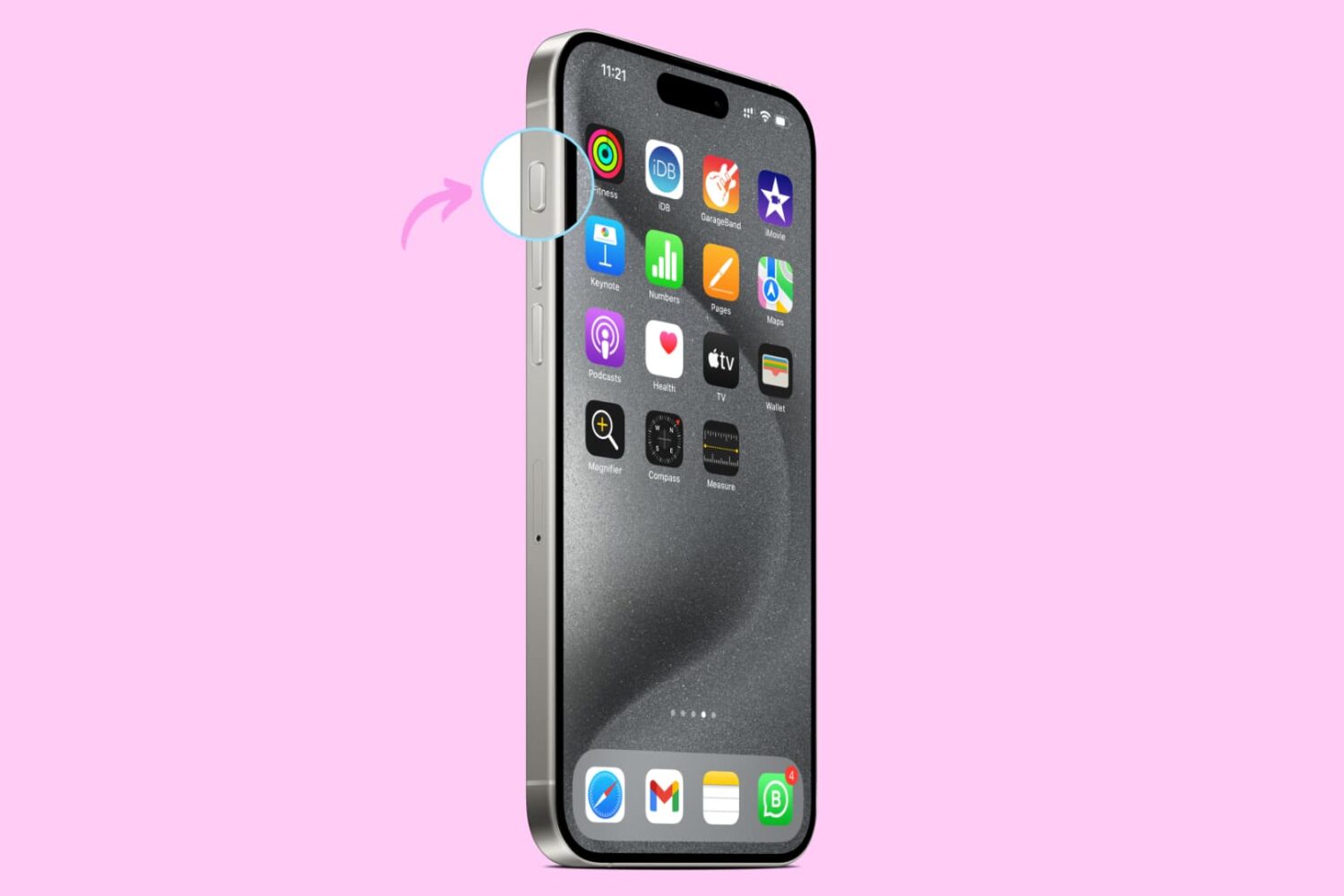
Learn how to set up and use the Action button on your iPhone to quickly perform useful tasks and save time.
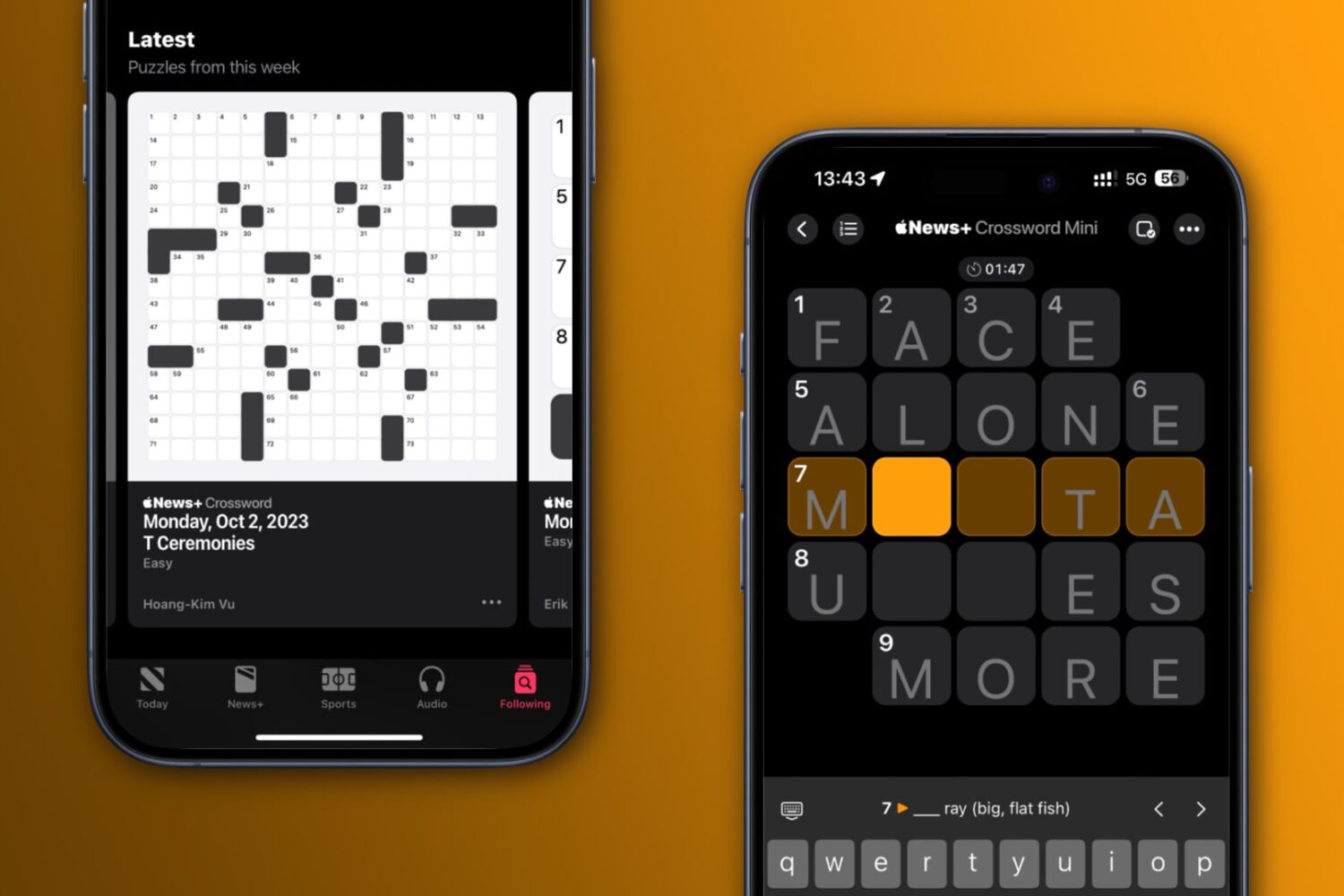
Learn how to play new NYT-style crossword puzzles—both small 5x5 puzzles and large 15x15 ones—every day on your iPhone, iPad and Mac.
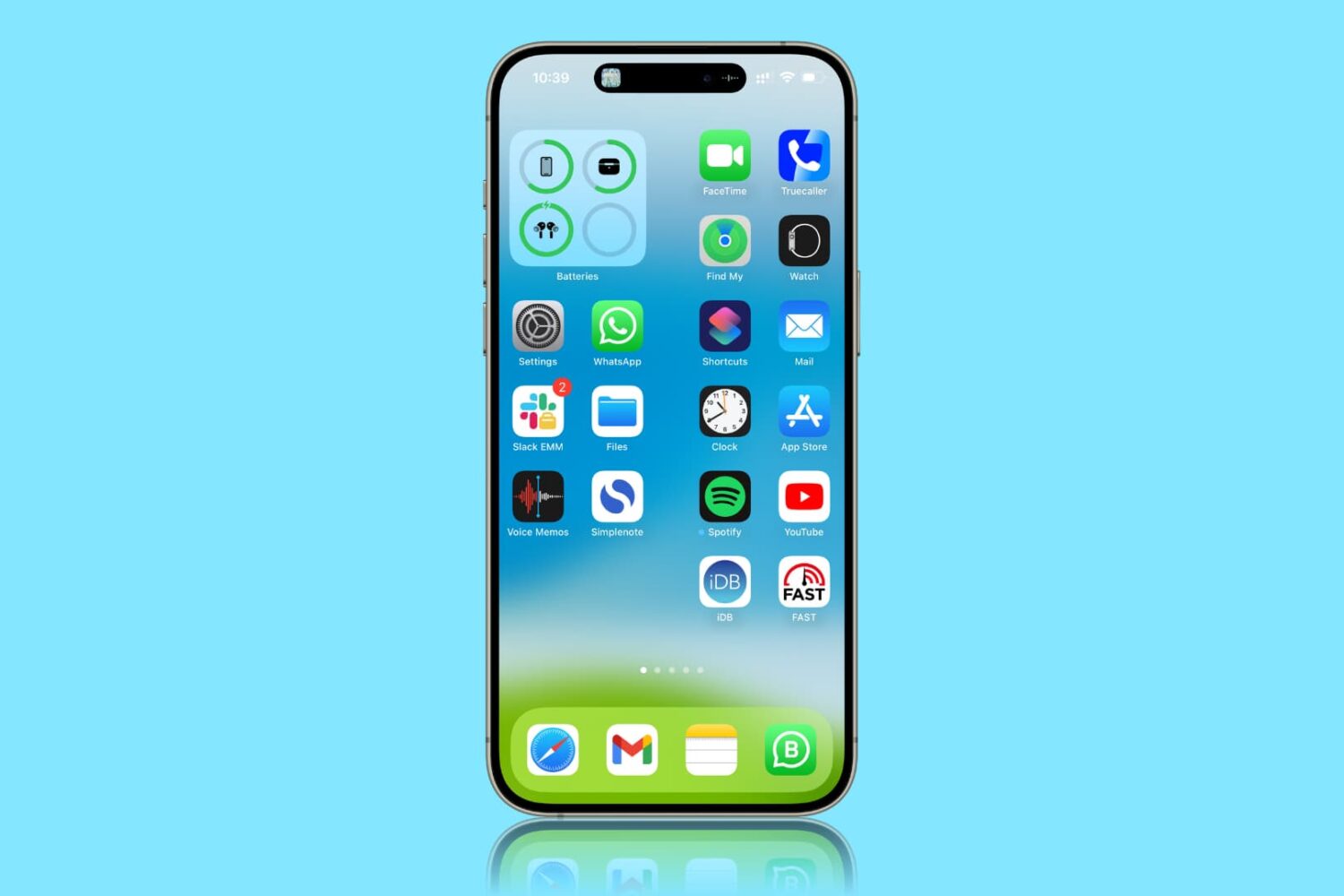
Learn how to limit the 120Hz screen refresh rate on your iPhone Pro or iPad Pro and switch back to the standard 60Hz refresh rate to extend battery life.
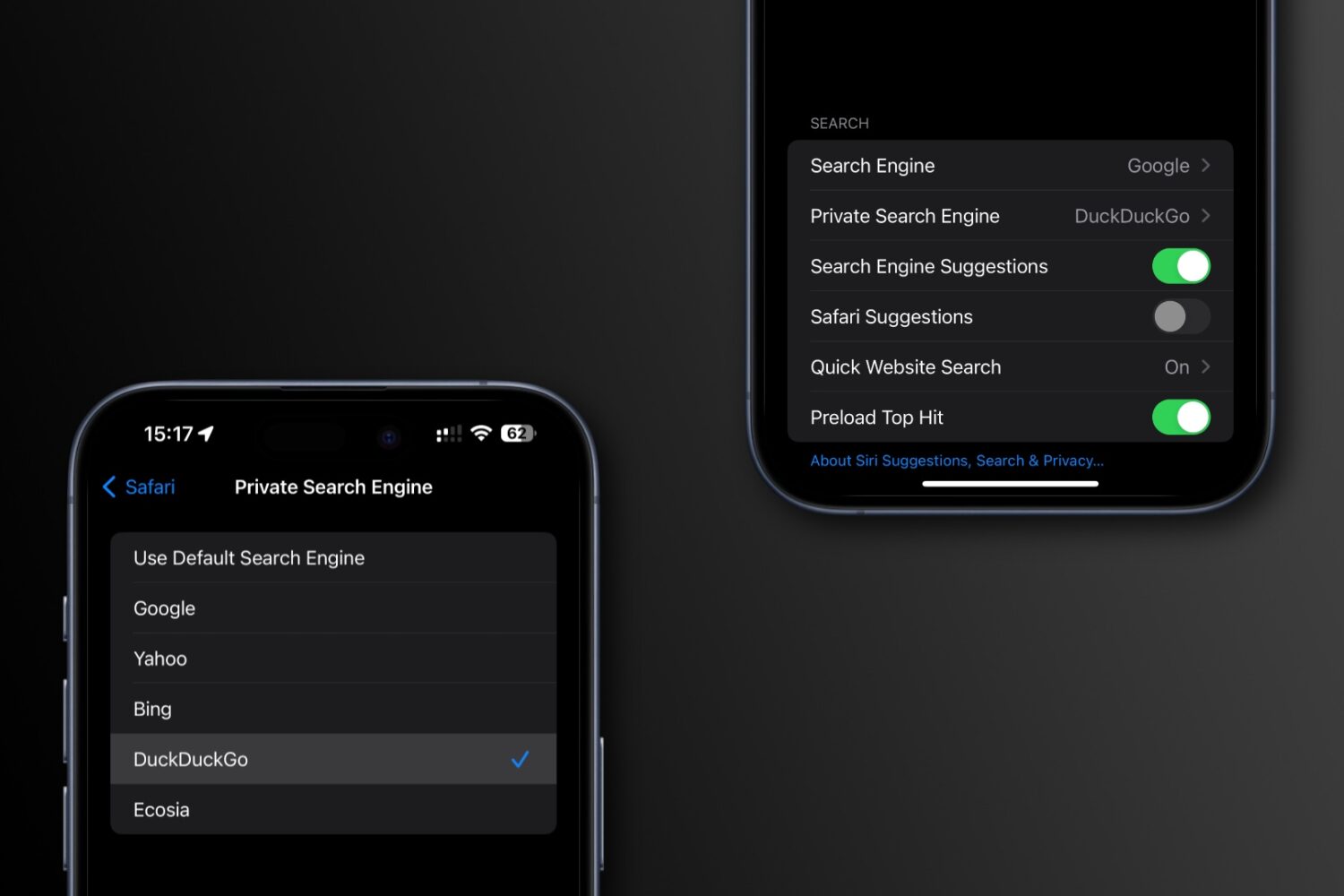
Learn how to set a different search engine for Safari’s private mode on your iPhone, iPad, and Mac than the one you use for regular browsing.

Learn how to make a FaceTime call from your Apple TV or transfer an ongoing iPhone or iPad FaceTime call to your TV without disconnection.