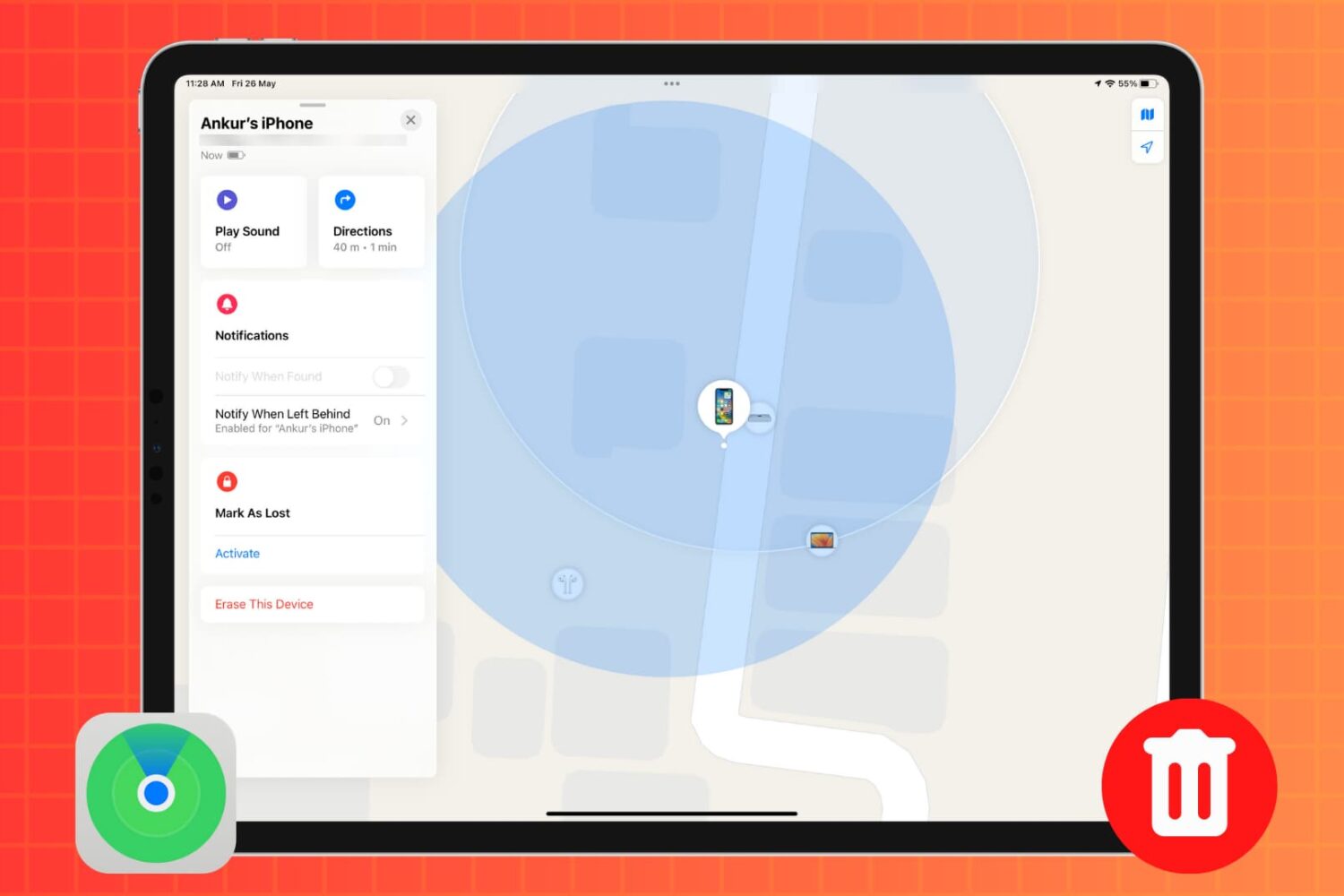
In this tutorial, we’ll show you how to remotely erase an iPhone or iPad that was lost or stolen to safeguard your personal data and privacy.
How to remotely erase a lost or stolen iPhone or iPad
Learn how to master your Apple devices with our comprehensive tutorials. From iPhone and iPad to Mac, Apple Watch, AirPods, and more, our expert guides will help you unlock the full potential of your Apple products. Discover new features, tips, and tricks each day to enhance your user experience.
In this tutorial, we’ll show you how to remotely erase an iPhone or iPad that was lost or stolen to safeguard your personal data and privacy.
Learn how to rename your MacBook to distinguish it from other computers on your network, in system menus and elsewhere in macOS.

In this tutorial, we’ll show you how to track your lost or stolen iPhone or iPad using Apple’s Find My service, play an alarm-like sound on it, see how far away it is, and get directions to it to help you recover it.

Learn how to automatically stop playing music, video, or other media on your iPhone or iPad when a timer runs out, like before you usually fall asleep.
Having an Apple ID is a prerequisite to do just about anything related to Apple services. If you want to buy music on iTunes, download apps in the App Store, or use iCloud, you must have an Apple ID.
A few years ago, linking a credit card to an Apple account was mandatory. But Apple has changed its stance and has been letting users create an Apple ID without a credit card for a while now.
Whatever your reason might be to do so, we are going to show you how to create an Apple ID without a credit card...

Learn how to view hidden files and folders in Finder on your Mac using simple Terminal commands or a keyboard shortcut to access hidden system data.
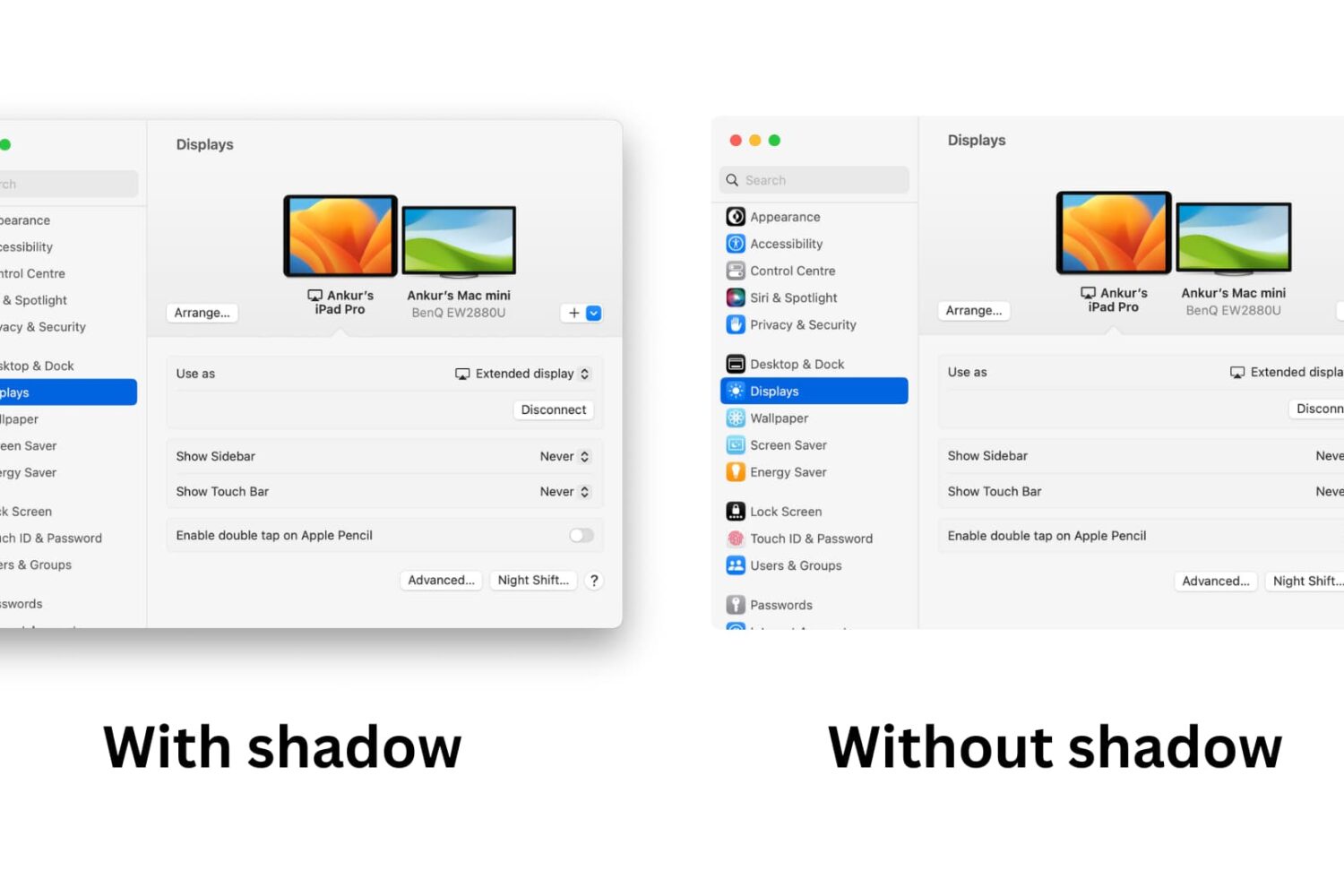
Learn how to take window screenshots on your Mac without the drop shadow effect to remove distracting extra space and white borders for a cleaner look.
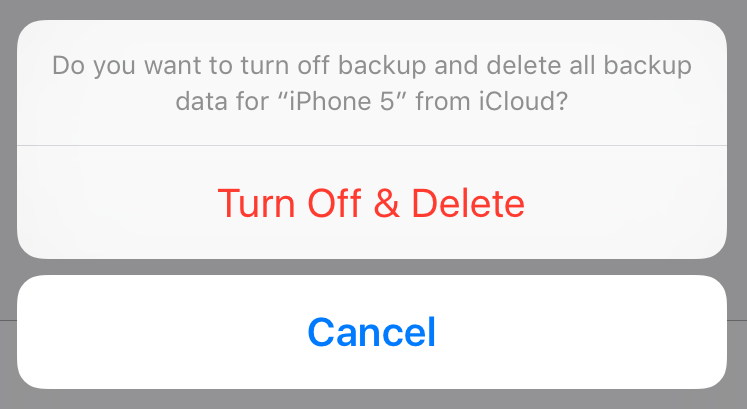
Manually backing up your iPhone or iPad, or taking advantage of iCloud automatic backups, is the best way to guarantee that you will be able to get all your data back in the event something goes wrong.
Whether you choose to backup via iTunes or iCloud, you might want to delete this backup at some point. Maybe the backup file got corrupted, or maybe you're running out of storage space on your Mac or in iCloud. Or maybe you have an entirely different reason to delete your iPhone or iPad backup file.
Whatever the reason is, we've got you covered. In this post, we will learn how to delete an iPhone backup from a Mac and we'll also see how to delete a backup file from iCloud.

Learn how to change the default macOS screenshot file format from PNG to JPG, HEIF, GIF, PDF, or TIFF to avoid manual image conversion.
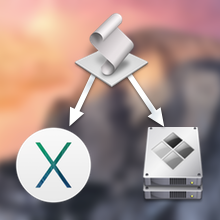
Following Apple's release of a public beta of OS X Yosemite, iDB reader Antony Verros sent us some code he wrote in AppleScript, which allows users to quickly restart a computer and automatically boot up in the installed OS of choice. For anyone who installed the OS X Yosemite beta on a separate partition, this is an easy solution for booting up into Yosemite or Mavericks without having to hold down the Option key on boot to select the desired partition. The script can even be tweaked to work with BootCamp.
While it's mostly a matter of time-saving convenience, this method can prove to be quite advantageous over time, particularly for users who find themselves frequently switching between OSs, whether it be a Yosemite beta, Mavericks, or Windows 7. Having an easily accessible application for booting into another OS while making a sandwich or refilling a cup of coffee, versus having to wait around to hold down Option, can be highly useful...

Good news ladies and gentlemen. iOS 7.1.2 is out and it's jailbreakable right now with the Pangu untethered jailbreak. That means that yes, you can update to iOS 7.1.2 and rest easy knowing that it's jailbreakable out of the box.
If you've yet to jailbreak using Pangu, be sure to follow our jailbreak tutorials which lie after the break. We have tutorials for both Windows and Mac OS X. Step inside to learn how...

The highly anticipated Pangu 1.1 update was just today released for both Windows and Mac users. Obviously, the big news here was Mac compatibility, as Mac users were left without a usable version after the initial Windows-only version of Pangu 1.1 was released.
But Windows users should be happy too, as version 1.1 of Pangu brings with it English text that makes it easier to follow along in the jailbreak process. The update also gets rid of the nefarious checkbox that allowed pirated software to be easily installed on your device.
Pangu 1.1 is a streamlined version of the original tool. If you've been on the fence about using it, then perhaps this latest update will ease your concerns. Check inside to view our step-by-step jailbreak tutorial for Pangu 1.1 on Windows.