Is your Apple TV acting up and not working properly or do you want to give it a fresh start? In this tutorial, we will show you how to reset and erase your Apple TV to its default factory settings.
How to restore your Apple TV

Learn how to master your Apple devices with our comprehensive tutorials. From iPhone and iPad to Mac, Apple Watch, AirPods, and more, our expert guides will help you unlock the full potential of your Apple products. Discover new features, tips, and tricks each day to enhance your user experience.
Is your Apple TV acting up and not working properly or do you want to give it a fresh start? In this tutorial, we will show you how to reset and erase your Apple TV to its default factory settings.

Most Bluetooth headphones have firmware that can be periodically updated, and AirPods are no different. These firmware updates tend to be extremely small and usually offer bug fixes and stability improvements to address issues users may encounter, such as rapid battery drain.
In this post, we’ll show you how to find out which firmware version your AirPods are running.
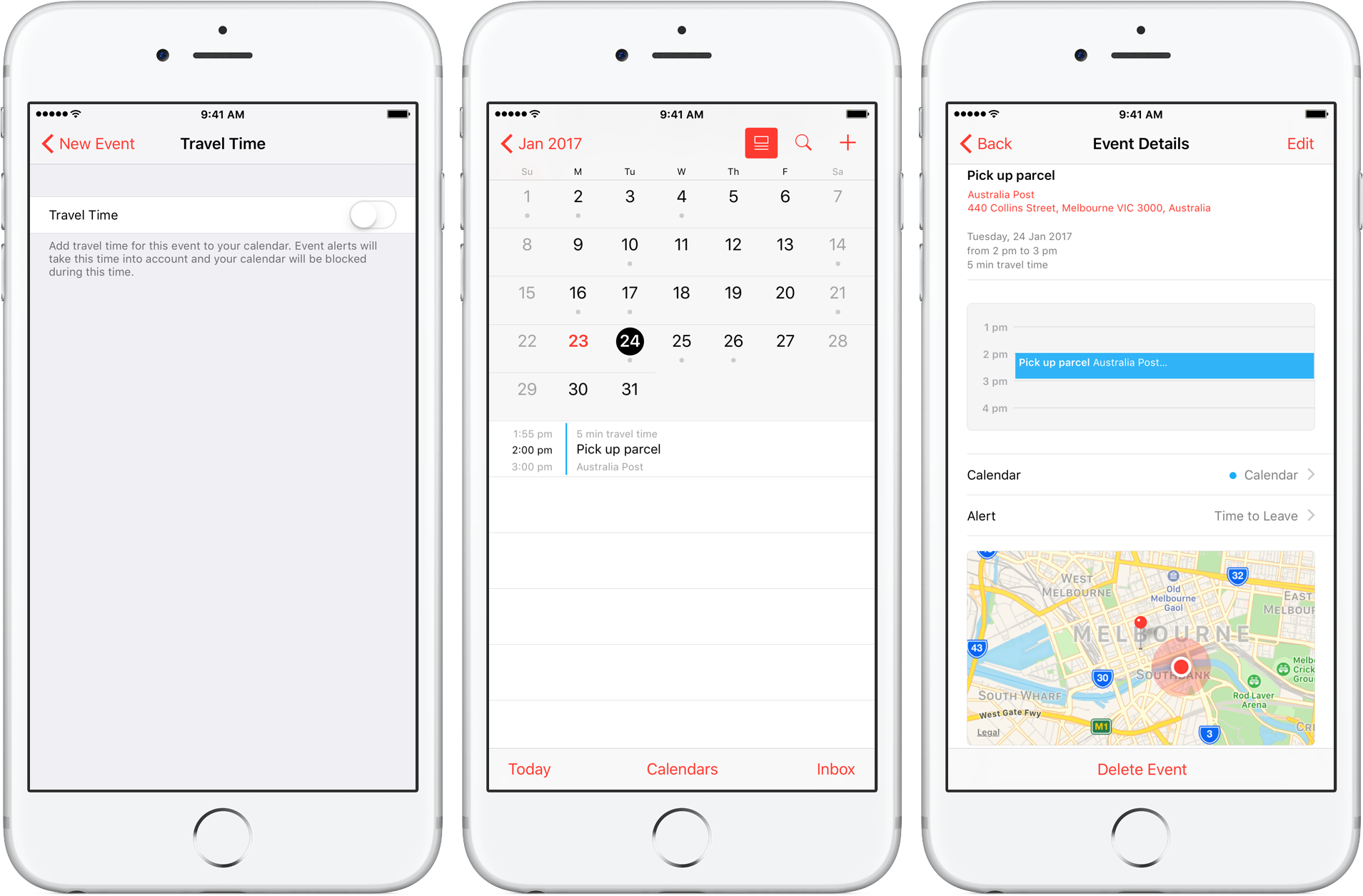
Travel Time is a nifty addition to Apple’s Calendar app, capable of precisely estimating the duration of your upcoming trip based on parameters such as milage and traffic. Used properly, it can notably ease some of your daily scheduling woes, but paradoxically, a large contingent of regular Calendar users still routinely overlook the feature.
Formerly introduced as frequent locations and traffic conditions widgets, the service has only slowly gained traction amongst users. Travel Time today however has come of age and is now neatly integrated into one of the most popular productivity applications both on iOS and macOS. So if you didn’t get the memo on the virtues of Travel Time in Calendar, here’s what you need to know.

In this tutorial, we'll show you how you can remove your credit card or other payment method information from Safari, Apple ID, and Apple Pay on your iPhone or iPad.

If you only have a small SSD in your Mac or Hackintosh, then storage space can be at a premium. For most users, by far the largest thing saved on their boot drive is the User folder, which contains their user account. If your user folder is filling up your SSD and you want to keep that high-speed storage for the operating system and applications, then this guide is for you.
It is possible to move your entire user account onto another drive, completely separate from your macOS boot drive. This will free up space on the boot drive and allow large media folders like Music, Movies, and Downloads to reside on a larger capacity drive.
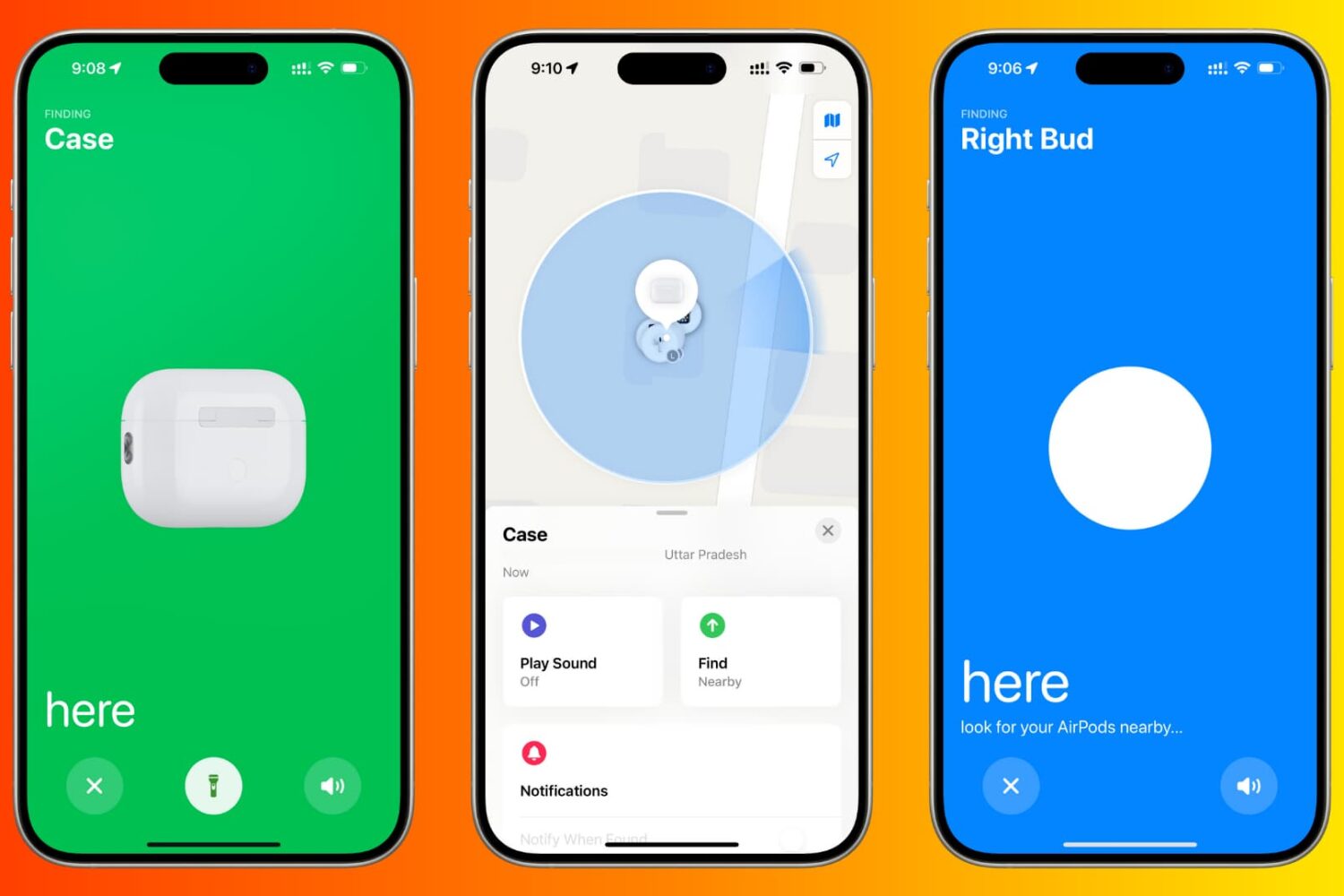
Learn how to use the Find My app or iCloud on your iPhone, iPad, or Mac to locate your lost AirPods. We’ll also show you how to make your AirPods play a high-pitched sound or use AirTag-like precision tracking to find them and their charging case.

Enable Guided Access to limit what someone else can do on your iOS device by keeping them locked to a single app on the screen. You can also use Guided Access to block touch access to selected parts of the iPhone or iPad screen.
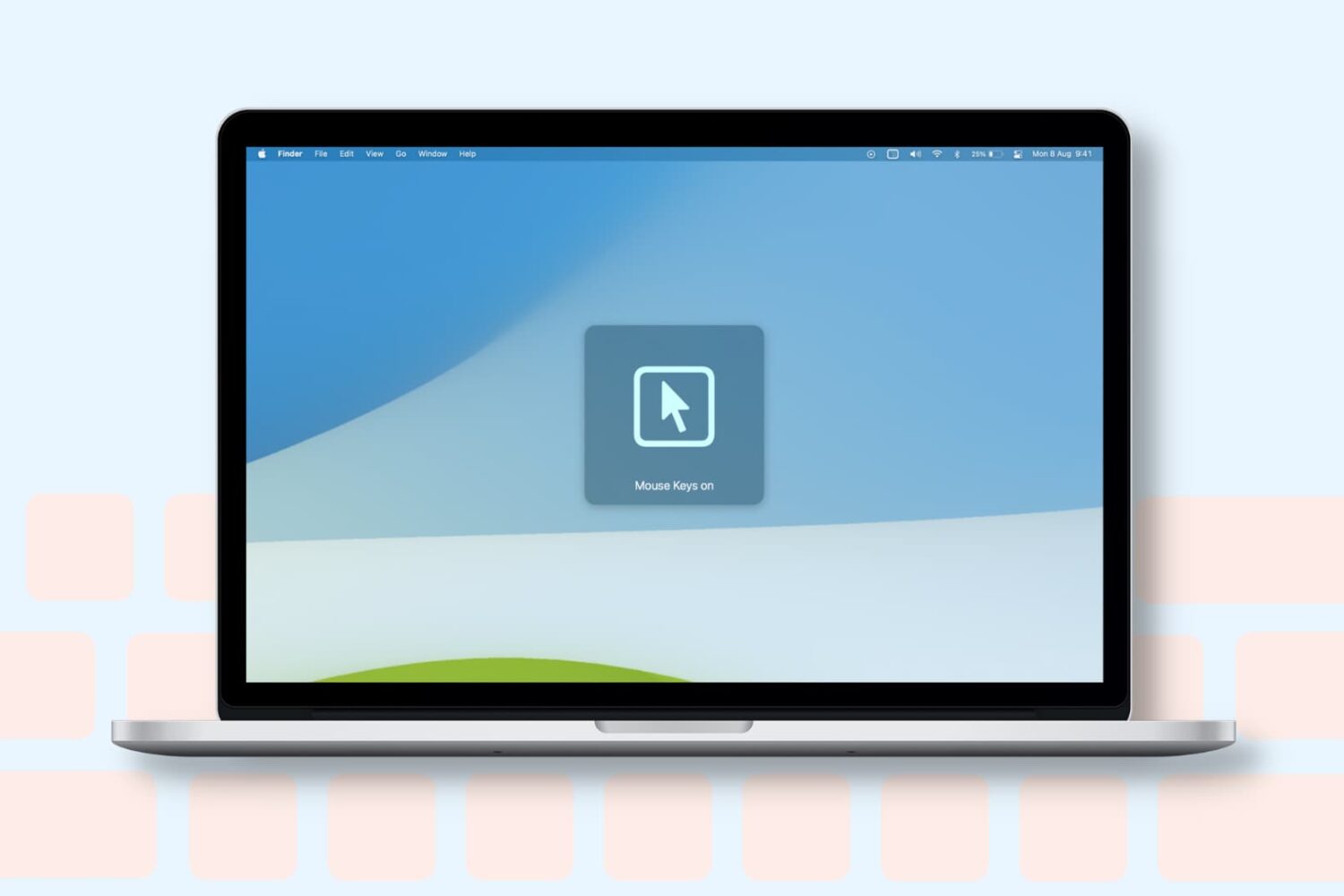
Learn how to turn on the Mouse Keys feature on your Mac to control the mouse pointer with the keyboard or numeric keypad.
In this comprehensive troubleshooting guide, we list 24 solutions to fix all or specific websites not loading in Safari on your iPhone, iPad, and Mac.
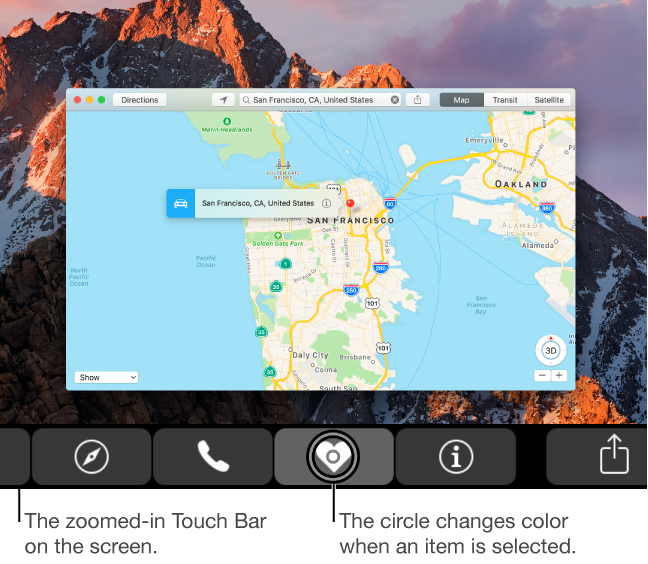
Visually impaired users who own Apple's MacBook Pro with Touch Bar may be pleased to learn that macOS provides a set of specialized Accessibility features that help people who are blind or have low vision enjoy the compelling features of Touch Bar. If you have difficulty seeing items in your Touch Bar, turning this feature on renders a larger Touch Bar on the main display. Other users should check out Touch Bar zoom, too.
In this tutorial, you'll learn how to turn Touch Bar zoom on, increase or decrease the zoom level, select or split-tap an item on Touch Bar and use other specialized gestures.

Learn how to add line breaks in your Instagram photo captions, comments, and profile bio to improve readability and separate your text into sections.
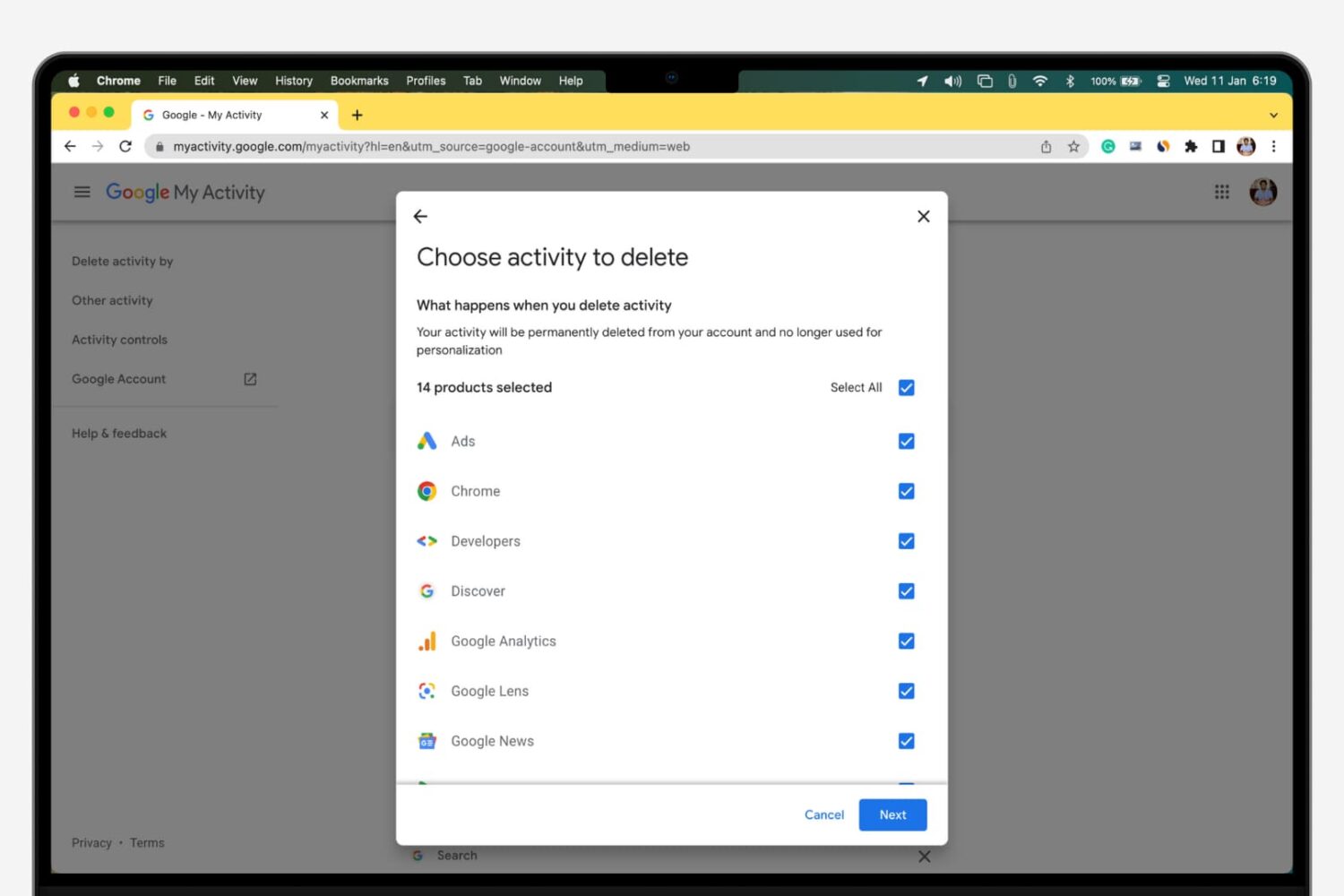
Whenever you make a Google search while being logged in to any service from the company, your search is saved to your Google account’s activity. This is designed to help improve your search experience by increasing the amount of relevant results you'll see.
In this tutorial, we’ll show you how to view and delete your Google search query history, a step you can take to increase your privacy by preventing others from seeing what you’ve searched for.