Learn how to change the double-tap skip forward and rewind duration from the default 10 seconds to something else in the YouTube mobile app on your iPhone or Android phone.
How to change YouTube’s 10s double-tap skip duration

Learn how to master your Apple devices with our comprehensive tutorials. From iPhone and iPad to Mac, Apple Watch, AirPods, and more, our expert guides will help you unlock the full potential of your Apple products. Discover new features, tips, and tricks each day to enhance your user experience.
Learn how to change the double-tap skip forward and rewind duration from the default 10 seconds to something else in the YouTube mobile app on your iPhone or Android phone.
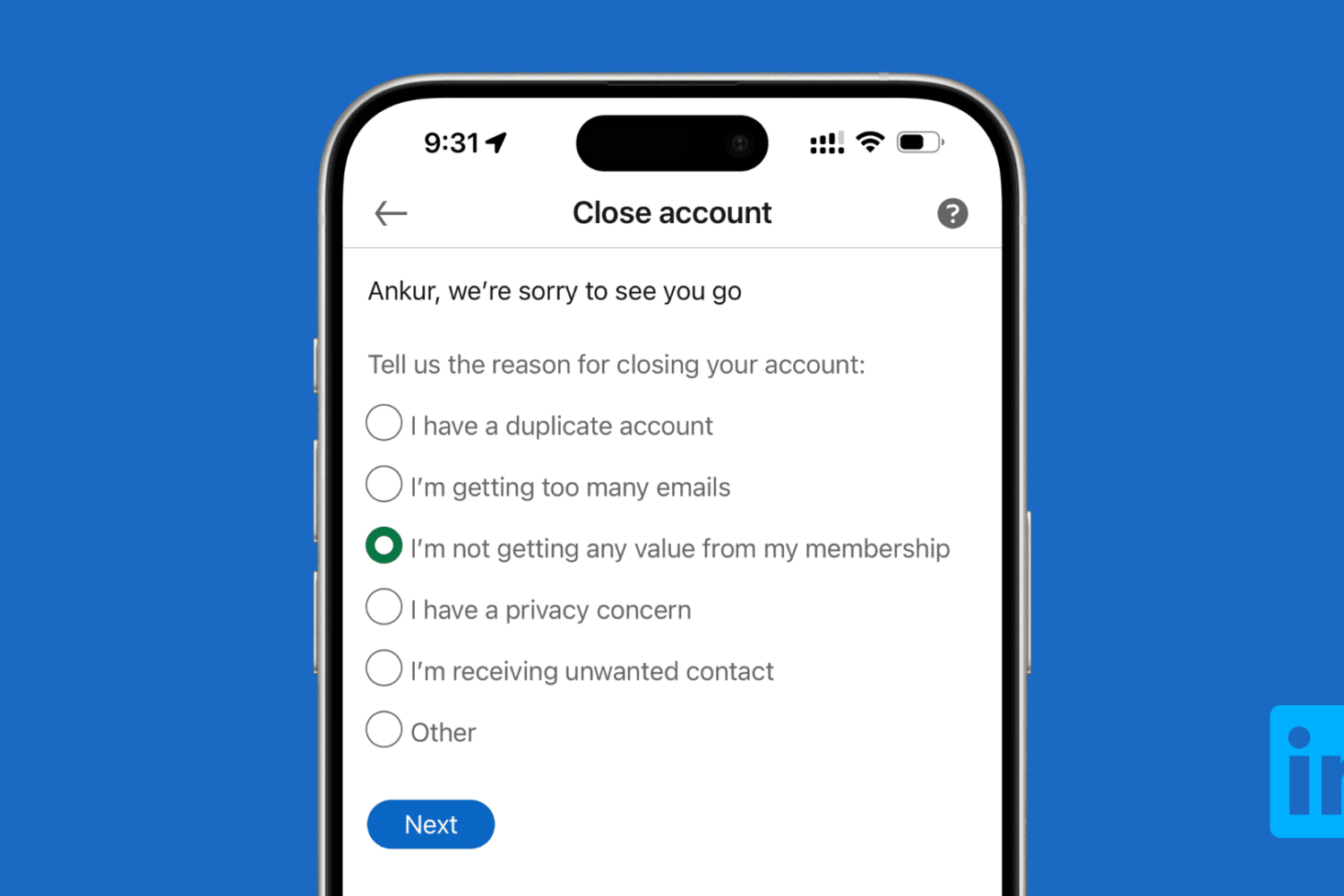
Learn how to download all your data and then delete your LinkedIn account using a computer or the mobile app on your iPhone or Android phone.

Use a simple Terminal command to find out when macOS was last reinstalled on your Mac.
If you have Beats-branded audio devices, then they might have a firmware installed on it that sometimes need to be updated.
In this tutorial, we’ll show you how to check for updates for any of your supported Beats devices. Keep in mind that some Beats audio devices do not need to be updated.

In this step-by-step tutorial, we’ll show you how to manually install new firmware for your earbuds and check the version number of the firmware currently running on your AirPods, AirPods Pro, or AirPods Max.

Check out these 3 ways to remove the Spotlight Search icon from the top menu bar on your Mac and keep your desktop clutter-free.

In this tutorial, we share eight useful tips for getting the most out of Mac’s built-in controls for resizing, minimizing, maximizing, and moving app windows around.

On Sunday evening, millions of people will gather around their TV sets to watch Super Bowl 51. The Atlanta Falcons are taking on the New England Patriots for the title of NFL Champion, and Kickoff is set for 6:30 (ET).
For those of you who aren't going to be around a television for the big game, never fear, iDB has you covered! We've rounded up the best ways to follow along with the action on your iPhone, iPad, Apple TV and other devices.

Called a Live Broadcast, this feature that Instagram rolled out allows users to share live videos as Instagram stories in real time. Followers can then watch the live stream, submit comments, and Like the video has it is being streamed.
In this post, we will show you how to share a live broadcast on Instagram, and how you can connect with your followers in the process.
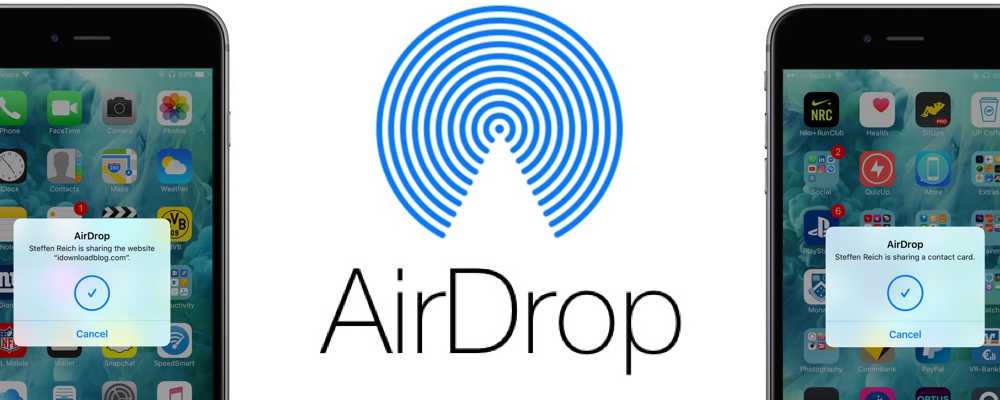
In the absence of reliable figures from Apple, it is not much more than conjecture to say that AirDrop is likely a feature often neglected by the average iOS user. The gut feeling persists though, simply based on day to day observations, and it is a tenable position to take until proven wrong by Cupertino or another reputable source. The file transfer protocol is indeed handy for the transfer of heavier media files (e.g. videos, photo albums), but often only becomes relevant to us when we for example have upgraded to a new device.
Next to sheer transmission speed however, there are other notable areas where AirDrop has the clear edge when it comes to sharing all kinds of material from your iPhone. The AirDrop icon has now fully permeated the sharing tab in iOS 10’s user interface and that is for a good reason: it is without fail going to be more nimble than iMessage, Mail or other contenders, often actually skipping steps that would throttle the process elsewhere. Such being the case, here are some unique scenarios where AirDrop excels on your iPhone and why you should try to embrace the feature more regularly.
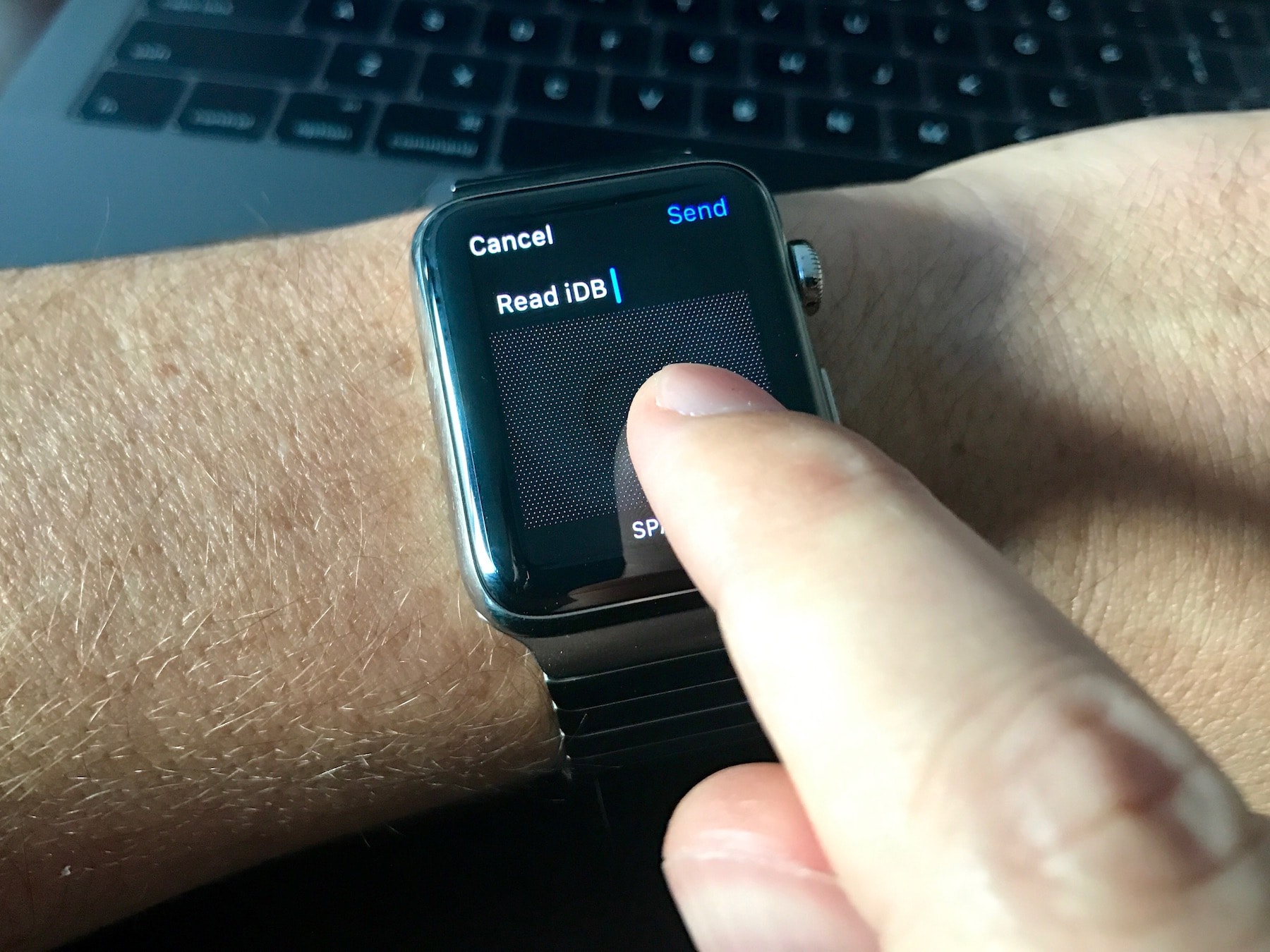
Do you often face difficulties typing words using the Scribble feature? In this guide, we will share five handy tips to make the most of Scribble on your Apple Watch to improve your typing experience.

Our account deletion series has provided detailed tutorials about deleting various service accounts with major companies like Facebook, Google, Apple, Yahoo, PayPal, Netflix, Twitter and many more. In today's step-by-step guide, you'll learn how to close your account with eBay, remove your payment information and ensure that your private data stored on eBay's servers is permanently and safely deleted.