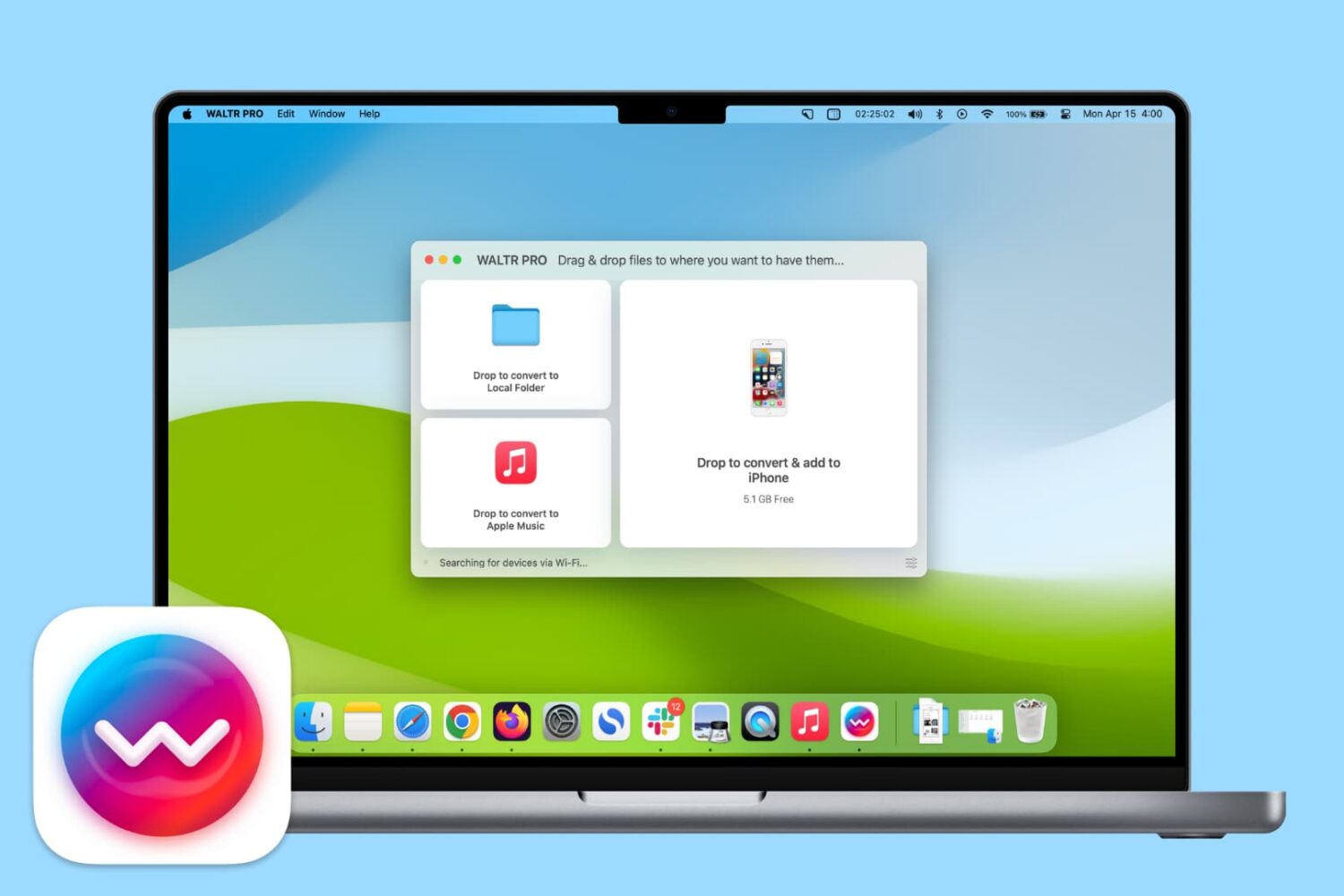
Learn how you can use the WALTR PRO app on your Mac or Windows PC to convert and add songs to the Music app on your iPhone or iPad with ease.
How to add music to your iPhone or iPad using WALTR PRO
Learn how to master your Apple devices with our comprehensive tutorials. From iPhone and iPad to Mac, Apple Watch, AirPods, and more, our expert guides will help you unlock the full potential of your Apple products. Discover new features, tips, and tricks each day to enhance your user experience.
Learn how you can use the WALTR PRO app on your Mac or Windows PC to convert and add songs to the Music app on your iPhone or iPad with ease.

Learn how to turn off inertial scrolling in macOS so that your Mac stops scrolling immediately when you lift your finger instead of gradually.

Following the recent announcement that the Vine app as we know it will be sunset and morphed into a camera app, today is your last chance to save those Vine videos you created and published on the service over the years.
As the Vine app will officially become Vine Camera today (January 17th), the company says all videos uploaded will remain on the vine.co website where you'll still be able to watch them, but if you were big on Vine, it might still be a good idea to save all your creations locally either to your iPhone or to a computer.

Learn how to set up and use multilingual typing on your iPhone to write in up to three different languages on one keyboard without switching locales.

Sometimes a developer's repo goes down, they withdraw a tweak, or they update the tweak on their repo and don't leave your favoured previous version up. In these cases, you may want to save the tweak to your device so as to have it for later use.
The trouble is that Cydia removes the install files, saved in .deb format, after it has finished installing the tweak to your device. So unless you save the .deb file after you download it from Cydia, but before it installs (which is unlikely as it's cumbersome and easy to forget to do), you would seem to be out of luck. But are you? In this guide, we'll show you how to repackage already installed tweaks into .deb files for safekeeping, using redeb.

In this brief tutorial, you'll learn how to quickly share your Activity Rings, workouts, or awards as standalone images from your iPhone or Apple Watch.
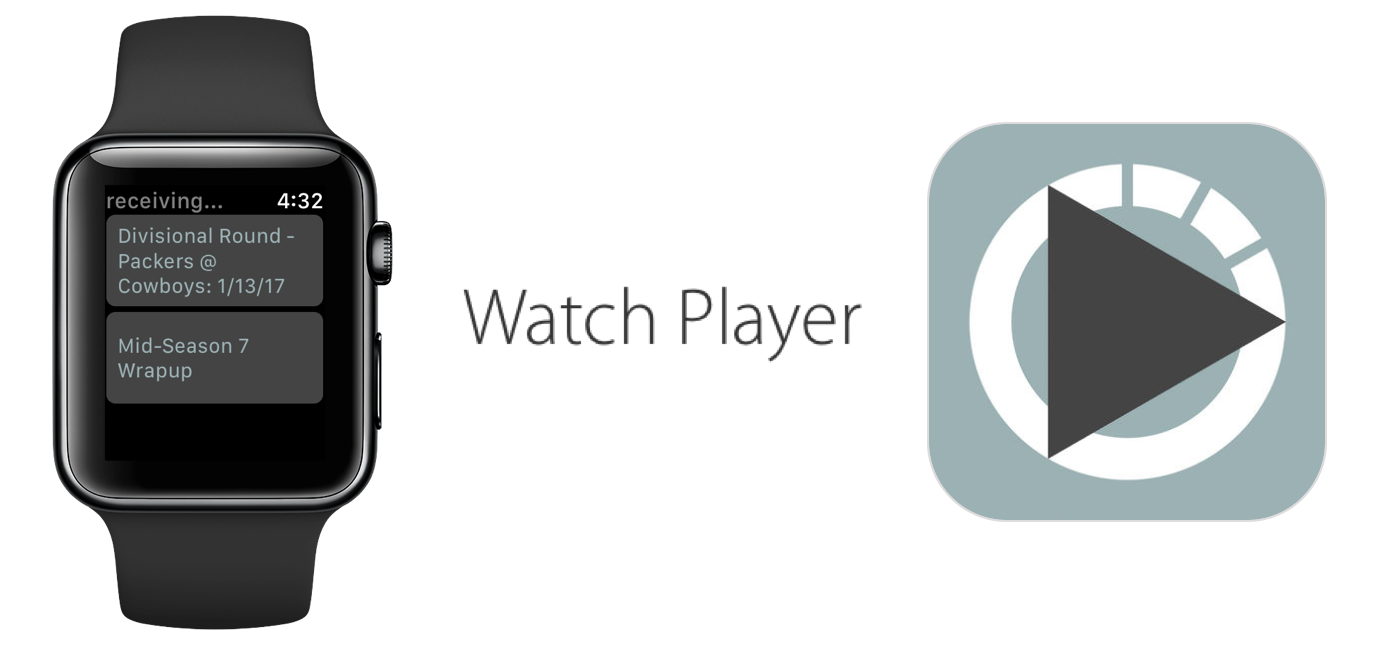
The ability to store and play podcasts on Apple Watch is one of many features advocated for regarding future watchOS updates, but so far it has fallen on deaf ears at Apple. With the cries for podcasts on Watch slowly reaching fever pitch, developers have taken matters into their own hands and released a fully functional podcast app that enables the transfer of your favorite subscriptions from iPhone to Apple Watch.
The app goes by the name WatchPlayer and (while moody at times) gives a solid account of itself, effectively beating Apple to the punch in the podcast race. Find out below how the data transfer is realized, where it trumps Apple's stock apps and what areas of WatchPlayer could do with some attention.
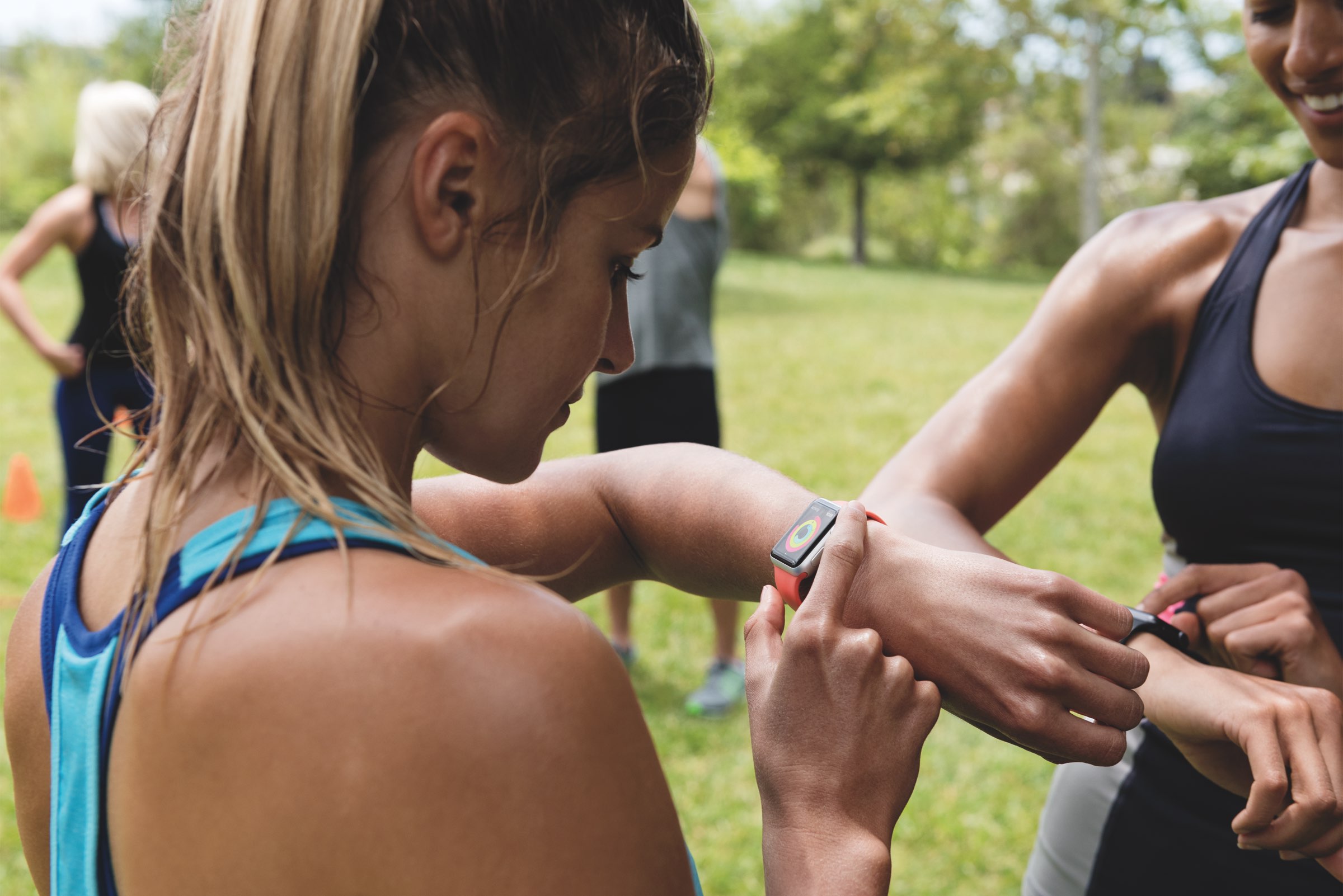
Find out how to use Activity Sharing on your iPhone and Apple Watch to share your daily Activity rings with your family, friends, trainer, or coach. You can use this to compete with them for motivation, or let them track your daily activity progress.
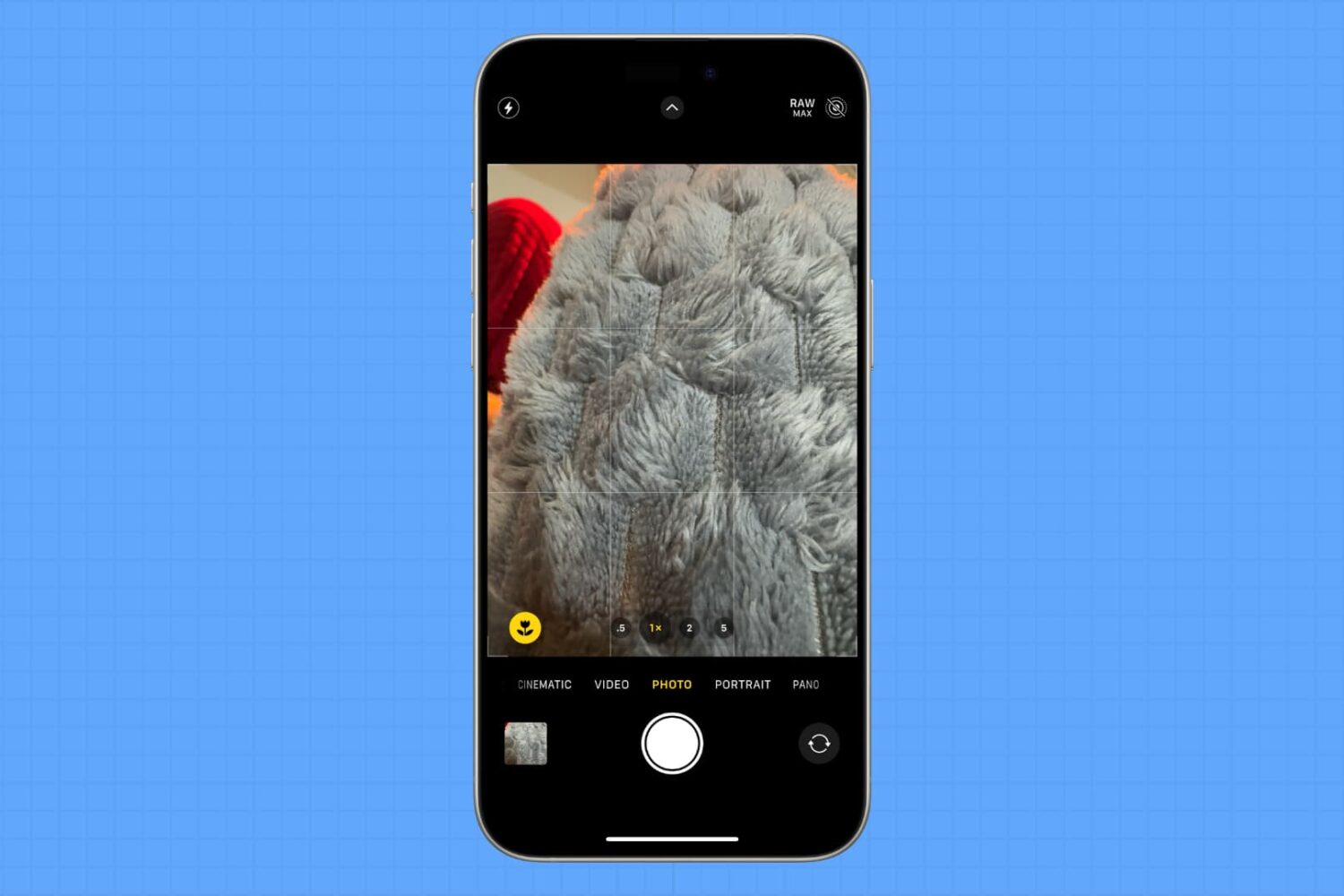
Learn how to have the Camera app on your iPhone or iPad remember your last set of preferences and not reset the options to the default when you exit and reopen it later.
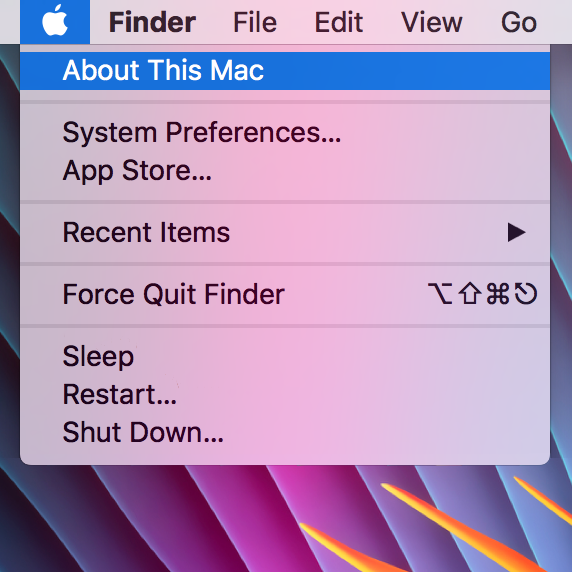
The "About This Mac" window contains information relating to your computer specifications and OS version, and is useful for quickly checking any of those details. However, it's a little impersonal, and often (on a Hackintosh), incorrect. If, like me, you enjoy customising your machine to your own personal taste then this guide should help somewhat, by jazzing up the "About This Mac" section.
Venturing into the depths of iTunes is no longer an activity for the faint-hearted, as Apple’s gold mine is famously becoming more convoluted with every update. It is by no means impossible to keep up with the changes, but staying on top of every small cosmetic shift does pose a decent challenge today.
As somebody very fond of the spoken word on iTunes, I can attest that this general rule holds true for audiobooks as well. So as I was fiddling around with some old school CDs the other day and trying to move audio files within my iTunes library to the Audiobooks tab, I noticed my old methods were already outdated again. If you’re not up to speed on iTunes, here’s a refresher on how to get your talking book to properly identify as Audiobooks inside the application, followed by an encore for CD enthusiasts with regard to joining tracks during import.

The Mail app in macOS is a multi-email handler and supports a wide variety of email platforms. That said, it you wanted to move some of your emails from one of your email account inboxes to another, you could.
This is a handy feature to know if you sent or received an email via the wrong account and wanted to keep your emails organized under the correct email inbox, so we’ll show you how it can be done in this tutorial.