Here’s how to quickly convert a colorful PDF to black & white or gray tone using the built-in Apple Preview app on your Mac.
How to convert a color PDF to black and white on Mac
Learn how to master your Apple devices with our comprehensive tutorials. From iPhone and iPad to Mac, Apple Watch, AirPods, and more, our expert guides will help you unlock the full potential of your Apple products. Discover new features, tips, and tricks each day to enhance your user experience.
Here’s how to quickly convert a colorful PDF to black & white or gray tone using the built-in Apple Preview app on your Mac.

Facebook takes advantage of facial recognition in several ways.
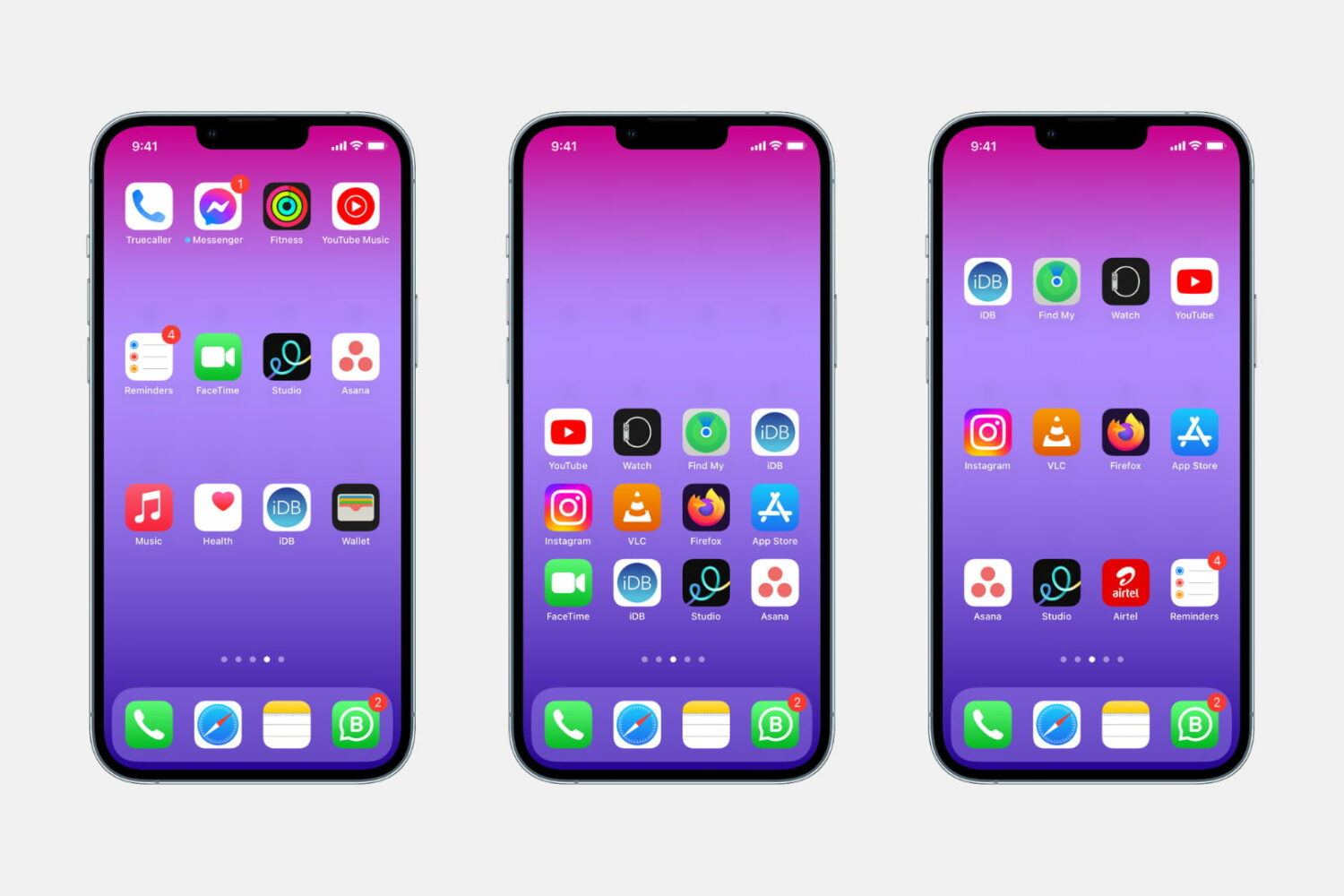
Whether you want to show off your beautiful wallpaper or simply want your setup to look different from the millions of other iPhones out there, one of the best ways to do that is to use widgets, create a blank Home Screen with no app icons, or add blank icons to your Home Screen. In this tutorial, we will focus on the latter.
These invisible icons will allow you to create empty spaces on your Home Screen to either let the wallpaper shine or arrange your app icons in a very specific way. For example, you can place all the empty icons on the top, which will push your meaningful app icons down, making them easier to reach when using your iPhone in one-handed mode.
This tutorial will show you how to create blank, transparent iPhone icons with no jailbreak required.
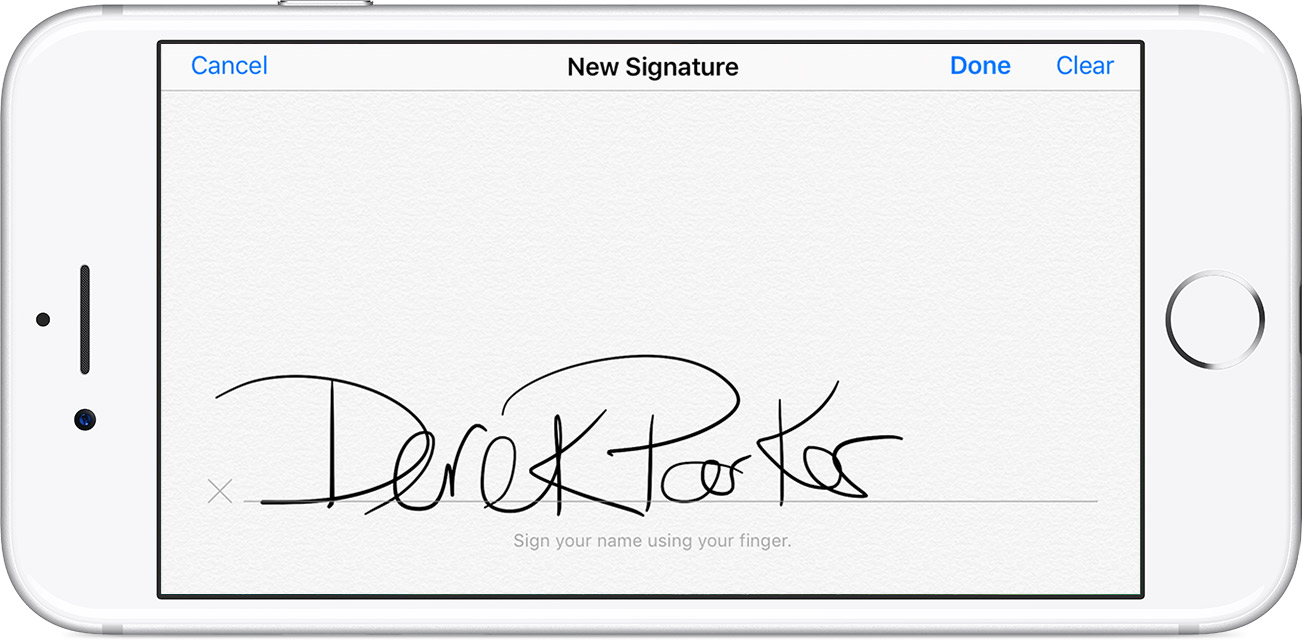
You can digitally sign PDF documents on your iPhone, iPad, or iPod touch without needing any third-party app. Here's how to use Apple's built-in Markup feature to add your signature to a PDF file or manually sign a document.

Learn how to open a note in its own window to make it float over the Notes app or to keep it on top of all other app windows on Mac.

In this guide, we'll show you how to stop displaying Maps directions and receiving alerts for every upcoming turn on your Apple Watch.
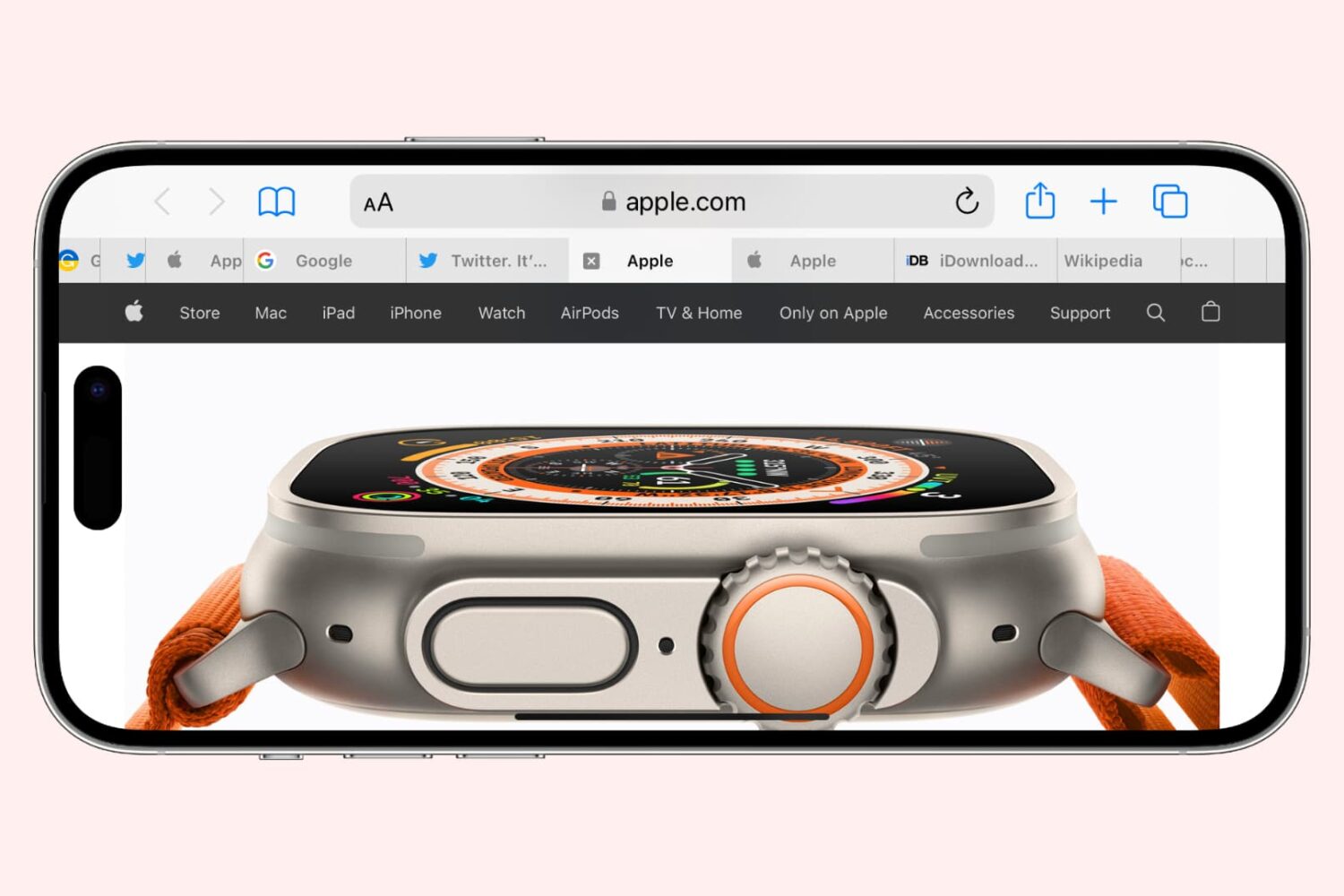
Learn how to cycle through open tabs in Apple's Safari browser on the iPhone, iPad, and Mac using a familiar gesture, an on-screen button, or a keyboard shortcut.
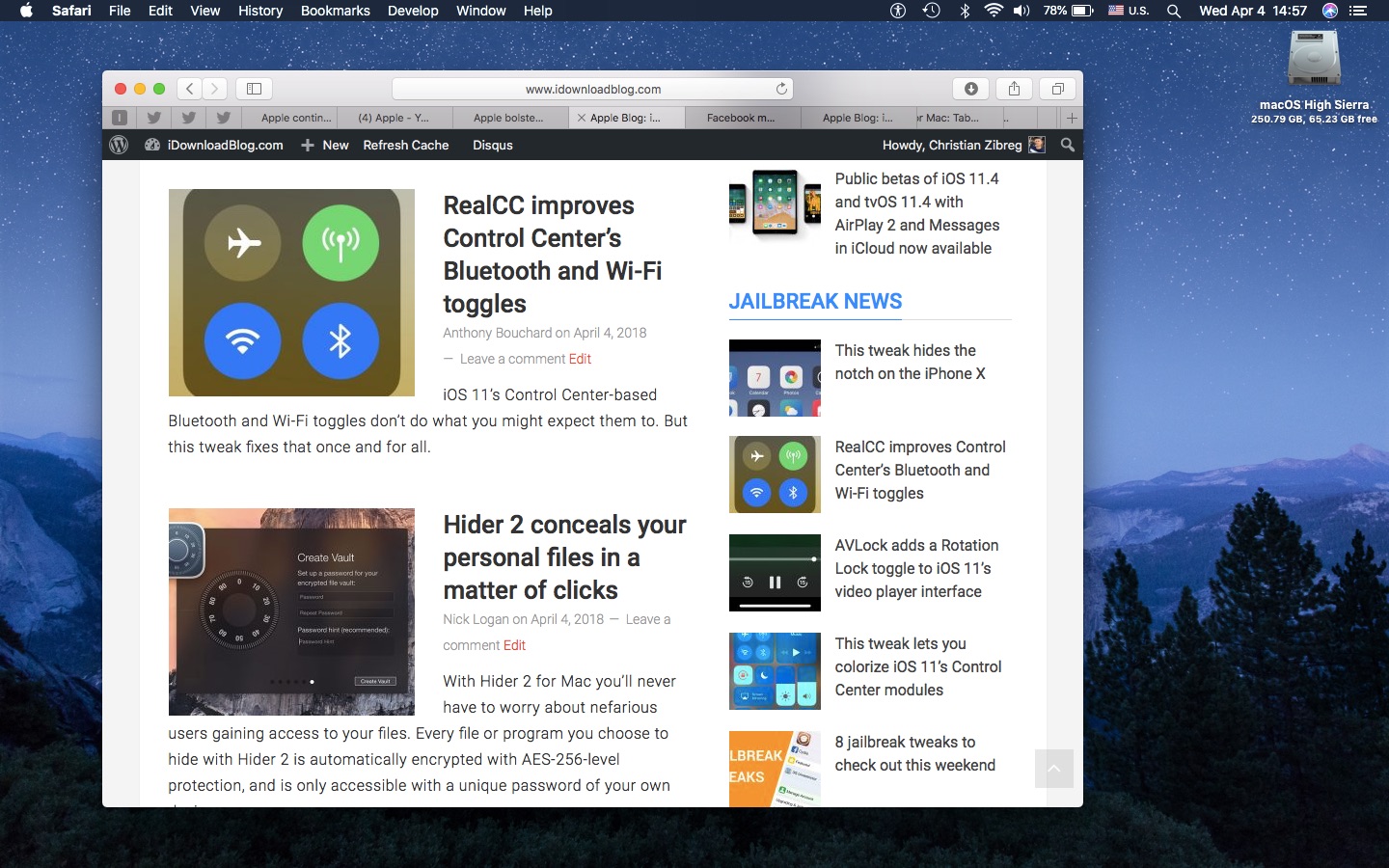
If you’re going to make the most of Safari as your desktop browser, it might make sense to memorize some of the best keyboard shortcuts to supercharge your browsing workflow.
This is especially true for folks who have dozens of open tabs at any given time. Safari for Mac provides you with many productivity-infused keyboard shortcuts that save time, including a trio of essential keyboard combinations for quickly switching between your open tabs.
TUTORIAL: 11 must-know Safari keyboard shortcuts for Mac
The macOS High Sierra 10.13.4 software update brought out yet another powerful shortcut for quickly getting to the rightmost tab. This is a handy productivity feature for those times when you have more tabs than fit Safari's tab bar.
It's only available on Macs that run macOS High Sierra 10.13.4 or higher so be sure to update your copy of macOS to the latest version available by choosing App Store from the Apple menu, then click the Updates tab.
How to jump to rightmost Safari tabTo get to the rightmost open tab in Safari for Mac, press Command (⌘)-9 on the keyboard.
Again, this particular shortcut requires that macOS High Sierra 10.13.4 or later be installed on your Mac. If you have an older macOS edition, pressing the same shortcut will select your ninth tab from the left. In case you didn't know, you can jump quickly to any of your first eight tabs by pressing Command (⌘)-1 to Command (⌘)-8.
macOS High Sierra 10.13.4 and up allows jumping to the rightmost open tab using Command-9
You can cycle through your open tabs even faster with a trackpad gesture: when there are more tabs than fit in Safari's tab area, use your trackpad to swipe left or right over the tab bar to scroll through your open tabs like a pro.
TUTORIAL: 3 ways to reopen recently closed tabs in Safari for Mac
And if your Mac has the Touch Bar feature, you can touch an icon displayed on the Touch Bar to jump directly to the corresponding tab or scroll through all of your open tabs by swiping left or right over the Touch Bar area.
Need help? Ask iDB!If you like this how-to, pass it along to your support folks and leave a comment below.
Got stuck? Not sure how to do certain things on your Apple device? Let us know via help@iDownloadBlog.com and a future tutorial might provide a solution.
Submit your how-to suggestions via tips@iDownloadBlog.com.

Learn how to efficiently manage your Safari tabs with these four different techniques to close all tabs except the one you’re currently browsing.
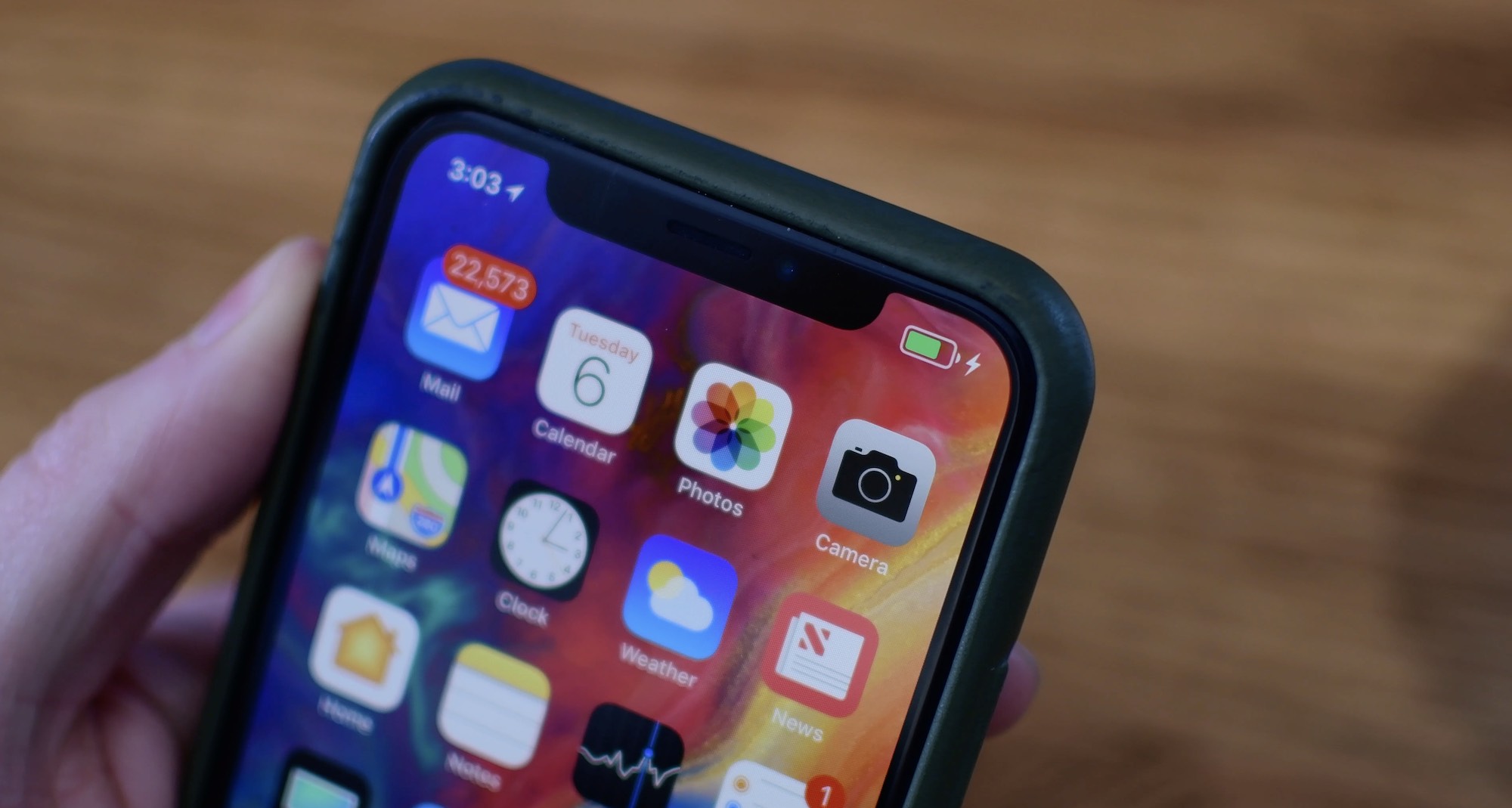
Learn more about your iPhone’s battery health, how it works, and what messages you may see in your battery settings if your performance is affected and you face unexpected shutdowns.
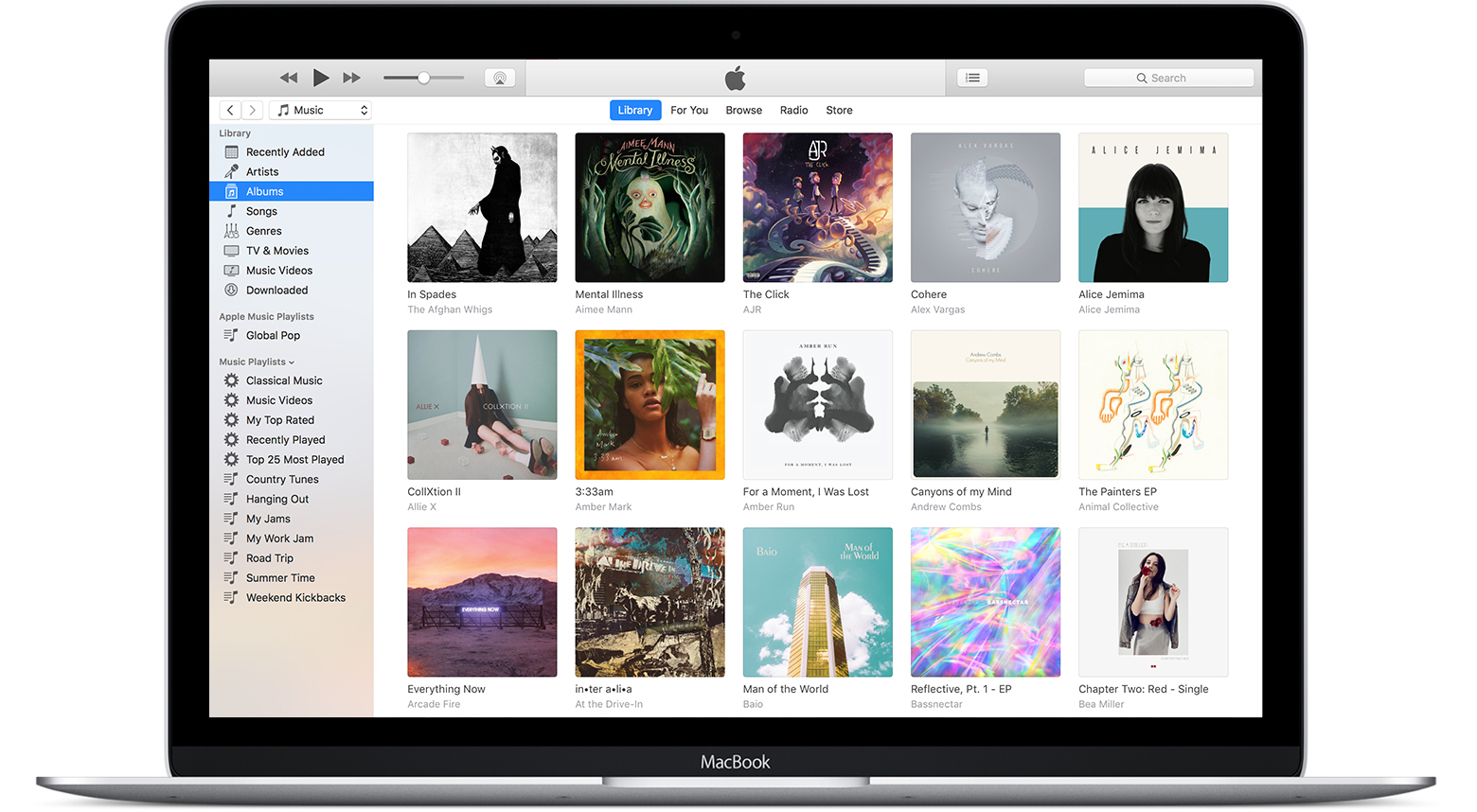
In this tutorial, we will show you how to find and delete all duplicate songs in your Apple Music or iTunes library on your Mac or Windows PC. Doing so will clean your media library and help reclaim local disk space.

Like other Apple devices, your HomePod permits you to set custom alarms.
You can create multiple alarms using just your voice, optionally add some context to them, if you like, and more. Your Siri speaker will signal you when one of your created alarms goes off.
Siri on HomePod allows you to create as many alarms as you want, manage them, remove ones you no longer need, turn specific alarms on or off, create recurring alarms, and more.
Alarms do not synchronize across multiple devices via iCloud. Any alarms created using your HomePod will not appear on your Mac, iPhone, or other devices, and vice versa.