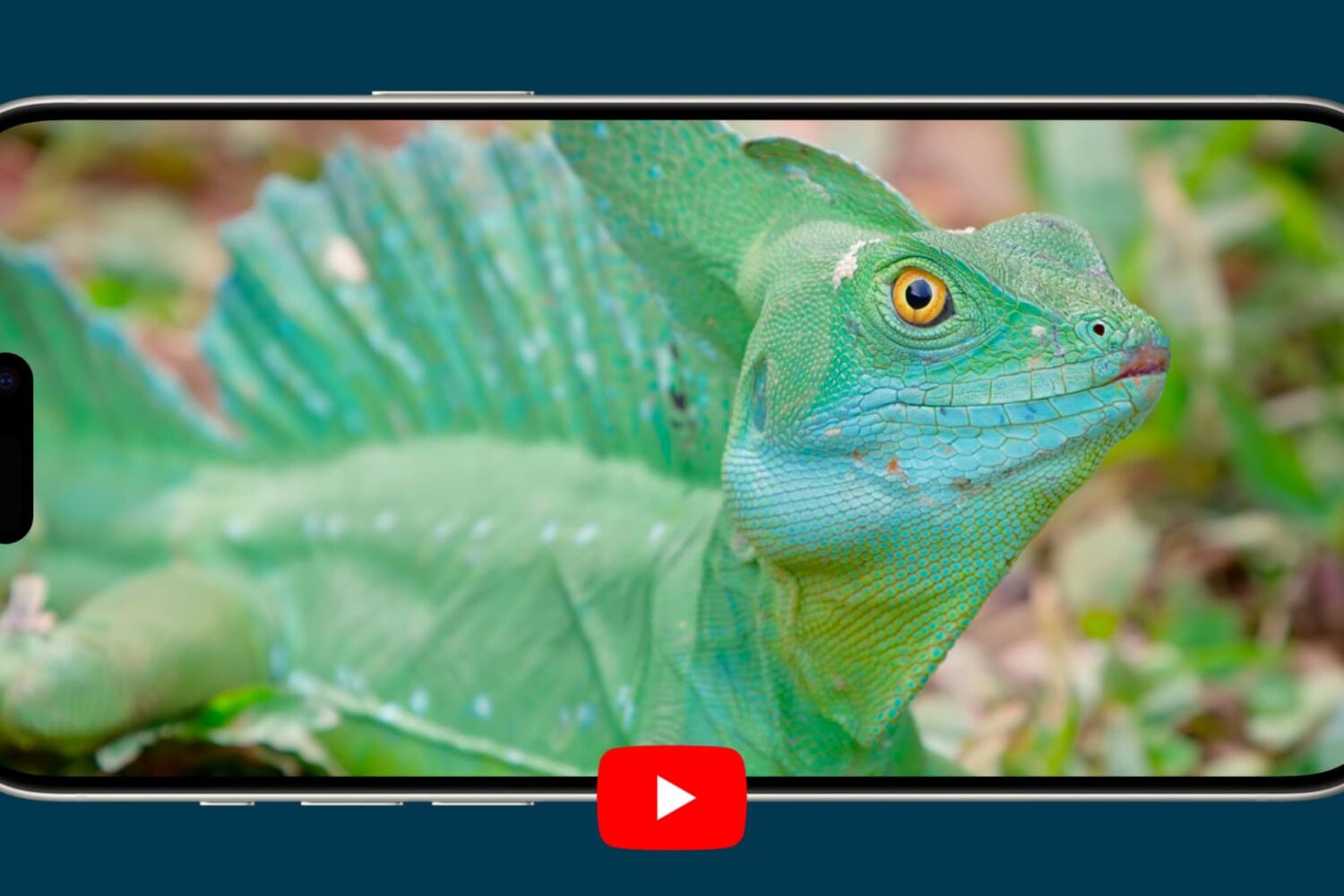
Learn how to watch YouTube videos in High Dynamic Range (HDR) on your iPhone or iPad to get more realistic colors than standard video.
How to watch YouTube in HDR on iPhone and iPad
Learn how to master your Apple devices with our comprehensive tutorials. From iPhone and iPad to Mac, Apple Watch, AirPods, and more, our expert guides will help you unlock the full potential of your Apple products. Discover new features, tips, and tricks each day to enhance your user experience.
Learn how to watch YouTube videos in High Dynamic Range (HDR) on your iPhone or iPad to get more realistic colors than standard video.
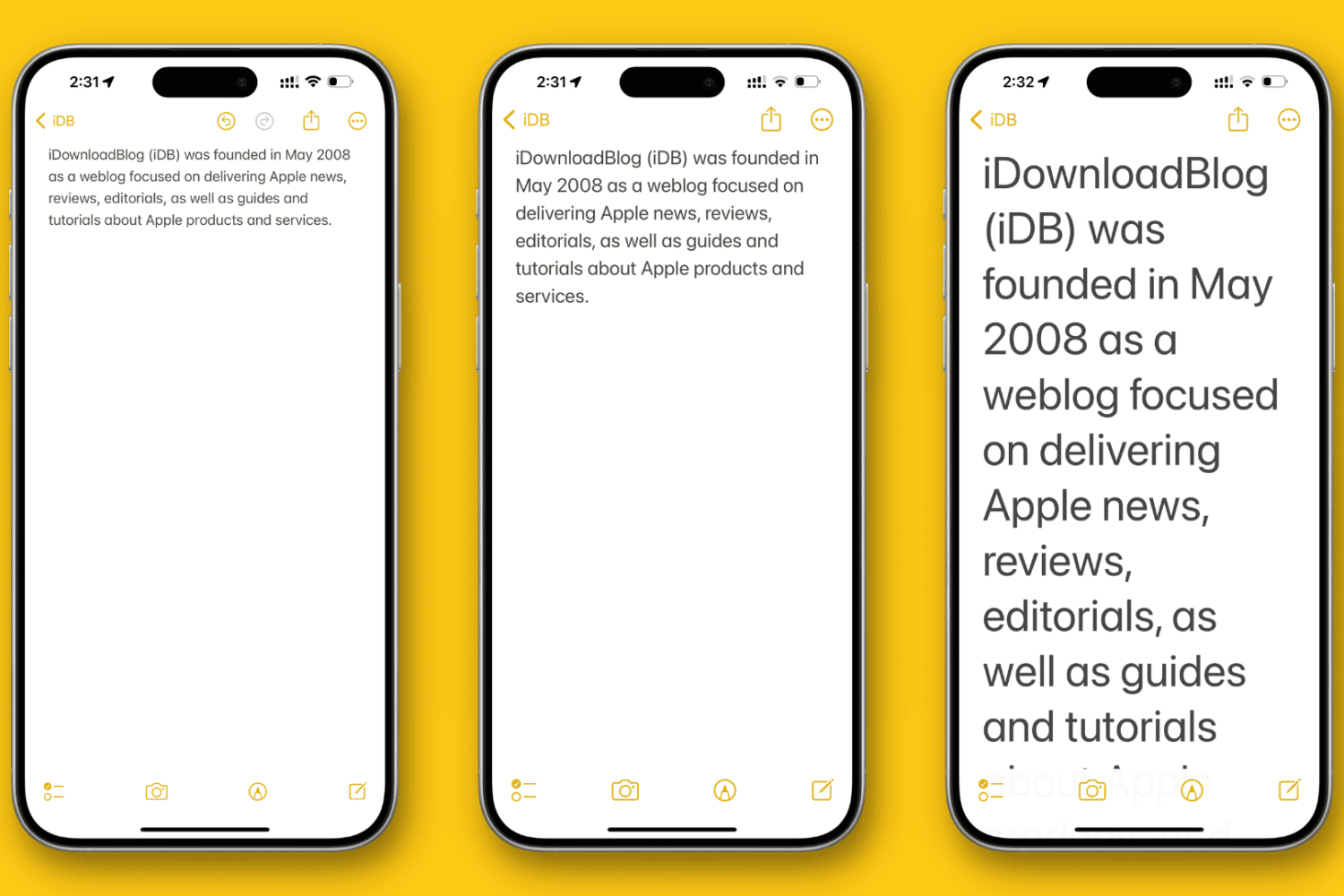
In this tutorial, we’ll show you how to change the overall text size to a level that makes it comfortable to view the contents on your iPhone or iPad screen.
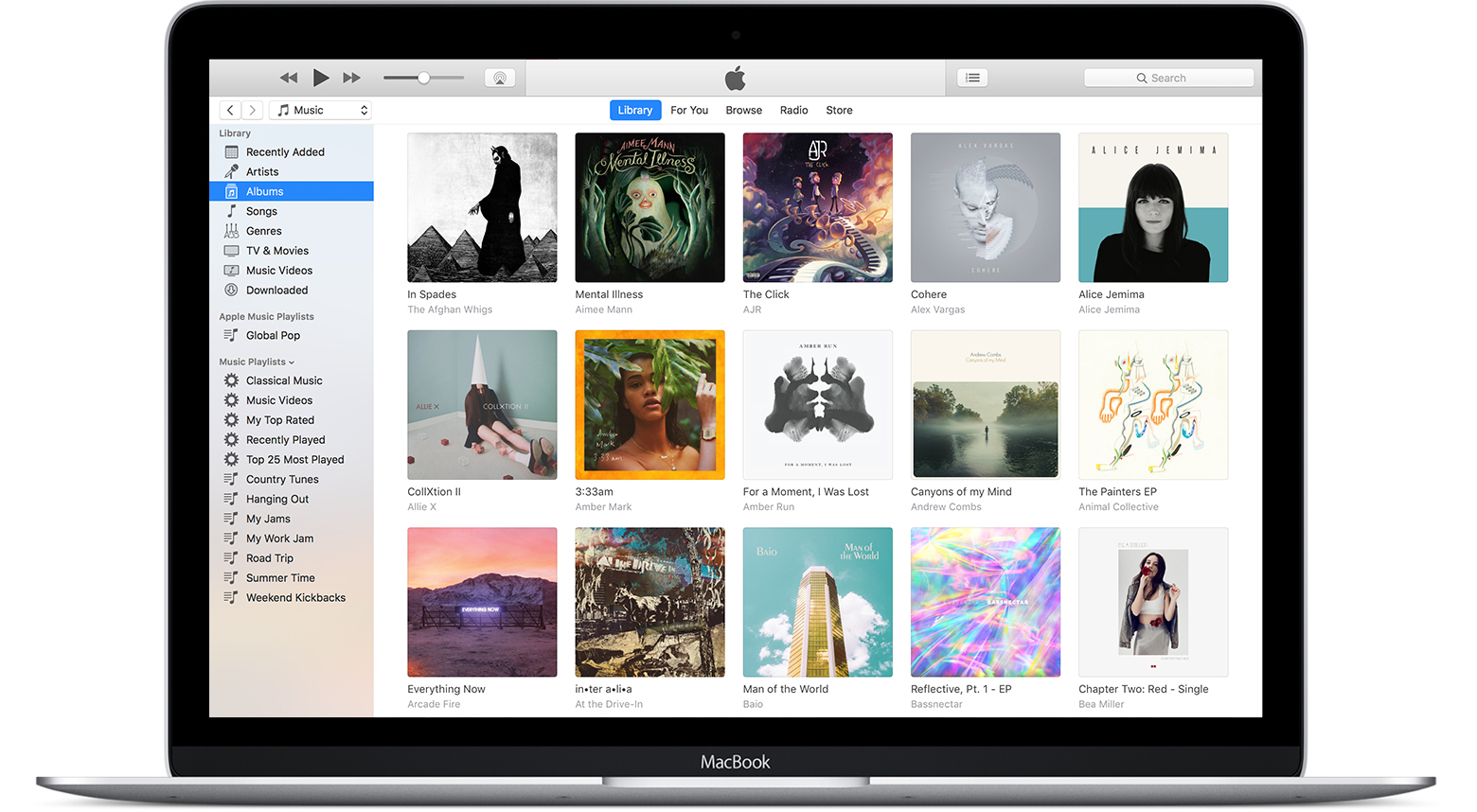
In this tutorial, we’ll show you how to use the referenced Music library feature to stop the app from creating duplicate copies of your media and help save local space on your Mac or Windows PC.

Learn how to expand the image scrubber into a handy video timeline when viewing a Live Photo in the Photos app on your iPhone or iPad.
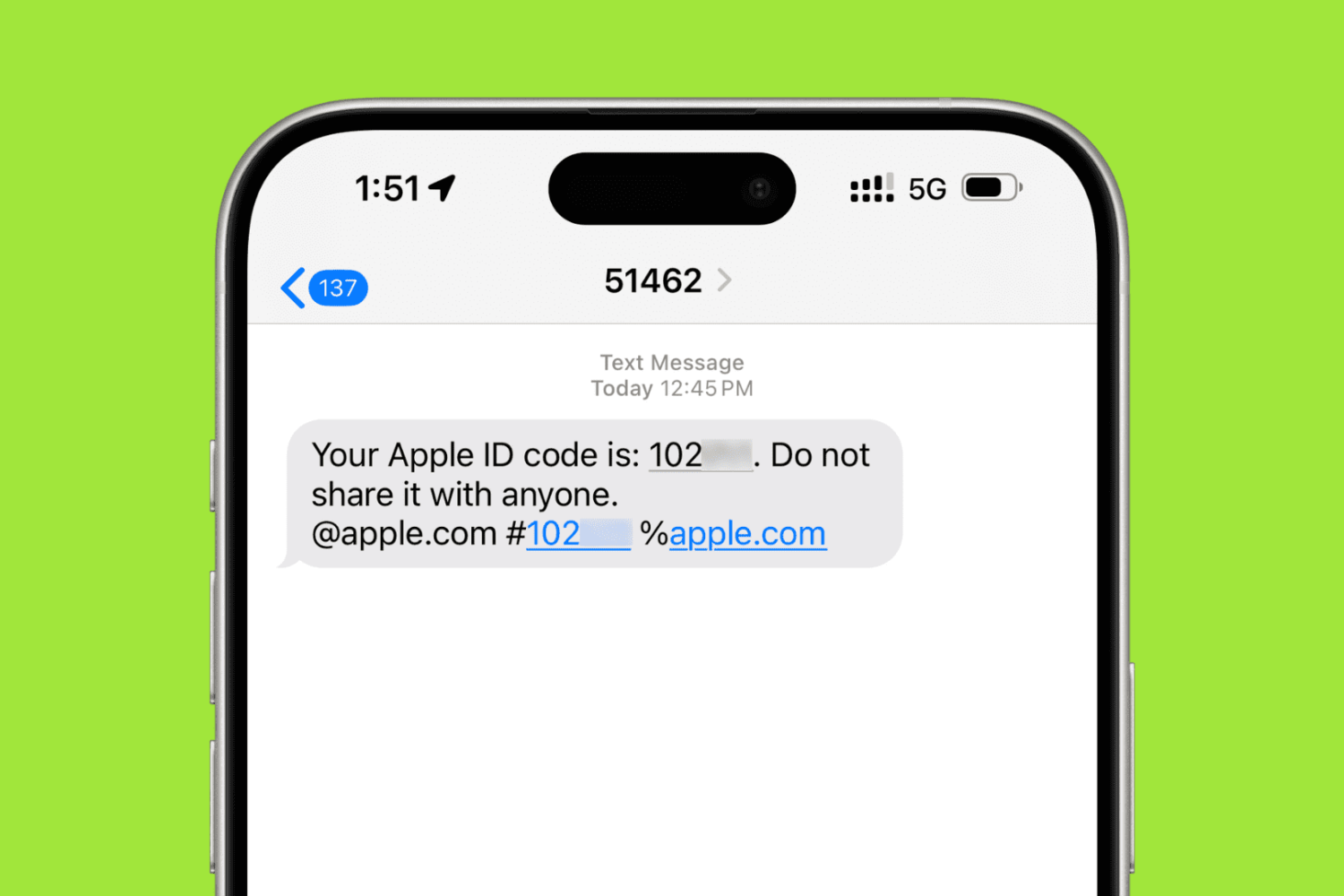
In this step-by-step tutorial, we’ll show you how to add a trusted phone number to your Apple Account for two-factor authentication (2FA) purposes. These steps will also help if you want to remove an existing phone number and stop it from receiving 2FA login codes.
In this step-by-step tutorial, we'll show you how to download an archive of your Instagram account, including the photos and videos you've uploaded to the service, any archived Stories, comments on your posts, instant messages, and other data.

Downloading watchOS software to your Apple Watch is a tremendously slow process. But did you know you can make your Apple Watch update faster?
In this tutorial, we show you how to dramatically speed up the utterly slow process of sending the watchOS installer files to your Apple Watch.
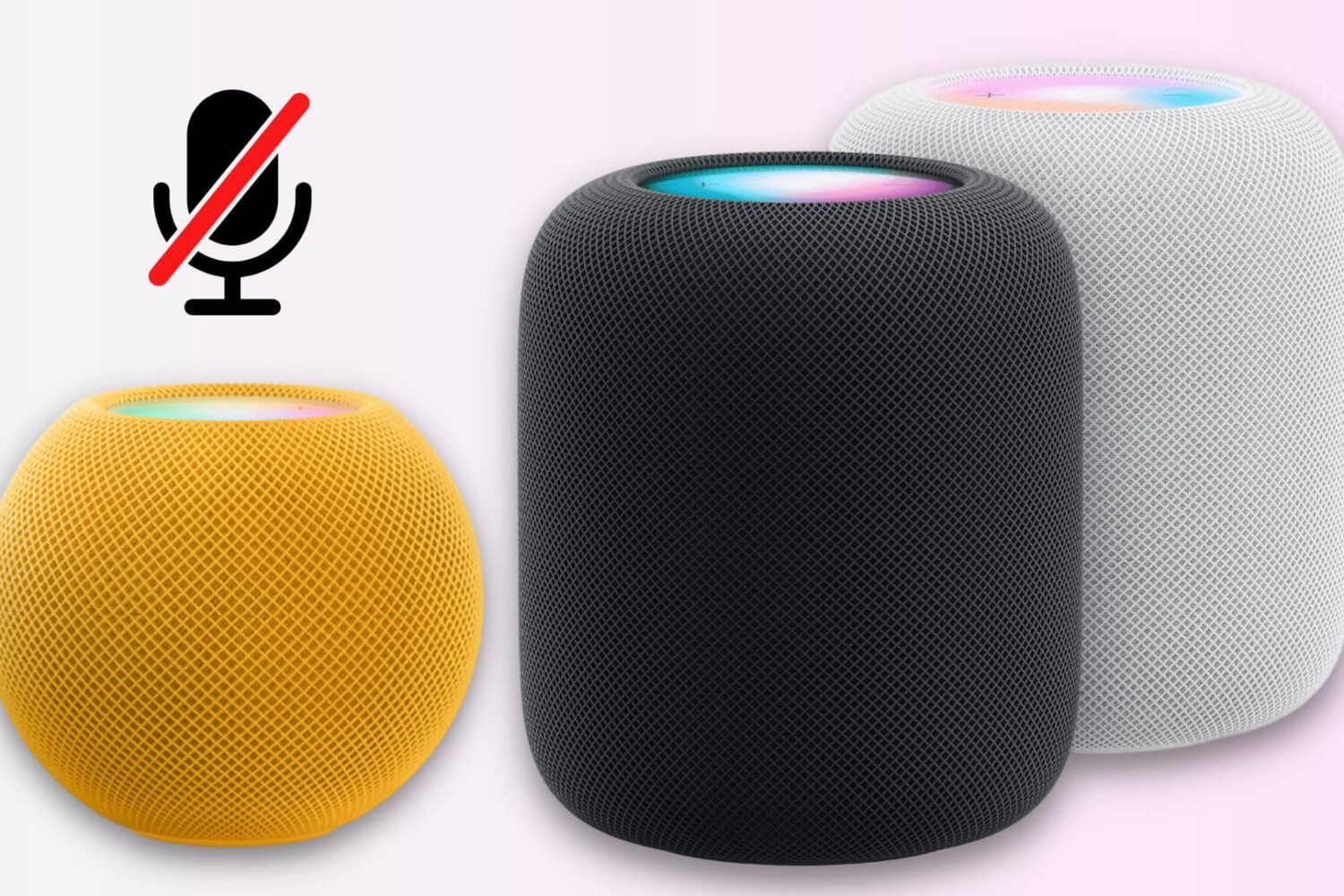
Unlike many other smart speakers, there is no physical switch to mute the HomePod’s microphone.
However, you can disable the always-on “Hey Siri” feature using the iPhone Home app or by asking the speaker. This turns off the microphone at the software level and stops it from always listening in on you.
Go through these troubleshooting tips if Siri on your HomePod is unable to play specific songs, playlists, or artists on Apple Music when you ask it to.
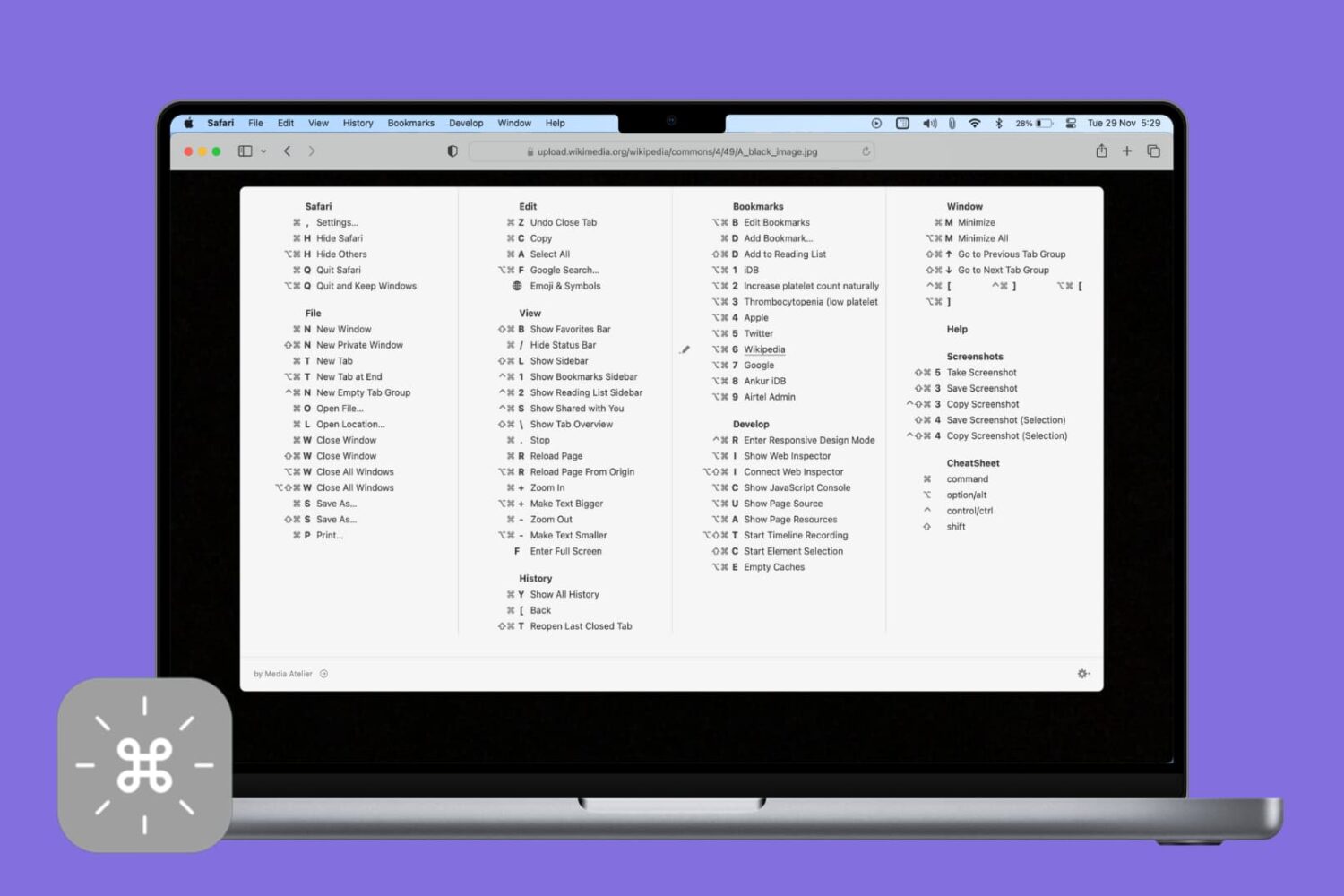
Veteran users are privy to the power of the Mac modifier keys. Those special keys on your Mac's keyboard, like Command (⌘), Option (⌥), Control (⌃), and others, are most commonly used in conjunction with regular keys as feature shortcuts.
Frequently-used macOS commands have their dedicated keyboard shortcuts, many of which are the same across apps like copy/paste and undo/redo. Others are app-specific.
Memorizing regularly used keystrokes boosts your productivity and multitasking prowess, but Apple doesn't provide an easy way to view all the keyboard shortcuts in any given app.
You can, of course, view and customize some of the system and app shortcuts in System Preferences > Keyboard > Shortcuts, but wouldn't it be nice if there were a better way?
Thankfully, there actually is.

Learn how to enable lines and grids in the background of your notes for a more organized and efficient note-taking experience on iPhone and iPad.
Here’s how to quickly convert a colorful PDF to black & white or gray tone using the built-in Apple Preview app on your Mac.