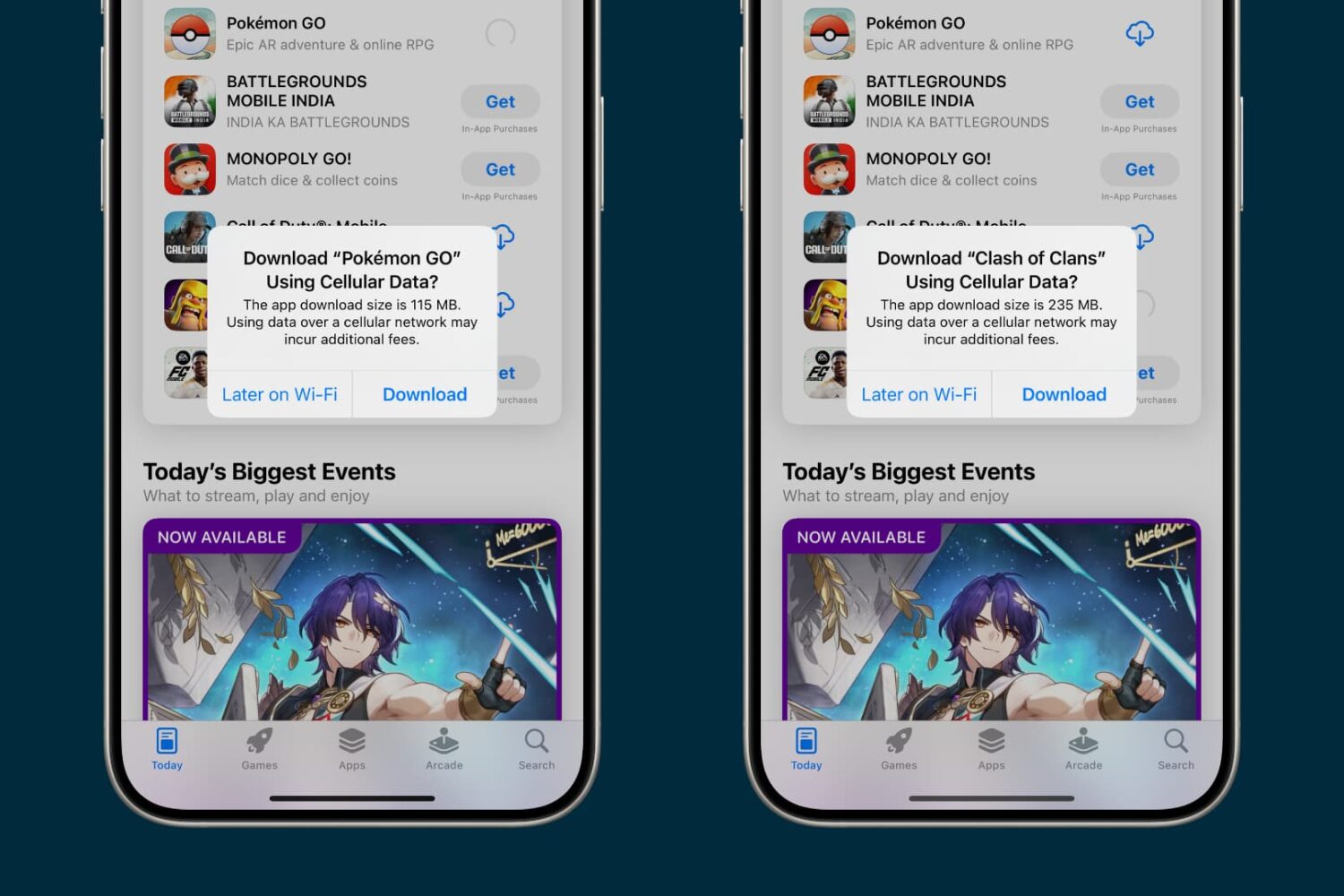
Learn how to enable cellular downloads for iPhone and iPad apps exceeding 200 MB effortlessly with our step-by-step guide.
How to allow cellular app downloads over 200 MB on iPhone and iPad
Learn how to master your Apple devices with our comprehensive tutorials. From iPhone and iPad to Mac, Apple Watch, AirPods, and more, our expert guides will help you unlock the full potential of your Apple products. Discover new features, tips, and tricks each day to enhance your user experience.
Learn how to enable cellular downloads for iPhone and iPad apps exceeding 200 MB effortlessly with our step-by-step guide.

Learn how to use the picture in picture feature in Apple's Safari browser to watch web videos from websites like YouTube while doing something else on your Mac.

Learn how to quickly unsubscribe from newsletters and promotional emails with just two taps in the Mail app on iPhone, iPad, and Mac if you’re getting flooded by unwanted emails.
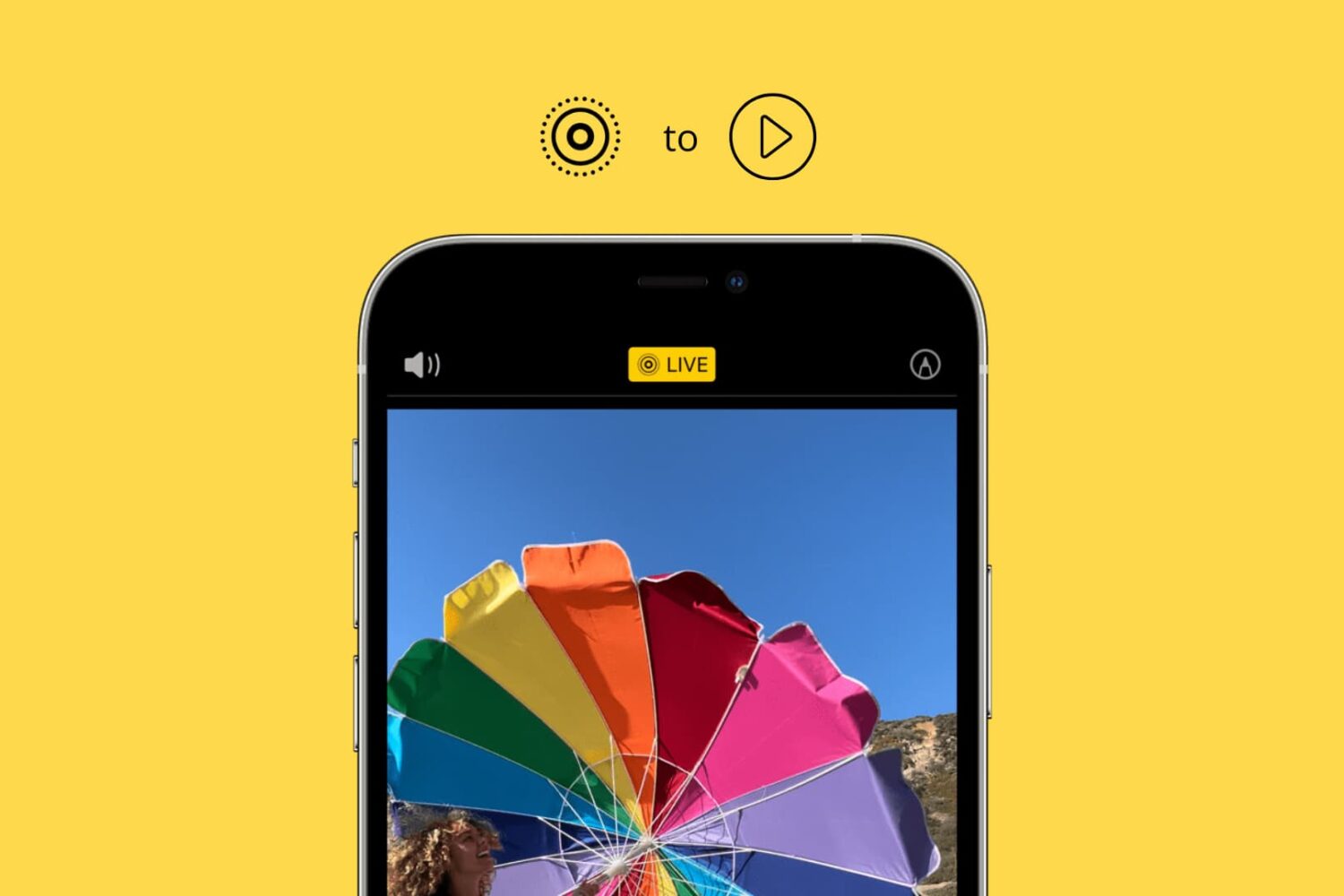
Learn how to convert one or multiple Live Photos into a video on your iPhone and iPad without using third-party apps, websites, or shortcuts.

Find out what a station is in the Apple Podcasts app and how to create, play, and delete it on your iPhone, iPad, and Mac.

Learn how to understand the chart and data you see for app usage, notifications, and pickups in the Screen Time settings to get better insights into how you use your Mac.
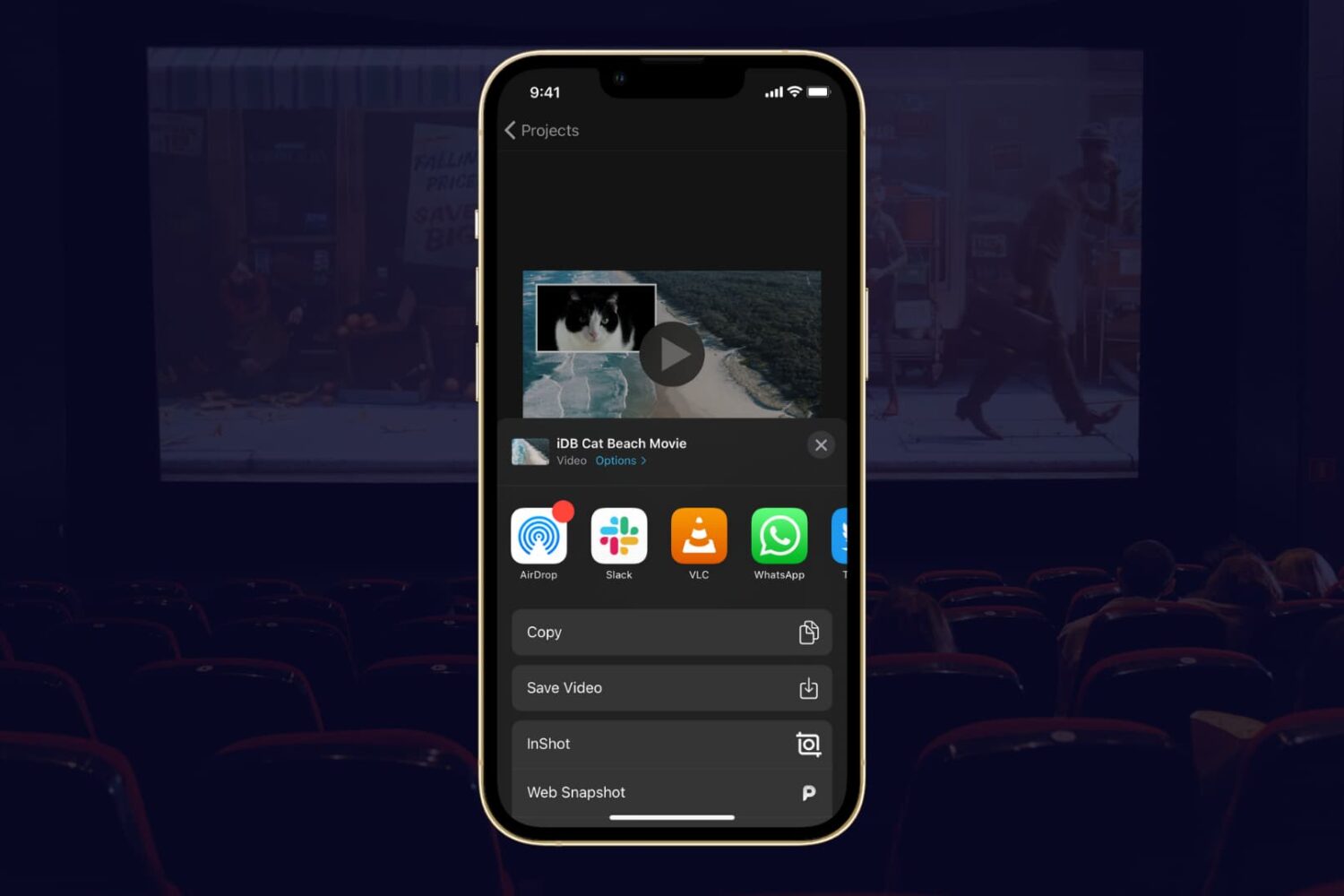
If you completed your movie magic in iMovie and want to share your creation, the app makes it easy. You have a few different options to export a movie directly or save it as a file to do with what you wish.
If you have a finished project that you’re ready to share, here’s how to export a movie in iMovie on Mac, iPad, and iPhone.
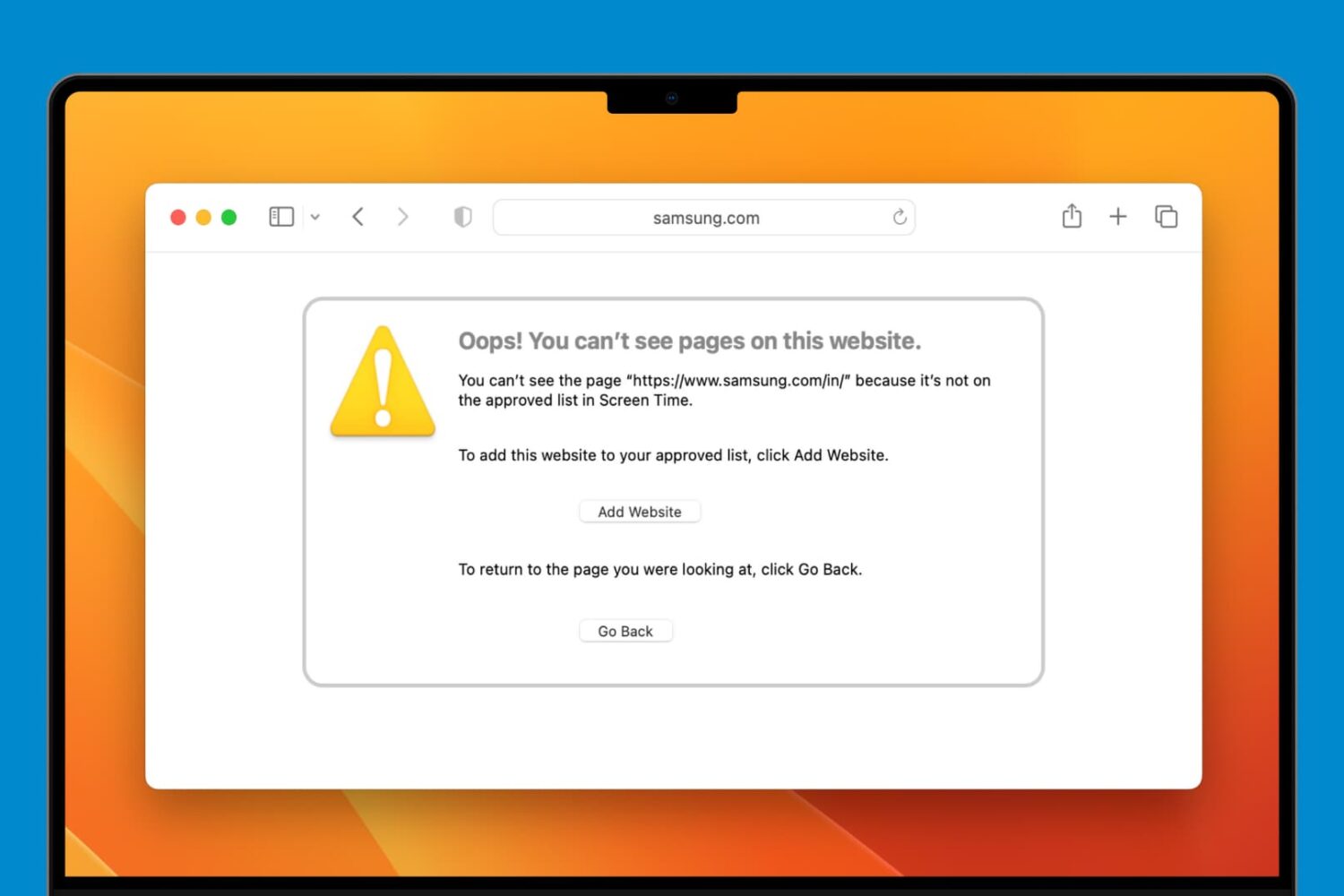
Learn how to block adult, sensitive, or distracting websites on a Mac with built-in Screen Time parental controls or allow only specific ones to keep your child safe online.
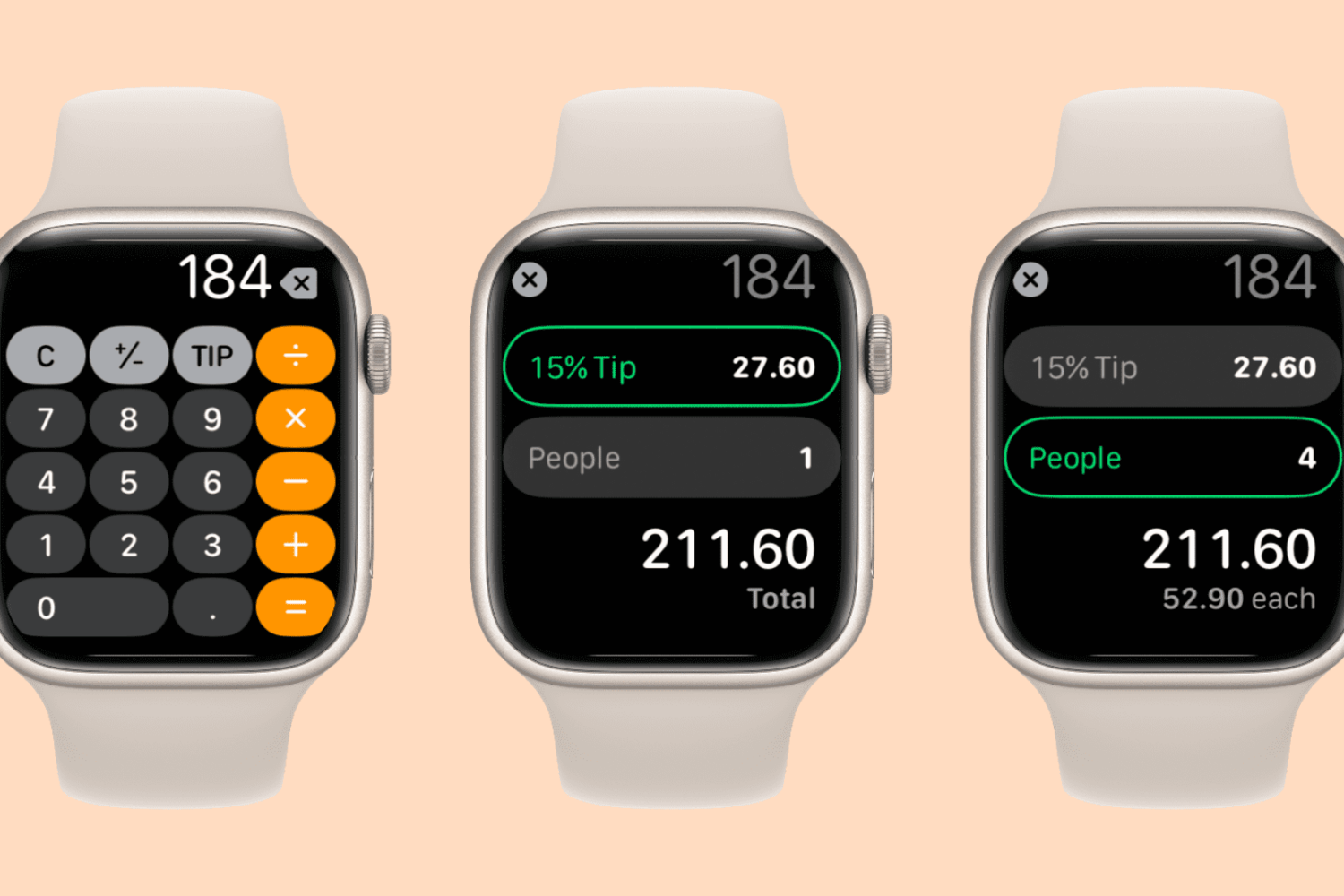
Find it hard to calculate tips or split bills quickly? Follow along as we show you how to use the Calculator app on your Apple Watch to split a cheque evenly among multiple people and determine an appropriate tip.

You can improve your movie and TV show viewing experience by using playlists in the Apple TV app. Here’s how to create and manage a playlist in the TV app on Mac and take binge-watching to the next level.
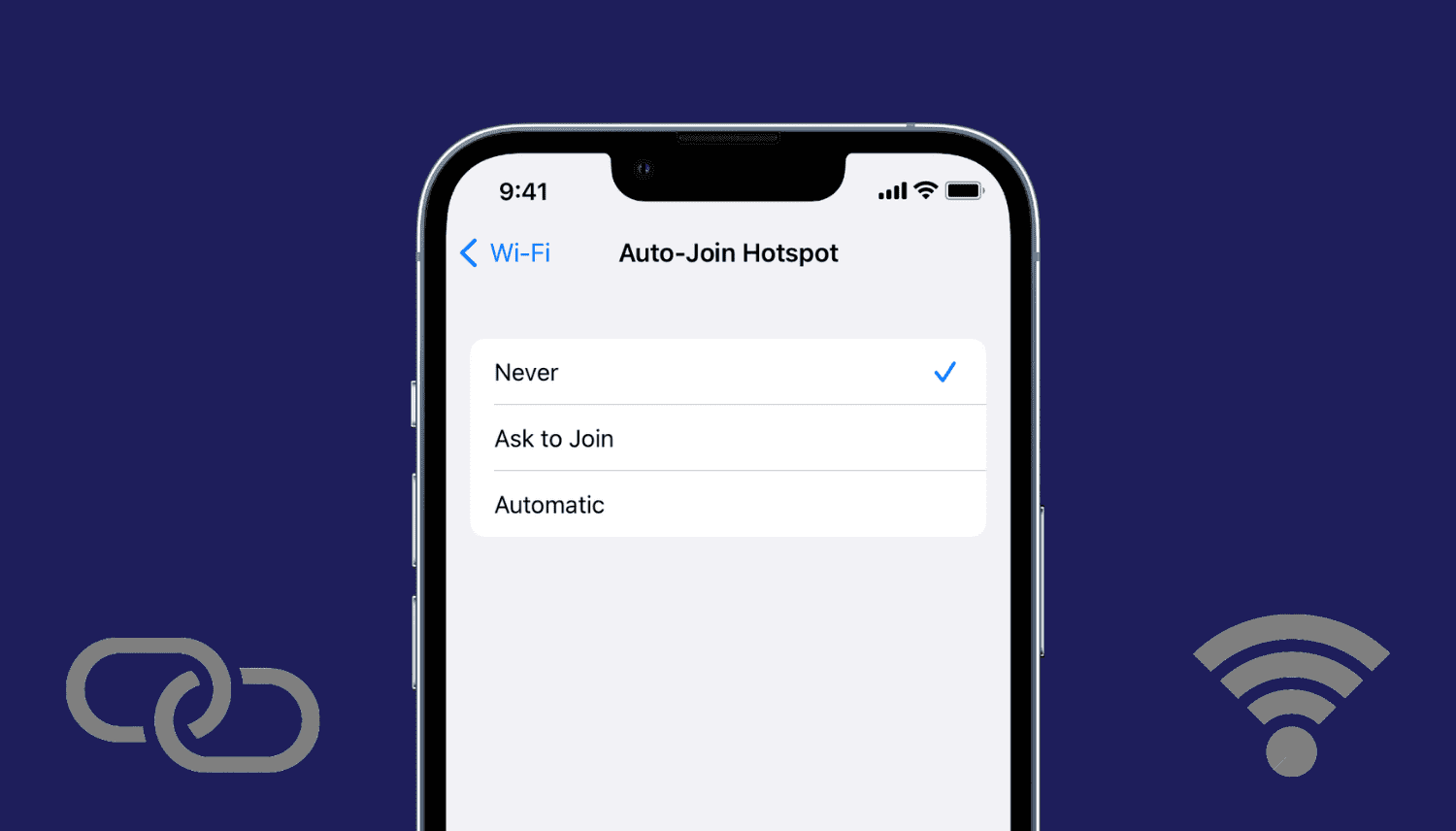
Learn how to stop your iPhone, iPad, or Mac from automatically joining nearby Personal Hotspots from your iPhone and cellular iPad when no known Wi-Fi networks are available.
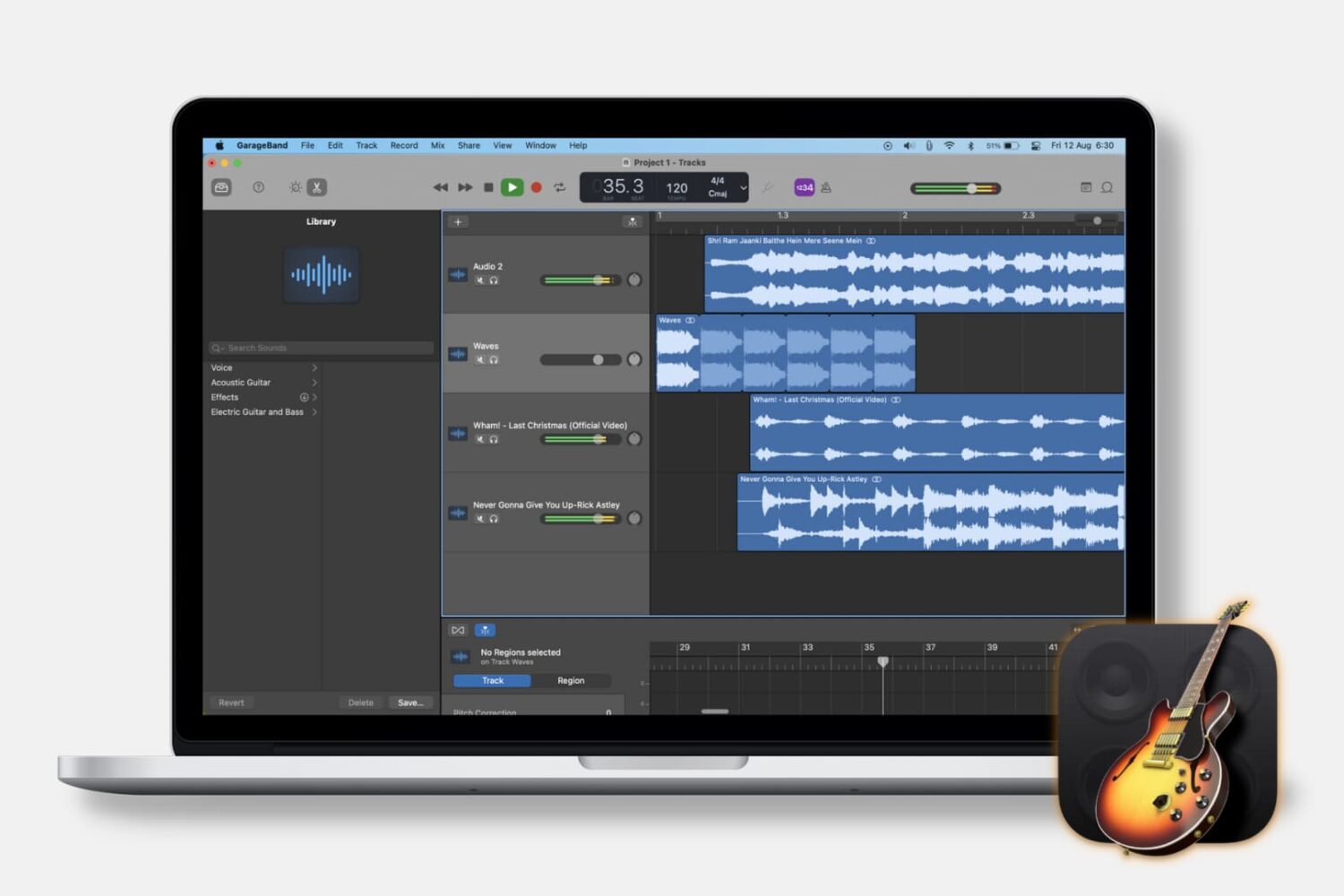
When you’re making music in GarageBand, you may want to pull in other types of audio. Maybe you have a song in the Music app or an MP3 file in iCloud that you want to use in your tune. This tutorial will show you how to import music and audio files into GarageBand on both Mac and iOS.