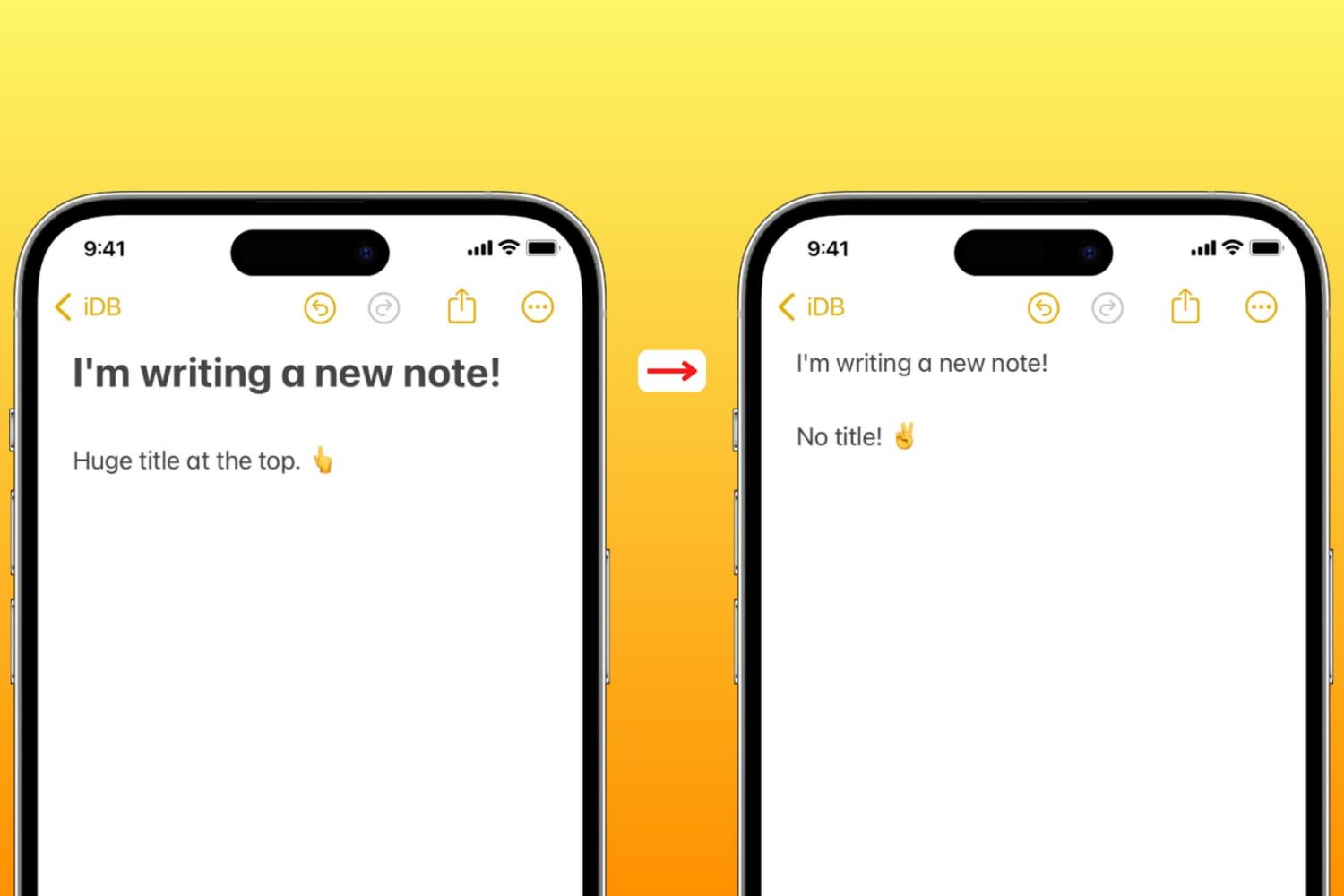
Learn how to set the Apple Notes app on your iPhone, iPad, and Mac to start new notes with a smaller font instead of large title text.
How to stop Apple Notes from starting new notes with a title
Learn how to master your Apple devices with our comprehensive tutorials. From iPhone and iPad to Mac, Apple Watch, AirPods, and more, our expert guides will help you unlock the full potential of your Apple products. Discover new features, tips, and tricks each day to enhance your user experience.
Learn how to set the Apple Notes app on your iPhone, iPad, and Mac to start new notes with a smaller font instead of large title text.

Learn how to have Chrome and Firefox save your login passwords, simplifying your future visits and improving your overall web experience.
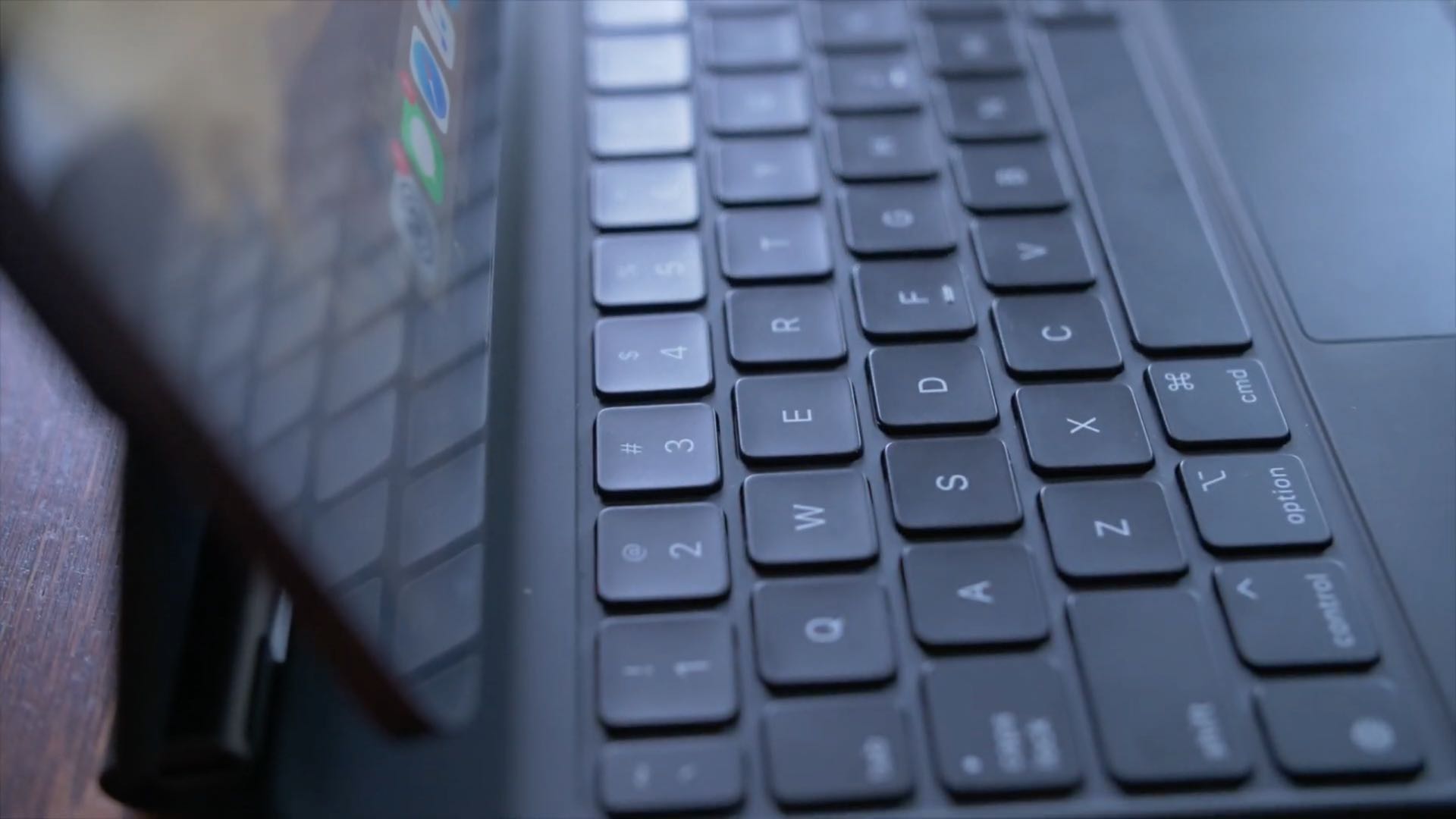
No physical Escape key on your iPad or Mac? No problem, as both iOS and macOS allow you to invoke Escape with a simple keyboard shortcut. Follow along with us to learn how to trigger the Escape command on iPad and Mac keyboards that lack a dedicated ESC key.

This tutorial shows you how to add, edit, hide, and delete comments in Pages, Numbers, and Keynote on iPhone, iPad, and Mac.
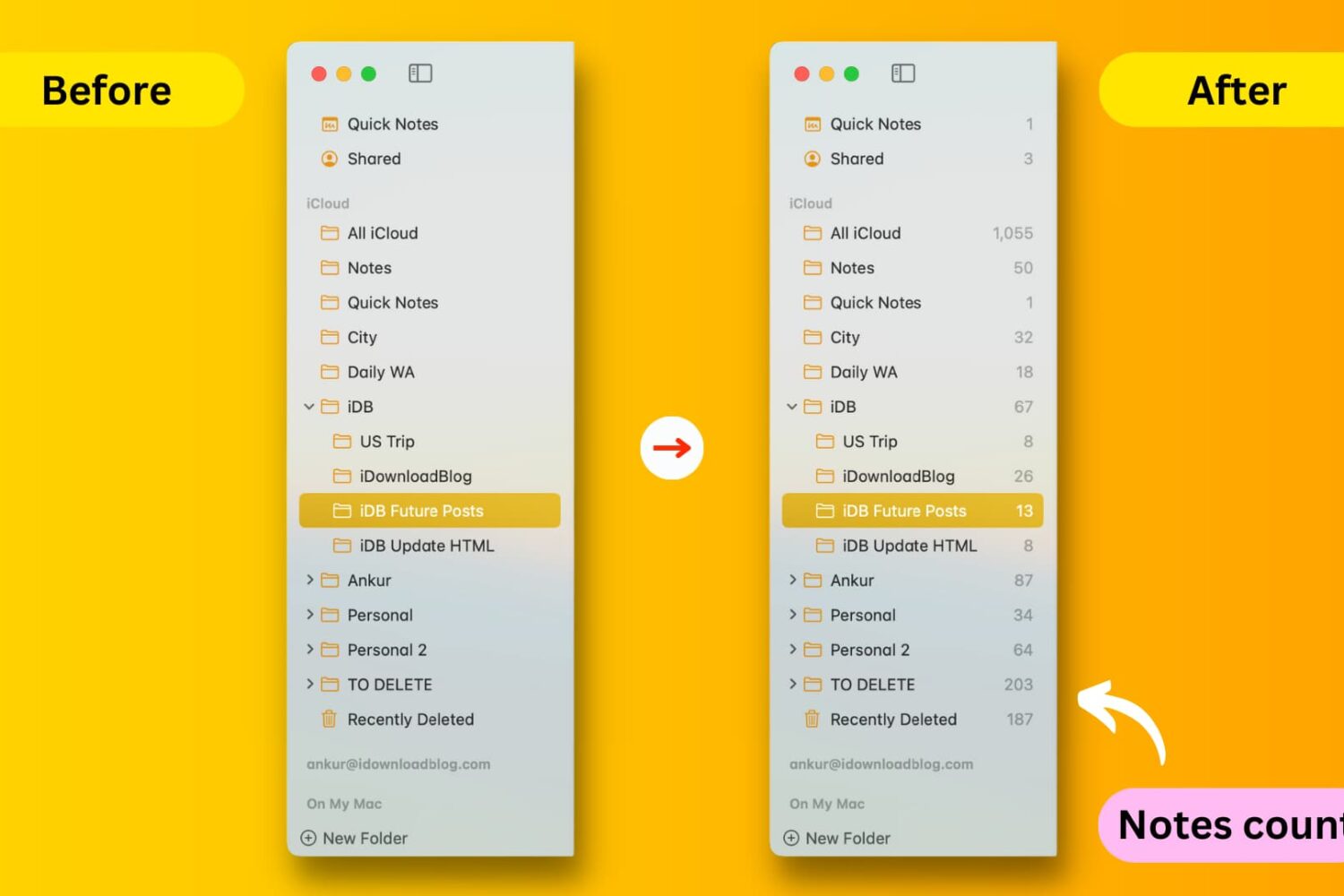
This tutorial shows you how to display the notes count next to the folders and sub-folders of the Notes app on your Mac.

If you use the Notes app on your iPhone or iPad for not just note-taking but capturing photos, videos, and scans to reference within your notes, you can also save those items to your Photos app.
This means that if you want to use that capture for something else, you can find it easily in Photos rather than opening the Notes app for it. Maybe you thought this was happening all along, only to discover recently that it’s not.
Here’s how to automatically save photos, videos, and scans taken in Notes to Photos on iPhone and iPad.

Find out what Twitter (new name X) lists you’re on and how to remove yourself from a list if you don't want to be a part of it.

Explore this list of handy keyboard shortcuts for the Apple Music app on your Mac so you can move & groove quicker and easier than ever!

Learn how to view retweets with comments, also known as quote tweets, in the Twitter app and website to see what people are saying about it.

If you use the Notes app on your iPhone or iPad, you probably already know that it’s a convenient app for making lists. You can make numbered or bulleted lists for shopping, to-dos, or whatever you need.
The nice thing about creating lists in Notes is that you can indent your list items. This is terrific for creating subtasks or nested lists. And while indenting list items isn’t a difficult task, we have a tip that will make it even easier.
Here’s how to quickly indent list items in Notes on iPhone and iPad.

Learn how to stop video autoplay in the ESPN app on your iPhone and iPad, gaining control over your data usage and browsing experience.
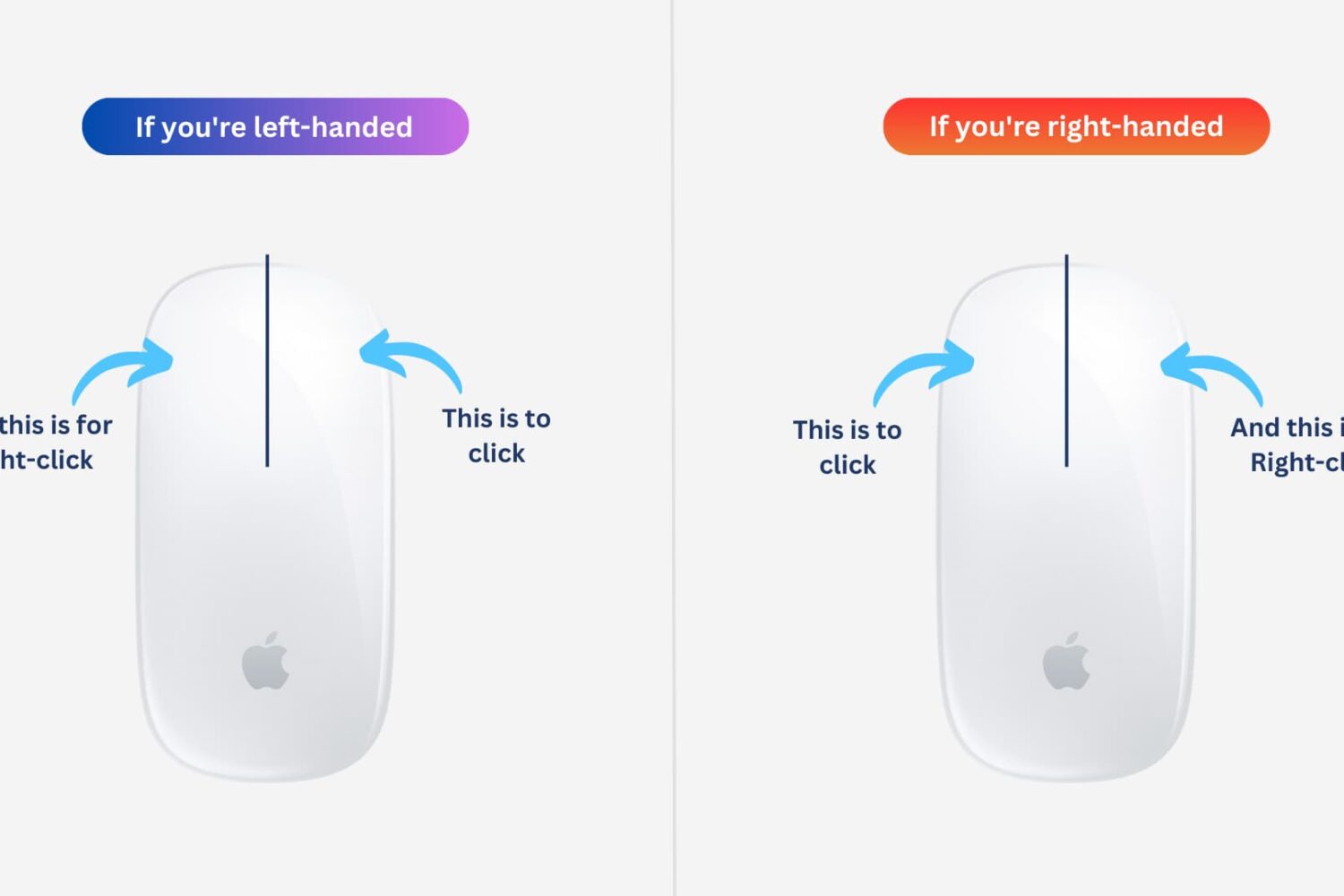
Learn how to easily customize and switch the mouse buttons on your Mac for enhanced control and ease of use. Whether you’re a left-handed user or simply prefer a different button configuration, you can optimize your experience to suit your needs.