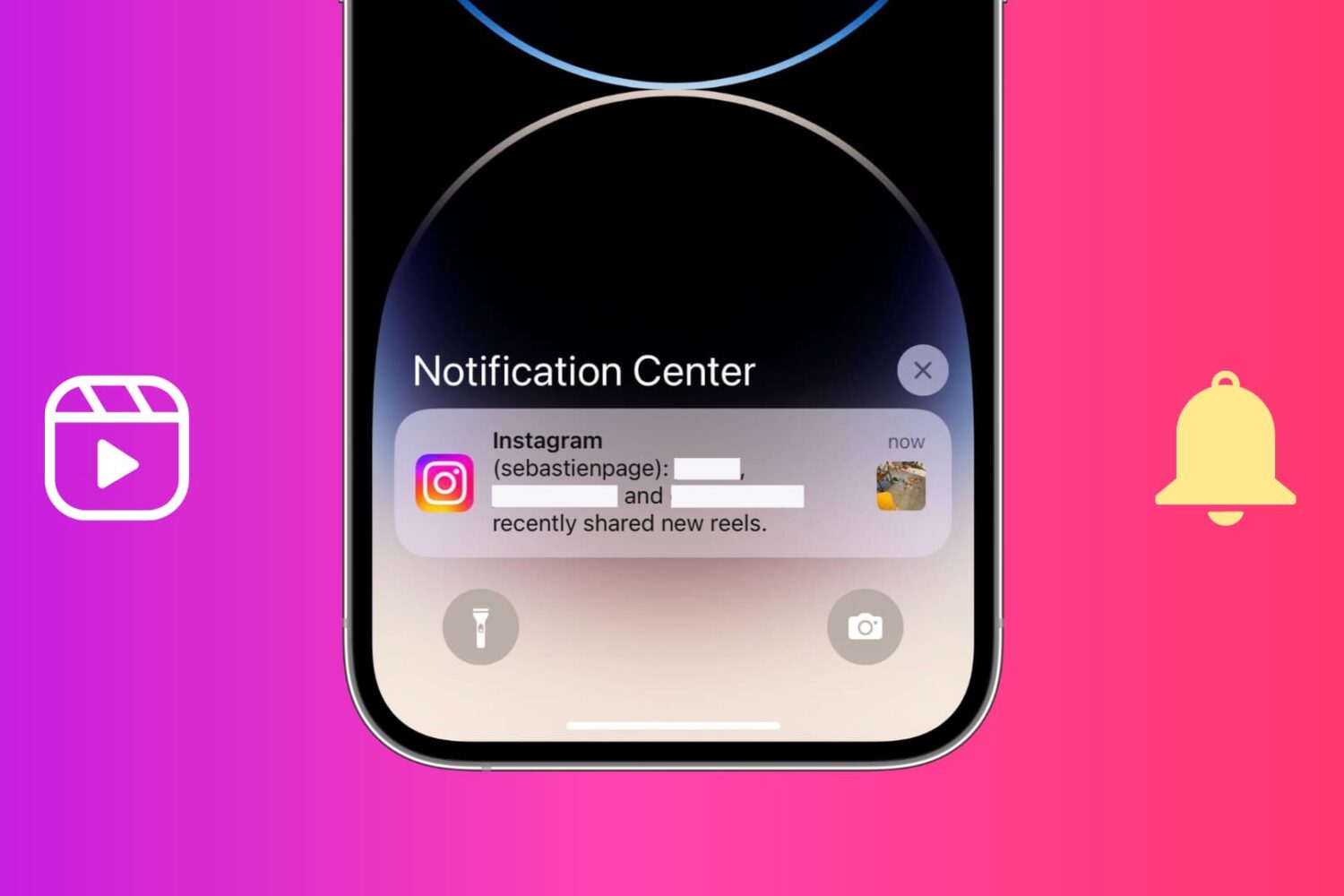
Learn how to stop getting notifications for recently shared new Reels from individuals you follow and other unknown people on Instagram.
How to stop getting new Reels notifications from Instagram
Learn how to master your Apple devices with our comprehensive tutorials. From iPhone and iPad to Mac, Apple Watch, AirPods, and more, our expert guides will help you unlock the full potential of your Apple products. Discover new features, tips, and tricks each day to enhance your user experience.
Learn how to stop getting notifications for recently shared new Reels from individuals you follow and other unknown people on Instagram.
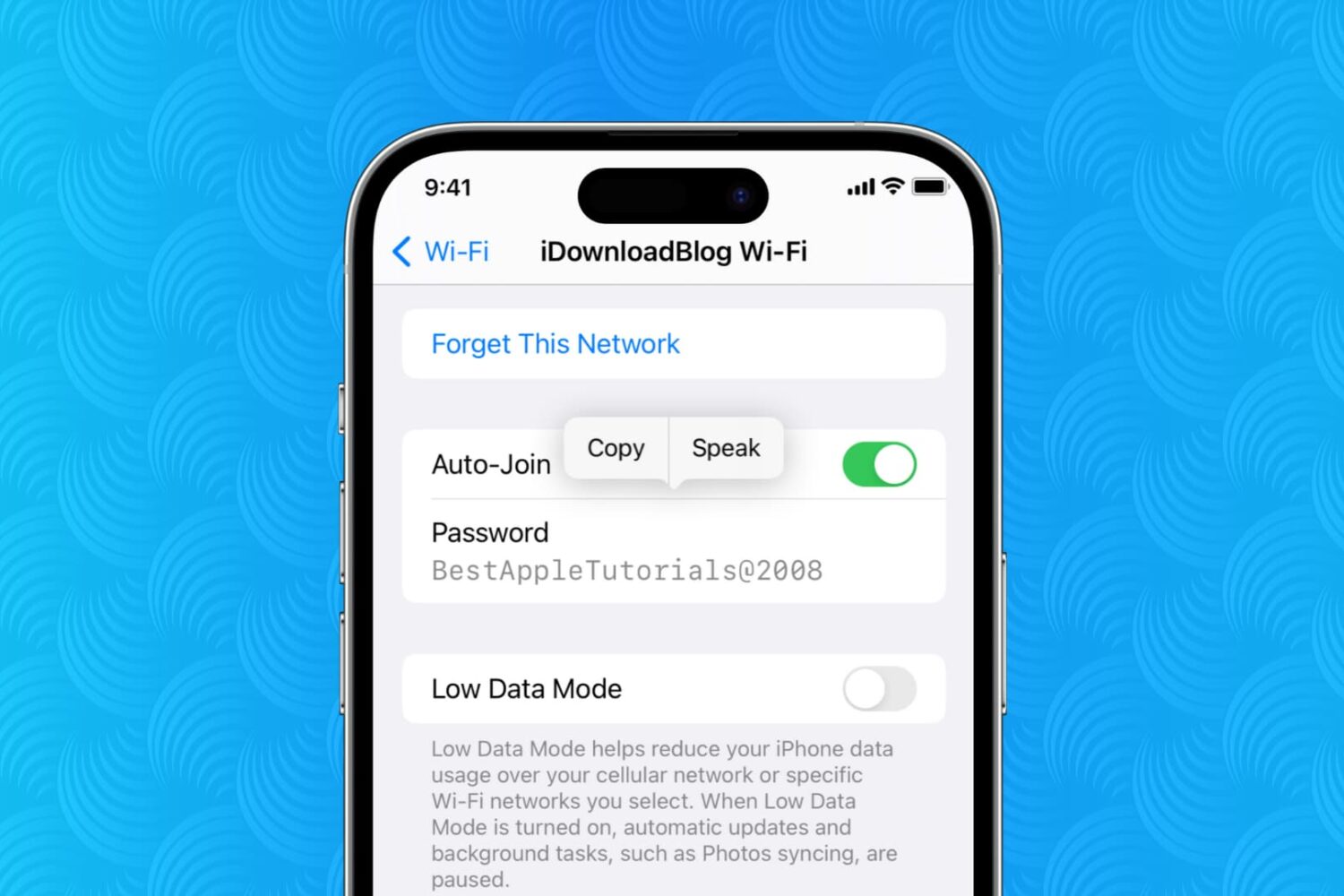
Learn how to view the Wi-Fi password for the network your iPhone or iPad is currently connected to or has ever joined in the past.
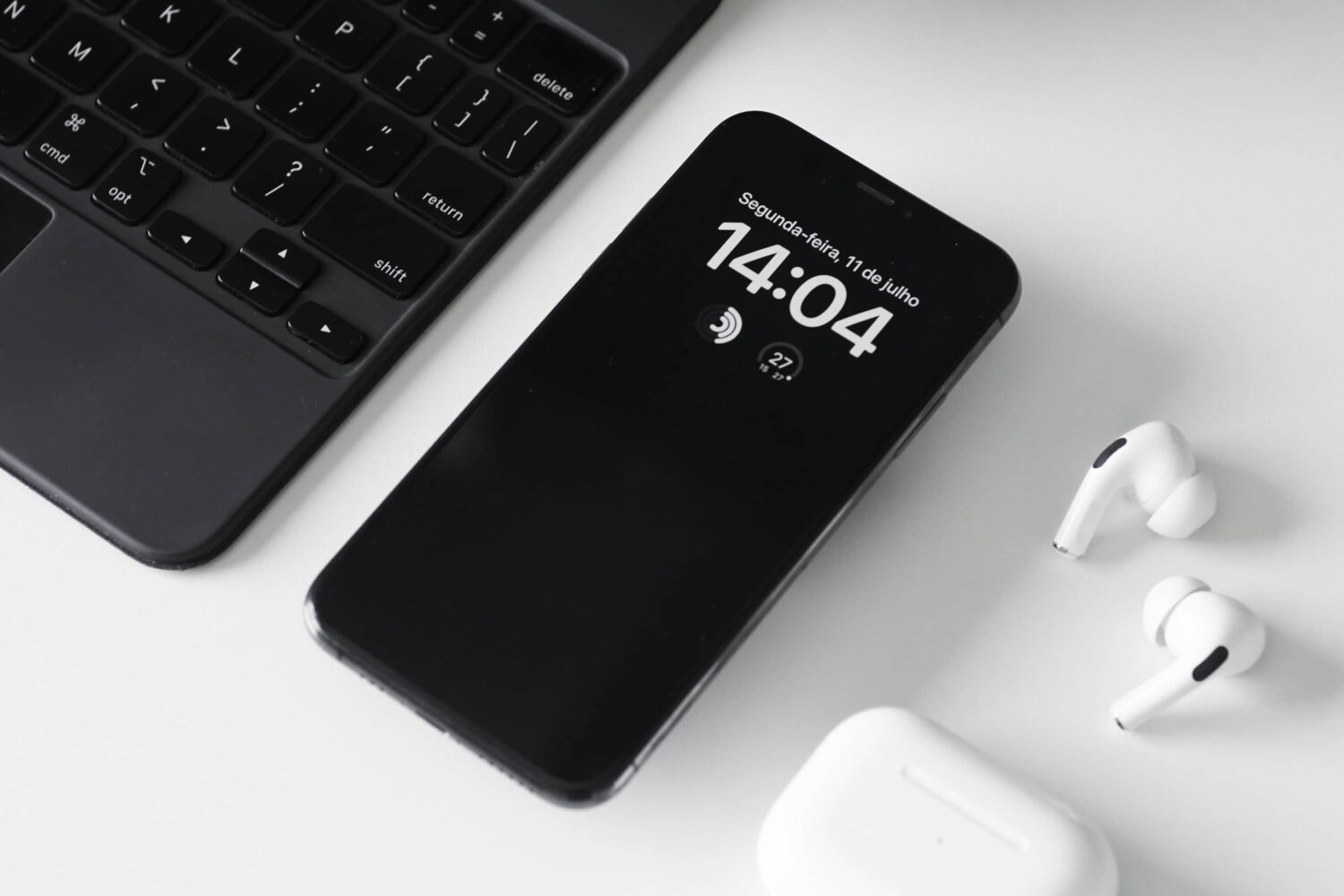
Learn how to manage the Always-On display on your iPhone, including how it works, its impact on battery life, and how to turn it on or off at will.
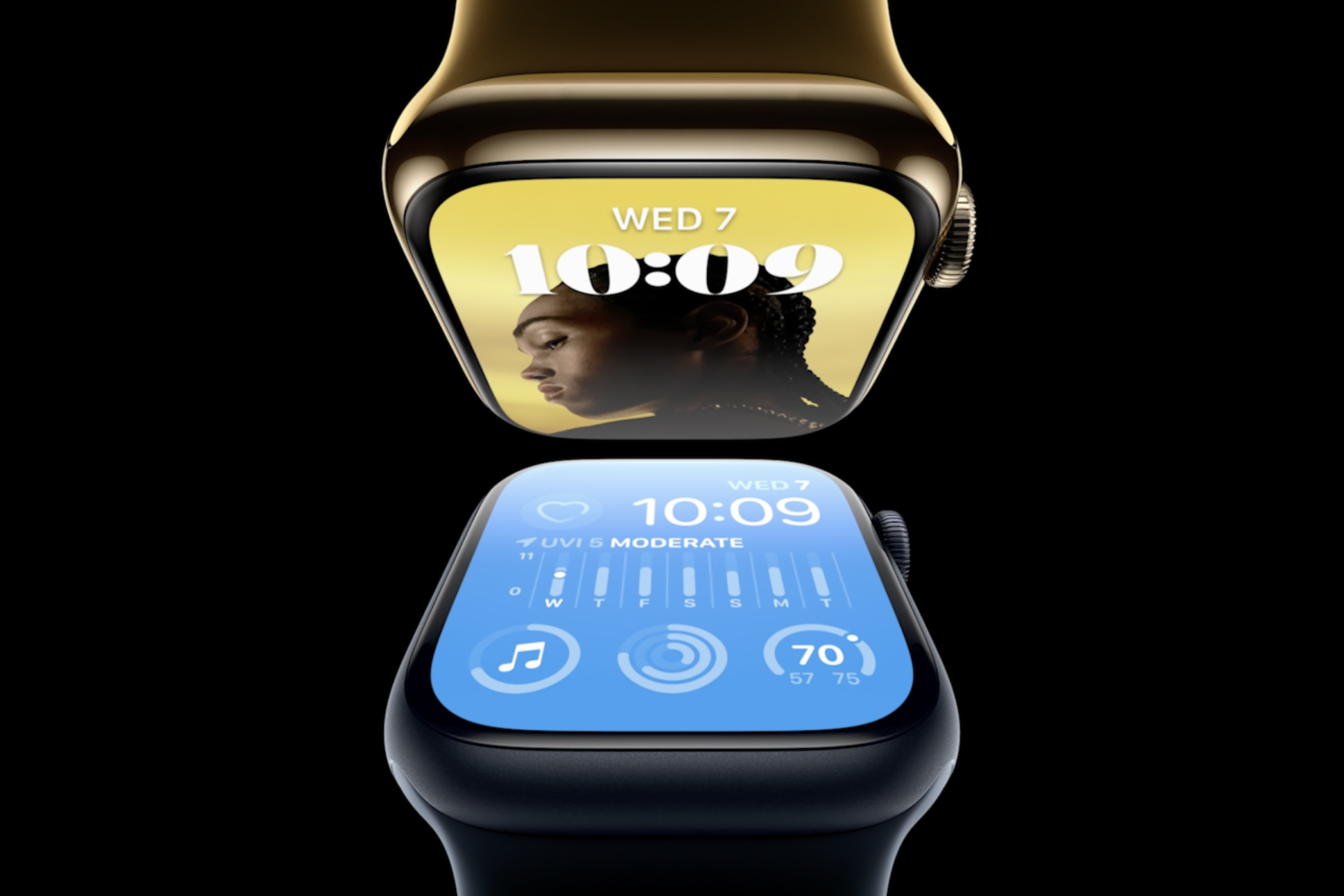
Learn how to properly configure and calibrate your Apple Watch’s temperature sensor to begin tracking your baseline wrist temperature.
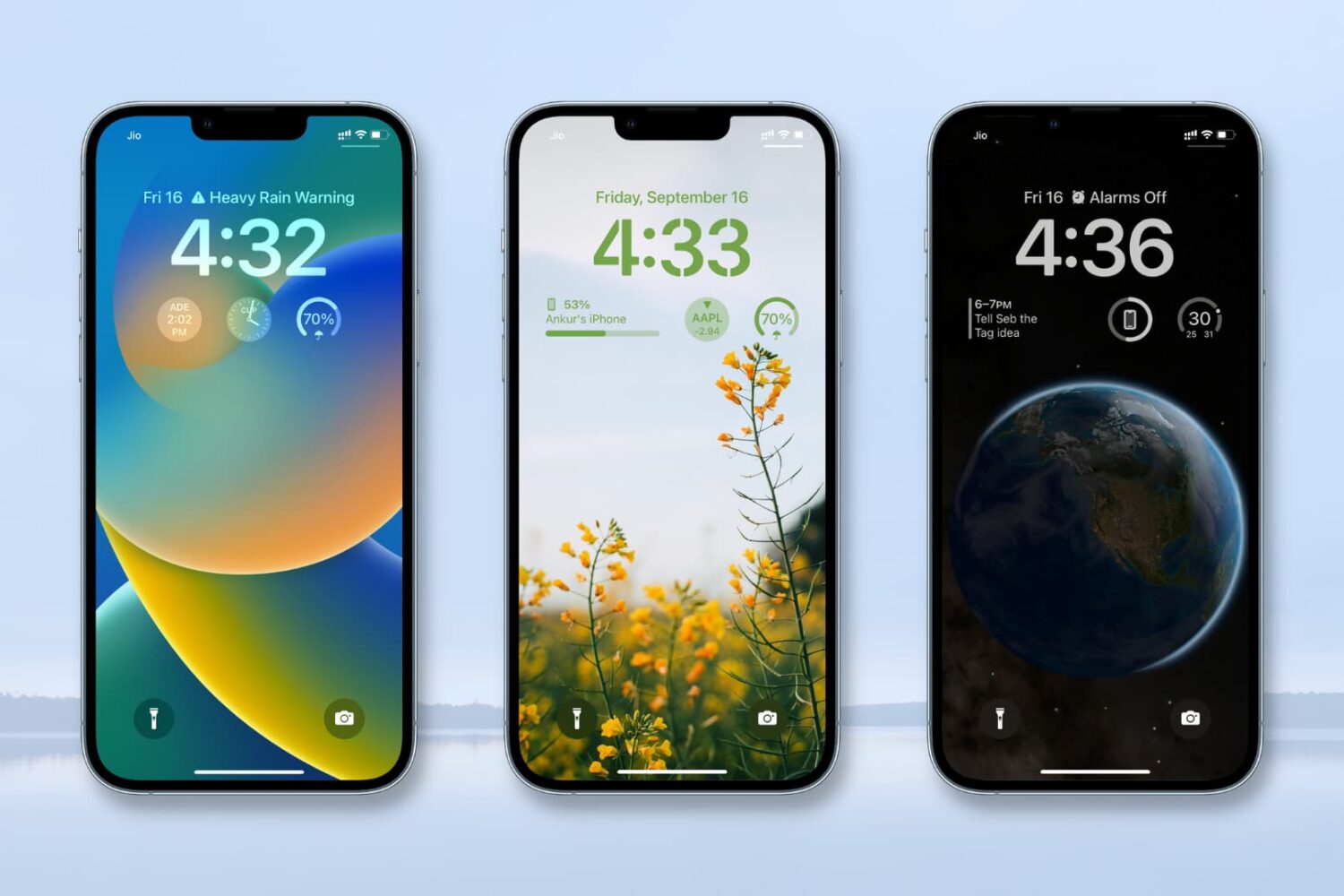
In this tutorial, we’ll show you how to add, customize, use, and remove widgets from your iPhone Lock Screen. We’ll also go over several other tidbits, such as widget limits, alignment, and placement.
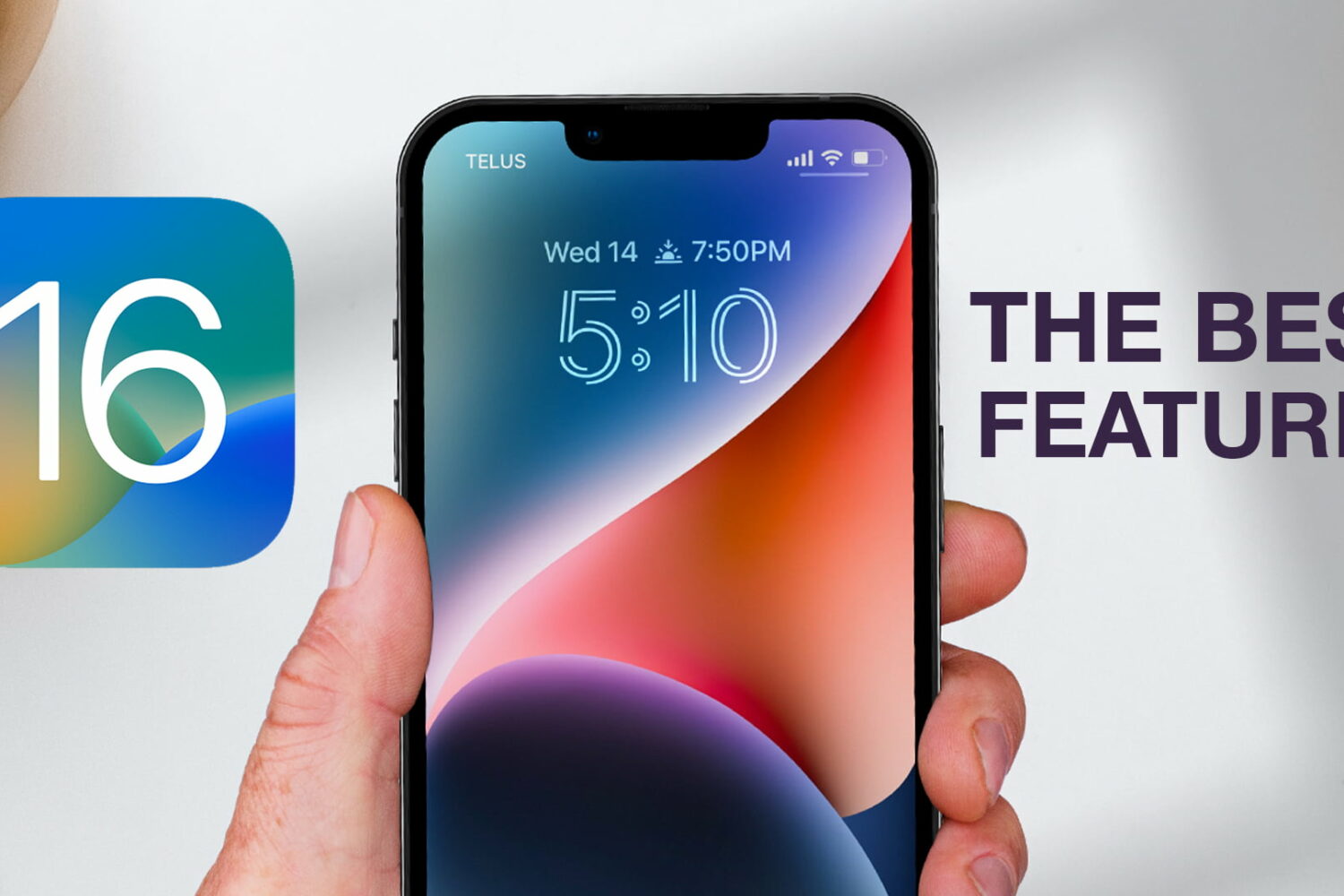
Watch our new hands-on video, or read our walkthrough showcasing 21 cool iOS 16 features that we think everyone should be using to make the most of their iPhone.
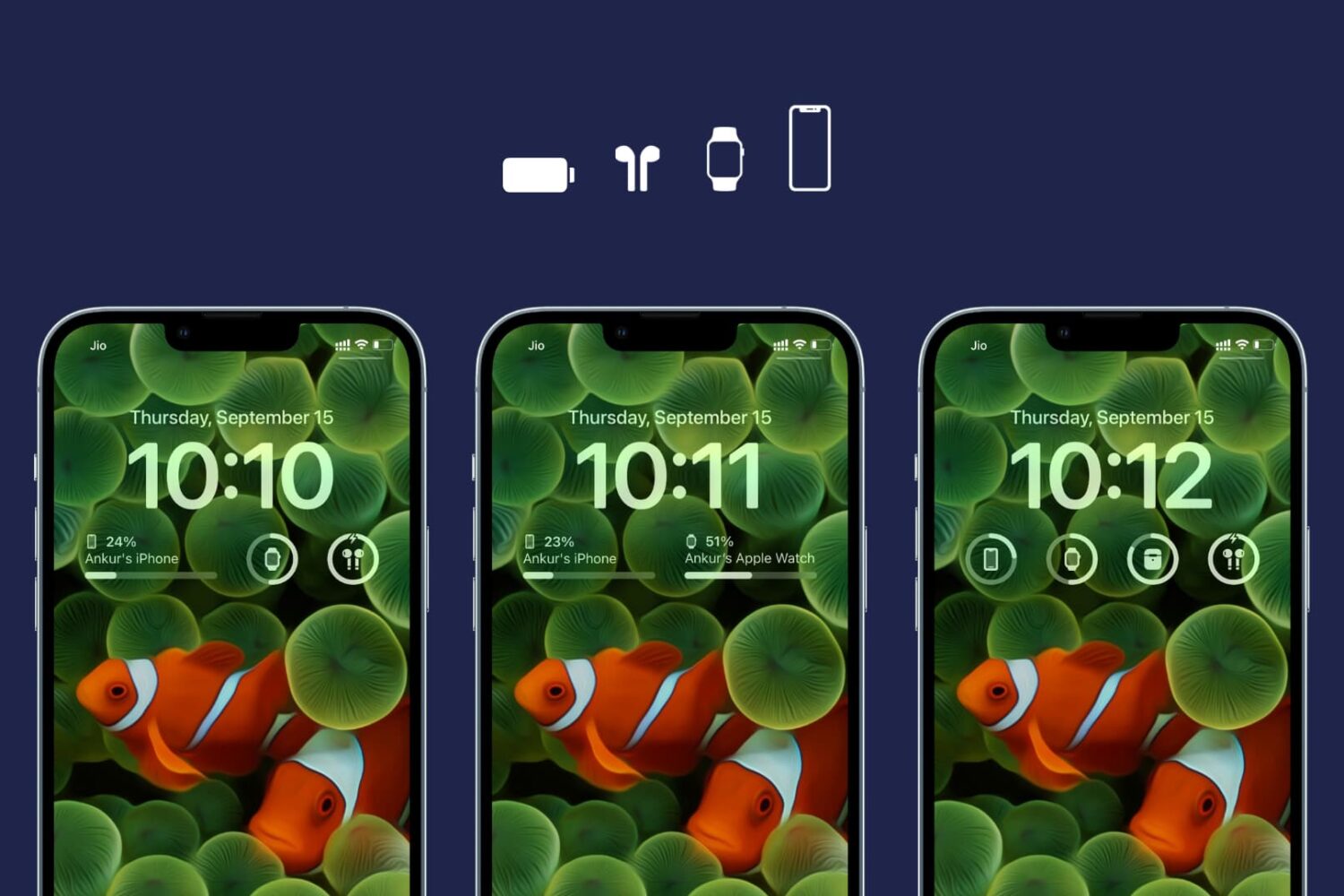
Learn how to customize the Lock Screen Batteries widget on your iPhone and iPad to display the charge level of a specific device, such as your iPhone, Apple Watch, AirPods, or something else.
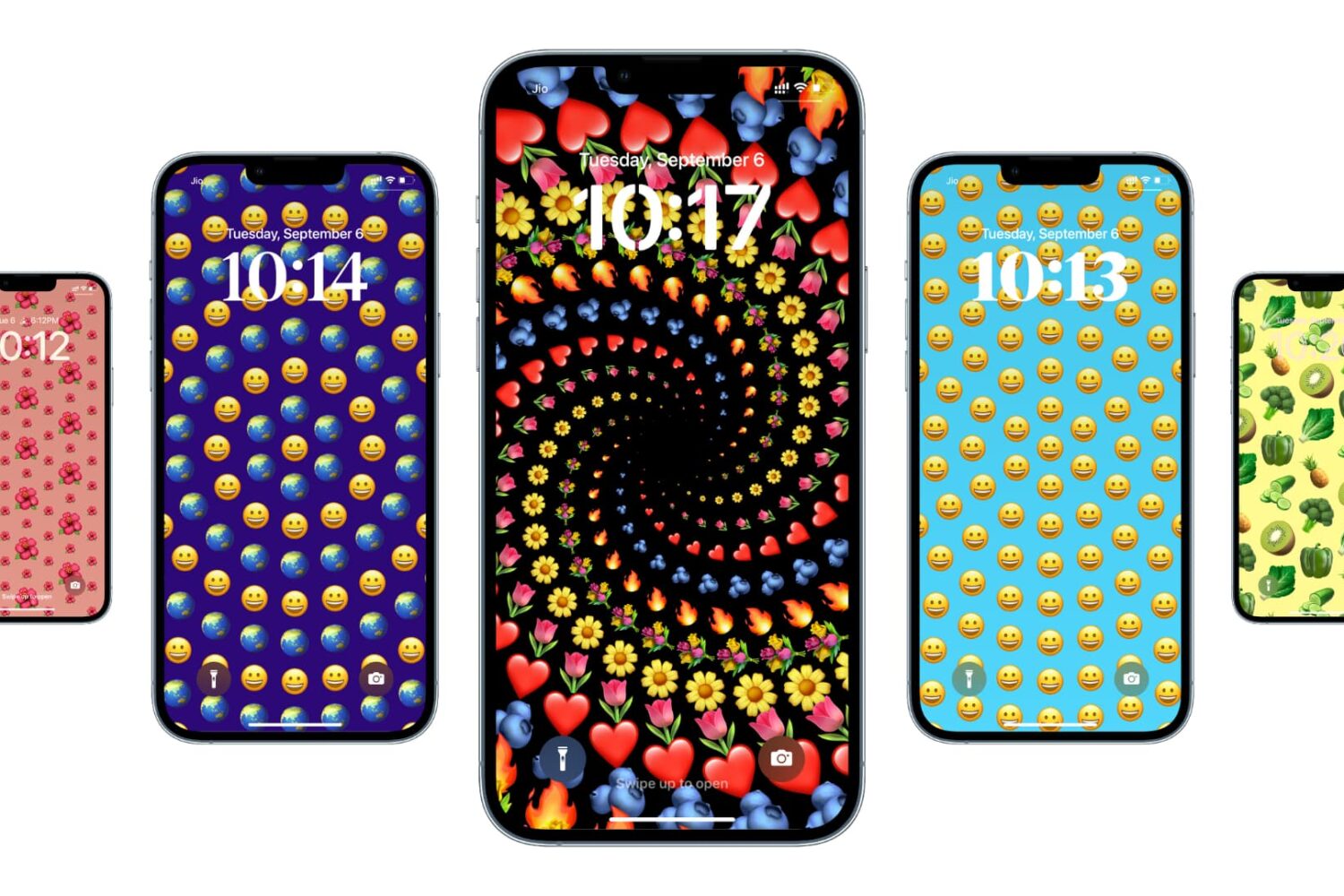
iOS and iPadOS have a cute little feature that allows you to use emojis as your wallpaper. So, if there is a specific emoji or set of emojis you love, you can easily make a wallpaper out of those with various colors and patterns.