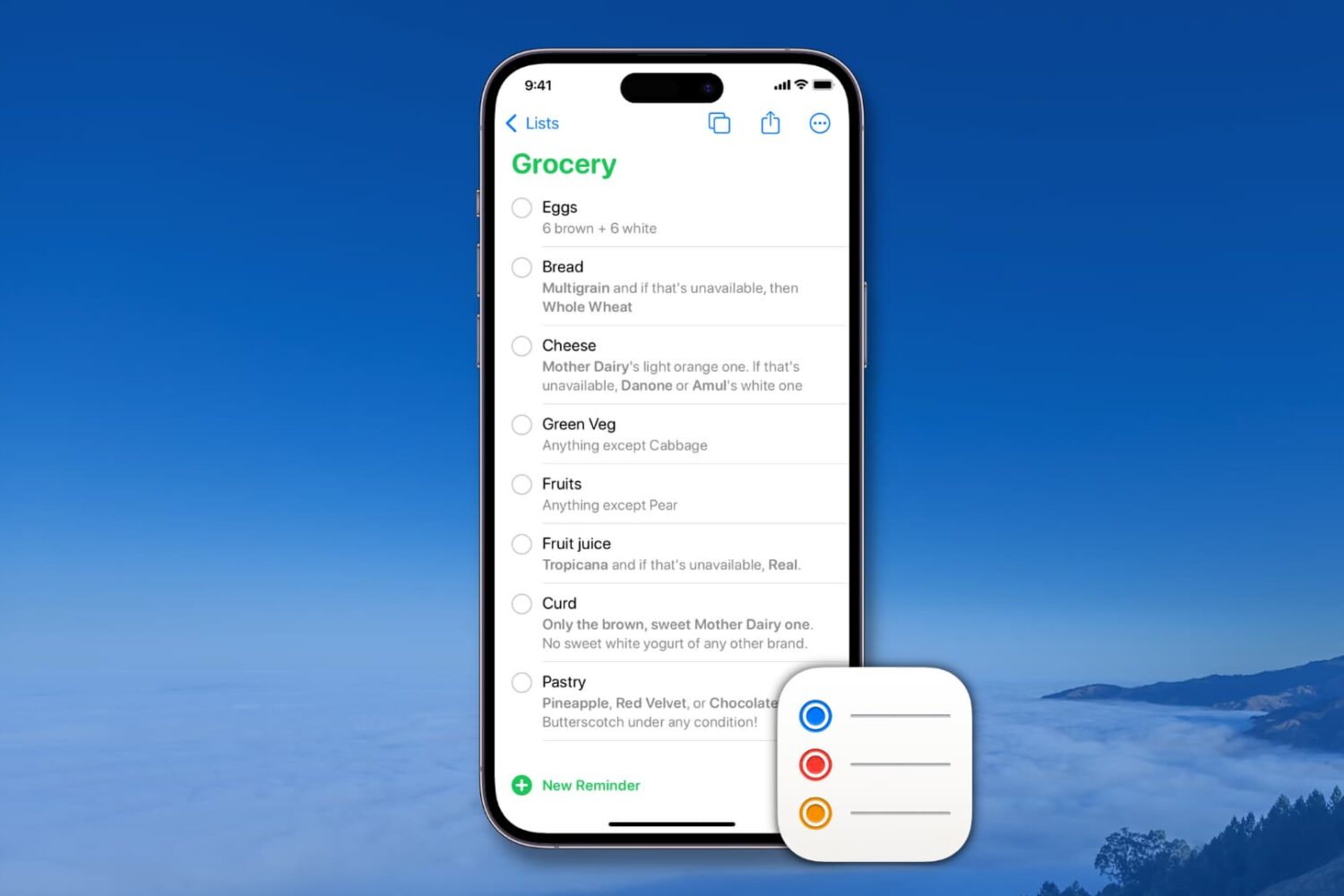
Learn how to create and manage reusable reminder templates on your iPhone, iPad, Mac, and Apple Vision Pro to quickly create new to-dos and save time.
How to use templates in Reminders app on iPhone, iPad, Mac
Learn how to master your Apple devices with our comprehensive tutorials. From iPhone and iPad to Mac, Apple Watch, AirPods, and more, our expert guides will help you unlock the full potential of your Apple products. Discover new features, tips, and tricks each day to enhance your user experience.
Learn how to create and manage reusable reminder templates on your iPhone, iPad, Mac, and Apple Vision Pro to quickly create new to-dos and save time.
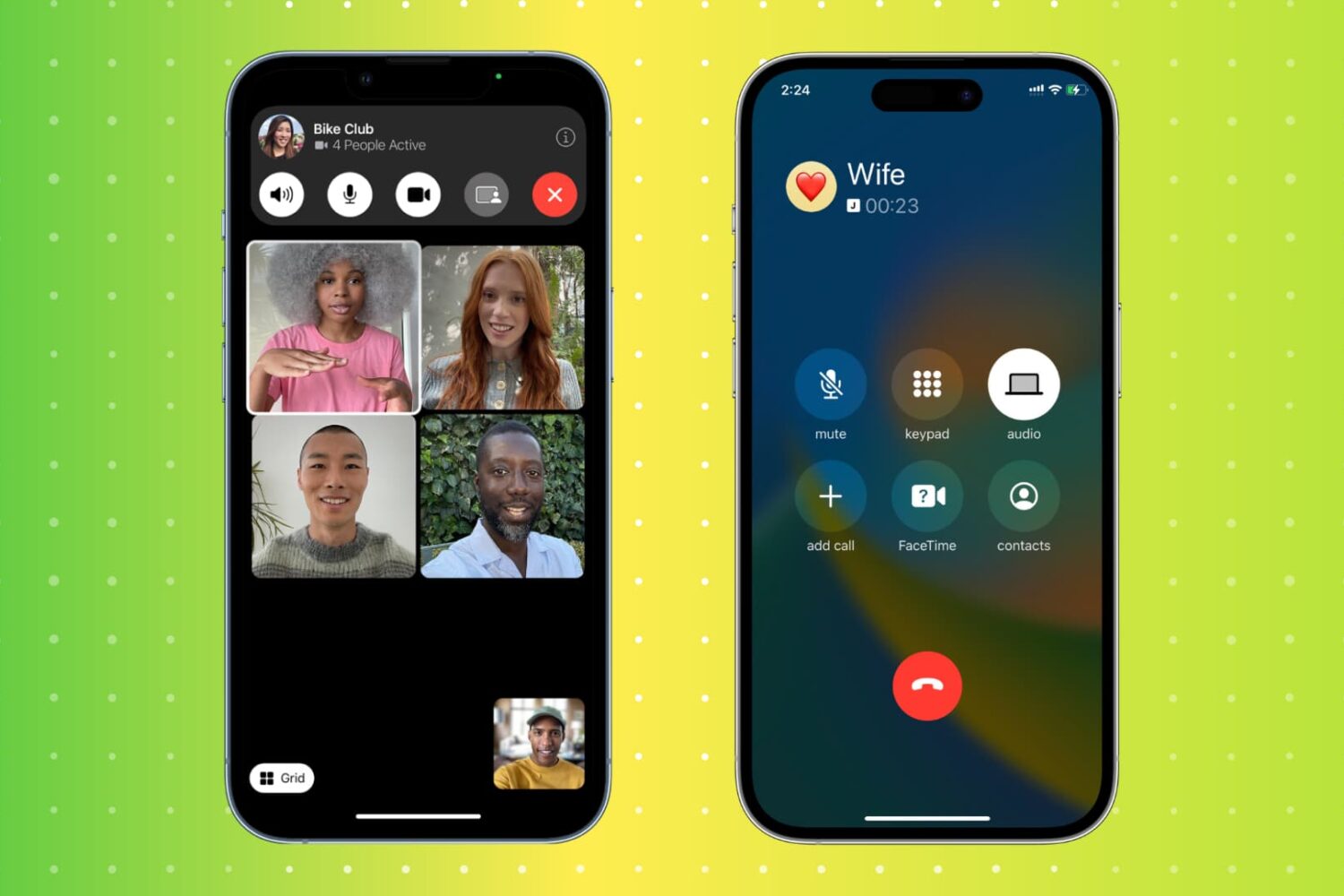
Hanging up a call on an iPhone is a simple task, but there are actually multiple ways to do it. From the traditional red hangup button to more unconventional methods, this article will explore 11 different ways to end a call on an iPhone. Whether you're looking for a faster way to hang up or simply want to try something new, this guide has got you covered.
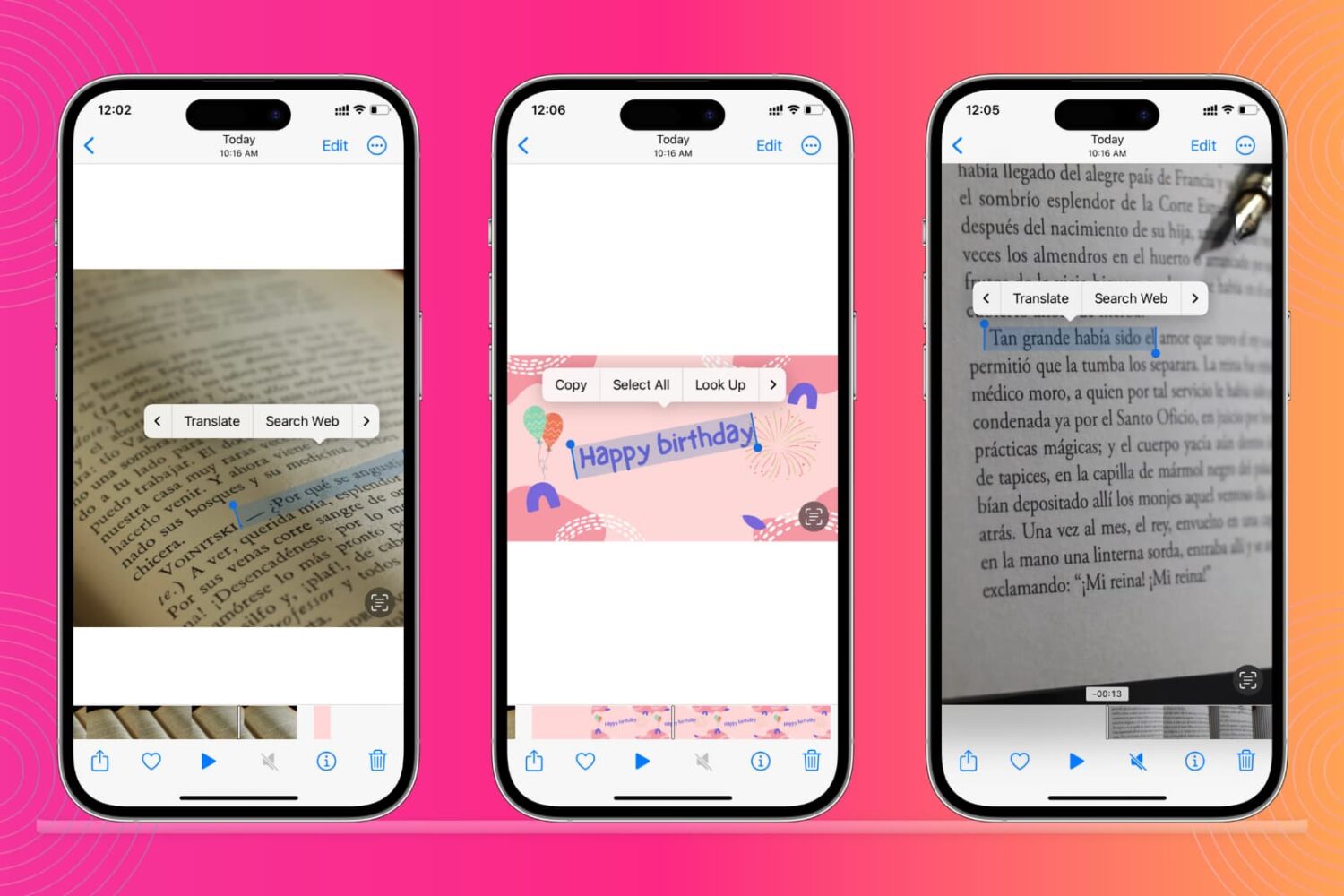
Learn how to recognize and extract text from images or videos using the built-in Live Text feature on your iPhone, iPad, and Mac.
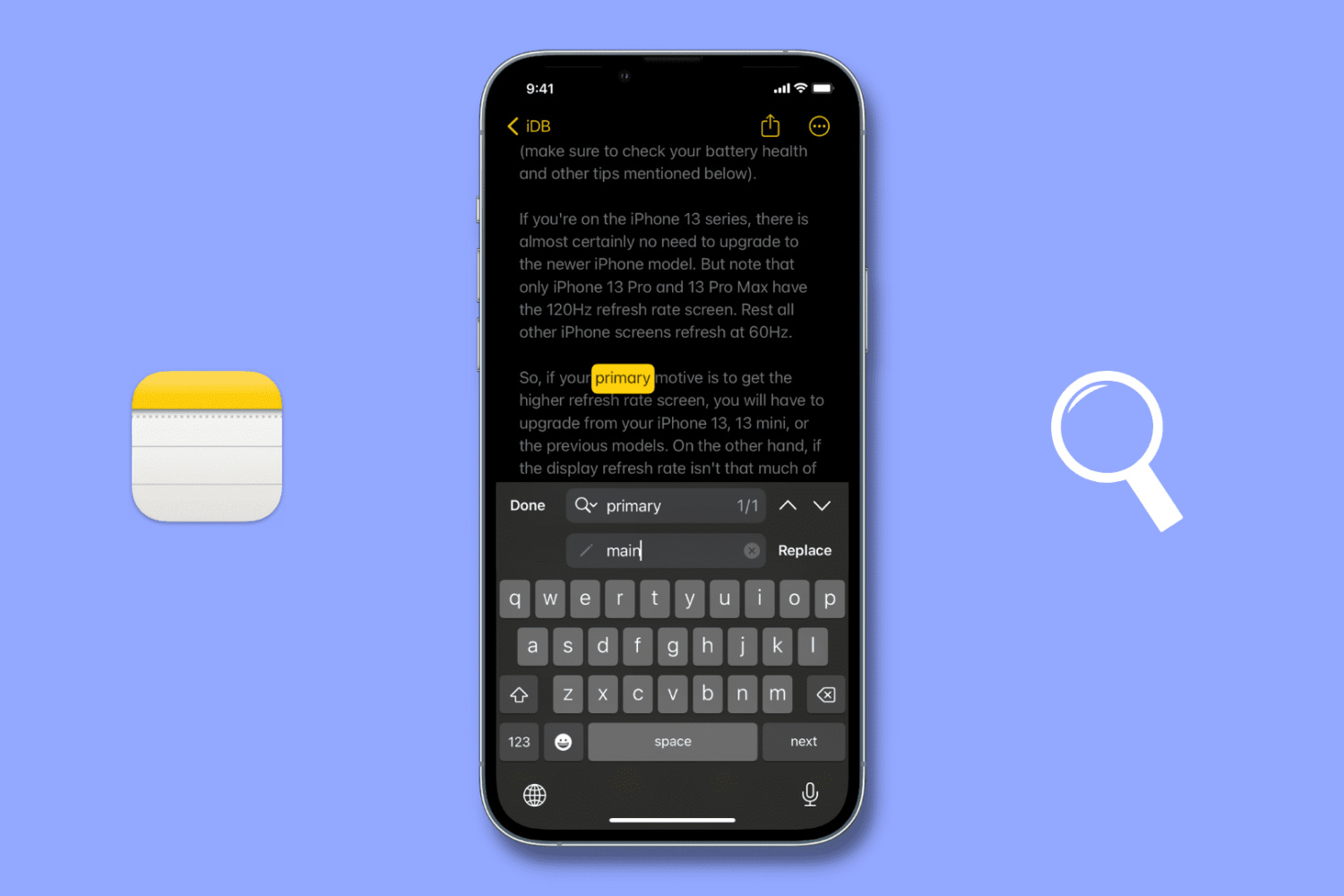
Check out these two simple ways to use the Find & Replace feature in the iPhone or iPad Notes app to quickly locate and replace text for easier note editing.
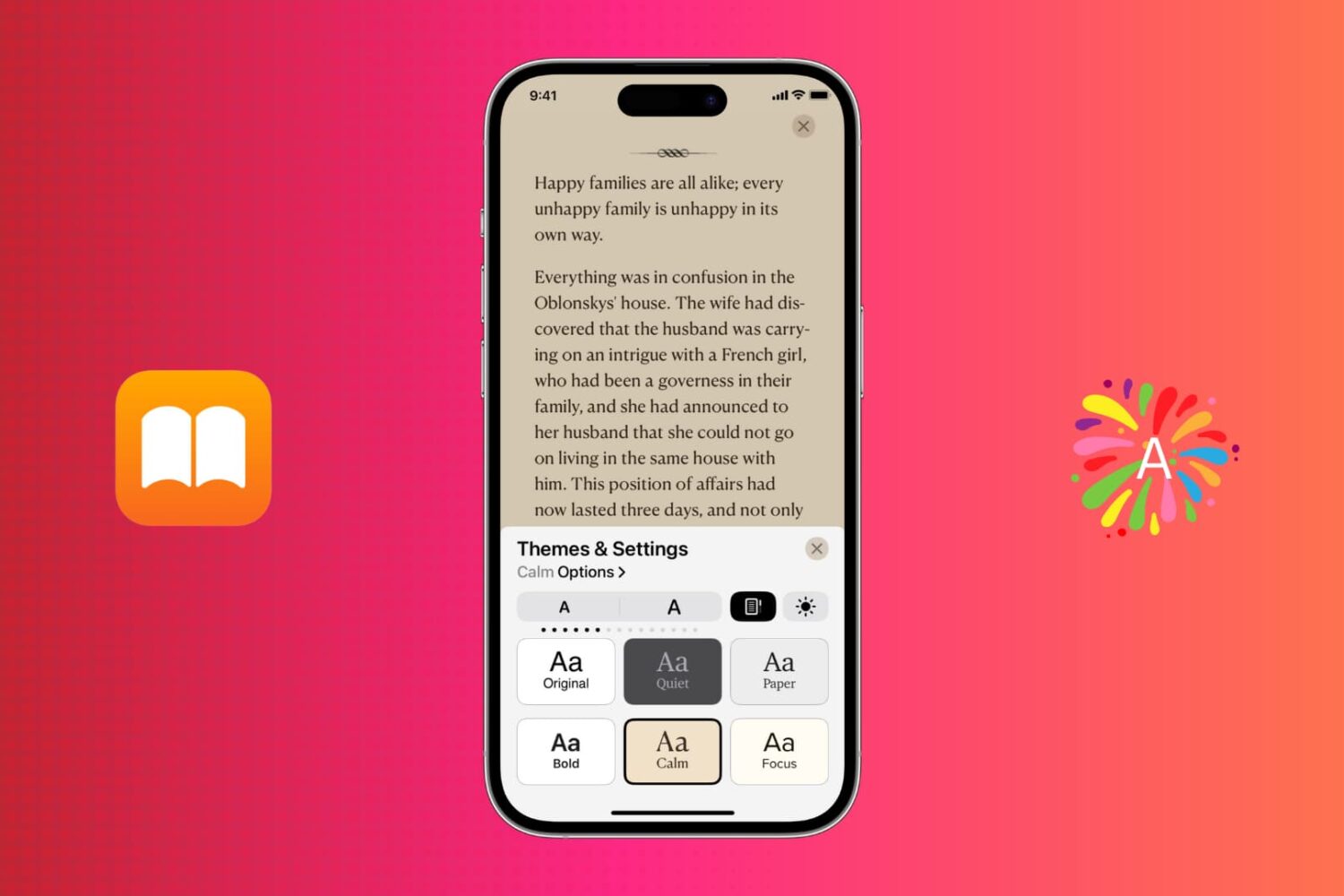
Learn how to customize your reading experience and make it more comfortable with themes in the Apple Books app on your iPhone, iPad, and Mac.

Learn how to translate foreign language words, sentences, or paragraphs and see their definition on your iPhone, iPad, and Mac using built-in tools.

This tutorial will guide you through the process of downgrading your iPhone from iOS 16 to iOS 15. But first, let's go over the reasons why you might want to do this, and what you need to downgrade from a newer version of iOS 16 to an older version of iOS 15.

Learn how to remove the security lock from your Hidden and Recently Deleted folders in the Photos app on your iPhone, iPad, and Mac.
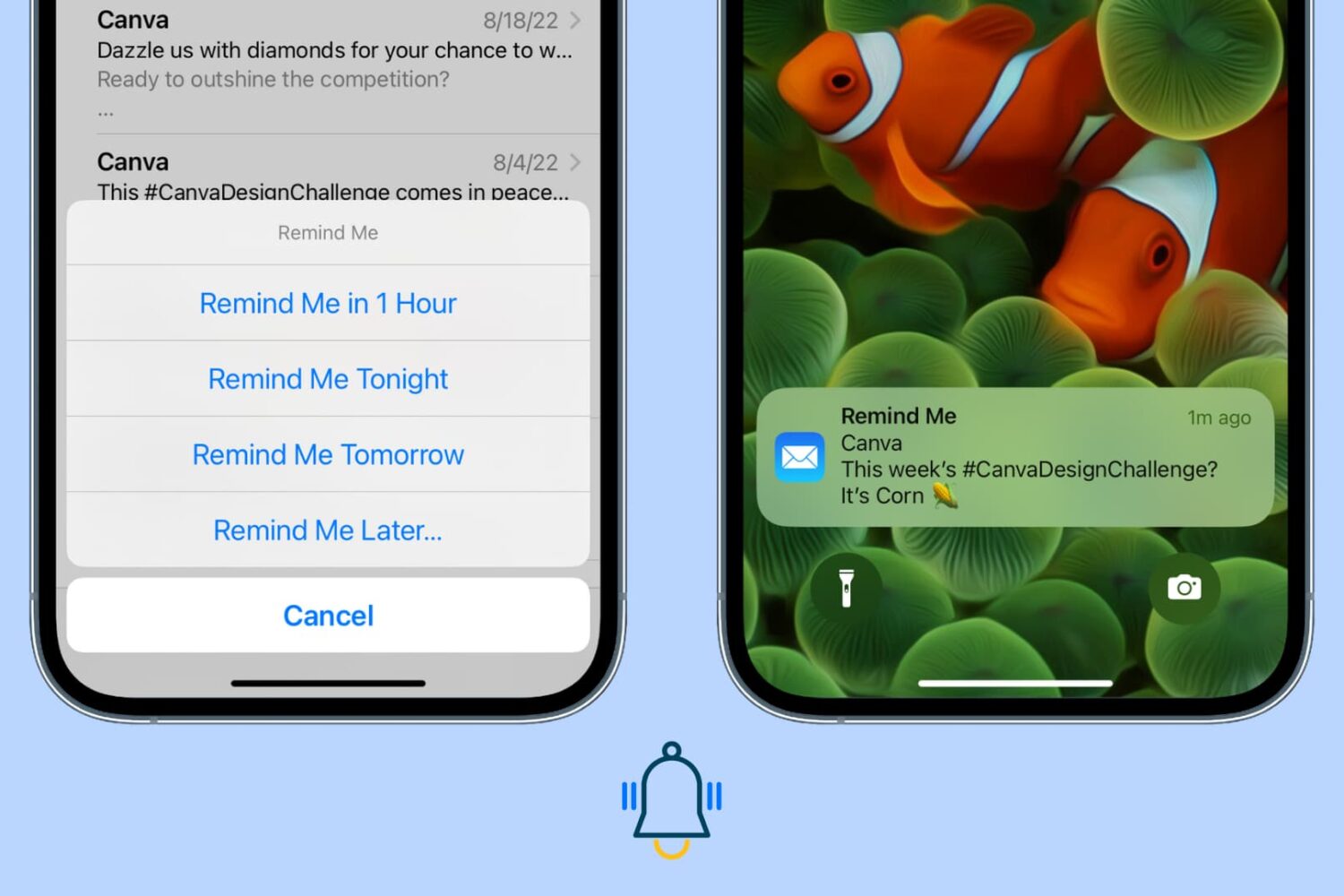
Use the Remind Me feature in the Apple Mail app on iPhone, iPad, and Mac so you never miss replying to or attending to an important opened email.
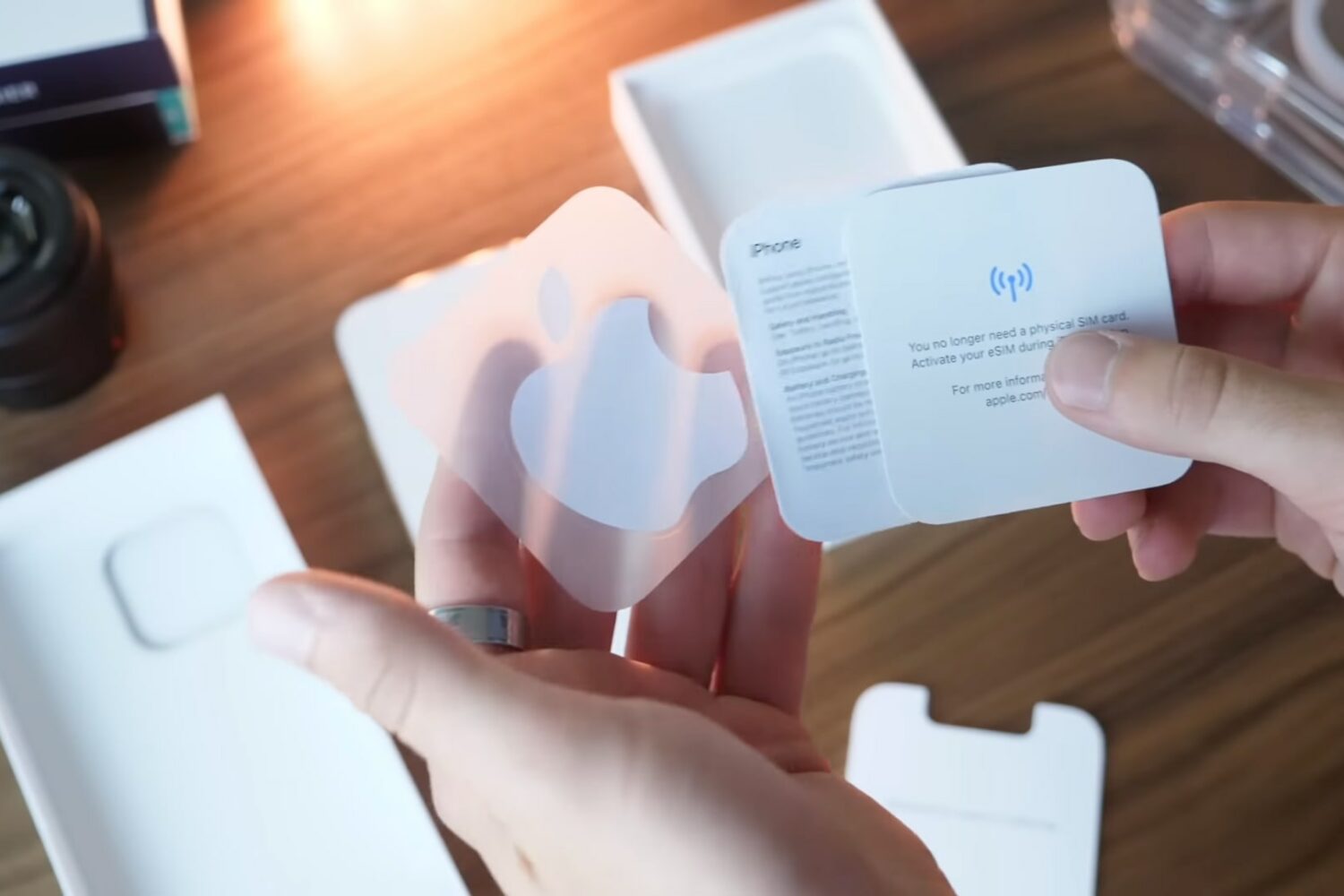
In this video, we share some pretty cool iPhone 14 Pro setup tips and tricks that everyone should follow for the best experience with their Apple smartphone.
It's that special time of the year when people are getting their hands on the new iPhone 14 series and the exciting iOS 16.
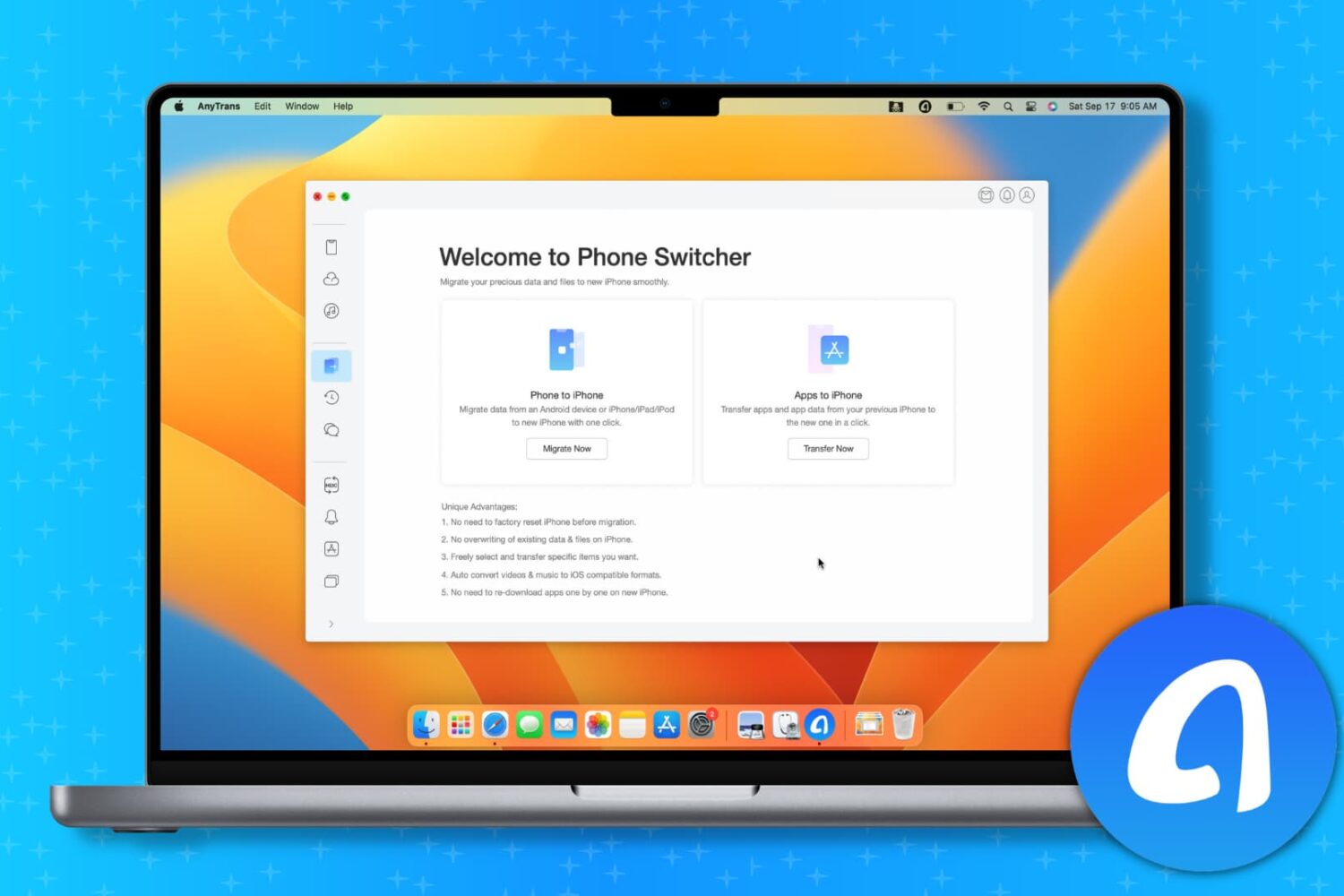
If you bought an iPhone or are planning to buy one, you might be thinking about moving your data from your current smartphone to your new iPhone.
Sure, Apple has the Move to iOS app to help you switch from Android to iOS and the Quick Start feature to migrate your data from your current iPhone to a new one. On the basic level, these tools are handy. But as you will find out, they have some drawbacks.
Thankfully, AnyTrans from iMobie, a continuously updated decade-old app, will comfortably allow you to transfer all or selected data from your current iPhone or Android phone to your new iPhone 14.
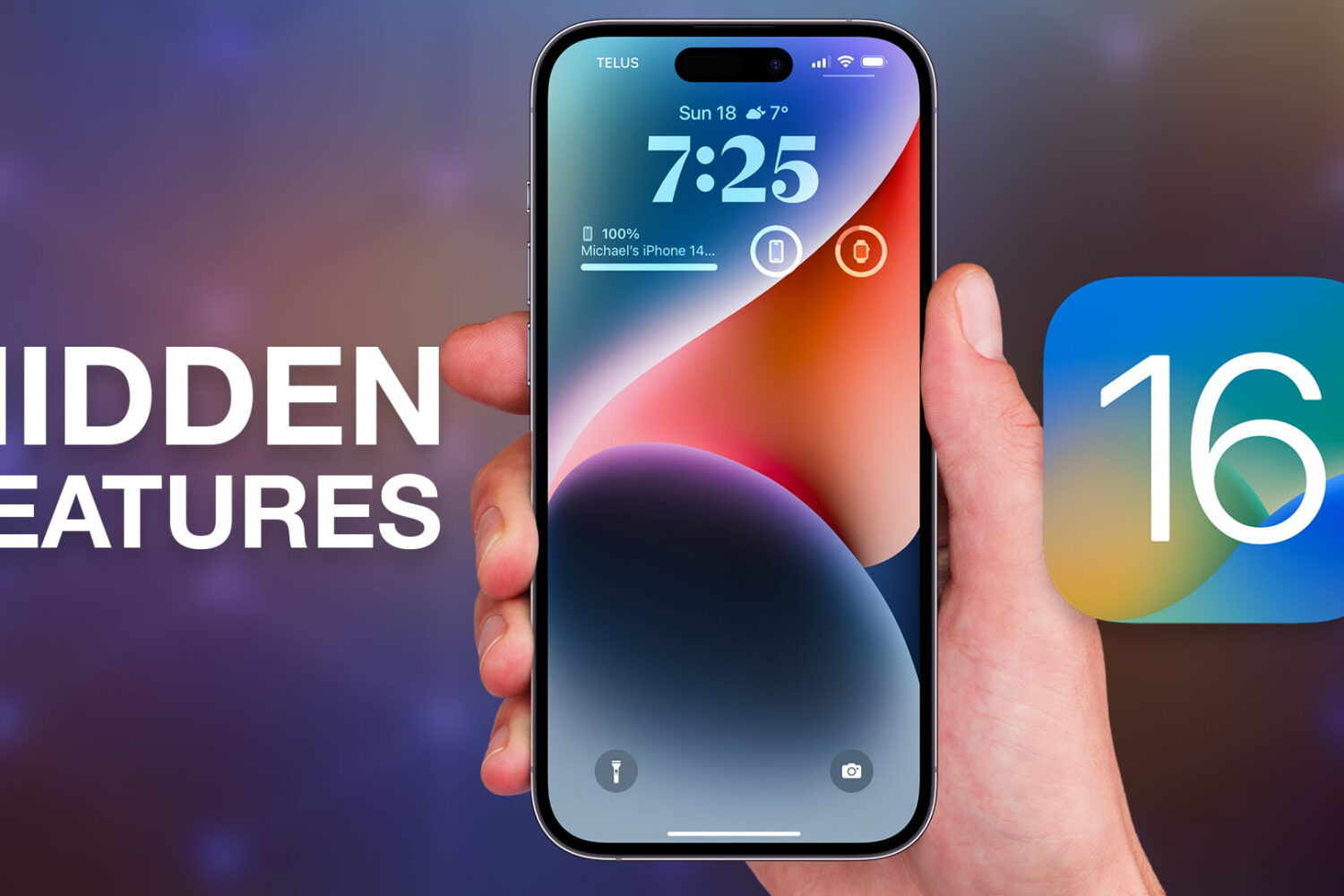
We've compiled a list of almost a dozen little things, tricks and secret iPhone features in iOS 16 that will make you the absolute star of any tech party.