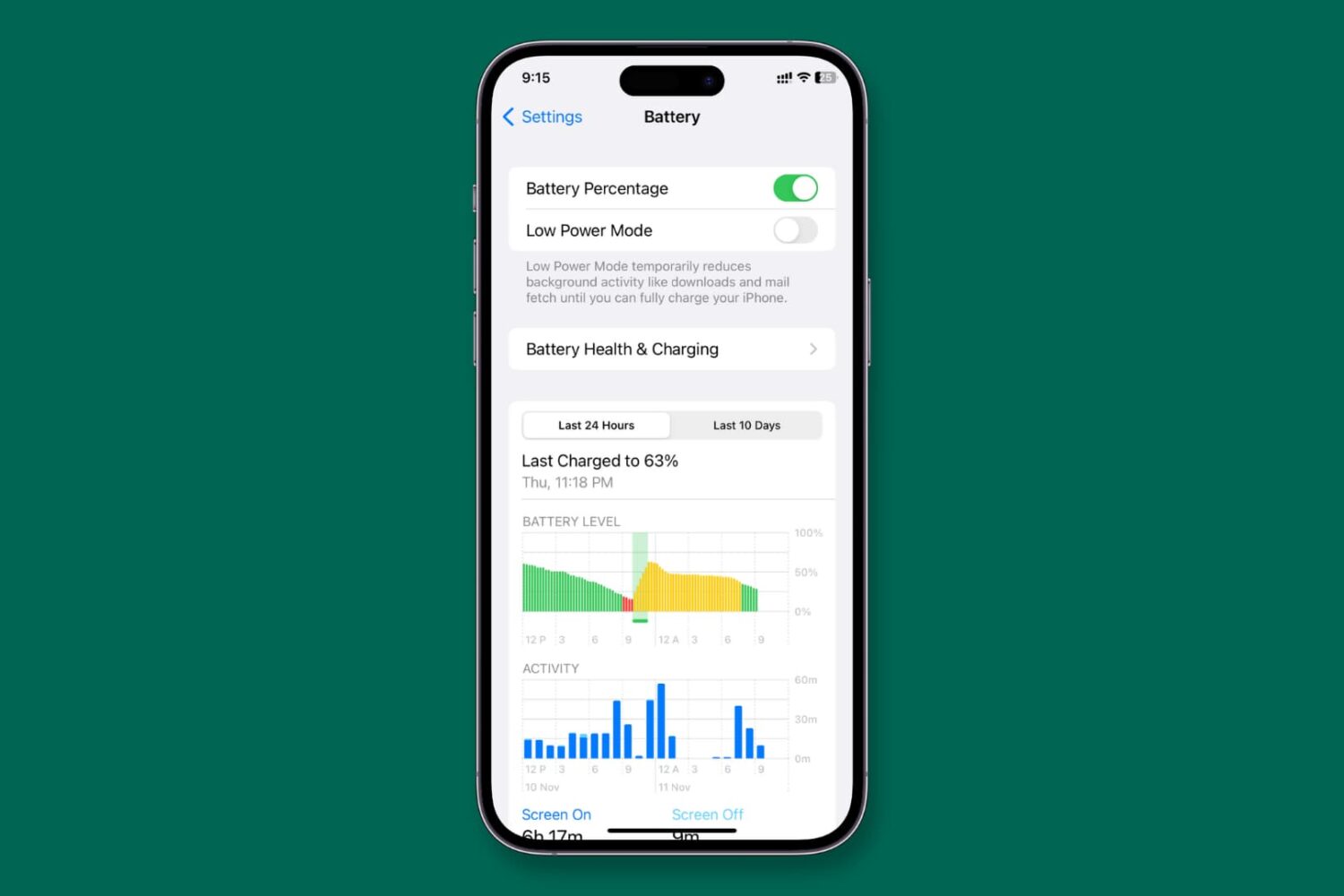
In this step-by-step tutorial, we'll show you how to set your iPhone or iPad to never stay in Low Power Mode and explain why you might want to do so
How to set your iPhone to never enter Low Power Mode
Learn how to master your Apple devices with our comprehensive tutorials. From iPhone and iPad to Mac, Apple Watch, AirPods, and more, our expert guides will help you unlock the full potential of your Apple products. Discover new features, tips, and tricks each day to enhance your user experience.
In this step-by-step tutorial, we'll show you how to set your iPhone or iPad to never stay in Low Power Mode and explain why you might want to do so
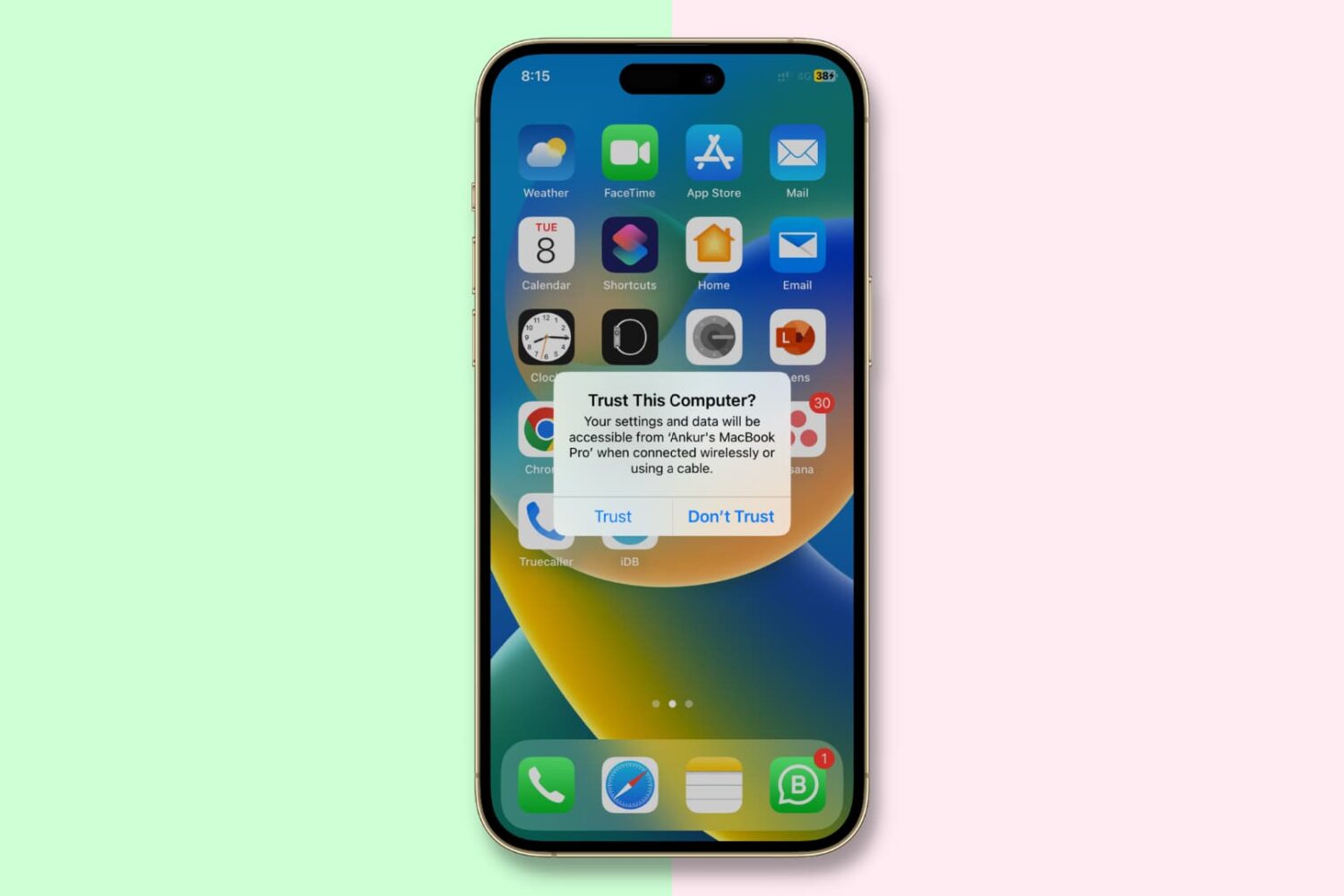
In this important guide, we tell you about the “Trust This Computer” alert on your iPhone or iPad and how to revoke access for previously trusted Mac and Windows PC.
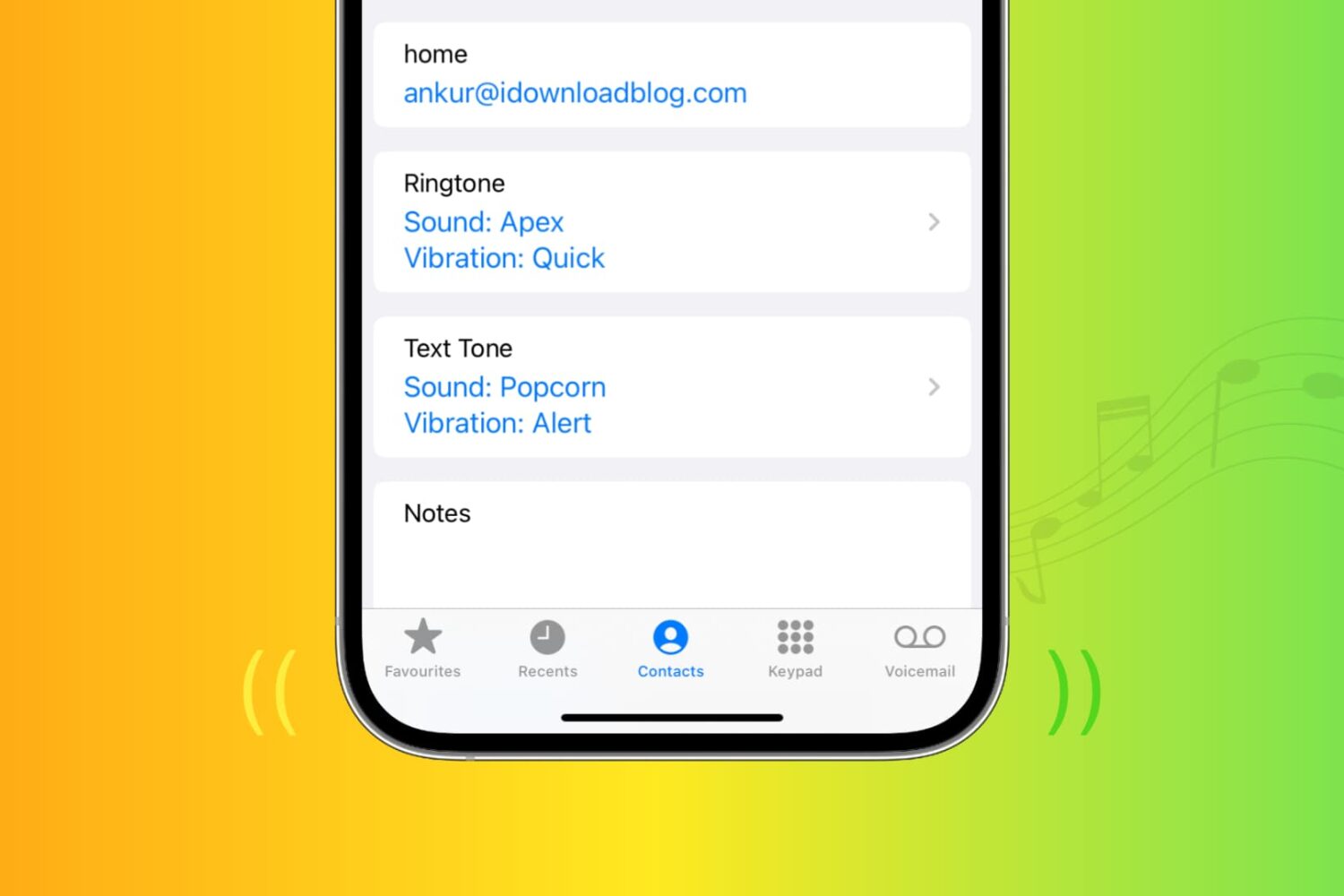
Learn how to assign any ringtone, text tone, or vibration pattern to a specific contact so that you can tell who’s calling without looking.
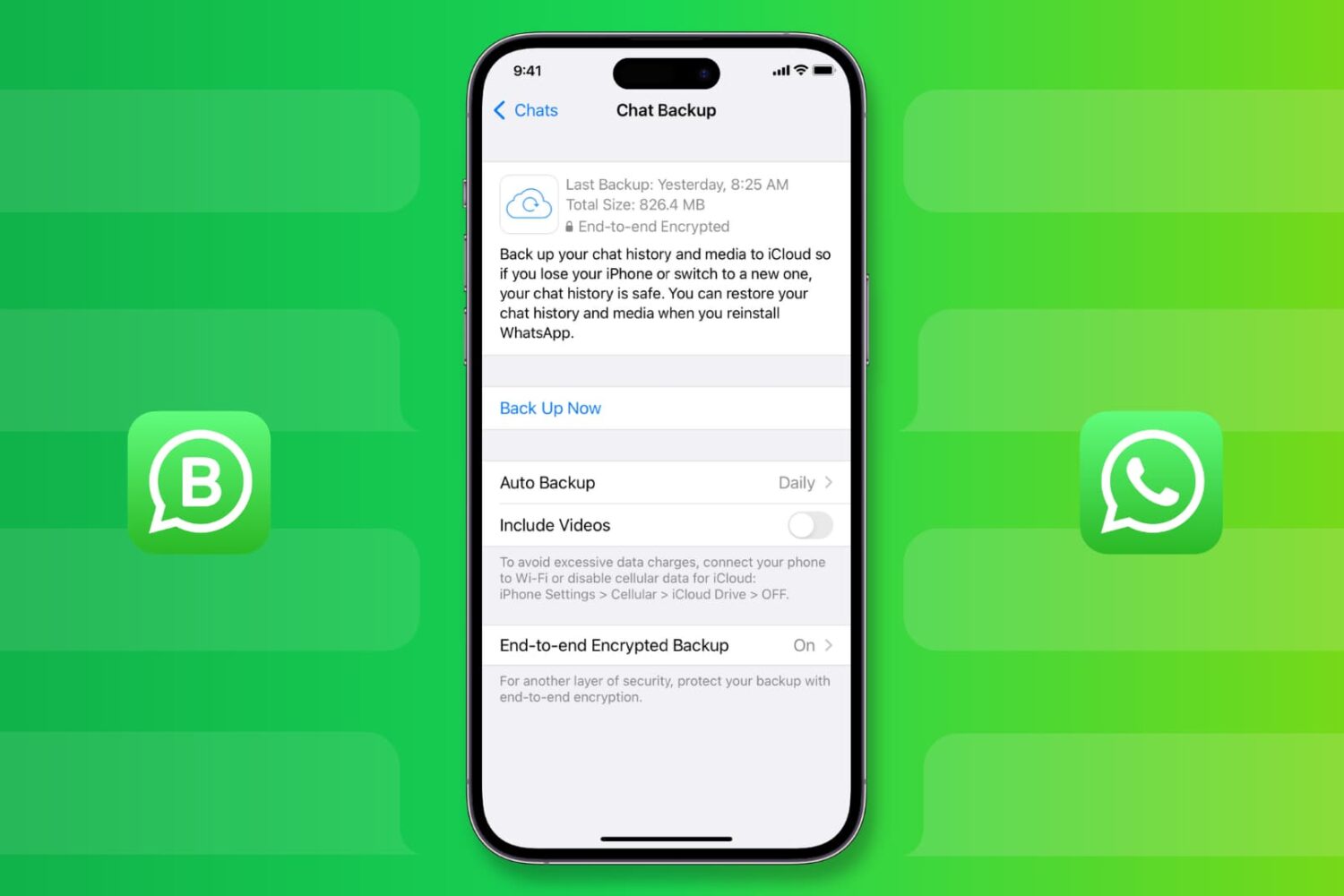
Learn how to back up your WhatsApp messages, photos, videos, and attachments on iPhone, and restore them to a new or erased phone, if necessary.
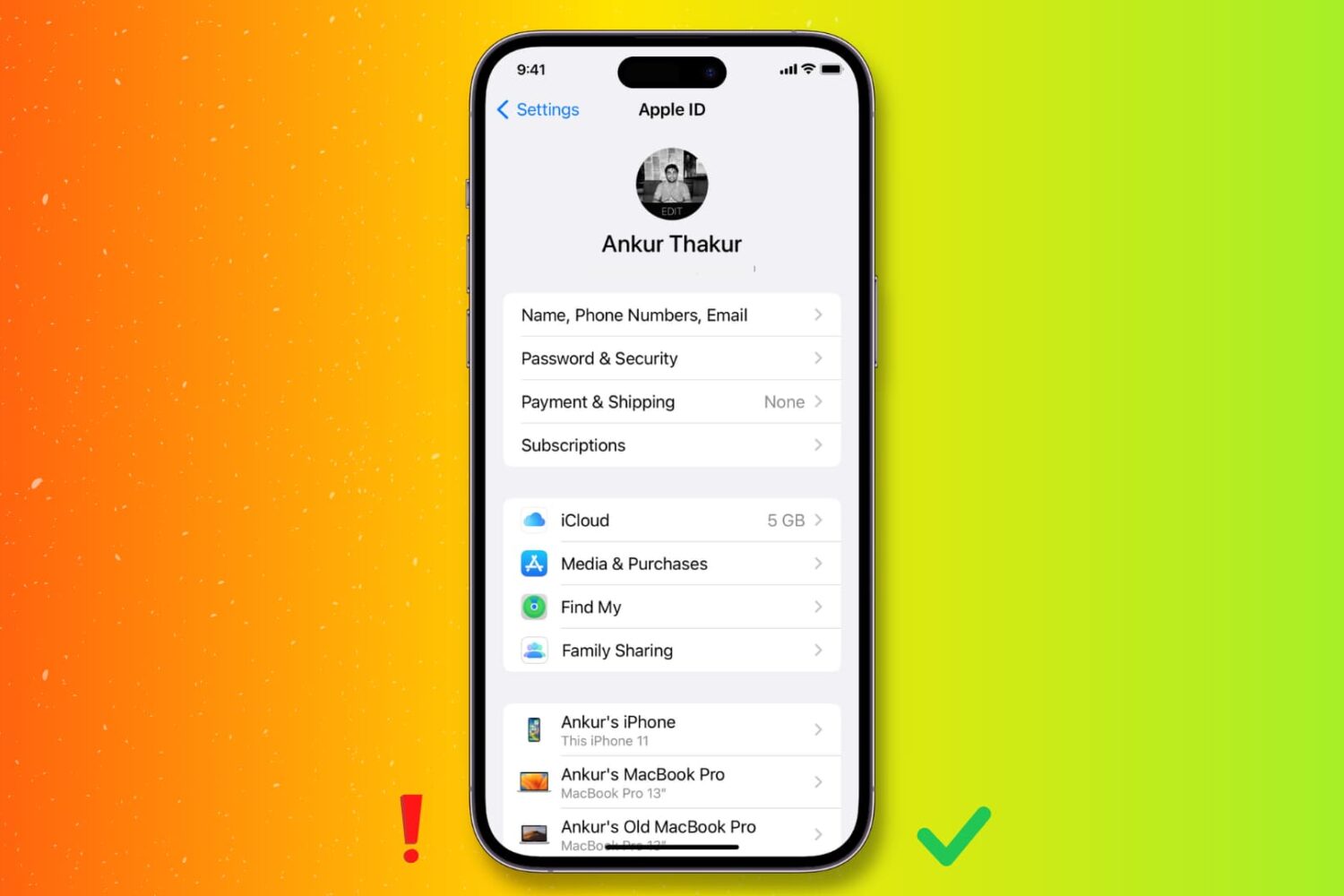
Check out these important tips to keep your Apple Account secure and prevent scams and unauthorized access to your personal data.
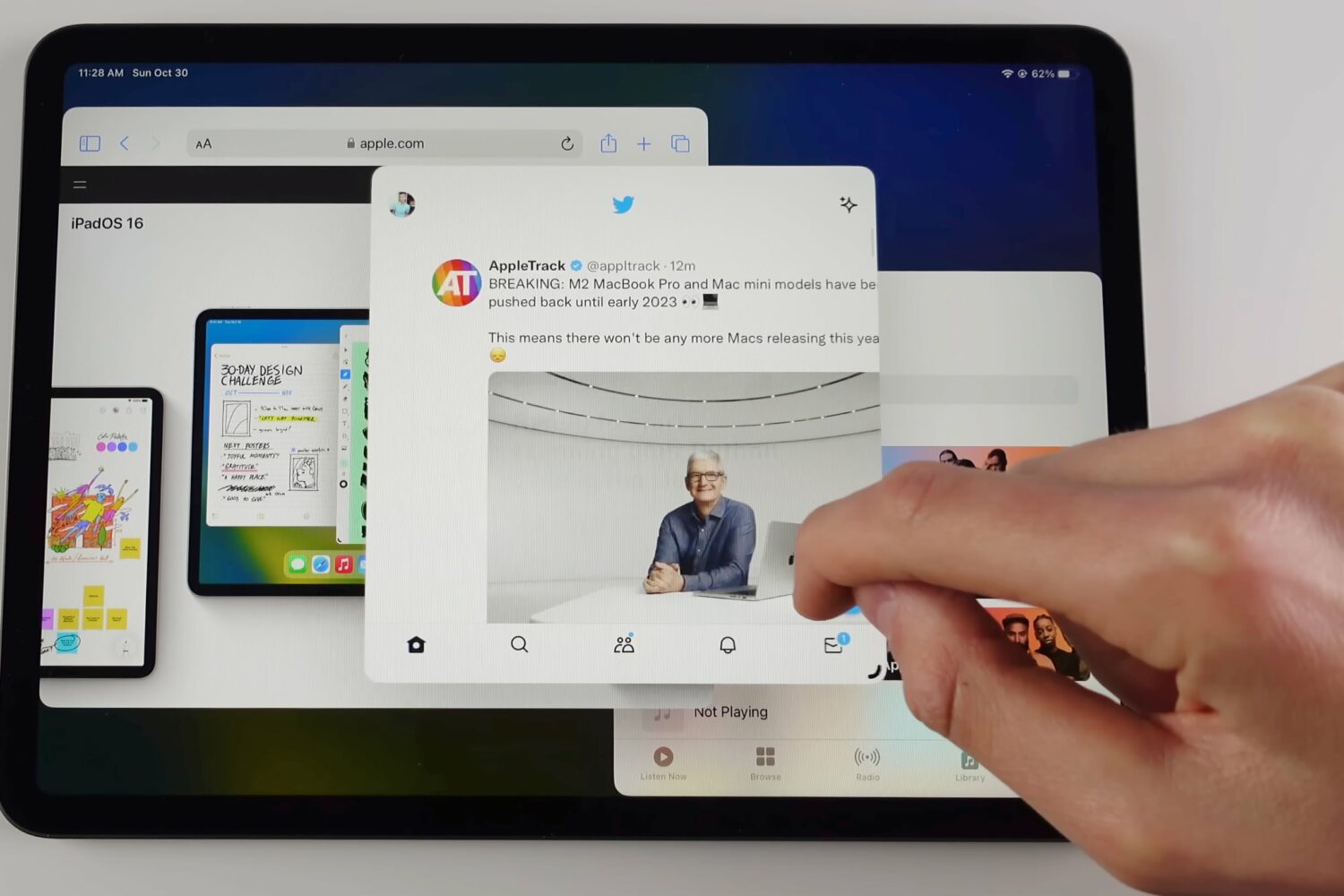
Learn how to use Stage Manager on your iPad to manage multiple overlapping windows in a single view, switch between apps and more.
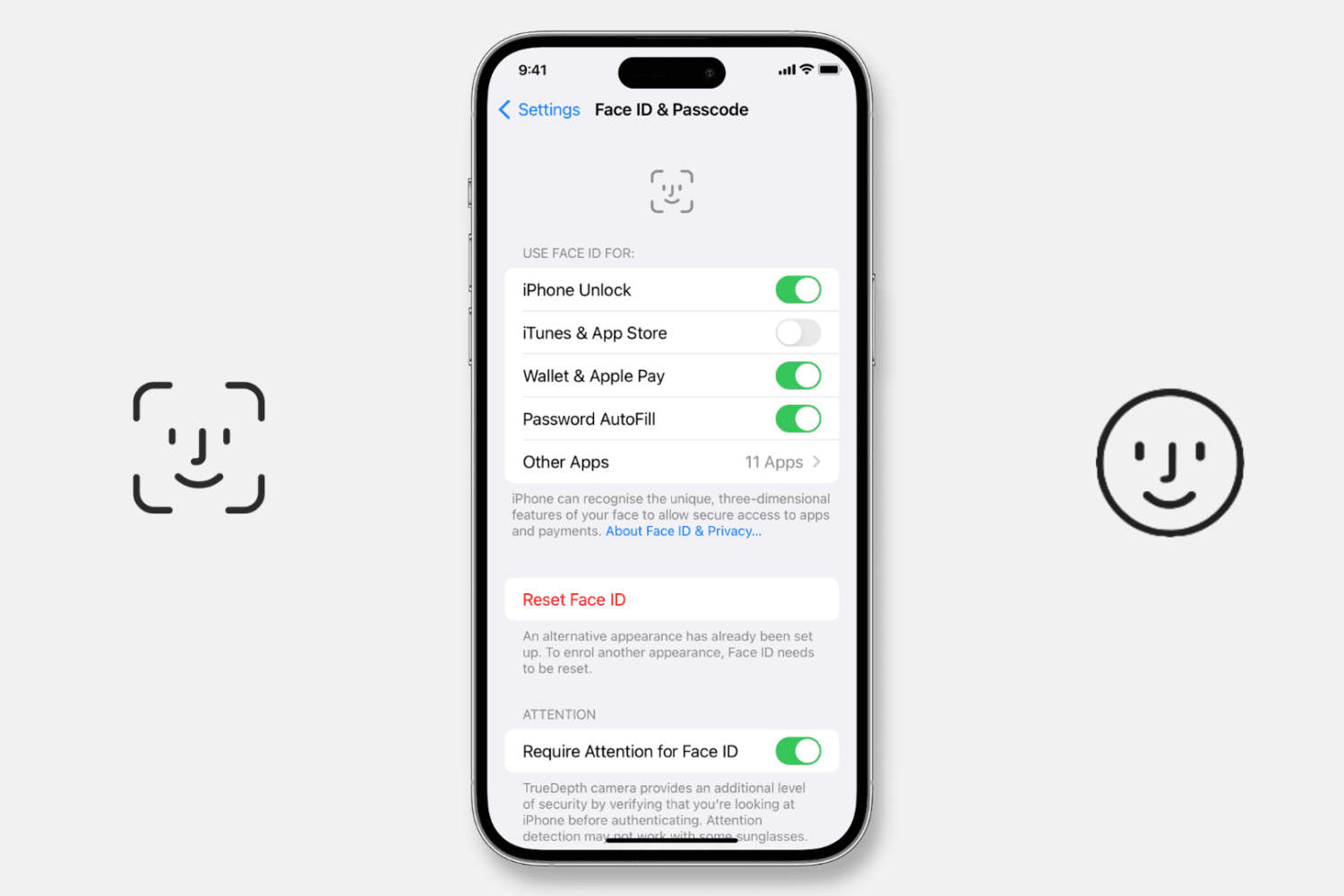
Try our expert troubleshooting tips if Face ID fails to unlock your iPhone or iPad, won’t let you authorize downloads, locked apps, autofill passwords, or use Apple Pay.
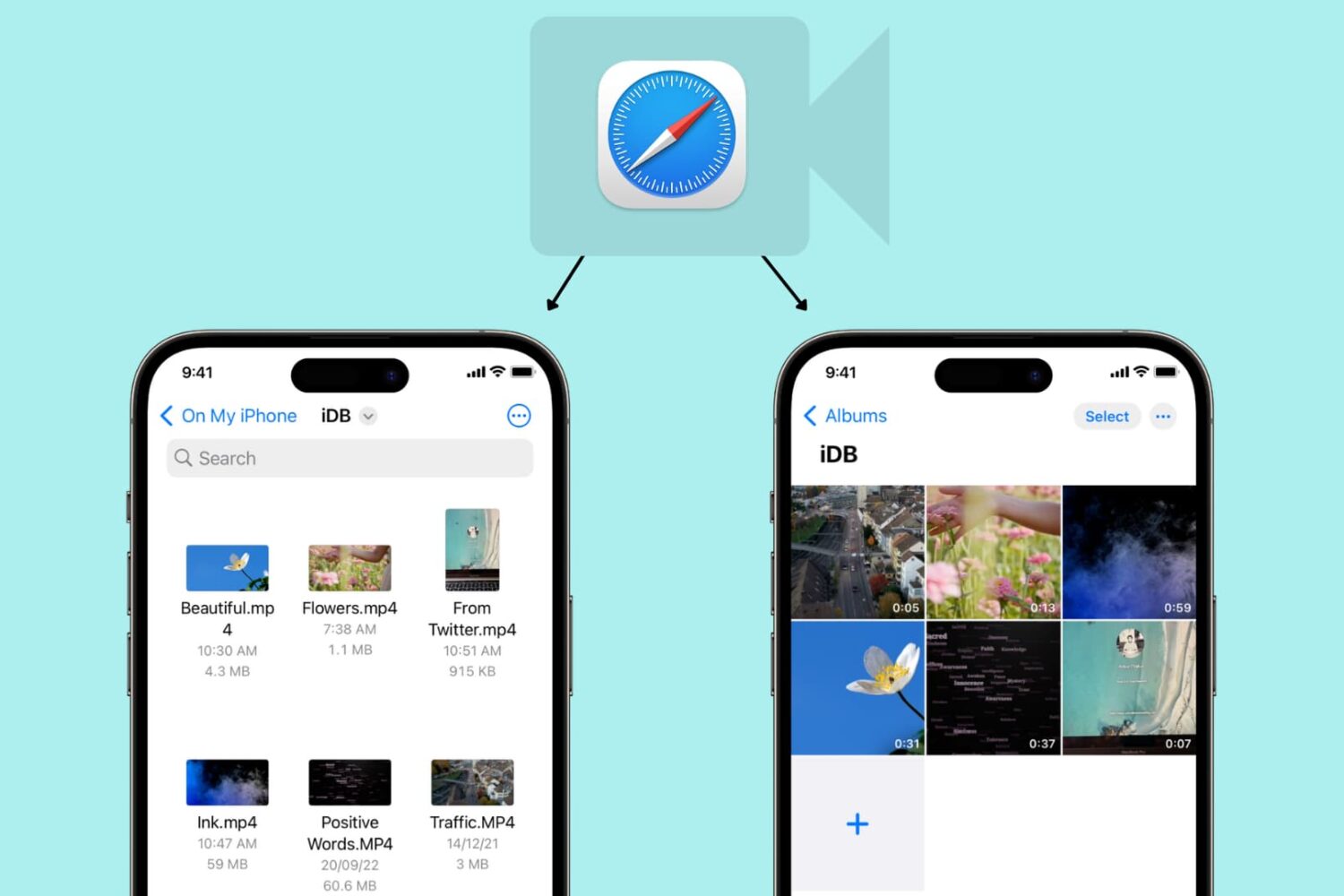
Learn how to use Safari on your iPhone or iPad to download video files directly to the Photos app or Files app for offline viewing.
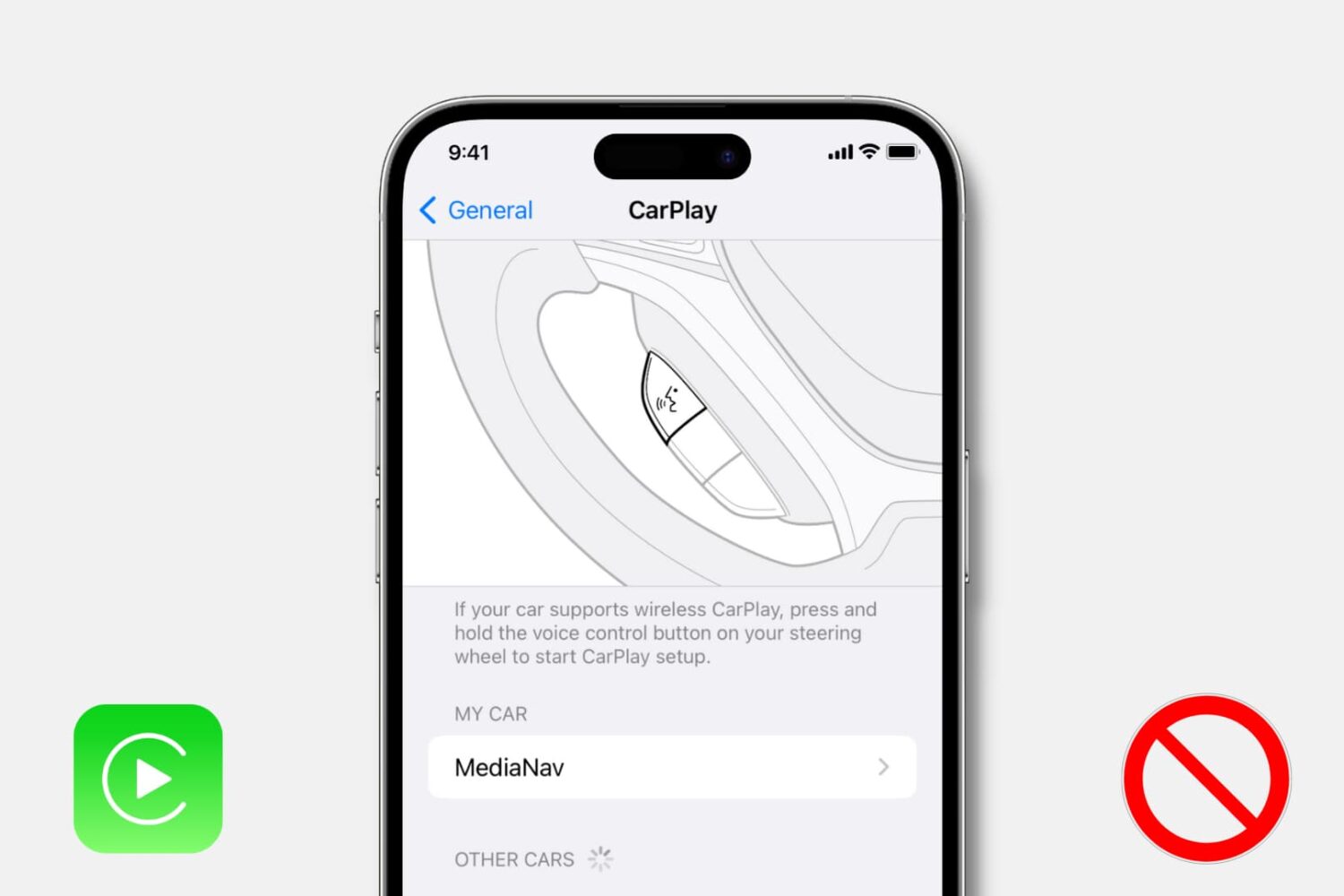
Learn how to turn off CarPlay for a particular car or disable it entirely on your iPhone if you don’t want to use it with any car.
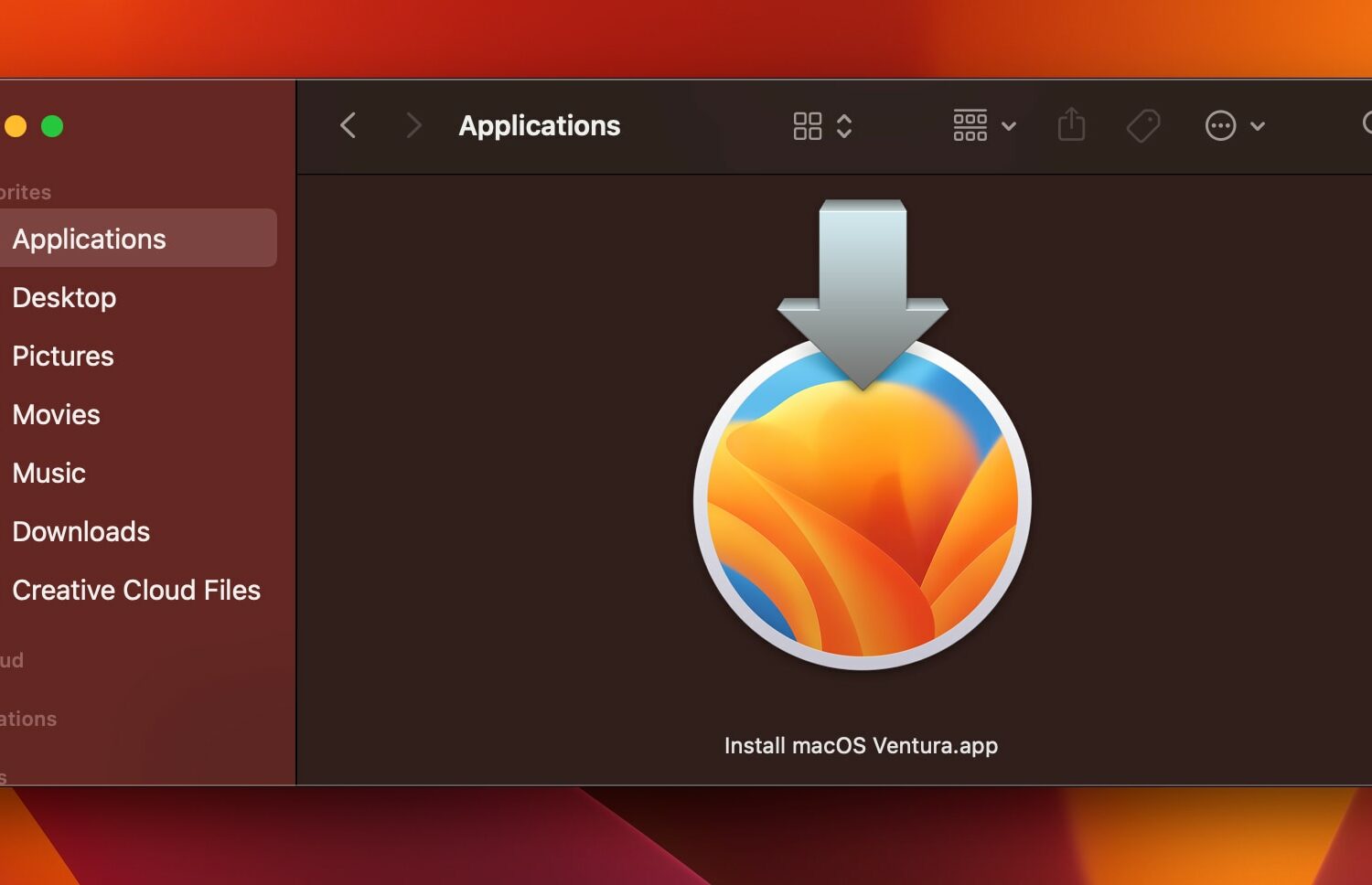
Learn how to download the macOS Ventura installer to create a bootable macOS 13 installer on physical media such as a USB drive for updating multiple Macs.
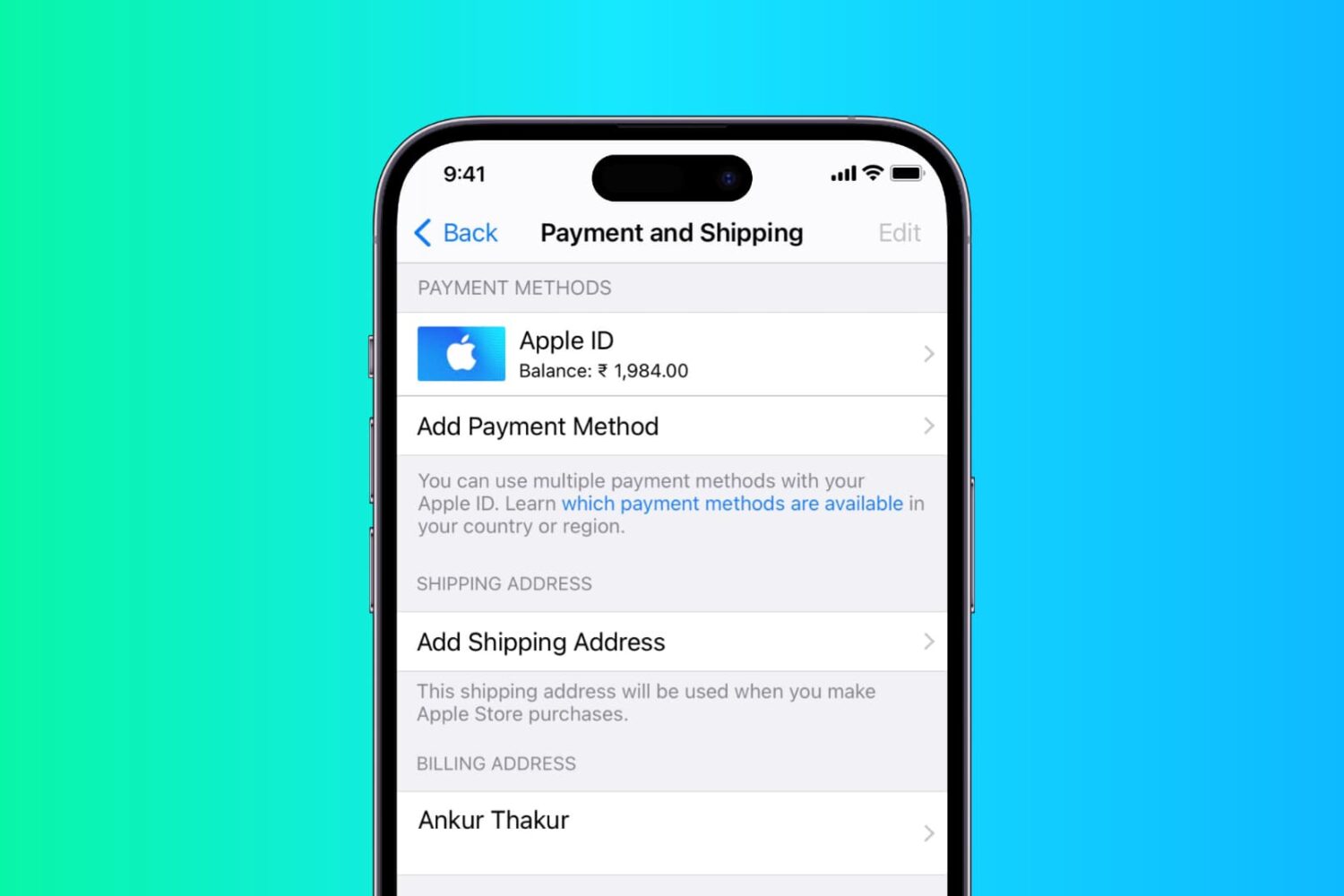
In this step-by-step tutorial, we show you how to add or change the shipping and billing addresses in your Apple Account from iPhone, iPad, or Mac.
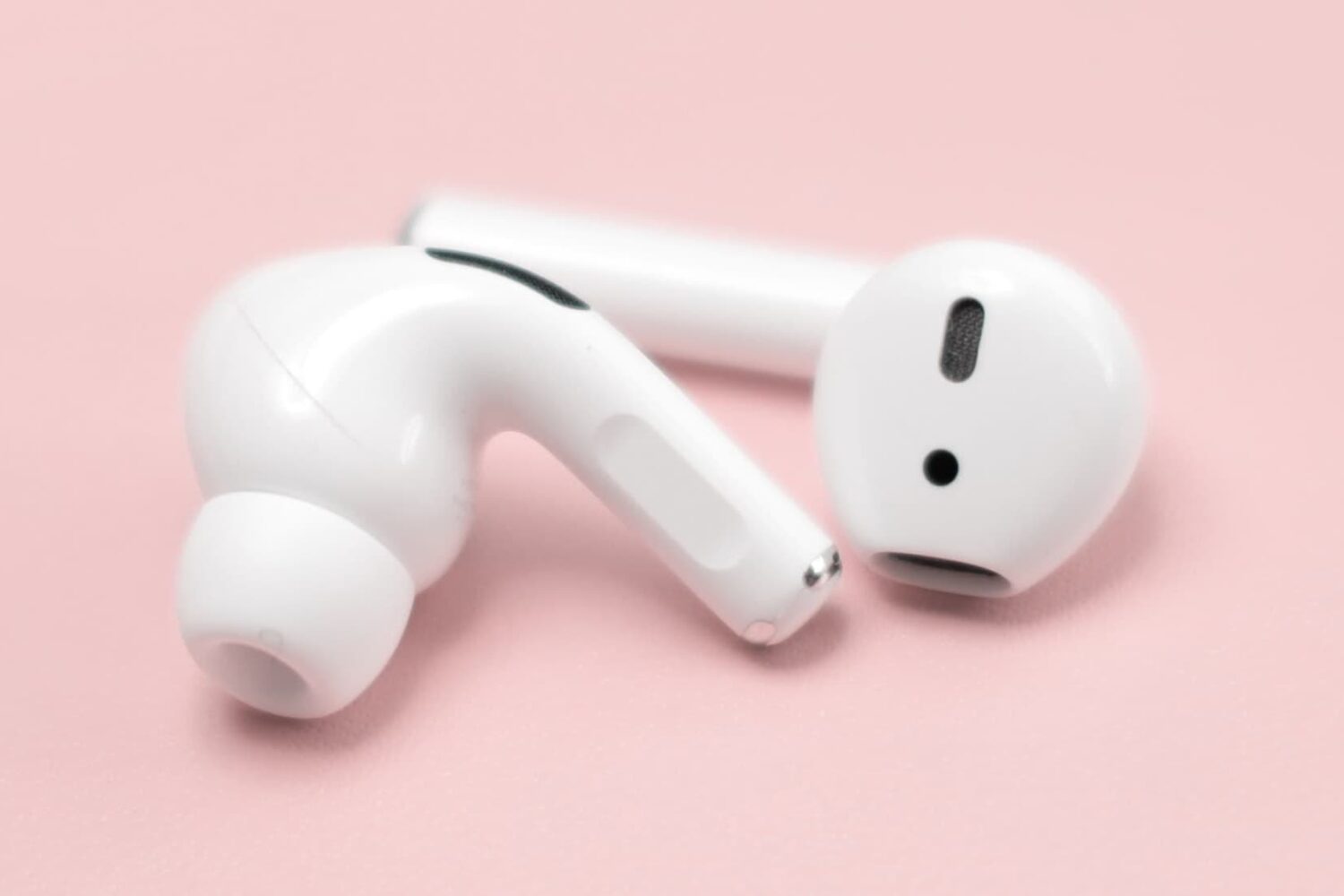
Learn how to fix the left or right AirPod sounding louder or quieter than the other when listening to music or watching videos.