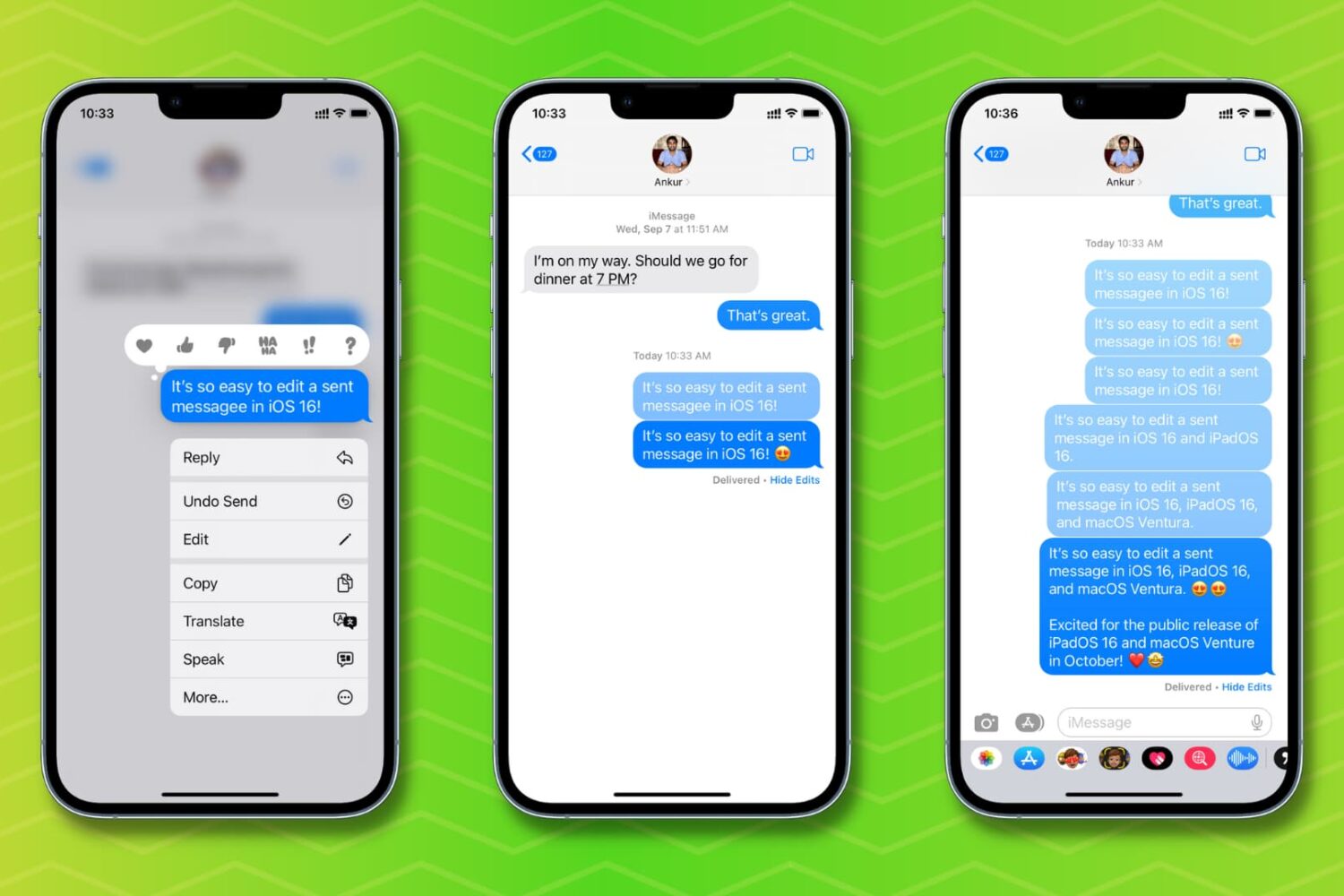
Check out how to edit a sent message on your iPhone, iPad, Mac, and Apple Watch if you need to fix a typo or correct something, without having to delete and resend the text.
How to edit a sent message on iPhone, iPad, Mac, Watch
Stay up-to-date on the latest Mac news, and tutorials. Get expert tips and tricks to optimize your Mac’s performance and learn about the latest Apple products and software updates. Discover the best Mac apps and accessories to enhance your user experience.
Check out how to edit a sent message on your iPhone, iPad, Mac, and Apple Watch if you need to fix a typo or correct something, without having to delete and resend the text.
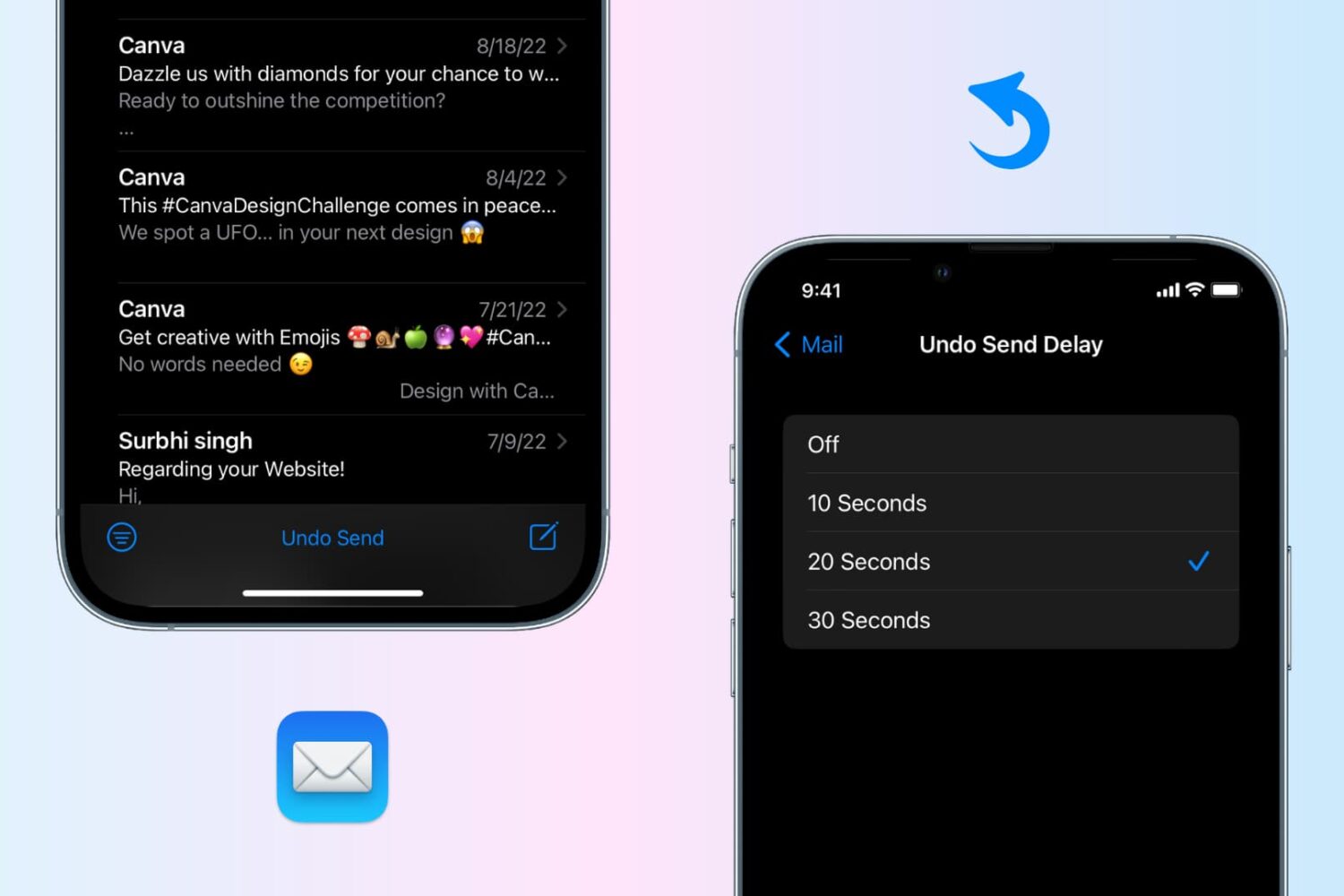
Undo send an email in the Apple Mail app on your iPhone, iPad, or Mac to recall the sent email before it reaches the recipient’s inbox.

Learn how to unsend messages on iPhone, iPad, and Mac in just a few steps to retract texts before they are seen.

Learn what to do if your external hard disk, SSD, thumb drive, or other USB device is not connecting to your Mac and you can’t use it as expected.
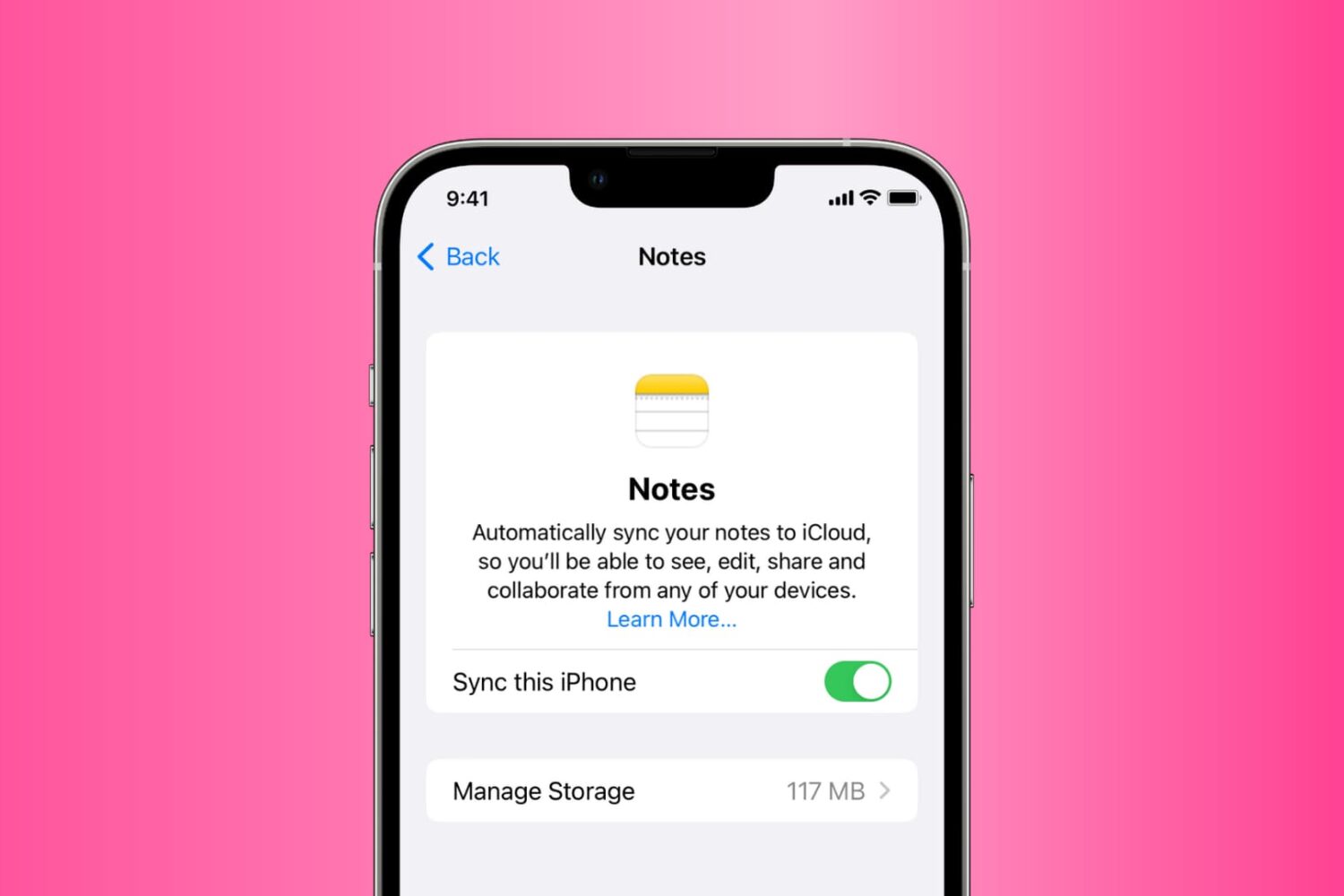
Go through these solutions to fix the Notes app not working, opening, freezing, crashing, or not displaying your notes on iPhone, iPad, and Mac.
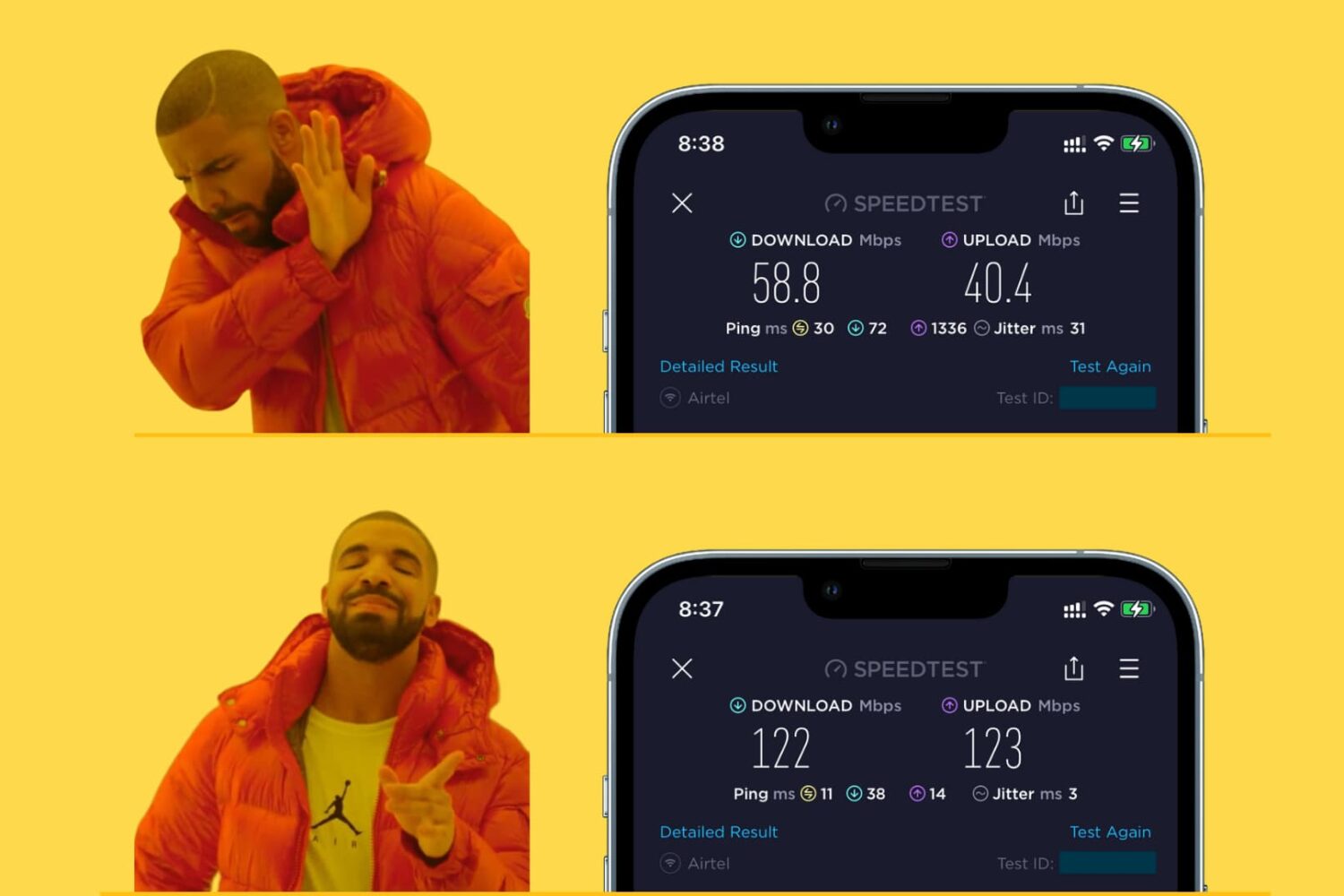
Learn how to make your iPhone, iPad, Mac, or Apple Watch join the faster Wi-Fi network and ignore the slower ones, so you get the best internet speeds.
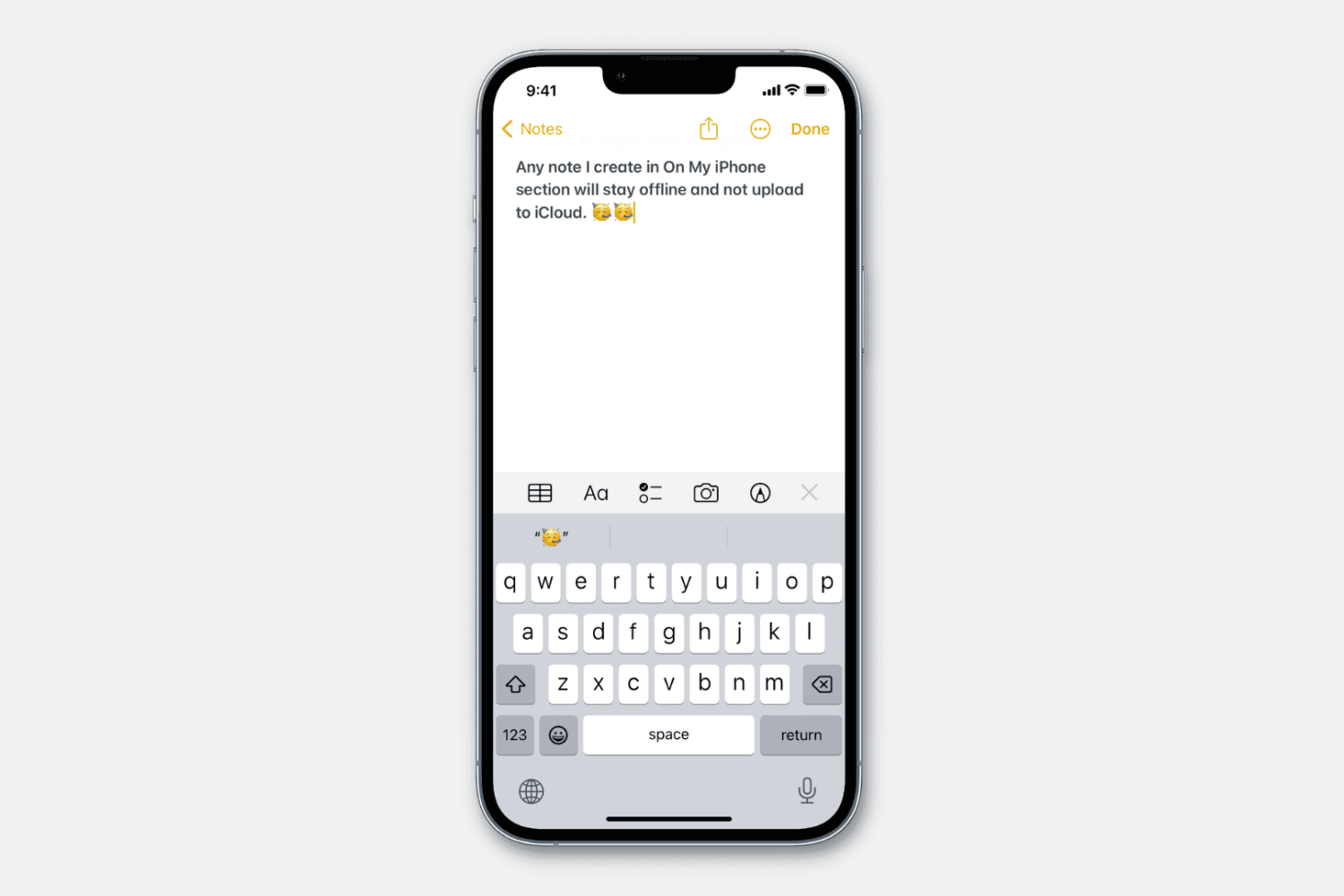
Learn how to stop specific notes from uploading to iCloud and prevent them from syncing to all your Apple devices.
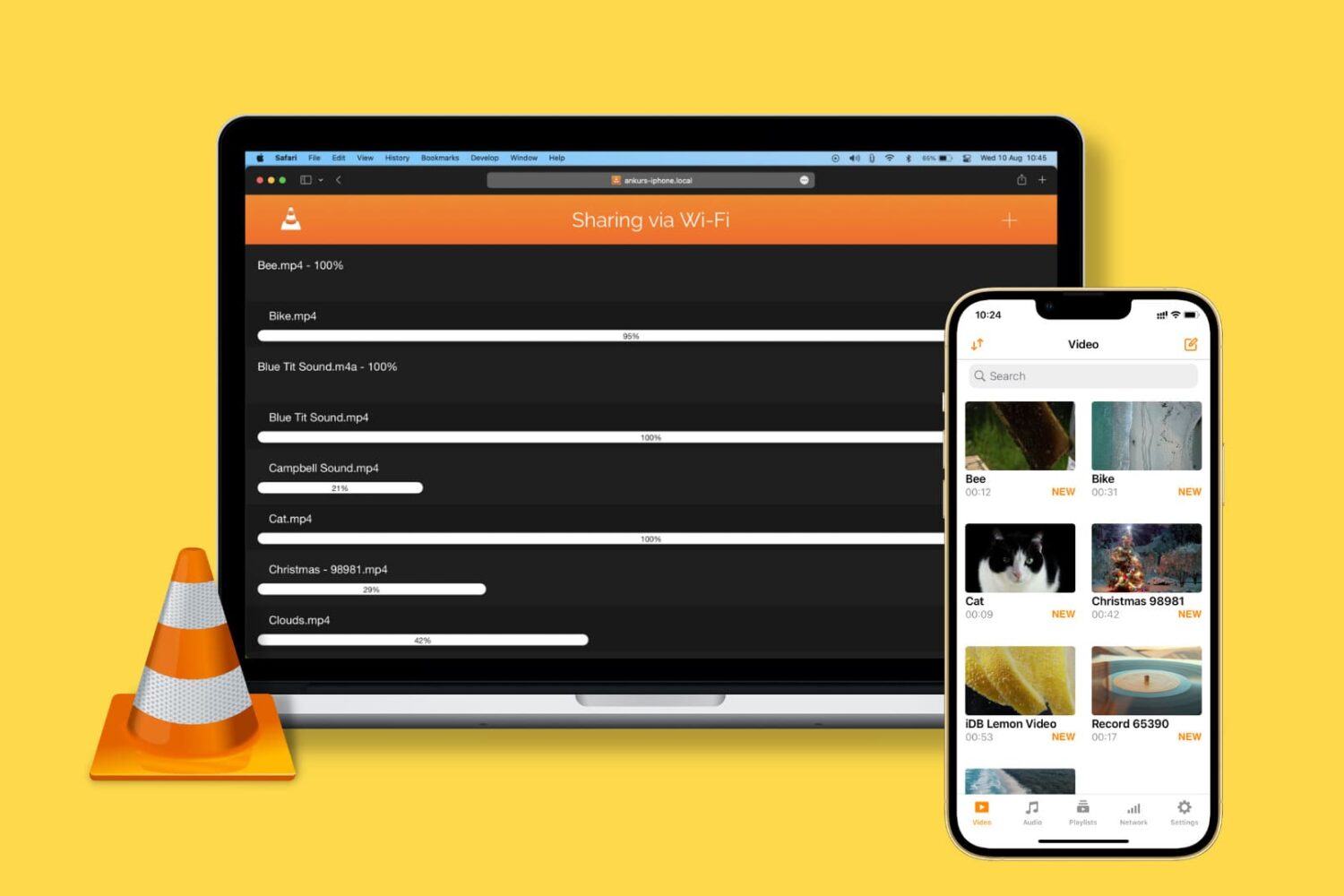
Learn how to transfer video, audio, subtitles, and all other kinds of files from your computer to the VLC Media Player app on your iPhone or iPad.
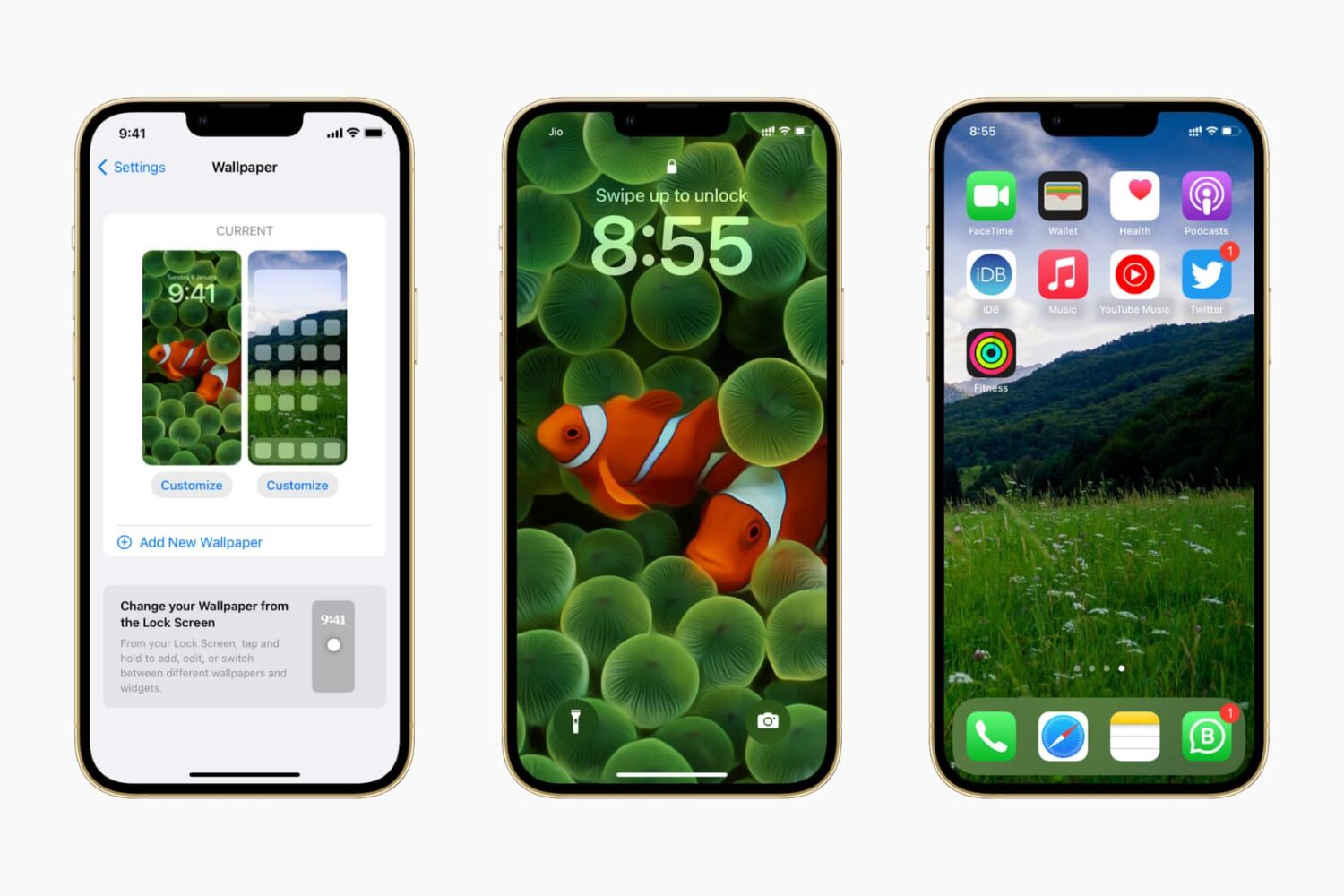
In this guide, we show you where to find some of the very best iPhone wallpapers and other backdrops for your Apple devices for free.

You can enter special symbols like copyright (©), trademark (™), and registered (®) effortlessly on your Mac and iPhone using keyboard shortcuts or the built-in Text Replacement feature. You don’t need to copy & paste or install a third-party app.
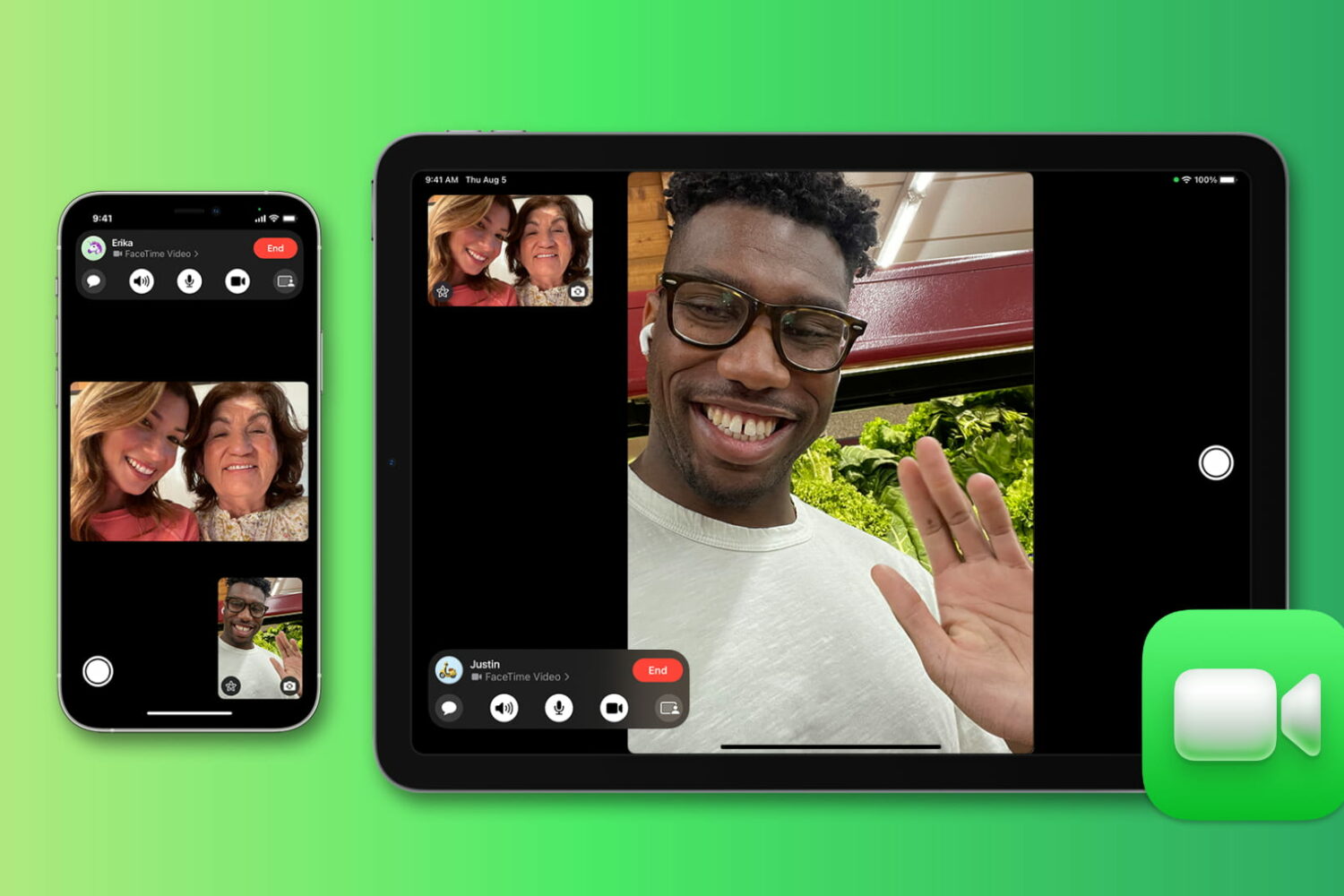
Wondering for how long you talked with a friend or family member on FaceTime? Check out the quick steps to see FaceTime call duration on iPhone, iPad, and Mac.
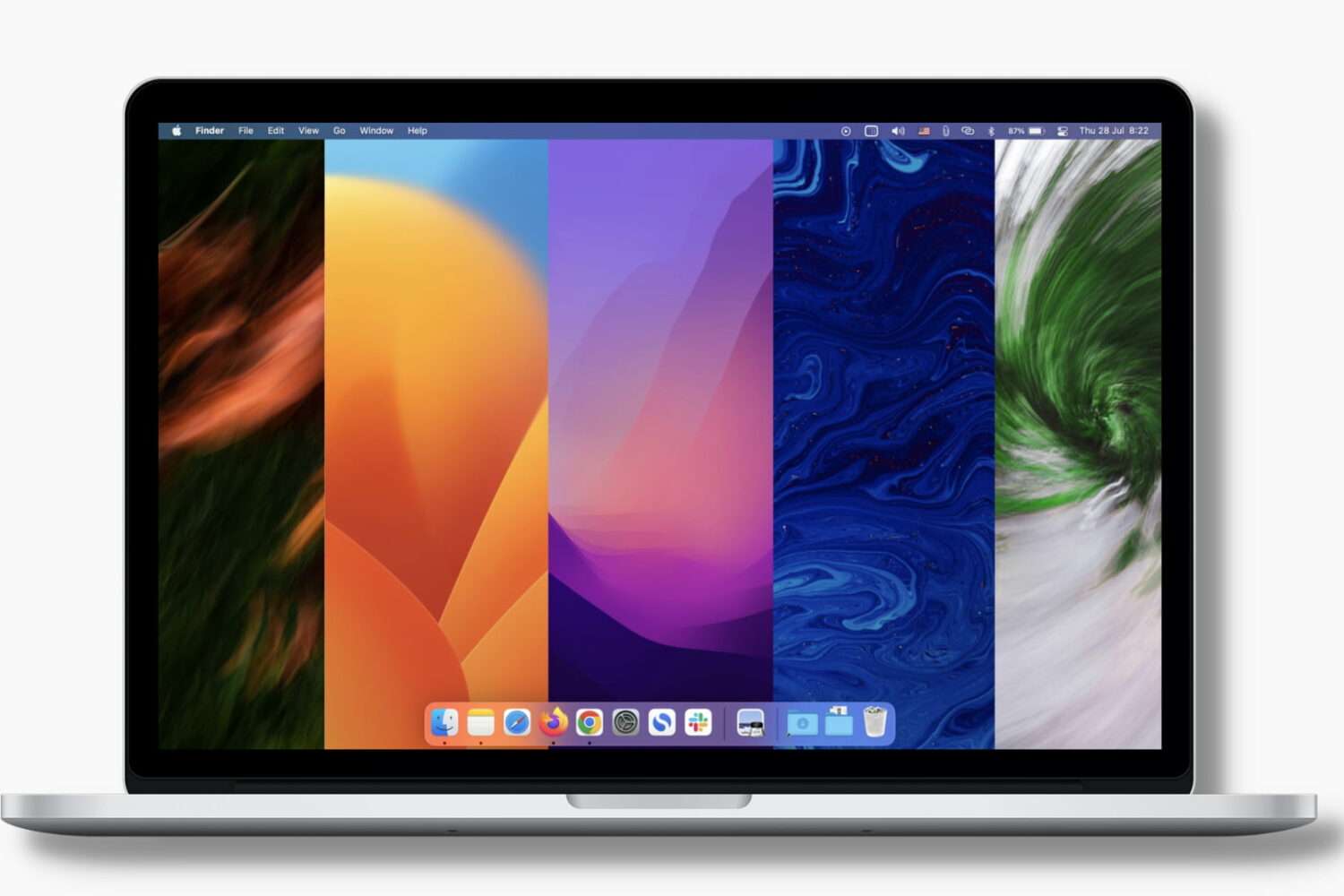
Learn how to set your Mac to automatically change the desktop wallpaper so you get to look at a new image at regular intervals and keep things fresh.