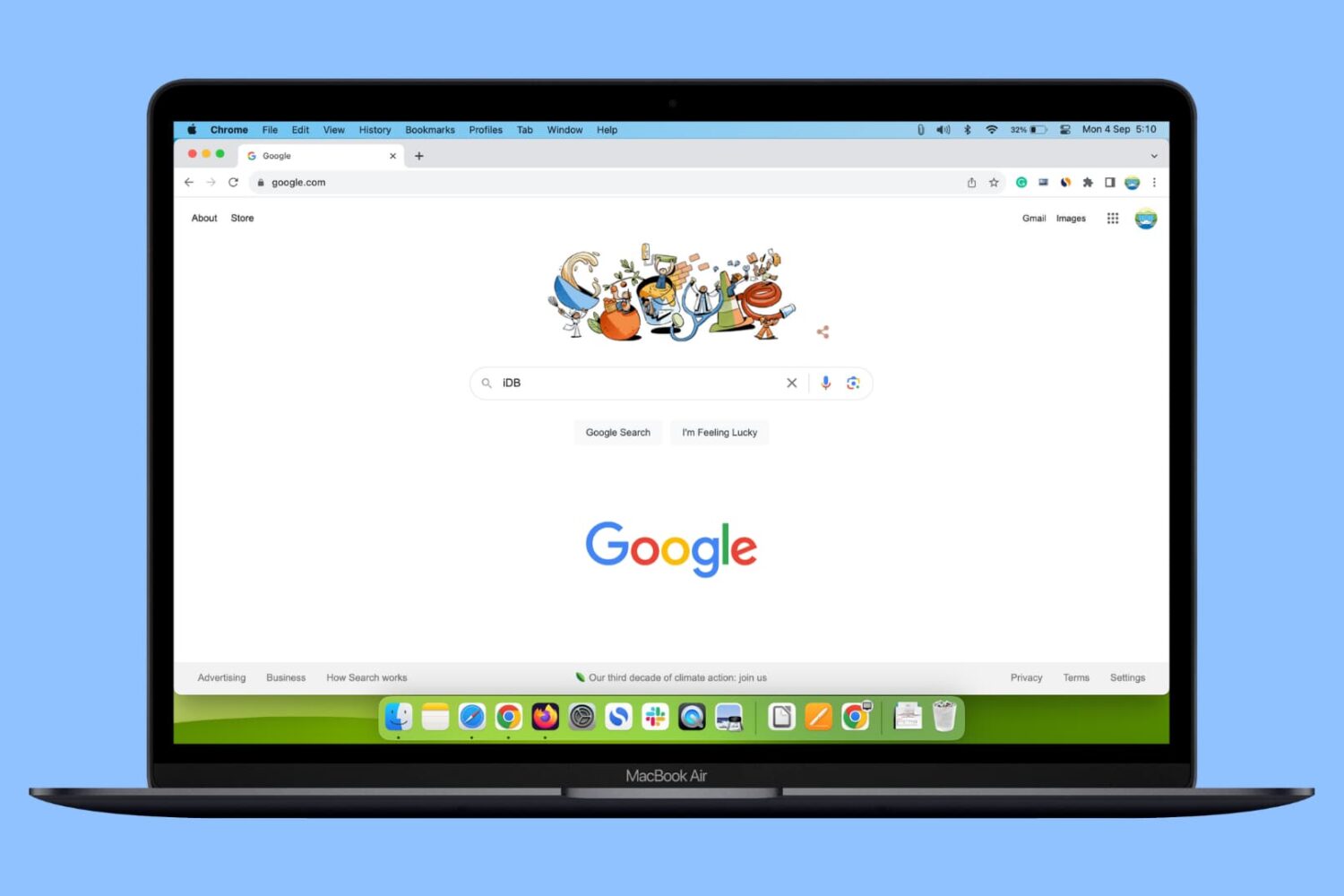
In this guide, we show you three simple ways to add multiple Google accounts in a single web browser on your Mac or Windows PC and switch between them.
How to add multiple Google accounts in one web browser
Stay up-to-date on the latest Mac news, and tutorials. Get expert tips and tricks to optimize your Mac’s performance and learn about the latest Apple products and software updates. Discover the best Mac apps and accessories to enhance your user experience.
In this guide, we show you three simple ways to add multiple Google accounts in a single web browser on your Mac or Windows PC and switch between them.
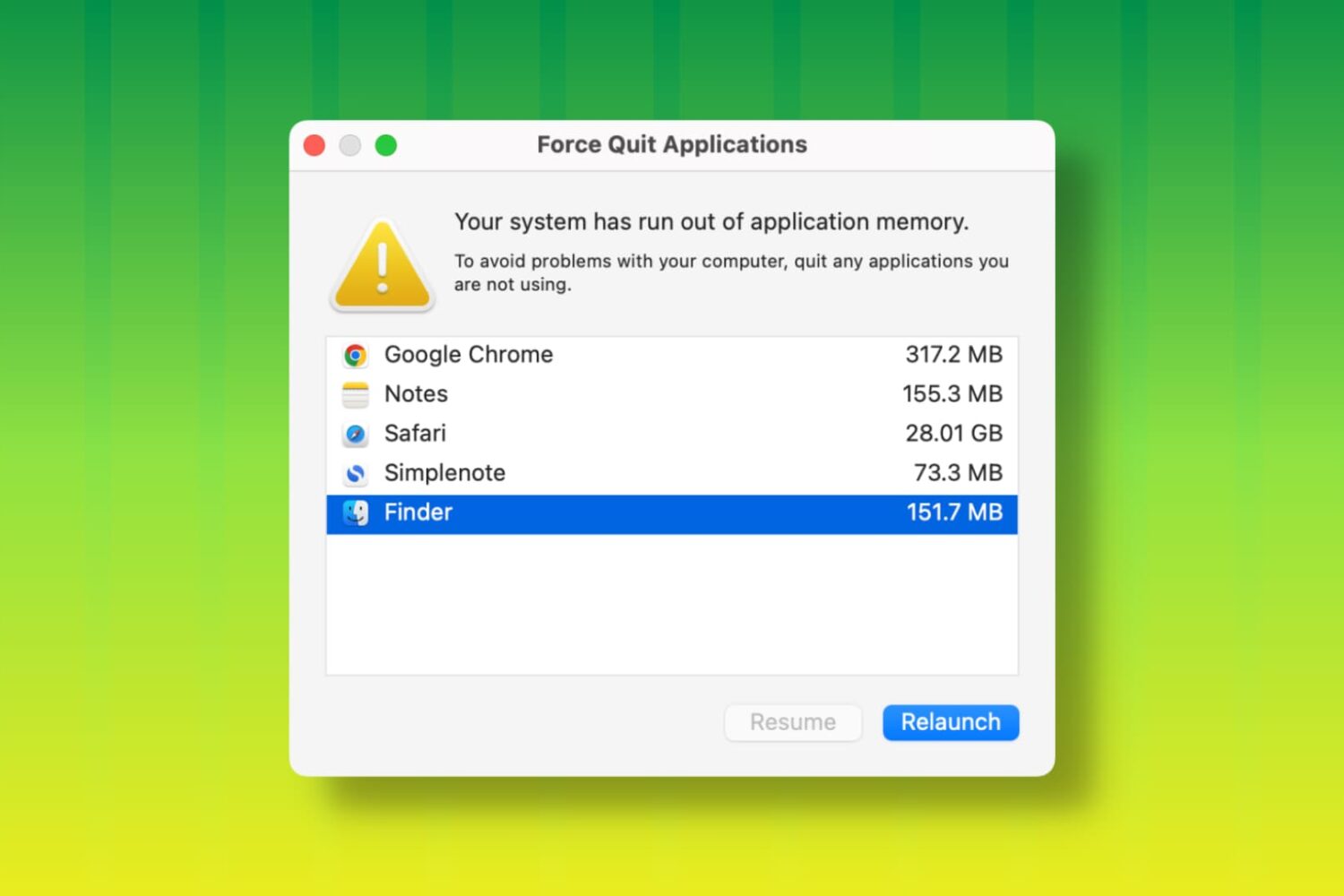
Learn how to fix the “Your system has run out of application memory” error and get back to using your Mac without the Force Quit window coming into view.
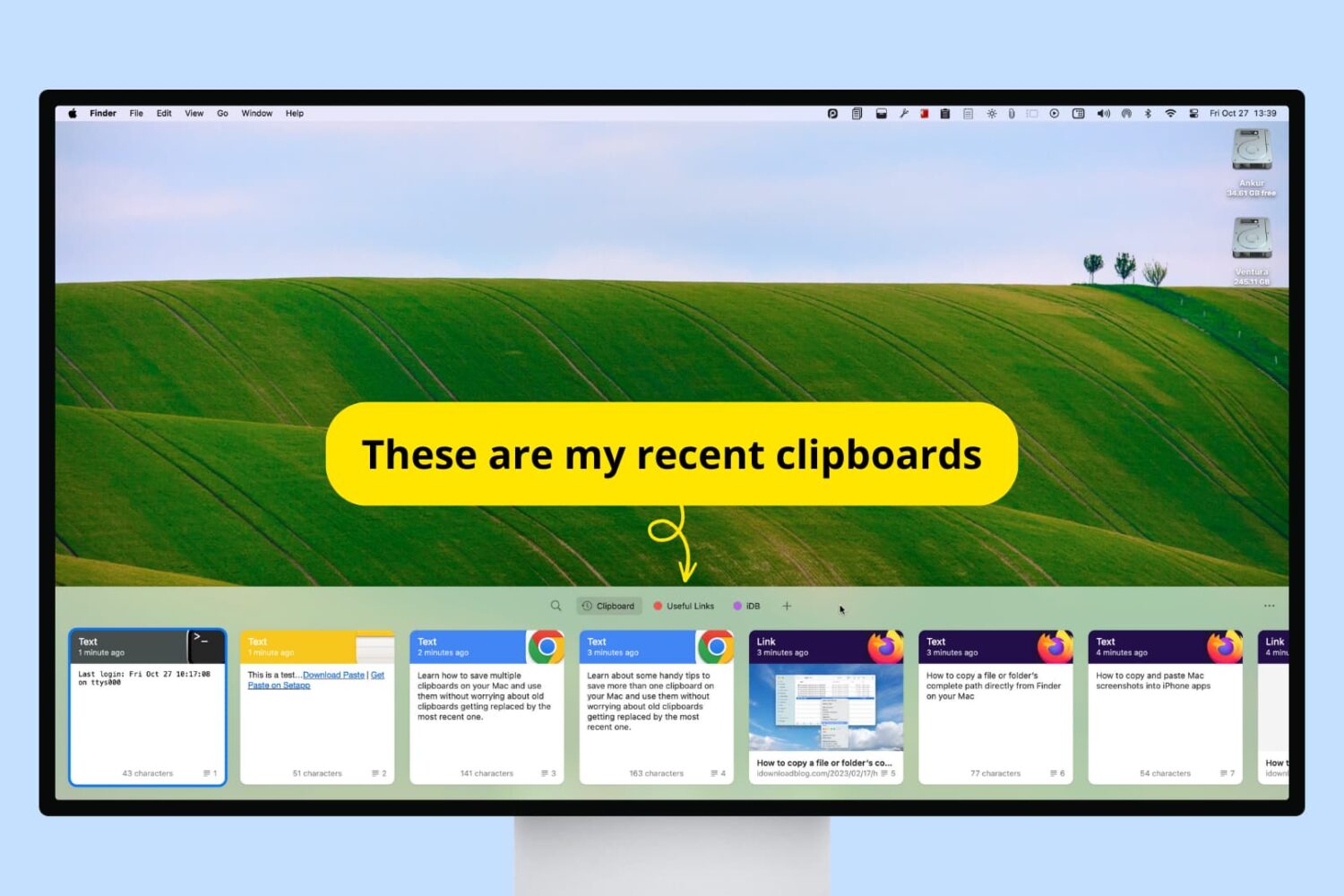
Check out these handy tips to use multiple clipboards on your Mac, allowing you to copy new items without losing previous ones.
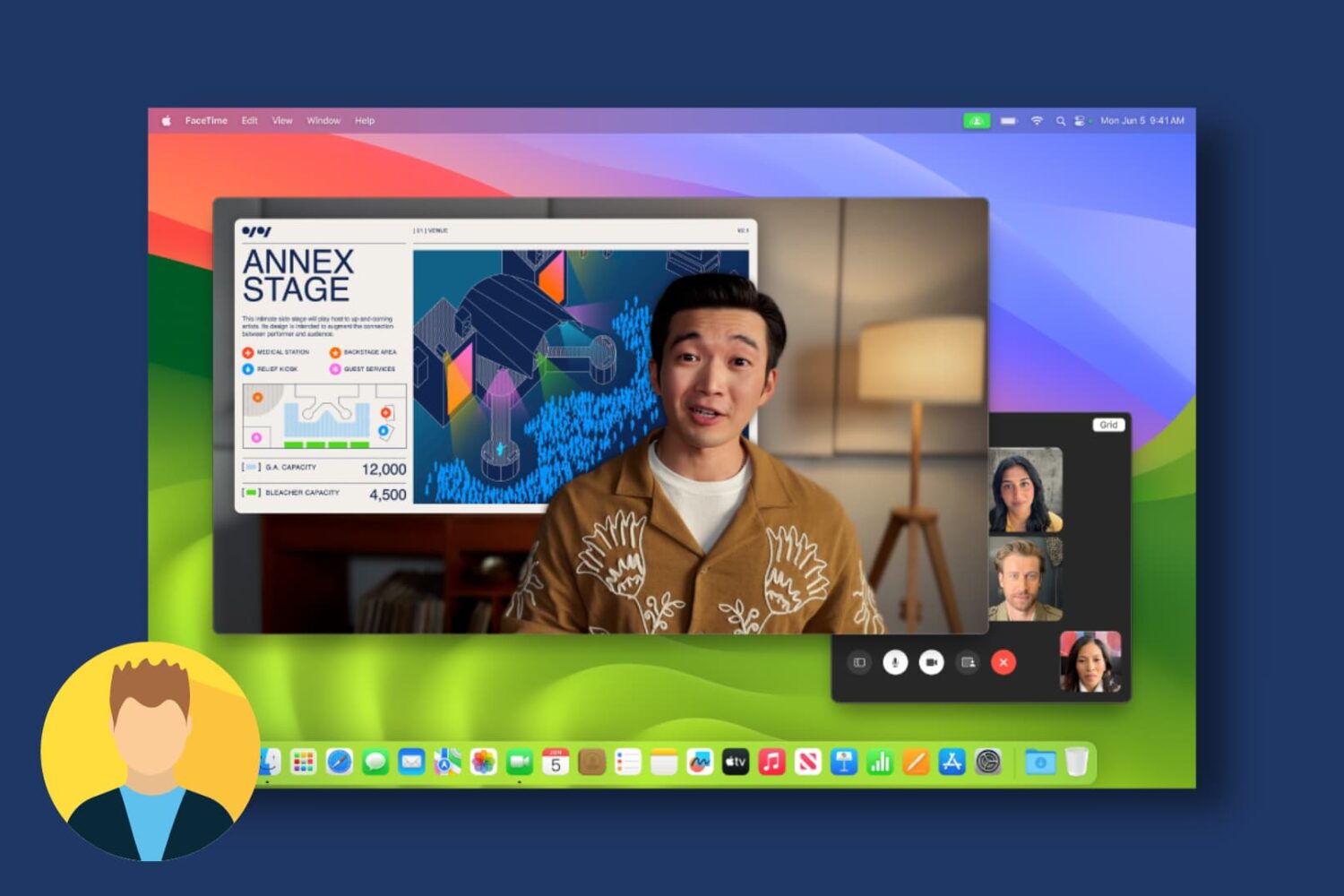
Learn how to use the Presenter Overlay feature to show your face during screen sharing to participants on Mac video calls like FaceTime, Zoom, and others.

macOS 14 Sonoma has added several new useful features to the Mac, and in this guide, we will tell you about the most important ones.
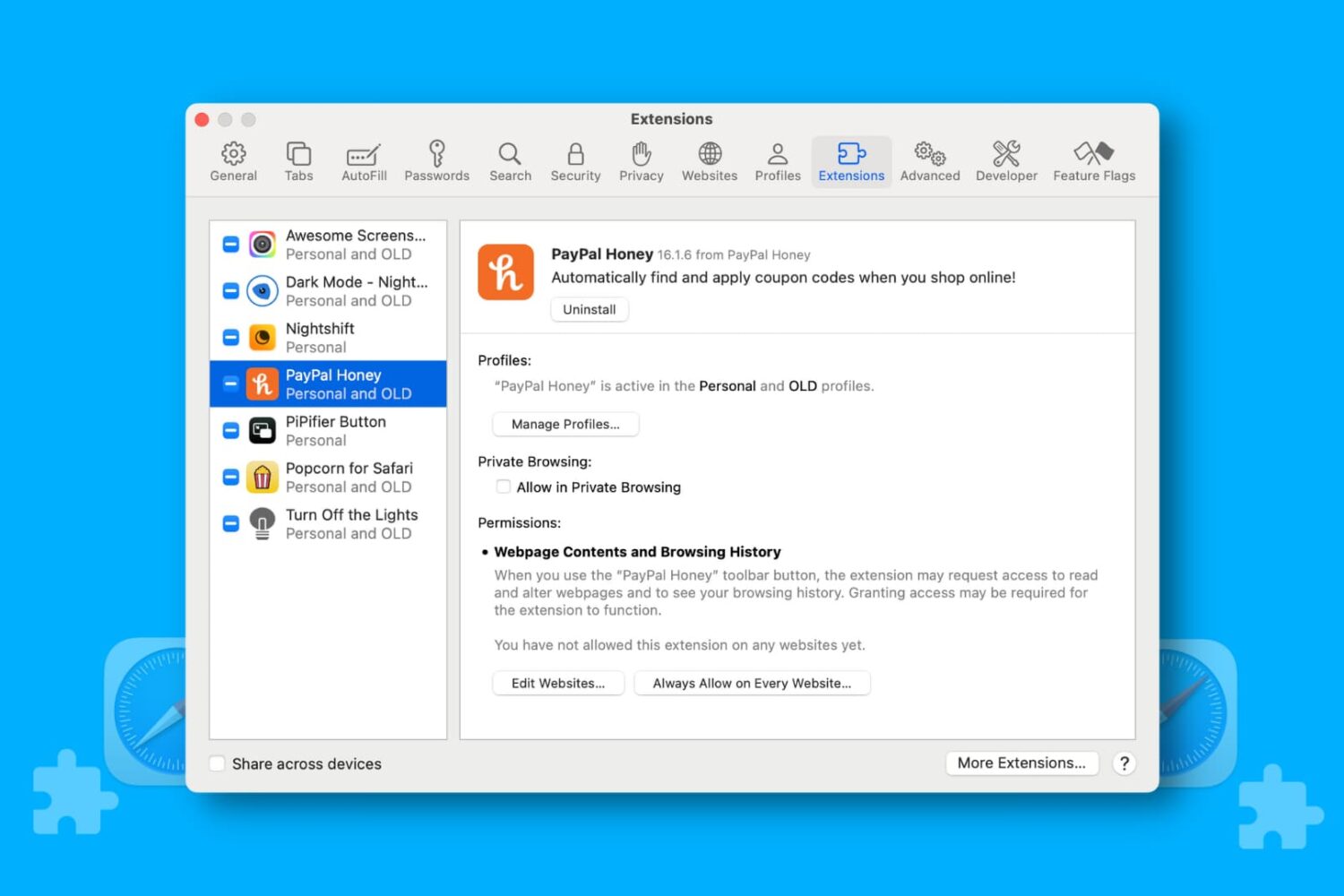
Learn how to manage Safari extensions for each website separately to allow or block an extension for specific sites on your iPhone, iPad, or Mac.

Learn how to play new NYT-style crossword puzzles—both small 5x5 puzzles and large 15x15 ones—every day on your iPhone, iPad and Mac.
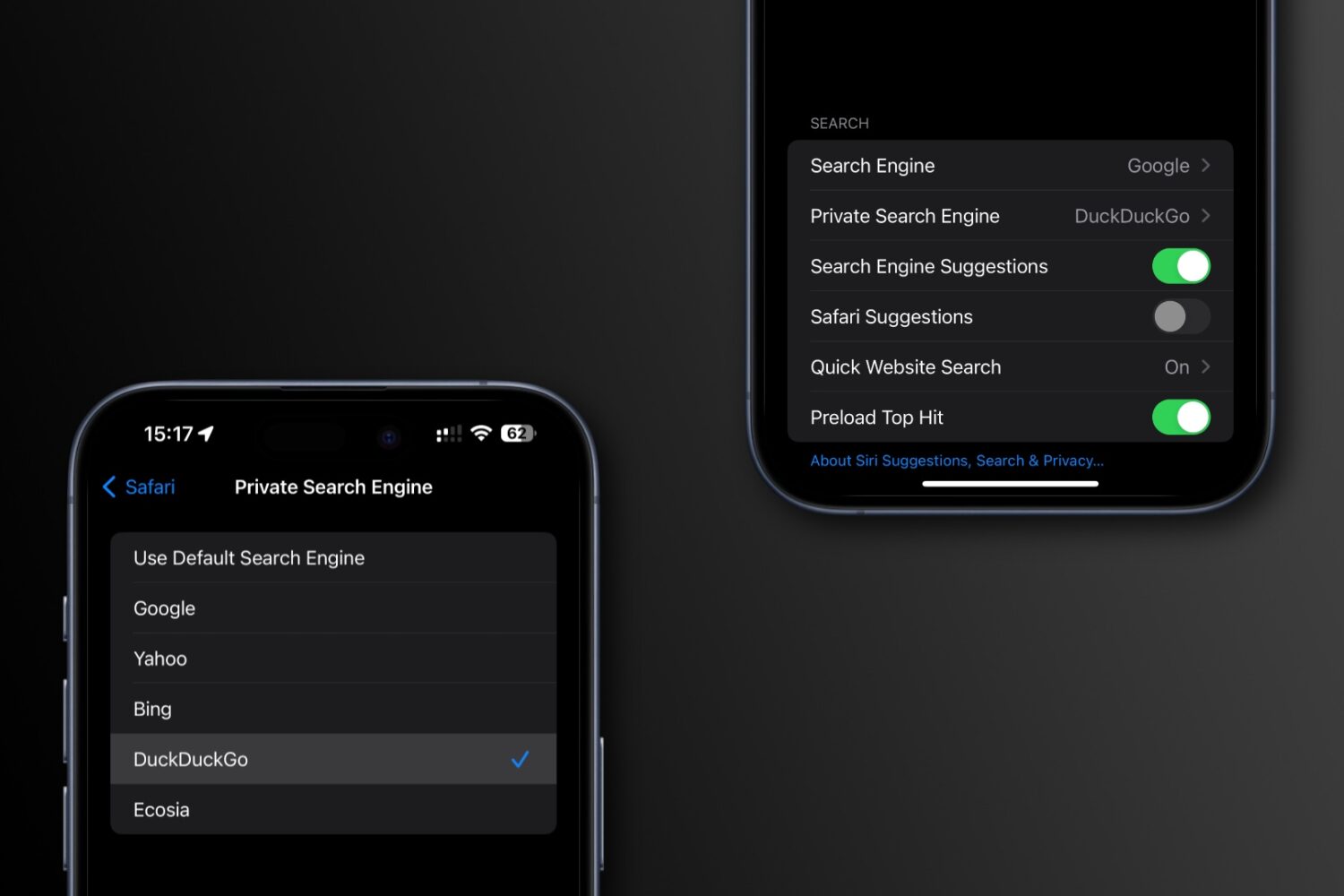
Learn how to set a different search engine for Safari’s private mode on your iPhone, iPad, and Mac than the one you use for regular browsing.

Learn how to create a Shared Passwords Group on your iPhone, iPad, or Mac to make your selected iCloud Keychain login passwords securely available to family members, friends, and other trusted contacts.
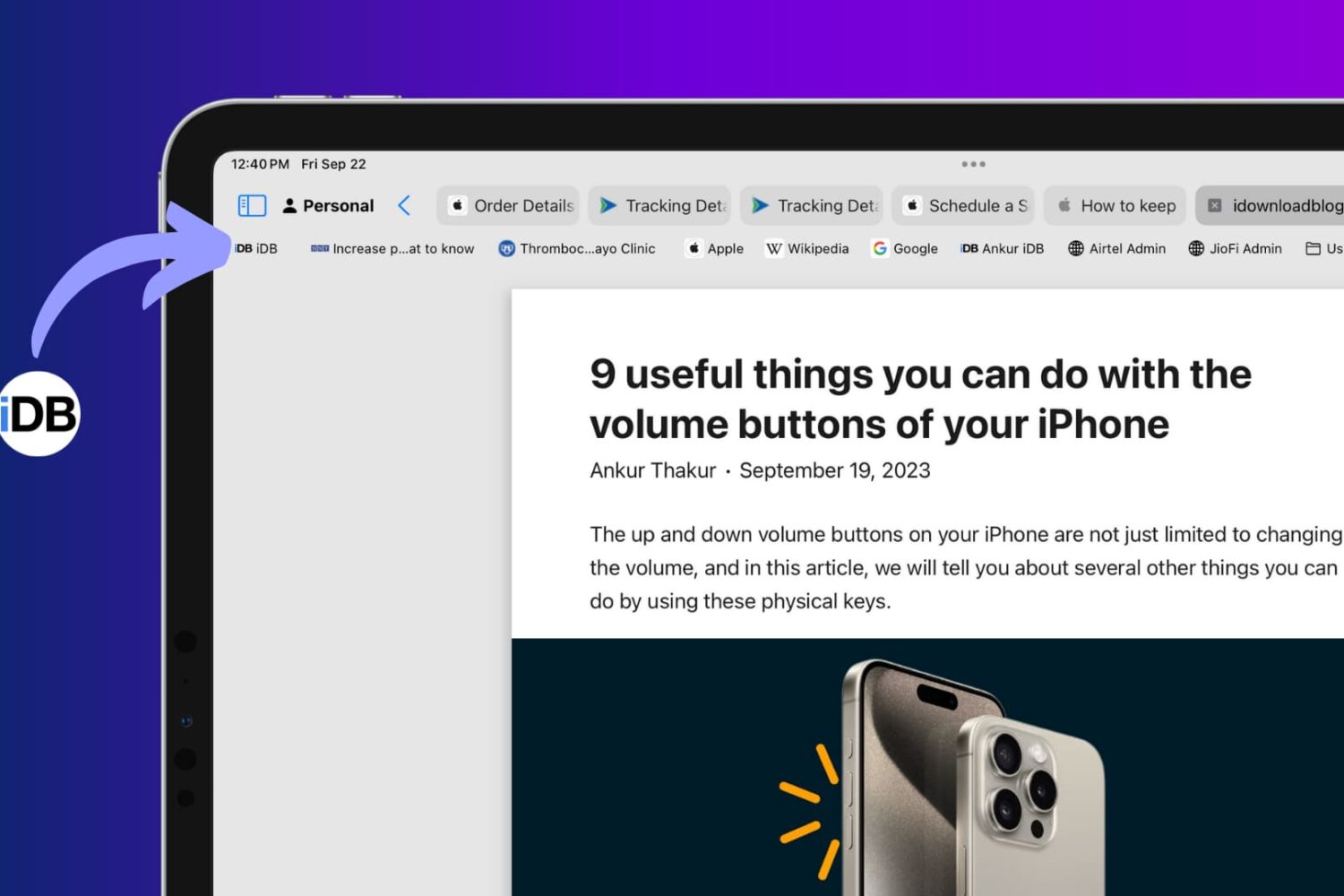
Learn how to toggle website icons for your saved bookmarks in Safari’s Favorites Bar on your iPad and Mac for clarity and visual appeal.