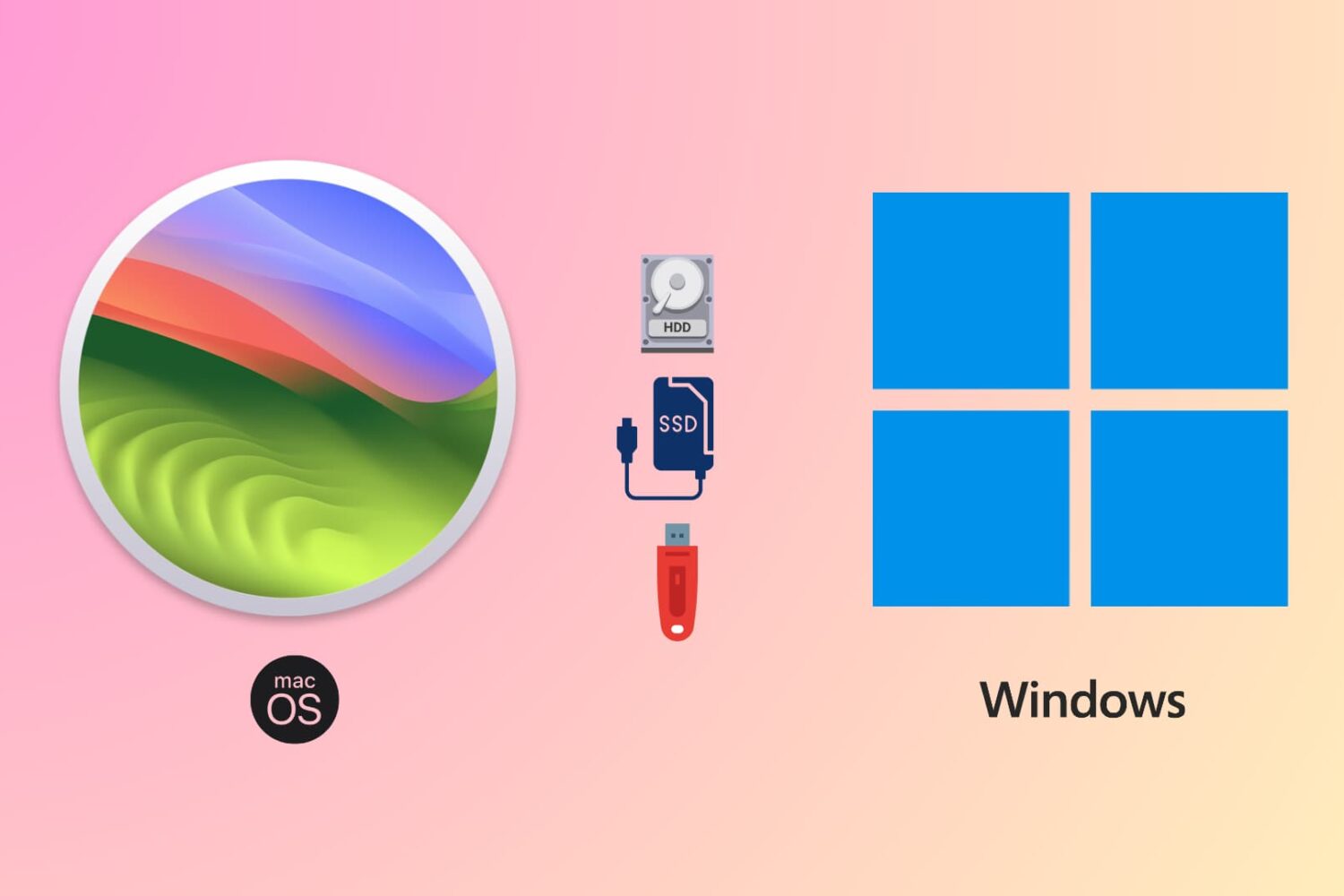
Learn how to use the same flash drive, thumb drive, SSD, hard drive, or other external storage devices on both Mac and Windows computers.
How to format a USB drive to work with both Mac and Windows PC
Stay up-to-date on the latest Mac news, and tutorials. Get expert tips and tricks to optimize your Mac’s performance and learn about the latest Apple products and software updates. Discover the best Mac apps and accessories to enhance your user experience.
Learn how to use the same flash drive, thumb drive, SSD, hard drive, or other external storage devices on both Mac and Windows computers.
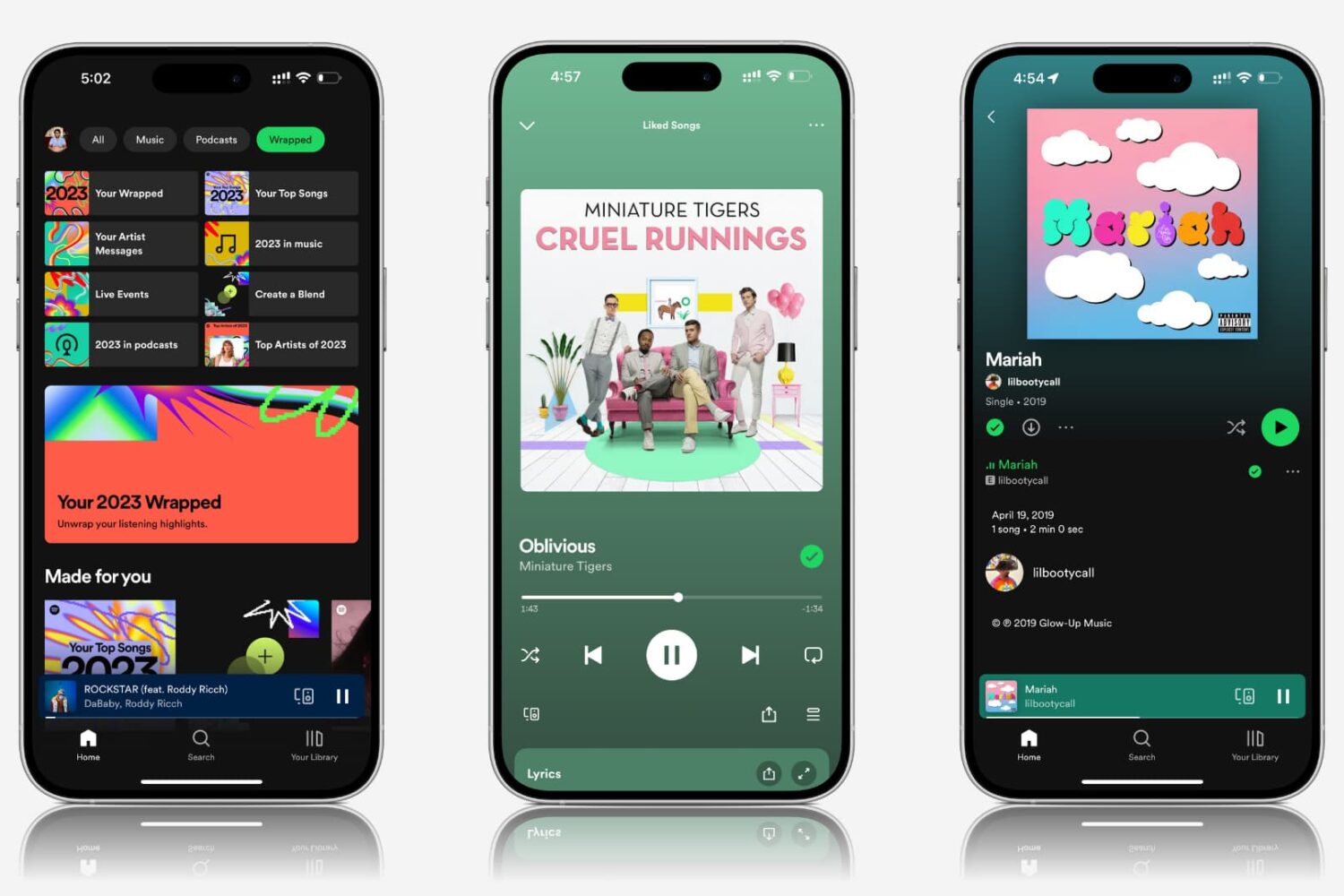
Explore practical solutions to resolve the issue of Spotify songs and podcasts playing at very low volume on your mobile device or computer.
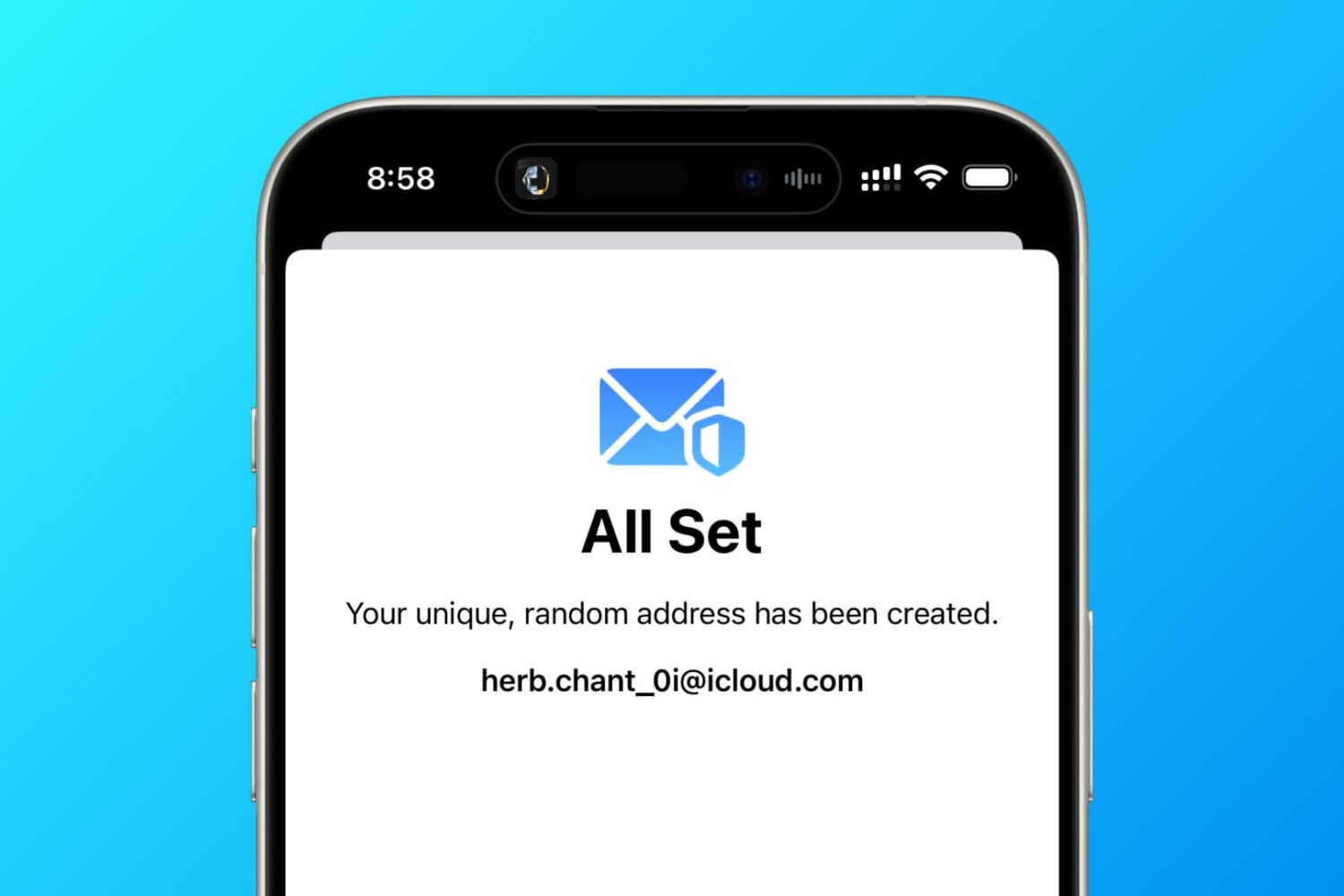
In this tutorial, we tell you about 10 easy ways to create a fake, anonymous, temporary, burner, or disposable email address on your phone or computer to protect your actual email address.
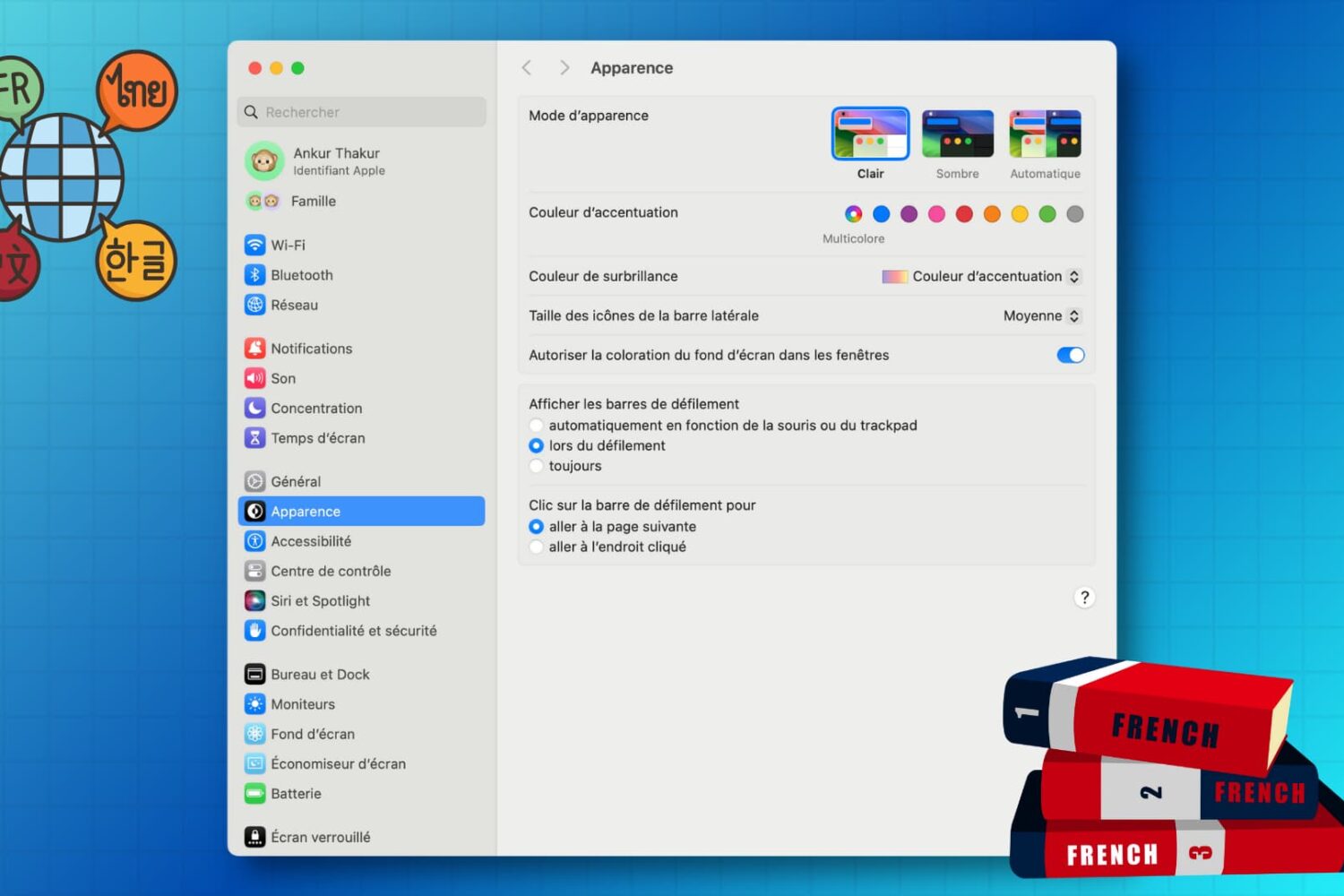
Learn how to customize the keyboard and system locales on your Mac to type in multiple languages and enjoy a localized macOS experience instead of English.
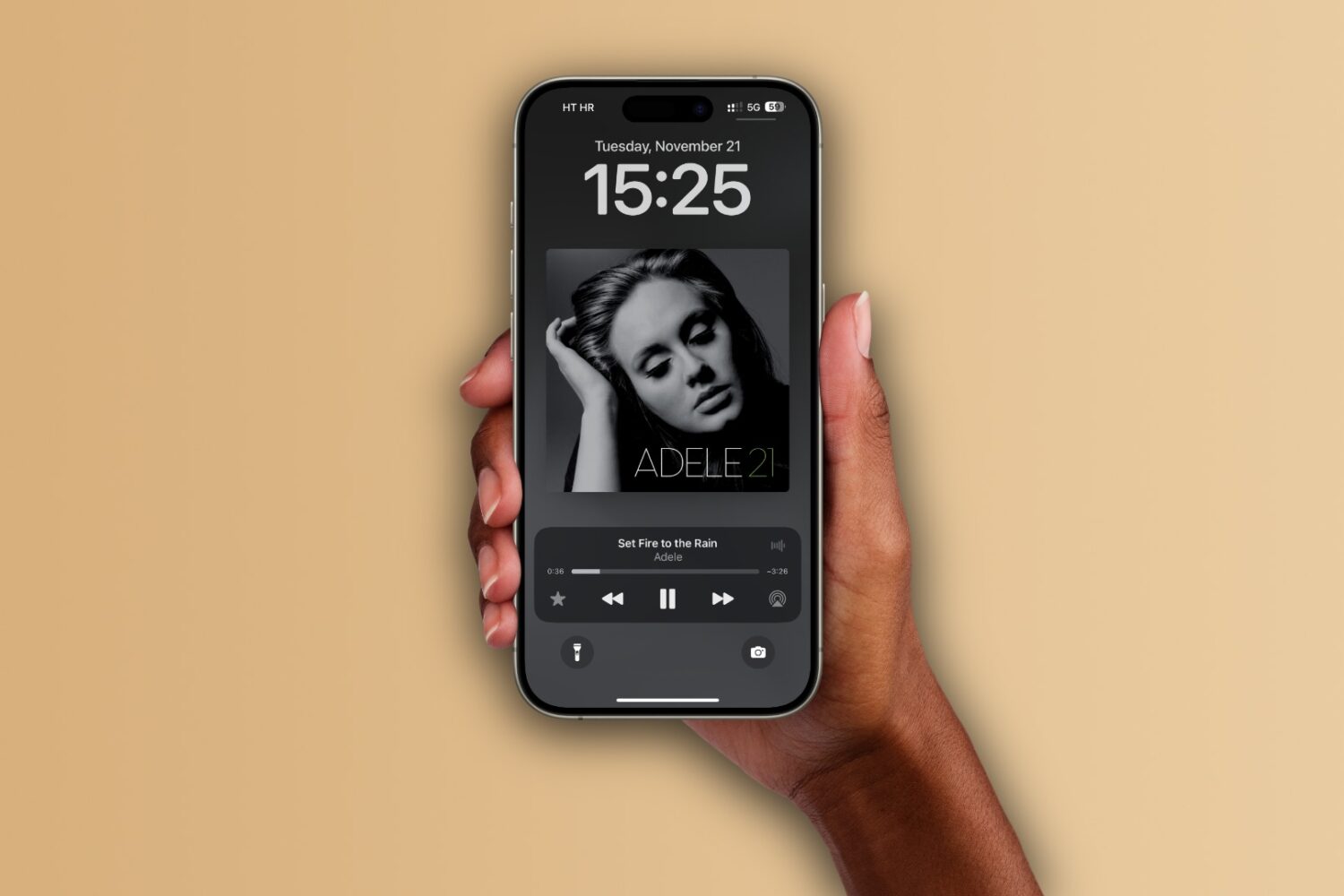
Learn how to set up the Apple Music app on your iPhone, iPad, and Mac to automatically add any songs you’ve marked as your favorite to your music library.
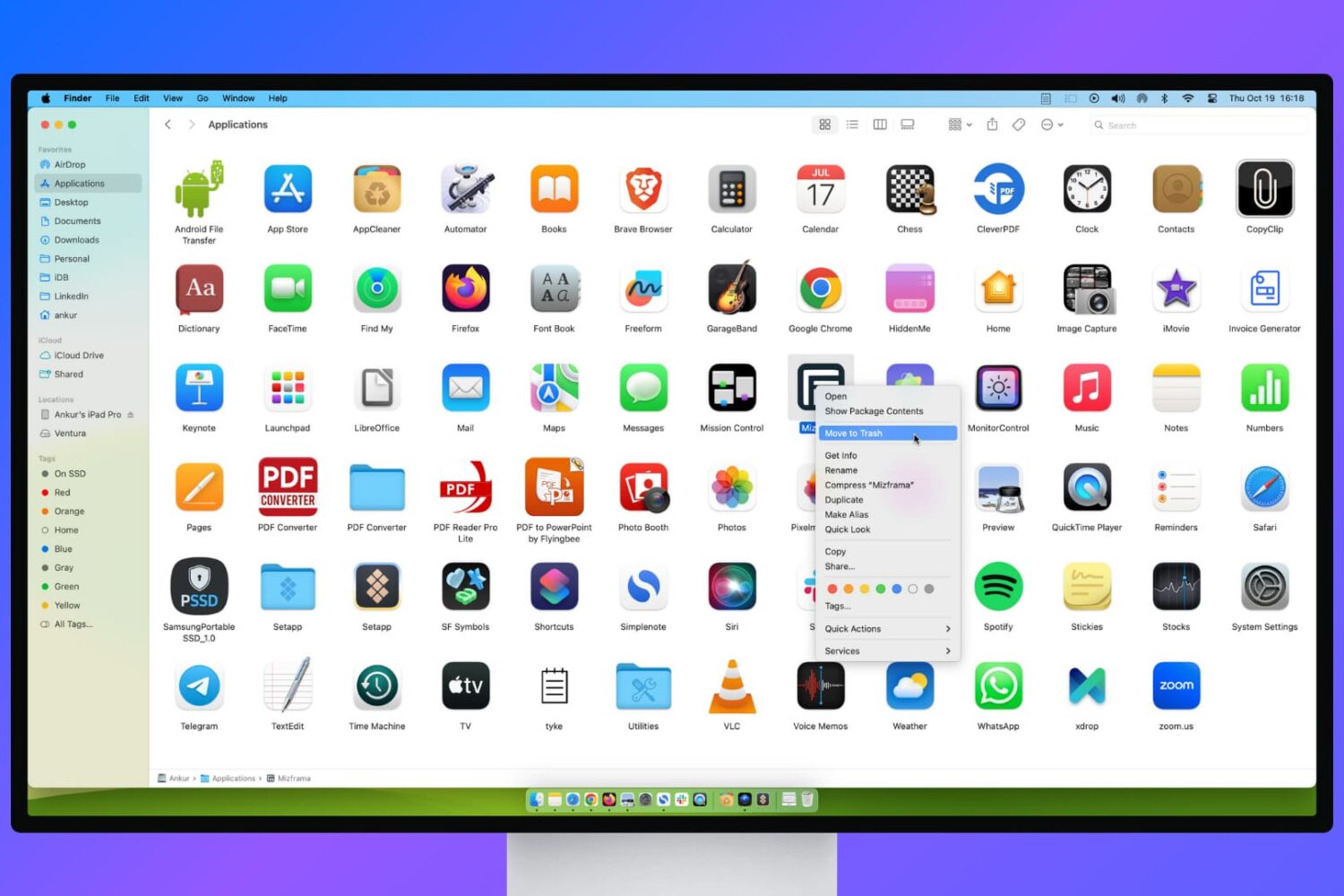
Learn what to do if you’re unable to delete apps on your Mac or if the app icon continues to appear even after uninstalling it.
Learn how to transfer your saved website login details, including email addresses, usernames, and passwords, from Google Chrome to Apple Safari on your iPhone, iPad, and Mac.
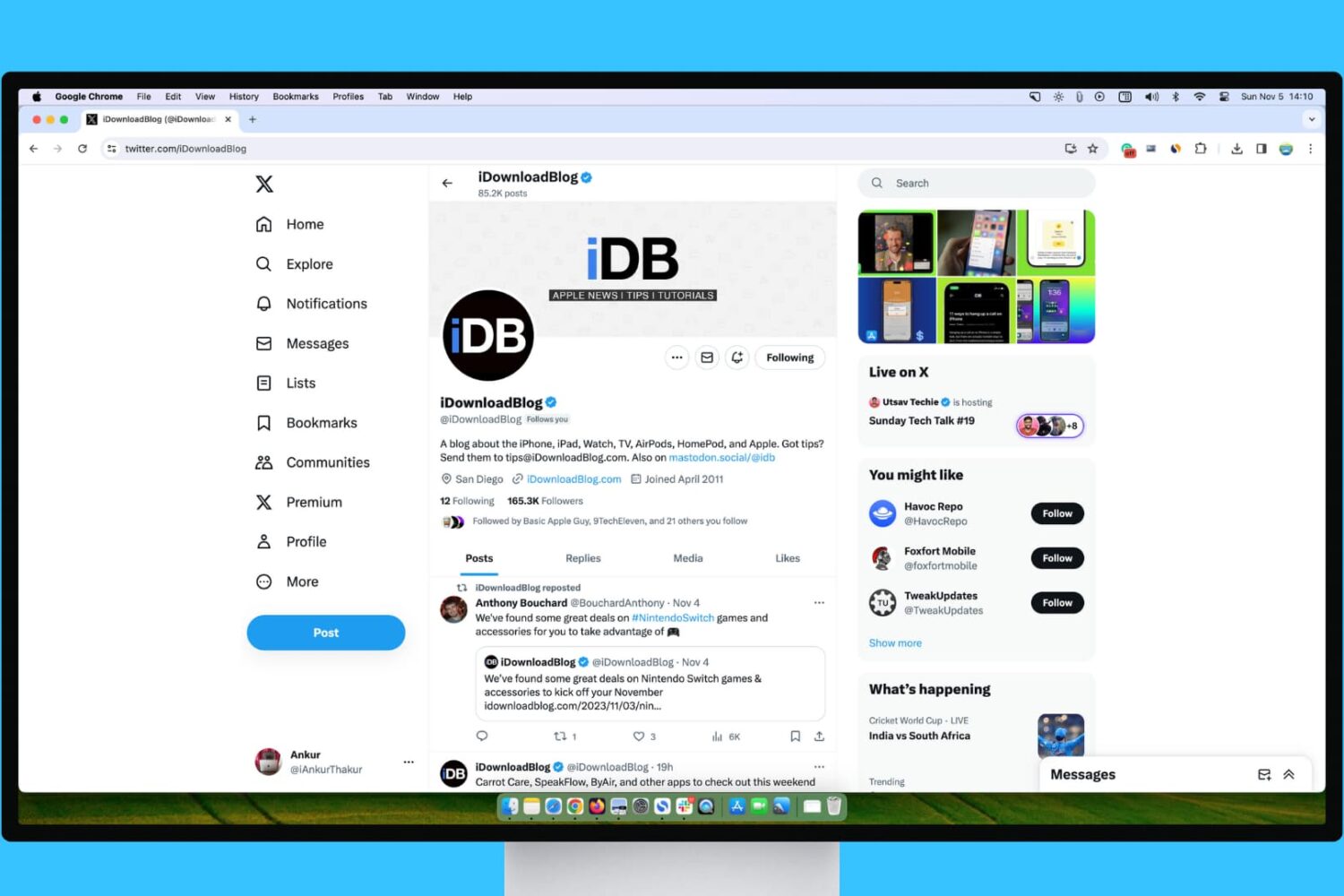
Learn what steps to take if your experience with X (Twitter) on your Mac or Windows PC isn’t up to par.
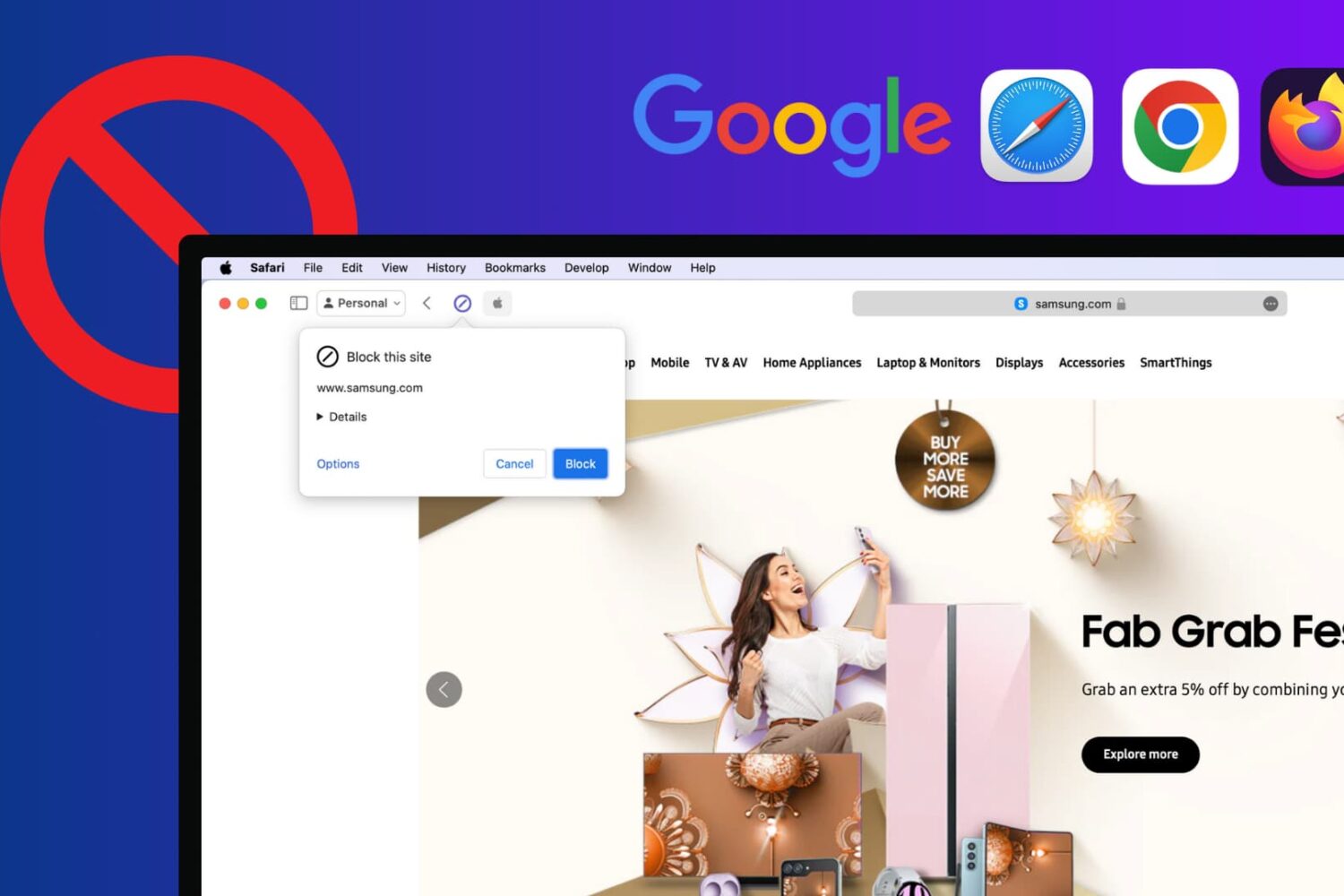
Learn how to block certain sites from showing up in Google results on Mac and Windows PC to refine your queries and improve your search experience.
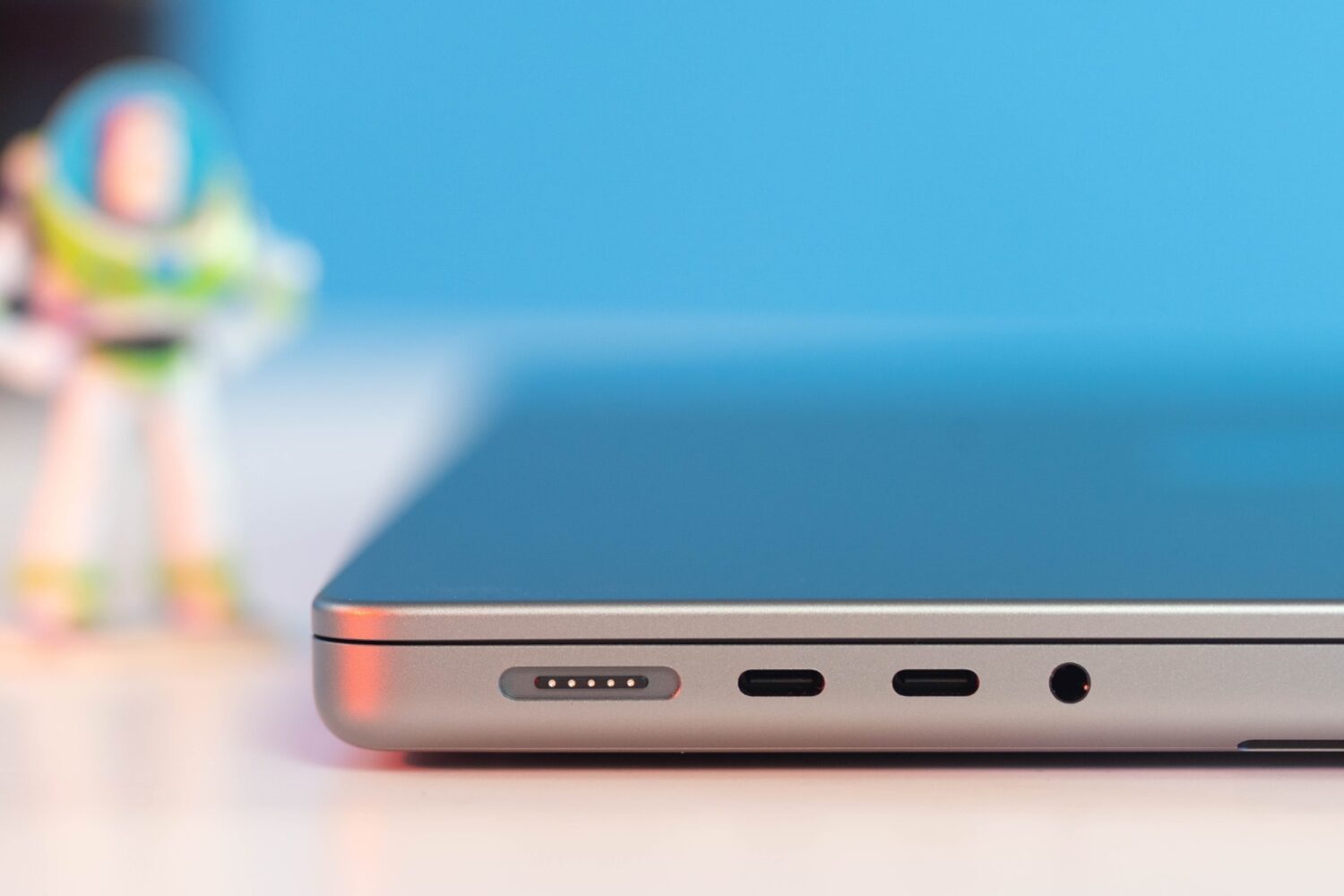
Learn what cables and power adapters you need to fast charge your MacBook Air or MacBook Pro's battery from zero to fifty percent battery in around thirty minutes.
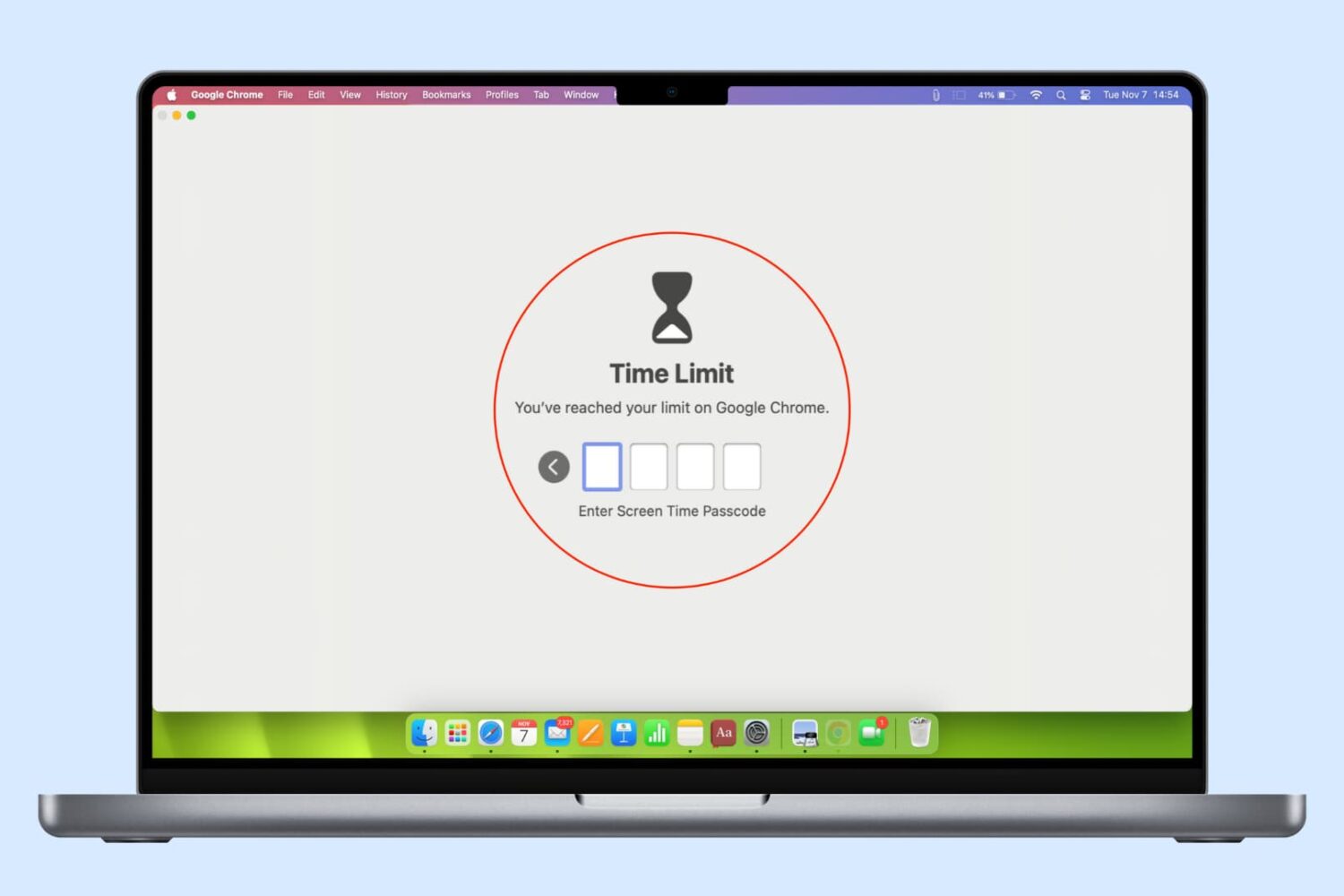
In this guide, we list several ways to keep your browser history, bookmarks, reading lists, passwords, and other sensitive data private by locking Google Chrome, Safari, or other web browsers on your computer.
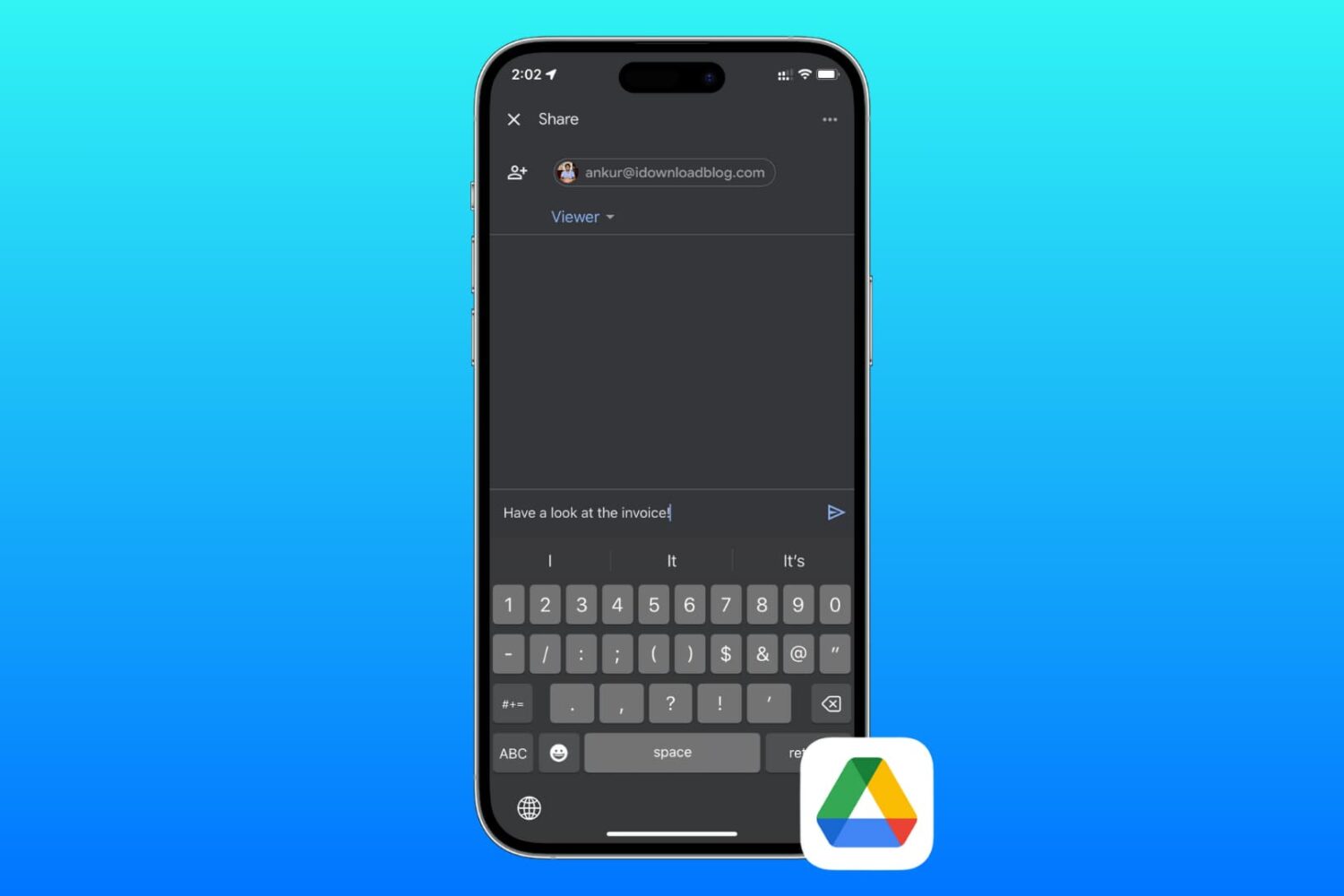
Learn how to send files and folders in your Google Drive to friends and colleagues or share private or public download links using your iPhone, iPad, or Mac.