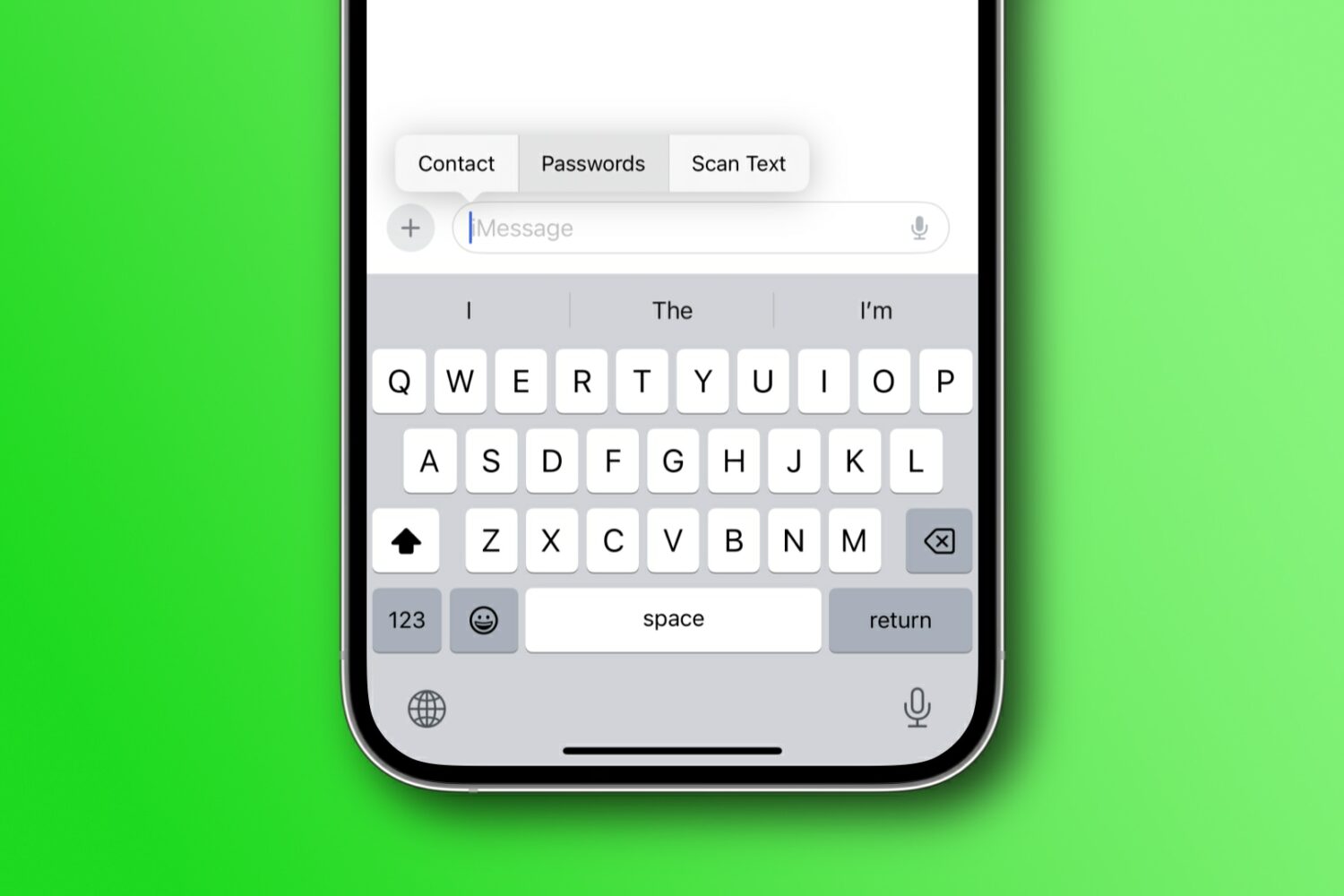
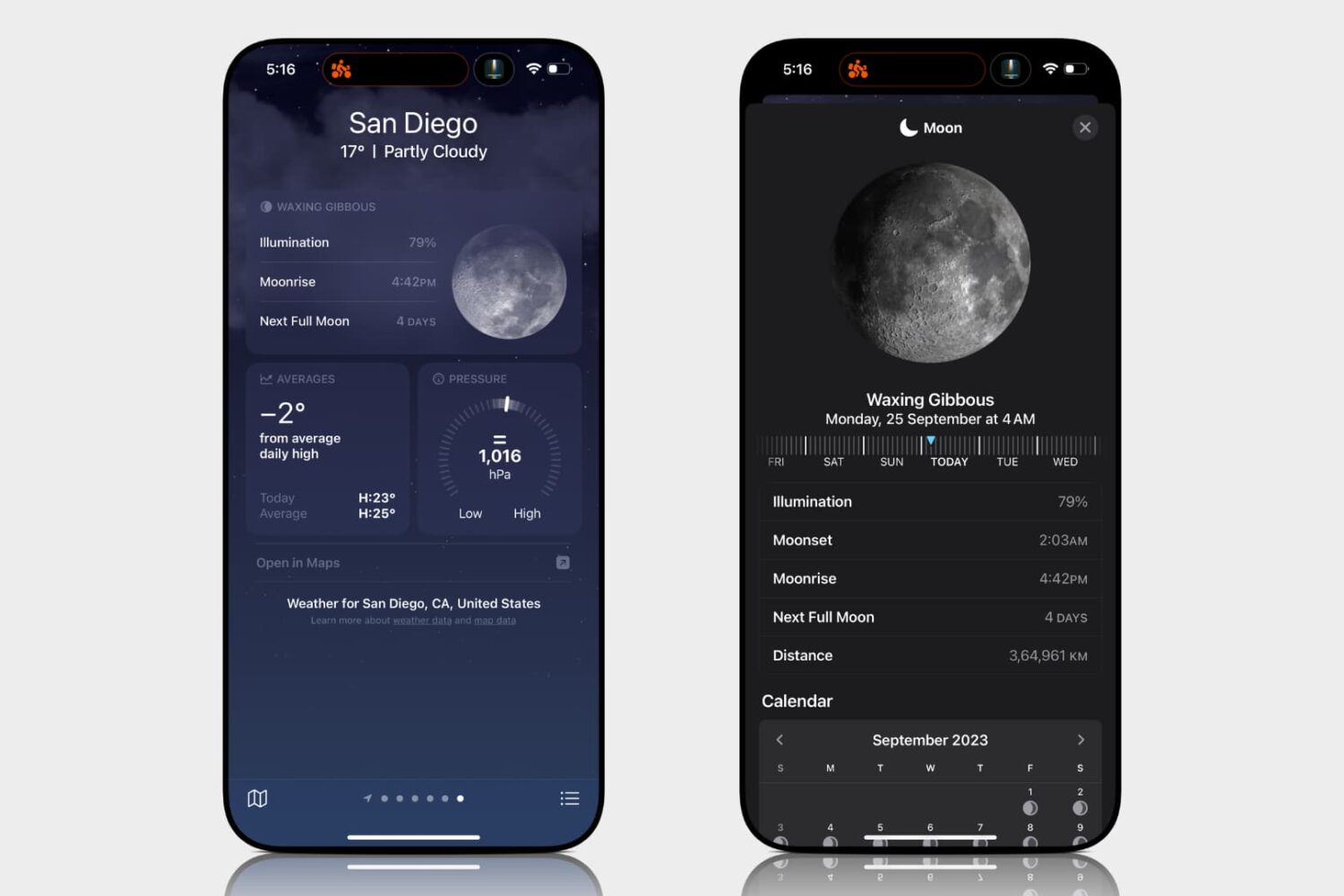
Learn how to access the lunar phase calendar on your iPhone, iPad, Mac, or Apple Watch to view the next new moon, full moon, moonrise/moonset times, and other details.
How to see the moon calendar on iPhone, Mac, and Watch
Stay up-to-date on the latest Mac news, and tutorials. Get expert tips and tricks to optimize your Mac’s performance and learn about the latest Apple products and software updates. Discover the best Mac apps and accessories to enhance your user experience.
Learn how to access the lunar phase calendar on your iPhone, iPad, Mac, or Apple Watch to view the next new moon, full moon, moonrise/moonset times, and other details.
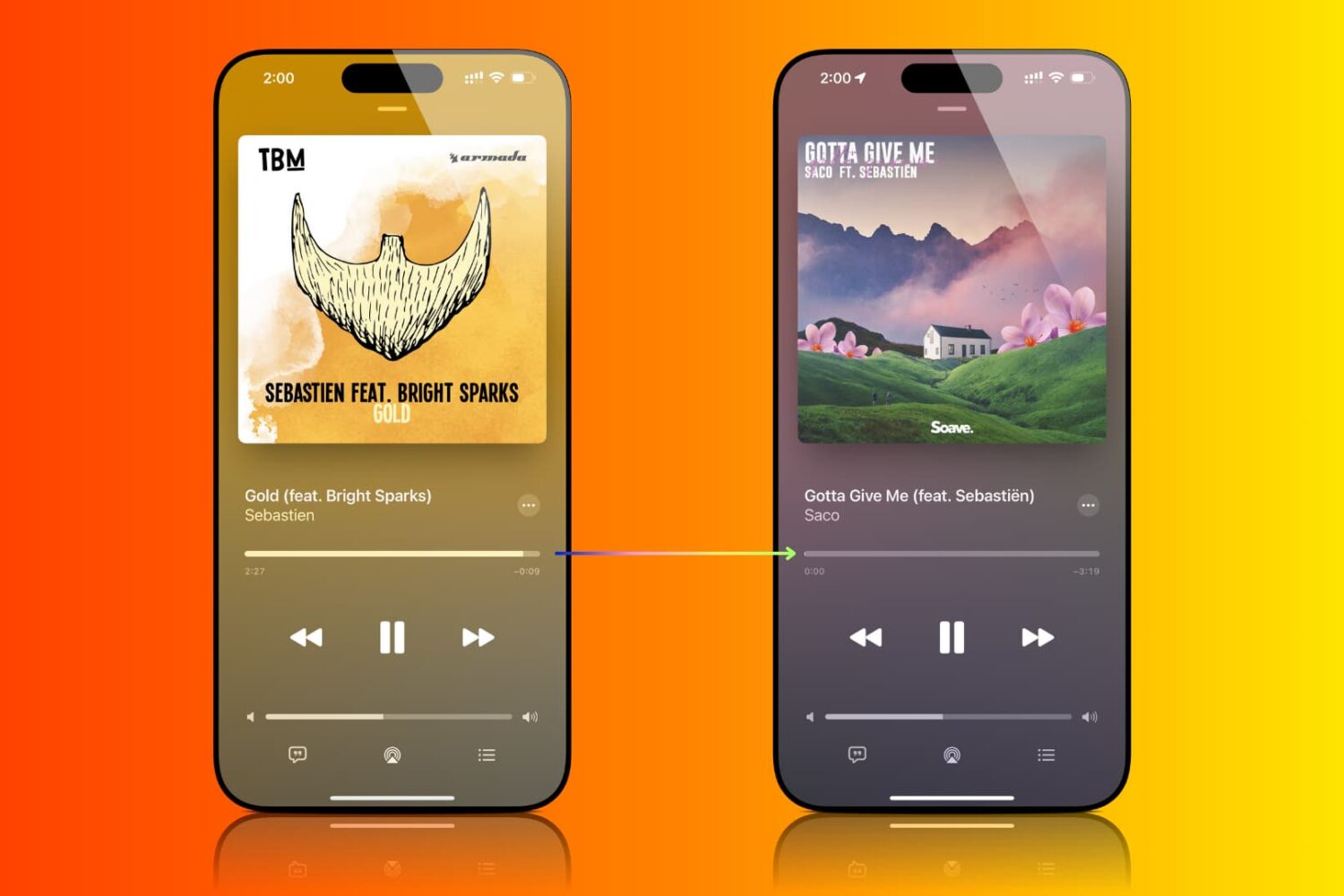
Find out how to enable crossfade for Apple Music so you don’t get an abrupt silence during track changes on iPhone, iPad, Mac, and Android phone.
Learn how to browse the web privately and securely by hiding your IP address from trackers and websites and removing tracking information from URLs.

Learn how to recover deleted passwords, passkeys, and two-factor verification (2FA) codes from the Apple Passwords app or iCloud Keychain on your iPhone, iPad, and Mac.
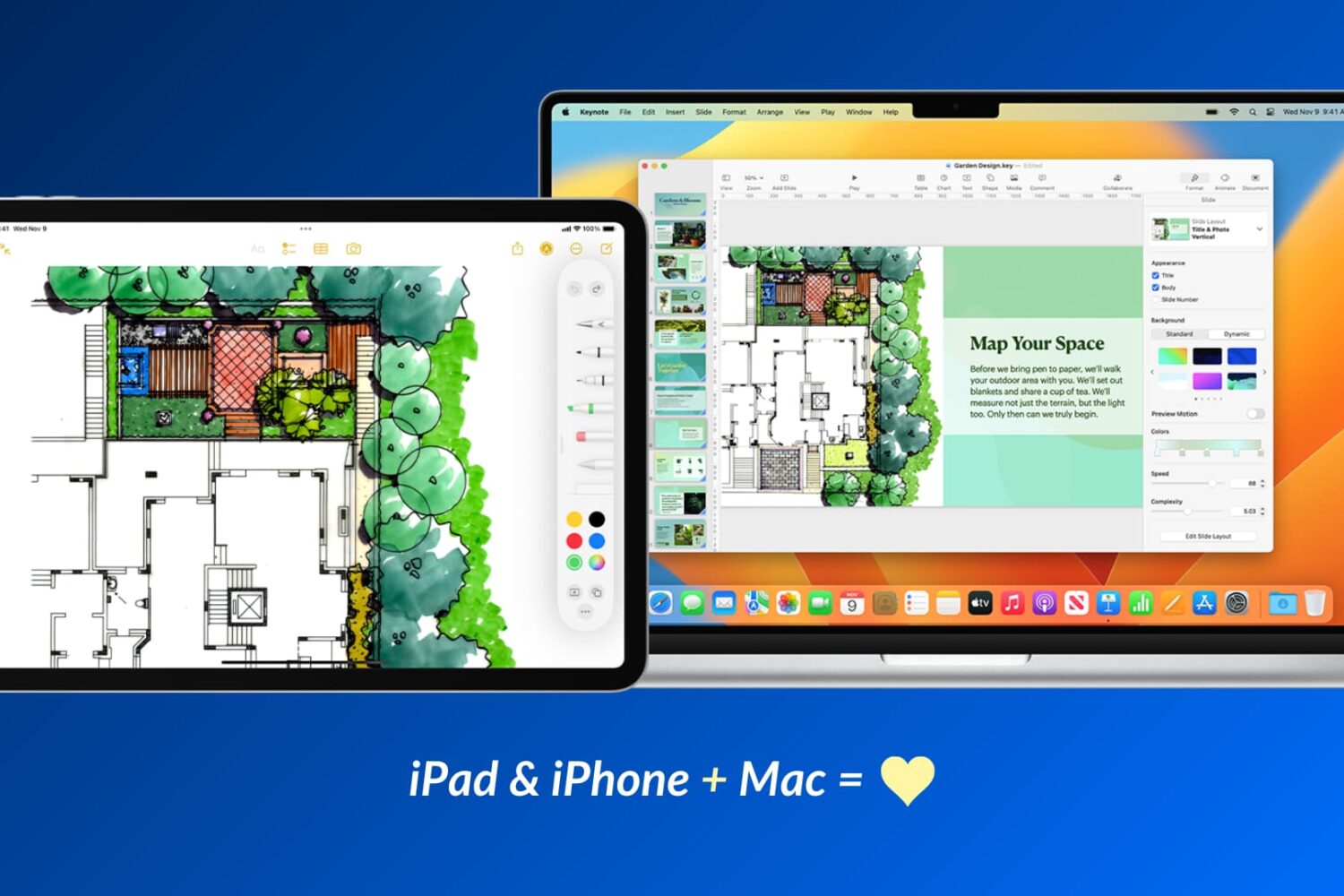
Apple devices work particularly well with one another, and in this guide, we’ll share 17 ways to use your iOS device and your Mac together for a more productive and efficient experience.
Explore six free ways to convert a PowerPoint (PPTX or PPT) or Apple Keynote file to PDF on your iPhone, iPad, or Mac.
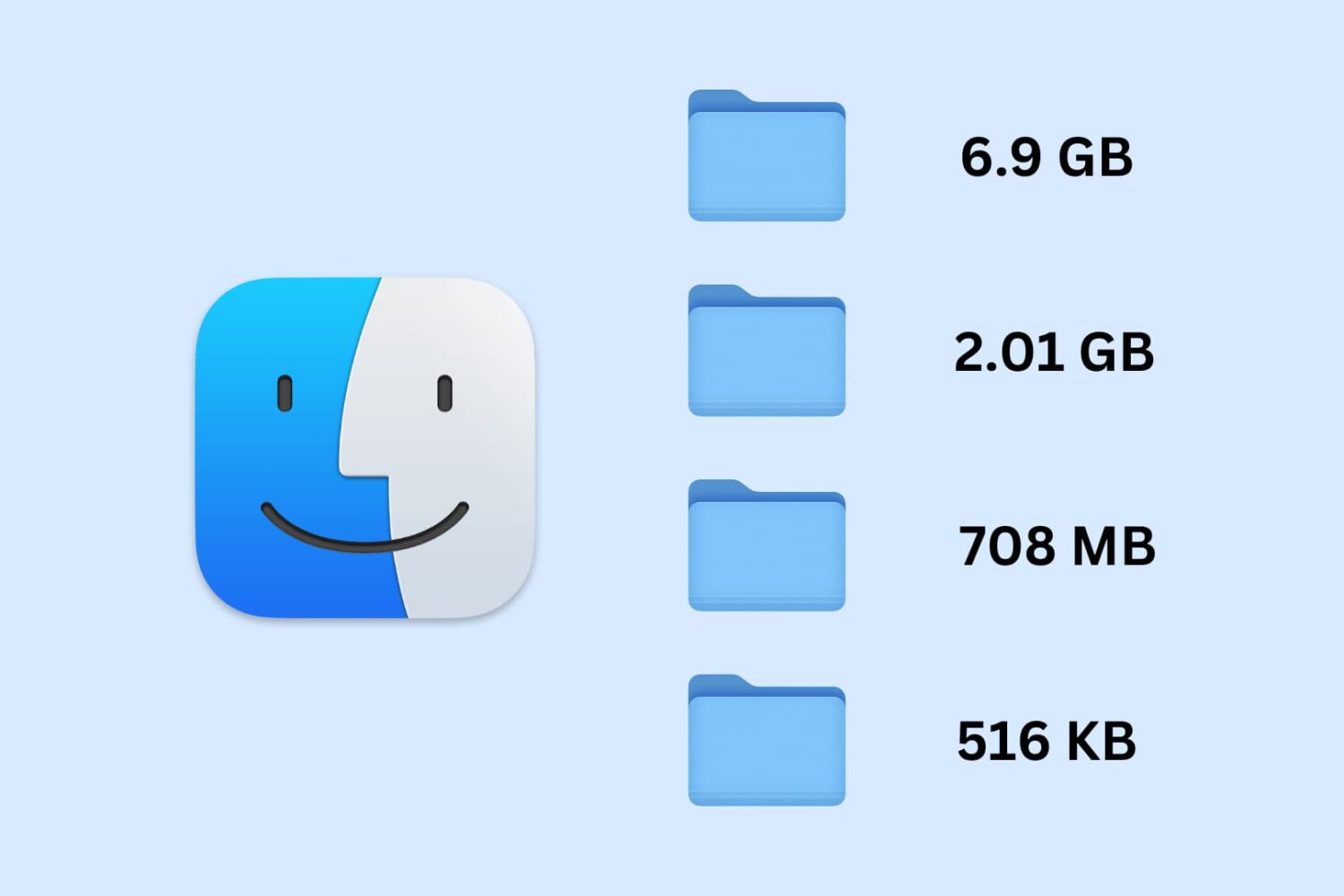
Learn how to set your Mac to calculate folder sizes and show how much storage space each folder takes up when navigating files in Finder as a list.
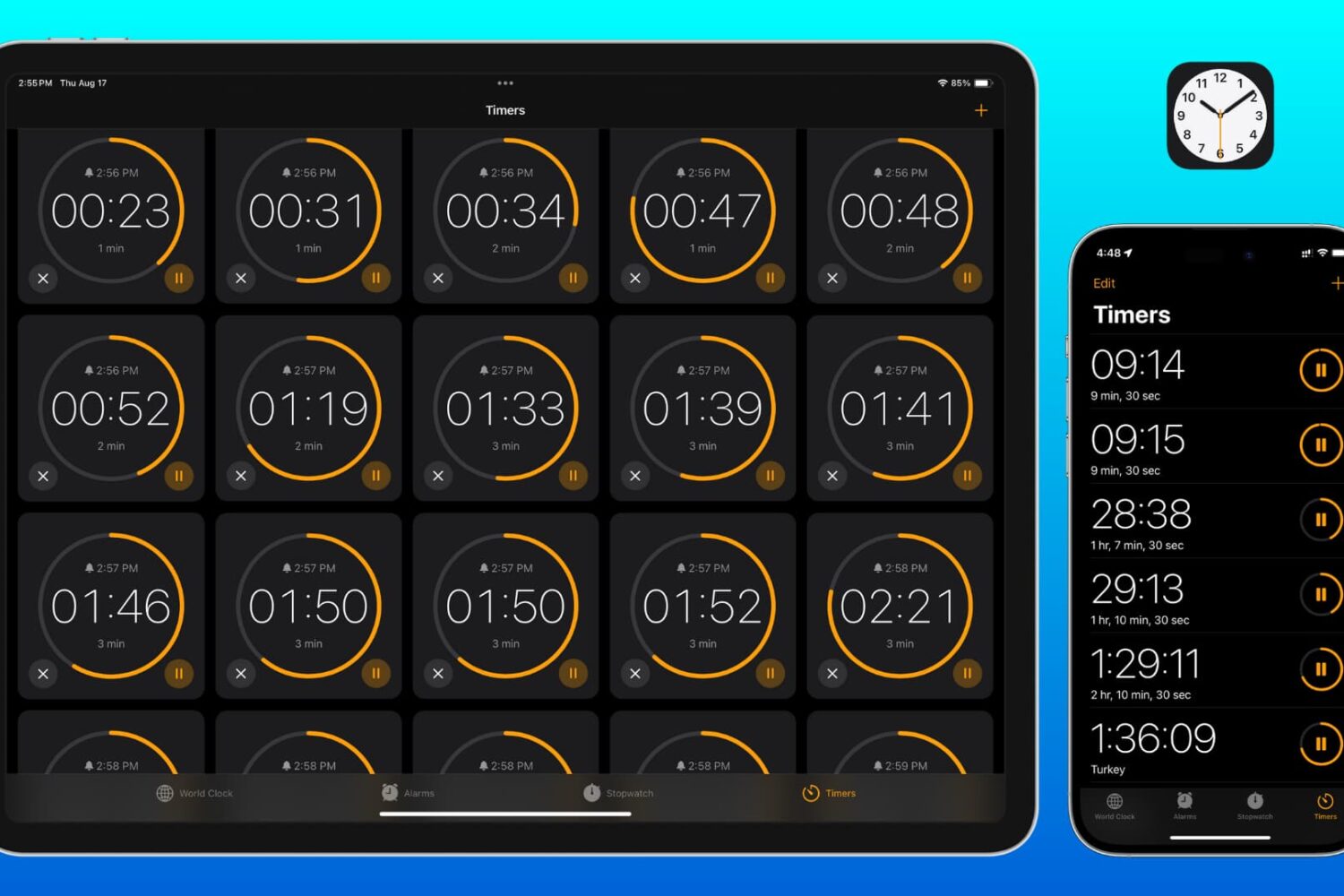
Learn how to set two or more timers simultaneously on your iPhone, iPad, and Mac so you can easily keep track of multiple tasks or to-dos at once.
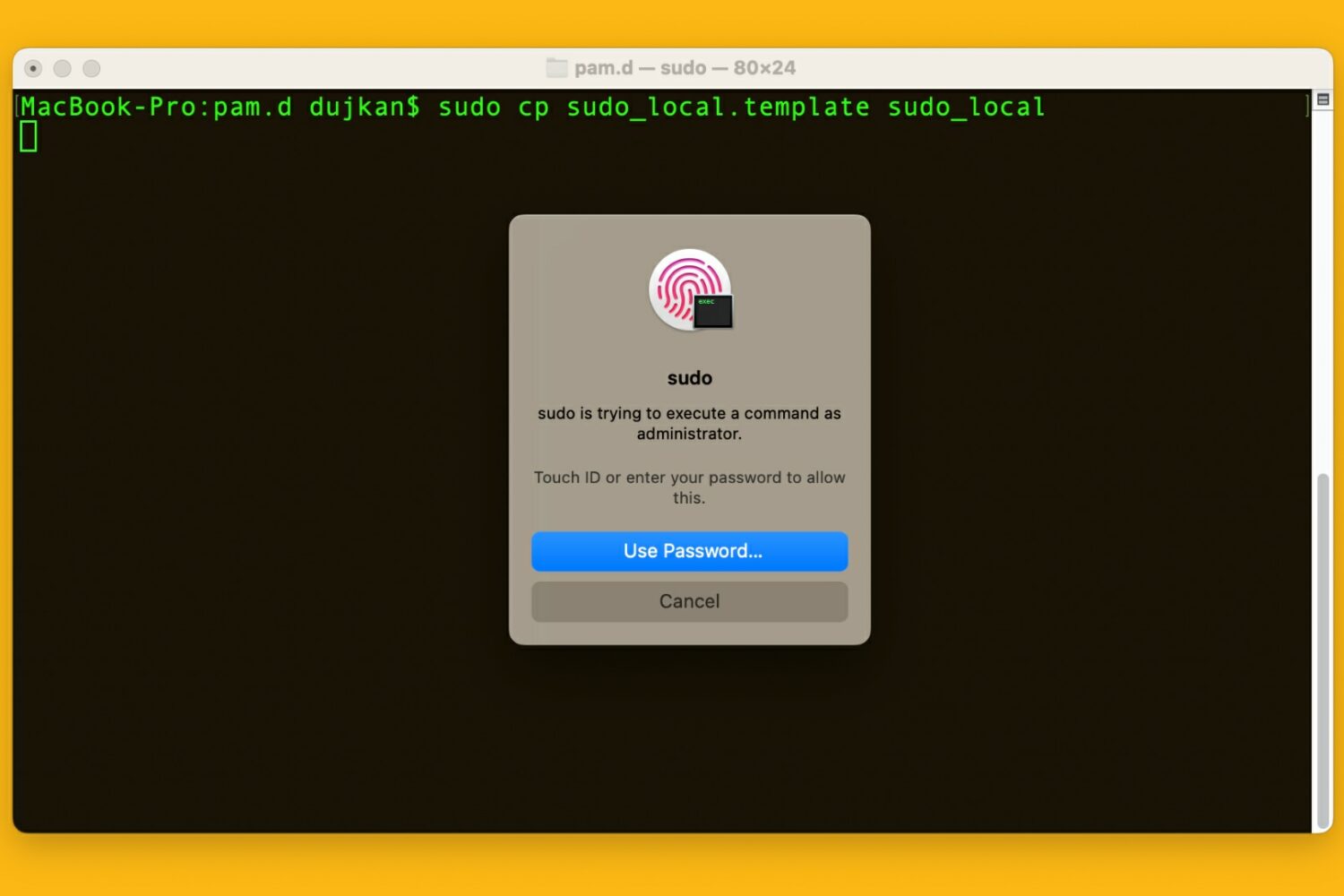
Learn how to use your Mac's Touch ID for the sudo command in the macOS Terminal app to save yourself from typing an administrator password.
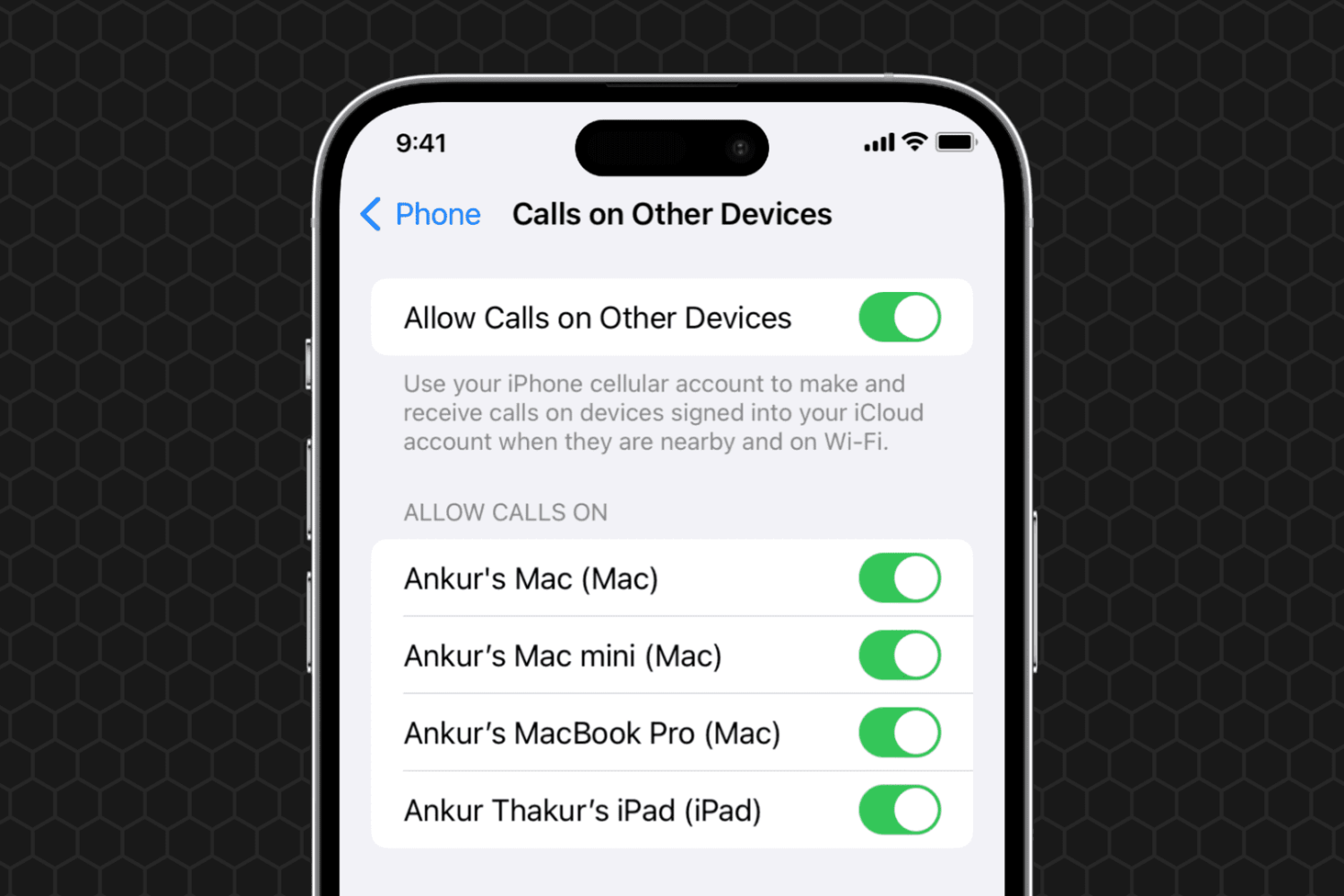
Learn what to do if you can't set your iPhone phone calls to appear on your other devices, such as your iPad or Mac.

Learn how to use the AI-powered Smart Deband feature in Pixelmator Pro and Photomator for Mac to smooth out color banding artifacts in low-quality photos.