Learn how to set up and use Do Not Disturb (DND) on your iPhone, iPad, Mac, and Apple Watch to minimize distractions and stay focused while working, driving, or resting.
How to use Do Not Disturb like a pro on iPhone, iPad, Mac

Stay up-to-date on the latest iPhone news and learn new tips and tricks with our comprehensive tutorials. From software updates to new features, we’ve got you covered.
Learn how to set up and use Do Not Disturb (DND) on your iPhone, iPad, Mac, and Apple Watch to minimize distractions and stay focused while working, driving, or resting.

Don't like the current cover image of a photo album? Check out these quick steps to use any other picture or video as the cover photo or "Key Photo" for an album on your iPhone, iPad, or Mac.

There are many different models of iPhone and iPad that come in various colors, sizes, screen types, and more. If you don’t follow Apple news closely, it can be hard to tell the correct iPhone or iPad name and type. To help, here’s how you can easily know the model name and number for your iPhone or iPad, even if it doesn’t power on!
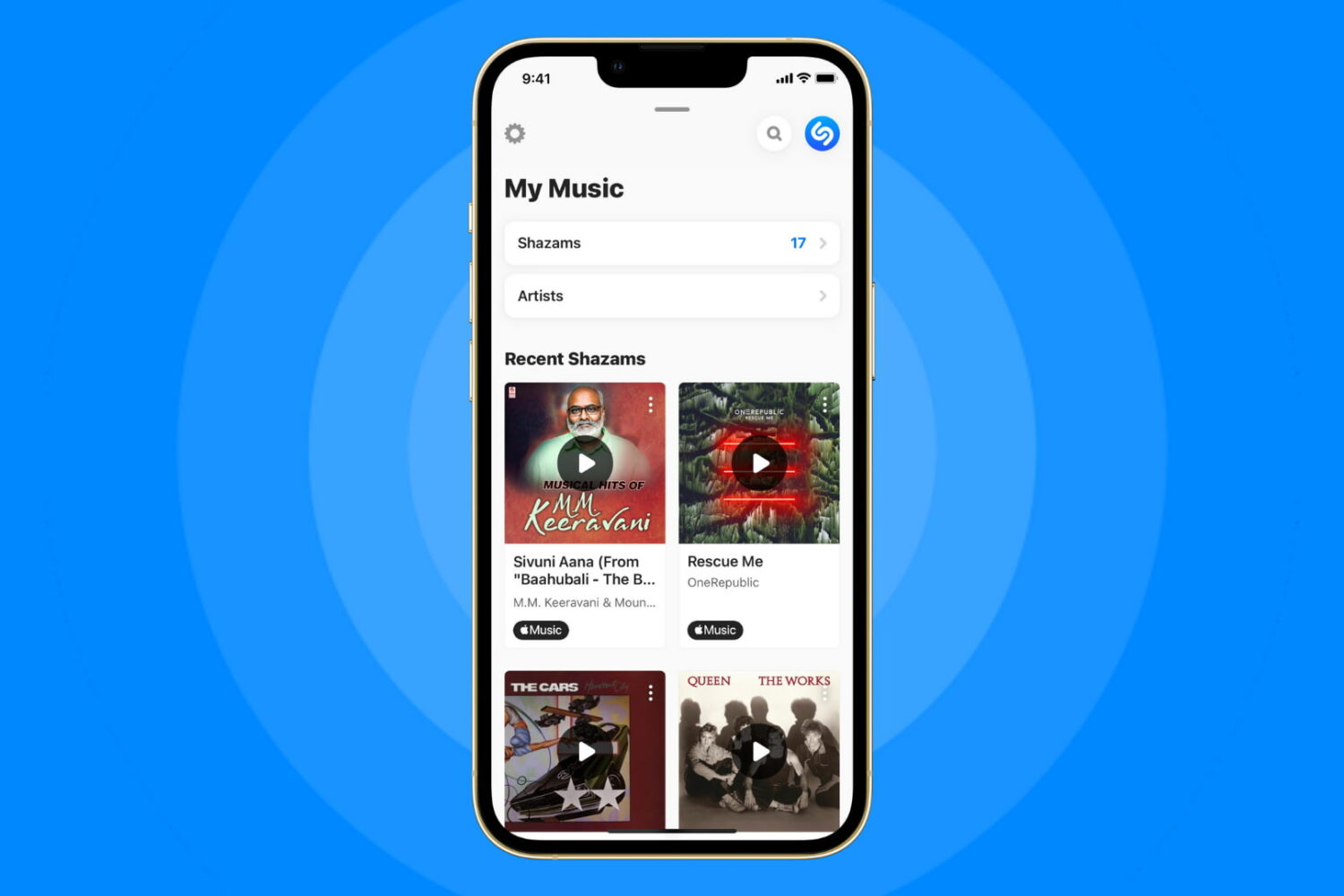
Shazamed a song earlier and now want to know what track it is? Check out how to see your Shazam or Siri Shazam history on iPhone, iPad, and Apple Watch.

Learn how to manually or automatically update apps on your iPhone, iPad, and Apple Watch to keep them running smoothly.

Find out how to know which app created or saved a photo or video to the iOS Photos app on your iPhone to trace media origins.

Learn what to do if your iPhone apps take ages to open, crash, freeze, stutter while switching, or if you face similar issues.
Check out the complete steps to reset the built-in Mail app on your iPhone, iPad, and Mac to troubleshoot problems related to it.
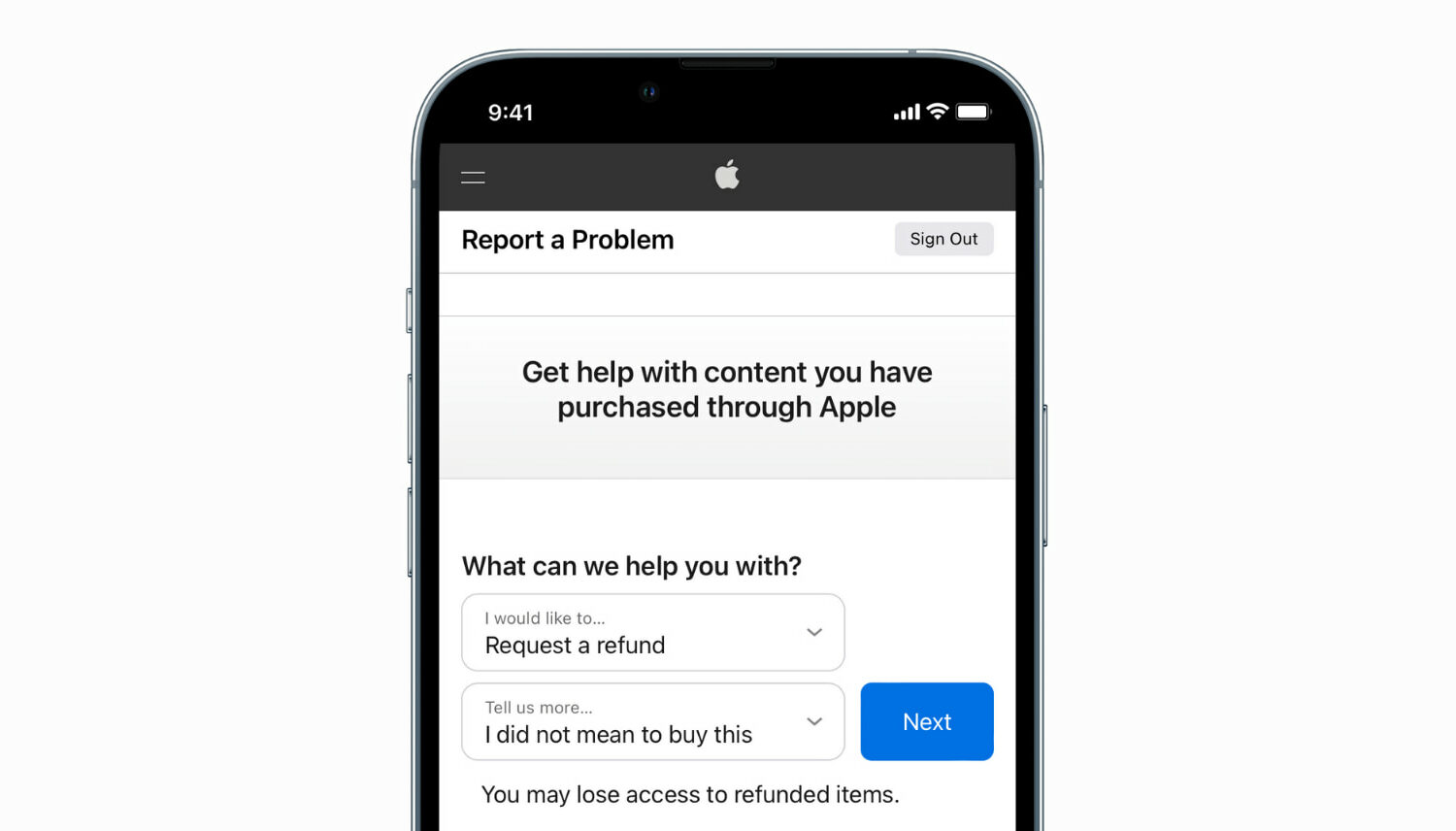
Learn how to request a refund from Apple for an app, media, subscription, or purchase using your iPhone, iPad, Mac, or Windows PC.
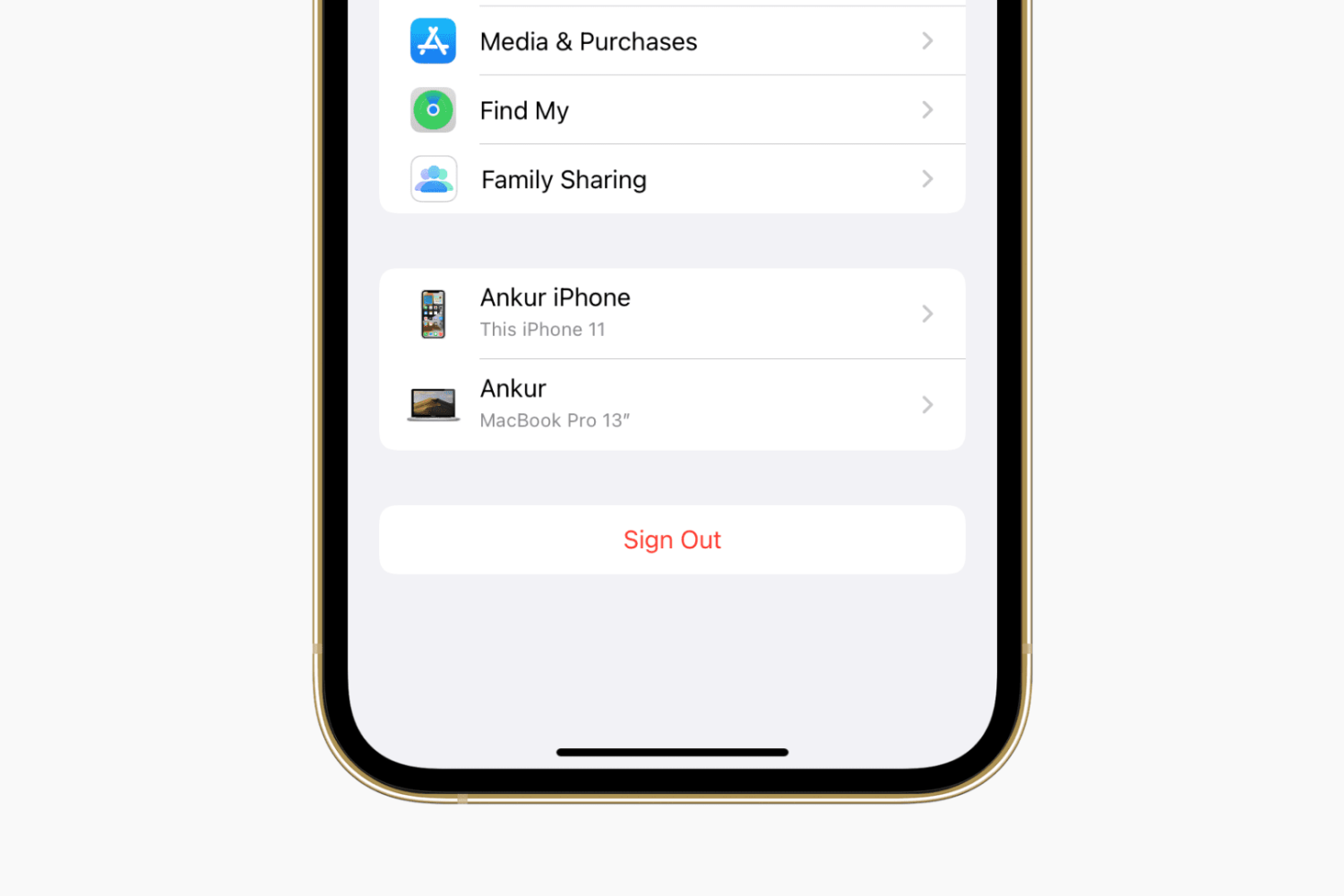
Learn how to sign out of iCloud or your Apple Account and sign in again on your iPhone, iPad, Apple Watch, and Mac, as well as the consequences and possible side effects associated with this.
Check out the best free methods to convert HEIC photos to JPG on your iPhone, iPad, and Mac to ensure universal compatibility.
When you have a jailbroken iPhone or iPad at your disposal, the inevitable happens; you install add-ons to upgrade the user experience of your handset, whether to make it look better or to give it new functional capabilities.