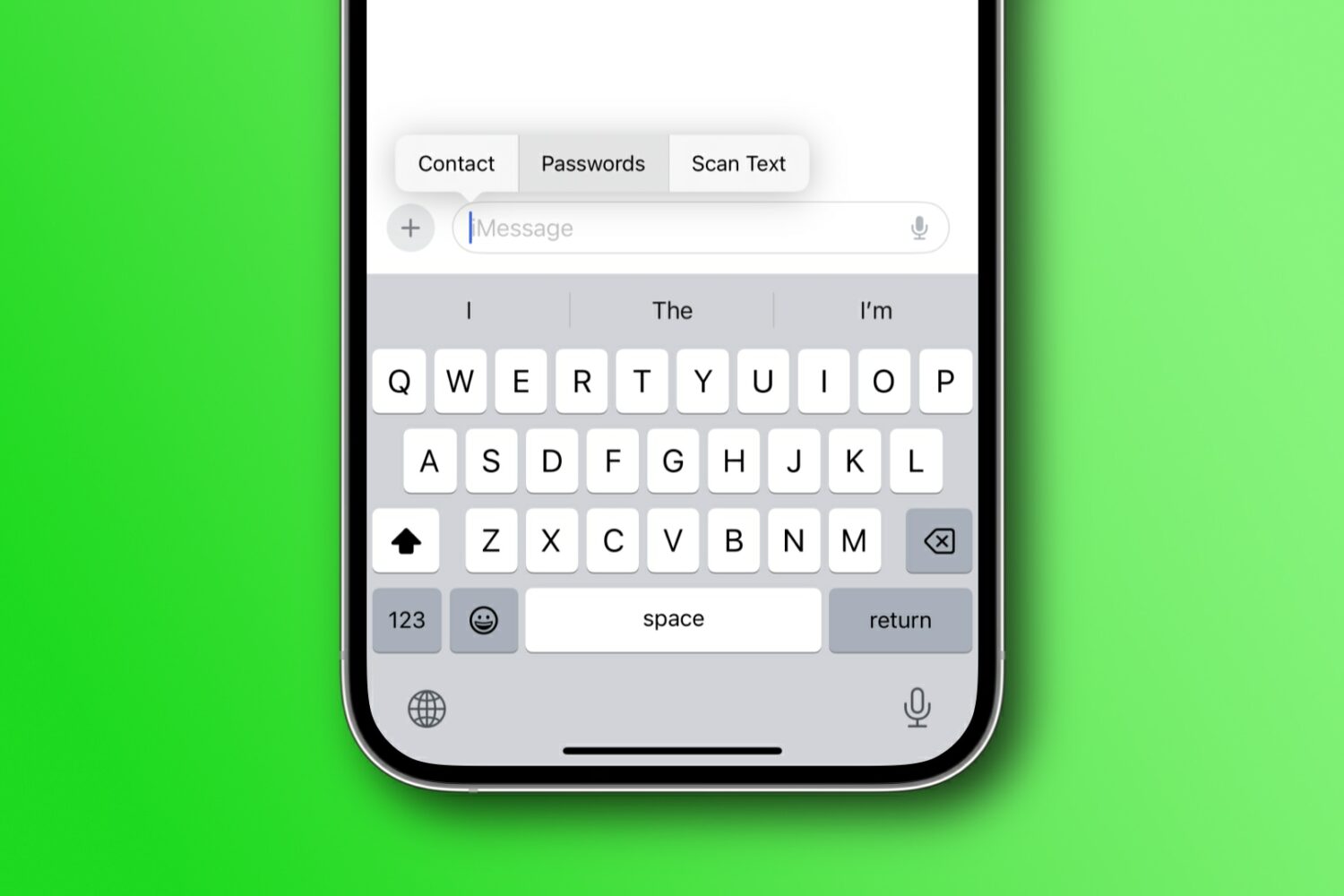
Learn how to share your iPhone’s screen over a WhatsApp video call with another iPhone or Android phone user, along with some important facts and troubleshooting tips.
How to share your iPhone screen via WhatsApp
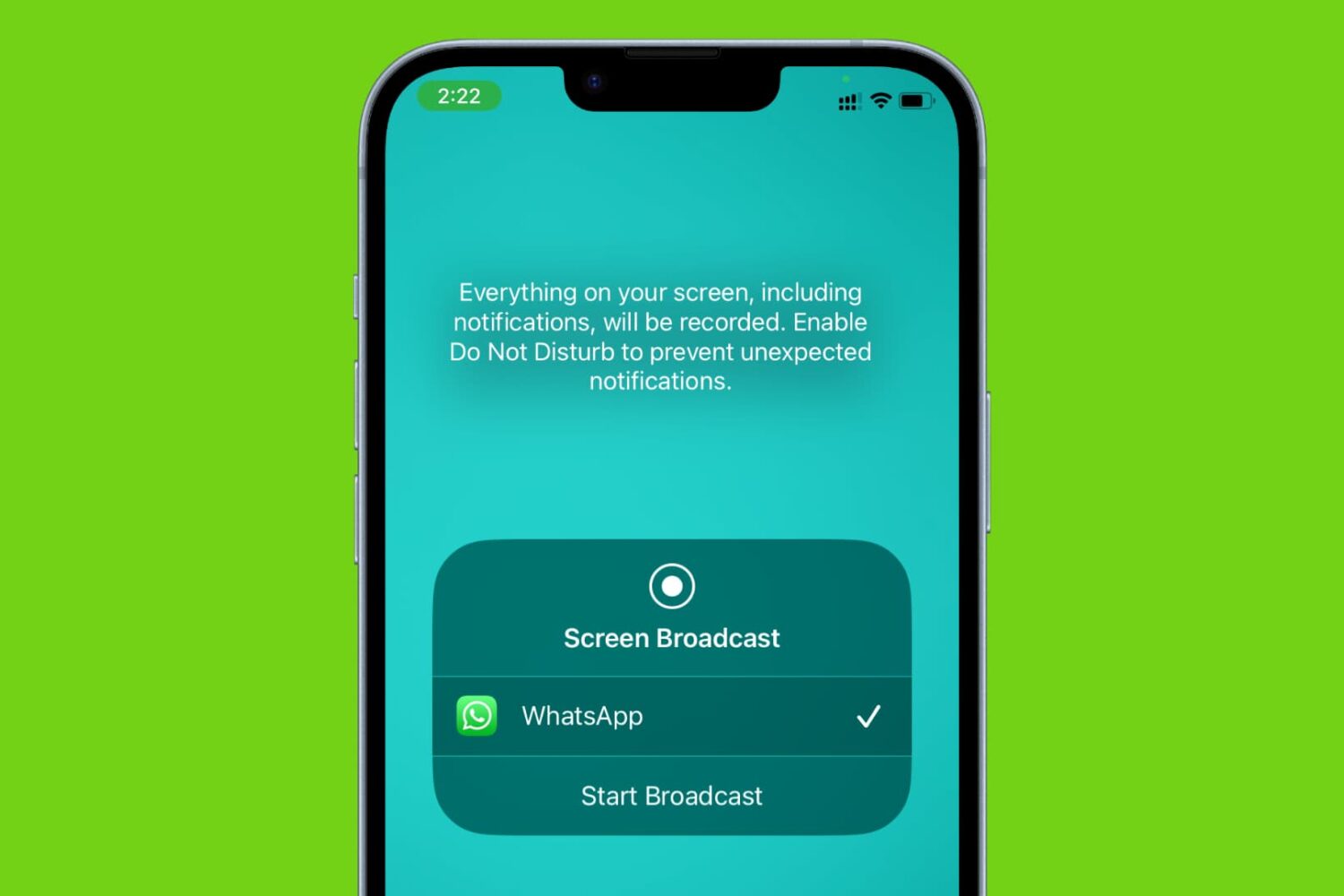
Stay up-to-date on the latest iPhone news and learn new tips and tricks with our comprehensive tutorials. From software updates to new features, we’ve got you covered.
Learn how to share your iPhone’s screen over a WhatsApp video call with another iPhone or Android phone user, along with some important facts and troubleshooting tips.
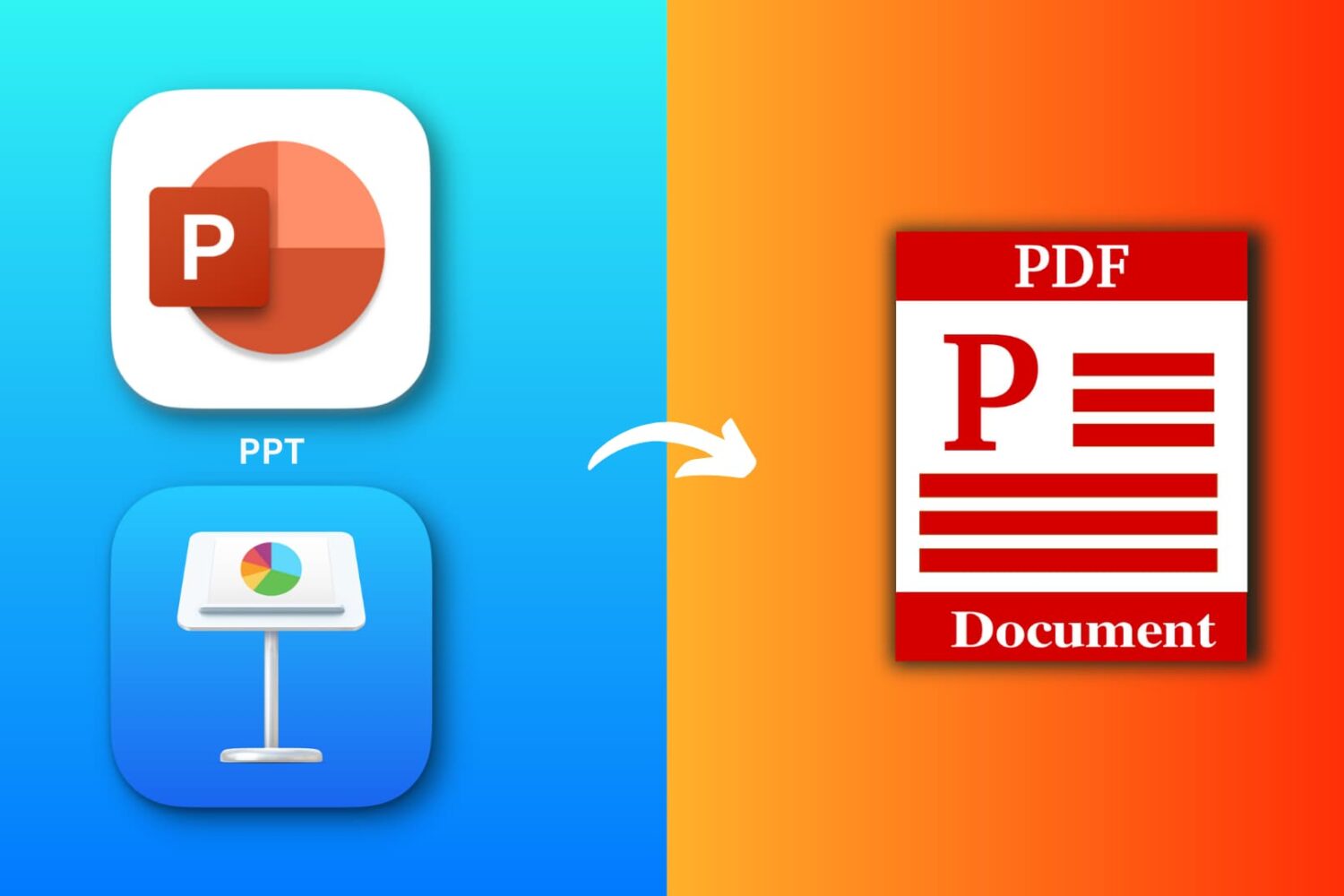
Explore six free ways to convert a PowerPoint (PPTX or PPT) or Apple Keynote file to PDF on your iPhone, iPad, or Mac.
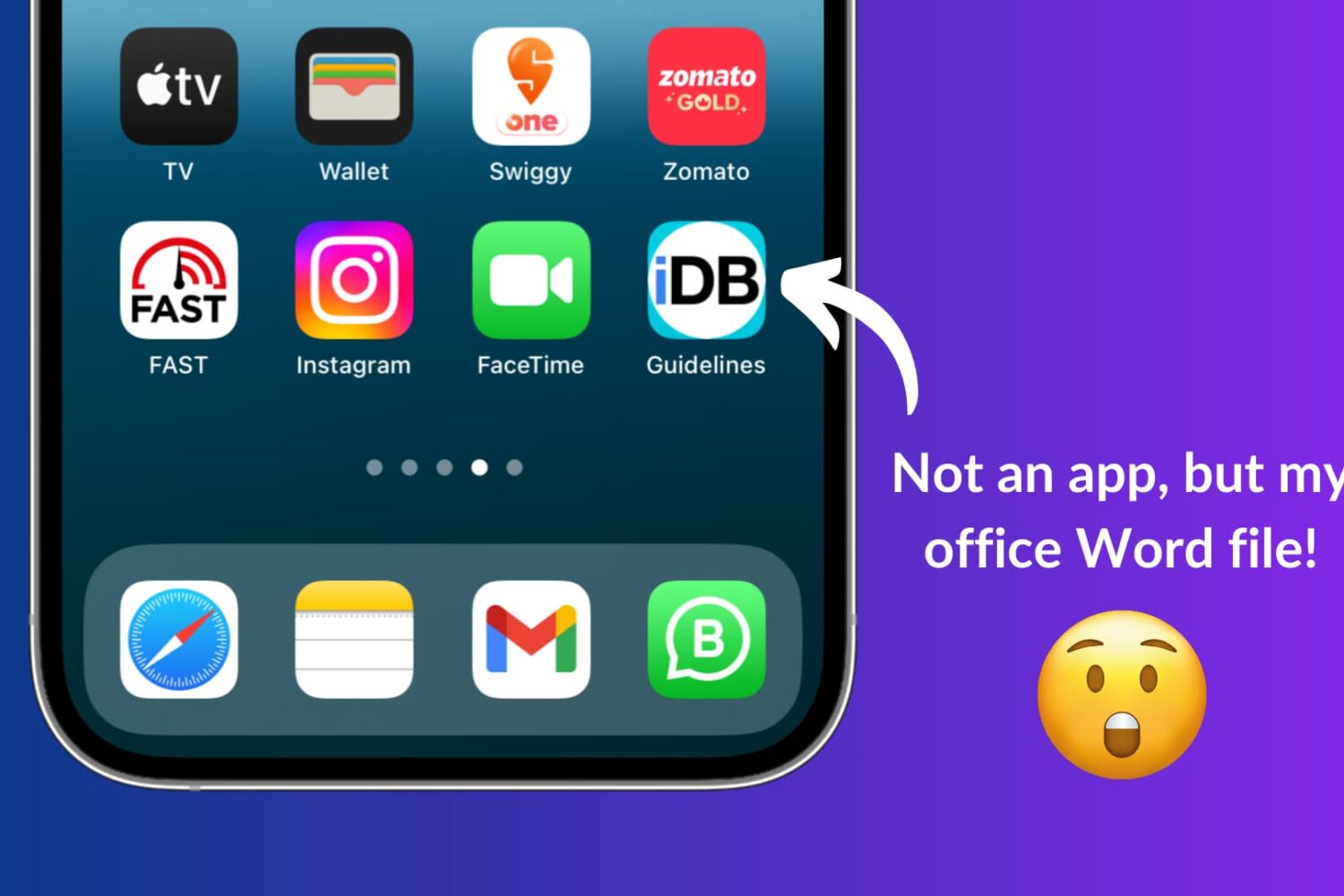
Learn how to use Apple Shortcuts to add a document like a PDF or a Word file to the Home Screen of your iPhone or iPad for quick and easy access.

If you haven’t already heard, there’s another package manager app for the MacDirtyCow and kfd exploits in town, and it’s called PureKFD. This project allows you to browse a whole host of repositories that support Misaka and Picasso-compatible packages.
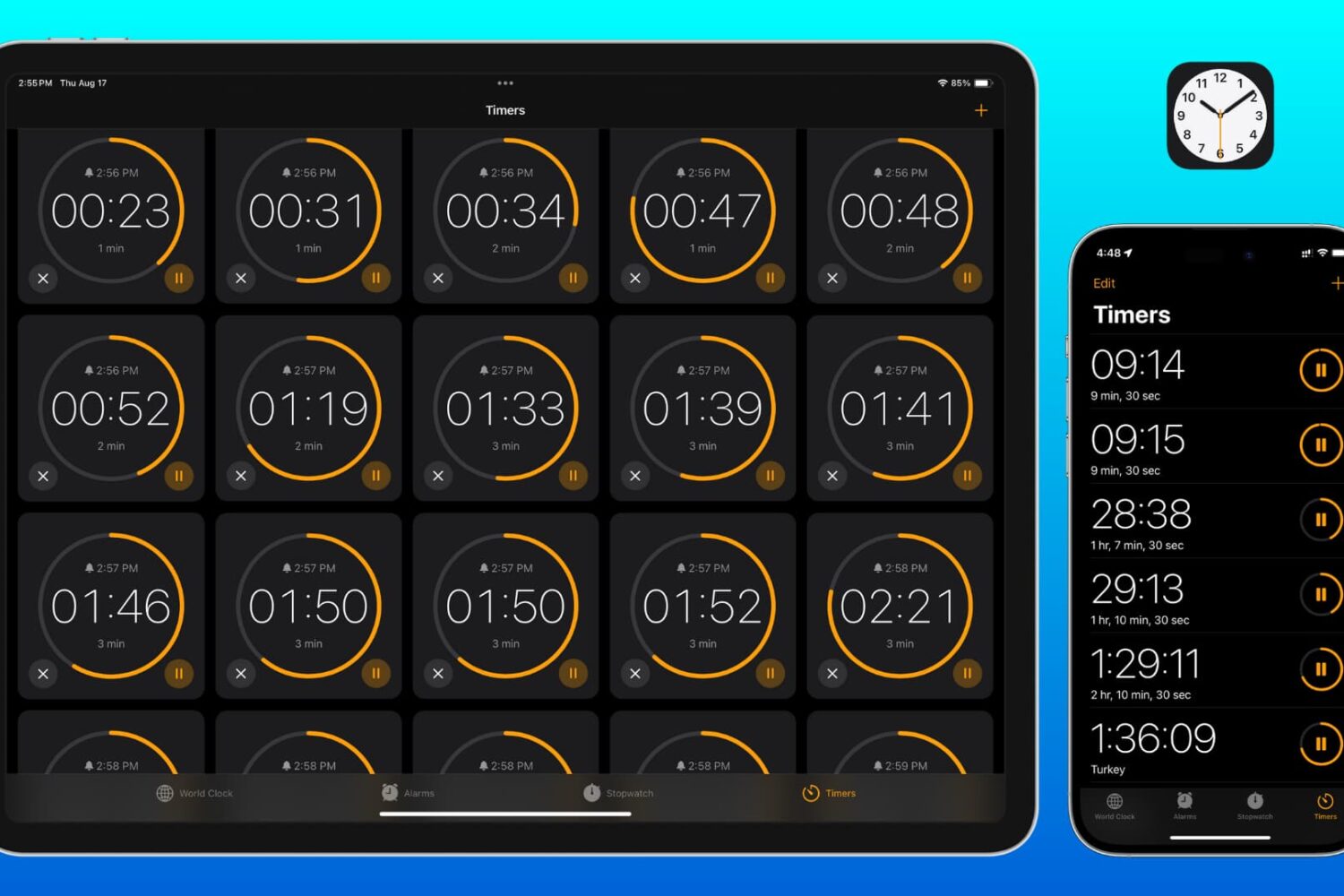
Learn how to set two or more timers simultaneously on your iPhone, iPad, and Mac so you can easily keep track of multiple tasks or to-dos at once.
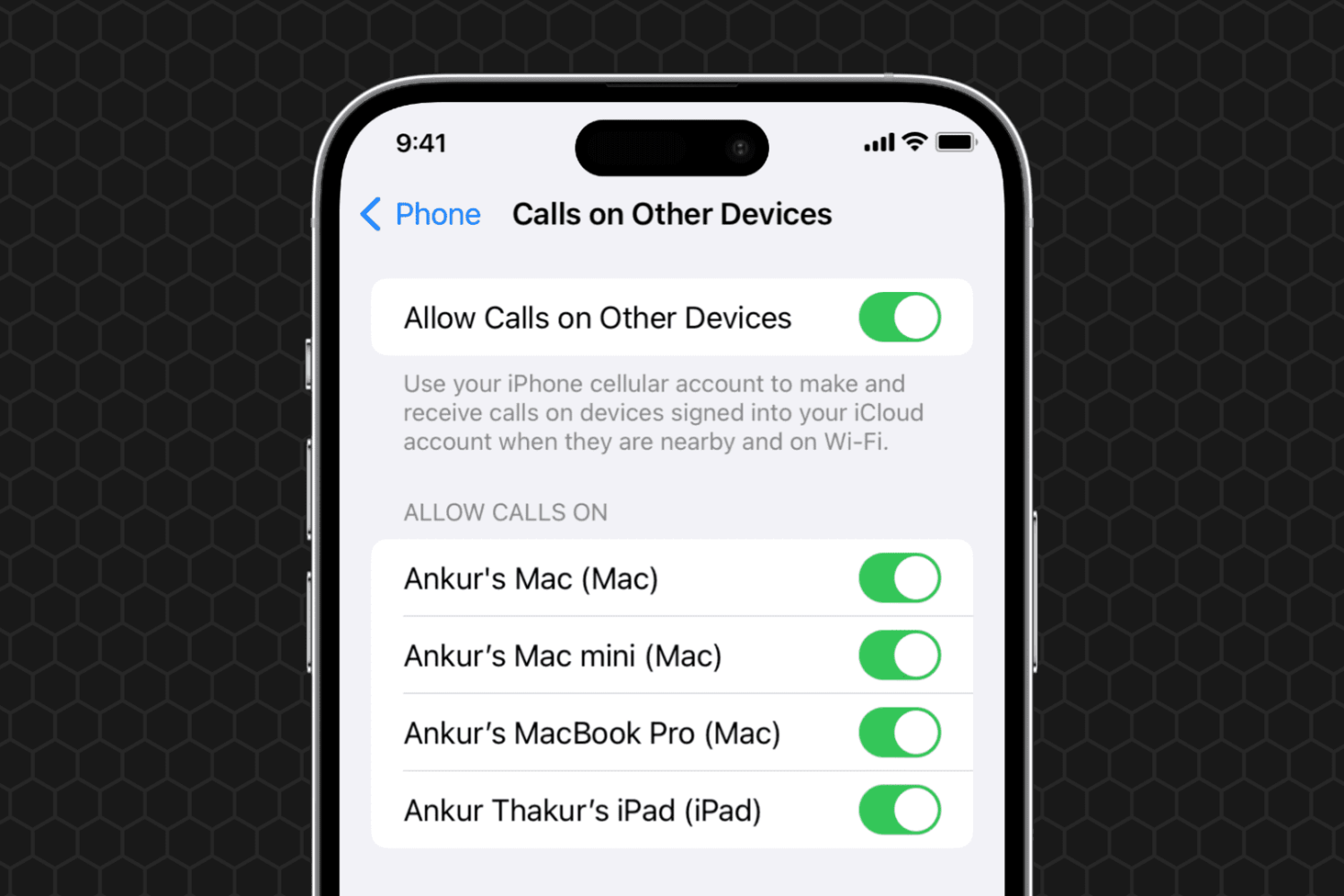
Learn what to do if you can't set your iPhone phone calls to appear on your other devices, such as your iPad or Mac.
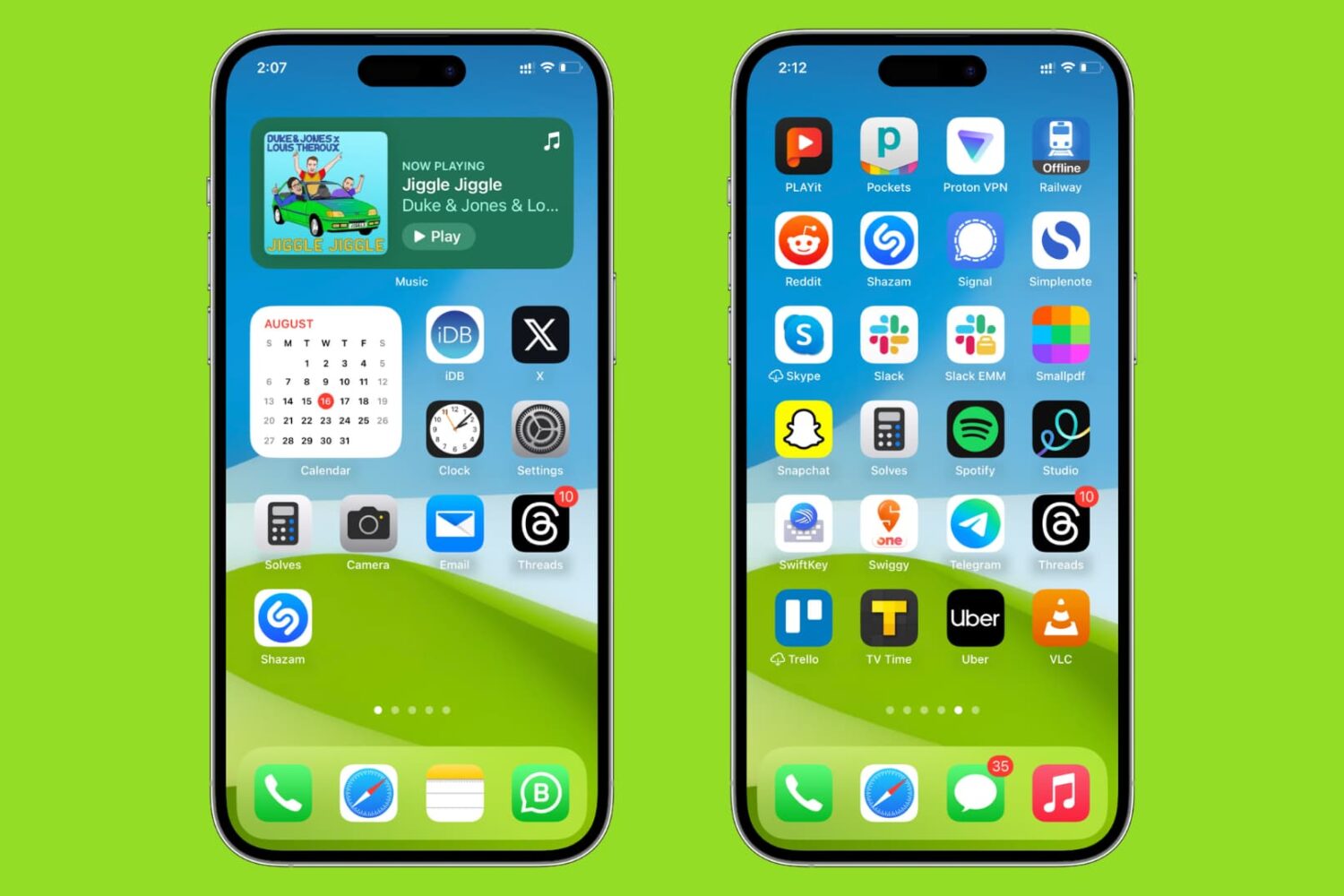
Learn how to sort your iPhone and iPad Home Screen apps alphabetically for easier access.
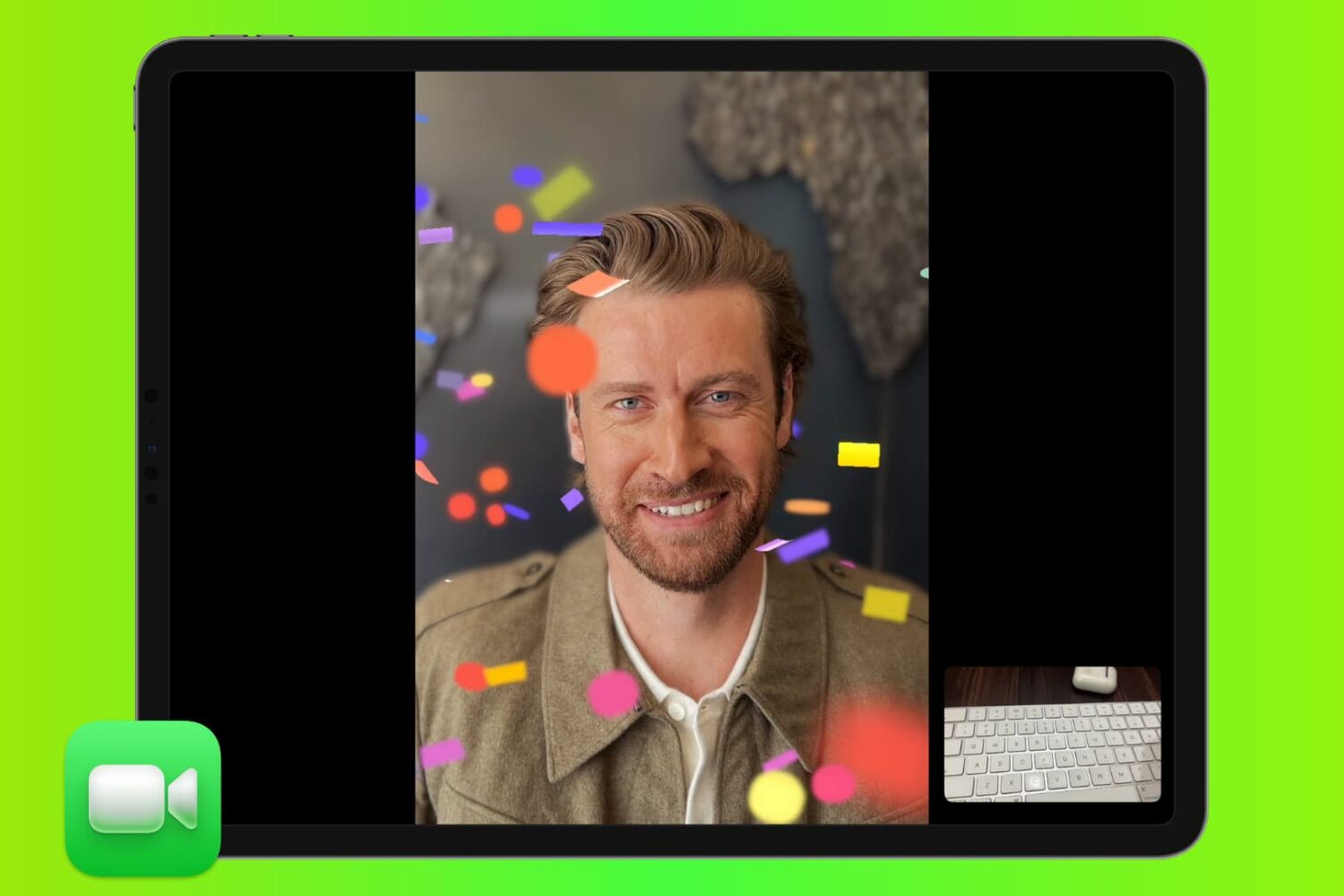
Learn how to add 3D augmented reality effects like thumbs up, hearts, fireworks, confetti, rain, and more to your FaceTime video calls on iPhone, iPad, and Mac.
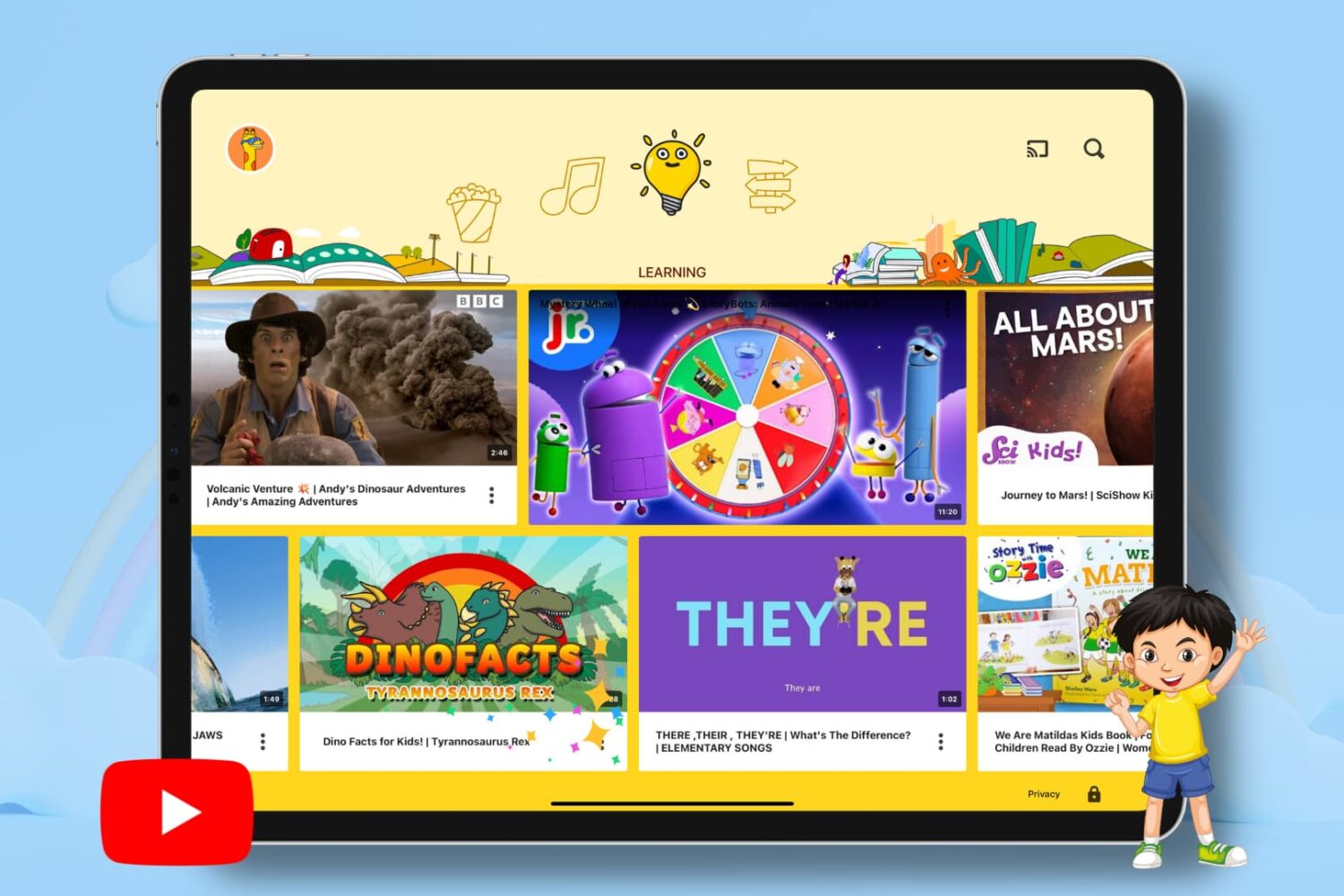
This guide covers easy ways to set up parental controls to make YouTube safer for your kids.
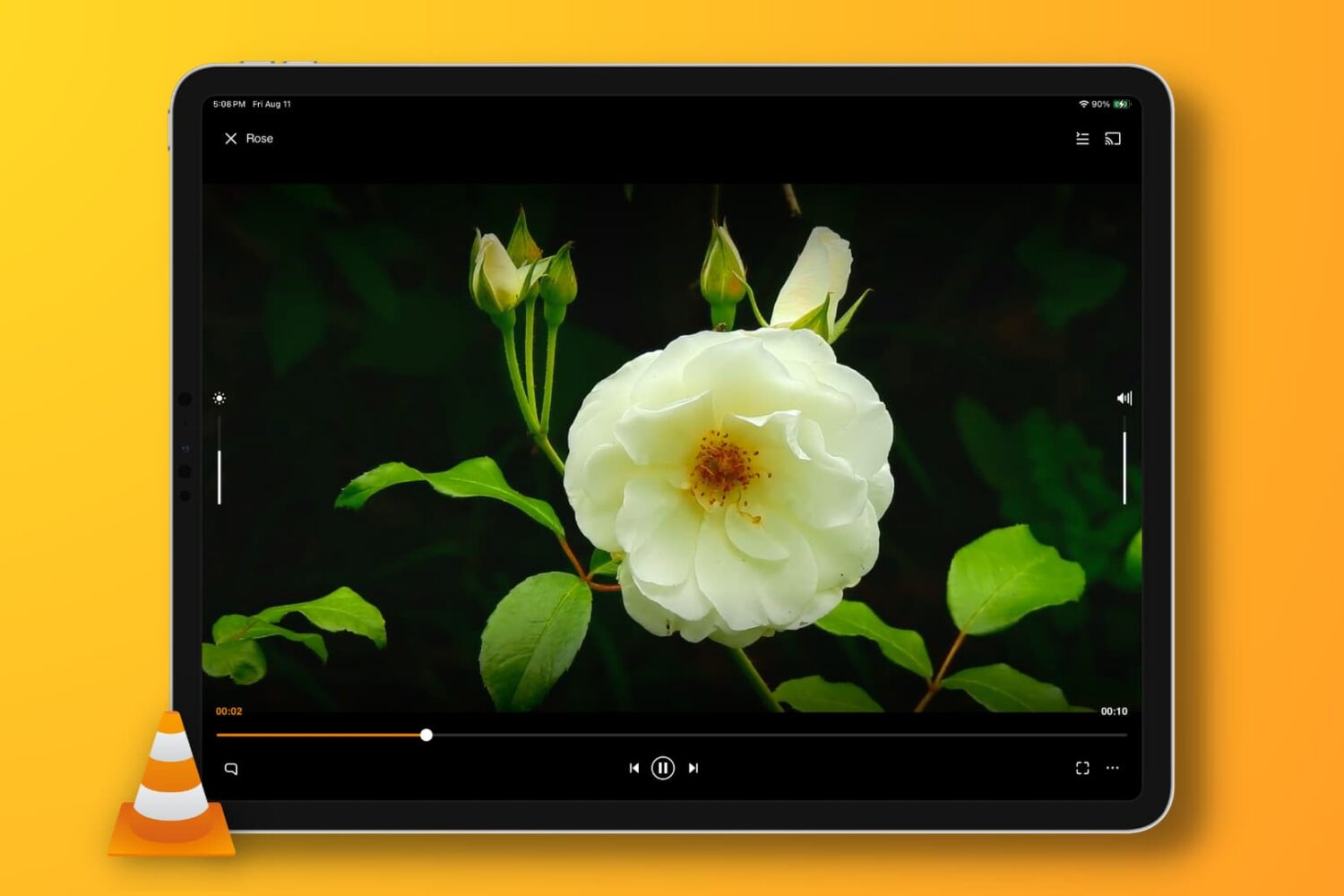
This troubleshooting guide provides solutions to resolve the no-audio issue when playing a video clip or movie in the VLC app on your iPhone, iPad, or Mac.

Text-to-speech saves you time and boosts your productivity by having you listen to spoken content while doing something else instead of reading long passages of text. It's also a great accessibility option for people with vision problems.
So grab your iPhone or iPad and follow along with our step-by-step tutorial right ahead. We'll show you how to hear any using the built-in features and apps you can download.