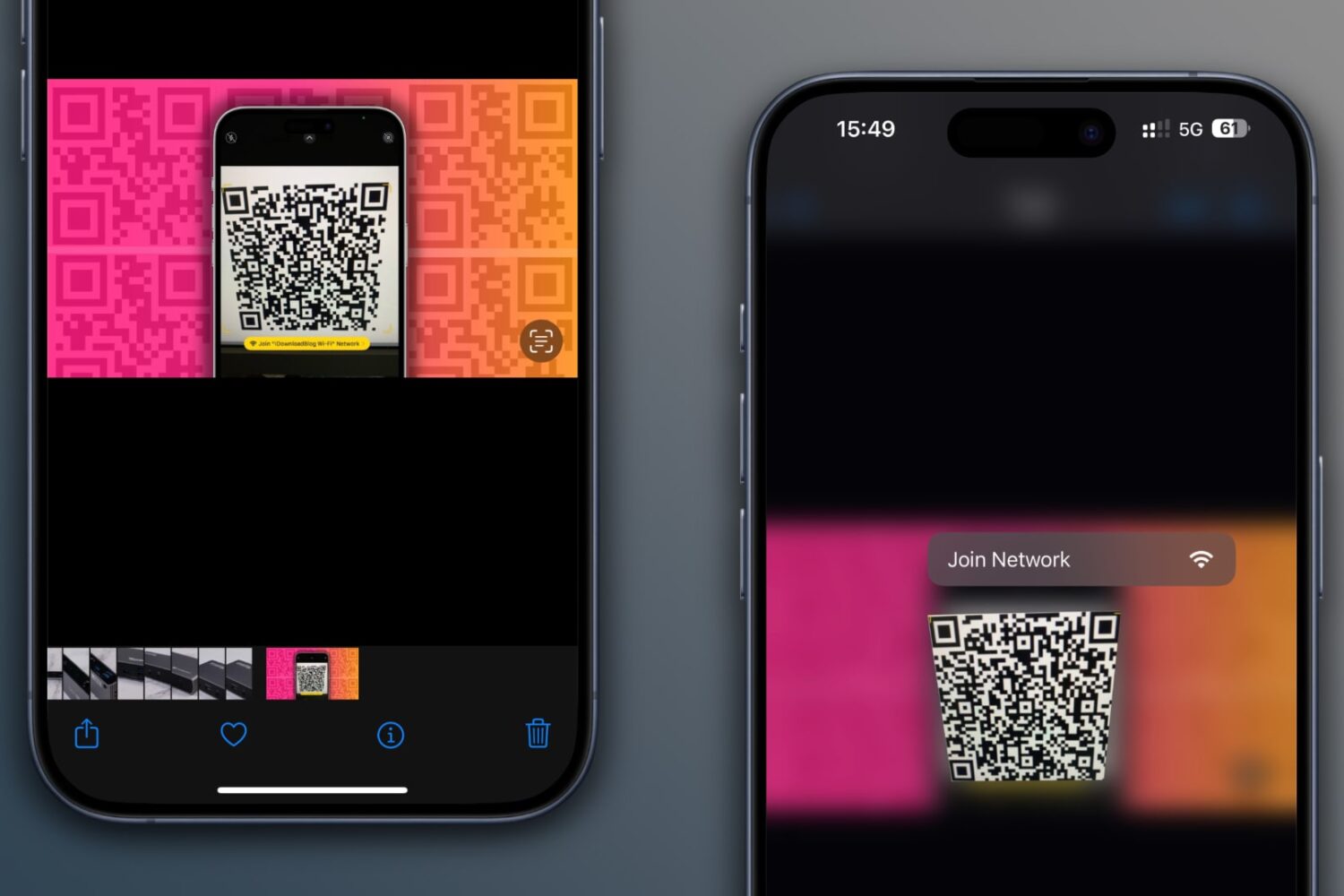
Learn how to scan QR codes on images saved in your iPhone’s Photos app or sent via iMessage or WhatsApp without using another device or printing them out.
How to scan QR codes in images saved on your iPhone
Stay up-to-date on the latest iPhone news and learn new tips and tricks with our comprehensive tutorials. From software updates to new features, we’ve got you covered.
Learn how to scan QR codes on images saved in your iPhone’s Photos app or sent via iMessage or WhatsApp without using another device or printing them out.
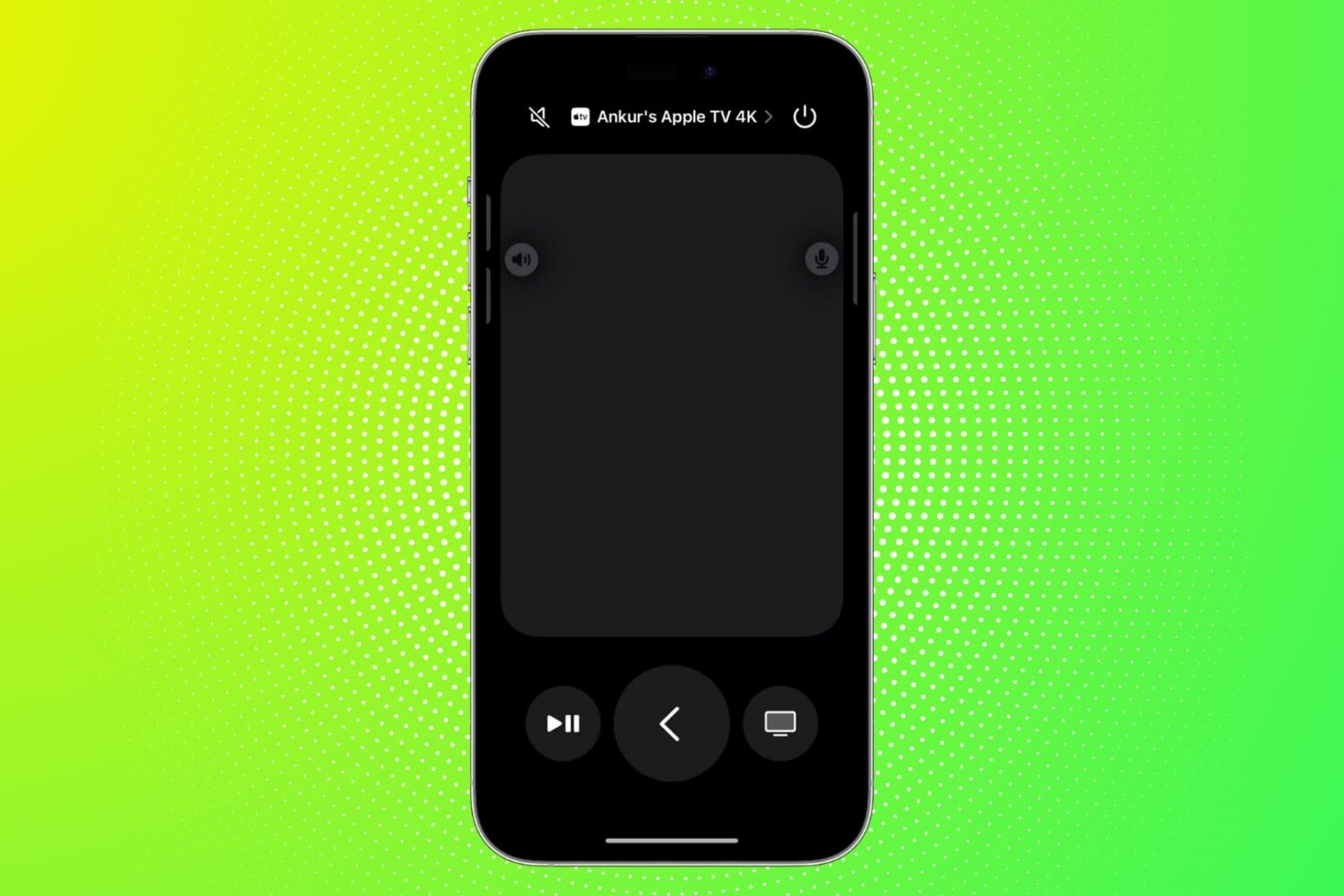
Find out what to do if the Remote feature on your iPhone or iPad isn’t working with your Apple TV.
Learn how to transfer your saved website login details—including email addresses, usernames, and passwords—from Google Chrome to Safari on your iPhone, iPad, and Mac.
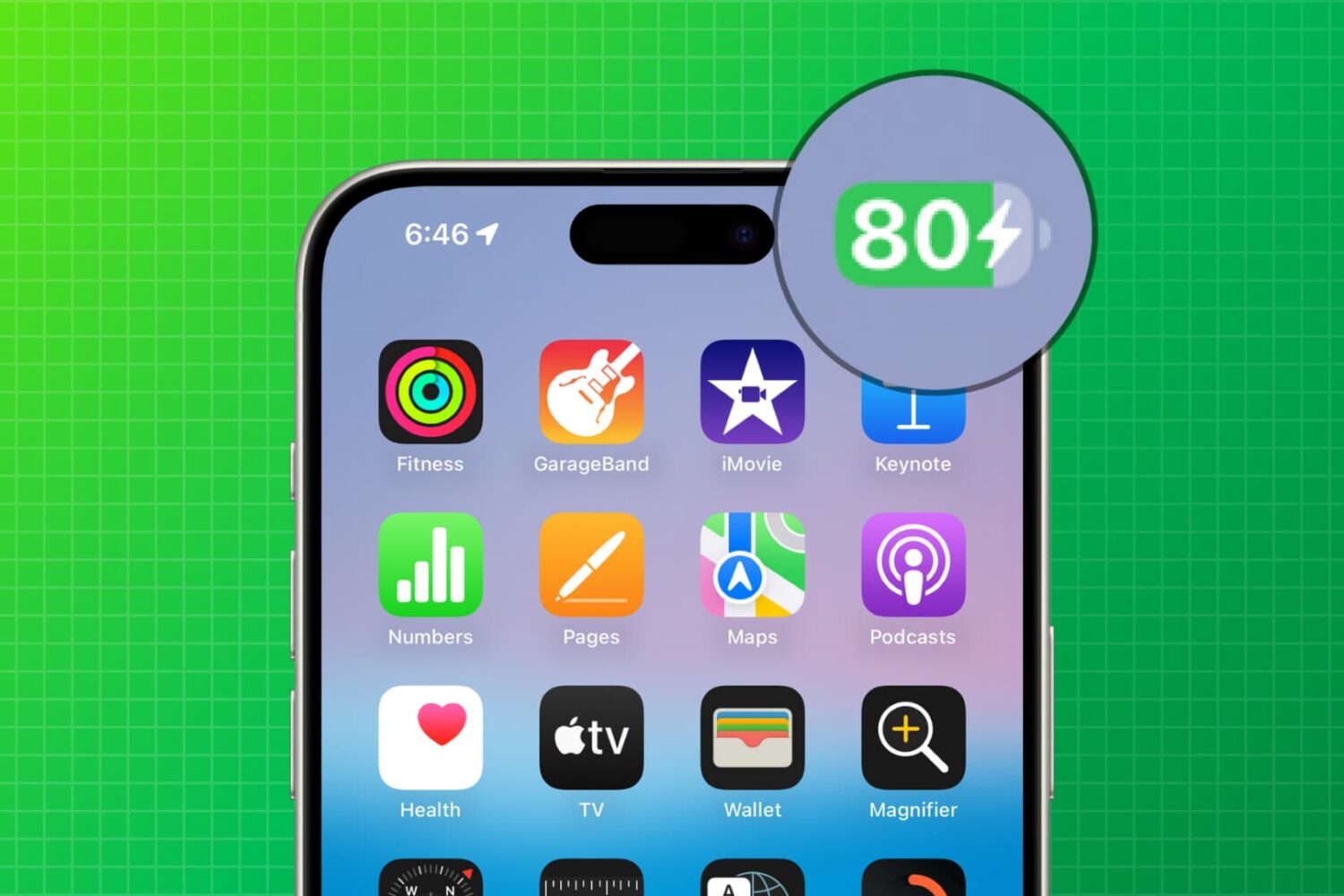
This guide provides practical solutions and expert tips to ensure your iPhone battery charges to the full 100% capacity instead of being stuck at the 80% mark.

In this troubleshooting guide, we outline solutions to fix call issues on your iPhone and help you restore effective communication.
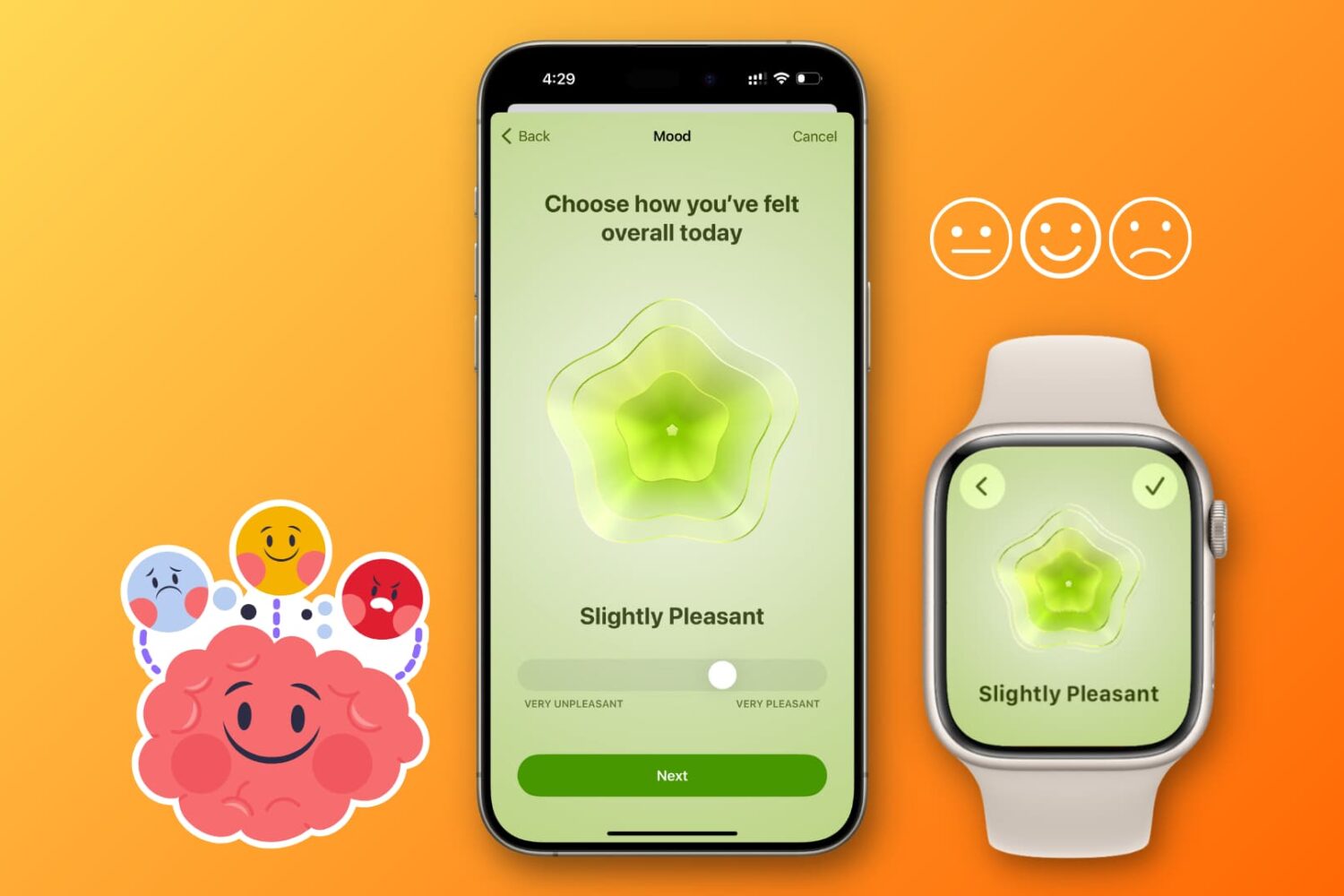
Learn how to log your daily mood using an iPhone or Apple Watch to track your mental health and emotional wellbeing and get insights into your susceptibility to depression or anxiety.
Learn how to enable an accessibility setting that makes your iPhone play a tone when turning on or off.
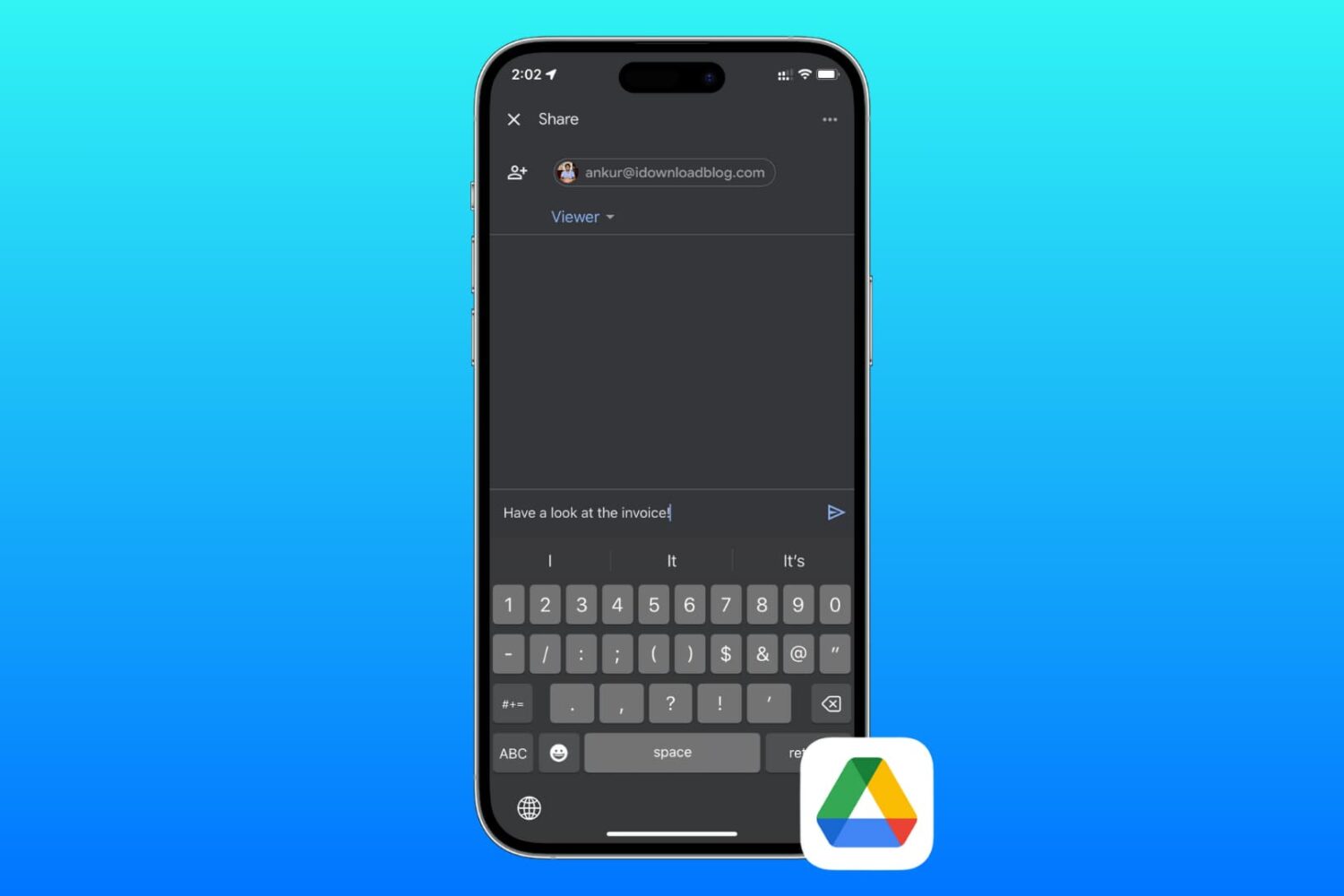
Learn how to send files and folders in your Google Drive to friends and colleagues or share private or public download links using your iPhone, iPad, or Mac.
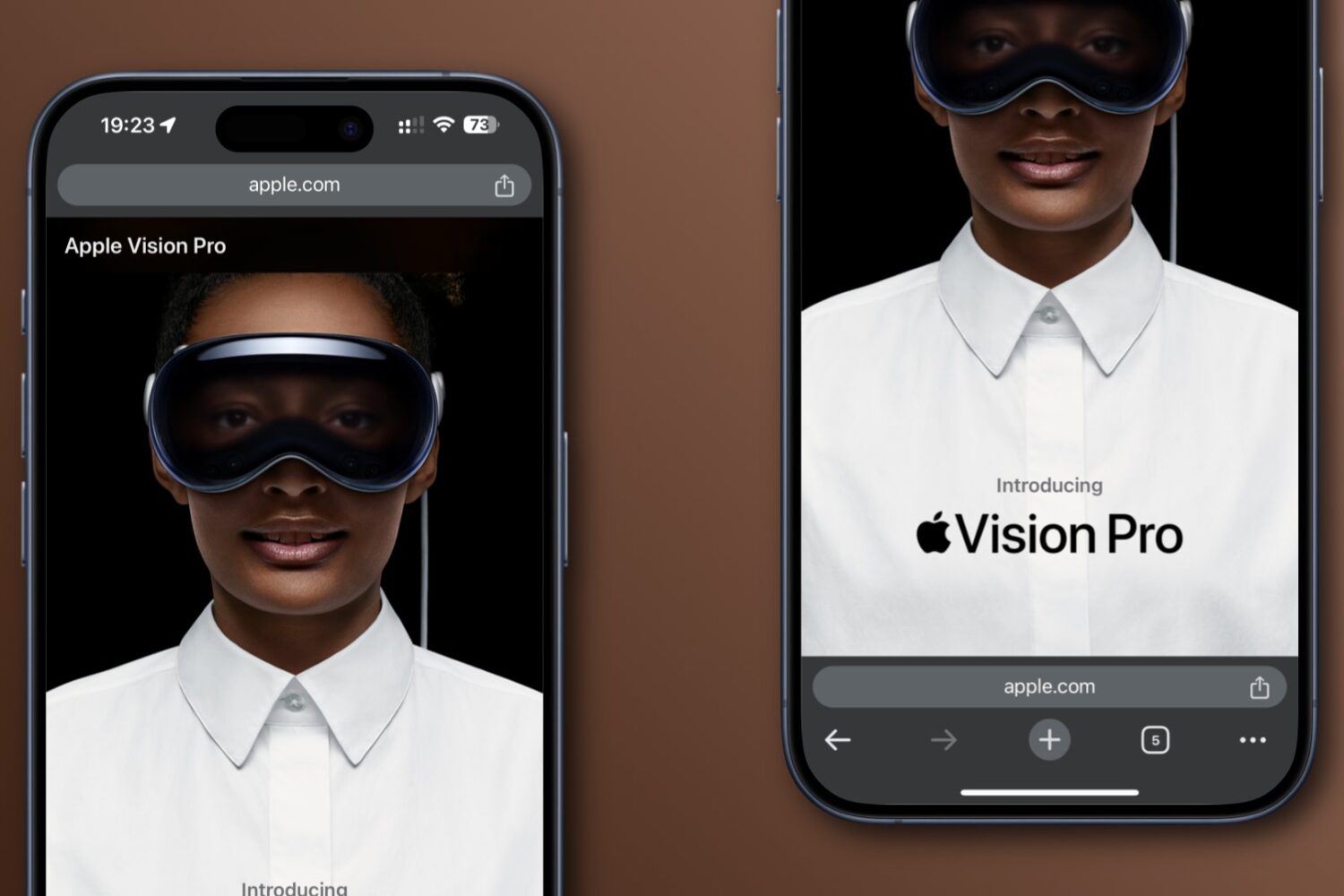
Learn how to move Google Chrome’s address bar on your iPhone from the default top position to the bottom of the screen, making one-handed browsing more convenient.
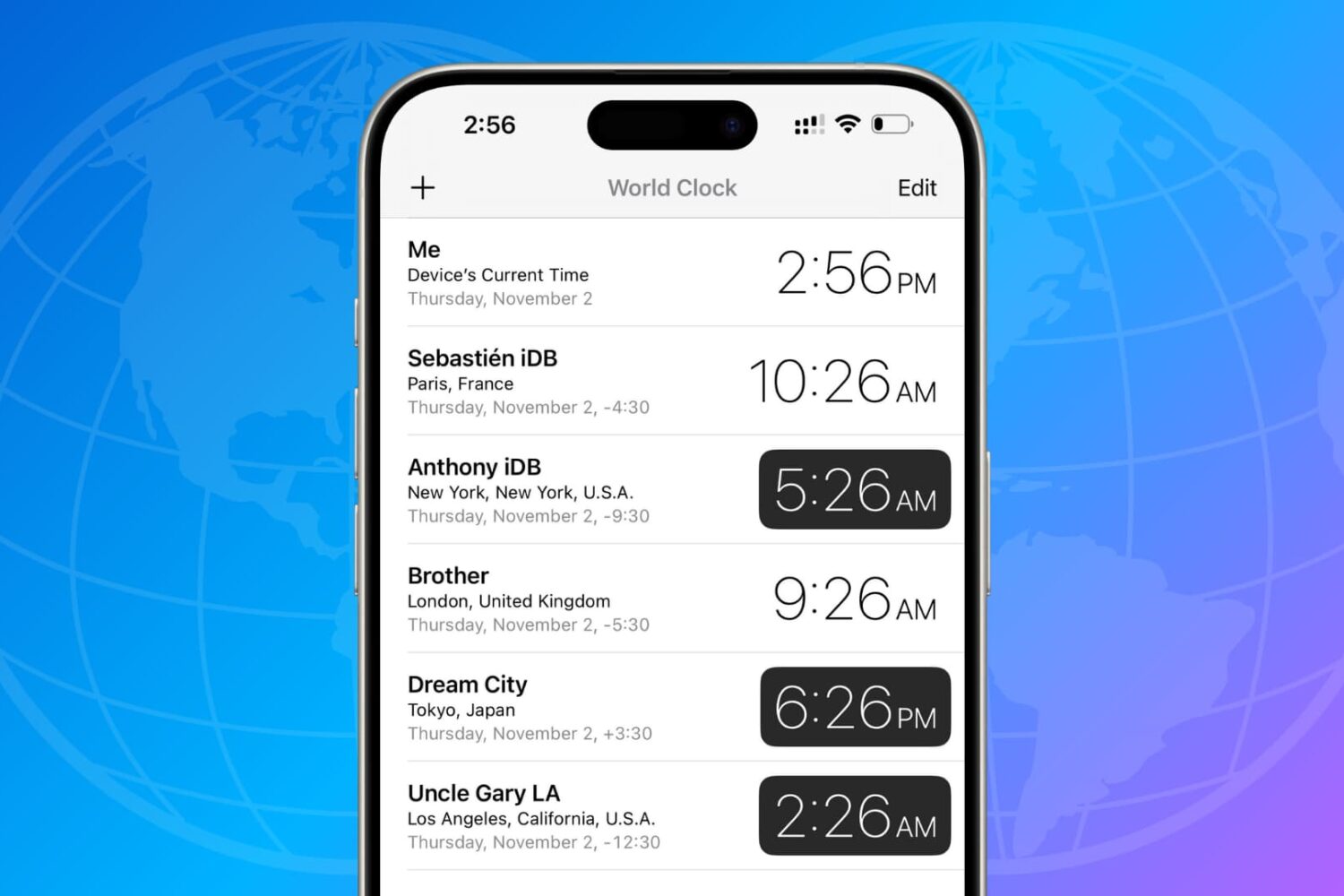
Learn how to use the built-in World Clock and third-party apps on your iPhone and iPad to track the date and time in cities around the world.
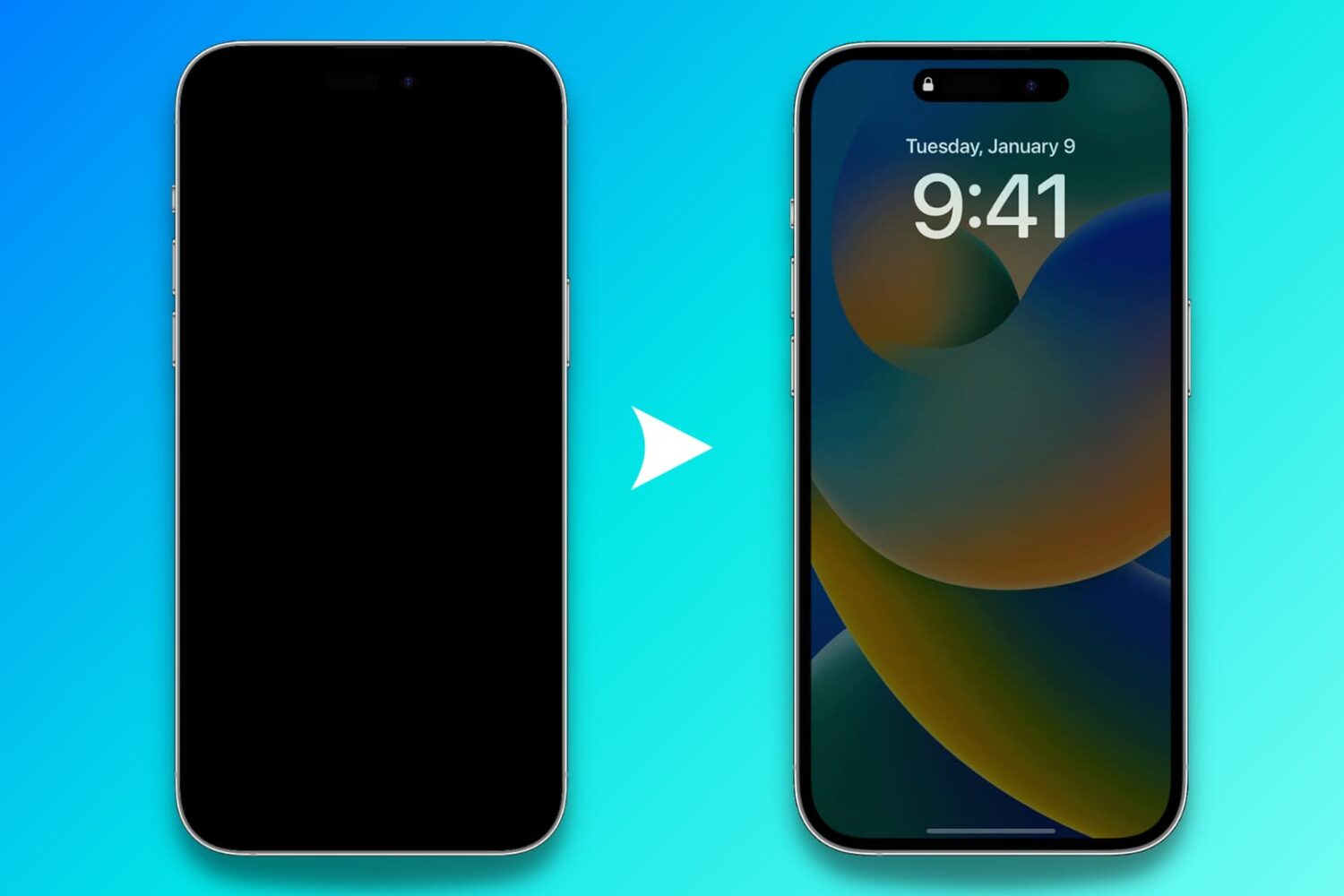
Find out what to do if the Always On display of your iPhone is not working as expected and the screen goes all black.

Want the added features and blue checkmark on X for a lower price? Find out how to save 28% when you subscribe to X Premium (née Twitter Blue) on your iPhone, iPad, or Android phone.