iPhone

Stay up-to-date on the latest iPhone news and learn new tips and tricks with our comprehensive tutorials. From software updates to new features, we’ve got you covered.

Video shows how to access hidden settings in Instagram’s Hyperlapse
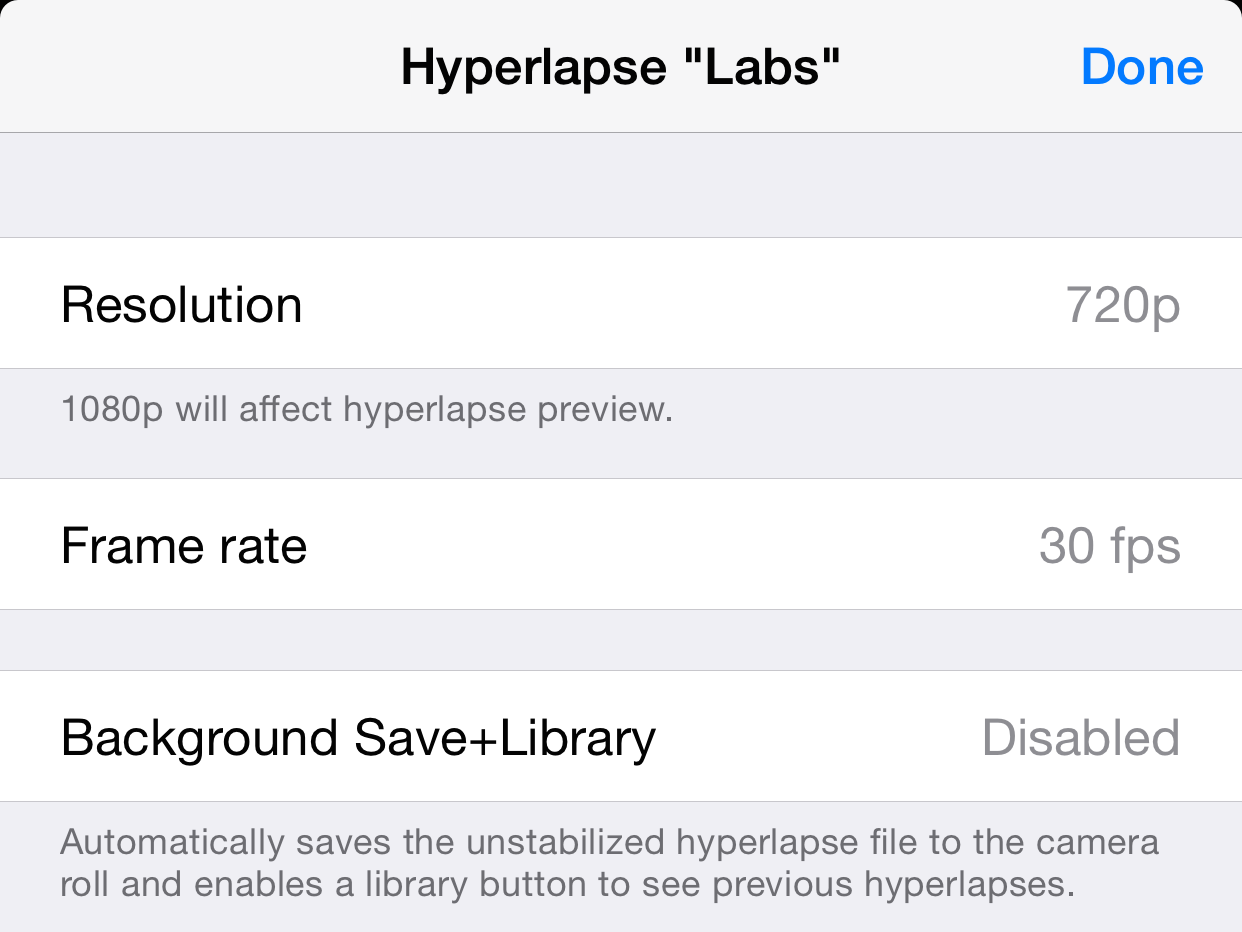
Instagram's recently released Hyperlapse app, built for recording time-lapse videos, has received a lot of praise for its UI design and function, but there's no denying that it's a bit short on features—or so we thought. Apparently the app has a hidden menu with several options, including 1080P video capturing and more.

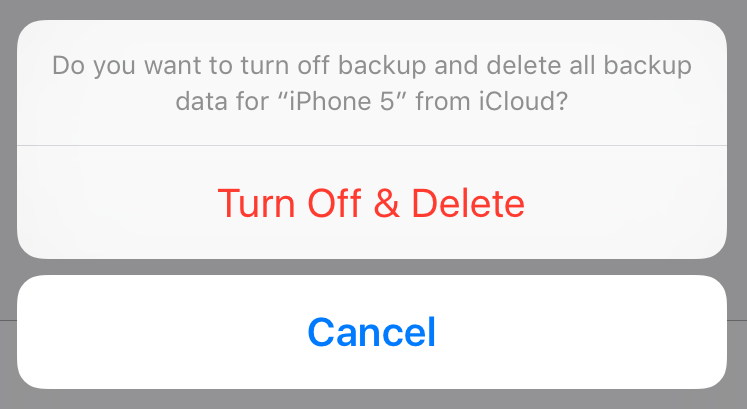
How to delete old iPhone backups

Manually backing up your iPhone or iPad, or taking advantage of iCloud automatic backups, is the best way to guarantee that you will be able to get all your data back in the event something goes wrong.

Whether you choose to backup via iTunes or iCloud, you might want to delete this backup at some point. Maybe the backup file got corrupted, or maybe you're running out of storage space on your Mac or in iCloud. Or maybe you have an entirely different reason to delete your iPhone or iPad backup file.

Whatever the reason is, we've got you covered. In this post, we will learn how to delete an iPhone backup from a Mac and we'll also see how to delete a backup file from iCloud.

How to sync an iPhone with multiple iTunes libraries

Apple does not allow an iPhone to be synced with multiple iTunes libraries, presumably because users would simply share songs with each other and lower already declining music sales on the iTunes Store. When you sync an iPhone with another Mac or PC, a warning pops up on iTunes that an iPhone can only be synced with one library at a time.

If you proceed to sync your iPhone with the secondary computer, the contents of that iTunes library will automatically replace whatever media you had on your device in the first place. On a side note, that doesn't include things like contacts, calendars or settings. Those are safe, but any songs or videos are not. Fortunately, there is a solution for how to use an iPhone with more than one iTunes library. The method is explained in detail ahead…