iPhone

Stay up-to-date on the latest iPhone news and learn new tips and tricks with our comprehensive tutorials. From software updates to new features, we’ve got you covered.

How to stop iPhone from tracking your location

Location Services and Privacy settings on your iPhone, iPod touch and iPad certainly provide a very detailed breakdown of the apps and system services that have requested access to your location, or are motoring your location in the background.

Options in Location Services are incredibly complex so average users may be tempted to not bother and simply leave everything on. Others may disable Location Services altogether, which isn't a very good idea either (from a usability standpoint).

Suppose you want to stop an iOS device from tracking your whereabouts, but without disrupting essential features or sacrificing much of the device's functionality.

But how precisely does one accomplish that?

There's no master switch in iOS that'd tell the device to stop monitoring your location. Plus, things get more complex if you don't know exactly which switches in Settings need flipping and which ones must be left intact.

This easy to follow step-by-step tutorial will lay out exactly the features on your device that you must disable in order to limit or prevent unwanted location tracking.


How to prevent changes to email accounts on iOS

I'm nervous every time a curious friend picks up my iPhone and ventures into Settings—not because they could see something they shouldn't, but out of fear they might mess up my multiple email accounts.

While removing email accounts from an iOS device won't wipe the server, re-adding them is a tedious process: you need to remember your access credentials and, if an account is protected with two-factor authentication, provide a verification code, too.

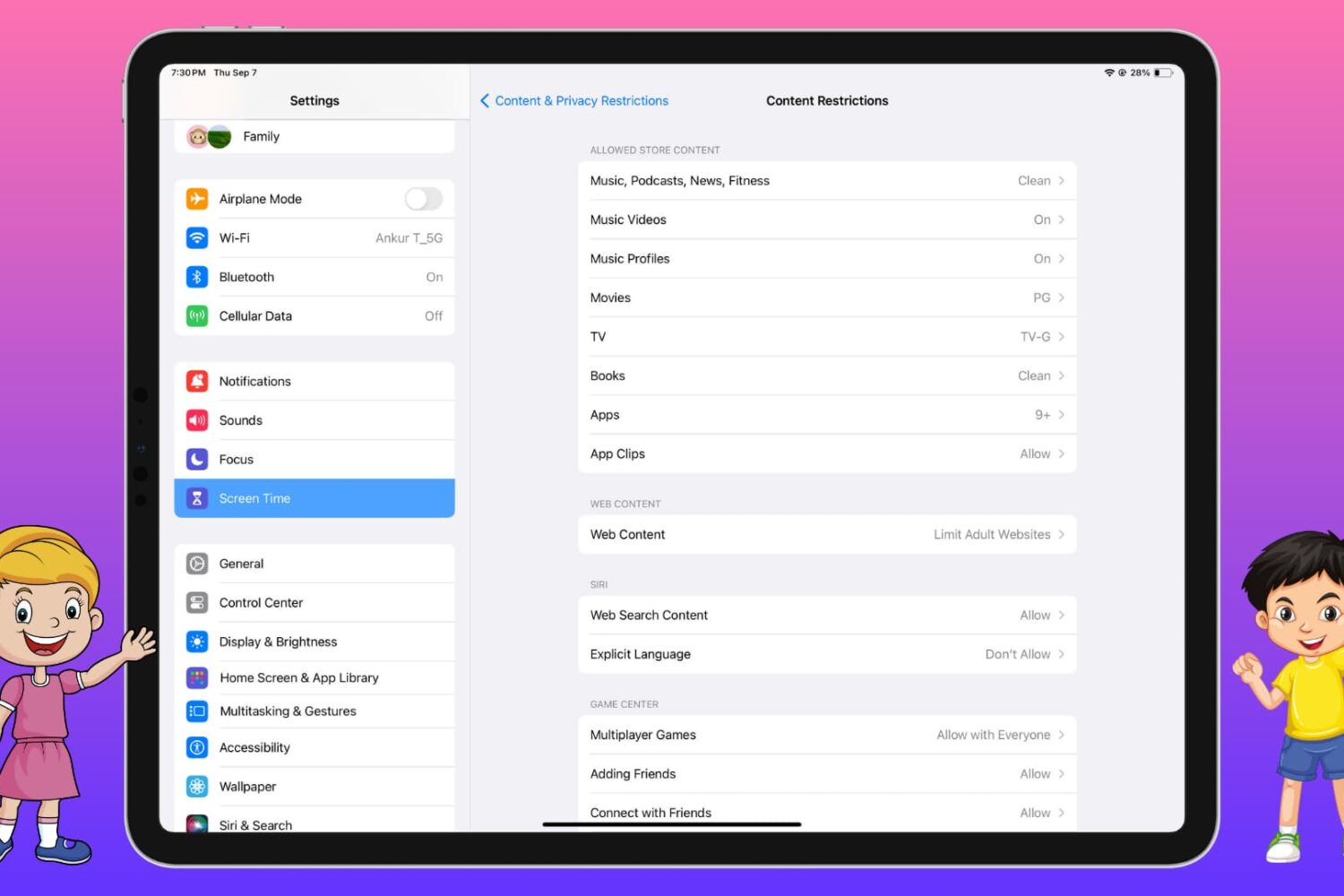
iOS lets you disallow changes to some device settings, including restricting all email, calendar and contact accounts so that no one can add or remove them, here's how.

Use text replacement in iOS to input email addresses faster

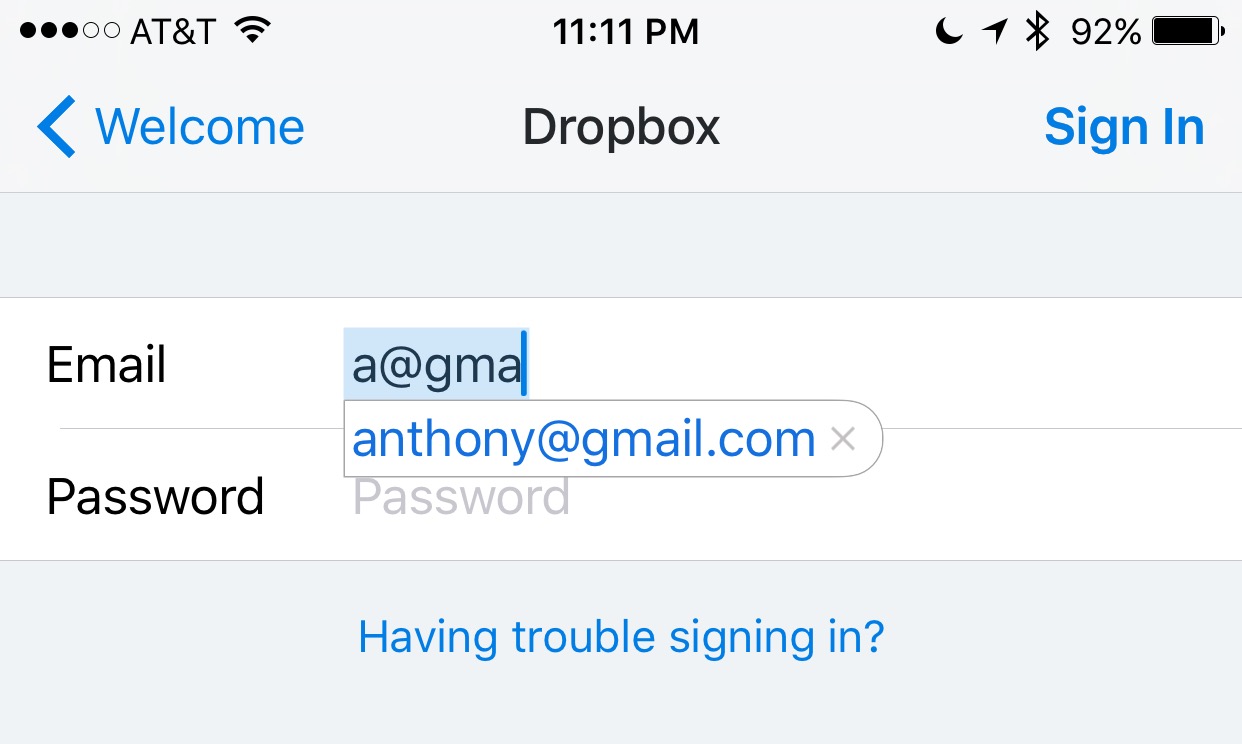
Email addresses can be long and annoying to type, especially when you're one of those goofballs out there with the weird emails like iph0n3_fan_09325@emailaddress.com, or something else with a bunch of wonky characters you don't care to remember or spend the time typing.

This is why when I came across this tip on how to make email address entry simple and fast from a friendly iDB reader, I wanted to share it with the rest of you.

How to increase your privacy by removing location from Diagnostic & Usage Data logs

Apple collects anonymous information about how you use your iPhone, iPad, iPod touch and other devices so that it can improve its products in future releases. End users can easily opt in and out of diagnostic collection in the Settings → Privacy → Diagnostics & Usage section.

I have this enabled to help Apple improve their products, but privacy-minded people might opt out of diagnostic collection on the grounds that the logs include their approximate location.

In this tutorial, we'll explore increasing your privacy on iOS by having your location excluded from diagnostic data that iOS creates.

Quickly and easily record animated GIFs with Giphy Cam

Animated GIFs are fun, the only thing is, creating them generally requires a computer and either some fancy GIF-making software, or a website that can convert video files to animated GIFs.

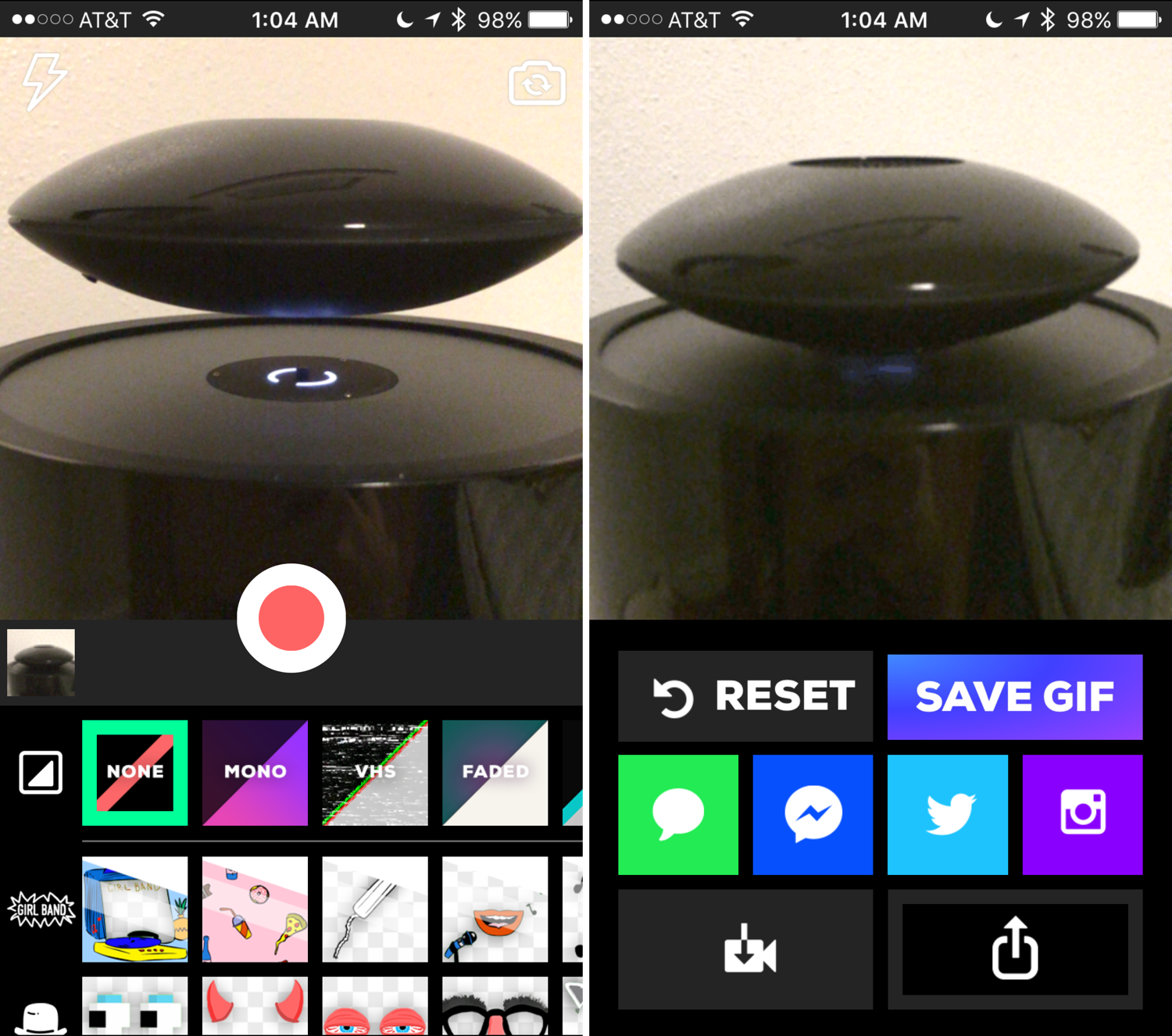
Fortunately, for those of you that spend most of your time mobile, rather than at a computer, the free GiphyCam app from the App Store provides an all-in-one experience for iPhone, iPod touch, and iPad users.

We'll talk about GiphyCam in this piece and show you how you can use it to record your own animated GIFs right from your mobile device.

How to show the fingers assigned to Touch ID on iPhone and iPad

Touch ID settings on iPhone

In my opinion, Touch ID is one of the finest iOS features ever! It's an excellent mix of hardware and software that solves a real problem.

As you may know, Touch ID allows users to store up to five fingerprints. In turn, any of the registered prints can be used to unlock your iPhone and authenticate purchases associated with your Apple ID, such as App Store purchases.

But how does one go about remembering which fingers were used to set up Touch ID? We show you how easy it is to find out.

What to do if iTunes doesn’t recognize your iPhone or iPad

If you ever sync your iPhone, iPod touch, or iPad with iTunes, then more than likely you've experienced hiccups at some point in time where iTunes has been unable to find or recognize your device.

You have it plugged in, but for whatever reason, it just doesn't show up in iTunes. What gives?!

In this piece, we'll go over what to do if iTunes doesn't seem to recognize your iOS device when you plug it in to your computer so that if and when it happens to you, you'll be prepared to tackle the situation.