iPhone

Stay up-to-date on the latest iPhone news and learn new tips and tricks with our comprehensive tutorials. From software updates to new features, we’ve got you covered.

How to remove games you’ve uninstalled or no longer play from Game Center

With Game Center, you can play your favorite games with friends who have an iPhone, iPod touch, iPad or Mac. Game Center is also where your global leaderboards, achievements, challenges, high scores and other data are stored for each Game Center-compatible game you play.

Some people also find this particular feature a major nuisance over being bugged with notifications and invites for the games they no longer have installed on their device.

Thankfully, you can easily remove any game that you no longer play from Game Center with a quick swipe.
3D Touch tips and tricks for the stock Videos app

In this day and age of YouTube streaming and on-demand video, the stock Videos app feels a little outdated and way too limited in terms of features though it gets the job done.

With the Videos app, you can watch movies, televisions shows and music videos that you bought or rented from the iTunes Store, as well as enjoy your personal clips synchronized from iTunes on your computer.

On the iPhone 6s and iPhone 6s Plus, using the Videos app is a little more engaging thanks to 3D Touch. In this tutorial, we'll let you in on 3D Touch shortcuts and gestures that are available  in the Videos app.

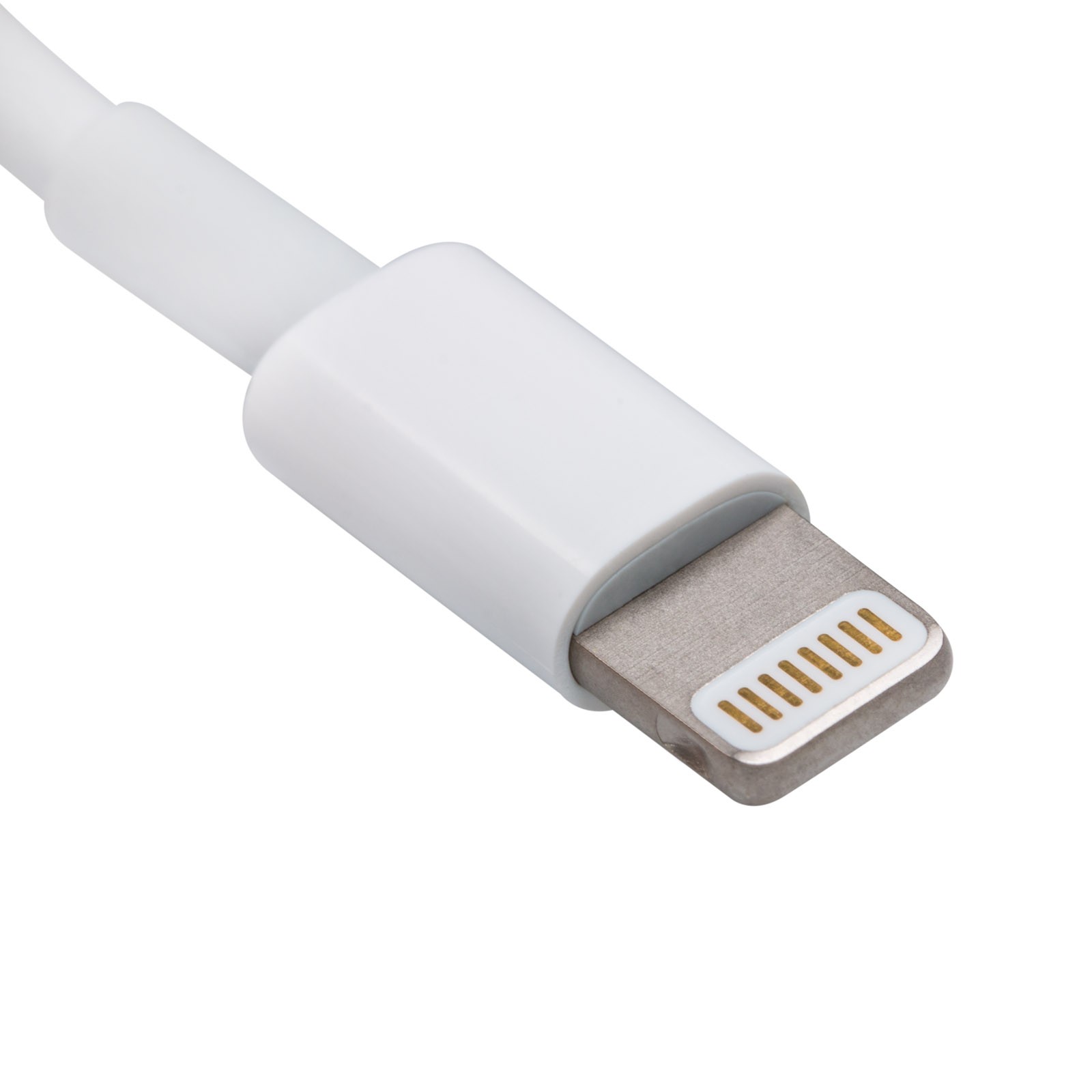
Spotting the signs of a fake Apple Lightning cable

Whenever you buy a new iPhone, iPod touch, or iPad, it'll come with a Lightning to USB cable that you will use to charge and sync your device. On the other hand, you have to be careful when you buy these cables separately, especially online, because you could end up with a counterfeit cable.

A counterfeit is a cable that tries to look just like Apple's OEM Lightning to USB cable, even though it isn't. Using these cables could have an adverse effect on your device, so we'll show you how to spot the differences between a counterfeit and genuine Lightning to USB cable in this piece.

Fixing common problems with charging your iPhone or iPad

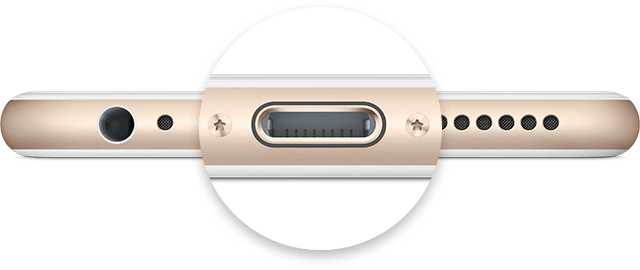
Not only did Apple spend a ton of money and time in the research leading up to its proprietary reversible Lightning cable for charging, but they've also made the software that handles charging your iOS device intelligent too.

Nevertheless, charging your device can sometimes be followed by some frustrating problems, and they're all too common. In this piece, we'll go over some of those problems charging iPhone and iPad, and what you can do to troubleshoot them.