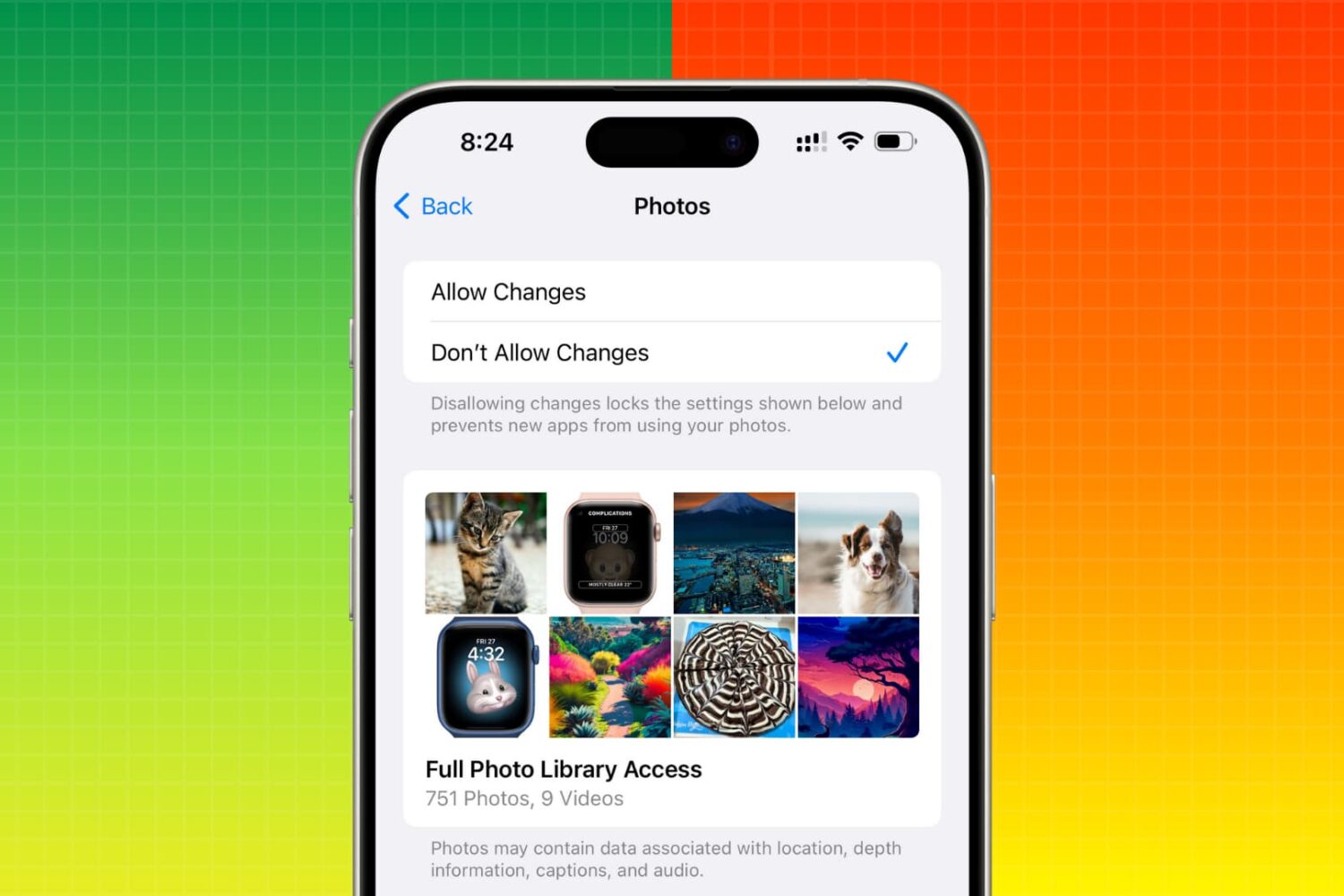
Restrict photo access for apps like WhatsApp, Instagram, Facebook, etc., so you or especially your kids are blocked from sending photos and videos to anyone on these platforms.
How to block photo sharing on your or kid’s iPhone or iPad
Stay up-to-date on the latest iPhone news and learn new tips and tricks with our comprehensive tutorials. From software updates to new features, we’ve got you covered.
Restrict photo access for apps like WhatsApp, Instagram, Facebook, etc., so you or especially your kids are blocked from sending photos and videos to anyone on these platforms.

Restoring your iPhone, iPod touch, or iPad can resolve a variety of issues, but sometimes you'll experience issues even when you try to restore your device(s) with iTunes.
You may have received a "This device cannot be restored Error XXX" message from iTunes before, and unfortunately, you may have been forced to do some research to even begin to understand why you're getting the error, which can cause tons of frustration.
In this piece, we'll talk about some of the most common iTunes restore errors and how to fix them so you don't have to spend hours researching for solutions by yourself.
Figure out why your iPhone or iPad is displaying an incorrect date or time, and check out the solutions to resolve this issue.
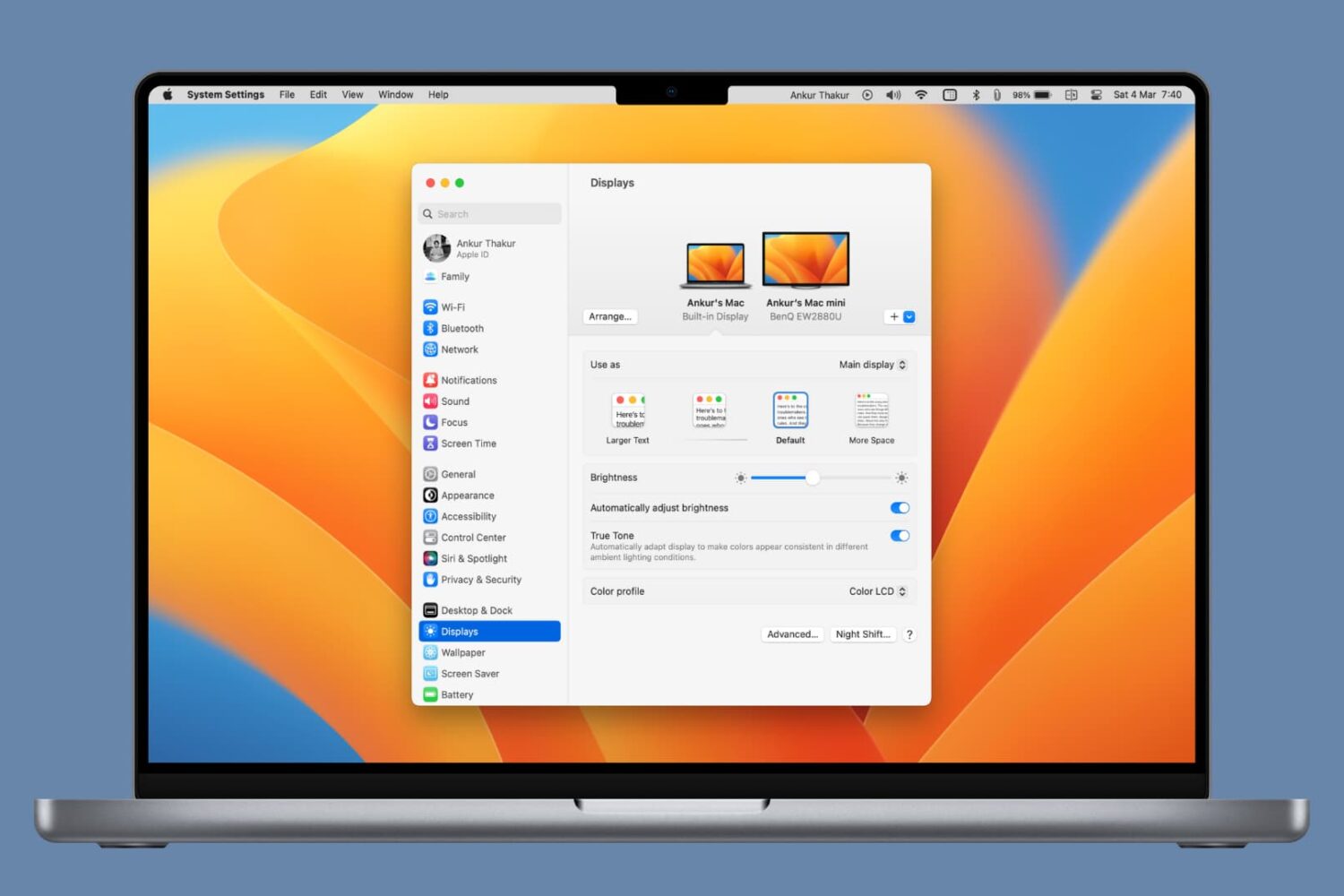
Reduce blue light emission and improve your sleep quality by learning how to use Night Shift on your iPhone, iPad, and Mac.
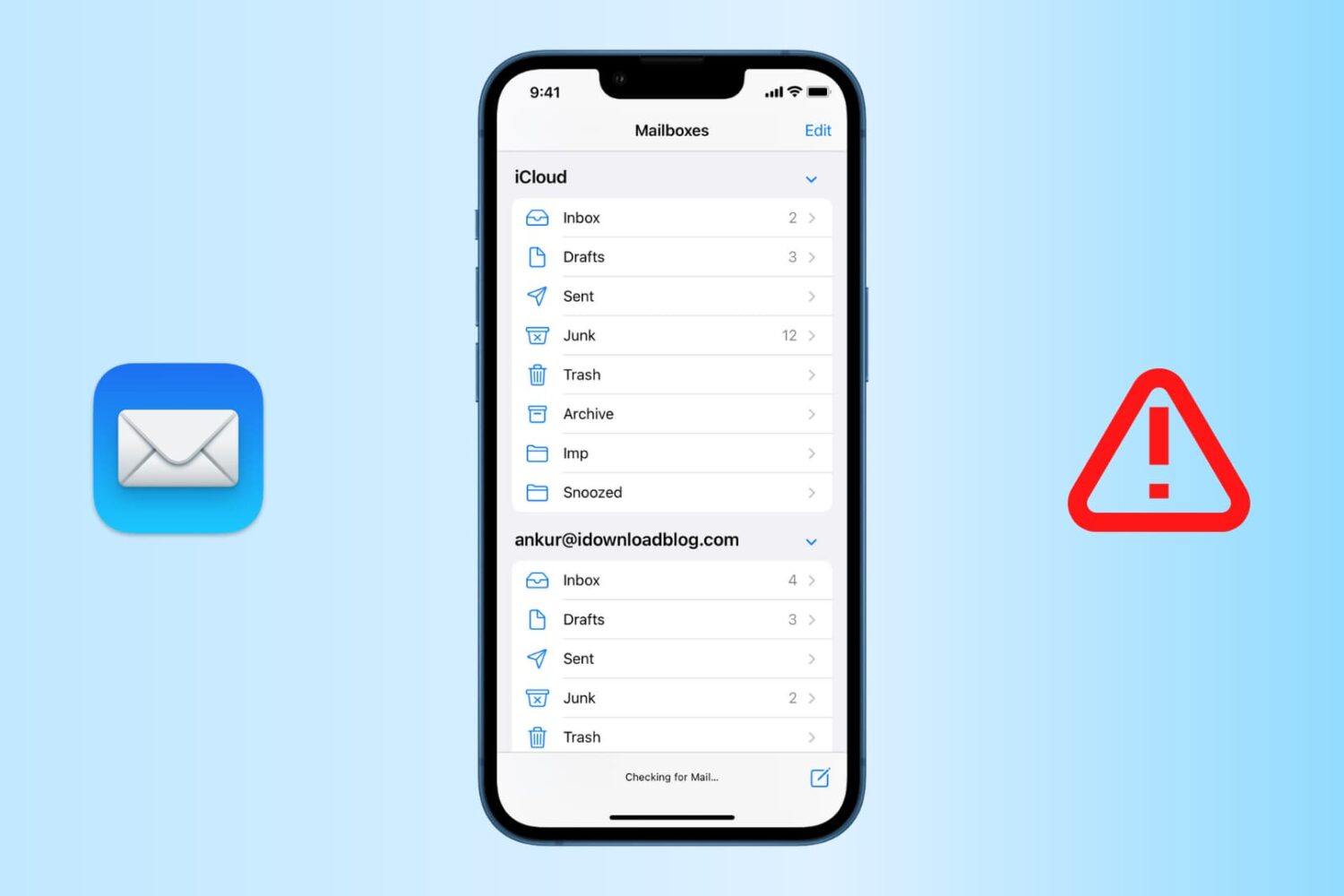
Find out how to fix the "Cannot Get Mail" errors in the Apple Mail app on your iPhone or iPad so you can get your emails loading properly again.
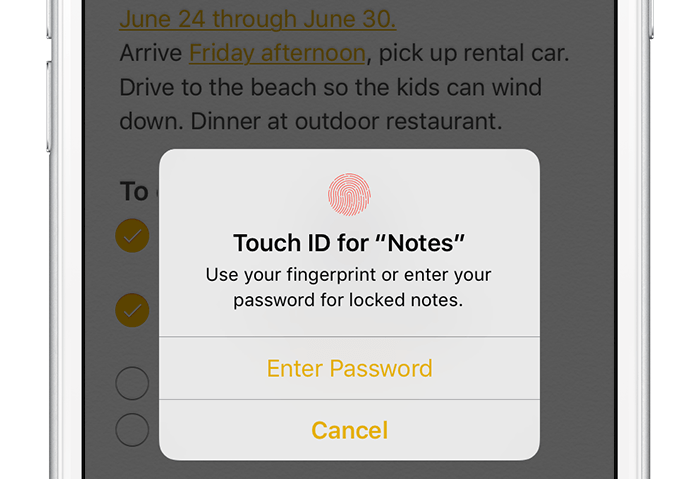
According to Apple, Notes is one of the most popular and most-frequently used stock applications on the iPhone, iPod touch and iPad.
People use Notes for everything from memorizing recipes to keeping track of errands, creating shopping lists, storing inspirational quotes and even passwords, codes and medical data.
Not all notes contain sensitive information, but many do. Beginning with iOS 9.3 and OS X El Capitan 10.11.4, you can protect your notes with a password or Touch ID.
In this tutorial, you'll learn how to set up Notes protection, secure items on a note-by-note basis so no one can view their contents and more.
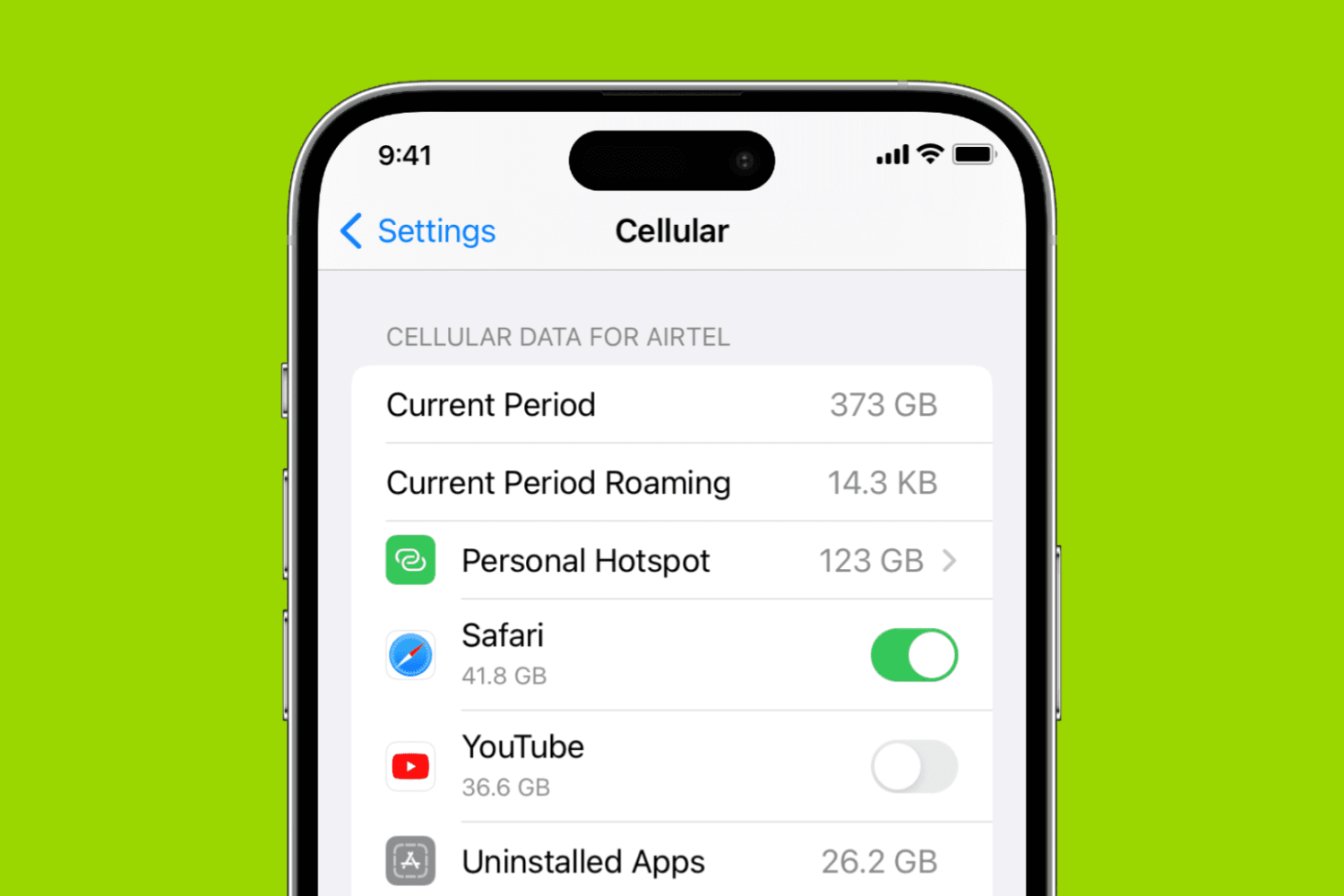
Learn how to turn off cellular data for specific apps on your iPhone or iPad to conserve bandwidth, especially if you're on a plan with a limited data allowance.
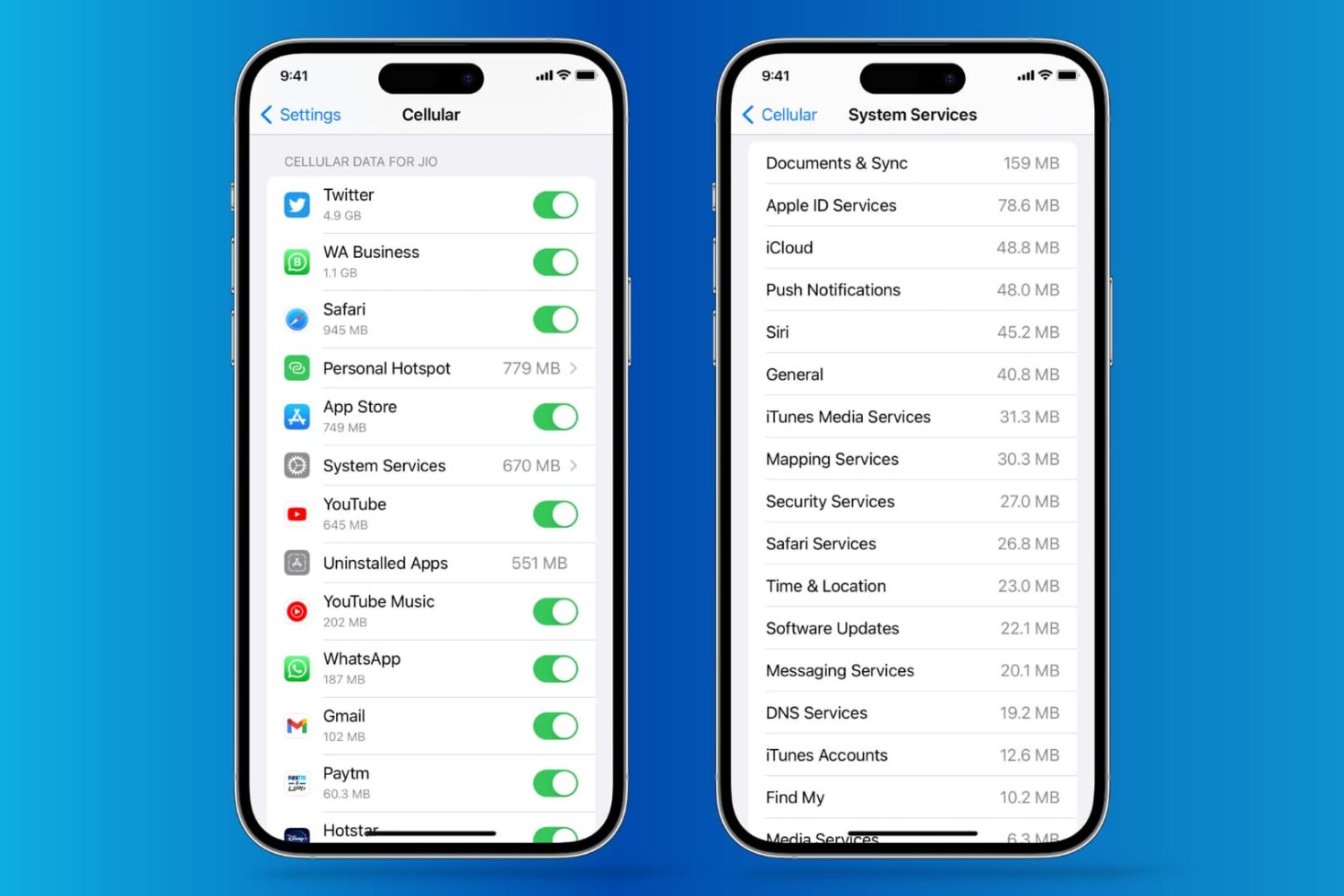
See how much cellular data each app or system service has used on your iPhone and reset these statistics to start fresh every month.
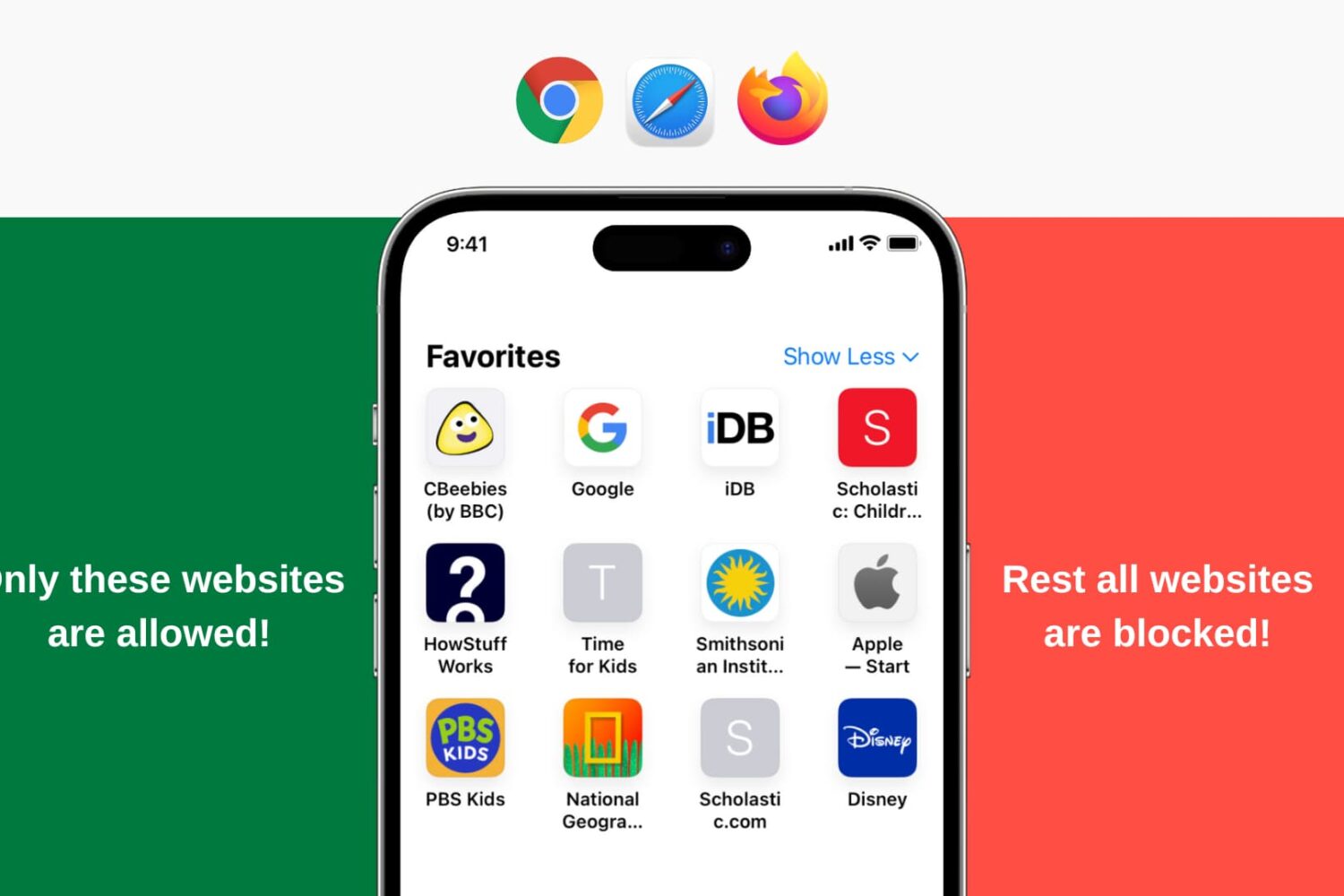
Learn how to restrict all websites except for a few specific ones of your choosing on your or your child’s iPhone and iPad.
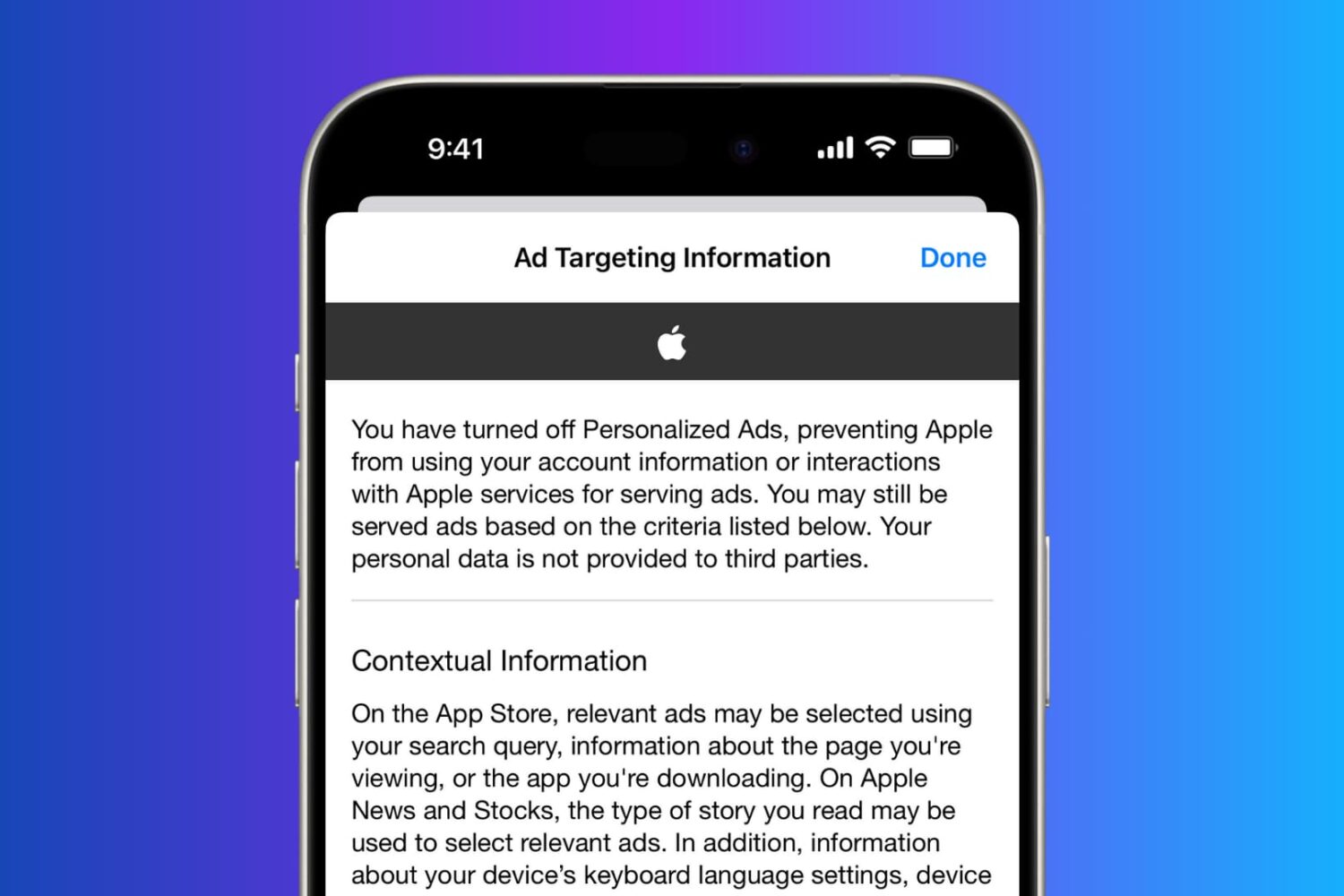
In this tutorial, you will learn how to regain your privacy by turning off personalized and location-based ads on your iPhone.
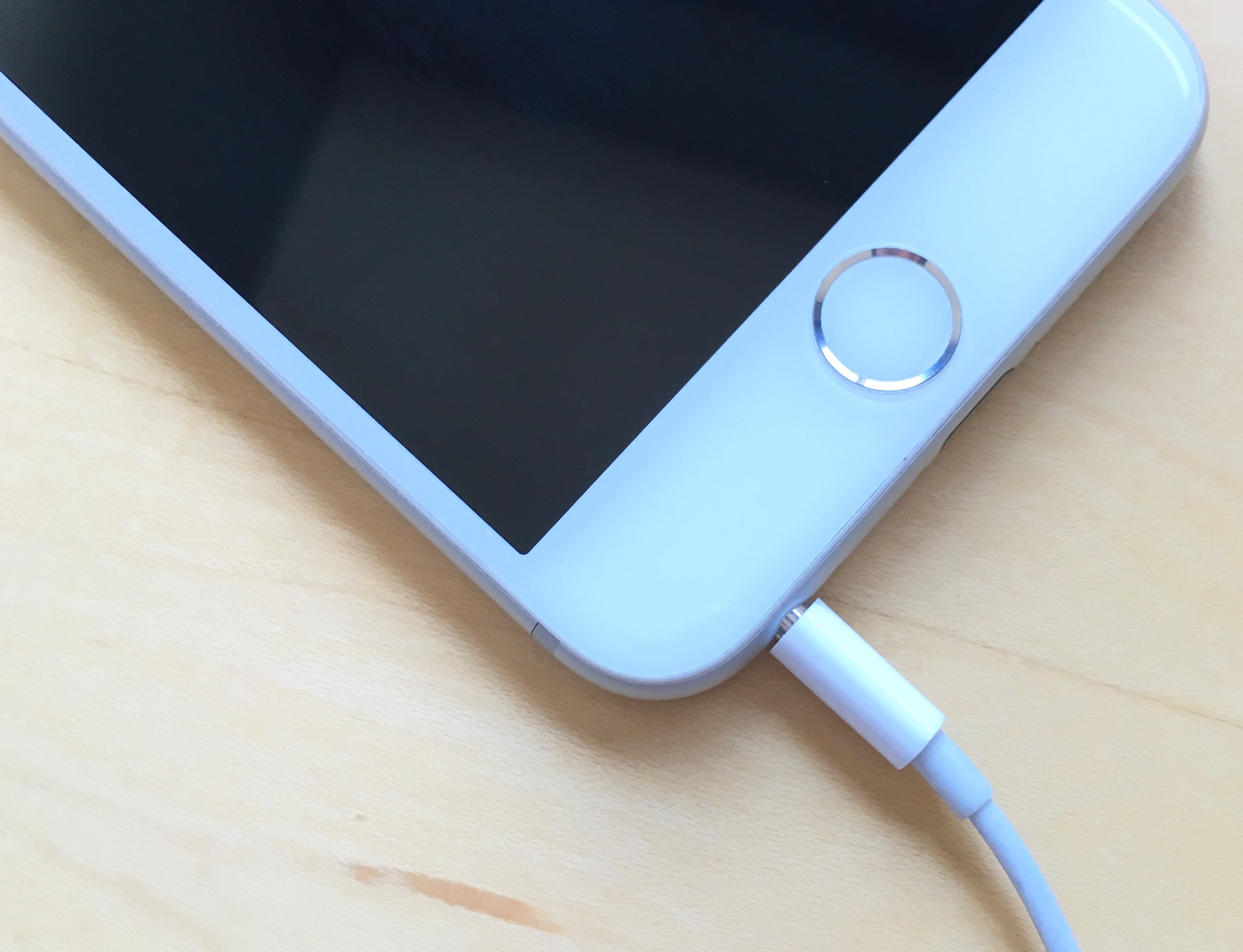
Is your iPhone stuck in headphone mode? In this piece, we’ll discuss why it happens and the troubleshooting steps for fixing it.
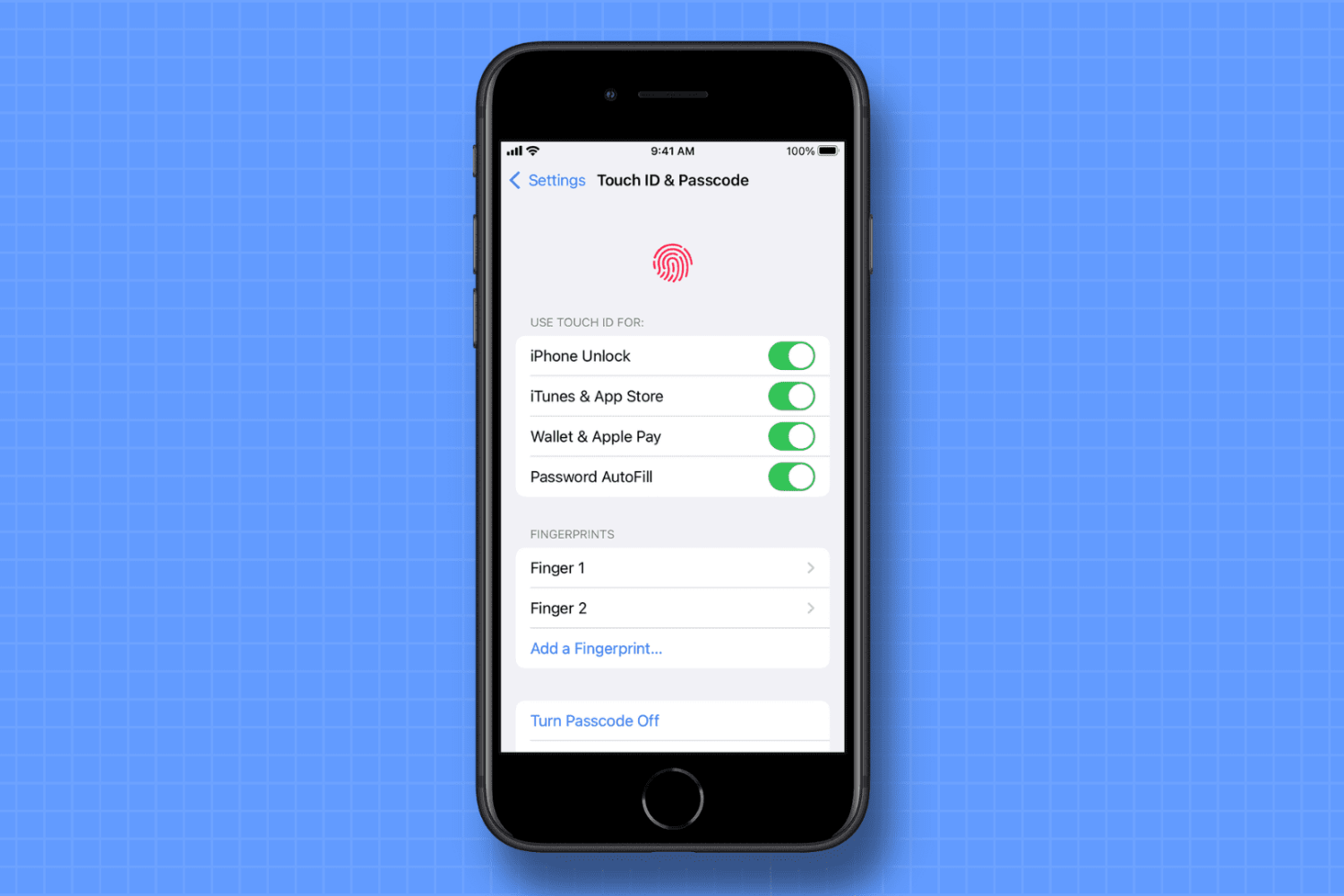
Have you ever wondered which thumbs or fingers you have added to Touch ID on your iPhone, iPad, or MacBook? In this quick tutorial, we’ll show you how to rename your fingerprints so they’re easy to identify when needed.