Learn how to turn off cellular data for specific apps on your iPhone or iPad to conserve bandwidth, especially if you’re on a plan with a limited data allowance.
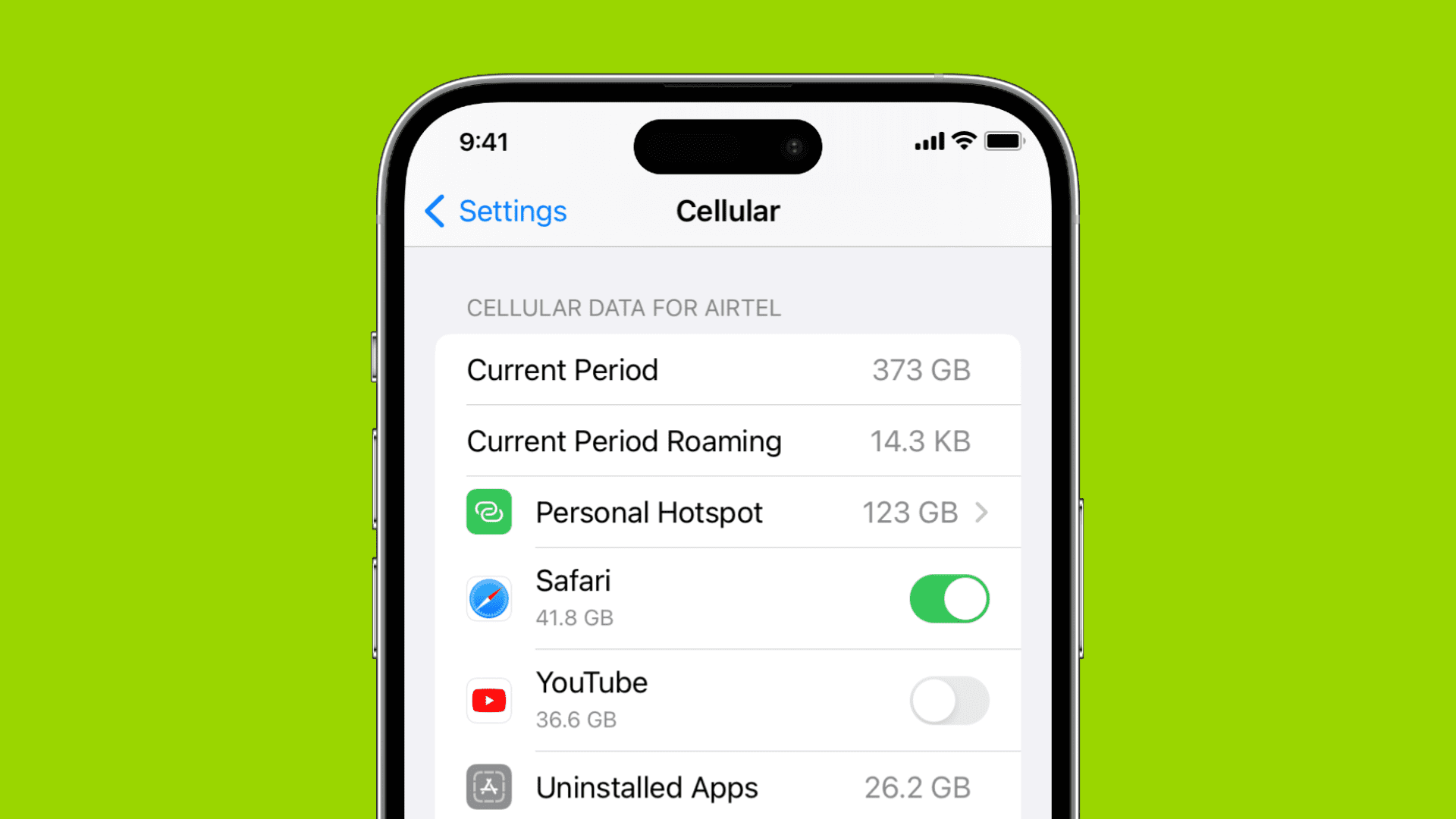
Some carrier plans cap monthly cellular data; that’s why iOS lets you restrict cellular data consumption on a per-app basis.
You’ll want to use this feature to save you from bill shock. It can even help cut down ads in some apps, as long as you’re not connected to Wi-Fi.
Prevent specific iOS apps from using cellular data
- Open the Settings app on your iPhone or cellular iPad.
- Tap Cellular or Mobile Service and start scrolling down. You’ll see a partial list of apps that have used the most cellular data. Near the bottom of the list are switches to toggle cellular data for iCloud Drive and iCloud Backup. First, attend to those, then tap ‘See All’ to reveal the full list of apps.
- Use the switch next to each app to turn cellular data on or off. If an app is missing from the list, open and use it for a few seconds, and it should be listed on this screen.

Each app with its switch in the ON position will use cellular data as needed. If the switch is in the OFF position, the app isn’t allowed to use cellular data to refresh its content, including when it’s running in the background. When you turn off cellular data for an app like Facebook, you’ll receive a message to turn it back on the next time you launch the app.
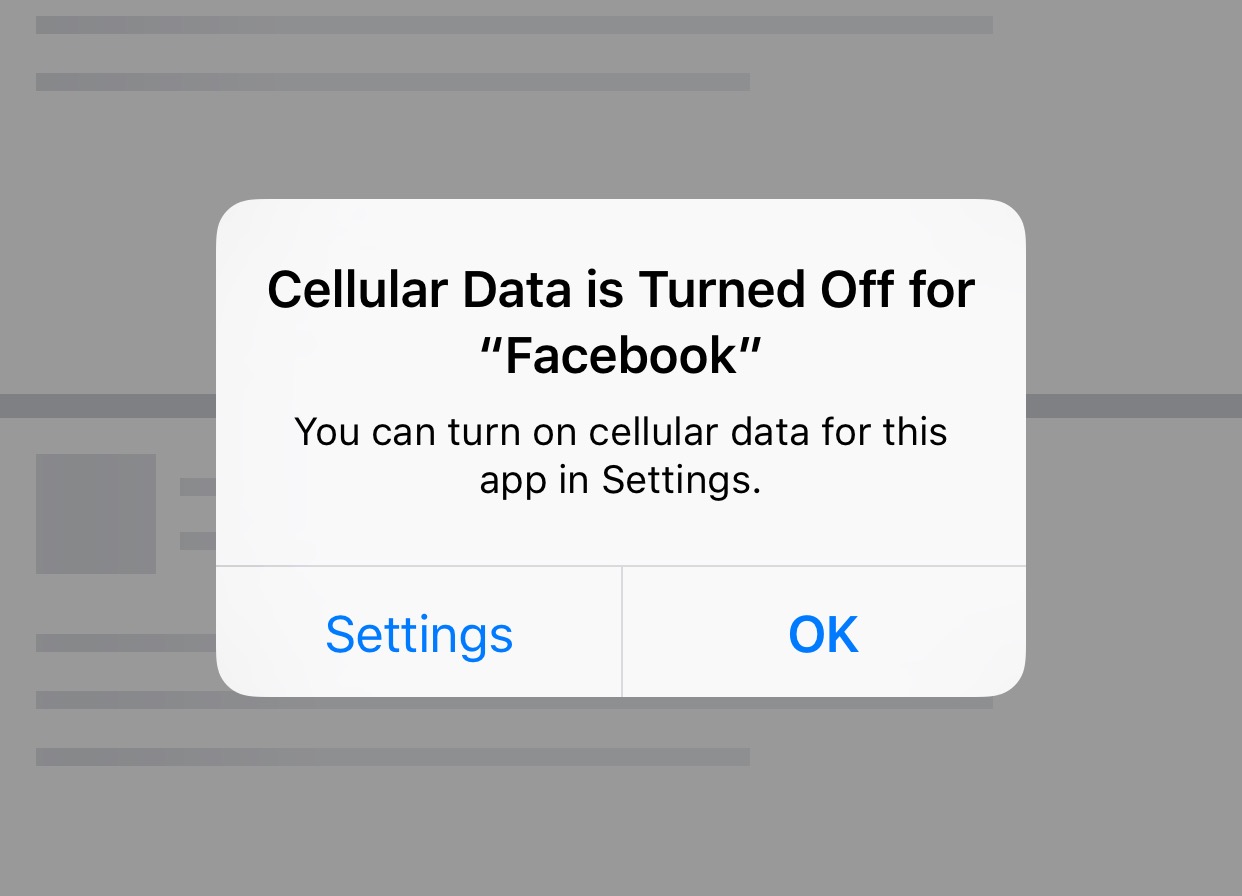
Turning off cellular access for an app blocks it from using cellular data across all your SIM lines, in case you use more than one eSIM. Unfortunately, there’s no option as of yet to manage cellular access in apps on a per-SIM basis.
Also, check out: How to use Wi-Fi and cellular Low Data Mode on iPhone