Learn how to redownload previously purchased free or paid apps on iPhone, iPad, and Mac without having to pay again.
How to redownload purchased apps on iPhone, iPad, and Mac

Stay up-to-date on the latest iPhone news and learn new tips and tricks with our comprehensive tutorials. From software updates to new features, we’ve got you covered.
Learn how to redownload previously purchased free or paid apps on iPhone, iPad, and Mac without having to pay again.
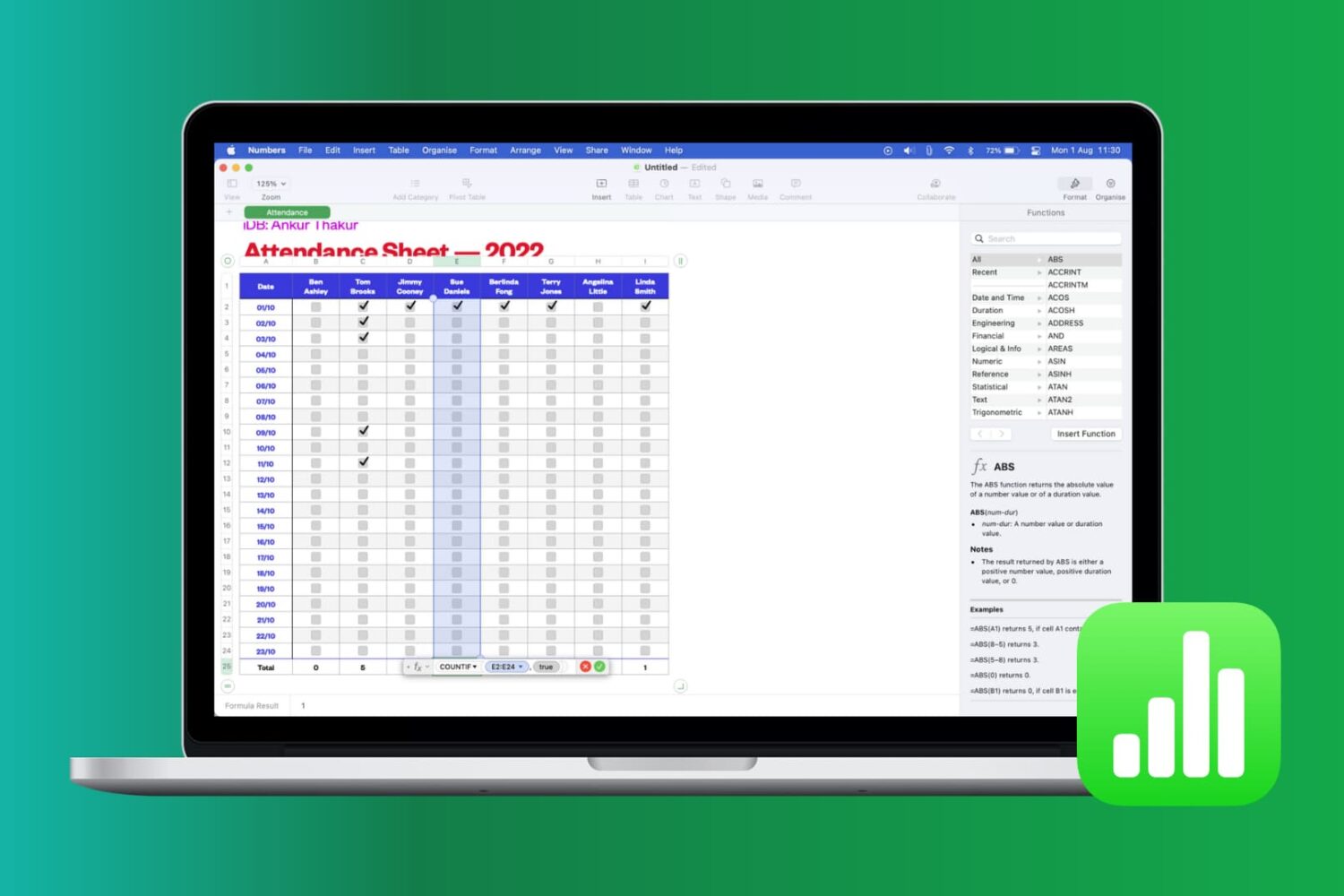
Learn how to work with common functions and formulas in Apple Numbers spreadsheets on your iPhone, iPad and Mac, saving time and reducing errors.

In this tutorial, we will share a hidden tip that lets you search for specific open tabs in Safari and close all matching options in one swoop.

Learn how to connect your iCloud Calendar to Alexa and use your voice to create and manage your events on your Amazon smart speaker, such as Echo Dot.
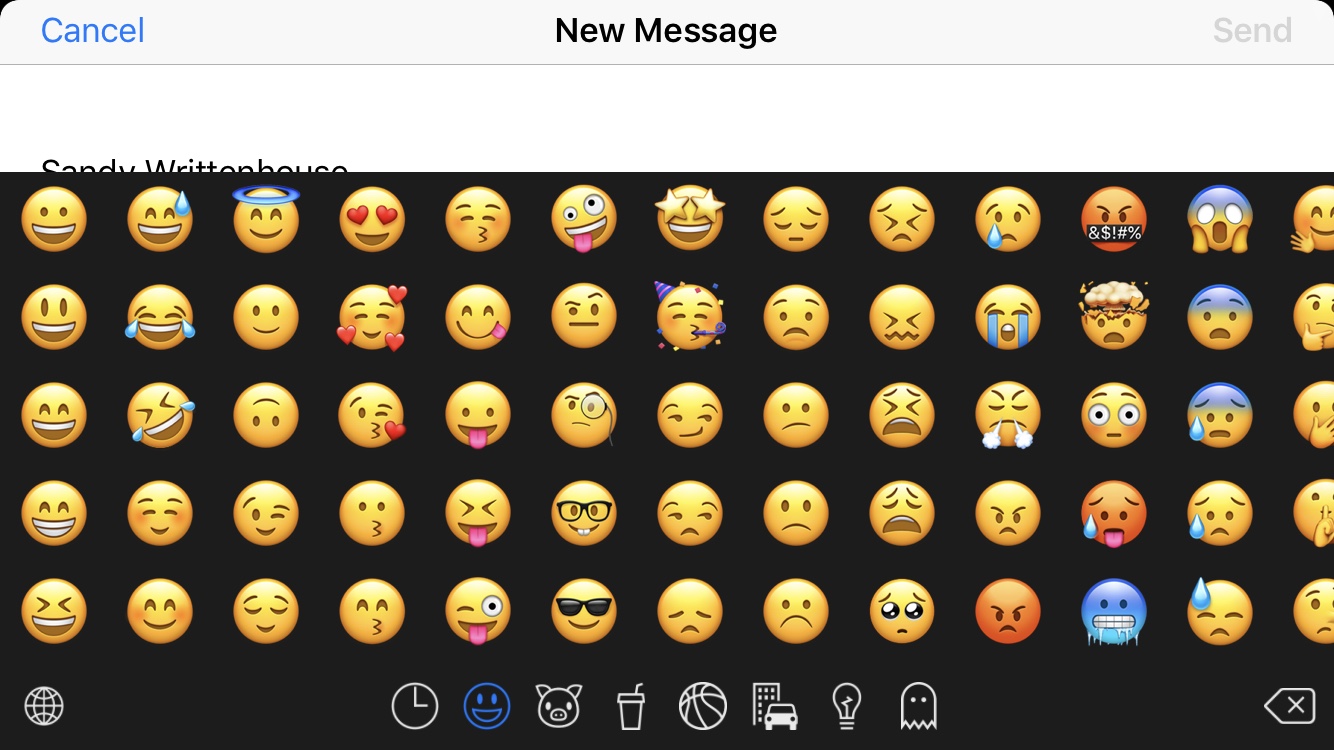
We all love to use emojis. Happy faces in our emails, hearts in our text messages, and even checkmarks in our notes; there’s an emoji for everything, everywhere. But it’s getting to the point that there are too many emojis to pick from and the list keeps growing. You look for one and have to sift through hundreds of others. What if there was a way to hide those emojis that you never, ever use?
Enter Smojis, a cool app that lets you hide single emojis or complete categories. So, if you never use flags or objects, hide them. If you only use specific smileys, hide the others. It’s all up to you! So, here’s how to hide the emojis you never use with Smojis.
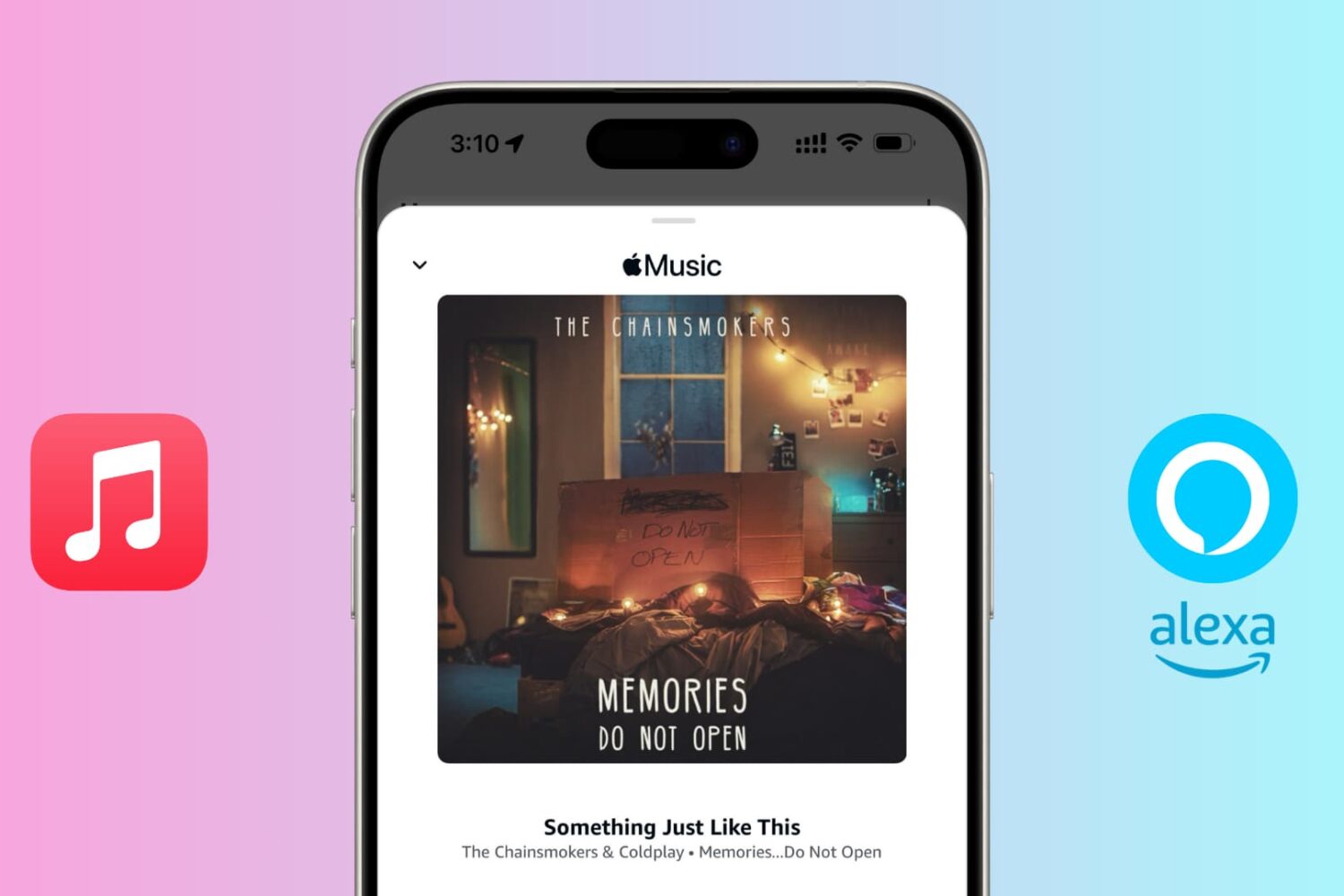
Do you have an Echo speaker and an Apple Music subscription? In this tutorial, we will show you how to connect Apple Music to Alexa and listen to your favorite tunes on your Amazon speaker.

Are you annoyed by videos auto-playing in the YouTube Home tab? In this brief tutorial, we’ll show you how to turn off playback in feeds in the YouTube app and website.

Bookmarking your favorite websites in Safari on your iPhone, iPad, and/or Mac is handy for accessing the pages you need with a tap. But bookmarks can also quickly get out of control. So for the best experience, you can organize your bookmarks in folders, rearrange them, edit them, and of course, delete those you end up never using.
To help you get control of your saved pages, here's how to manage bookmarks in Safari on iOS and Mac.

The Photos app for iPhone, iPad and iPod touch contains a weird bug, one we hope Apple never fixes, that makes it possible to zoom in on a photo beyond the visibility threshold.

Learn how to easily fix and remove red eyes from your iPhone photos in just a few taps without relying on third-party apps.