Learn how to reset your Apple account password if you forgot it to regain access to your account, along with your files in iCloud, Photos library, Messages chats, etc.
Forgot your Apple Account password? Here are 3 ways to reset it
Stay up-to-date on the latest iPhone news and learn new tips and tricks with our comprehensive tutorials. From software updates to new features, we’ve got you covered.
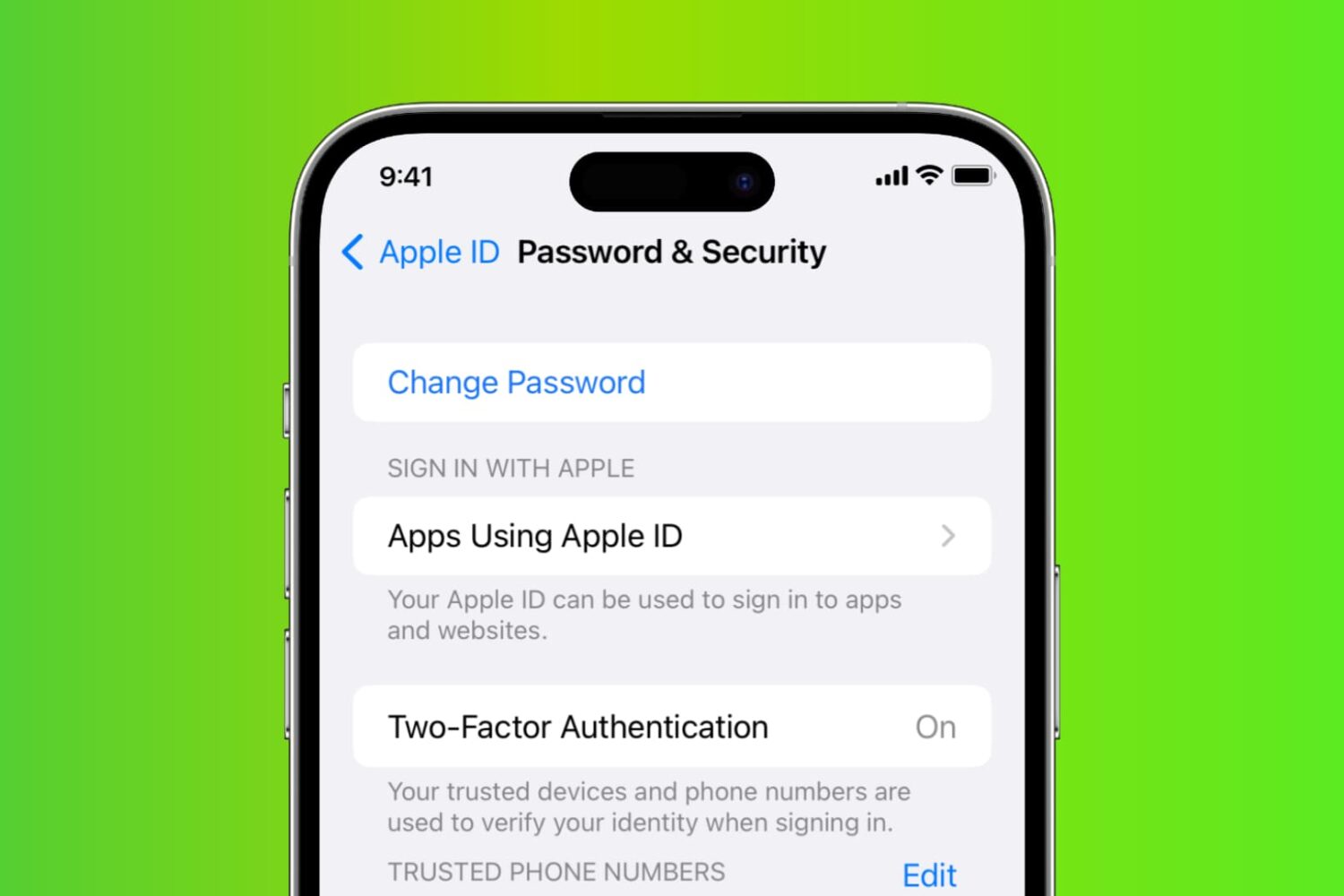
Learn how to reset your Apple account password if you forgot it to regain access to your account, along with your files in iCloud, Photos library, Messages chats, etc.
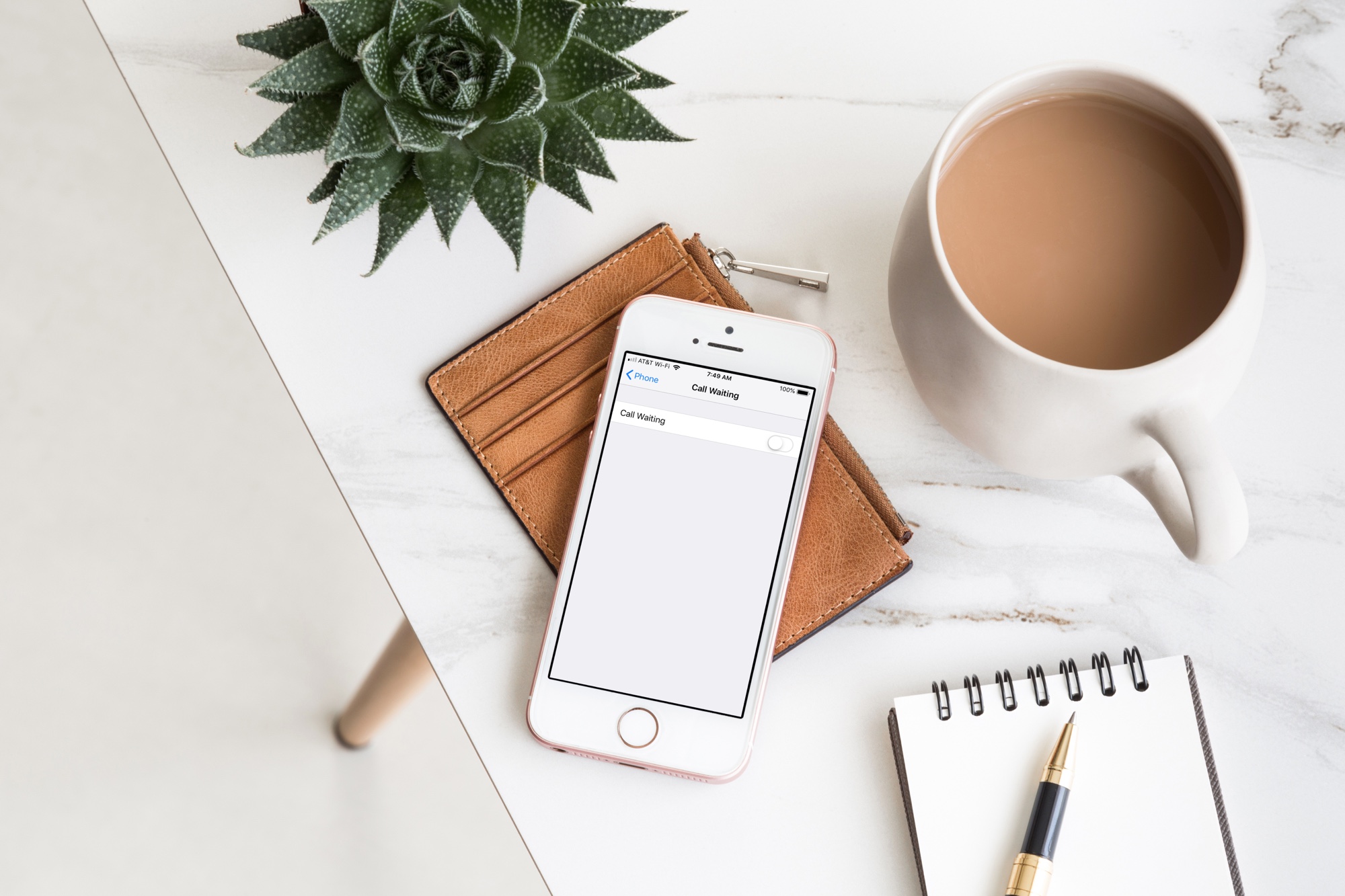
Learn how to disable call waiting on your iPhone to stay focused during important calls and avoid interruptions that break your focus with our step-by-step guide.

Learn how to turn off keyboard click sounds on your iPhone's keyboard to type in silence and stop annoying others around you.
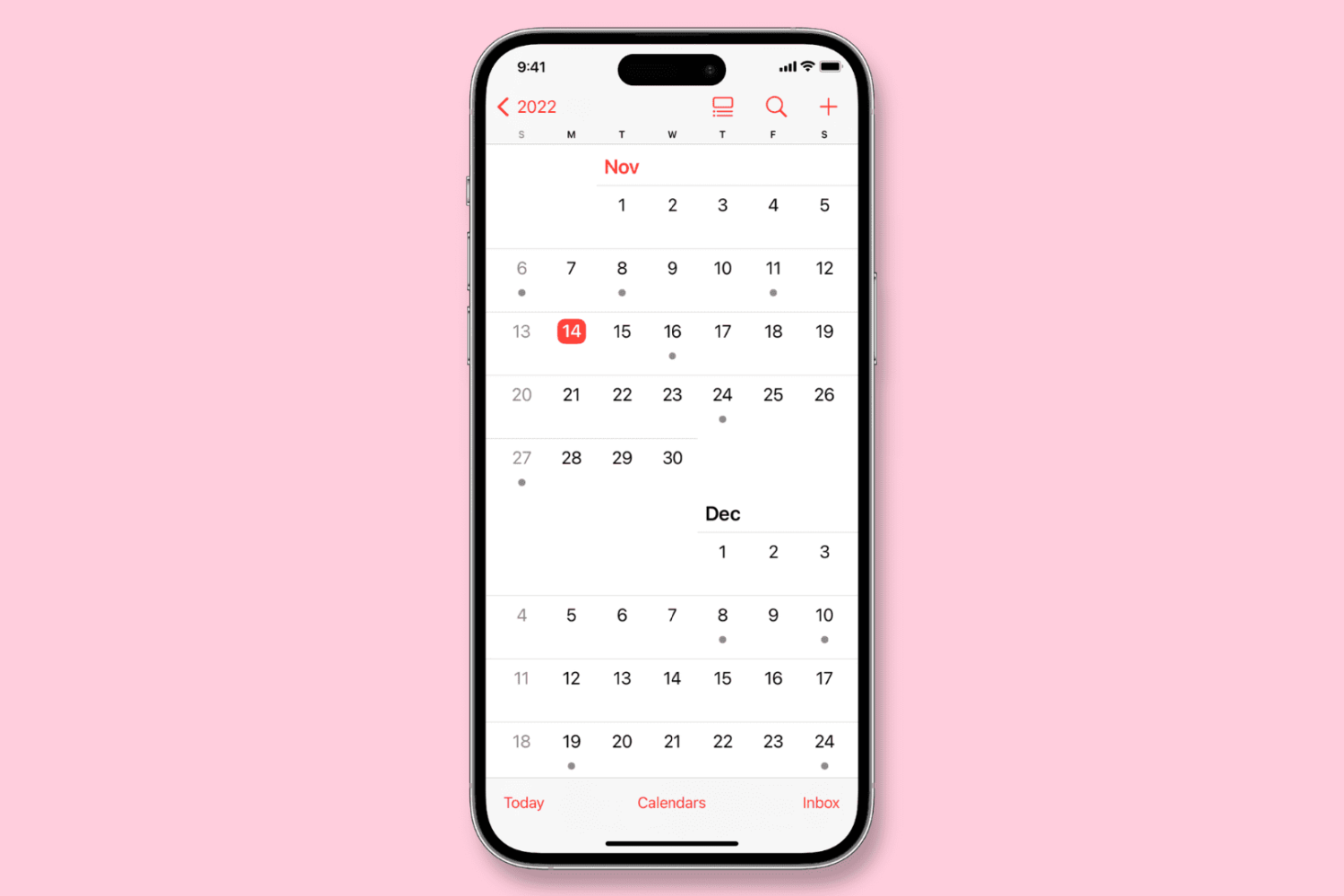
Learn how to configure the Calendar app on your iPhone, iPad, or Mac to start the week on a day other than Sunday, if that’s your preference.
Learn how to turn off iPhone and iPad animations if you don’t like them or are sensitive to motion, which can cause sickness and headaches.
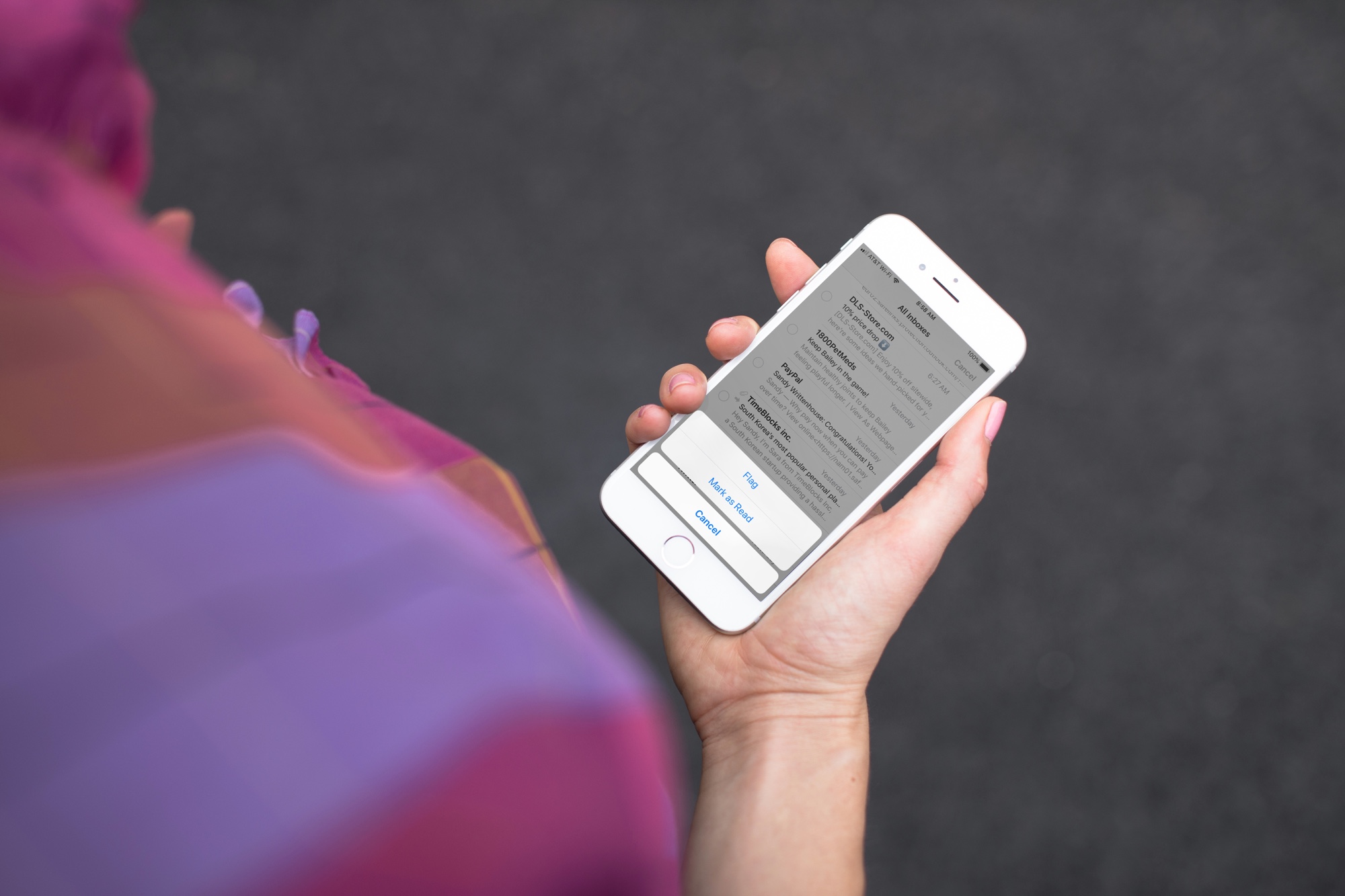
Quickly mark all unopened emails as “read” in the Apple Mail app on iPhone, iPad, and Mac to clear the unread messages in your inbox.
Learn how to protect your Apple Pages, Numbers and Keynote documents with a password on the iPhone, iPad and Mac to keep your files secure and private.
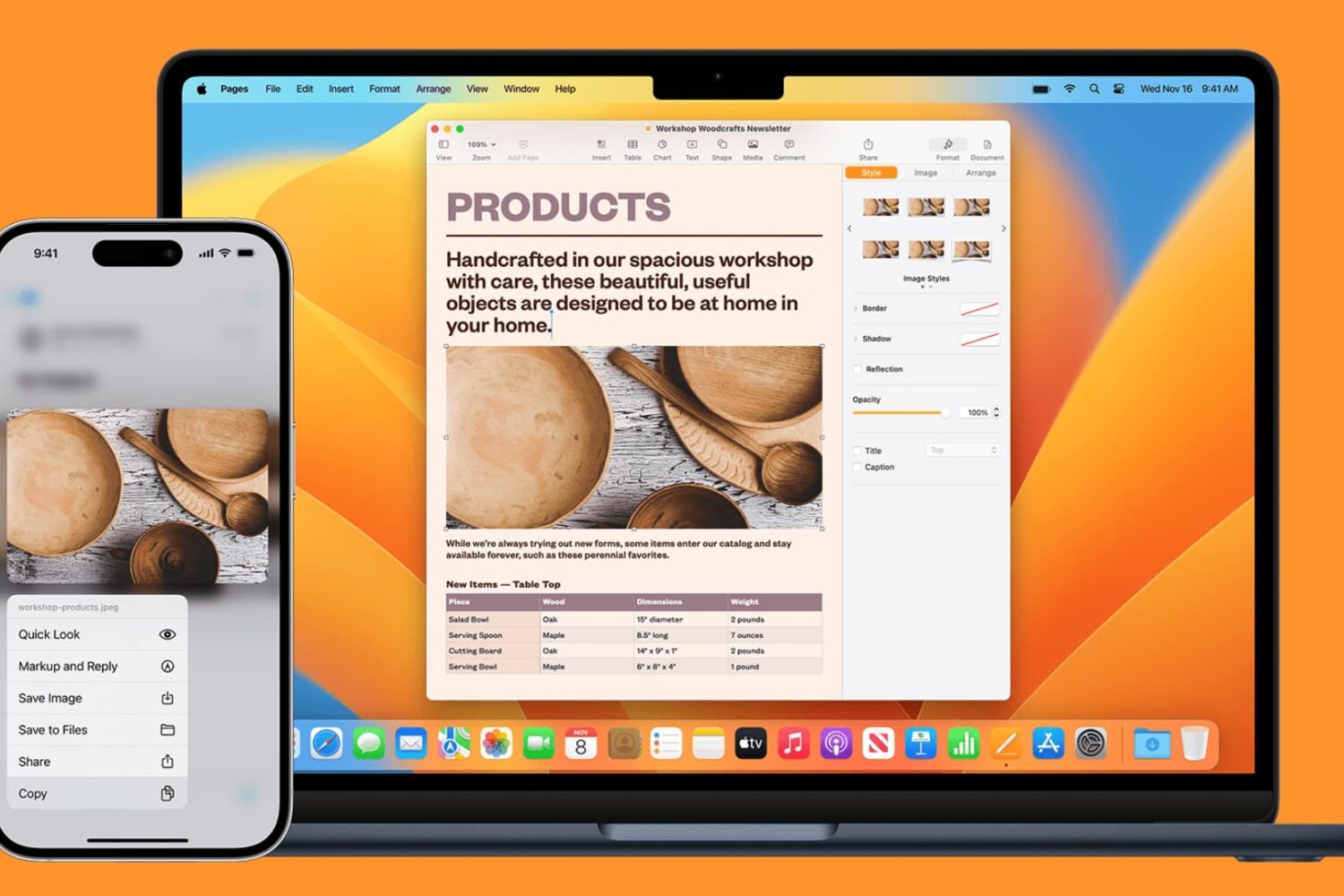
Learn how to seamlessly copy and paste text, images, links, and files across your iPhone, iPad, and Mac using Universal Clipboard.
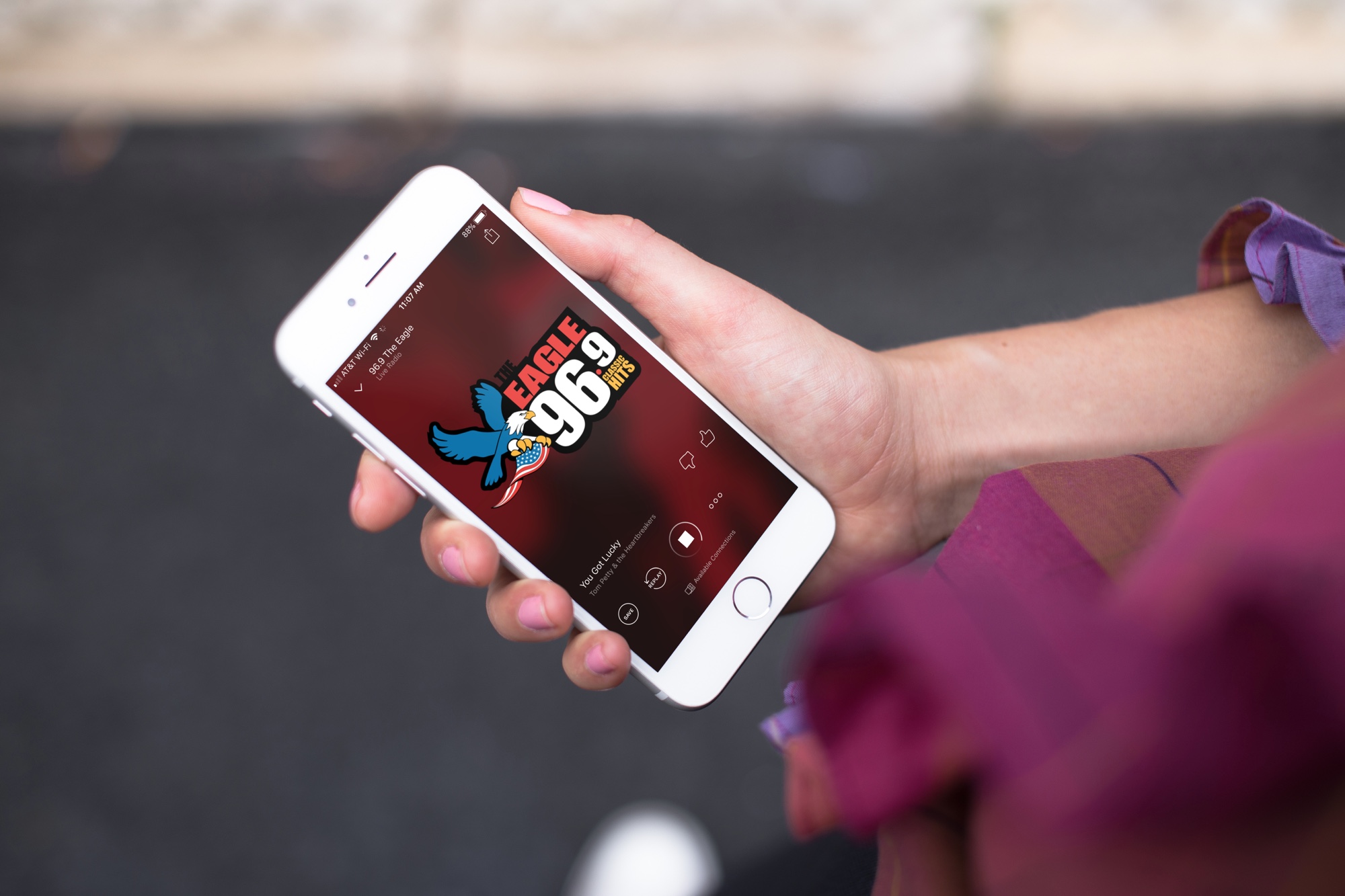
Excited to tune in to classic FM radio stations for music, news, sports, and beyond? Discover how you can easily access FM radio directly on your iPhone.
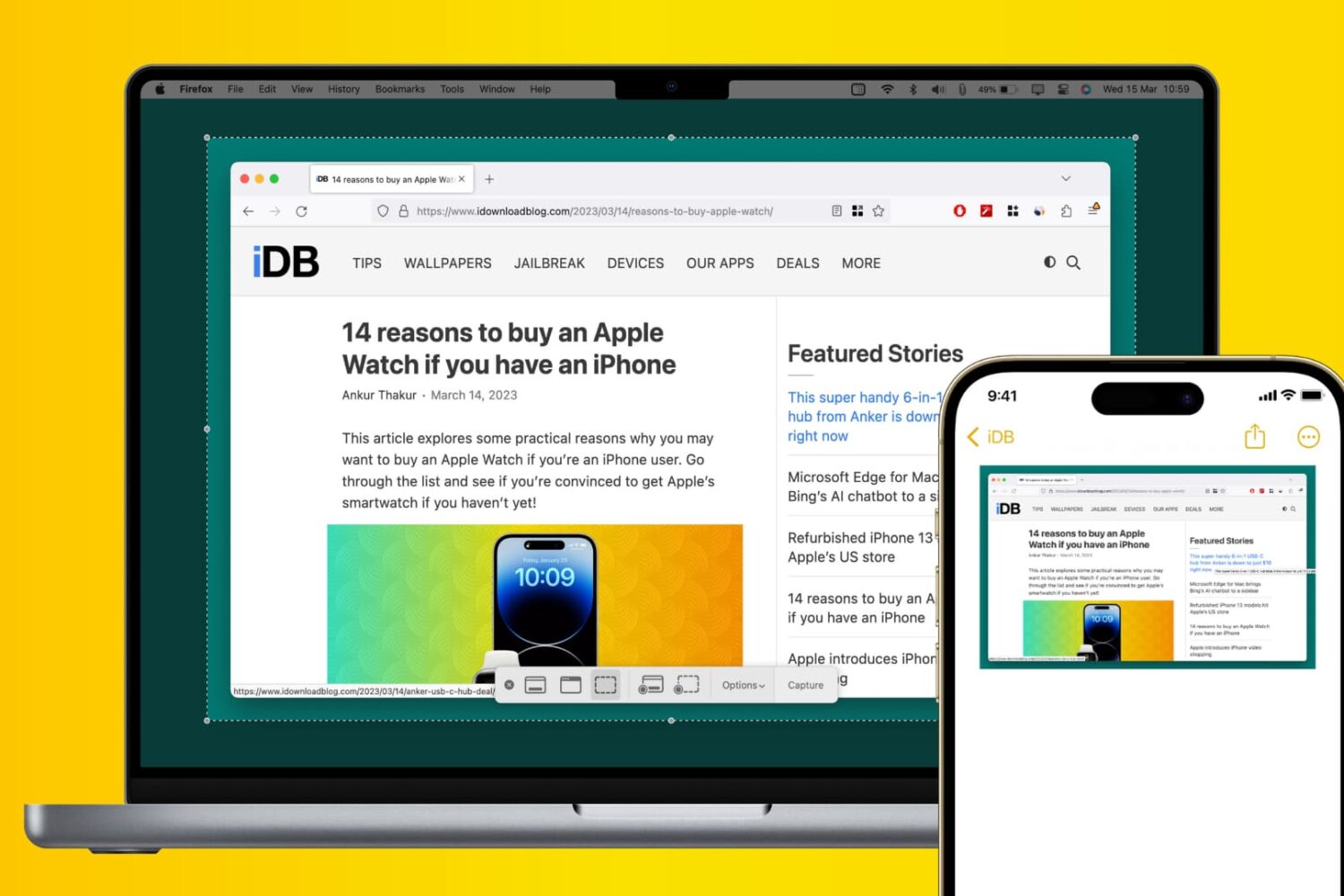
Learn how to use Apple’s Universal Clipboard to copy and paste Mac screenshots into iPhone apps like Notes, Mail, or social media, boosting your productivity.

Learn how to make your iPhone or iPad open web links in Chrome instead of Safari if you prefer Google’s browser over Apple's built-in option or other browsers.