iPhone

Stay up-to-date on the latest iPhone news and learn new tips and tricks with our comprehensive tutorials. From software updates to new features, we’ve got you covered.

Shortcuts Focus: how to delete all your completed reminders in one fell swoop
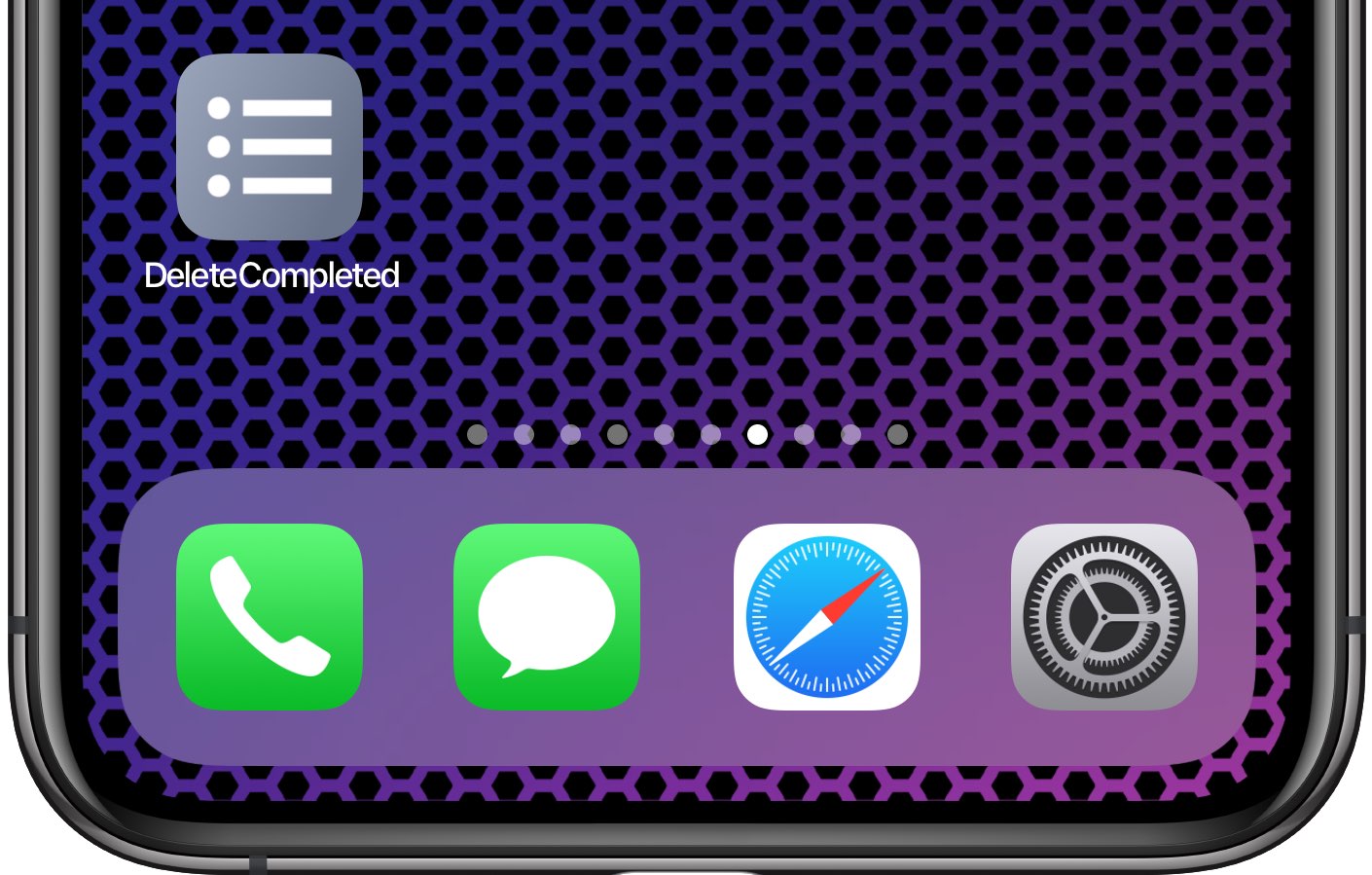
Inexplicably, Apple's Reminders app to this date has not bothered to offer us an option to delete all of the completed reminders at once. It should, at the very least, be able to remove completed items after a set number of days, but even that isn't allowed. Basically, you're left with two choices—either, joy, delete completed reminders manually, one by one, like an animal; or, leverage the power of scripting and iOS automation to your advantage like a boss.

How to create an Amazon Echo Voice Code for Amazon purchases

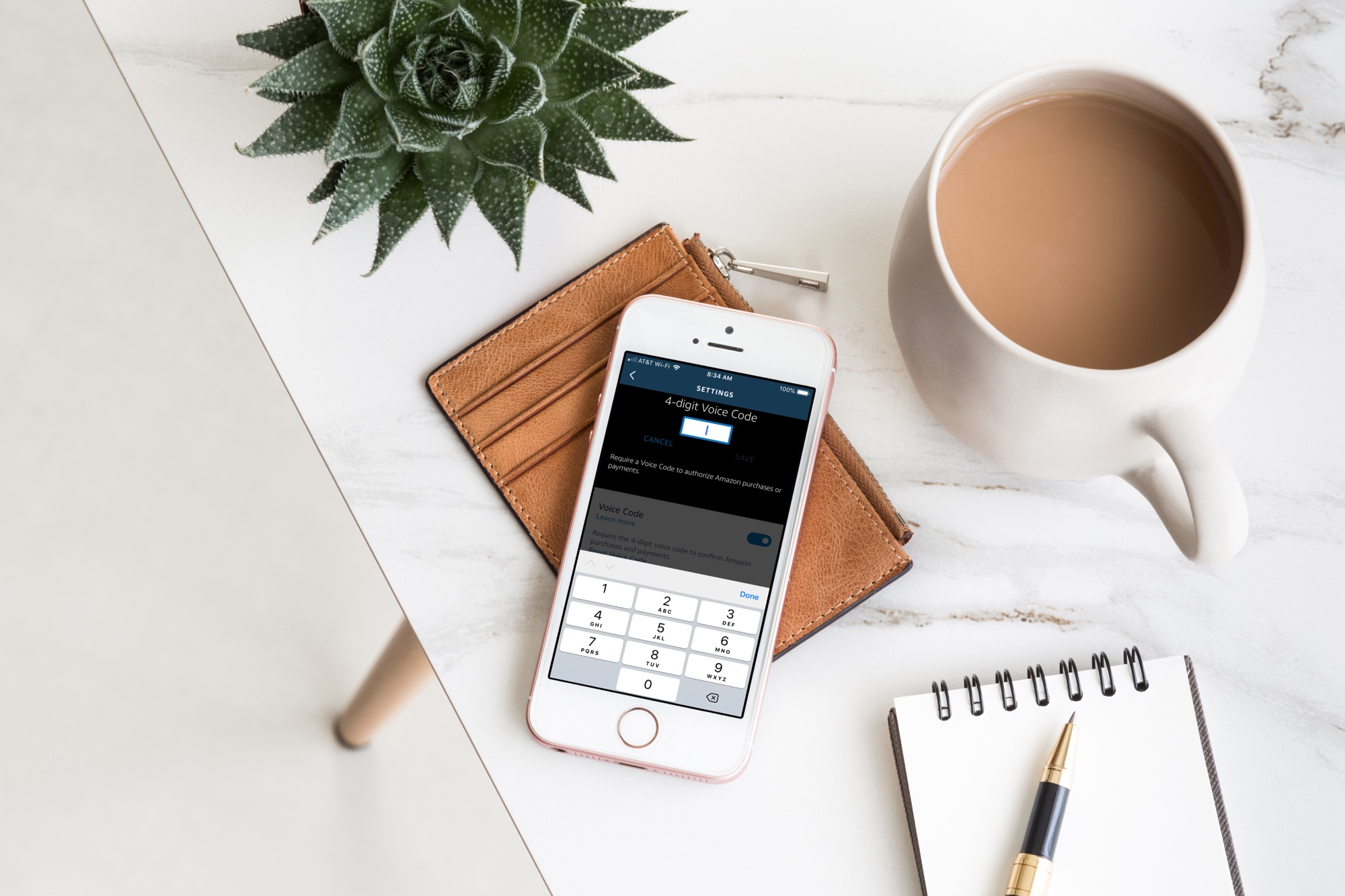
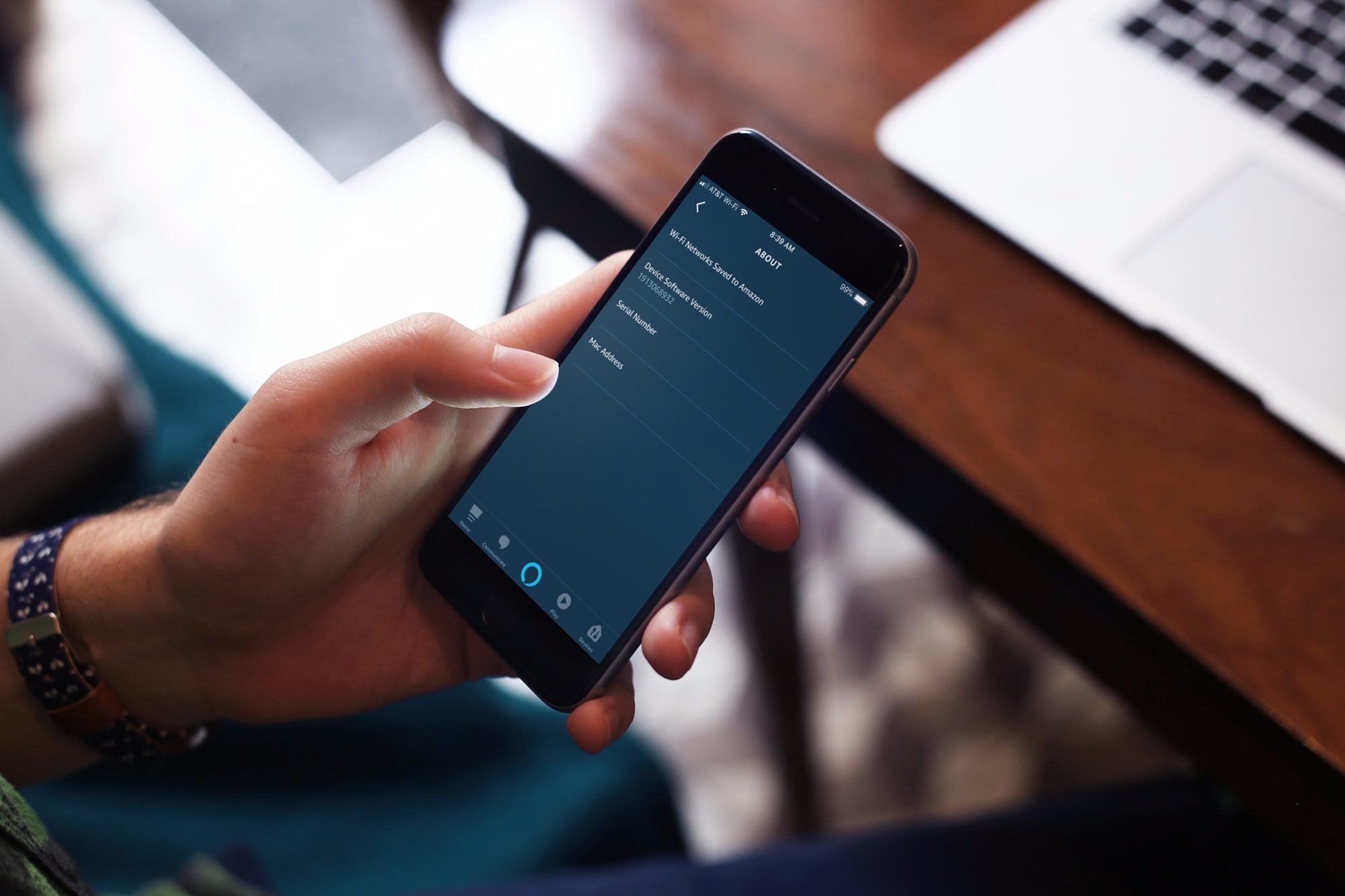
Alexa app Voice Code on iPhone on desk

Your Amazon Echo smart speaker gives you an easy and convenient way to shop on Amazon with simple Alexa commands. But with this handy feature comes the risk of accidental purchases. Whether it’s you mistakenly asking for something, forgetting that Alexa is listening or someone else who orders something they shouldn’t, it’s a little scary and can be costly at the same time.

If you want to continue to order items from Amazon with your speaker, but want to protect yourself from accidental purchases, you can set up a Voice Code. This tool adds a layer of security in a sense so that orders cannot be placed, nor payments made, unless the code is used.

Here’s how to create an Amazon Echo Voice Code for Amazon purchases.